
Build Punch
Field Management & Time Clock
Entwickelt für iPhone, iPad
In-App-Käufe
- Altersfreigabe4+
- KategorieWirtschaft
- EntwicklerMile High Secure
- SprachenEnglisch
- Größe64,2 MB
Build Punch ist bei App Store derzeit möglicherweise nicht verfügbar
Bei unserer letzten Prüfung war der Store-Eintrag nicht erreichbar. Der Link führt weiterhin zur offiziellen App Store-Seite.
Screenshots

Info
Der Entwickler hat diesen Text nicht in Ihrer Sprache bereitgestellt.
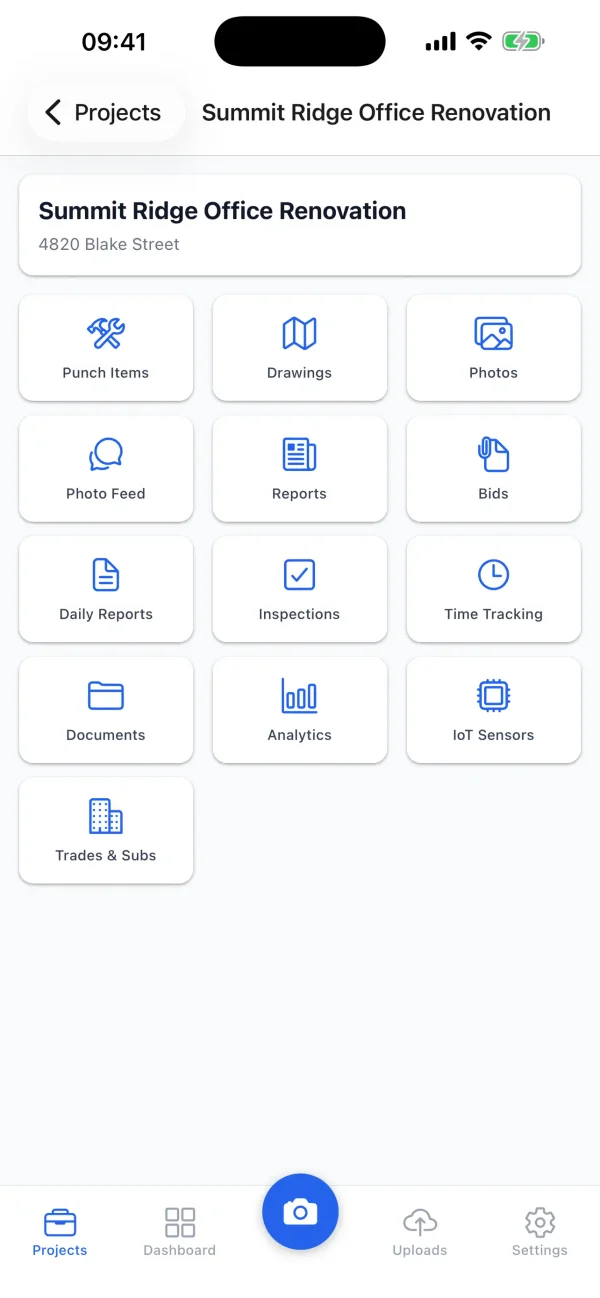
BuildPunch is construction field management that actually works the way your crews do.
PUNCH LISTS — Create items in seconds with photos, assign subs, and track status from open to verified. Export branded PDF reports with one tap and share them with anyone via a simple link — no login required.
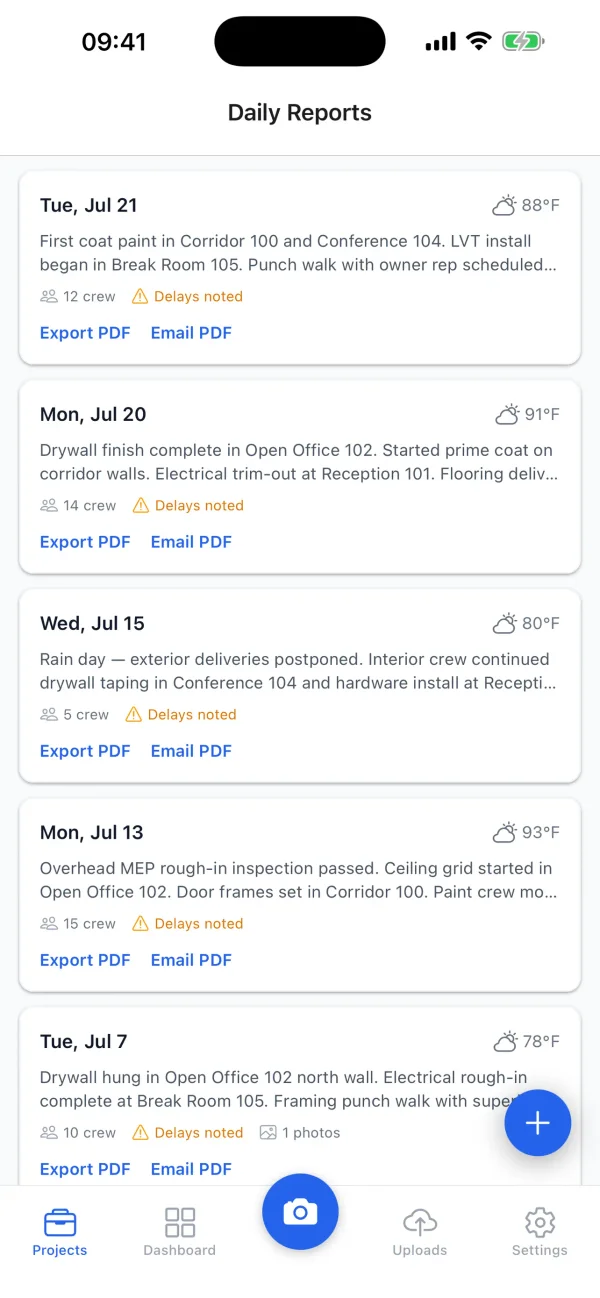
DAILY REPORTS — Weather, crew counts, and site progress. Pull photos straight from the project gallery, add comments, and generate a professional PDF that credits every photo with who took it and when.
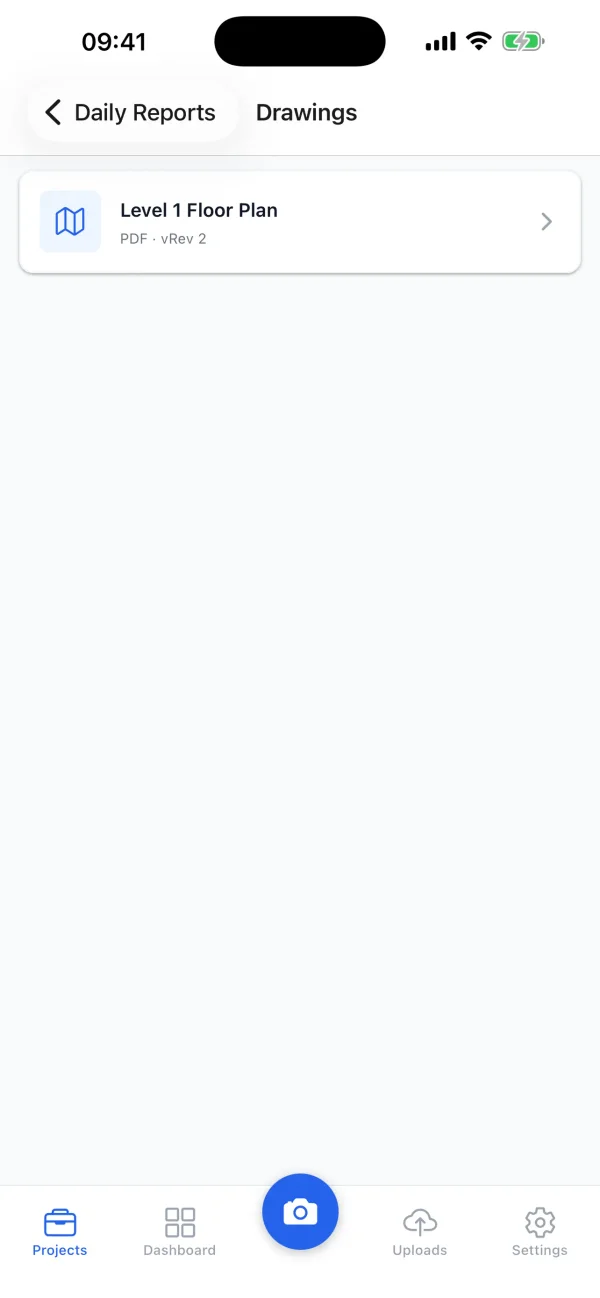
DRAWINGS — Upload plan sets, mark them up, drop punch-item pins, and measure distances and areas right on the sheet.
PHOTOS — Every jobsite photo organized by date and area, searchable, and ready to drop into reports.
ALSO INCLUDED — Inspections with automatic punch items on failure, RFIs, submittals, safety incidents and toolbox talks, GPS time tracking, scheduling with Gantt dependencies, and offline support that syncs when you're back in coverage.
Invited subcontractors use BuildPunch free. Flat monthly pricing — never a percentage of your construction volume. Start free with one project.
SUBSCRIPTIONS — BuildPunch offers optional auto-renewable monthly subscriptions (Starter, Professional, Business) billed to your Apple ID. Subscriptions renew automatically unless cancelled at least 24 hours before the end of the current period. Manage or cancel anytime in your App Store account settings.
Privacy Policy: https://buildpunch.com/privacy
Terms of Use (EULA): https://www.apple.com/legal/internet-services/itunes/dev/stdeula/
Neue Funktionen
Version 1.8.1 · 18.11.2026
- Save to Photos: open any jobsite photo, tap Share, then Save Image to put the full-size photo in your Photos.
- Faster Share: the app starts getting the full photo while you look at it, so the share sheet opens sooner, and the button shows progress.
- Share any photo: text, email, AirDrop or save to Files right from the photo viewer.
- All punch photos in one place: tap Photos on Punch Items to scroll through every punch photo.
- Daily report photos now also show in the project photo stream.
- Bullets button on the daily report summary works on an empty summary and keeps adding bullets as you type.
- iPhone Duo: photo swiping stays centered, and photos open in landscape.
App-Datenschutz
Was Mile High Secure im App Store zum Umgang dieser App mit Daten angibt.
-
Mit Ihnen verknüpfte Daten
Können erfasst und mit Ihrer Identität verknüpft werden.
- Standort
- Kontaktinformationen
- Benutzerinhalte
- Kennungen
Die Datenschutzpraktiken können variieren, zum Beispiel je nach den von Ihnen verwendeten Funktionen oder Ihrem Alter.
Informationen
- Anbieter
- Mile High Surveillance LLC
- Kategorie
- Wirtschaft
- Version
- 1.8.1
- Aktualisiert
- 18.11.2026
- Veröffentlicht
- 23.07.2026
- Größe
- 64,2 MB
- Erfordert
- iOS 16.4 oder neuer
- Altersfreigabe
- 4+
- In-App-Käufe
- Ja
- Sprachen
- Englisch
- Copyright
- © 2026 Mile High Surveillance LLC
Das könnte Ihnen auch gefallen
-
 siterepo: Construction ReportWirtschaft
-
 BuildDocsAppWirtschaft
-
 OnsiteSync Punch List & PhotosWirtschaft
-
 Baudokumentation – Pro DokuBautagebuch, Mängel & PDF
-
 CorabuildProduktivität
-
 Vinosmith WineryWirtschaft
-
 NG Wire: NEC Ampacity & FillProduktivität
-
 Handwerker App: ContractorIQKostenvoranschlag & Rechnung
-
 Get It Done TasksProduktivität
-
 Virtus Barber & CoWirtschaft