
Build Punch
Field Management & Time Clock
Designed for iPhone, iPad
Free · In-app purchases
- Age rating4+
- CategoryBusiness
- DeveloperMile High Secure
- LanguagesEnglish
- Size64.2 MB
Links to the official App Store page
Download.org hosts no file of Build Punch. The button opens its official App Store page, published by Mile High Secure. Listing last checked on Nov 23, 2026.
Screenshots


About
BuildPunch is construction field management that actually works the way your crews do.
PUNCH LISTS — Create items in seconds with photos, assign subs, and track status from open to verified. Export branded PDF reports with one tap and share them with anyone via a simple link — no login required.
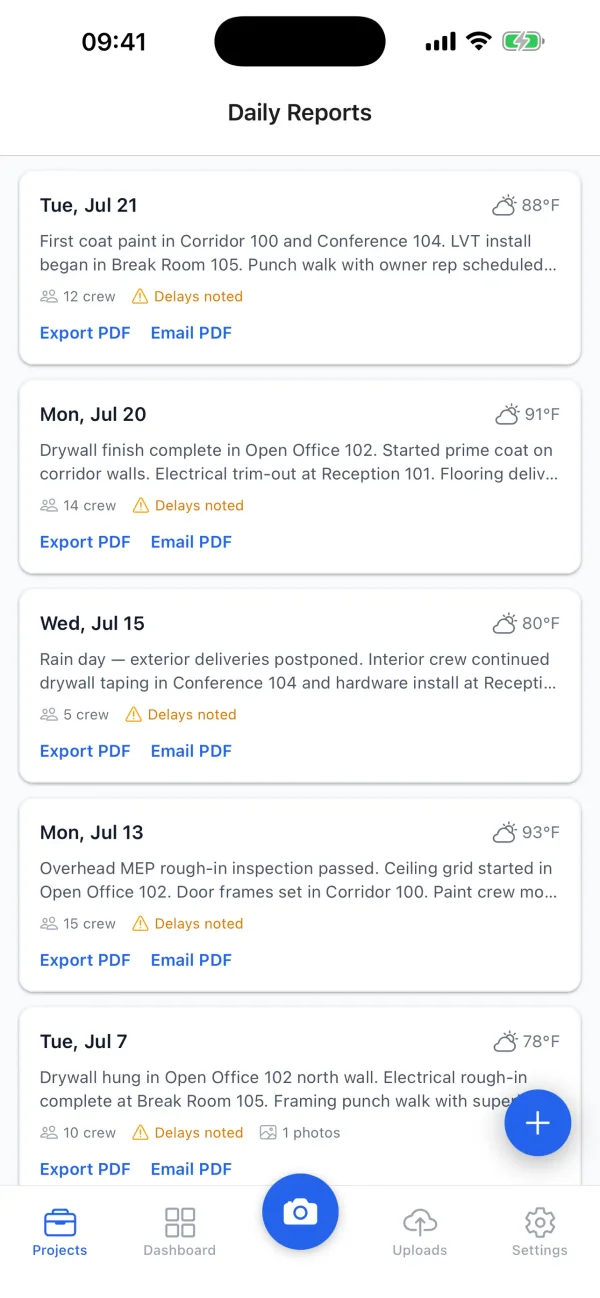
DAILY REPORTS — Weather, crew counts, and site progress. Pull photos straight from the project gallery, add comments, and generate a professional PDF that credits every photo with who took it and when.
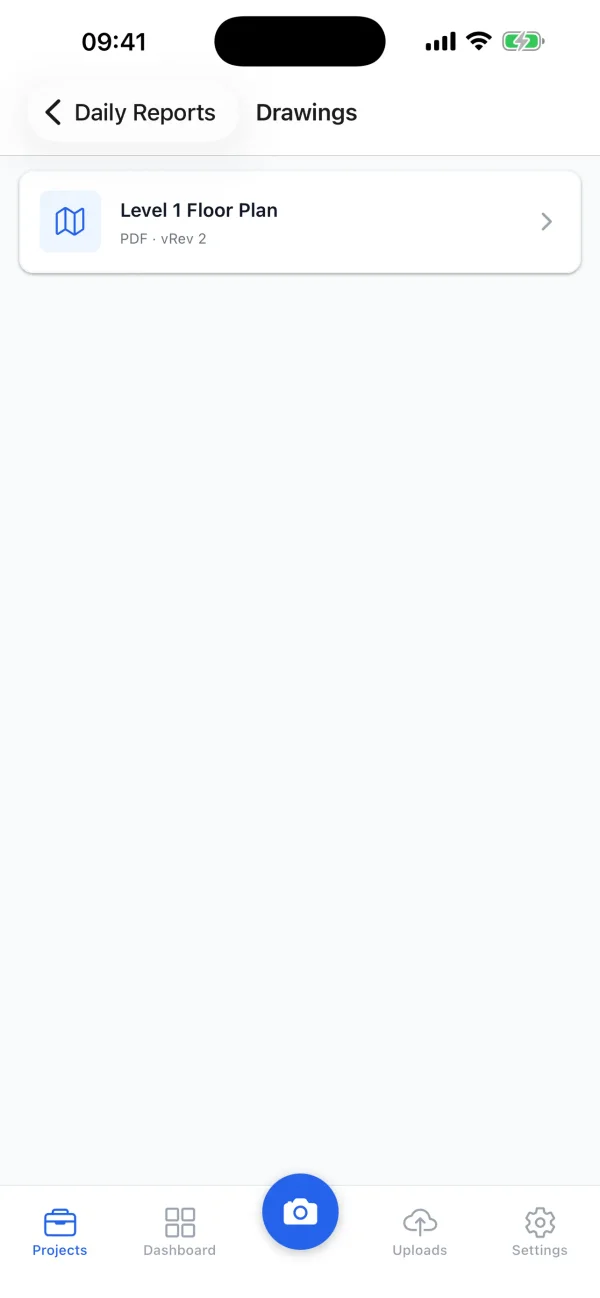
DRAWINGS — Upload plan sets, mark them up, drop punch-item pins, and measure distances and areas right on the sheet.
PHOTOS — Every jobsite photo organized by date and area, searchable, and ready to drop into reports.
ALSO INCLUDED — Inspections with automatic punch items on failure, RFIs, submittals, safety incidents and toolbox talks, GPS time tracking, scheduling with Gantt dependencies, and offline support that syncs when you're back in coverage.
Invited subcontractors use BuildPunch free. Flat monthly pricing — never a percentage of your construction volume. Start free with one project.
SUBSCRIPTIONS — BuildPunch offers optional auto-renewable monthly subscriptions (Starter, Professional, Business) billed to your Apple ID. Subscriptions renew automatically unless cancelled at least 24 hours before the end of the current period. Manage or cancel anytime in your App Store account settings.
Privacy Policy: https://buildpunch.com/privacy
Terms of Use (EULA): https://www.apple.com/legal/internet-services/itunes/dev/stdeula/
What’s new
Version 1.8.1 · Nov 18, 2026
- Save to Photos: open any jobsite photo, tap Share, then Save Image to put the full-size photo in your Photos.
- Faster Share: the app starts getting the full photo while you look at it, so the share sheet opens sooner, and the button shows progress.
- Share any photo: text, email, AirDrop or save to Files right from the photo viewer.
- All punch photos in one place: tap Photos on Punch Items to scroll through every punch photo.
- Daily report photos now also show in the project photo stream.
- Bullets button on the daily report summary works on an empty summary and keeps adding bullets as you type.
- iPhone Duo: photo swiping stays centered, and photos open in landscape.
App privacy
What Mile High Secure declares on the App Store about how this app handles data.
-
Data linked to you
May be collected and linked to your identity.
- Location
- Contact info
- User content
- Identifiers
Privacy practices may vary, for example with the features you use or your age.
Information
- Seller
- Mile High Surveillance LLC
- Category
- Business
- Version
- 1.8.1
- Updated
- Nov 18, 2026
- Released
- Jul 23, 2026
- Size
- 64.2 MB
- Requires
- iOS 16.4 or later
- Age rating
- 4+
- Price
- Free
- In-app purchases
- Yes
- Languages
- English
- Copyright
- © 2026 Mile High Surveillance LLC
You might also like
-
 siterepo: Construction ReportDaily Log, Punch List & Photos
-
 BuildDocsAppBuilt for the Field
-
 OnsiteSync Punch List & PhotosConstruction Daily Log Reports
-
 Construction Log – Pro DokuSite Reports, Defects & PDF
-
 CorabuildJobsite project management
-
 Vinosmith WineryBusiness
-
 NG Wire: NEC Ampacity & FillGrounding Size, Motor, & Cover
-
 Contractor IQ: Construction AIEstimate, Invoice, Render, Bid
-
 Get It Done TasksOne task at a time
-
 Virtus Barber & CoLakewood and White Rock