
Build Punch
Field Management & Time Clock
Diseñada para iPhone, iPad
Compras en la aplicación
- Clasificación por edad4+
- CategoríaEconomía y empresa
- DesarrolladorMile High Secure
- IdiomasInglés
- Tamaño64,2 MB
Es posible que Build Punch no esté disponible en App Store en este momento
No se pudo acceder a la ficha de la tienda en nuestra última comprobación. El enlace sigue llevando a la página oficial de App Store.
Capturas de pantalla

Acerca de
El desarrollador no ha proporcionado este texto en tu idioma.
BuildPunch is construction field management that actually works the way your crews do.
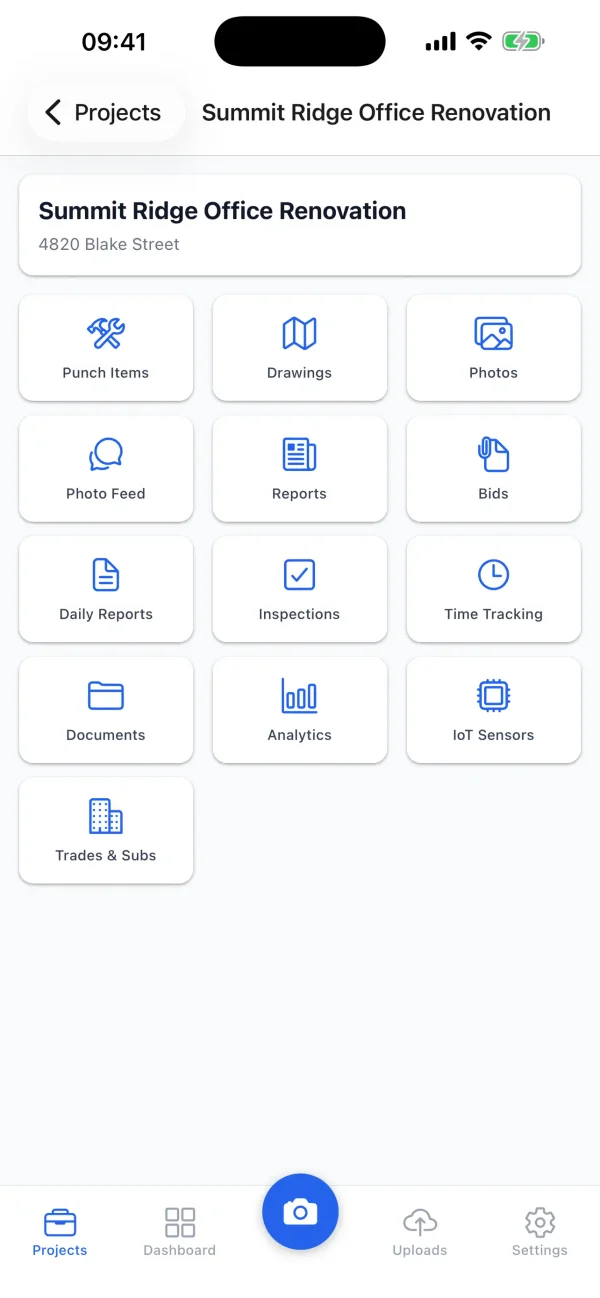
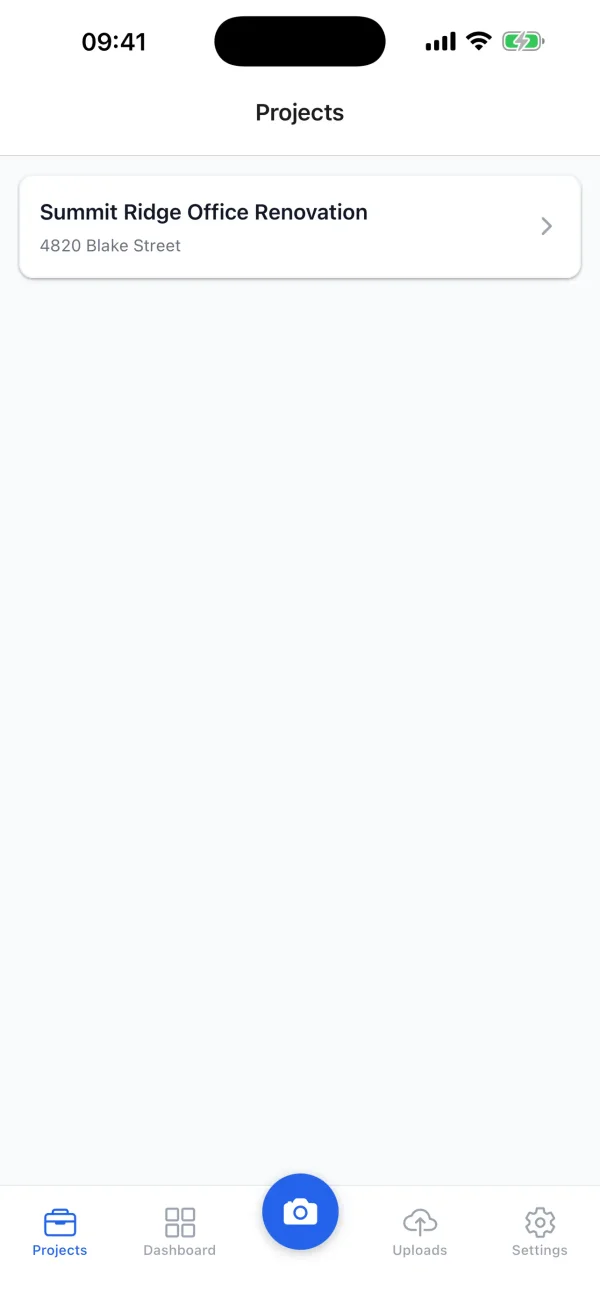
PUNCH LISTS — Create items in seconds with photos, assign subs, and track status from open to verified. Export branded PDF reports with one tap and share them with anyone via a simple link — no login required.
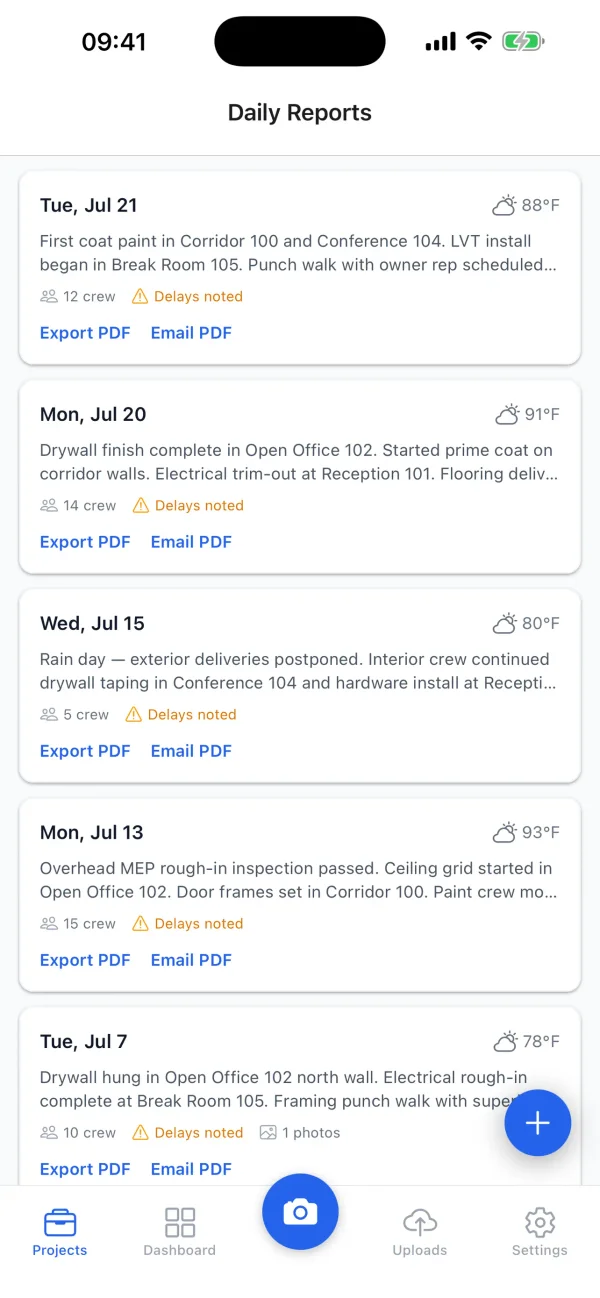
DAILY REPORTS — Weather, crew counts, and site progress. Pull photos straight from the project gallery, add comments, and generate a professional PDF that credits every photo with who took it and when.
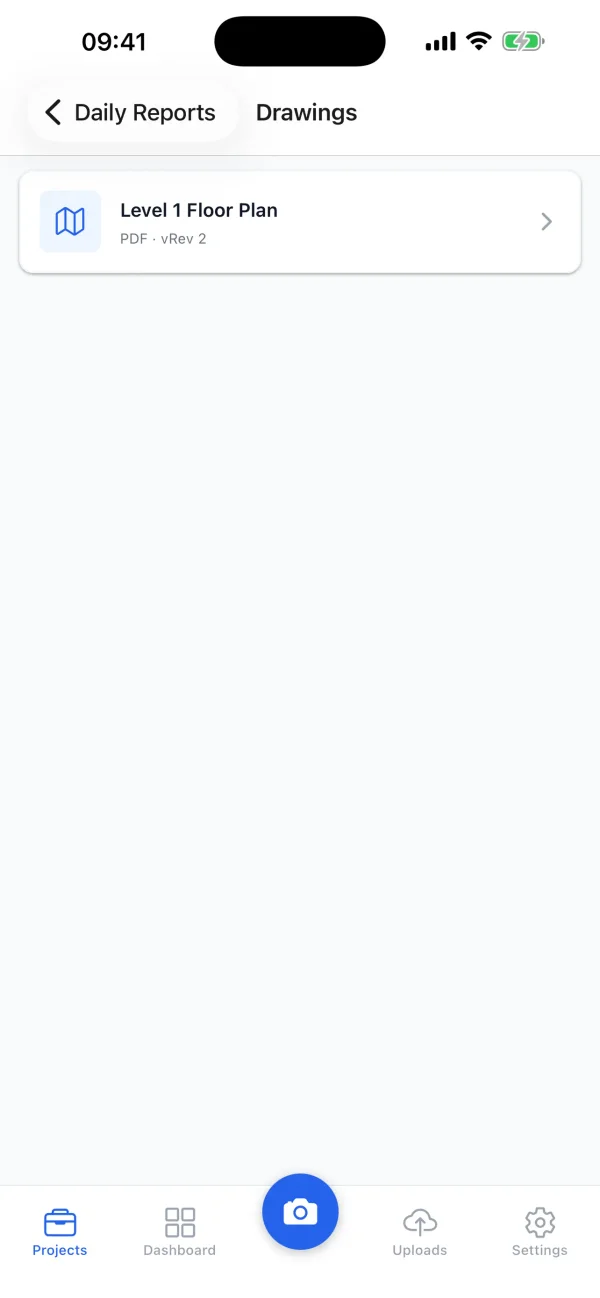
DRAWINGS — Upload plan sets, mark them up, drop punch-item pins, and measure distances and areas right on the sheet.
PHOTOS — Every jobsite photo organized by date and area, searchable, and ready to drop into reports.
ALSO INCLUDED — Inspections with automatic punch items on failure, RFIs, submittals, safety incidents and toolbox talks, GPS time tracking, scheduling with Gantt dependencies, and offline support that syncs when you're back in coverage.
Invited subcontractors use BuildPunch free. Flat monthly pricing — never a percentage of your construction volume. Start free with one project.
SUBSCRIPTIONS — BuildPunch offers optional auto-renewable monthly subscriptions (Starter, Professional, Business) billed to your Apple ID. Subscriptions renew automatically unless cancelled at least 24 hours before the end of the current period. Manage or cancel anytime in your App Store account settings.
Privacy Policy: https://buildpunch.com/privacy
Terms of Use (EULA): https://www.apple.com/legal/internet-services/itunes/dev/stdeula/
Novedades
Versión 1.8.1 · 18/11/2026
- Save to Photos: open any jobsite photo, tap Share, then Save Image to put the full-size photo in your Photos.
- Faster Share: the app starts getting the full photo while you look at it, so the share sheet opens sooner, and the button shows progress.
- Share any photo: text, email, AirDrop or save to Files right from the photo viewer.
- All punch photos in one place: tap Photos on Punch Items to scroll through every punch photo.
- Daily report photos now also show in the project photo stream.
- Bullets button on the daily report summary works on an empty summary and keeps adding bullets as you type.
- iPhone Duo: photo swiping stays centered, and photos open in landscape.
Privacidad de la aplicación
Lo que Mile High Secure declara en App Store sobre cómo esta aplicación gestiona los datos.
-
Datos vinculados a ti
Pueden recopilarse y vincularse a tu identidad.
- Ubicación
- Información de contacto
- Contenido del usuario
- Identificadores
Las prácticas de privacidad pueden variar, por ejemplo, según las funciones que uses o tu edad.
Información
- Vendedor
- Mile High Surveillance LLC
- Categoría
- Economía y empresa
- Versión
- 1.8.1
- Actualizado
- 18/11/2026
- Publicado
- 23/7/2026
- Tamaño
- 64,2 MB
- Requiere
- iOS 16.4 o posterior
- Clasificación por edad
- 4+
- Compras en la aplicación
- Sí
- Idiomas
- Inglés
- Copyright
- © 2026 Mile High Surveillance LLC
Quizá también te guste
-
 siterepo: Construction ReportEconomía y empresa
-
 BuildDocsAppEconomía y empresa
-
 OnsiteSync Lista de PendientesBitácora de Obra y Fotos
-
 Construction Log – Pro DokuProductividad
-
 CorabuildProductividad
-
 Vinosmith WineryEconomía y empresa
-
 NG Wire: NEC Ampacity & FillProductividad
-
 Presupuesto: ContractorIQFacturas, obras y reformas
-
 Get It Done TasksProductividad
-
 Virtus Barber & CoEconomía y empresa