
- 対象年齢4+
- カテゴリビジネス
- 開発元Mile High Secure
- 言語英語
- サイズ64.2 MB
Build Punchは現在App Storeで入手できない可能性があります
前回の確認時、ストアのページにアクセスできませんでした。リンク先は引き続きApp Storeの公式ページです。
スクリーンショット

概要
開発元はこのテキストをお使いの言語で提供していません。
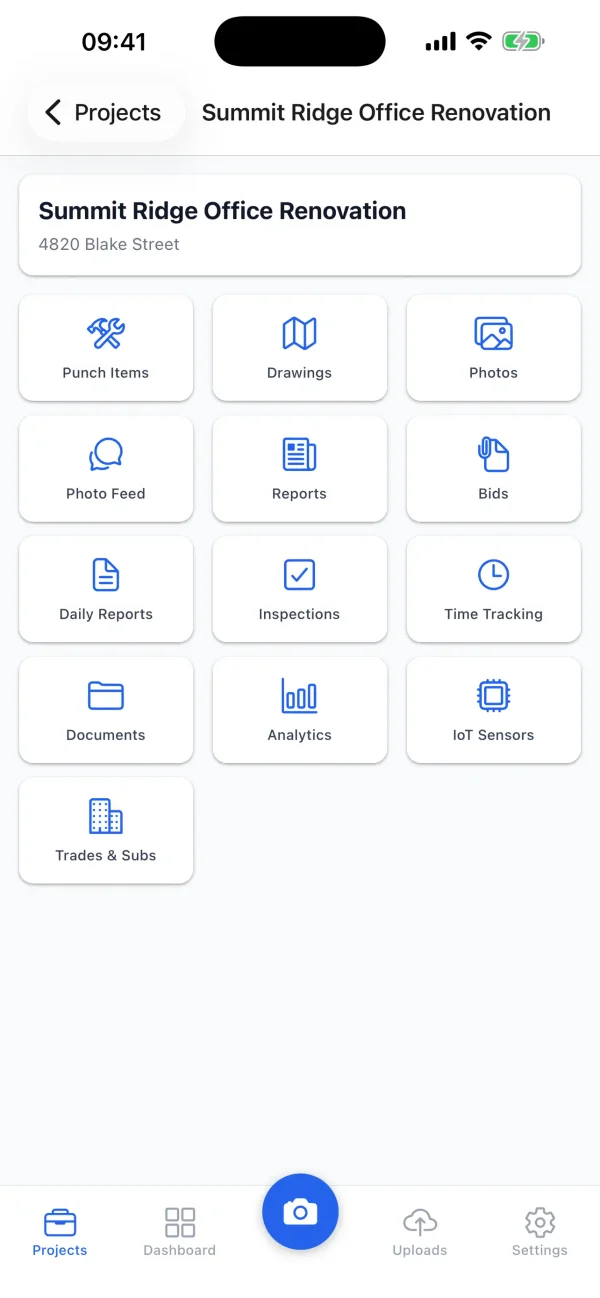
BuildPunch is construction field management that actually works the way your crews do.
PUNCH LISTS — Create items in seconds with photos, assign subs, and track status from open to verified. Export branded PDF reports with one tap and share them with anyone via a simple link — no login required.
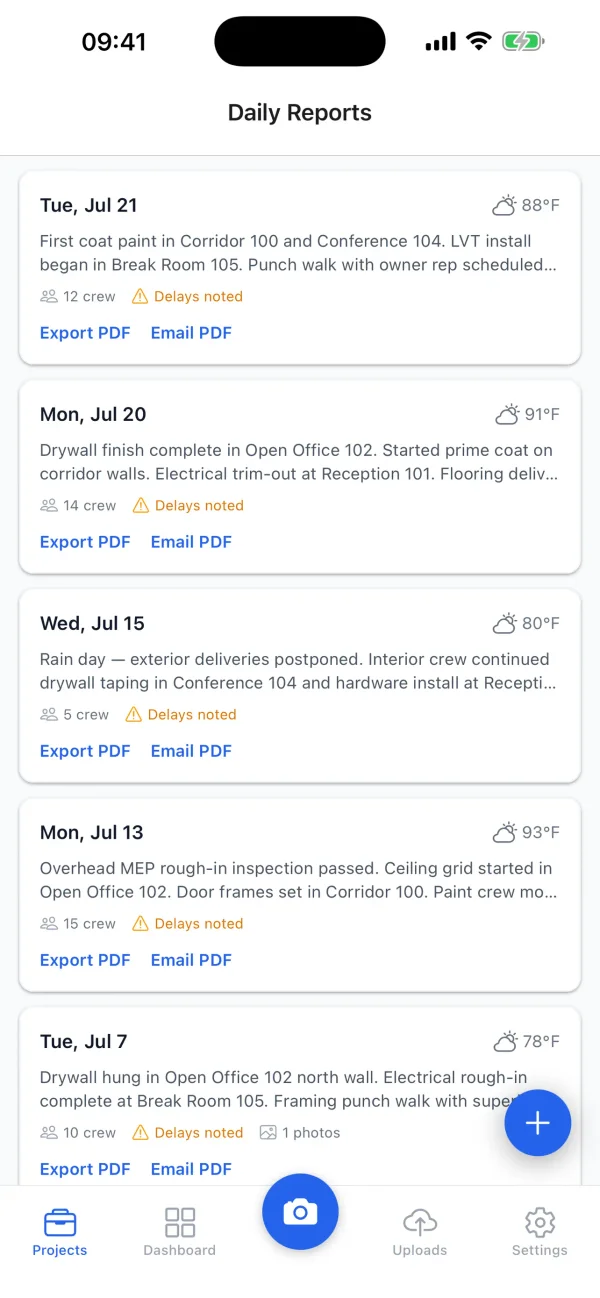
DAILY REPORTS — Weather, crew counts, and site progress. Pull photos straight from the project gallery, add comments, and generate a professional PDF that credits every photo with who took it and when.
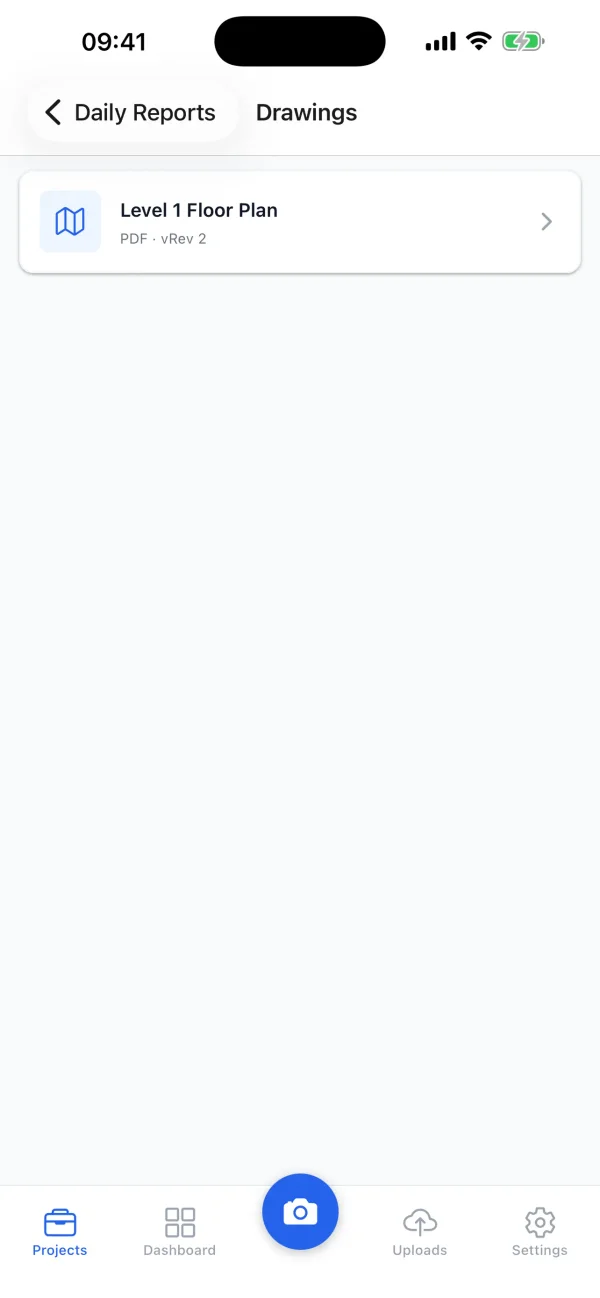
DRAWINGS — Upload plan sets, mark them up, drop punch-item pins, and measure distances and areas right on the sheet.
PHOTOS — Every jobsite photo organized by date and area, searchable, and ready to drop into reports.
ALSO INCLUDED — Inspections with automatic punch items on failure, RFIs, submittals, safety incidents and toolbox talks, GPS time tracking, scheduling with Gantt dependencies, and offline support that syncs when you're back in coverage.
Invited subcontractors use BuildPunch free. Flat monthly pricing — never a percentage of your construction volume. Start free with one project.
SUBSCRIPTIONS — BuildPunch offers optional auto-renewable monthly subscriptions (Starter, Professional, Business) billed to your Apple ID. Subscriptions renew automatically unless cancelled at least 24 hours before the end of the current period. Manage or cancel anytime in your App Store account settings.
Privacy Policy: https://buildpunch.com/privacy
Terms of Use (EULA): https://www.apple.com/legal/internet-services/itunes/dev/stdeula/
新機能
バージョン 1.8.1 · 2026/11/18
- Save to Photos: open any jobsite photo, tap Share, then Save Image to put the full-size photo in your Photos.
- Faster Share: the app starts getting the full photo while you look at it, so the share sheet opens sooner, and the button shows progress.
- Share any photo: text, email, AirDrop or save to Files right from the photo viewer.
- All punch photos in one place: tap Photos on Punch Items to scroll through every punch photo.
- Daily report photos now also show in the project photo stream.
- Bullets button on the daily report summary works on an empty summary and keeps adding bullets as you type.
- iPhone Duo: photo swiping stays centered, and photos open in landscape.
アプリのプライバシー
このアプリのデータの取り扱いについて、Mile High SecureがApp Storeで申告している内容です。
-
ユーザーに関連付けられたデータ
収集され、ユーザーの識別情報に関連付けられる場合があります。
- 位置情報
- 連絡先情報
- ユーザーコンテンツ
- ID
プライバシーの取り扱いは、ご利用の機能やお客様の年齢などに応じて異なる場合があります。
情報
- 販売元
- Mile High Surveillance LLC
- カテゴリ
- ビジネス
- バージョン
- 1.8.1
- 更新日
- 2026/11/18
- リリース
- 2026/7/23
- サイズ
- 64.2 MB
- 必要条件
- iOS 16.4以降
- 対象年齢
- 4+
- アプリ内課金
- あり
- 言語
- 英語
- 著作権
- © 2026 Mile High Surveillance LLC