Camera Remote Control
Group Photo & Selfie Shutter
Entwickelt für iPhone, iPad, iPod touch
Kostenlos
- Altersfreigabe4+
- KategorieFoto und Video
- EntwicklerWei Lu
- SprachenEnglisch+ 2 weitere
- Größe53,9 MB
Verlinkt auf die offizielle App Store-Seite
Download.org hostet keine Datei von Camera Remote Control. Die Schaltfläche öffnet die App-Seite bei App Store, wo Wei Lu die App veröffentlicht. Eintrag zuletzt geprüft am 12.11.2026.
Screenshots
Info
Der Entwickler hat diesen Text nicht in Ihrer Sprache bereitgestellt.
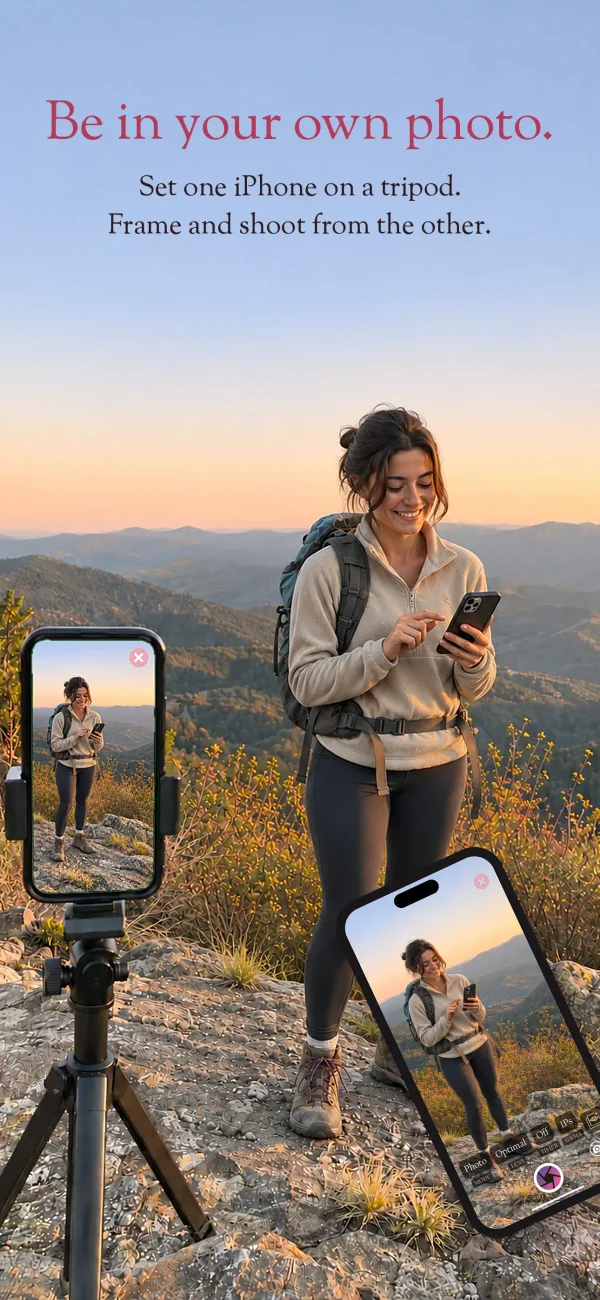
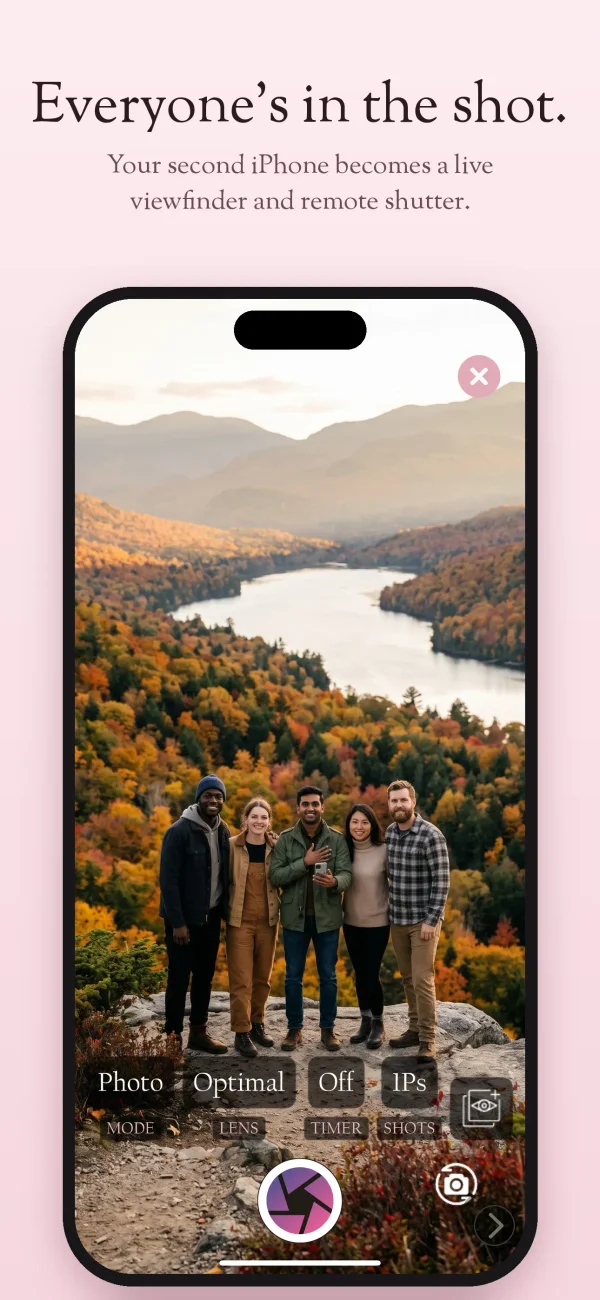
Camia – Camera Remote Control turns two iPhones or iPads into a remote camera: one device is the camera, the other is a live viewfinder and shutter. Everyone gets into the group photo, with no running back to beat the timer.
WHAT CAMIA DOES
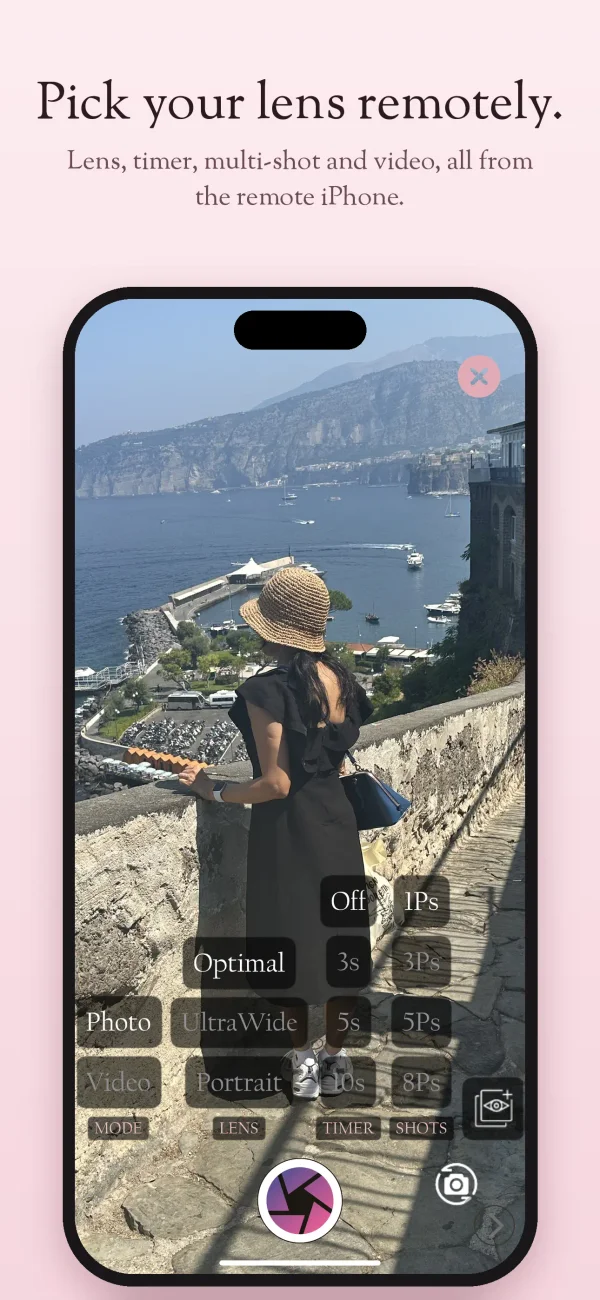
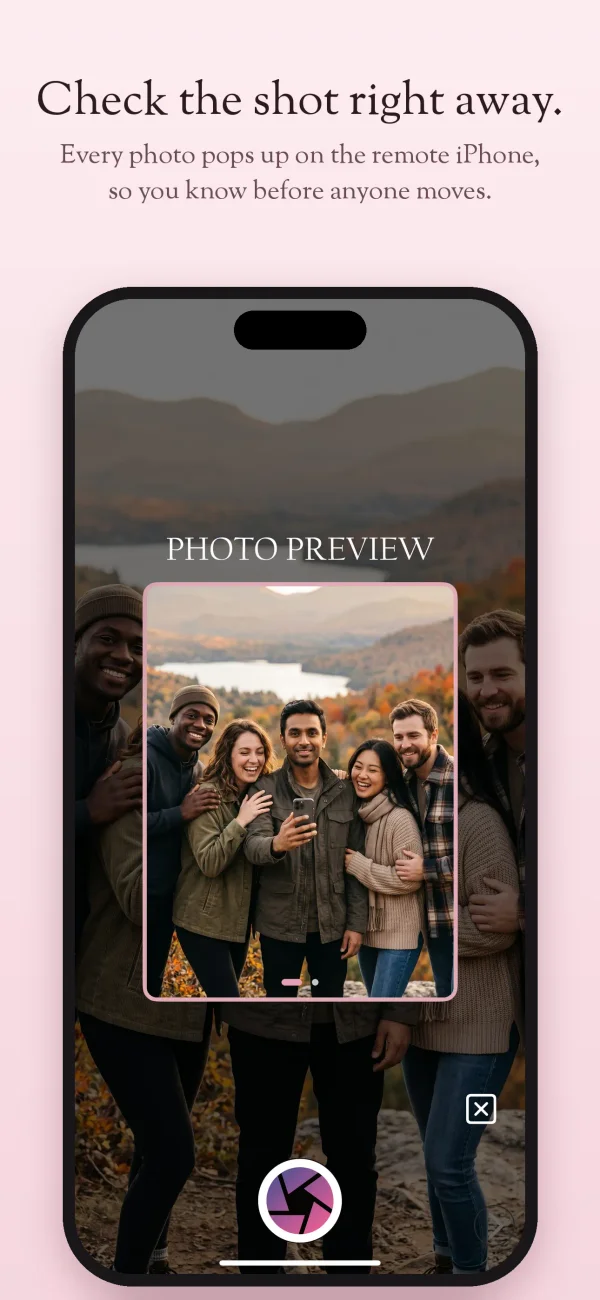
• Live preview of the camera's view on the remote device
• Take photos, or start and stop video, from the remote
• Shoot 1, 3, 5 or 8 photos with one tap
• Self-timer: 3, 5 or 10 seconds, for photos and video
• Switch between front and back camera
• Pinch to zoom, tap to focus
• Ultra Wide and Portrait options on devices that have those cameras
• Photos and videos are saved to the camera device's Photos library; the remote shows temporary previews
HOW IT WORKS
1. Install Camia – Camera Remote Control on both devices
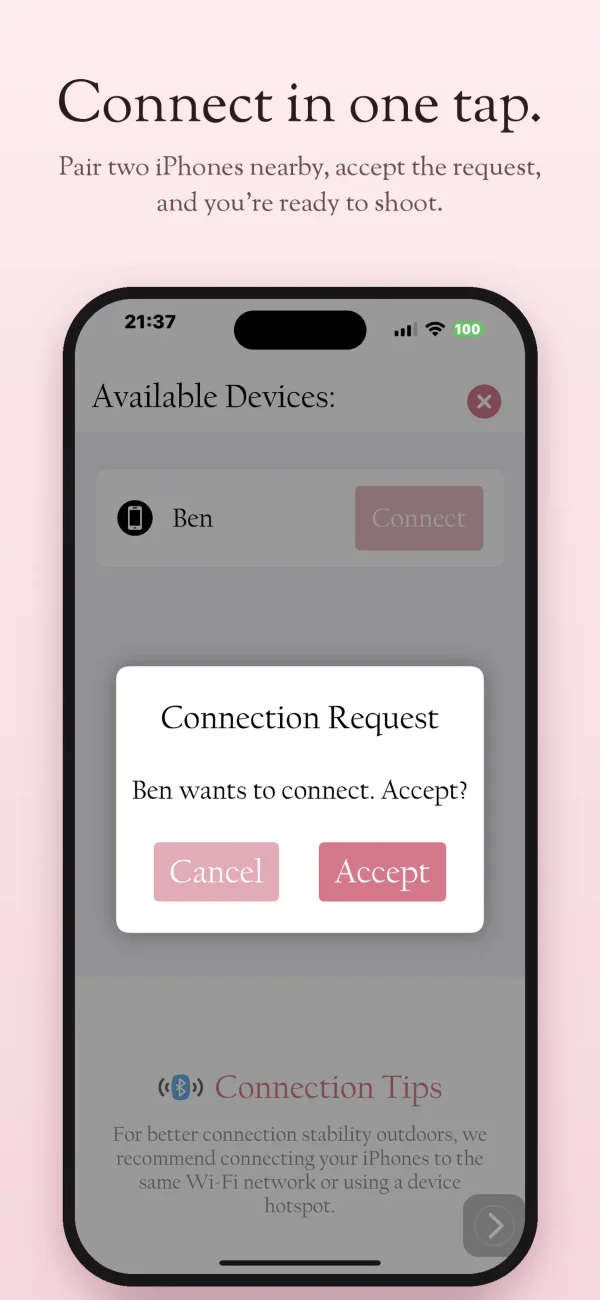
2. Turn on Wi-Fi and Bluetooth on both devices so they can connect directly
3. Choose one device as the camera and connect from the other
4. Frame the shot on the remote and tap
GOOD FOR
Group and family photos, travel photos when you're on your own, selfies with the better back camera, and a phone on a tripod.
Camia is free and supported by ads. No account needed. Works on iPhone and iPad with iOS 15 or later. Available in English, Japanese and Simplified Chinese.
Neue Funktionen
Version 2.0 · 05.11.2026
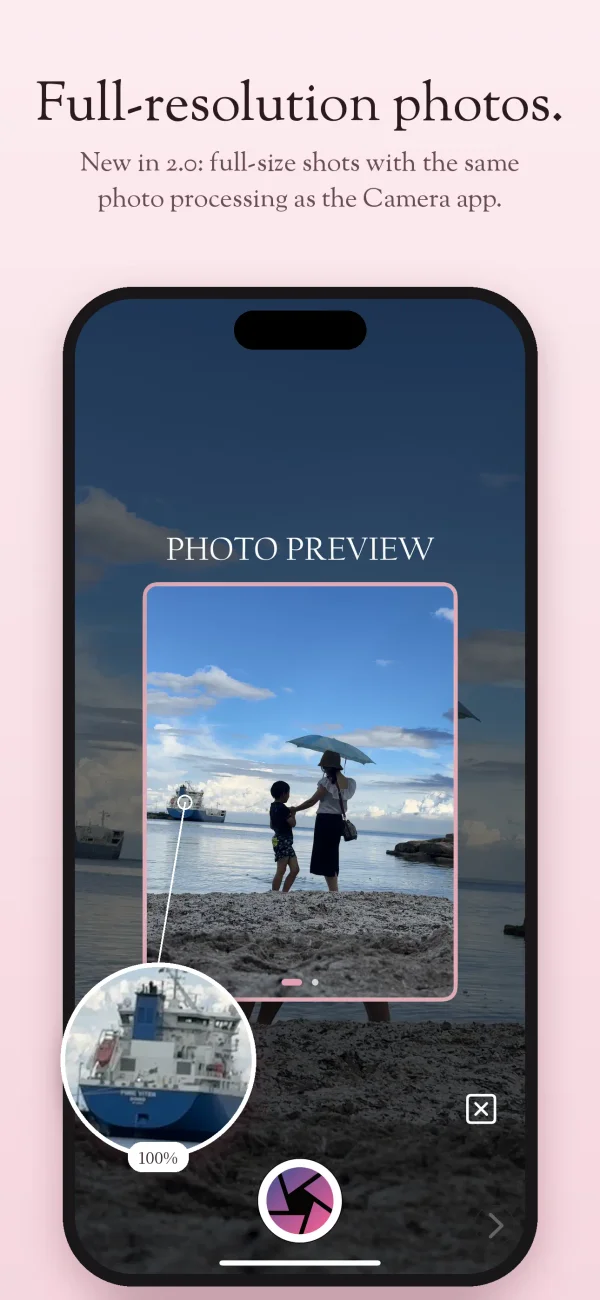
Camia 2.0: real full-quality photos
- Full-resolution photos, with up to 6× more pixels than before
- Saved as HEIF with full photo details (lens, exposure). Prefer JPEG? Switch in the new Settings
- The same full photo processing as the Camera app, for sharper detail
- Optimal now switches lenses for you: ultra wide for close-ups, telephoto when you zoom (iPhones with more than one back camera)
- Zoom and tap-to-focus follow the lens in use and focus more accurately
- New Settings: tap the gear at the top left of the start screen
- When you pair, Camia tells you if the other iPhone needs a Camia update
- Bug fixes and stability improvements
App-Datenschutz
Was Wei Lu im App Store zum Umgang dieser App mit Daten angibt.
-
Daten, die zum Tracking Ihrer Person verwendet werden
Können verwendet werden, um Sie über Apps und Websites anderer Unternehmen hinweg zu verfolgen.
- Standort
- Kennungen
- Nutzungsdaten
-
Nicht mit Ihnen verknüpfte Daten
Können erfasst werden, sind aber nicht mit Ihrer Identität verknüpft.
- Standort
- Kennungen
- Nutzungsdaten
- Diagnose
Die Datenschutzpraktiken können variieren, zum Beispiel je nach den von Ihnen verwendeten Funktionen oder Ihrem Alter.
Informationen
- Anbieter
- Wei Lu
- Kategorie
- Foto und Video
- Version
- 2.0
- Aktualisiert
- 05.11.2026
- Veröffentlicht
- 03.10.2024
- Größe
- 53,9 MB
- Erfordert
- iOS 15.0 oder neuer
- Altersfreigabe
- 4+
- Preis
- Kostenlos
- Sprachen
- Englisch, Japanisch, Vereinf. Chinesisch
- Copyright
- © 2026 EforCreative Solutions Inc.
Das könnte Ihnen auch gefallen
-
 Phone Camera Remote ControllerFoto und Video
-
 MyTwinLens: FernkameraLive-Foto & Video für Vlogs
-
 Remote Camera: Unlimited RangeFoto und Video
-
 Fernsteuerung der KameraManuelle Kameraeinstellungen
-
 Remote Shutter: camera connectKamera-Fernauslöser
-
 MoviePro - Profi-Videokamera4K-Video & manuelle Kontrolle
-
 FiLMiC Pro-Profi Video Kamera4K Videos für Filme aufnehmen
-
 Shutter+ Sony Camera RemotePhoto transfer, remote control
-
 Shutter+ Canon Camera RemotePhoto transfer, remote control
-
 ProCamera. RAW+ FotografieDSLR Foto & HDR Video Kamera