Camera Remote Control
Group Photo & Selfie Shutter
Dirancang untuk iPhone, iPad, iPod touch
Gratis
- Batasan usia4+
- KategoriFoto & Video
- PengembangWei Lu
- BahasaInggris+ 2 lainnya
- Ukuran53,9 MB
Tertaut ke halaman resmi App Store
Download.org tidak menyimpan file Camera Remote Control apa pun. Tombol ini membuka halaman aplikasi di App Store, tempat Wei Lu menerbitkannya. Halaman terakhir diperiksa pada 12/11/2026.
Tangkapan layar
Tentang
Pengembang belum menyediakan teks ini dalam bahasa Anda.
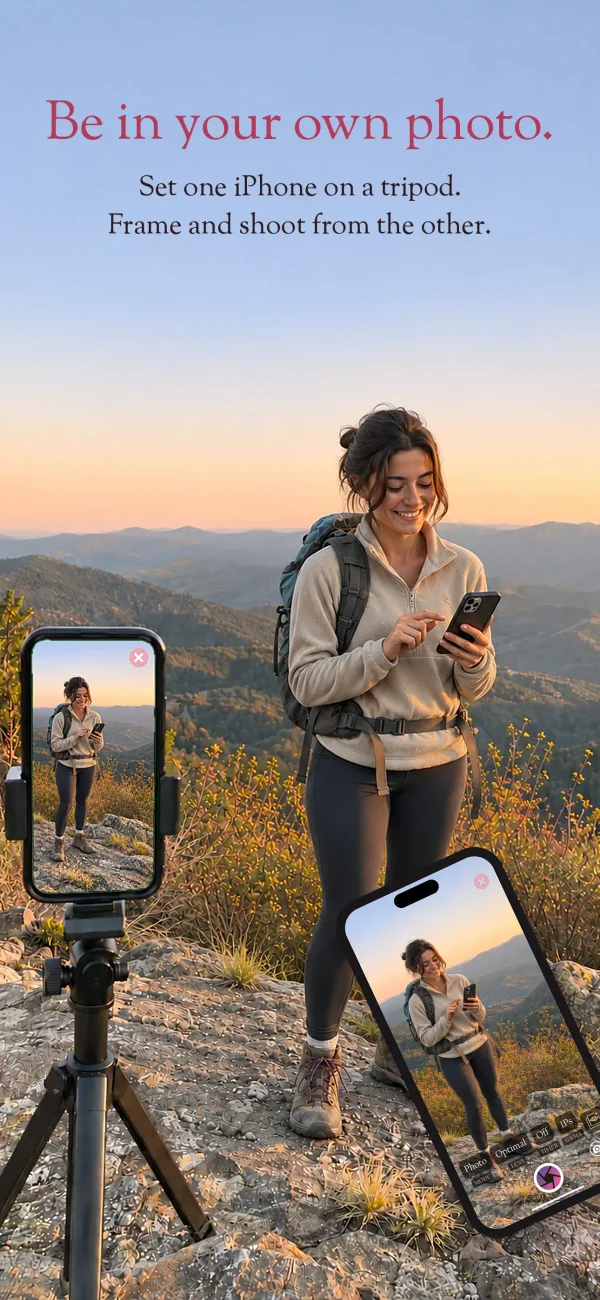
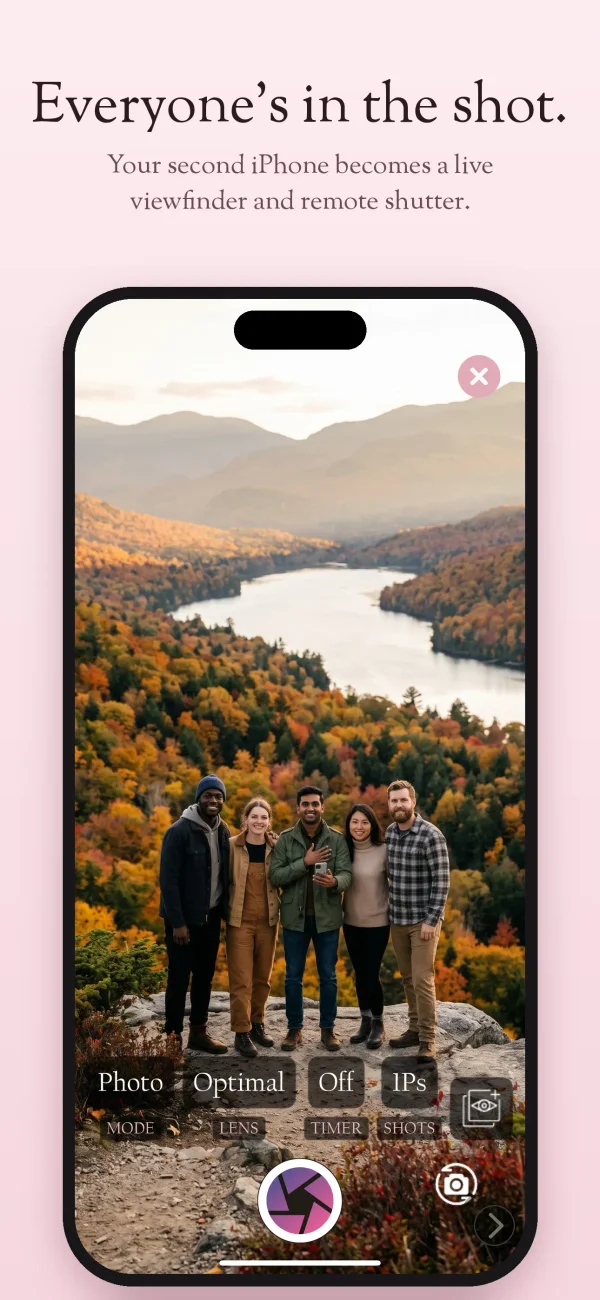
Camia – Camera Remote Control turns two iPhones or iPads into a remote camera: one device is the camera, the other is a live viewfinder and shutter. Everyone gets into the group photo, with no running back to beat the timer.
WHAT CAMIA DOES
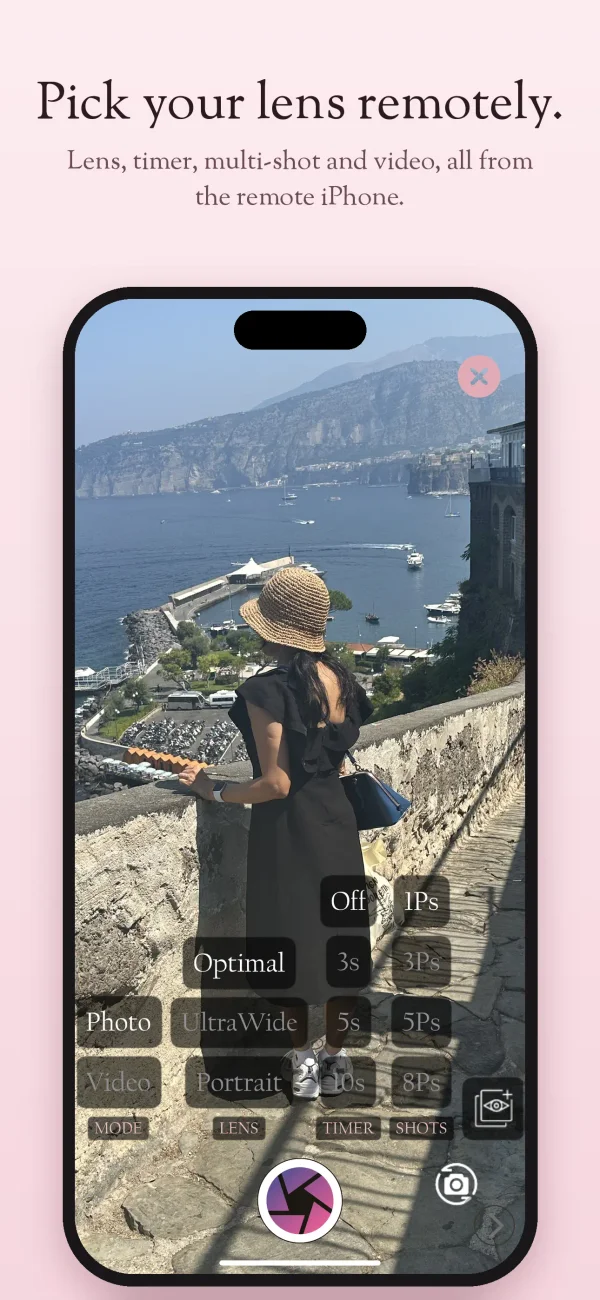
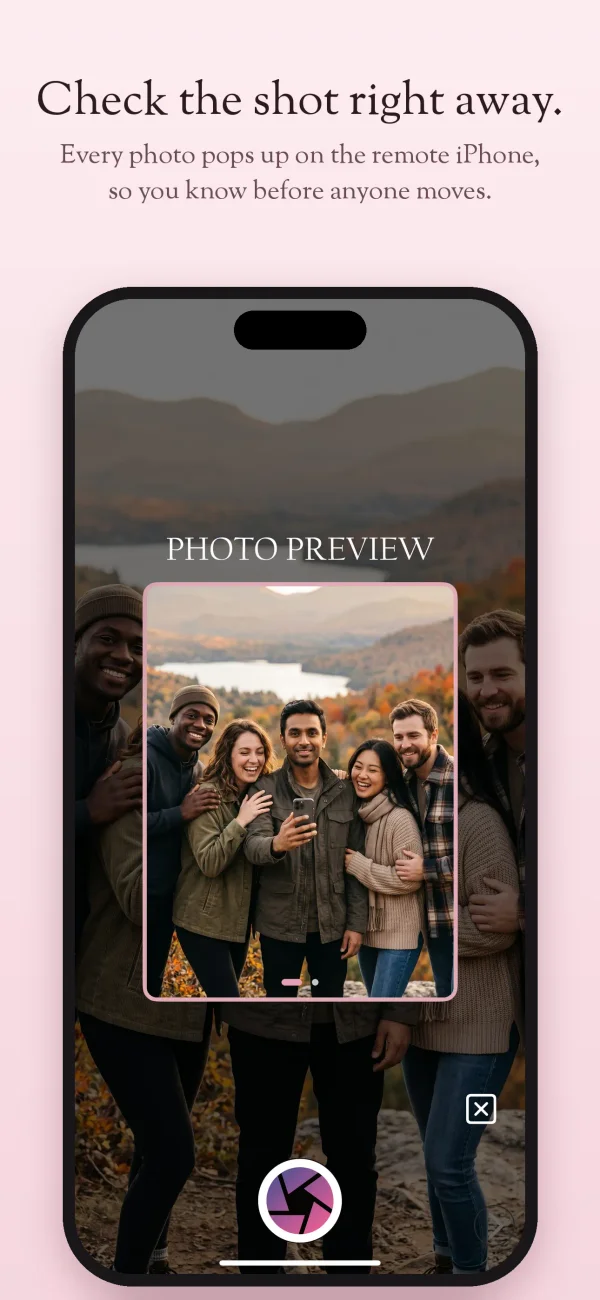
• Live preview of the camera's view on the remote device
• Take photos, or start and stop video, from the remote
• Shoot 1, 3, 5 or 8 photos with one tap
• Self-timer: 3, 5 or 10 seconds, for photos and video
• Switch between front and back camera
• Pinch to zoom, tap to focus
• Ultra Wide and Portrait options on devices that have those cameras
• Photos and videos are saved to the camera device's Photos library; the remote shows temporary previews
HOW IT WORKS
1. Install Camia – Camera Remote Control on both devices
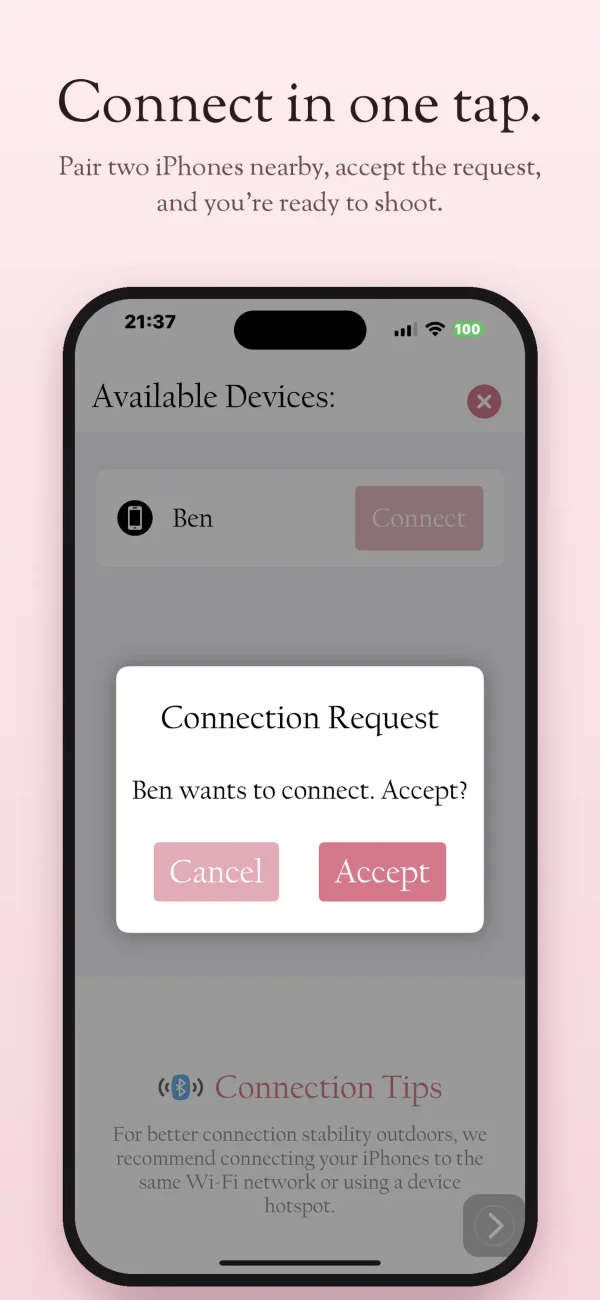
2. Turn on Wi-Fi and Bluetooth on both devices so they can connect directly
3. Choose one device as the camera and connect from the other
4. Frame the shot on the remote and tap
GOOD FOR
Group and family photos, travel photos when you're on your own, selfies with the better back camera, and a phone on a tripod.
Camia is free and supported by ads. No account needed. Works on iPhone and iPad with iOS 15 or later. Available in English, Japanese and Simplified Chinese.
Yang baru
Versi 2.0 · 5/11/2026
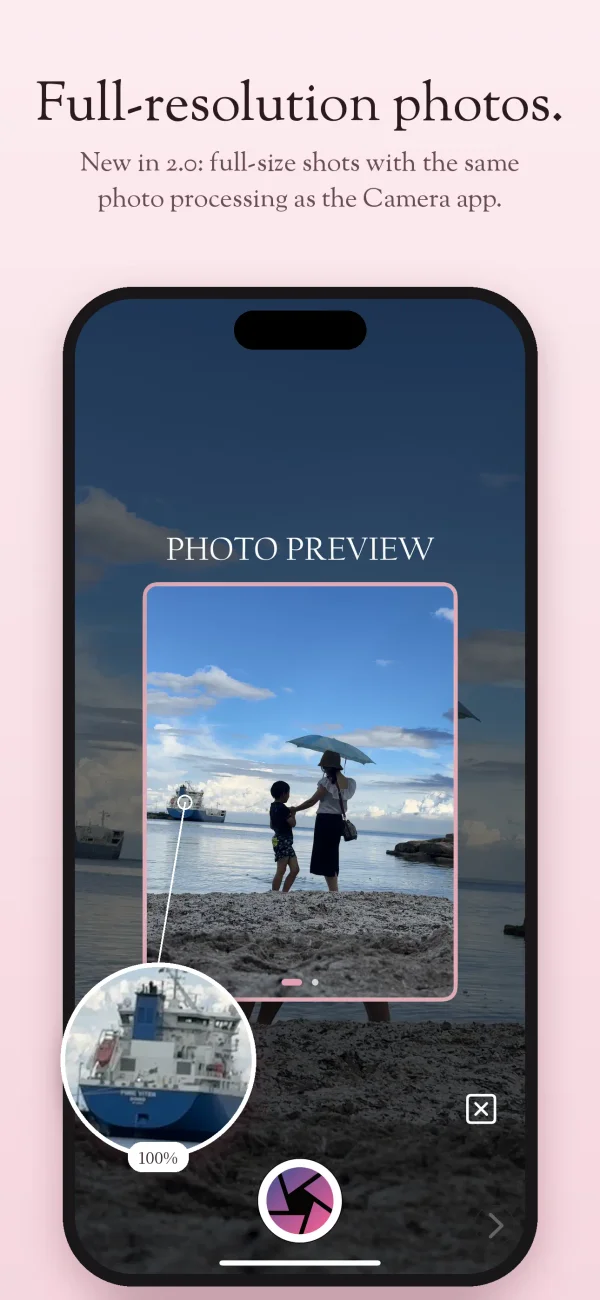
Camia 2.0: real full-quality photos
- Full-resolution photos, with up to 6× more pixels than before
- Saved as HEIF with full photo details (lens, exposure). Prefer JPEG? Switch in the new Settings
- The same full photo processing as the Camera app, for sharper detail
- Optimal now switches lenses for you: ultra wide for close-ups, telephoto when you zoom (iPhones with more than one back camera)
- Zoom and tap-to-focus follow the lens in use and focus more accurately
- New Settings: tap the gear at the top left of the start screen
- When you pair, Camia tells you if the other iPhone needs a Camia update
- Bug fixes and stability improvements
Privasi aplikasi
Yang dinyatakan Wei Lu di App Store tentang cara aplikasi ini menangani data.
-
Data yang digunakan untuk melacak Anda
Dapat digunakan untuk melacak Anda di aplikasi dan situs web milik perusahaan lain.
- Lokasi
- Pengenal
- Data penggunaan
-
Data yang tidak ditautkan dengan Anda
Dapat dikumpulkan, tetapi tidak ditautkan dengan identitas Anda.
- Lokasi
- Pengenal
- Data penggunaan
- Diagnostik
Praktik privasi dapat bervariasi, misalnya berdasarkan fitur yang Anda gunakan atau usia Anda.
Informasi
- Penjual
- Wei Lu
- Kategori
- Foto & Video
- Versi
- 2.0
- Diperbarui
- 5/11/2026
- Dirilis
- 3/10/2024
- Ukuran
- 53,9 MB
- Memerlukan
- iOS 15.0 atau yang lebih baru
- Batasan usia
- 4+
- Harga
- Gratis
- Bahasa
- Inggris, Jepang, Tionghoa Sederhana
- Hak cipta
- © 2026 EforCreative Solutions Inc.
Mungkin Anda juga suka
-
 Phone Camera Remote ControllerKontrol Kamera Nirkabel
-
 MyTwinLens: Kamera Jarak JauhFoto & Video Live untuk Vlog
-
 Remote Camera: Unlimited RangeRemote shutter
-
 Remote Camera Control via AirFoto & Video
-
 Remote Shutter: camera connectFoto & Video
-
 MoviePro: Pro Video CameraFoto & Video
-
 Filmic Pro-Video CameraFoto & Video
-
 Shutter+ Sony Camera RemoteFoto & Video
-
 Shutter+ Canon Camera RemoteFoto & Video
-
 ProCamera. Professional CameraFoto & Video