Camera Remote Control
Group Photo & Selfie Shutter
Diseñada para iPhone, iPad, iPod touch
Gratis
- Clasificación por edad4+
- CategoríaFoto y vídeo
- DesarrolladorWei Lu
- IdiomasInglés+ 2 más
- Tamaño53,9 MB
Enlaza a la página oficial de App Store
Download.org no aloja ningún archivo de Camera Remote Control. El botón abre la página de la aplicación en App Store, donde la publica Wei Lu. Ficha comprobada por última vez el 12/11/2026.
Capturas de pantalla
Acerca de
El desarrollador no ha proporcionado este texto en tu idioma.
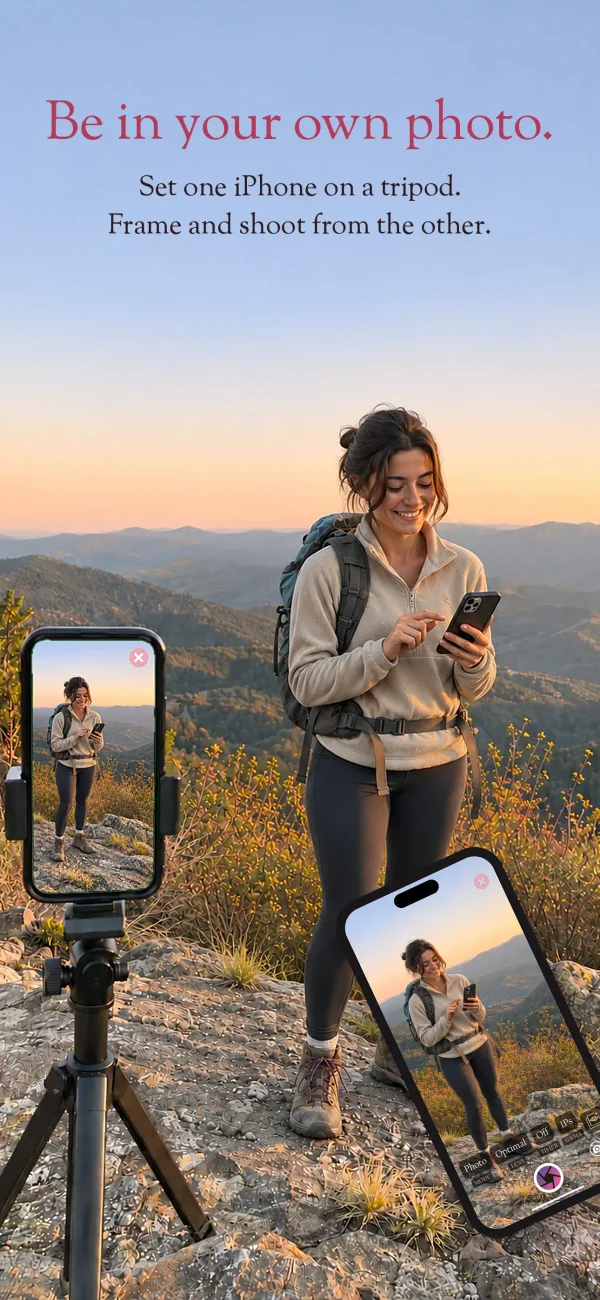
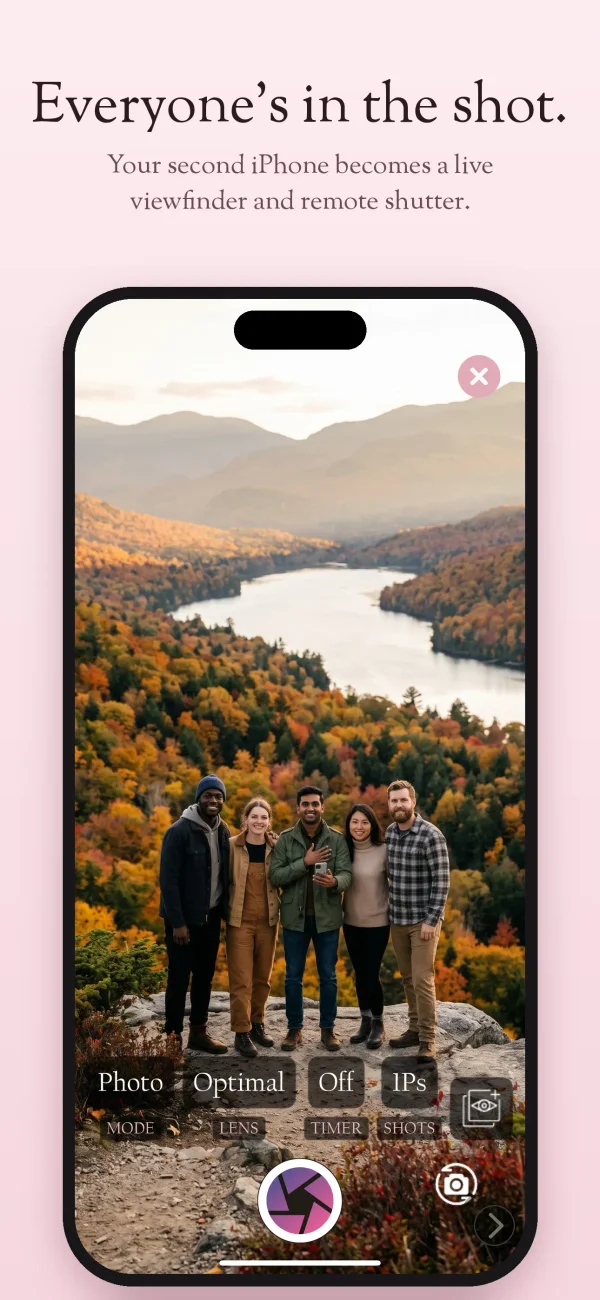
Camia – Camera Remote Control turns two iPhones or iPads into a remote camera: one device is the camera, the other is a live viewfinder and shutter. Everyone gets into the group photo, with no running back to beat the timer.
WHAT CAMIA DOES
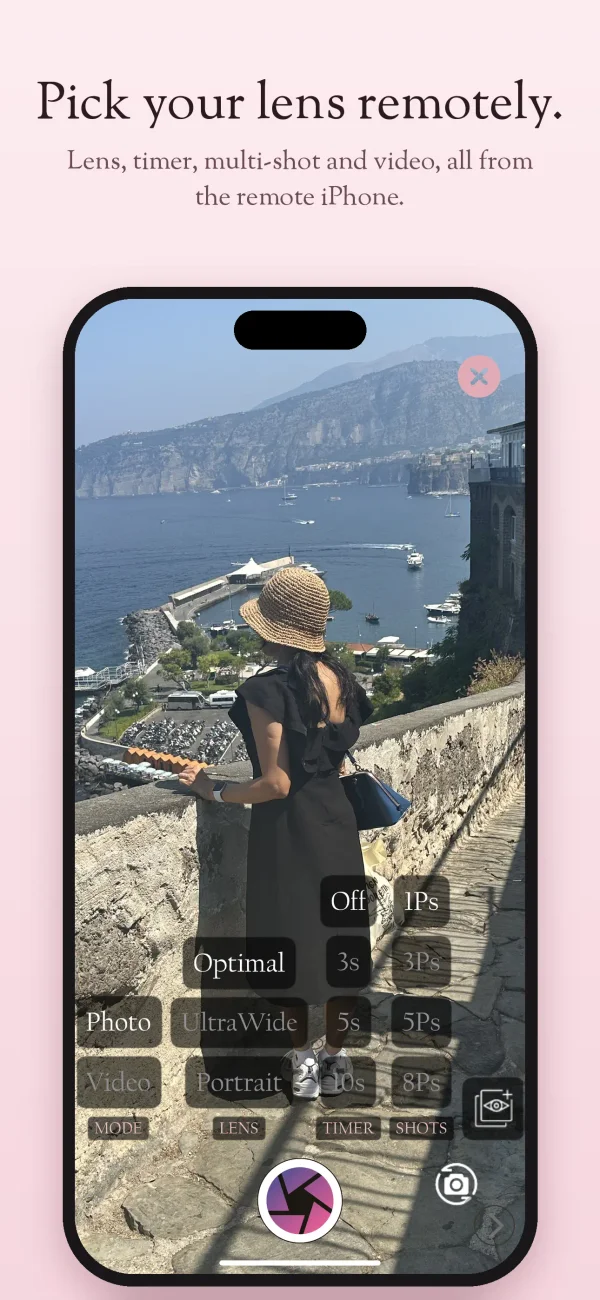
• Live preview of the camera's view on the remote device
• Take photos, or start and stop video, from the remote
• Shoot 1, 3, 5 or 8 photos with one tap
• Self-timer: 3, 5 or 10 seconds, for photos and video
• Switch between front and back camera
• Pinch to zoom, tap to focus
• Ultra Wide and Portrait options on devices that have those cameras
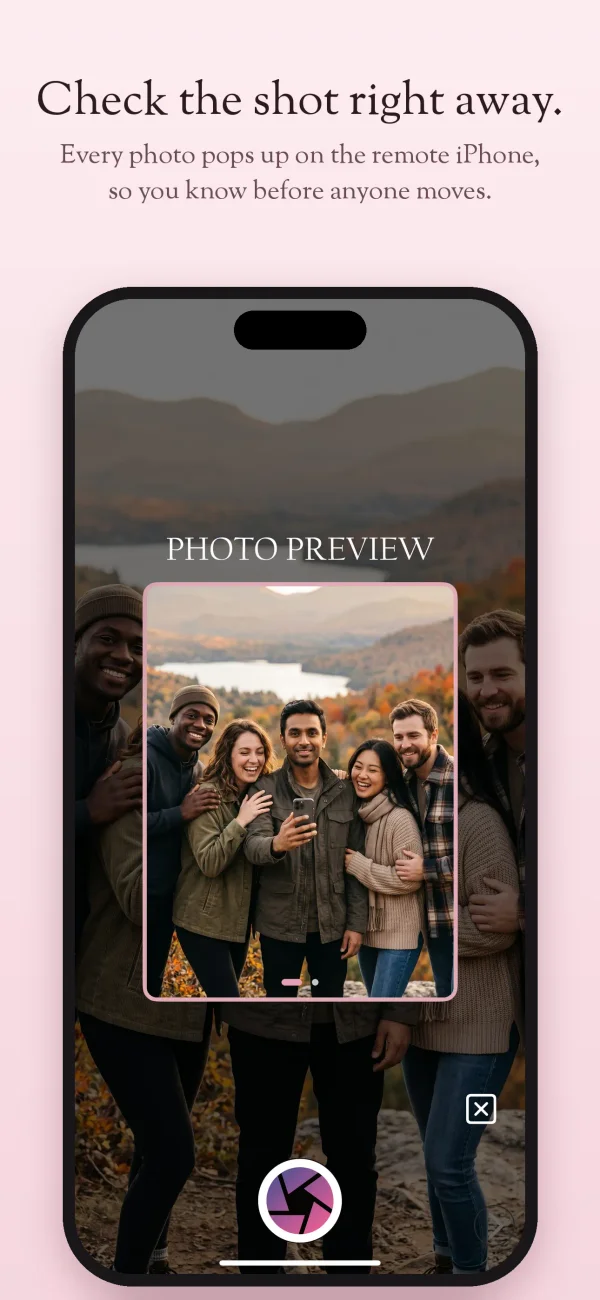
• Photos and videos are saved to the camera device's Photos library; the remote shows temporary previews
HOW IT WORKS
1. Install Camia – Camera Remote Control on both devices
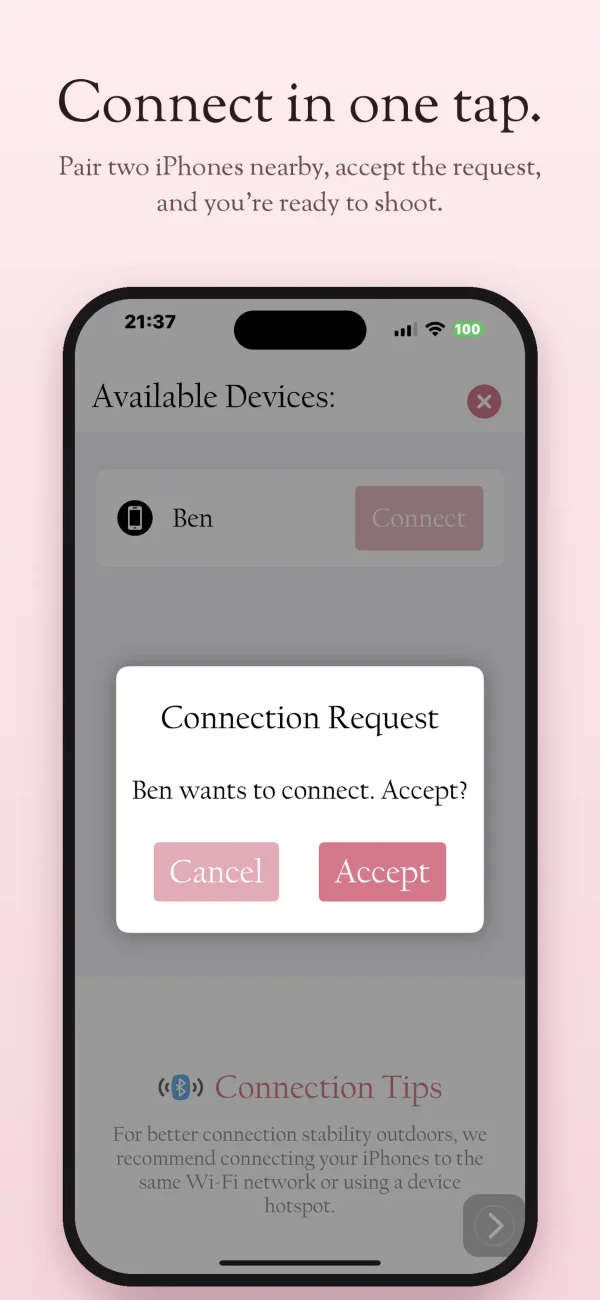
2. Turn on Wi-Fi and Bluetooth on both devices so they can connect directly
3. Choose one device as the camera and connect from the other
4. Frame the shot on the remote and tap
GOOD FOR
Group and family photos, travel photos when you're on your own, selfies with the better back camera, and a phone on a tripod.
Camia is free and supported by ads. No account needed. Works on iPhone and iPad with iOS 15 or later. Available in English, Japanese and Simplified Chinese.
Novedades
Versión 2.0 · 5/11/2026
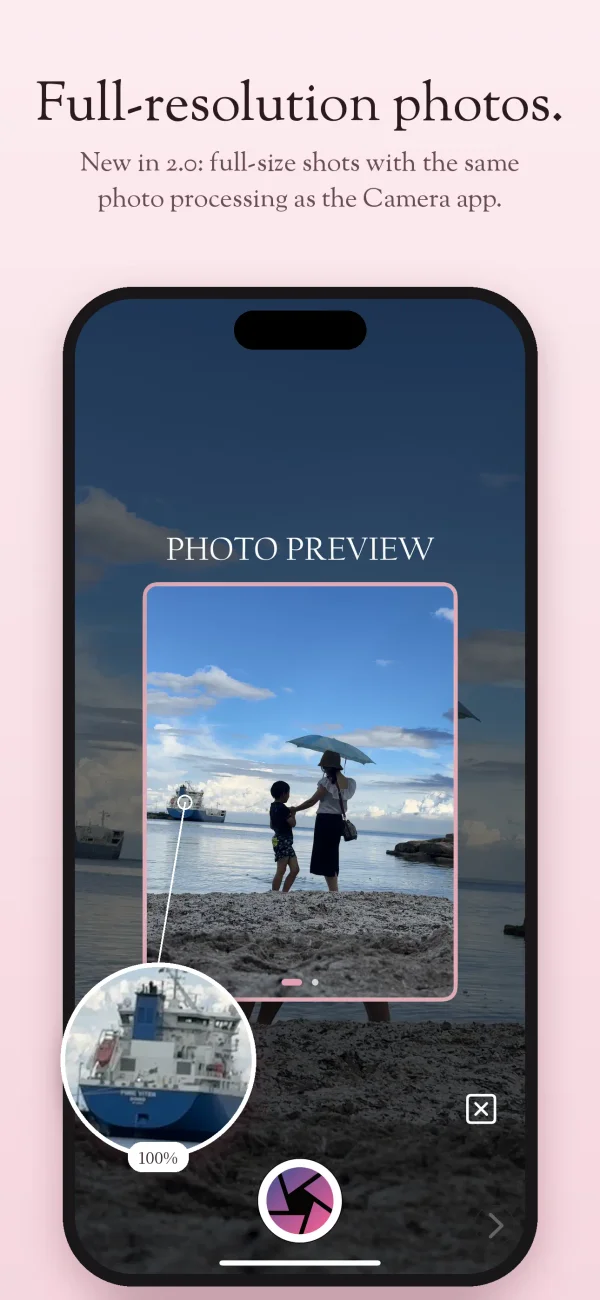
Camia 2.0: real full-quality photos
- Full-resolution photos, with up to 6× more pixels than before
- Saved as HEIF with full photo details (lens, exposure). Prefer JPEG? Switch in the new Settings
- The same full photo processing as the Camera app, for sharper detail
- Optimal now switches lenses for you: ultra wide for close-ups, telephoto when you zoom (iPhones with more than one back camera)
- Zoom and tap-to-focus follow the lens in use and focus more accurately
- New Settings: tap the gear at the top left of the start screen
- When you pair, Camia tells you if the other iPhone needs a Camia update
- Bug fixes and stability improvements
Privacidad de la aplicación
Lo que Wei Lu declara en App Store sobre cómo esta aplicación gestiona los datos.
-
Datos usados para rastrearte
Pueden usarse para rastrearte en aplicaciones y sitios web propiedad de otras empresas.
- Ubicación
- Identificadores
- Datos de uso
-
Datos no vinculados a ti
Pueden recopilarse, pero no se vinculan a tu identidad.
- Ubicación
- Identificadores
- Datos de uso
- Diagnóstico
Las prácticas de privacidad pueden variar, por ejemplo, según las funciones que uses o tu edad.
Información
- Vendedor
- Wei Lu
- Categoría
- Foto y vídeo
- Versión
- 2.0
- Actualizado
- 5/11/2026
- Publicado
- 3/10/2024
- Tamaño
- 53,9 MB
- Requiere
- iOS 15.0 o posterior
- Clasificación por edad
- 4+
- Precio
- Gratis
- Idiomas
- Inglés, Japonés, Chino simplificado
- Copyright
- © 2026 EforCreative Solutions Inc.
Quizá también te guste
-
 Phone Camera Remote ControllerFoto y vídeo
-
 MyTwinLens: Cámara remotaFoto y vídeo en vivo para vlog
-
 Remote Camera: Unlimited RangeFoto y vídeo
-
 Remote Camera Control via AirFoto y vídeo
-
 Remote Shutter: camera connectDisparador remoto de cámara
-
 MoviePro: Pro Video CameraFoto y vídeo
-
 Filmic Pro-Video CameraCinema Quality Video Capture
-
 Shutter+ Sony Camera RemotePhoto transfer, remote control
-
 Shutter+ Canon Camera RemotePhoto transfer, remote control
-
 ProCamera. Raw Foto CamaraPro DSLR & HDR Fotografia Cam