Camera Remote Control
Group Photo & Selfie Shutter
Conçue pour iPhone, iPad, iPod touch
Gratuit
- Classification d’âge4+
- CatégoriePhoto et vidéo
- DéveloppeurWei Lu
- LanguesAnglais+ 2 de plus
- Taille53,9 Mo
Renvoie vers la page App Store officielle
Download.org n’héberge aucun fichier de Camera Remote Control. Le bouton ouvre la page de l’application sur App Store, où Wei Lu la publie. Fiche vérifiée pour la dernière fois le 12/11/2026.
Captures d’écran
À propos
Le développeur n’a pas fourni ce texte dans votre langue.
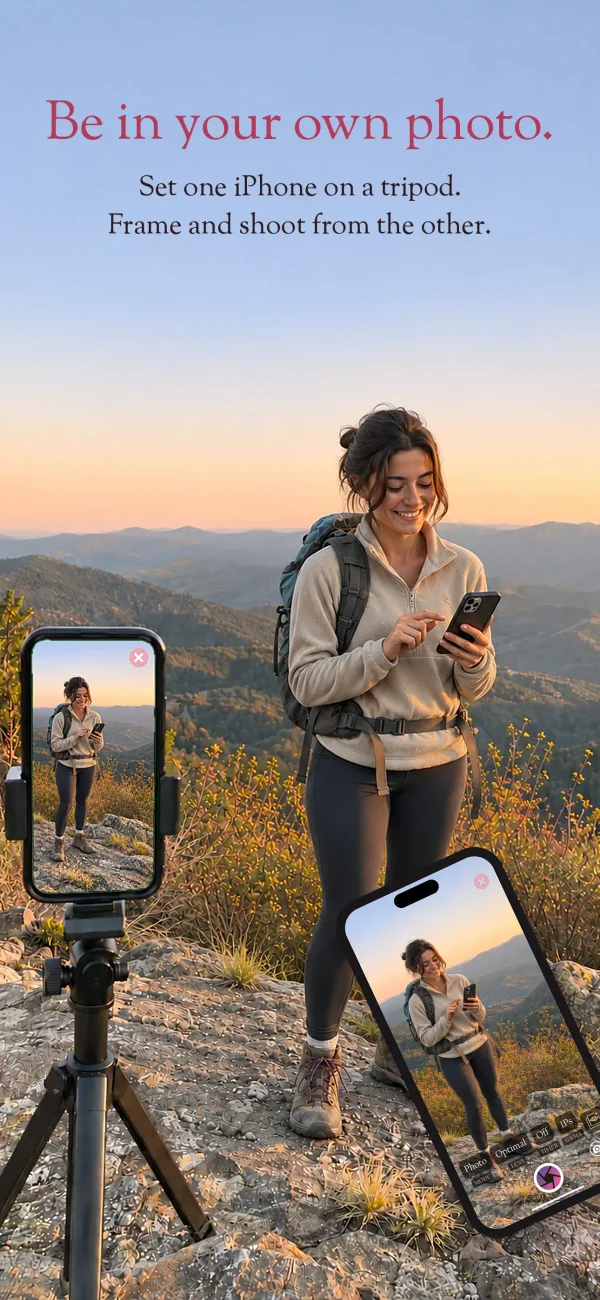
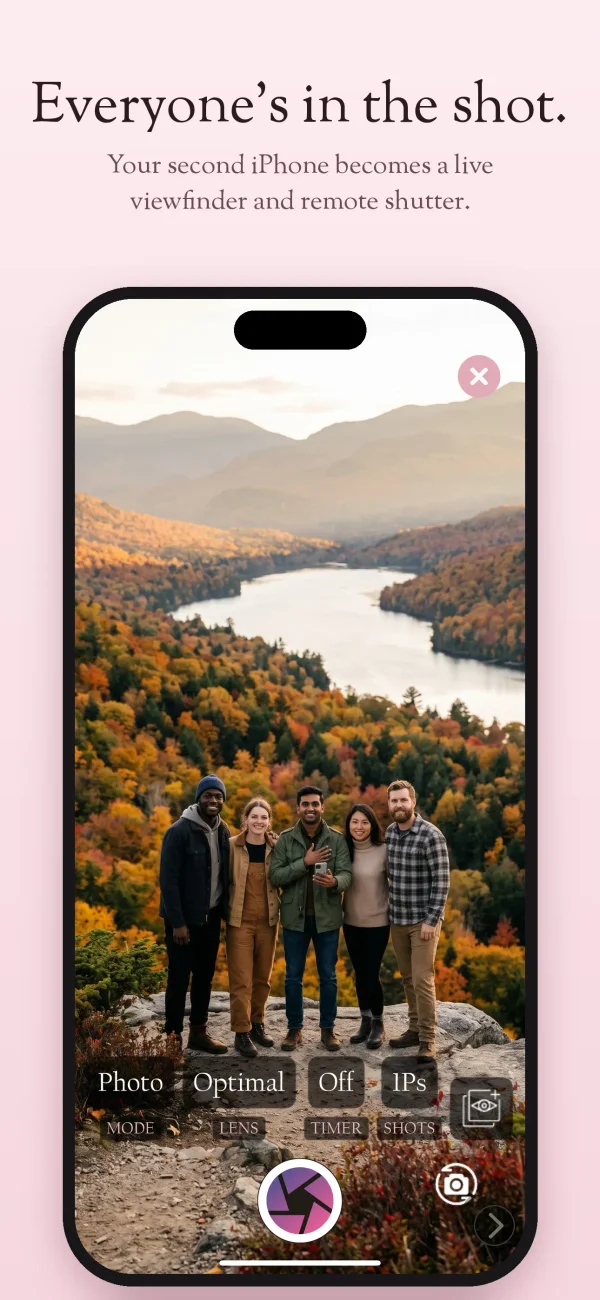
Camia – Camera Remote Control turns two iPhones or iPads into a remote camera: one device is the camera, the other is a live viewfinder and shutter. Everyone gets into the group photo, with no running back to beat the timer.
WHAT CAMIA DOES
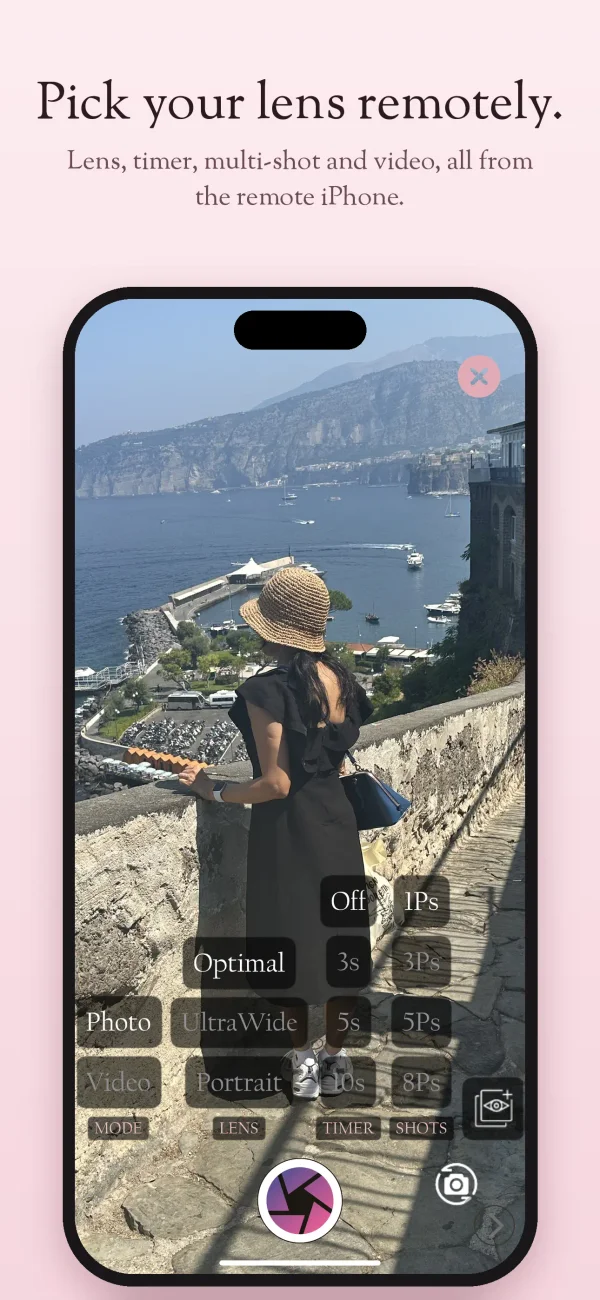
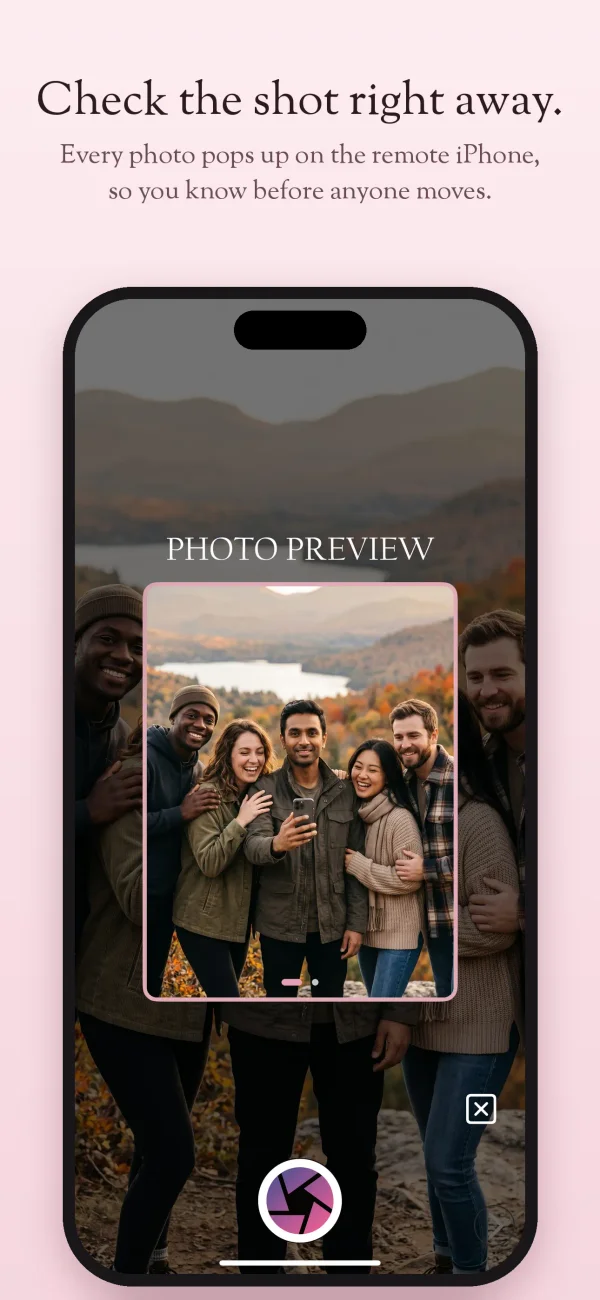
• Live preview of the camera's view on the remote device
• Take photos, or start and stop video, from the remote
• Shoot 1, 3, 5 or 8 photos with one tap
• Self-timer: 3, 5 or 10 seconds, for photos and video
• Switch between front and back camera
• Pinch to zoom, tap to focus
• Ultra Wide and Portrait options on devices that have those cameras
• Photos and videos are saved to the camera device's Photos library; the remote shows temporary previews
HOW IT WORKS
1. Install Camia – Camera Remote Control on both devices
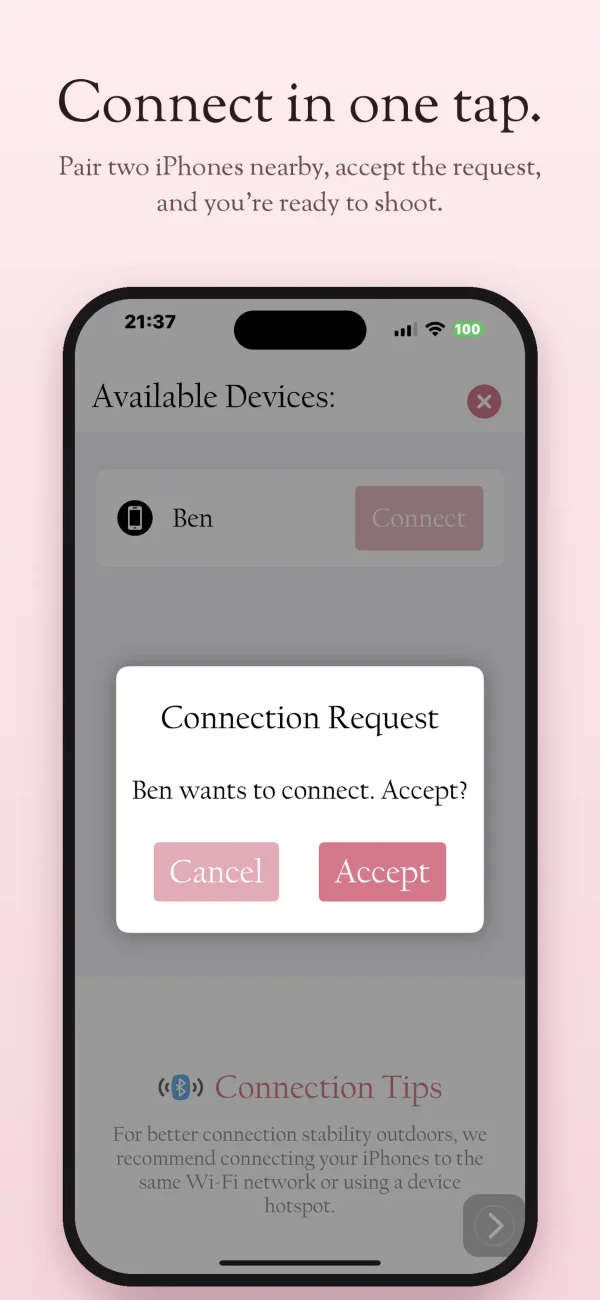
2. Turn on Wi-Fi and Bluetooth on both devices so they can connect directly
3. Choose one device as the camera and connect from the other
4. Frame the shot on the remote and tap
GOOD FOR
Group and family photos, travel photos when you're on your own, selfies with the better back camera, and a phone on a tripod.
Camia is free and supported by ads. No account needed. Works on iPhone and iPad with iOS 15 or later. Available in English, Japanese and Simplified Chinese.
Nouveautés
Version 2.0 · 05/11/2026
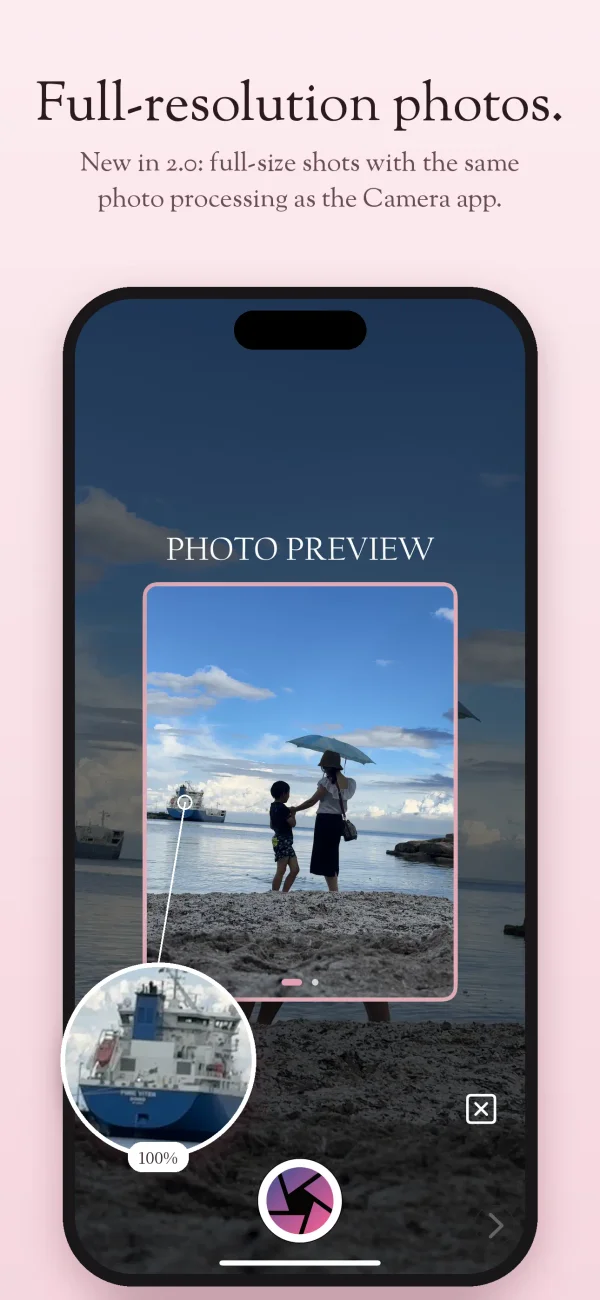
Camia 2.0: real full-quality photos
- Full-resolution photos, with up to 6× more pixels than before
- Saved as HEIF with full photo details (lens, exposure). Prefer JPEG? Switch in the new Settings
- The same full photo processing as the Camera app, for sharper detail
- Optimal now switches lenses for you: ultra wide for close-ups, telephoto when you zoom (iPhones with more than one back camera)
- Zoom and tap-to-focus follow the lens in use and focus more accurately
- New Settings: tap the gear at the top left of the start screen
- When you pair, Camia tells you if the other iPhone needs a Camia update
- Bug fixes and stability improvements
Confidentialité de l’application
Ce que Wei Lu déclare sur l’App Store au sujet du traitement des données par cette application.
-
Données utilisées pour vous suivre
Peuvent être utilisées pour vous suivre sur des applications et des sites web appartenant à d’autres sociétés.
- Emplacement
- Identifiants
- Données d’utilisation
-
Données n’établissant aucun lien avec vous
Peuvent être collectées, mais ne sont pas liées à votre identité.
- Emplacement
- Identifiants
- Données d’utilisation
- Diagnostic
Les pratiques en matière de confidentialité peuvent varier, notamment en fonction des fonctionnalités que vous utilisez ou de votre âge.
Informations
- Vendeur
- Wei Lu
- Catégorie
- Photo et vidéo
- Version
- 2.0
- Mis à jour
- 05/11/2026
- Publié
- 03/10/2024
- Taille
- 53,9 Mo
- Nécessite
- iOS 15.0 ou version ultérieure
- Classification d’âge
- 4+
- Prix
- Gratuit
- Langues
- Anglais, Japonais, Chinois simplifié
- Copyright
- © 2026 EforCreative Solutions Inc.
Vous aimerez peut-être aussi
-
 Phone Camera Remote ControllerPhoto et vidéo
-
 MyTwinLens : Caméra à distancePhoto & vidéo live pour vlog
-
 Remote Camera: Unlimited RangeRemote shutter
-
 Remote Camera Control via AirPhoto et vidéo
-
 Remote Shutter: camera connectDéclencheur à distance
-
 MoviePro - Caméra ProVidéo 4K et contrôle manuel
-
 Filmic Pro-Video CameraCinema Quality Video Capture
-
 Shutter+ Sony Camera RemotePhoto transfer, remote control
-
 Shutter+ Canon Camera RemotePhoto transfer, remote control
-
 ProCamera. Appareil Photo RAWProCam: Caméra Pro & Vidéo HDR