
Clicker – Presentation Remote
Control PowerPoint & more
Entwickelt für iPhone, iPad, Mac
6,99 €
- Altersfreigabe4+
- KategorieProduktivität
- EntwicklerAppTrix AB
- SprachenEnglisch
- Größe4,3 MB
Verlinkt auf die offizielle App Store-Seite
Download.org hostet keine Datei von Clicker – Presentation Remote. Die Schaltfläche öffnet die App-Seite bei App Store, wo AppTrix AB die App veröffentlicht. Eintrag zuletzt geprüft am 24.11.2026.
Screenshots


Info
Der Entwickler hat diesen Text nicht in Ihrer Sprache bereitgestellt.
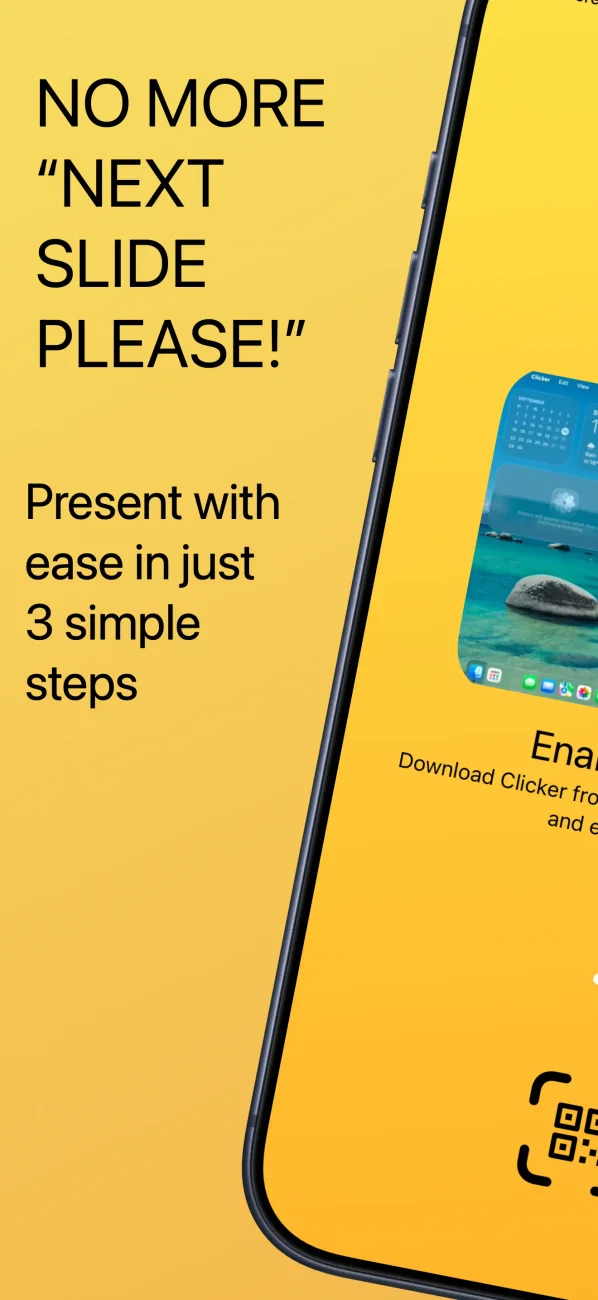
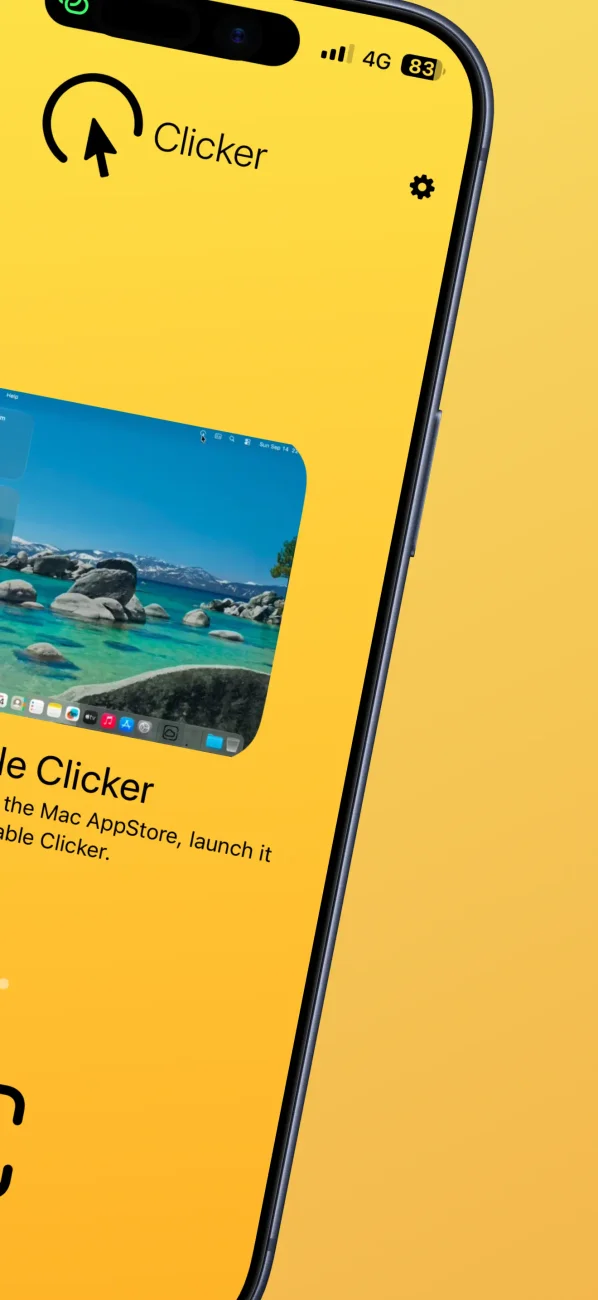
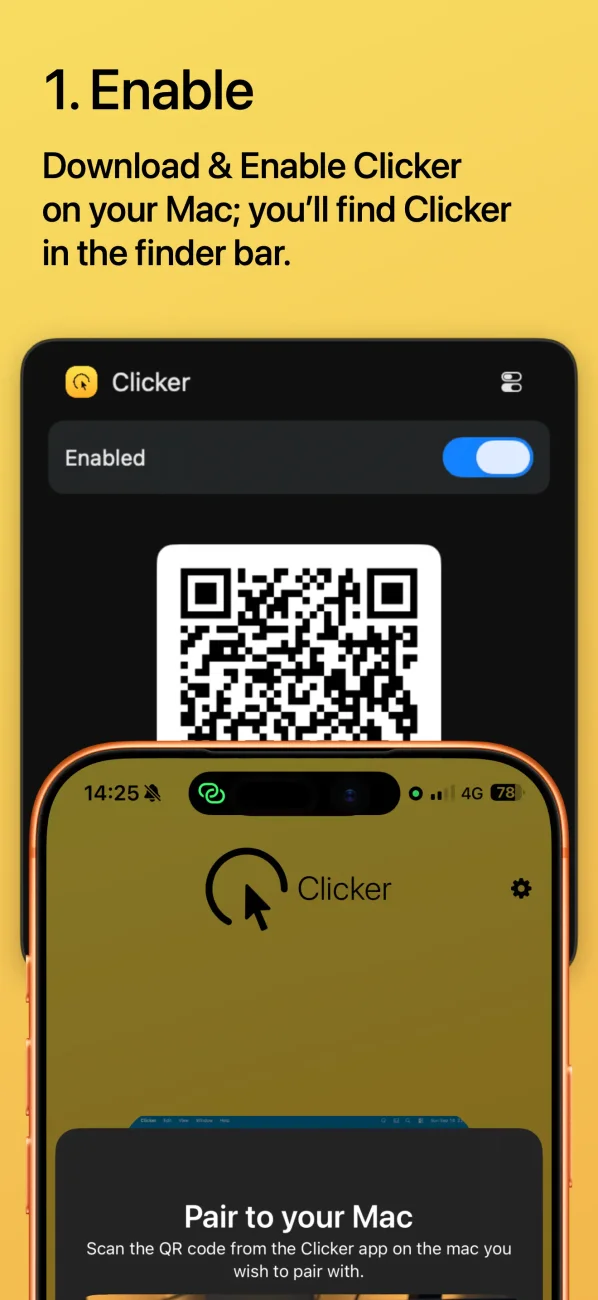
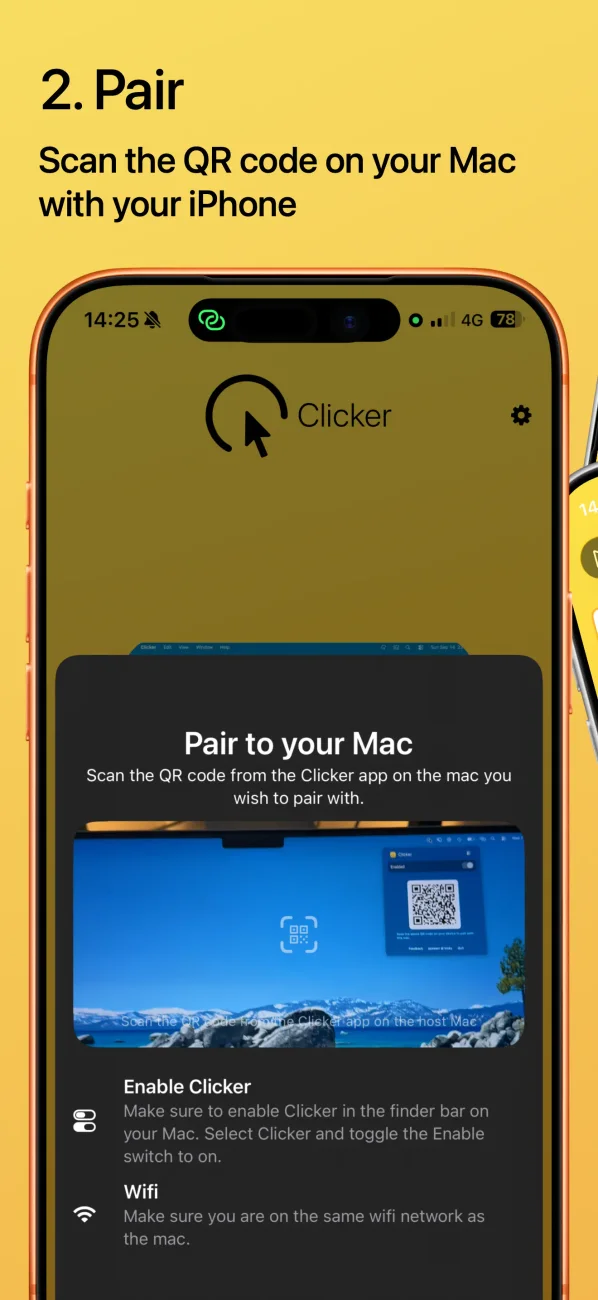
Clicker turns your iPhone into a simple presentation remote for Keynote and PowerPoint on Mac. Control your slides from your iPhone or iPad, move freely while presenting, and stay focused on your audience instead of your keyboard.
Whether you are teaching a class, leading a meeting, giving a keynote, or running a workshop, Clicker helps you present with less friction and more confidence.
Why Clicker
- Control Keynote and PowerPoint from your iPhone
- See your presenter notes on your iPhone or iPad, with adjustable text size to best fit your needs
- Simple, focused interface built for live presentations
- Move around the room while staying in control
- Designed for presenters, trainers, teachers, and speakers
- Built with privacy in mind, without unnecessary accounts, cloud setup or subscriptions
Great for
- Teachers and lecturers
- Trainers and workshop hosts
- Consultants and sales teams
- Conference speakers
- Anyone presenting from a Mac
Clicker is made for people who want a presentation remote that is simple, reliable, and easy to use.
Neue Funktionen
Version 1.1.0 · 23.11.2026
A fresh look for iPhone Duo and iPad: the home screen and pairing now adapt to open, book and laptop postures, and a new one-page settings view lives right in the toolbar. You can now choose whether your speaker notes sit on the left or the right of the controls. Plus smoother layouts when you fold and unfold.
App-Datenschutz
Was AppTrix AB im App Store zum Umgang dieser App mit Daten angibt.
-
Nicht mit Ihnen verknüpfte Daten
Können erfasst werden, sind aber nicht mit Ihrer Identität verknüpft.
- Nutzungsdaten
Die Datenschutzpraktiken können variieren, zum Beispiel je nach den von Ihnen verwendeten Funktionen oder Ihrem Alter.
Informationen
- Anbieter
- AppTrix AB
- Kategorie
- Produktivität
- Version
- 1.1.0
- Aktualisiert
- 23.11.2026
- Veröffentlicht
- 28.04.2024
- Größe
- 4,3 MB
- Erfordert
- iOS 26.0 oder neuer
- Altersfreigabe
- 4+
- Preis
- 6,99 €
- Sprachen
- Englisch
- Copyright
- © AppTrix AB 2024
Das könnte Ihnen auch gefallen
-
 PräsentationsfernbedienungKabelloser Presenter
-
 Planning CenterProduktivität
-
 Pocket - AI Personal AssistantIhr persönlicher KI-Assistent
-
 Granola - AI Meeting NotesProduktivität
-
 Claude Duet by AnthropicProduktivität
-
 Teleprompter.comAutocue Kamera: Texte vorlesen
-
 Plaud: KI-ArbeitsbegleiterVom Gespräch zum Ergebnis.
-
 Dumb Phone (dp)Minimalistischer App Launcher
-
 Fireflies: AI Note TakerProduktivität
-
 Wispr FlowProduktivität