
Clicker – Presentation Remote
Control PowerPoint & more
Diseñada para iPhone, iPad, Mac
6,99 €
- Clasificación por edad4+
- CategoríaProductividad
- DesarrolladorAppTrix AB
- IdiomasInglés
- Tamaño4,3 MB
Enlaza a la página oficial de App Store
Download.org no aloja ningún archivo de Clicker – Presentation Remote. El botón abre la página de la aplicación en App Store, donde la publica AppTrix AB. Ficha comprobada por última vez el 24/11/2026.
Capturas de pantalla


Acerca de
El desarrollador no ha proporcionado este texto en tu idioma.
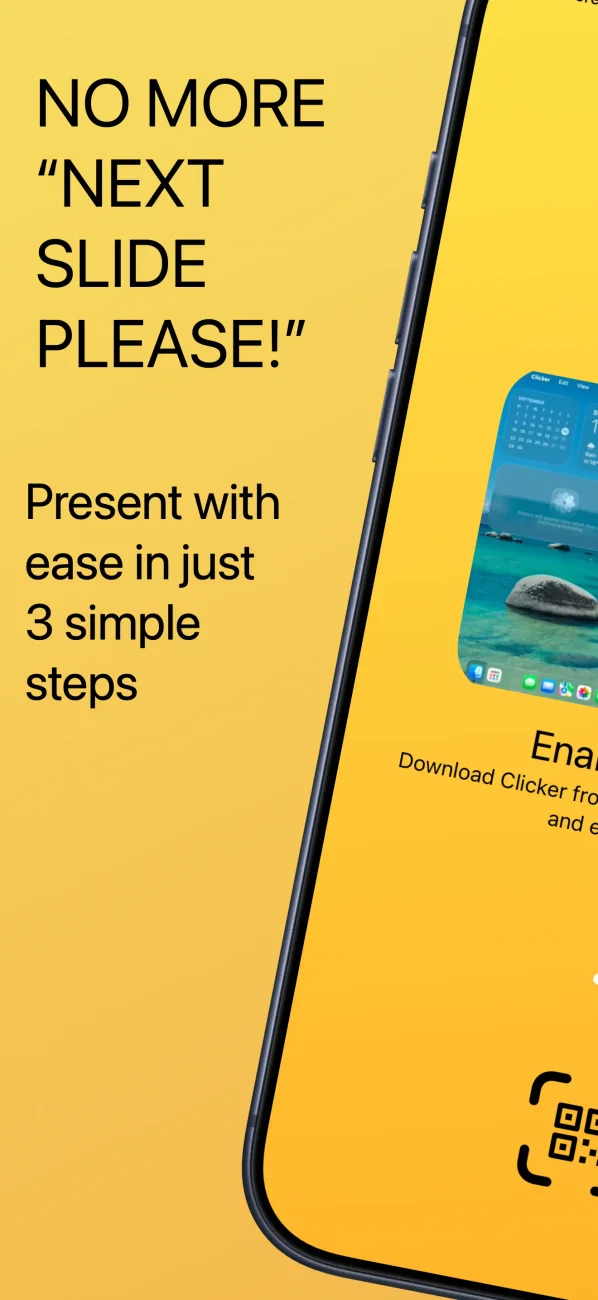
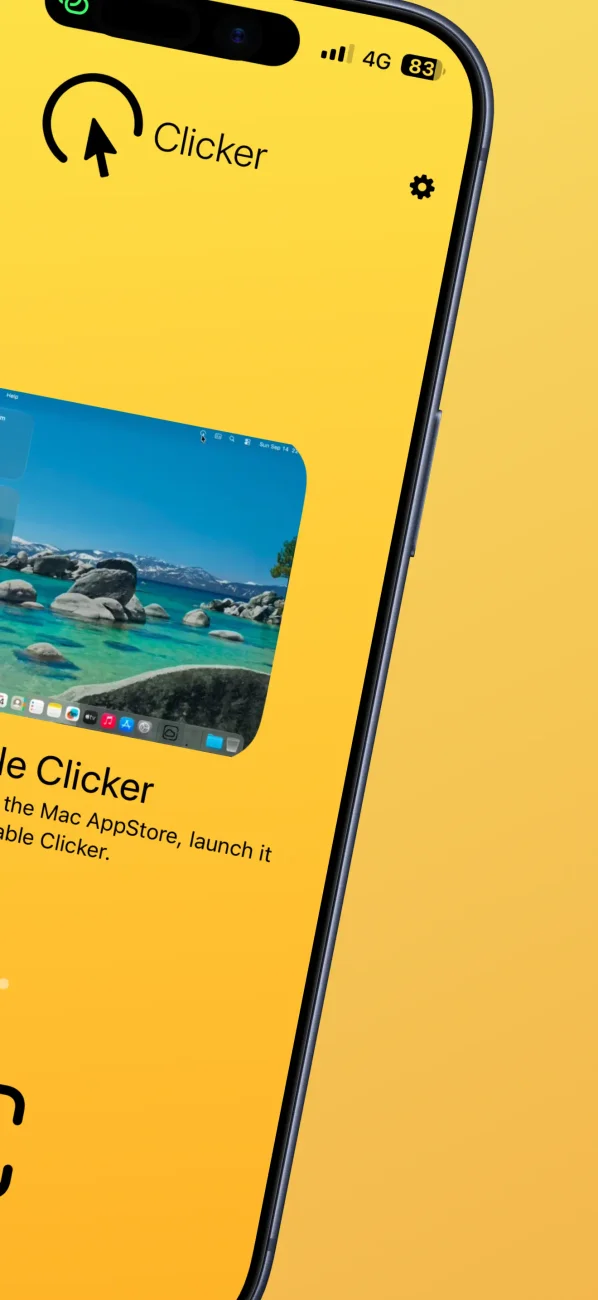
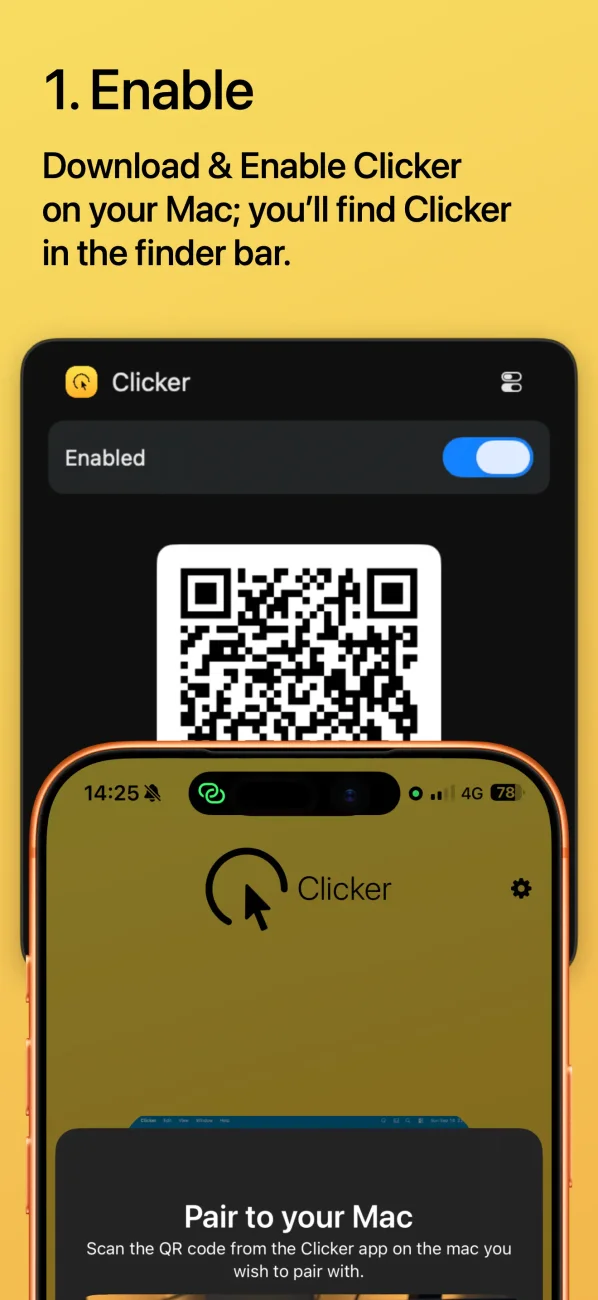
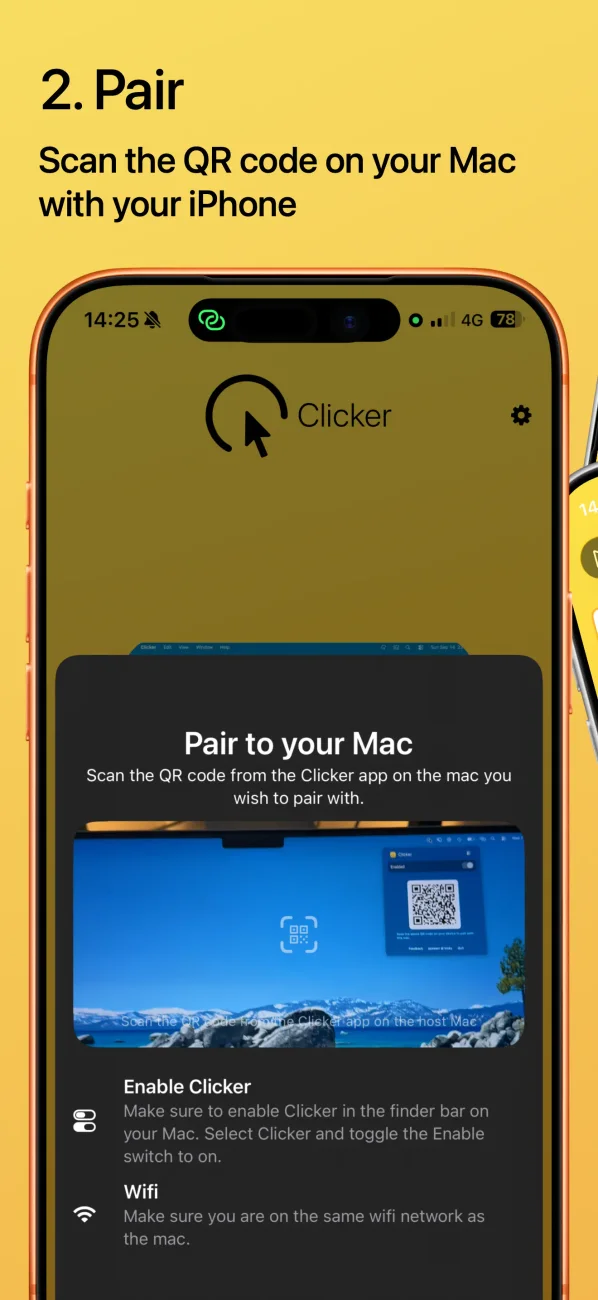
Clicker turns your iPhone into a simple presentation remote for Keynote and PowerPoint on Mac. Control your slides from your iPhone or iPad, move freely while presenting, and stay focused on your audience instead of your keyboard.
Whether you are teaching a class, leading a meeting, giving a keynote, or running a workshop, Clicker helps you present with less friction and more confidence.
Why Clicker
- Control Keynote and PowerPoint from your iPhone
- See your presenter notes on your iPhone or iPad, with adjustable text size to best fit your needs
- Simple, focused interface built for live presentations
- Move around the room while staying in control
- Designed for presenters, trainers, teachers, and speakers
- Built with privacy in mind, without unnecessary accounts, cloud setup or subscriptions
Great for
- Teachers and lecturers
- Trainers and workshop hosts
- Consultants and sales teams
- Conference speakers
- Anyone presenting from a Mac
Clicker is made for people who want a presentation remote that is simple, reliable, and easy to use.
Novedades
Versión 1.1.0 · 23/11/2026
A fresh look for iPhone Duo and iPad: the home screen and pairing now adapt to open, book and laptop postures, and a new one-page settings view lives right in the toolbar. You can now choose whether your speaker notes sit on the left or the right of the controls. Plus smoother layouts when you fold and unfold.
Privacidad de la aplicación
Lo que AppTrix AB declara en App Store sobre cómo esta aplicación gestiona los datos.
-
Datos no vinculados a ti
Pueden recopilarse, pero no se vinculan a tu identidad.
- Datos de uso
Las prácticas de privacidad pueden variar, por ejemplo, según las funciones que uses o tu edad.
Información
- Vendedor
- AppTrix AB
- Categoría
- Productividad
- Versión
- 1.1.0
- Actualizado
- 23/11/2026
- Publicado
- 28/4/2024
- Tamaño
- 4,3 MB
- Requiere
- iOS 26.0 o posterior
- Clasificación por edad
- 4+
- Precio
- 6,99 €
- Idiomas
- Inglés
- Copyright
- © AppTrix AB 2024
Quizá también te guste
-
 Control de presentación remotaPresentador inalámbrico
-
 Planning CenterProductividad
-
 Pocket - AI Personal AssistantProductividad
-
 Granola - AI Meeting NotesProductividad
-
 Claude Duet by AnthropicProductividad
-
 TeleprónterAutocue Video Prompter Pro
-
 Plaud: Asistente IA de trabajoDe conversación a resultado.
-
 Dumb Phone (dp)Lanzador Minimalista
-
 Fireflies: AI Note TakerProductividad
-
 Wispr FlowProductividad