
Clicker – Presentation Remote
Control PowerPoint & more
Dirancang untuk iPhone, iPad, Mac
Rp 59ribu
- Batasan usia4+
- KategoriProduktivitas
- PengembangAppTrix AB
- BahasaInggris
- Ukuran4,3 MB
Tertaut ke halaman resmi App Store
Download.org tidak menyimpan file Clicker – Presentation Remote apa pun. Tombol ini membuka halaman aplikasi di App Store, tempat AppTrix AB menerbitkannya. Halaman terakhir diperiksa pada 24/11/2026.
Tangkapan layar


Tentang
Pengembang belum menyediakan teks ini dalam bahasa Anda.
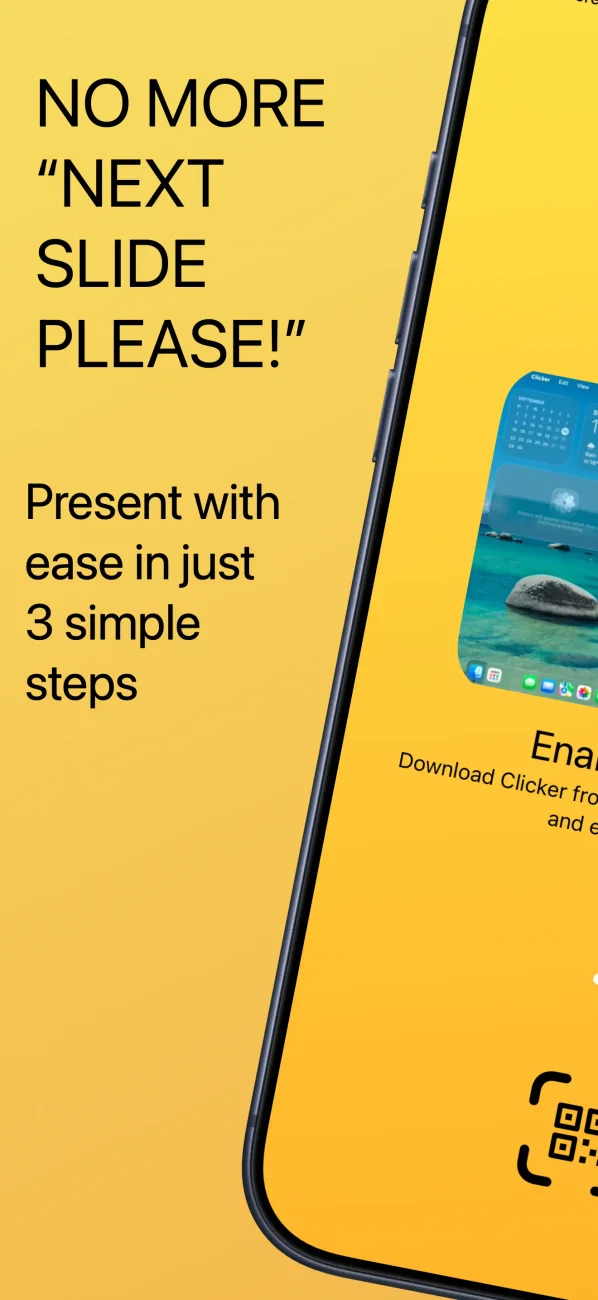
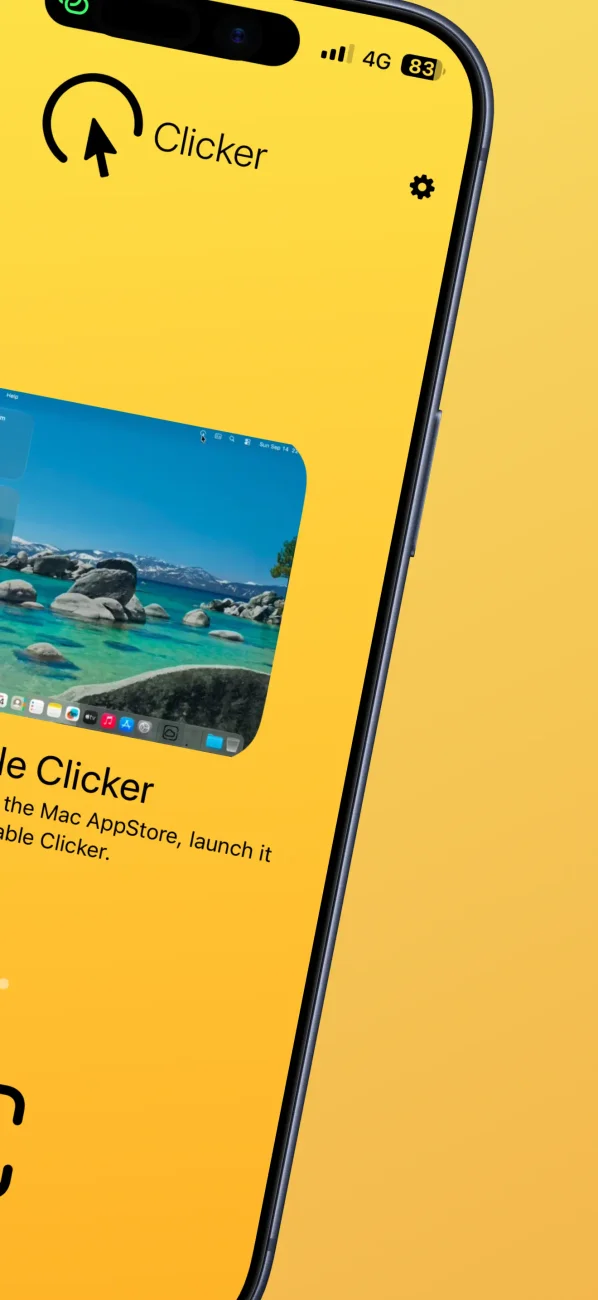
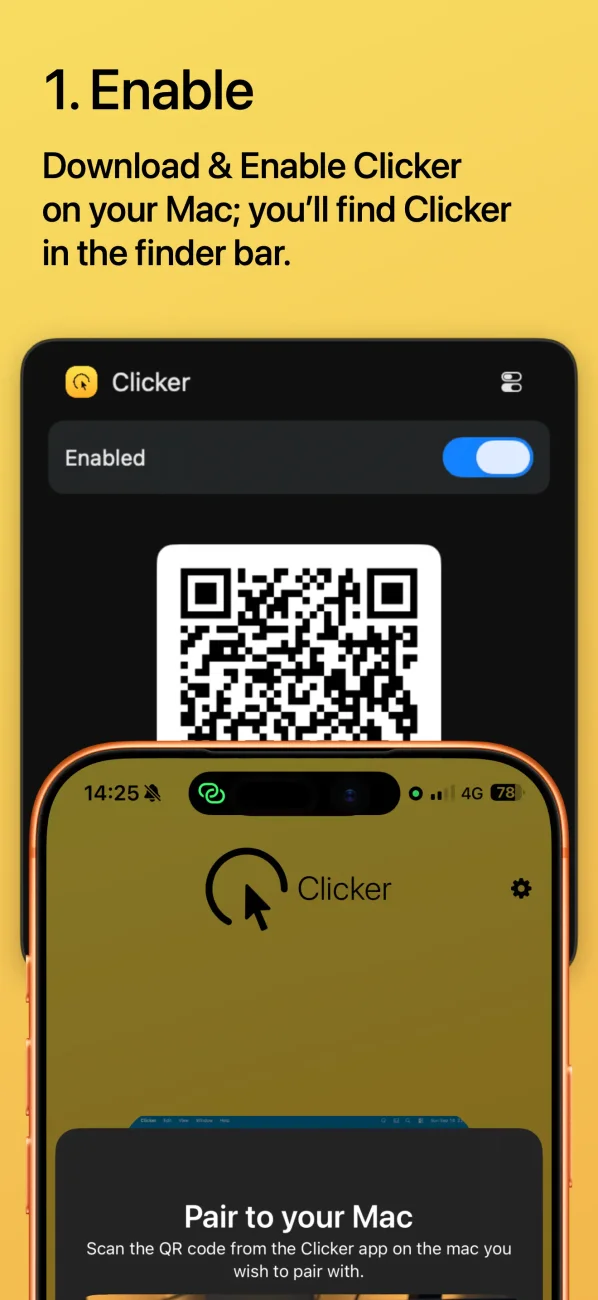
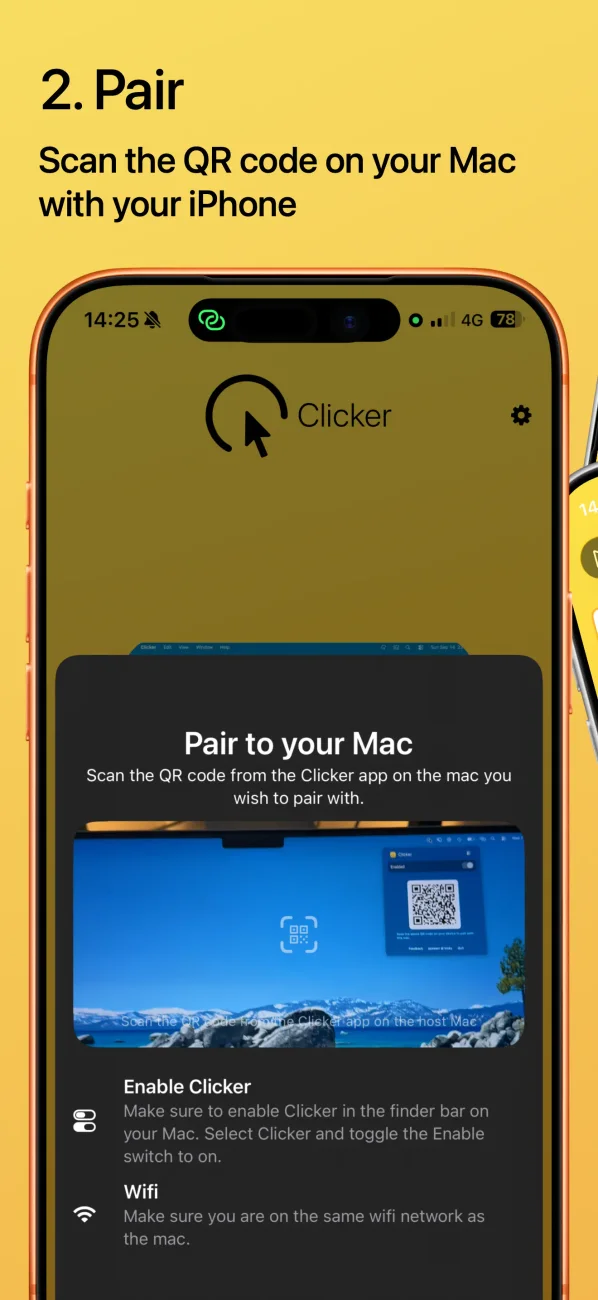
Clicker turns your iPhone into a simple presentation remote for Keynote and PowerPoint on Mac. Control your slides from your iPhone or iPad, move freely while presenting, and stay focused on your audience instead of your keyboard.
Whether you are teaching a class, leading a meeting, giving a keynote, or running a workshop, Clicker helps you present with less friction and more confidence.
Why Clicker
- Control Keynote and PowerPoint from your iPhone
- See your presenter notes on your iPhone or iPad, with adjustable text size to best fit your needs
- Simple, focused interface built for live presentations
- Move around the room while staying in control
- Designed for presenters, trainers, teachers, and speakers
- Built with privacy in mind, without unnecessary accounts, cloud setup or subscriptions
Great for
- Teachers and lecturers
- Trainers and workshop hosts
- Consultants and sales teams
- Conference speakers
- Anyone presenting from a Mac
Clicker is made for people who want a presentation remote that is simple, reliable, and easy to use.
Yang baru
Versi 1.1.0 · 23/11/2026
A fresh look for iPhone Duo and iPad: the home screen and pairing now adapt to open, book and laptop postures, and a new one-page settings view lives right in the toolbar. You can now choose whether your speaker notes sit on the left or the right of the controls. Plus smoother layouts when you fold and unfold.
Privasi aplikasi
Yang dinyatakan AppTrix AB di App Store tentang cara aplikasi ini menangani data.
-
Data yang tidak ditautkan dengan Anda
Dapat dikumpulkan, tetapi tidak ditautkan dengan identitas Anda.
- Data penggunaan
Praktik privasi dapat bervariasi, misalnya berdasarkan fitur yang Anda gunakan atau usia Anda.
Informasi
- Penjual
- AppTrix AB
- Kategori
- Produktivitas
- Versi
- 1.1.0
- Diperbarui
- 23/11/2026
- Dirilis
- 28/4/2024
- Ukuran
- 4,3 MB
- Memerlukan
- iOS 26.0 atau yang lebih baru
- Batasan usia
- 4+
- Harga
- Rp 59ribu
- Bahasa
- Inggris
- Hak cipta
- © AppTrix AB 2024
Mungkin Anda juga suka
-
 Clicker - Presentation RemoteProduktivitas
-
 Planning CenterProduktivitas
-
 Pocket - AI Personal AssistantProduktivitas
-
 Granola - AI Meeting NotesProduktivitas
-
 Claude Duet by AnthropicProduktivitas
-
 Teleprompter.comAutocue Video Prompter Pro
-
 Plaud: AI Work CompanionProduktivitas
-
 Dumb Phone (dp)Peluncur Minimalis
-
 Fireflies: AI Note TakerProduktivitas
-
 Wispr FlowProduktivitas