
Clicker – Presentation Remote
Control PowerPoint & more
Conçue pour iPhone, iPad, Mac
- Classification d’âge4+
- CatégorieProductivité
- DéveloppeurAppTrix AB
- LanguesAnglais
- Taille4,3 Mo
Clicker – Presentation Remote n’est peut-être pas disponible sur App Store pour le moment
La fiche de la boutique était inaccessible lors de notre dernière vérification. Le lien mène toujours à la page App Store officielle.
Captures d’écran


À propos
Le développeur n’a pas fourni ce texte dans votre langue.
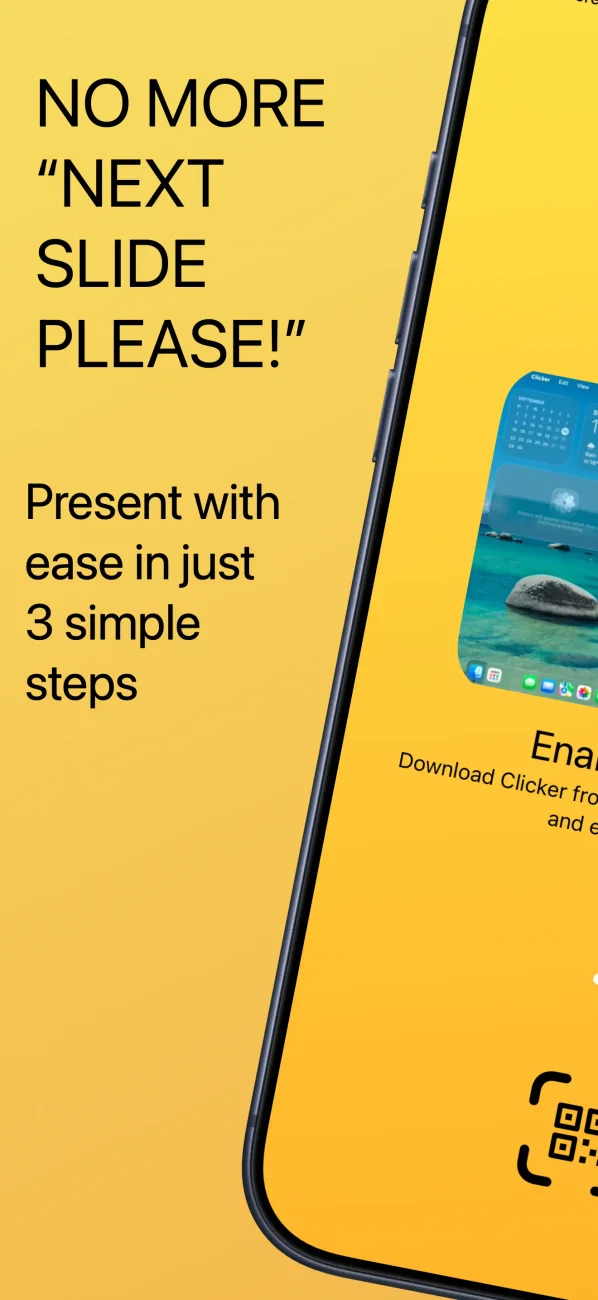
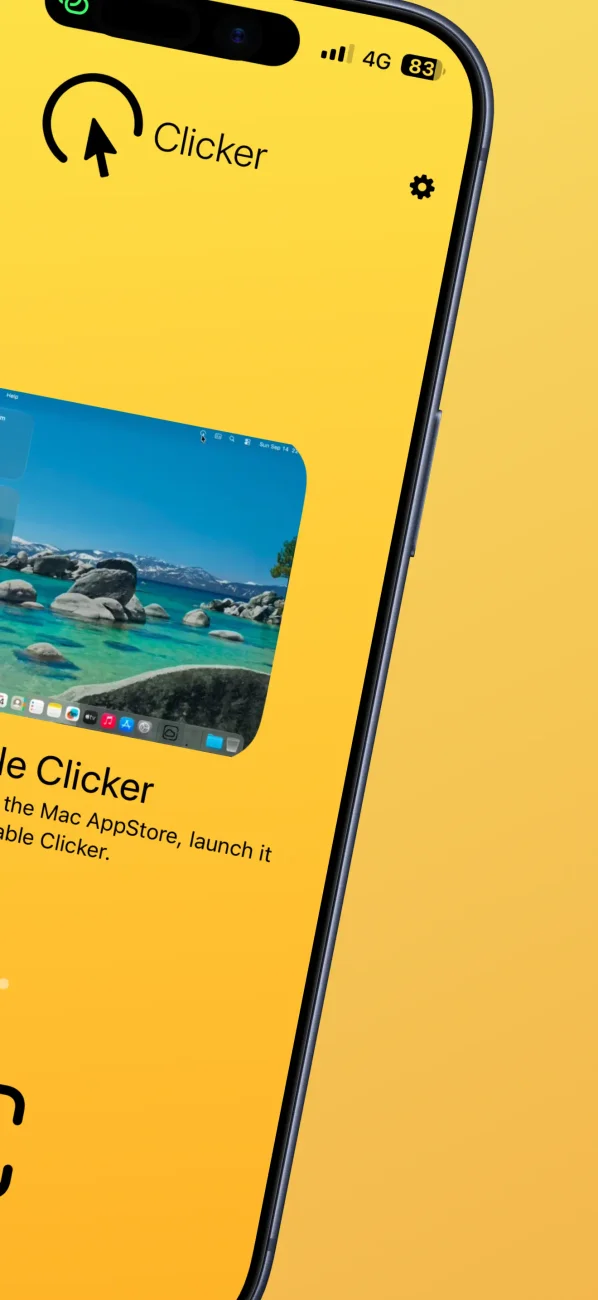
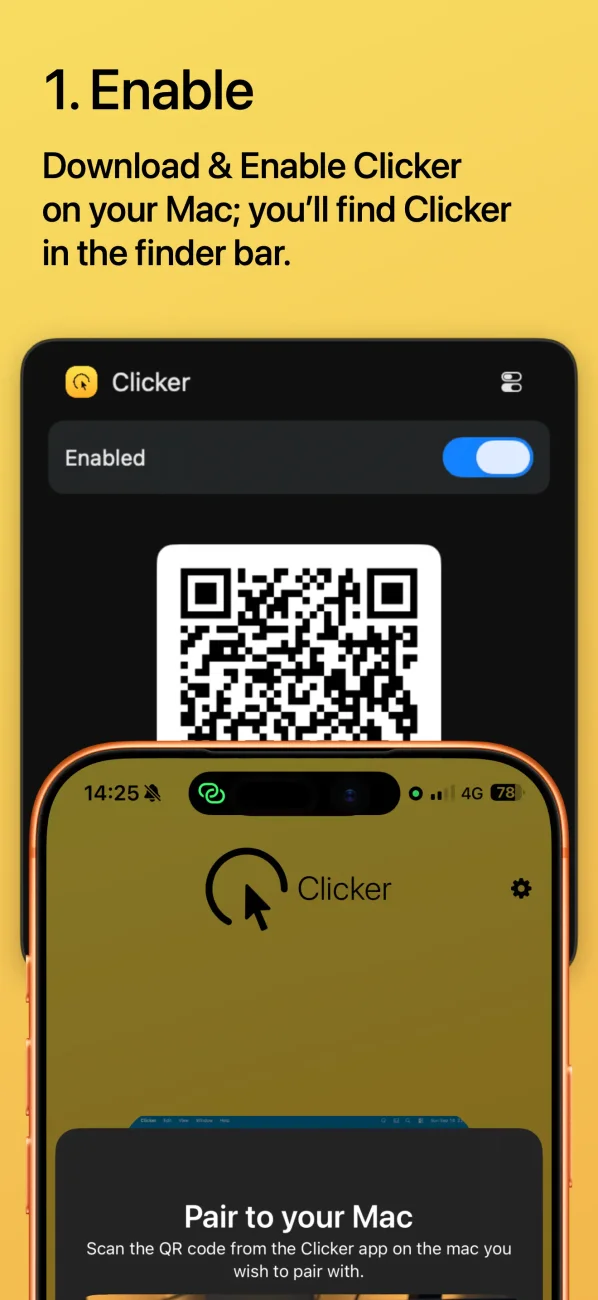
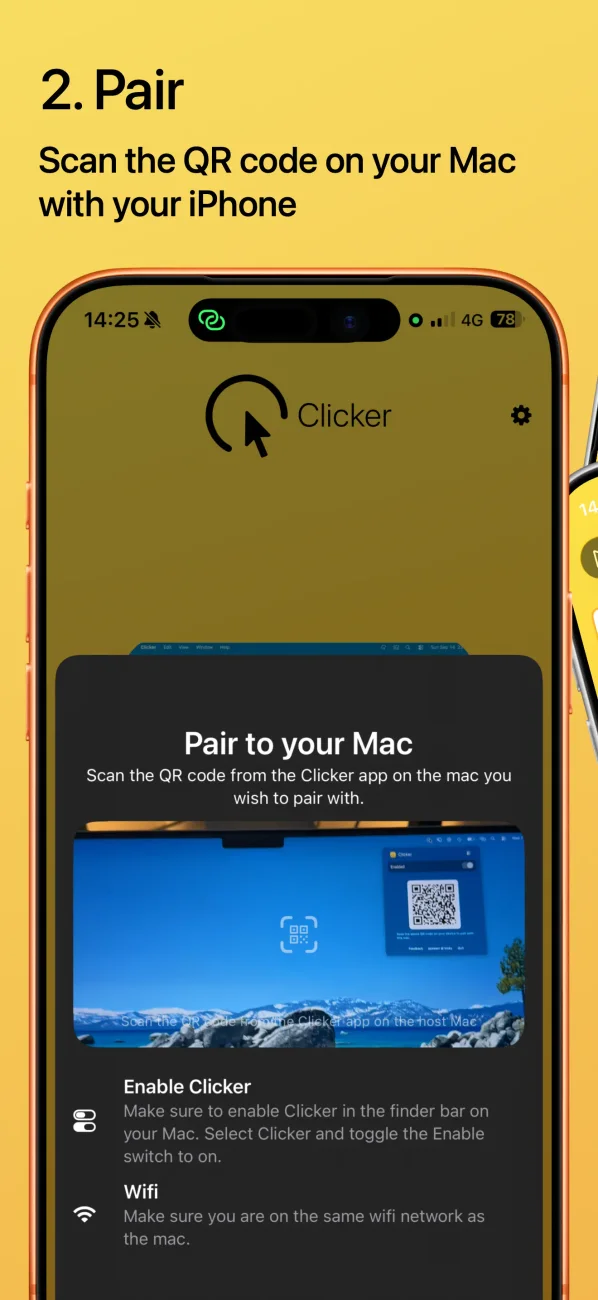
Clicker turns your iPhone into a simple presentation remote for Keynote and PowerPoint on Mac. Control your slides from your iPhone or iPad, move freely while presenting, and stay focused on your audience instead of your keyboard.
Whether you are teaching a class, leading a meeting, giving a keynote, or running a workshop, Clicker helps you present with less friction and more confidence.
Why Clicker
- Control Keynote and PowerPoint from your iPhone
- See your presenter notes on your iPhone or iPad, with adjustable text size to best fit your needs
- Simple, focused interface built for live presentations
- Move around the room while staying in control
- Designed for presenters, trainers, teachers, and speakers
- Built with privacy in mind, without unnecessary accounts, cloud setup or subscriptions
Great for
- Teachers and lecturers
- Trainers and workshop hosts
- Consultants and sales teams
- Conference speakers
- Anyone presenting from a Mac
Clicker is made for people who want a presentation remote that is simple, reliable, and easy to use.
Nouveautés
Version 1.1.0 · 23/11/2026
A fresh look for iPhone Duo and iPad: the home screen and pairing now adapt to open, book and laptop postures, and a new one-page settings view lives right in the toolbar. You can now choose whether your speaker notes sit on the left or the right of the controls. Plus smoother layouts when you fold and unfold.
Confidentialité de l’application
Ce que AppTrix AB déclare sur l’App Store au sujet du traitement des données par cette application.
-
Données n’établissant aucun lien avec vous
Peuvent être collectées, mais ne sont pas liées à votre identité.
- Données d’utilisation
Les pratiques en matière de confidentialité peuvent varier, notamment en fonction des fonctionnalités que vous utilisez ou de votre âge.
Informations
- Vendeur
- AppTrix AB
- Catégorie
- Productivité
- Version
- 1.1.0
- Mis à jour
- 23/11/2026
- Publié
- 28/04/2024
- Taille
- 4,3 Mo
- Nécessite
- iOS 26.0 ou version ultérieure
- Classification d’âge
- 4+
- Langues
- Anglais
- Copyright
- © AppTrix AB 2024
Vous aimerez peut-être aussi
-
 Télécommande de présentationContrôlez vos diapositives
-
 Planning CenterProductivité
-
 Pocket - AI Personal AssistantVotre assistant IA personnel
-
 Granola - AI Meeting NotesProductivité
-
 Claude Duet by AnthropicProductivité
-
 TéléprompteurAutocue Video Prompteur Pro
-
 Plaud: Assistant IA au travailEnregistreur vocal IA & notes.
-
 Dumb Phone (dp)Lanceur d’Apps Minimal
-
 Fireflies: AI Note TakerProductivité
-
 Wispr FlowProductivité