CountNote
Note App to Track Word Count
Entwickelt für iPhone, iPad, iPod touch
In-App-Käufe
- Altersfreigabe4+
- KategorieWirtschaft
- EntwicklerMiraku Inc.
- SprachenEnglisch+ 8 weitere
- Größe123,4 MB
CountNote ist bei App Store derzeit möglicherweise nicht verfügbar
Bei unserer letzten Prüfung war der Store-Eintrag nicht erreichbar. Der Link führt weiterhin zur offiziellen App Store-Seite.
Screenshots
Info
Der Entwickler hat diesen Text nicht in Ihrer Sprache bereitgestellt.
It has been 12 years since development of CountNote began. We continue to grow alongside our users.
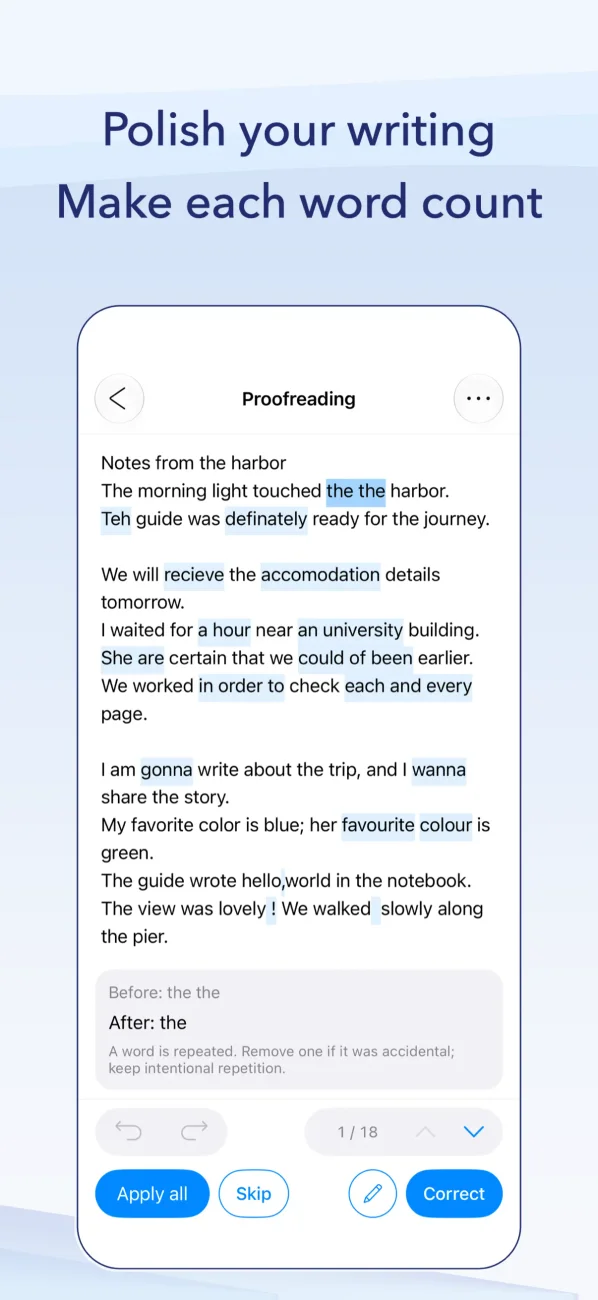
CountNote is a word counter and character counter that lets you write and save your drafts in one place. See your counts update as you type, so you can check the length of an essay or report without leaving your notes.
Write, check the length, and revise the same draft. Your text stays in CountNote, ready for you to continue later.
Count while you write
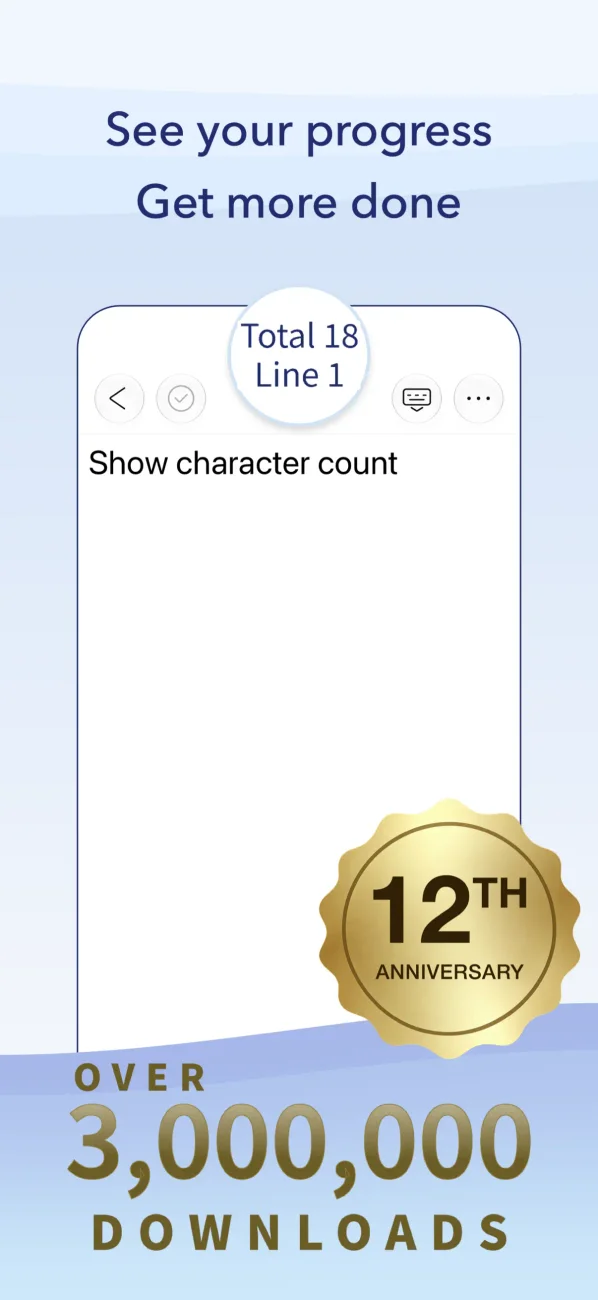
• Check character, word, and line counts in real time. Word counting supports English text.
• Choose counting settings to suit your text.
• Keep editing your draft while checking its length.
Keep your drafts organized
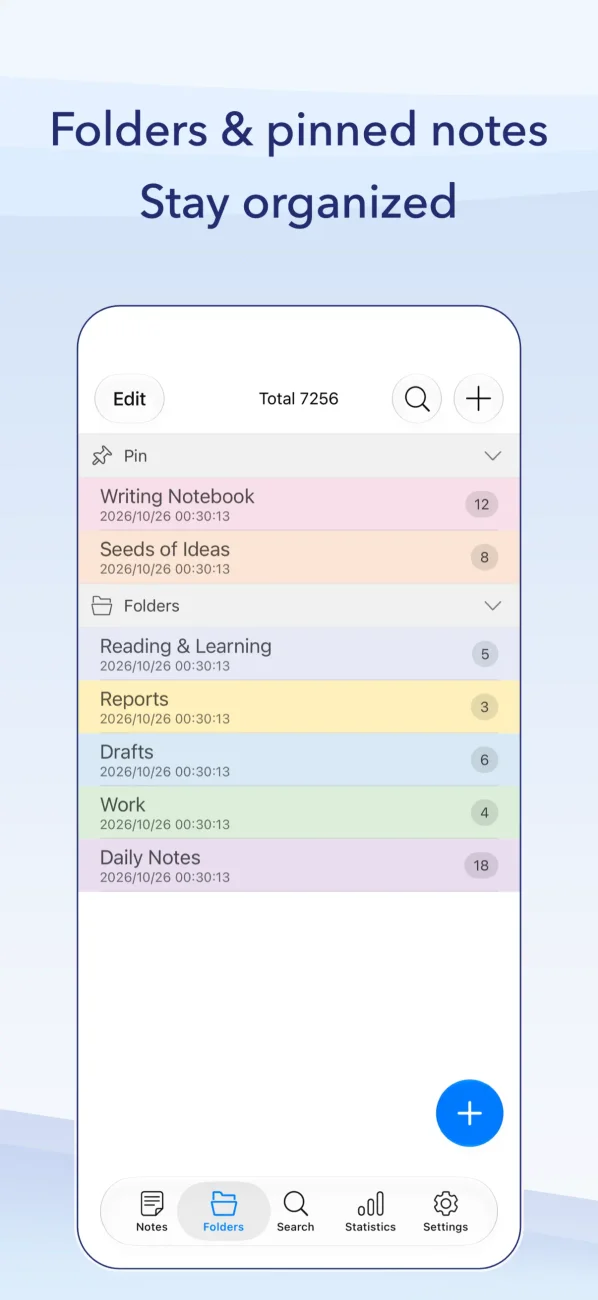
• Group notes in folders and use colors to tell them apart.
• Pin important notes and find text with search and replace.
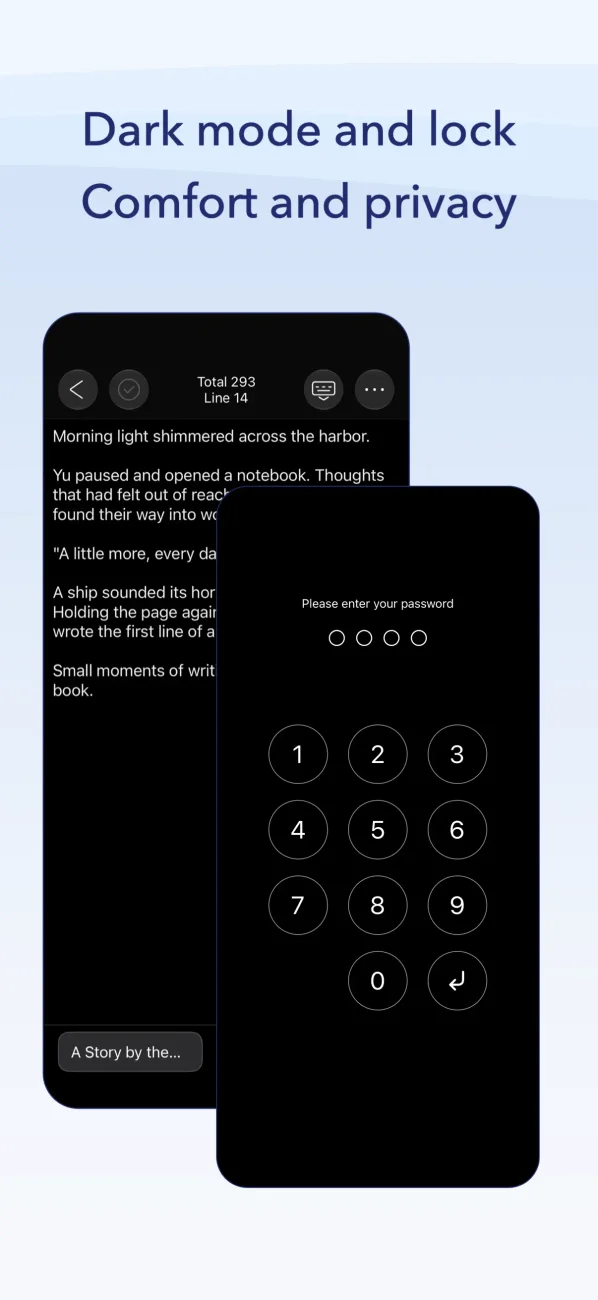
• Adjust the font and appearance for comfortable writing.
See how much you have written
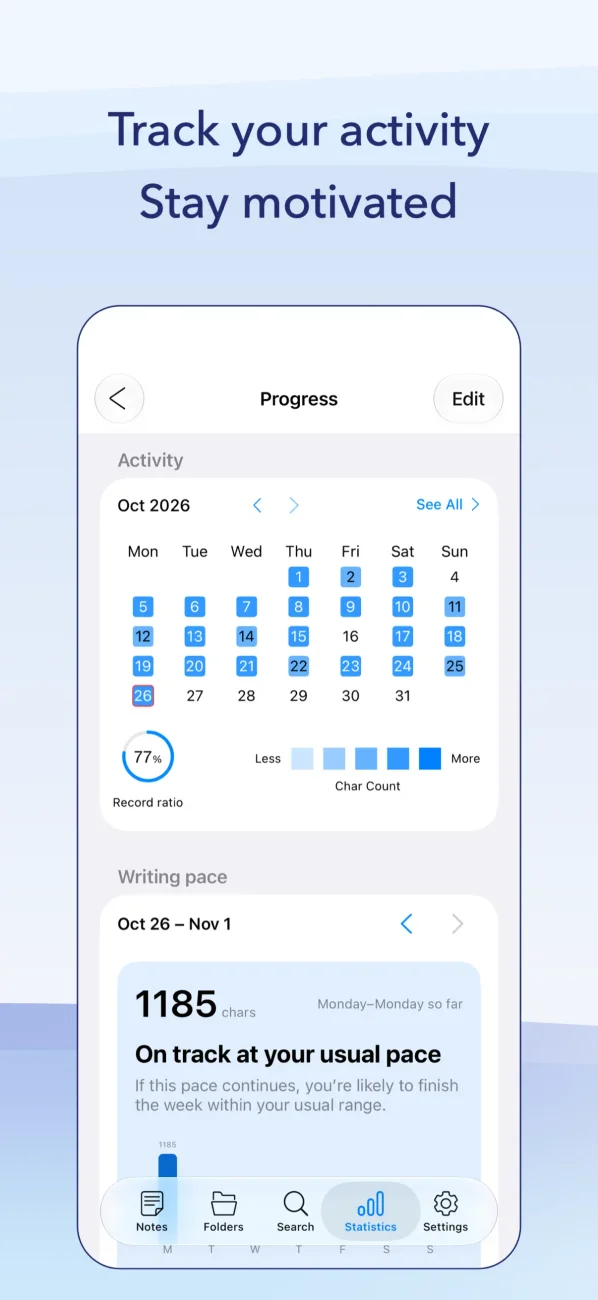
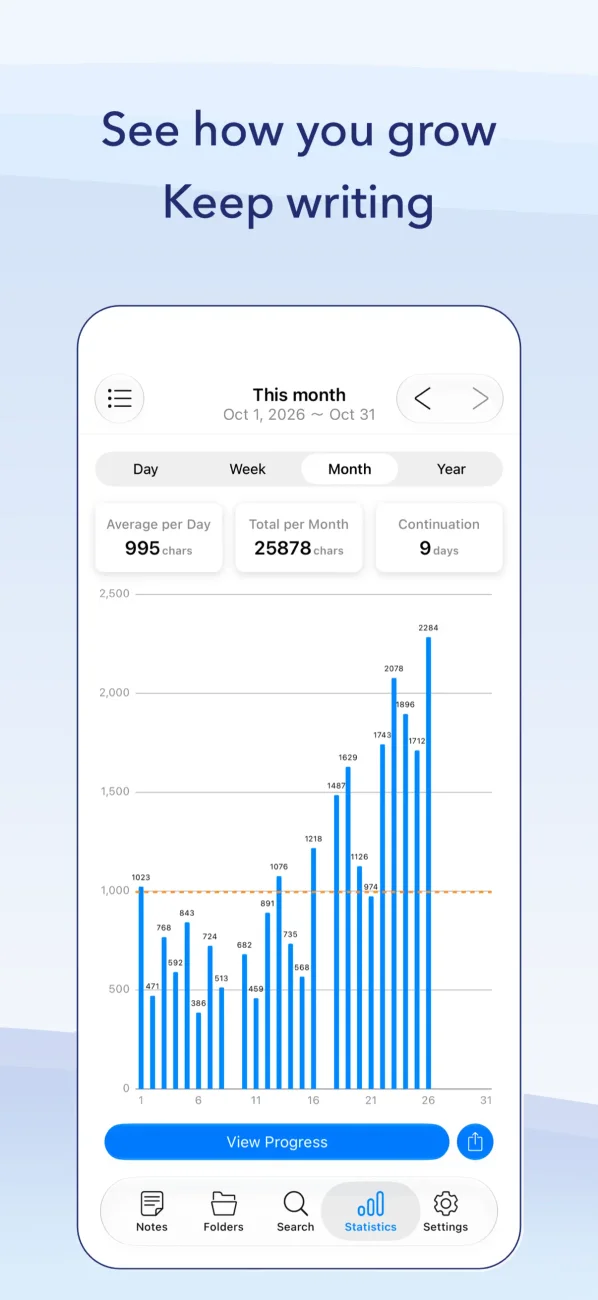
• Review your writing activity in the calendar and graphs.
• Set writing goals and track your progress.
Save your work
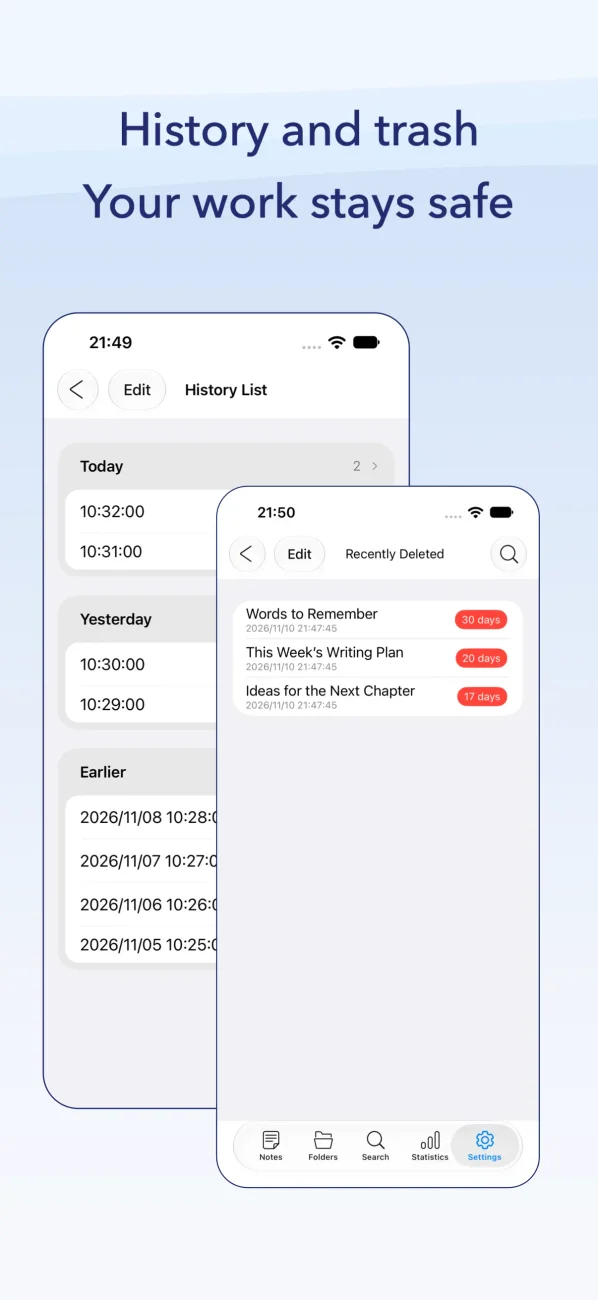
• Auto-save and version history help you return to earlier text.
• Deleted notes are kept for 30 days.
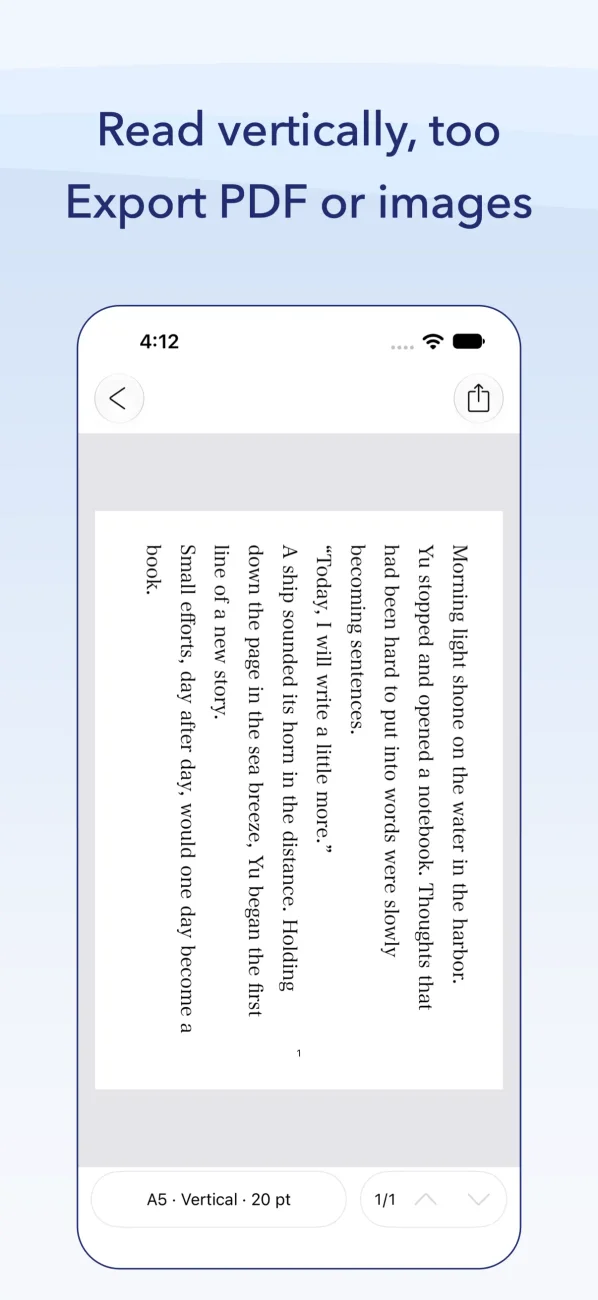
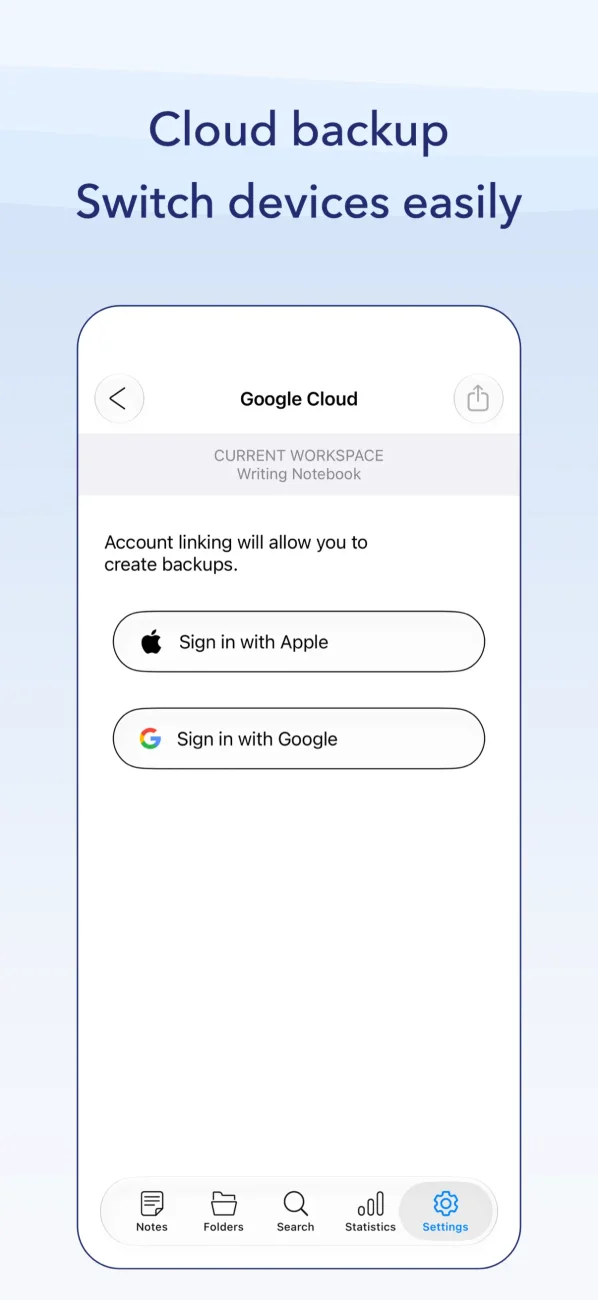
• Use backup, export, and import when moving your notes to another device.
See today’s character count on the Apple Watch face and view your seven-day writing history in the Watch app.
Premium
Optional Premium features include an ad-free experience, unlimited folders and tags, workspaces, custom colors, and access to past writing statistics. Some features require Premium.
Terms of Use (EULA): https://www.apple.com/legal/internet-services/itunes/dev/stdeula/
Neue Funktionen
Version 84.6 · 20.11.2026
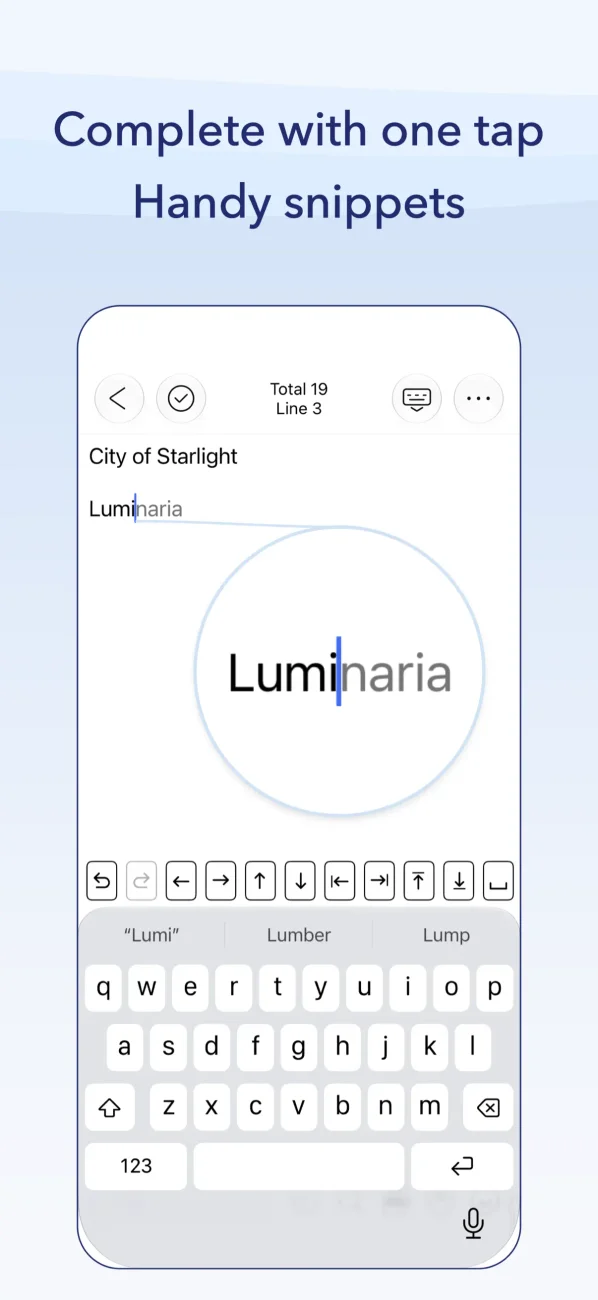
Writing Assist now has a Hide Keyboard button in its Fixed Menu. It stays on the right as you scroll the toolbar, so you can dismiss the keyboard while typing. It’s on by default. To turn it off, go to Settings → Writing Assist → Fixed Menu.
On smaller screens such as iPhone SE, when the glass-style buttons don’t fit at the top of the screen, Hide Keyboard appears just above the keyboard even when Writing Assist is off.
App-Datenschutz
Was Miraku Inc. im App Store zum Umgang dieser App mit Daten angibt.
-
Daten, die zum Tracking Ihrer Person verwendet werden
Können verwendet werden, um Sie über Apps und Websites anderer Unternehmen hinweg zu verfolgen.
- Standort
- Kennungen
- Nutzungsdaten
-
Nicht mit Ihnen verknüpfte Daten
Können erfasst werden, sind aber nicht mit Ihrer Identität verknüpft.
- Standort
- Kennungen
- Nutzungsdaten
- Diagnose
Die Datenschutzpraktiken können variieren, zum Beispiel je nach den von Ihnen verwendeten Funktionen oder Ihrem Alter.
Informationen
- Anbieter
- Miraku Inc.
- Kategorie
- Wirtschaft
- Version
- 84.6
- Aktualisiert
- 20.11.2026
- Veröffentlicht
- 04.11.2014
- Größe
- 123,4 MB
- Erfordert
- iOS 15.0 oder neuer
- Altersfreigabe
- 4+
- In-App-Käufe
- Ja
- Sprachen
- Englisch, Französisch, Deutsch, Japanisch, Koreanisch, Portugiesisch, Vereinf. Chinesisch, Spanisch, Tradit. Chinesisch
- Copyright
- © Miraku Inc.
Das könnte Ihnen auch gefallen
-
 Wortzähler NumeroteTextzähler Memo
-
 Word Count Notes - WortzählerWörter und Zeichen zählen
-
 Notes and Folders - NotepadProduktivität
-
 Simple Notes.Produktivität
-
 Note!Produktivität
-
 Word Counter & NotesProduktivität
-
 Easy Notebook - simple notes -Produktivität
-
 BoardNotes: Notes, PDF, DocsProduktivität
-
 BestNote Notizen OrdnerNotas con contraseña y fotos
-
 Plain Note: Notizen WidgetNotizblock für schnelle Memos