CountNote
Note App to Track Word Count
Dirancang untuk iPhone, iPad, iPod touch
Gratis · Pembelian dalam aplikasi
- Batasan usia4+
- KategoriBisnis
- PengembangMiraku Inc.
- BahasaInggris+ 8 lainnya
- Ukuran123,4 MB
Tertaut ke halaman resmi App Store
Download.org tidak menyimpan file CountNote apa pun. Tombol ini membuka halaman aplikasi di App Store, tempat Miraku Inc. menerbitkannya. Halaman terakhir diperiksa pada 27/11/2026.
Tangkapan layar
Tentang
Pengembang belum menyediakan teks ini dalam bahasa Anda.
It has been 12 years since development of CountNote began. We continue to grow alongside our users.
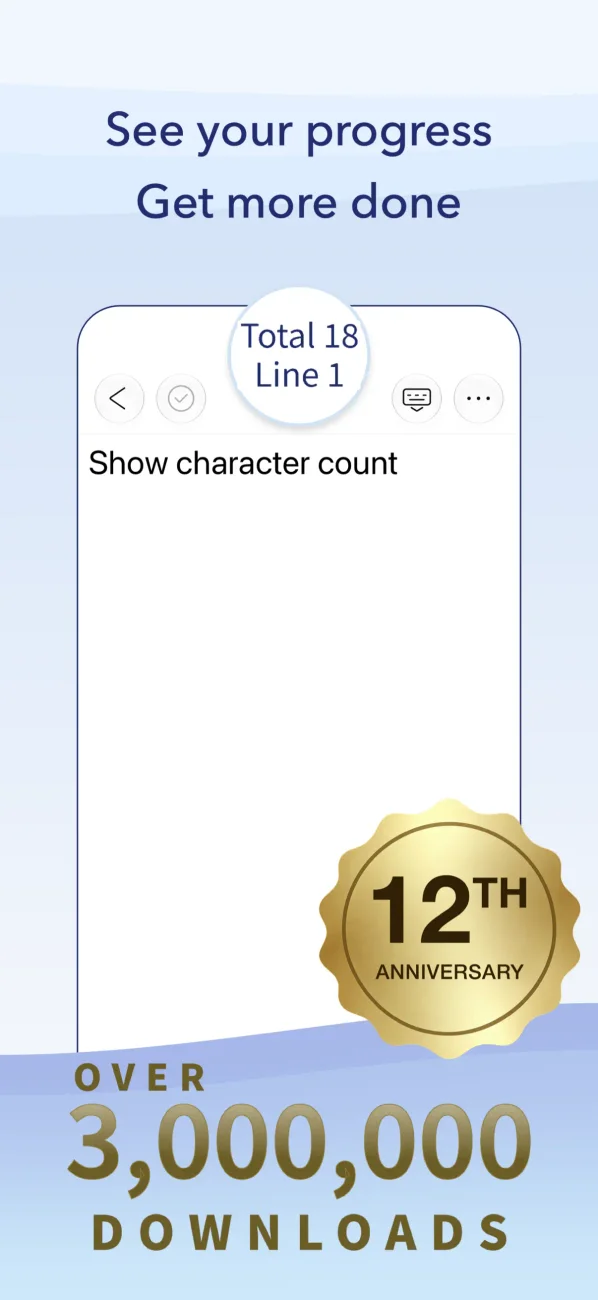
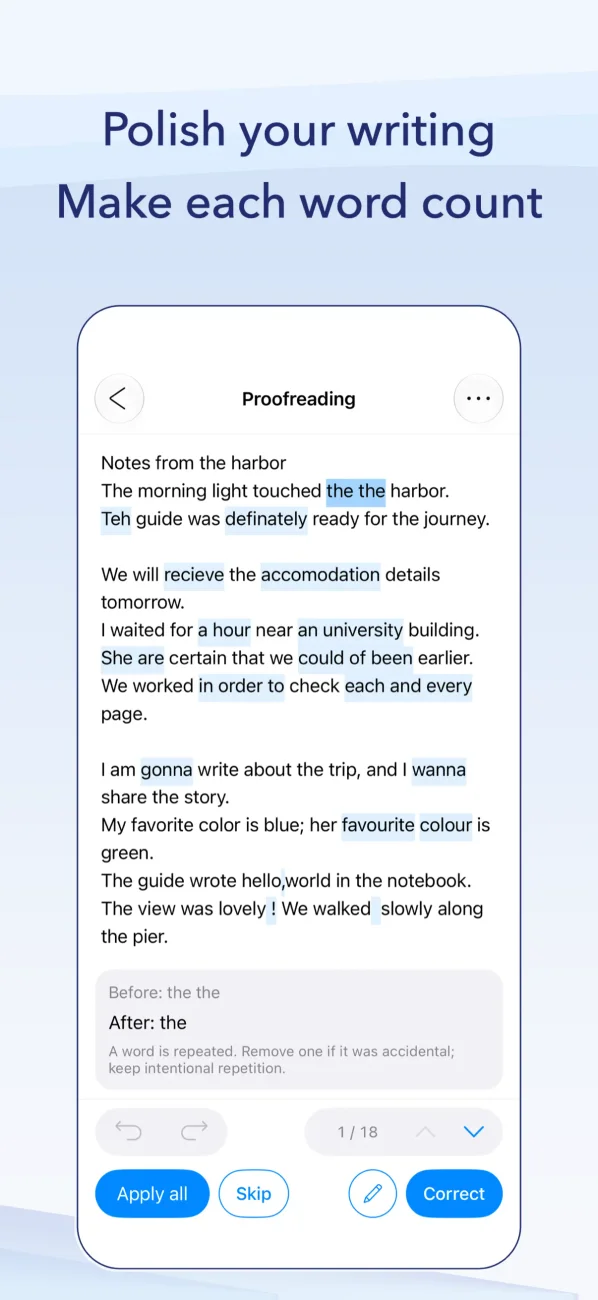
CountNote is a word counter and character counter that lets you write and save your drafts in one place. See your counts update as you type, so you can check the length of an essay or report without leaving your notes.
Write, check the length, and revise the same draft. Your text stays in CountNote, ready for you to continue later.
Count while you write
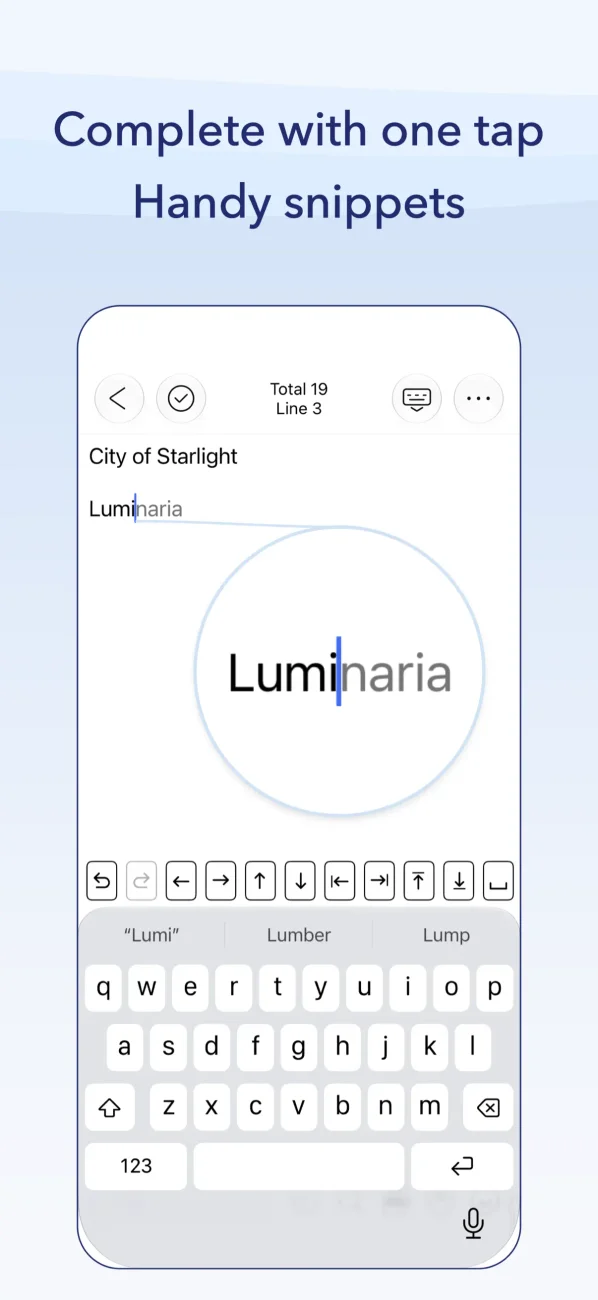
• Check character, word, and line counts in real time. Word counting supports English text.
• Choose counting settings to suit your text.
• Keep editing your draft while checking its length.
Keep your drafts organized
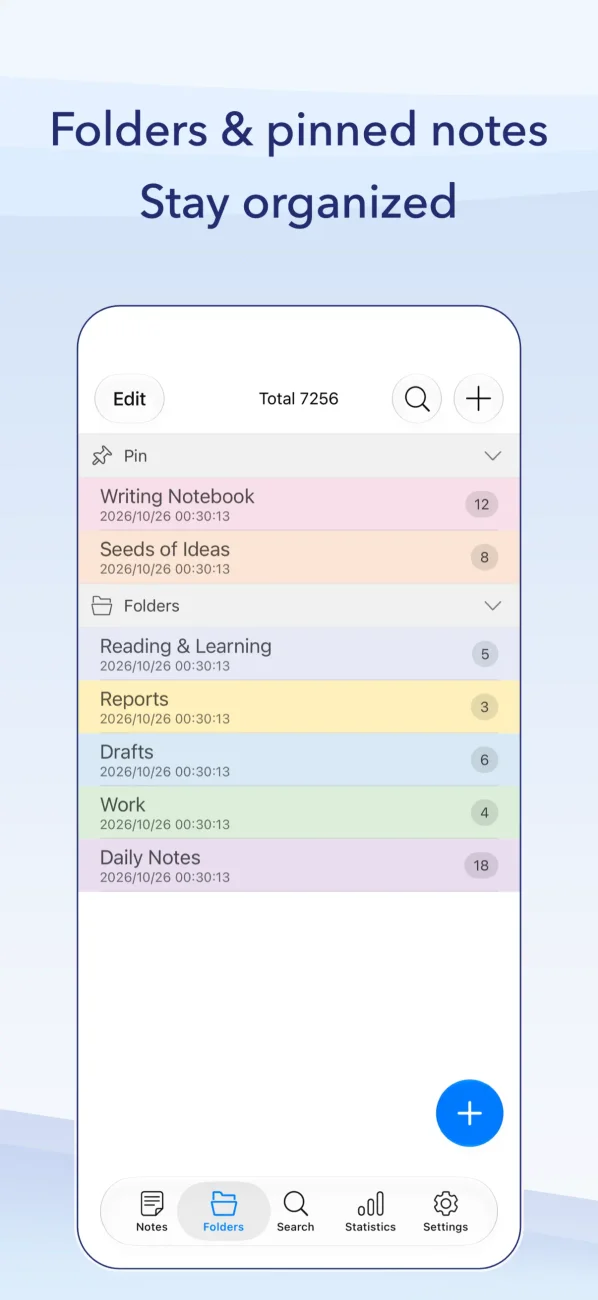
• Group notes in folders and use colors to tell them apart.
• Pin important notes and find text with search and replace.
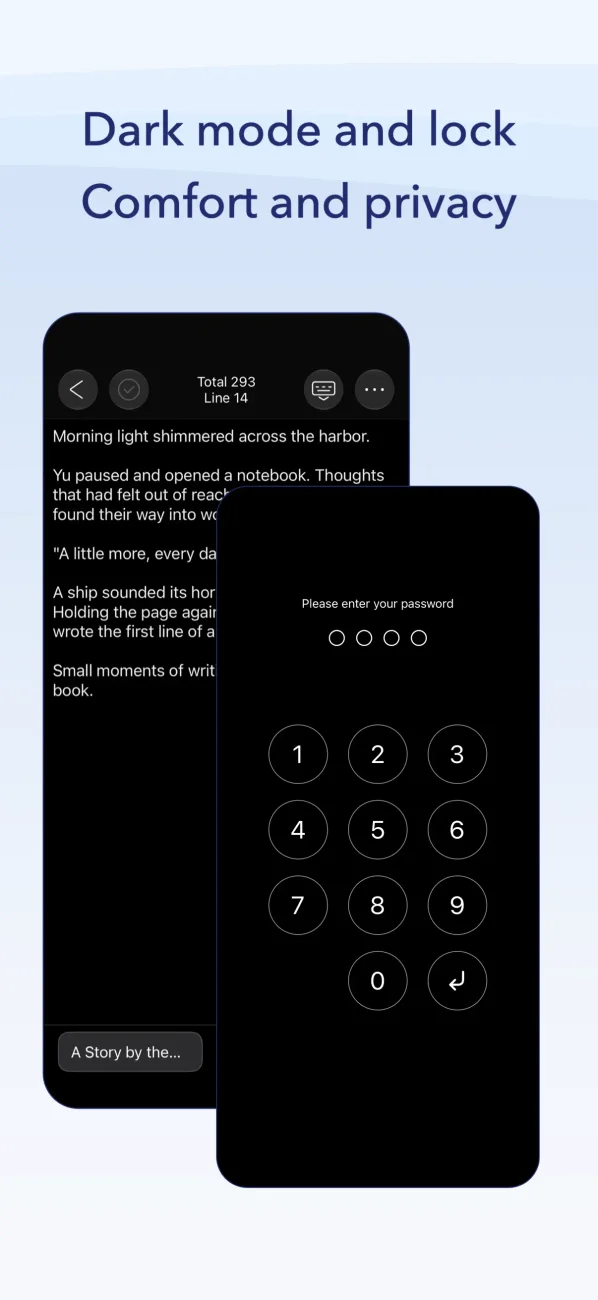
• Adjust the font and appearance for comfortable writing.
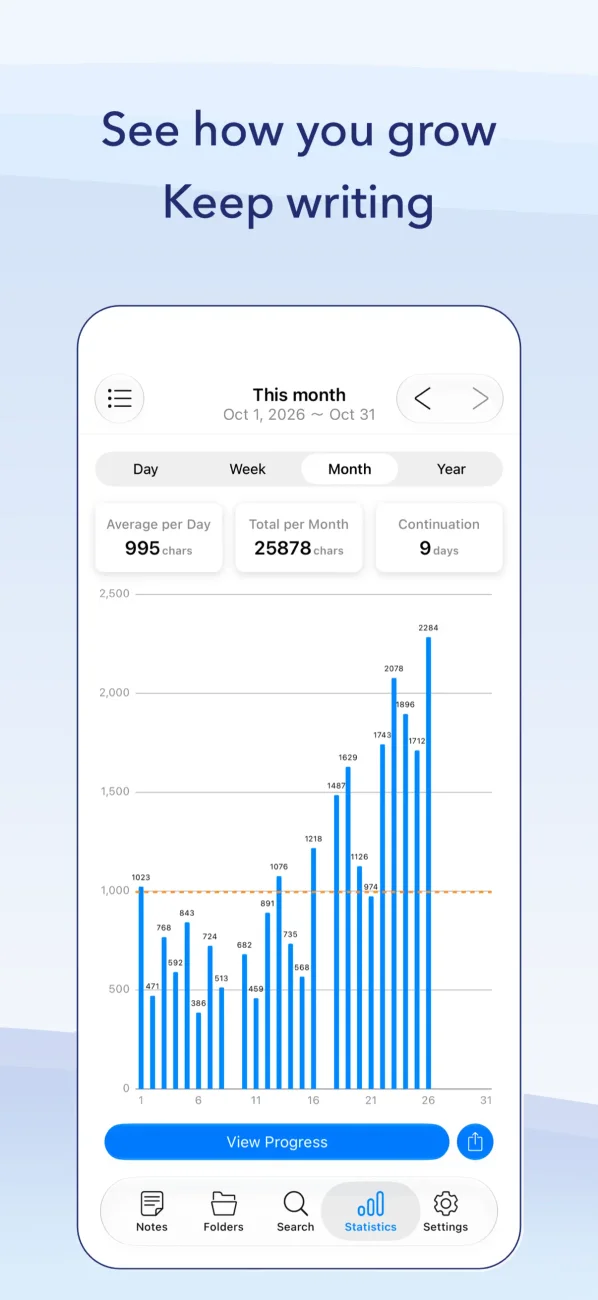
See how much you have written
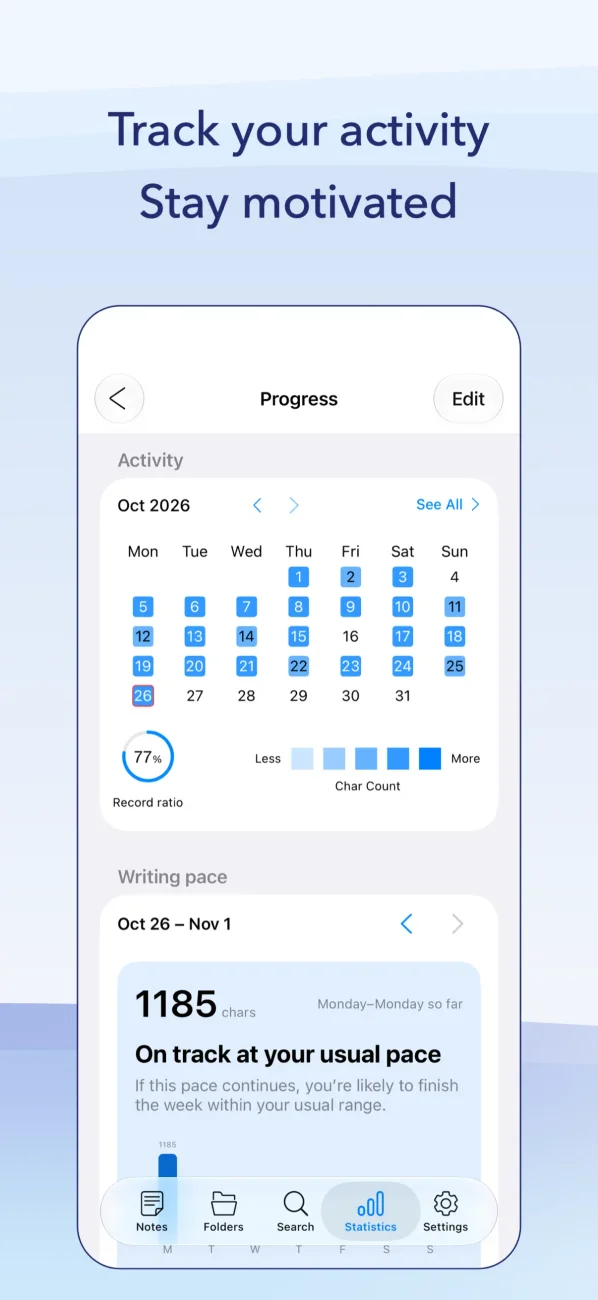
• Review your writing activity in the calendar and graphs.
• Set writing goals and track your progress.
Save your work
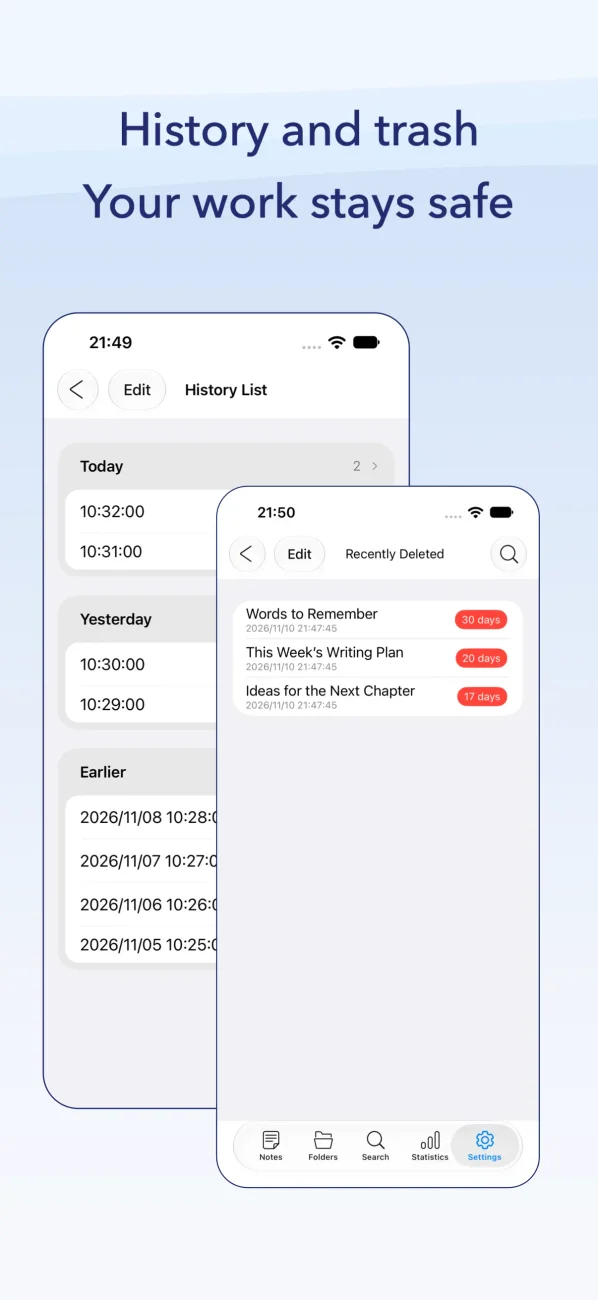
• Auto-save and version history help you return to earlier text.
• Deleted notes are kept for 30 days.
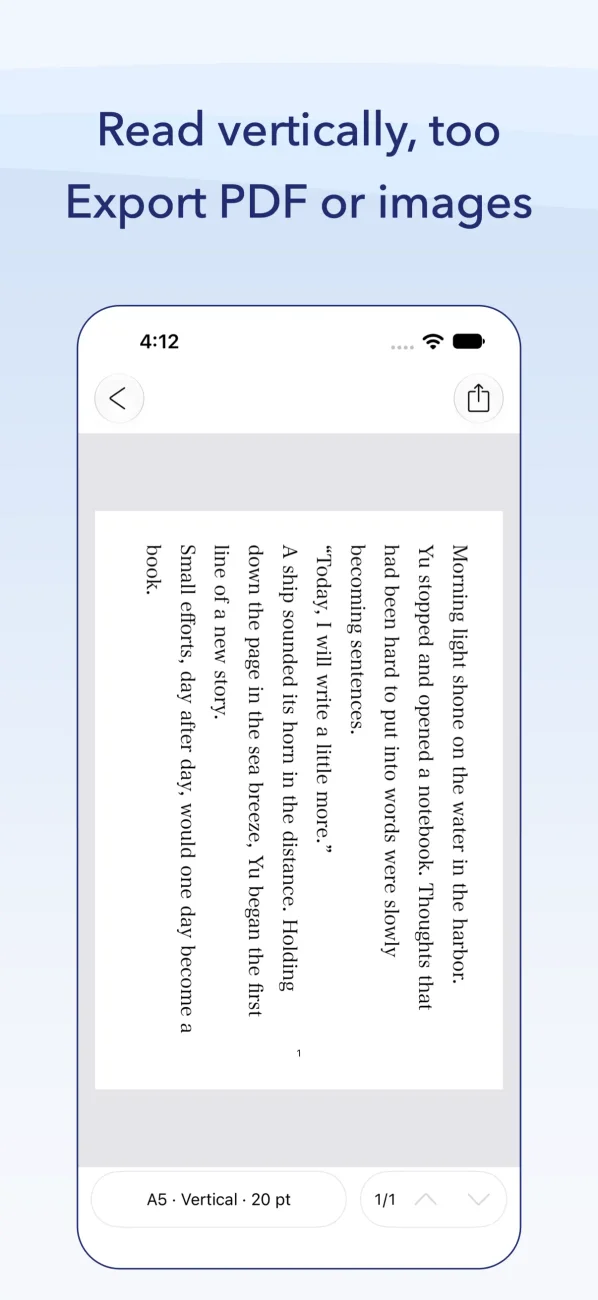
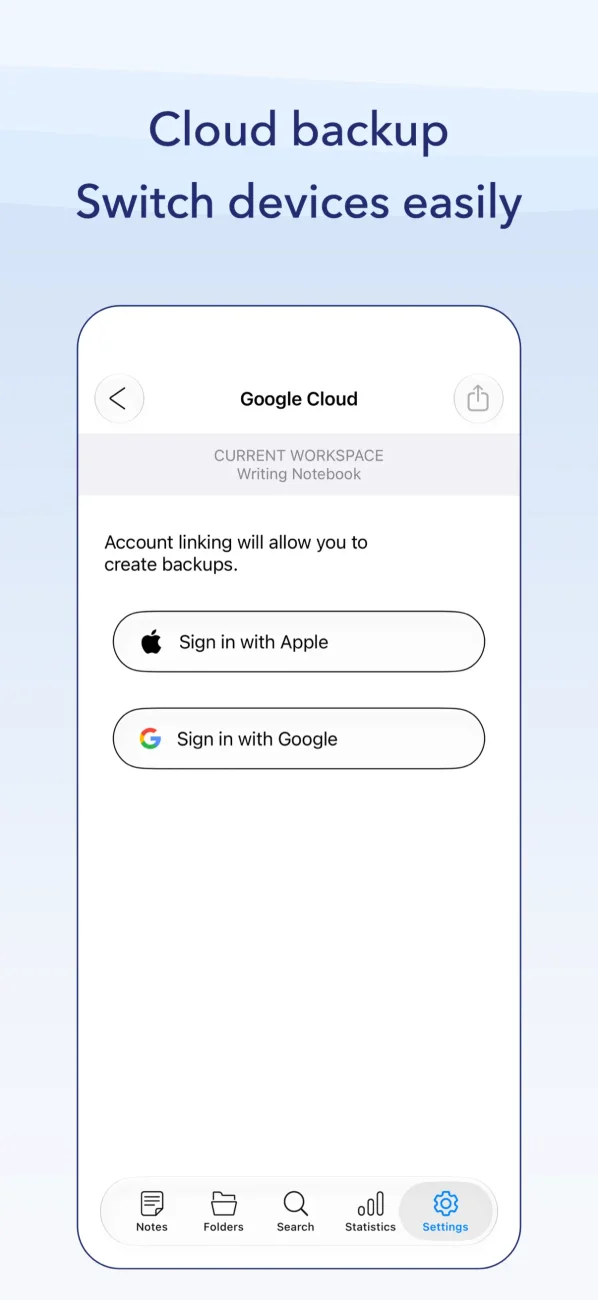
• Use backup, export, and import when moving your notes to another device.
See today’s character count on the Apple Watch face and view your seven-day writing history in the Watch app.
Premium
Optional Premium features include an ad-free experience, unlimited folders and tags, workspaces, custom colors, and access to past writing statistics. Some features require Premium.
Terms of Use (EULA): https://www.apple.com/legal/internet-services/itunes/dev/stdeula/
Yang baru
Versi 84.6 · 20/11/2026
Writing Assist now has a Hide Keyboard button in its Fixed Menu. It stays on the right as you scroll the toolbar, so you can dismiss the keyboard while typing. It’s on by default. To turn it off, go to Settings → Writing Assist → Fixed Menu.
On smaller screens such as iPhone SE, when the glass-style buttons don’t fit at the top of the screen, Hide Keyboard appears just above the keyboard even when Writing Assist is off.
Privasi aplikasi
Yang dinyatakan Miraku Inc. di App Store tentang cara aplikasi ini menangani data.
-
Data yang digunakan untuk melacak Anda
Dapat digunakan untuk melacak Anda di aplikasi dan situs web milik perusahaan lain.
- Lokasi
- Pengenal
- Data penggunaan
-
Data yang tidak ditautkan dengan Anda
Dapat dikumpulkan, tetapi tidak ditautkan dengan identitas Anda.
- Lokasi
- Pengenal
- Data penggunaan
- Diagnostik
Praktik privasi dapat bervariasi, misalnya berdasarkan fitur yang Anda gunakan atau usia Anda.
Informasi
- Penjual
- Miraku Inc.
- Kategori
- Bisnis
- Versi
- 84.6
- Diperbarui
- 20/11/2026
- Dirilis
- 4/11/2014
- Ukuran
- 123,4 MB
- Memerlukan
- iOS 15.0 atau yang lebih baru
- Batasan usia
- 4+
- Harga
- Gratis
- Pembelian dalam aplikasi
- Ya
- Bahasa
- Inggris, Prancis, Jerman, Jepang, Korea, Portugis, Tionghoa Sederhana, Spanyol, Tionghoa Tradisional
- Hak cipta
- © Miraku Inc.
Mungkin Anda juga suka
-
 Penghitung KataSebuah memo penghitung teks
-
 Word Count Notes - Jumlah KataPenghitung Kata & Karakter
-
 Notes and Folders - NotepadProduktivitas
-
 Simple Notes.Produktivitas
-
 Note!Produktivitas
-
 Word Counter & NotesProduktivitas
-
 Easy Notebook - simple notes -Produktivitas
-
 BoardNotes: Notes, PDF, DocsProduktivitas
-
 Simple Notepad -BestNote-Produktivitas
-
 Plain Note: Notes WidgetProduktivitas