CountNote
Note App to Track Word Count
Diseñada para iPhone, iPad, iPod touch
Compras en la aplicación
- Clasificación por edad4+
- CategoríaEconomía y empresa
- DesarrolladorMiraku Inc.
- IdiomasInglés+ 8 más
- Tamaño123,4 MB
Es posible que CountNote no esté disponible en App Store en este momento
No se pudo acceder a la ficha de la tienda en nuestra última comprobación. El enlace sigue llevando a la página oficial de App Store.
Capturas de pantalla
Acerca de
El desarrollador no ha proporcionado este texto en tu idioma.
It has been 12 years since development of CountNote began. We continue to grow alongside our users.
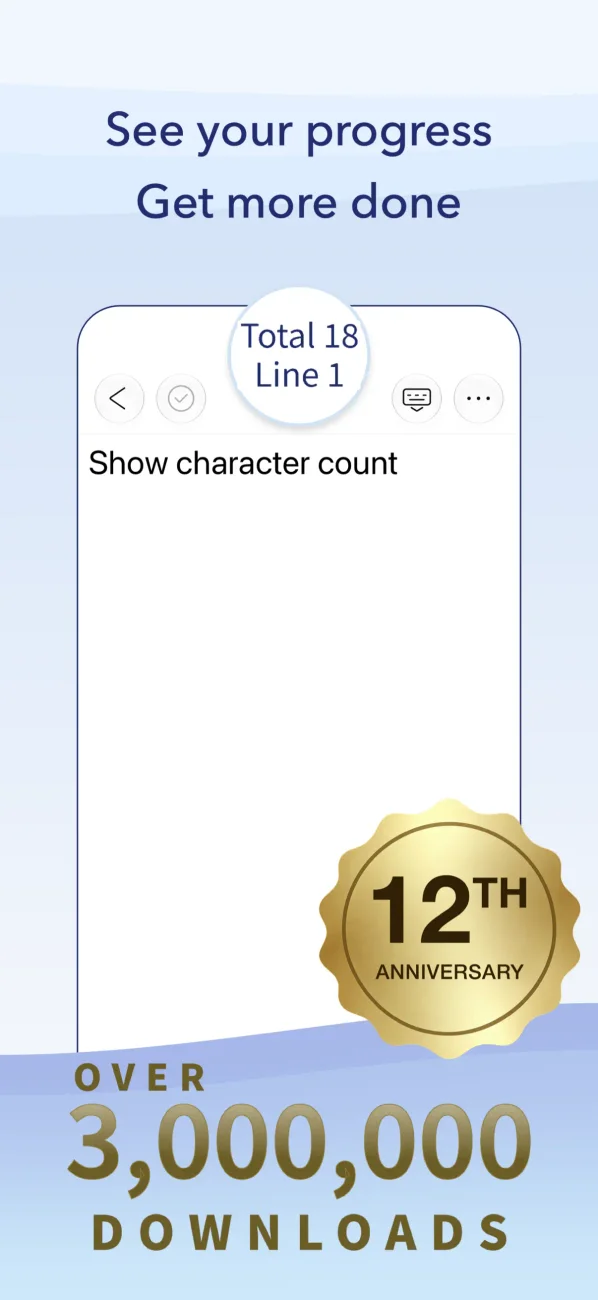
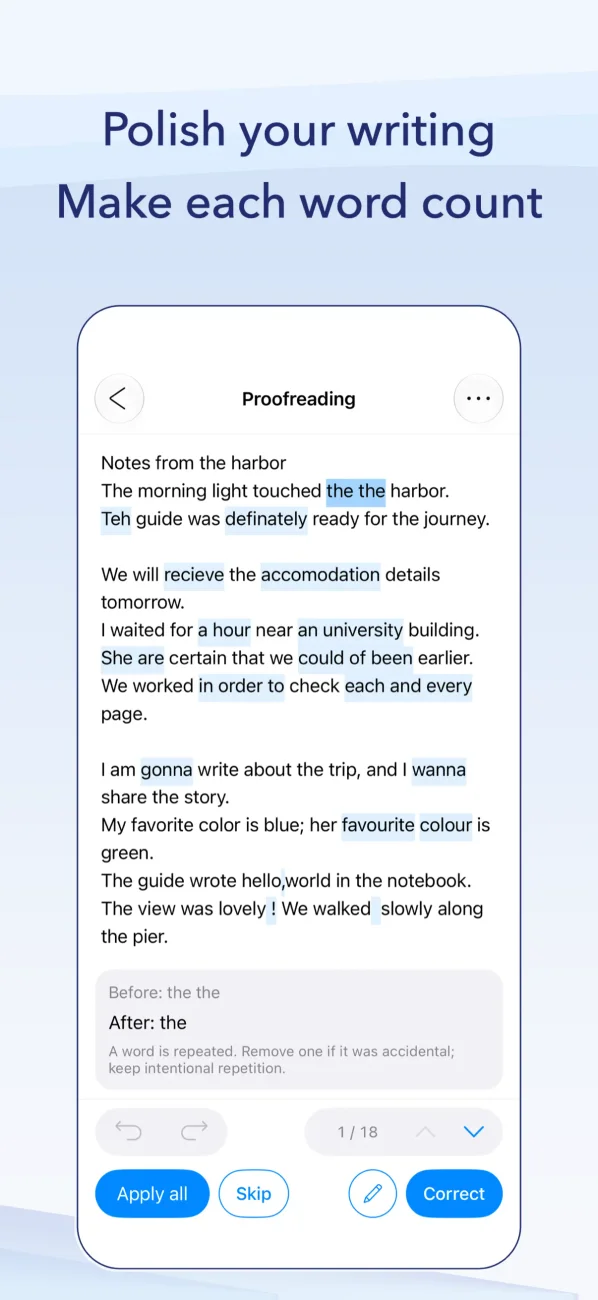
CountNote is a word counter and character counter that lets you write and save your drafts in one place. See your counts update as you type, so you can check the length of an essay or report without leaving your notes.
Write, check the length, and revise the same draft. Your text stays in CountNote, ready for you to continue later.
Count while you write
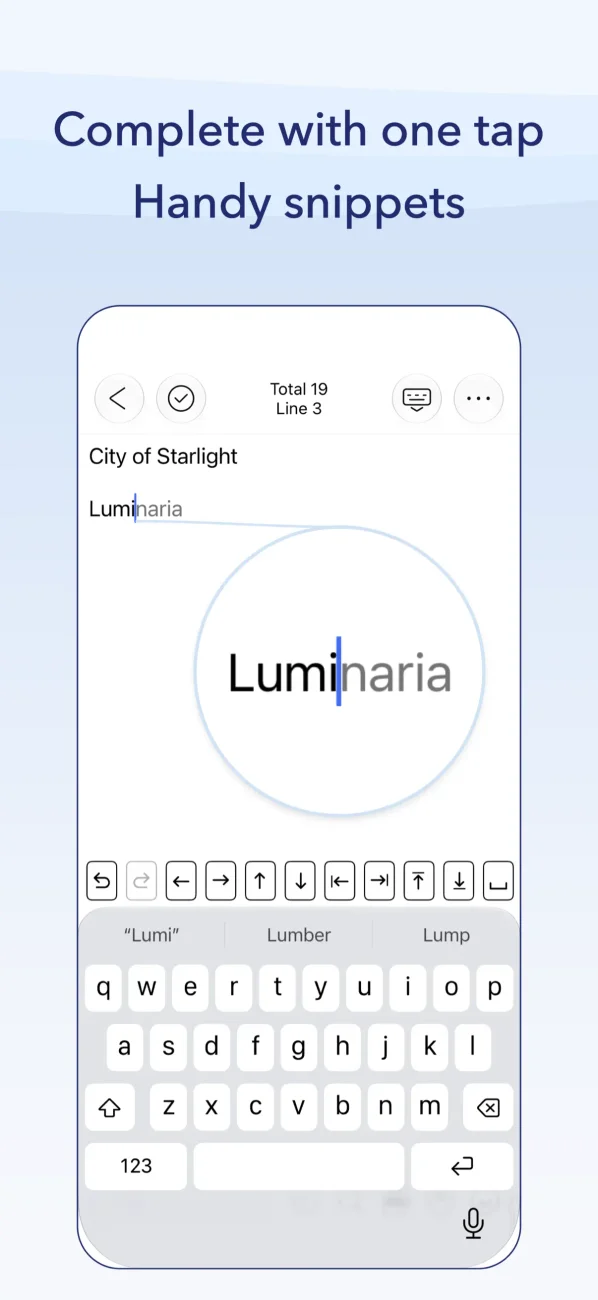
• Check character, word, and line counts in real time. Word counting supports English text.
• Choose counting settings to suit your text.
• Keep editing your draft while checking its length.
Keep your drafts organized
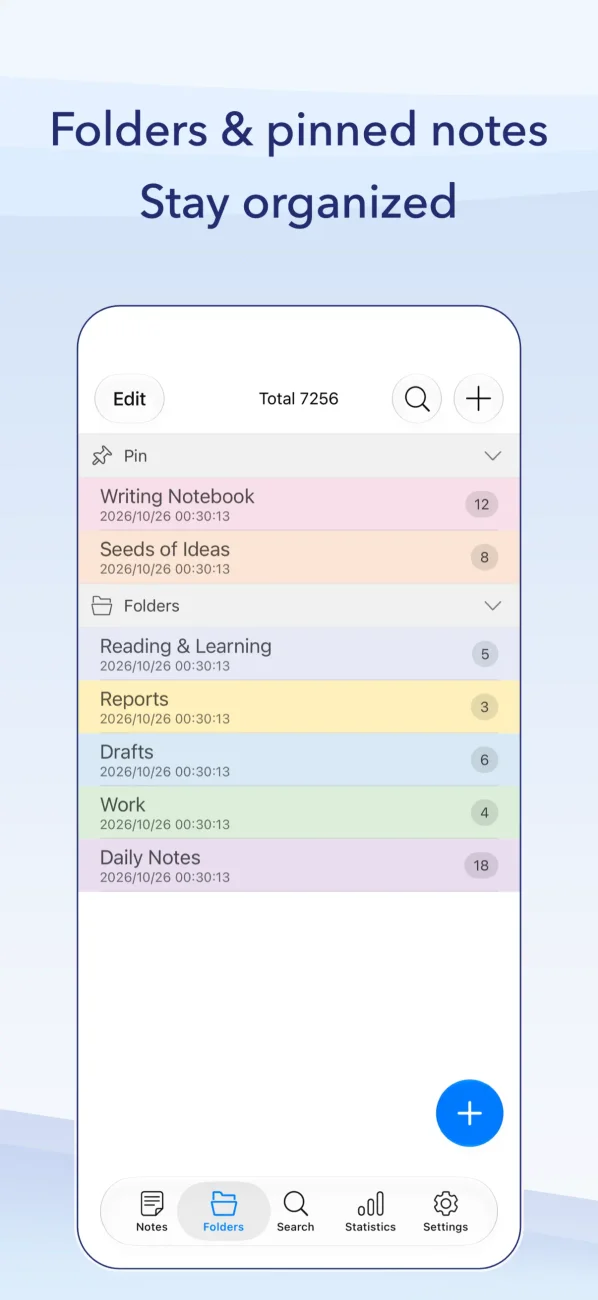
• Group notes in folders and use colors to tell them apart.
• Pin important notes and find text with search and replace.
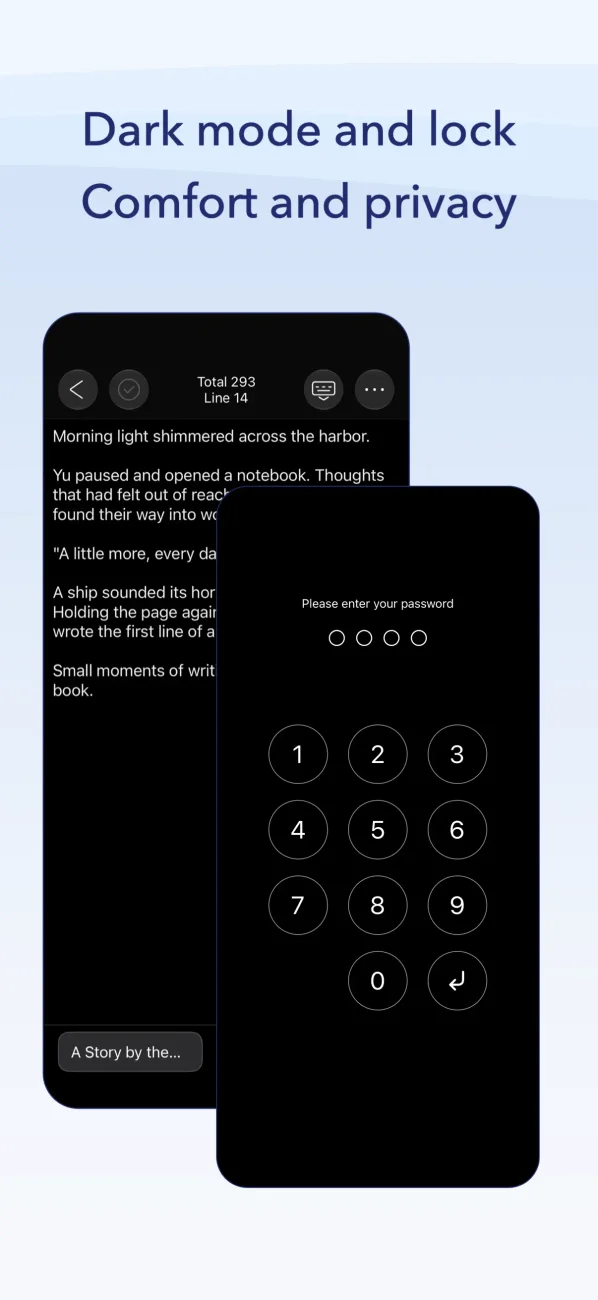
• Adjust the font and appearance for comfortable writing.
See how much you have written
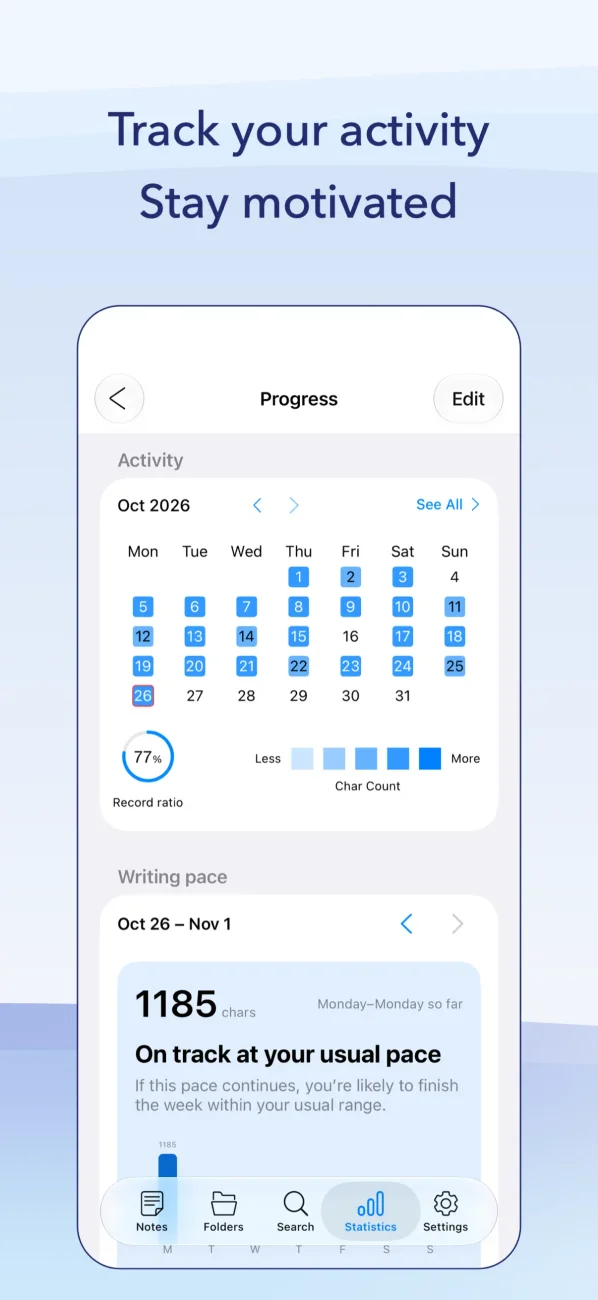
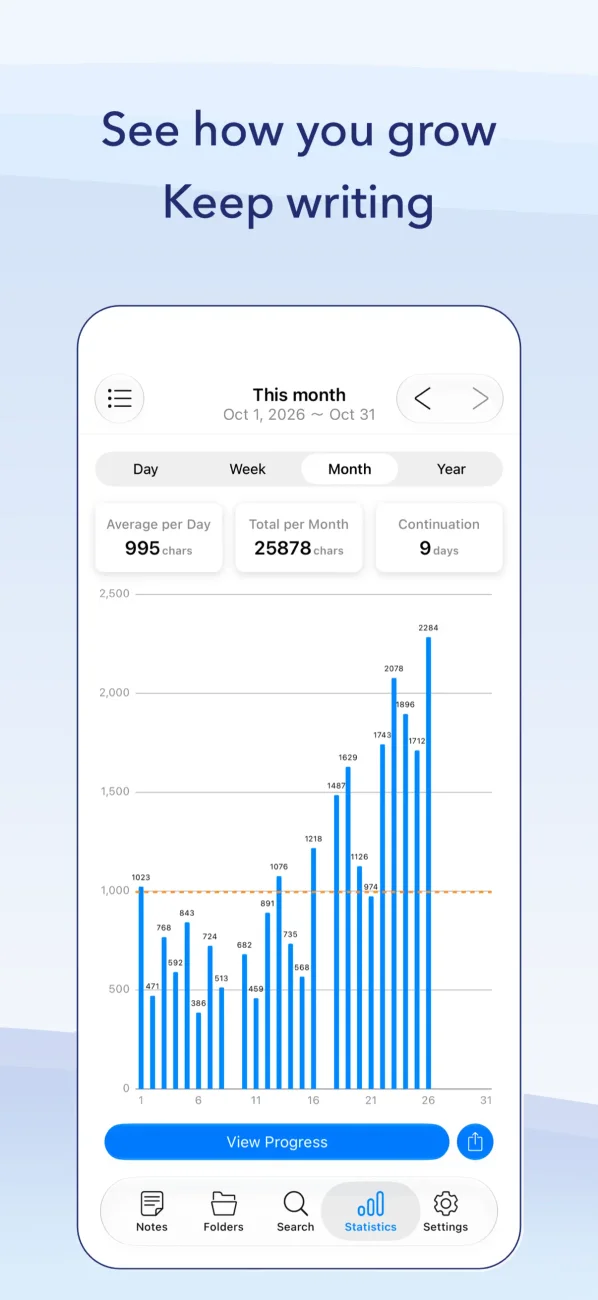
• Review your writing activity in the calendar and graphs.
• Set writing goals and track your progress.
Save your work
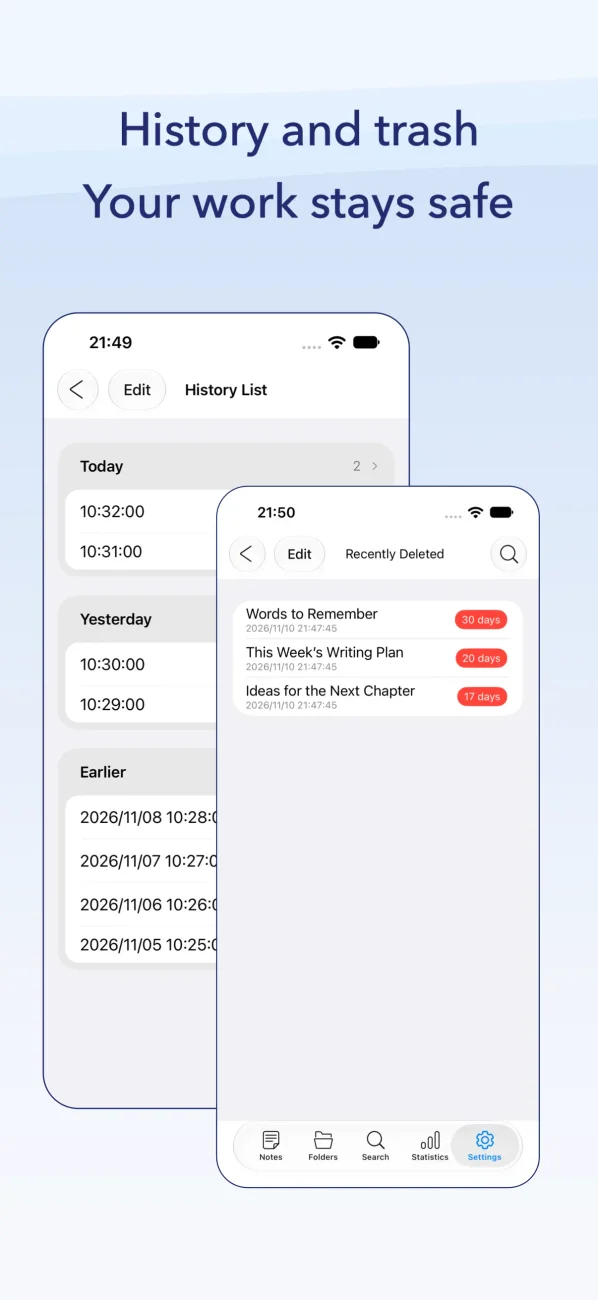
• Auto-save and version history help you return to earlier text.
• Deleted notes are kept for 30 days.
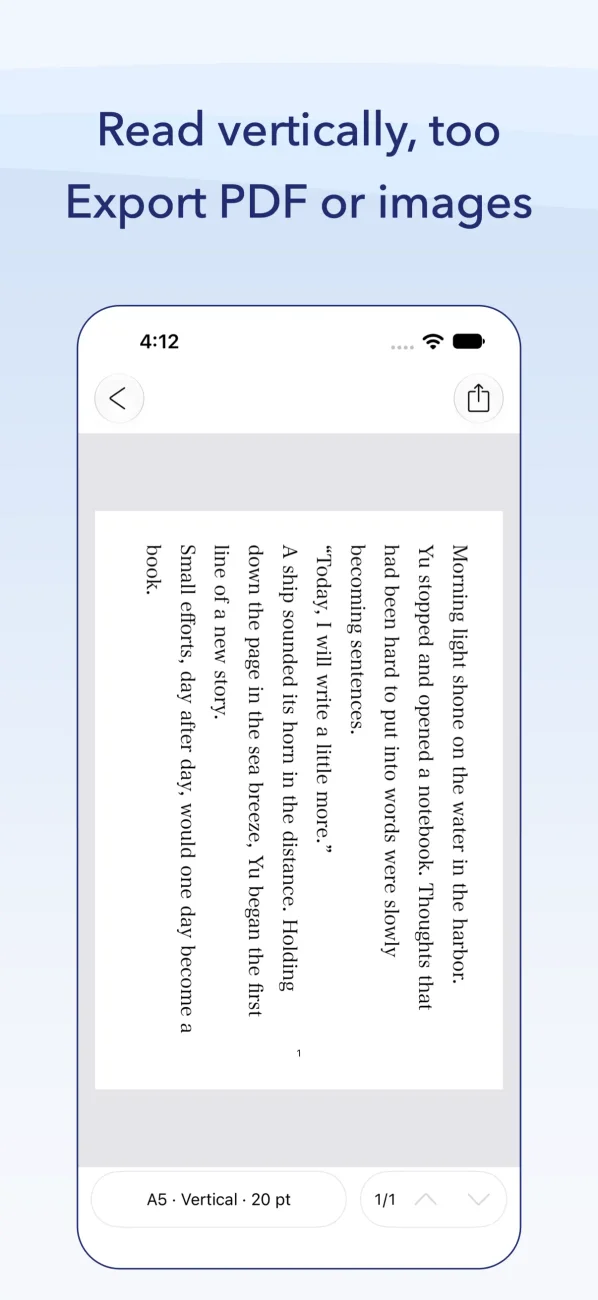
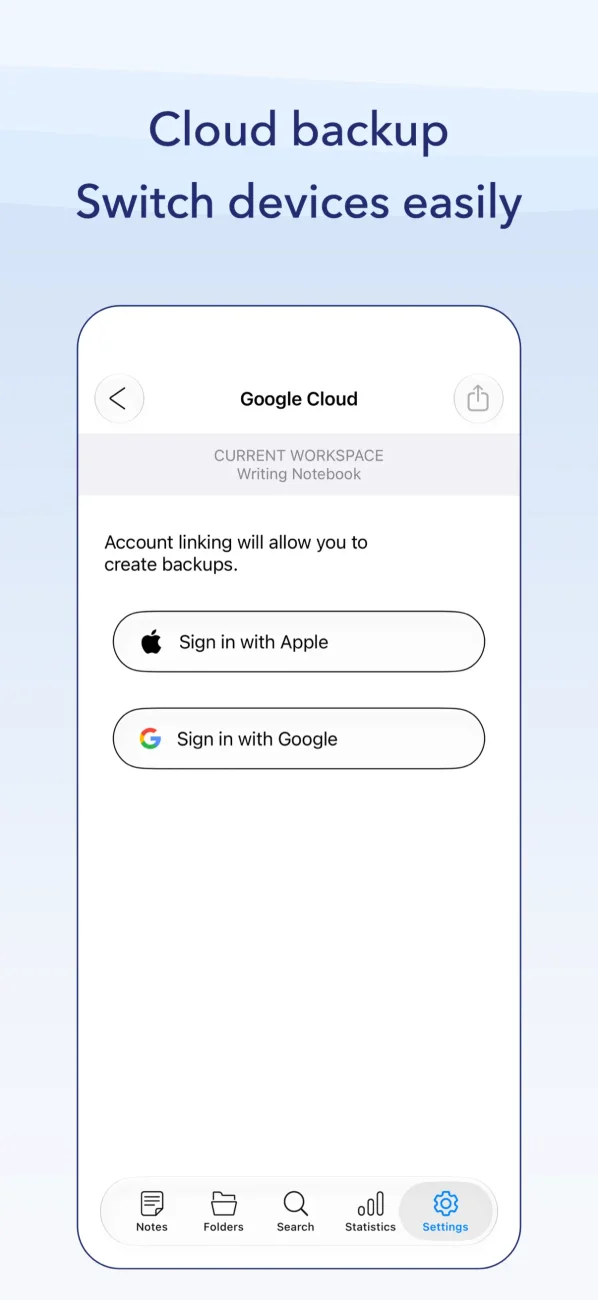
• Use backup, export, and import when moving your notes to another device.
See today’s character count on the Apple Watch face and view your seven-day writing history in the Watch app.
Premium
Optional Premium features include an ad-free experience, unlimited folders and tags, workspaces, custom colors, and access to past writing statistics. Some features require Premium.
Terms of Use (EULA): https://www.apple.com/legal/internet-services/itunes/dev/stdeula/
Novedades
Versión 84.6 · 20/11/2026
Writing Assist now has a Hide Keyboard button in its Fixed Menu. It stays on the right as you scroll the toolbar, so you can dismiss the keyboard while typing. It’s on by default. To turn it off, go to Settings → Writing Assist → Fixed Menu.
On smaller screens such as iPhone SE, when the glass-style buttons don’t fit at the top of the screen, Hide Keyboard appears just above the keyboard even when Writing Assist is off.
Privacidad de la aplicación
Lo que Miraku Inc. declara en App Store sobre cómo esta aplicación gestiona los datos.
-
Datos usados para rastrearte
Pueden usarse para rastrearte en aplicaciones y sitios web propiedad de otras empresas.
- Ubicación
- Identificadores
- Datos de uso
-
Datos no vinculados a ti
Pueden recopilarse, pero no se vinculan a tu identidad.
- Ubicación
- Identificadores
- Datos de uso
- Diagnóstico
Las prácticas de privacidad pueden variar, por ejemplo, según las funciones que uses o tu edad.
Información
- Vendedor
- Miraku Inc.
- Categoría
- Economía y empresa
- Versión
- 84.6
- Actualizado
- 20/11/2026
- Publicado
- 4/11/2014
- Tamaño
- 123,4 MB
- Requiere
- iOS 15.0 o posterior
- Clasificación por edad
- 4+
- Compras en la aplicación
- Sí
- Idiomas
- Inglés, Francés, Alemán, Japonés, Coreano, Portugués, Chino simplificado, Español, Chino tradicional
- Copyright
- © Miraku Inc.
Quizá también te guste
-
 Contador de Palabras NumeroteMemo Contador de Texto
-
 Word Count NotesContador de palabras y letras
-
 Notes and Folders - NotepadProductividad
-
 Simple Notes.Productividad
-
 Note!Productividad
-
 Word Counter & NotesProductividad
-
 Easy Notebook - simple notes -Productividad
-
 BoardNotes: Notes, PDF, DocsProductividad
-
 BestNote Bloc notas carpetasNotas con contraseña y fotos
-
 Plain Note: Notas y ApuntesEscribe y usa Widgets simples