CountNote
Note App to Track Word Count
iPhone, iPad, iPod touch için tasarlandı
Uygulama içi satın alma
- Yaş sınırı4+
- Kategoriİş
- GeliştiriciMiraku Inc.
- Dillerİngilizce+ 8 dil daha
- Boyut123,4 MB
CountNote şu anda App Store üzerinde mevcut olmayabilir
Son kontrolümüzde mağaza sayfasına ulaşılamadı. Bağlantı yine de resmi App Store sayfasına gider.
Ekran görüntüleri
Hakkında
Geliştirici bu metni dilinizde sunmamış.
It has been 12 years since development of CountNote began. We continue to grow alongside our users.
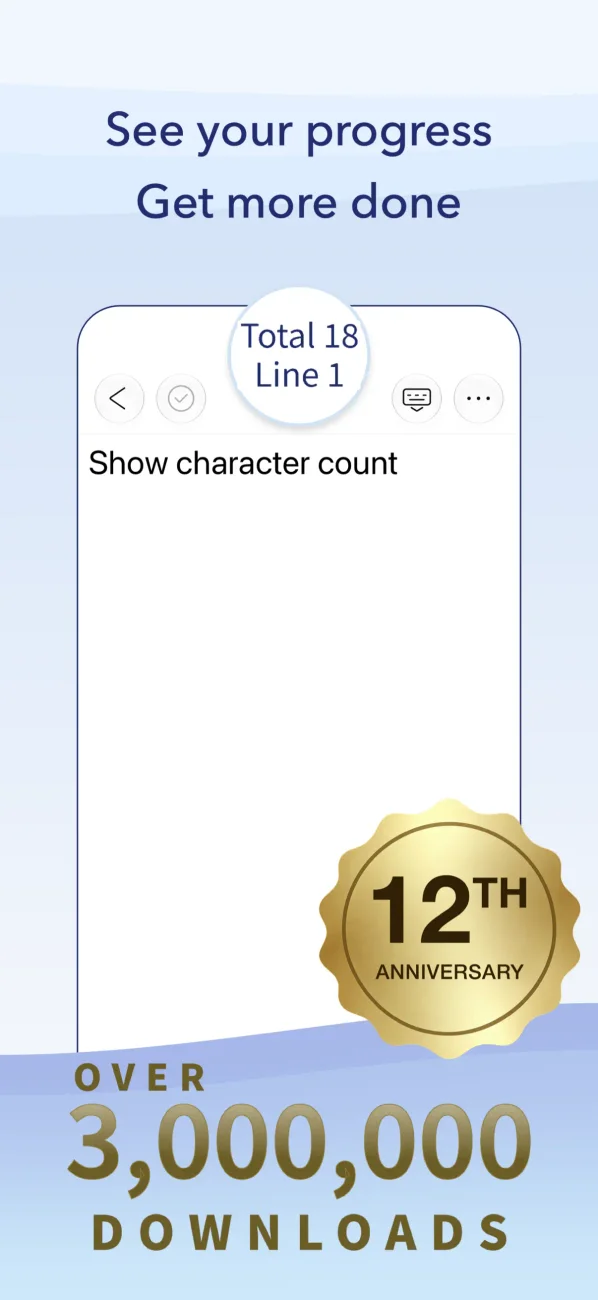
CountNote is a word counter and character counter that lets you write and save your drafts in one place. See your counts update as you type, so you can check the length of an essay or report without leaving your notes.
Write, check the length, and revise the same draft. Your text stays in CountNote, ready for you to continue later.
Count while you write
• Check character, word, and line counts in real time. Word counting supports English text.
• Choose counting settings to suit your text.
• Keep editing your draft while checking its length.
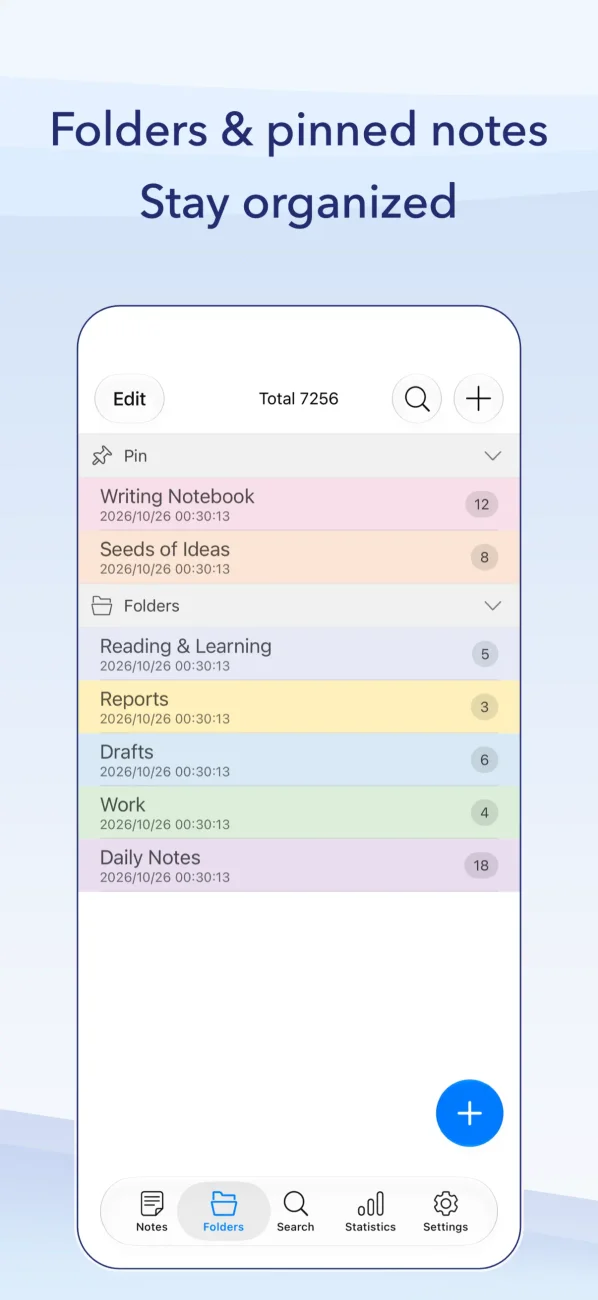
Keep your drafts organized
• Group notes in folders and use colors to tell them apart.
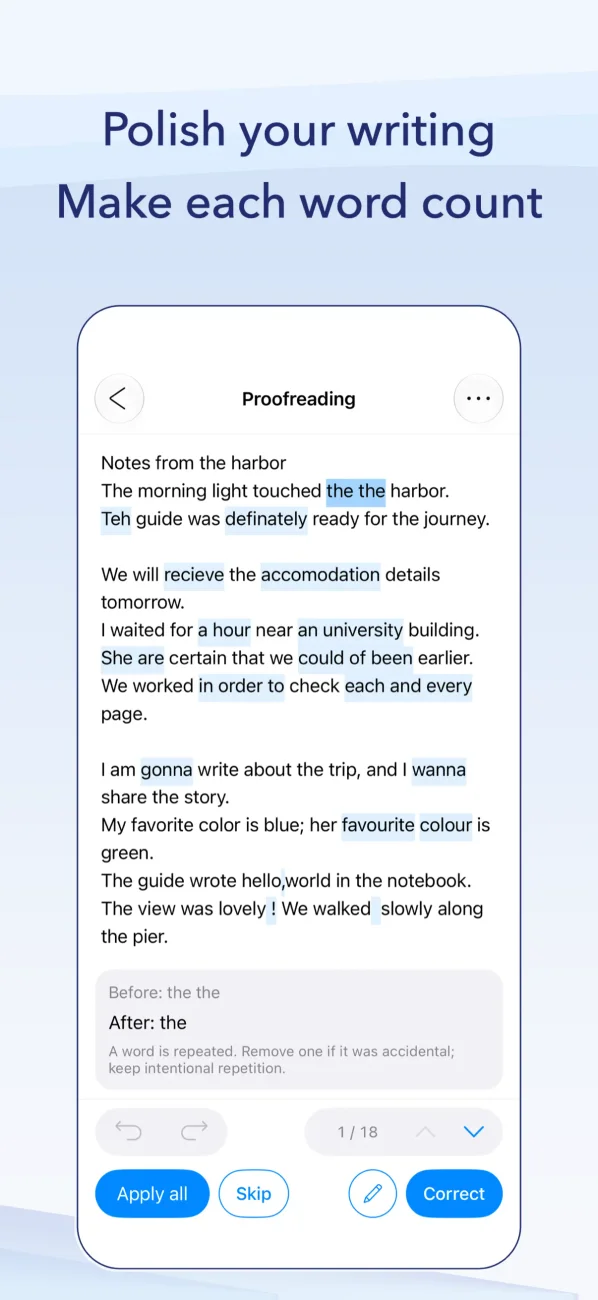
• Pin important notes and find text with search and replace.
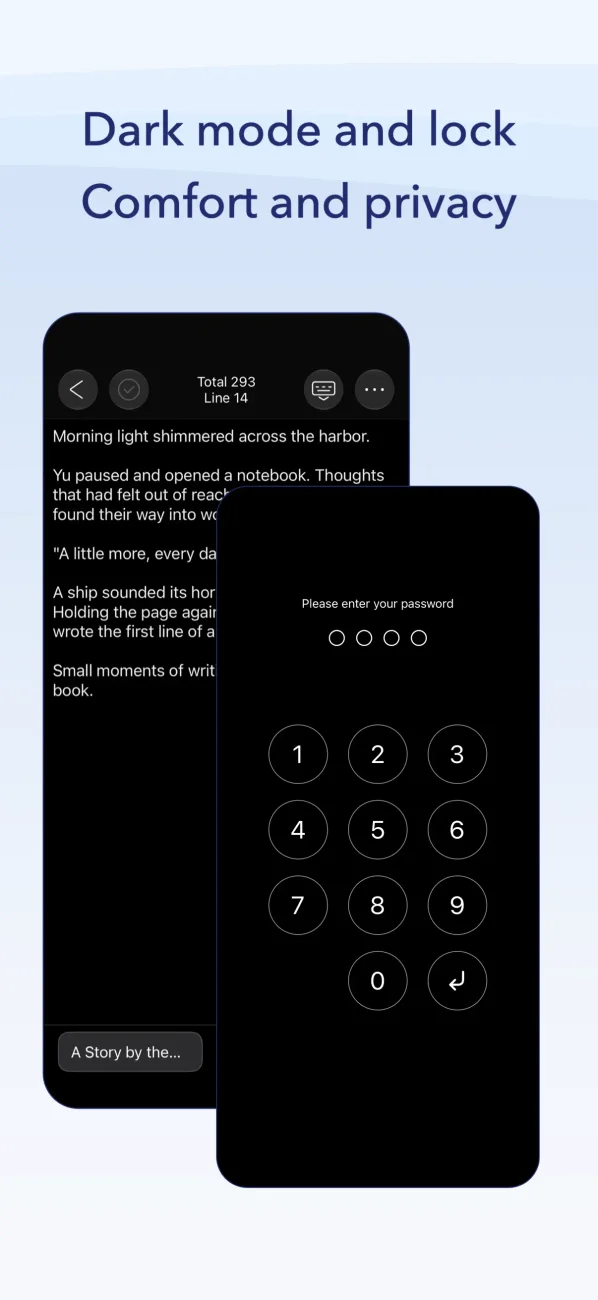
• Adjust the font and appearance for comfortable writing.
See how much you have written
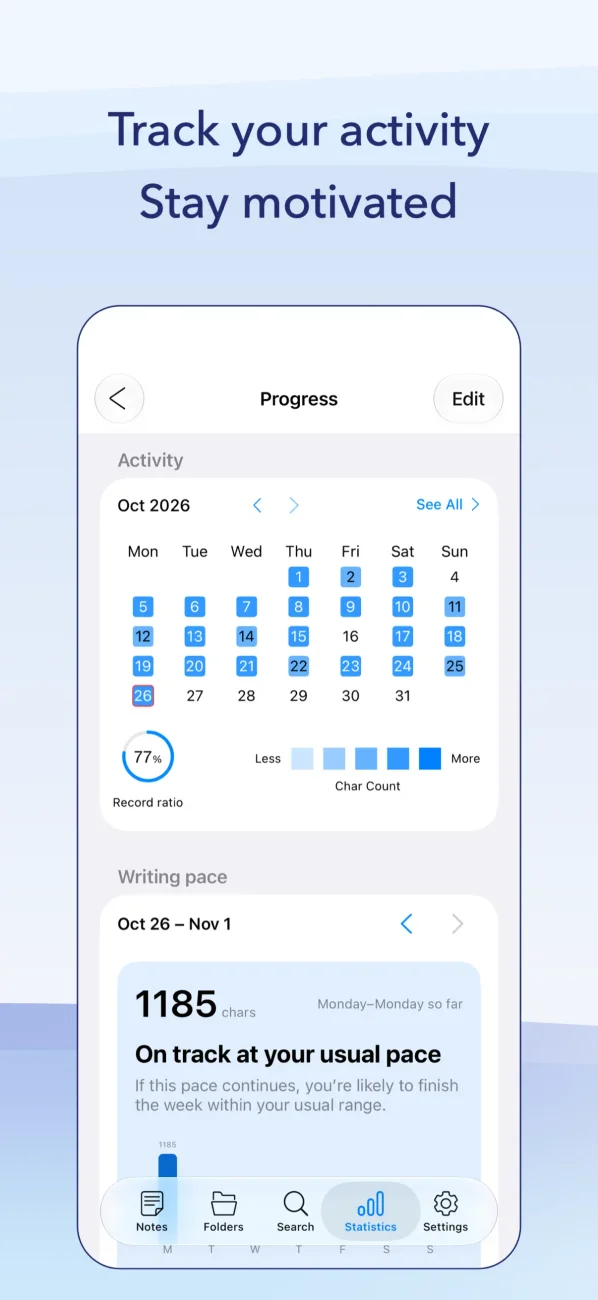
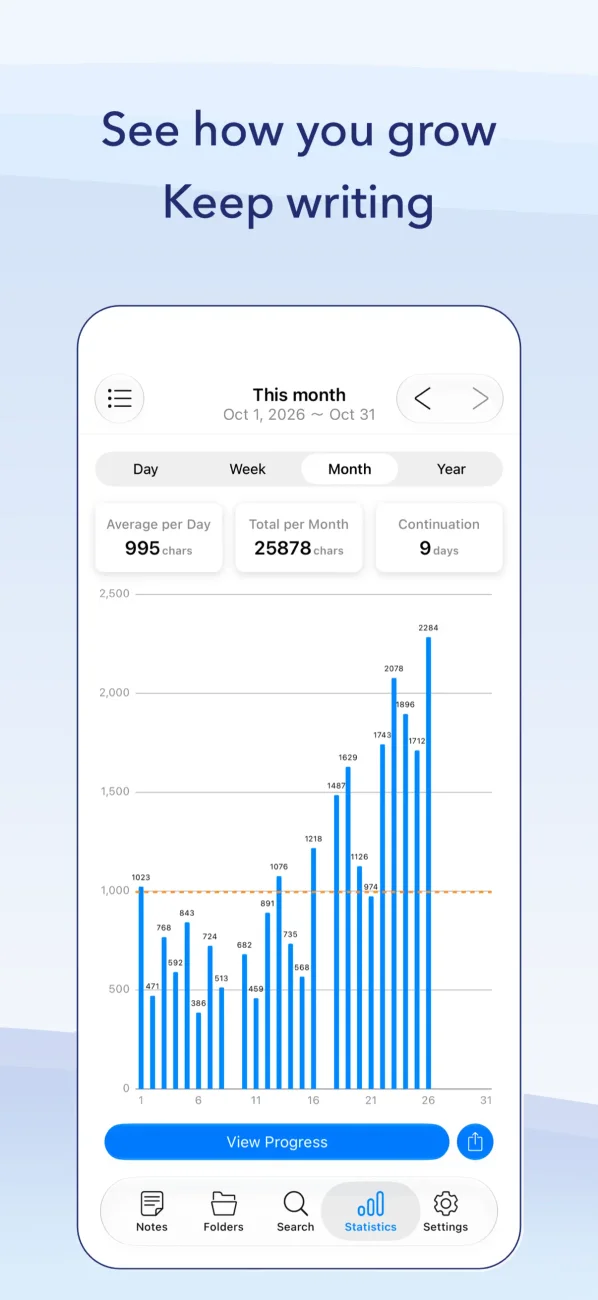
• Review your writing activity in the calendar and graphs.
• Set writing goals and track your progress.
Save your work
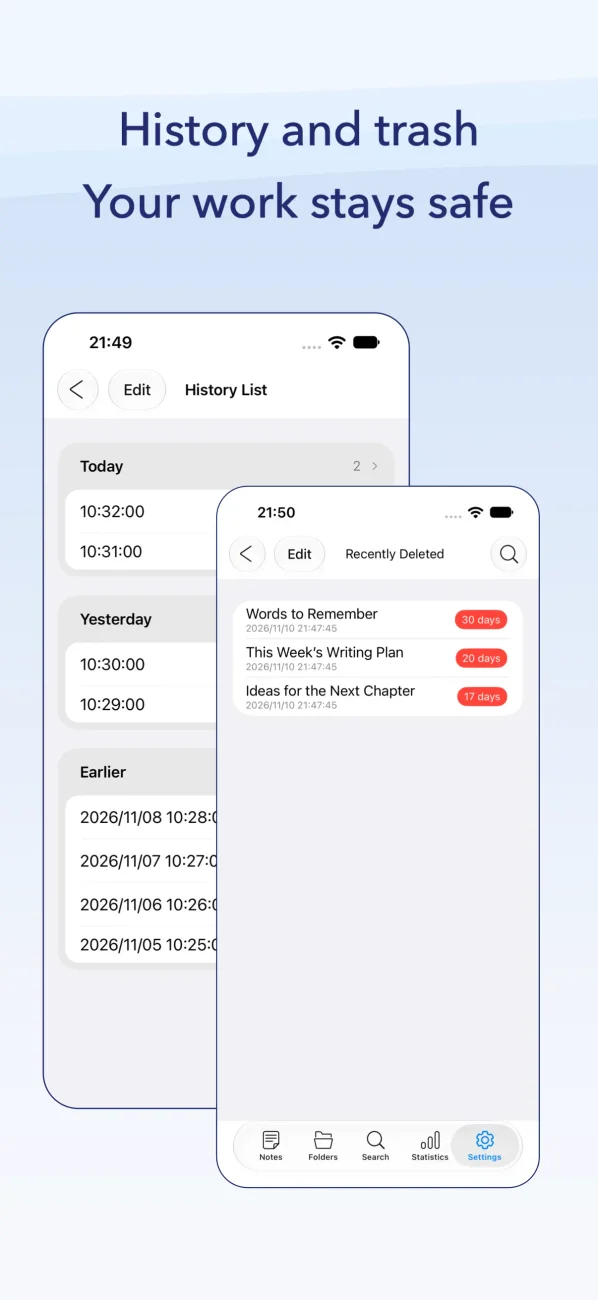
• Auto-save and version history help you return to earlier text.
• Deleted notes are kept for 30 days.
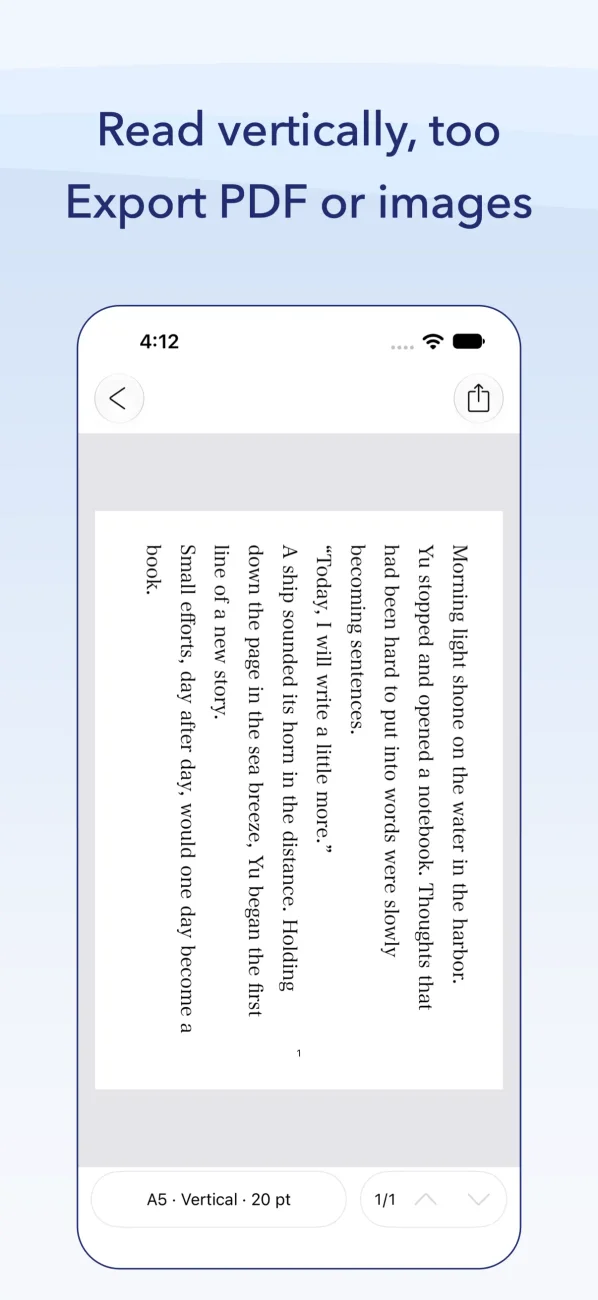
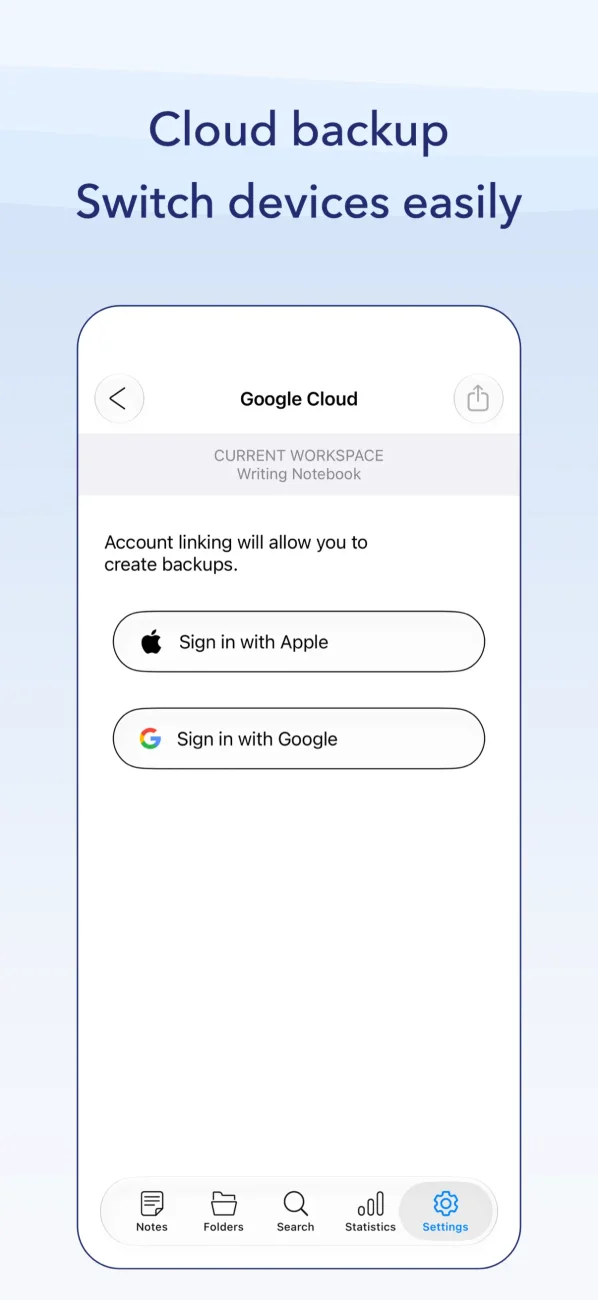
• Use backup, export, and import when moving your notes to another device.
See today’s character count on the Apple Watch face and view your seven-day writing history in the Watch app.
Premium
Optional Premium features include an ad-free experience, unlimited folders and tags, workspaces, custom colors, and access to past writing statistics. Some features require Premium.
Terms of Use (EULA): https://www.apple.com/legal/internet-services/itunes/dev/stdeula/
Yenilikler
Sürüm 84.6 · 20.11.2026
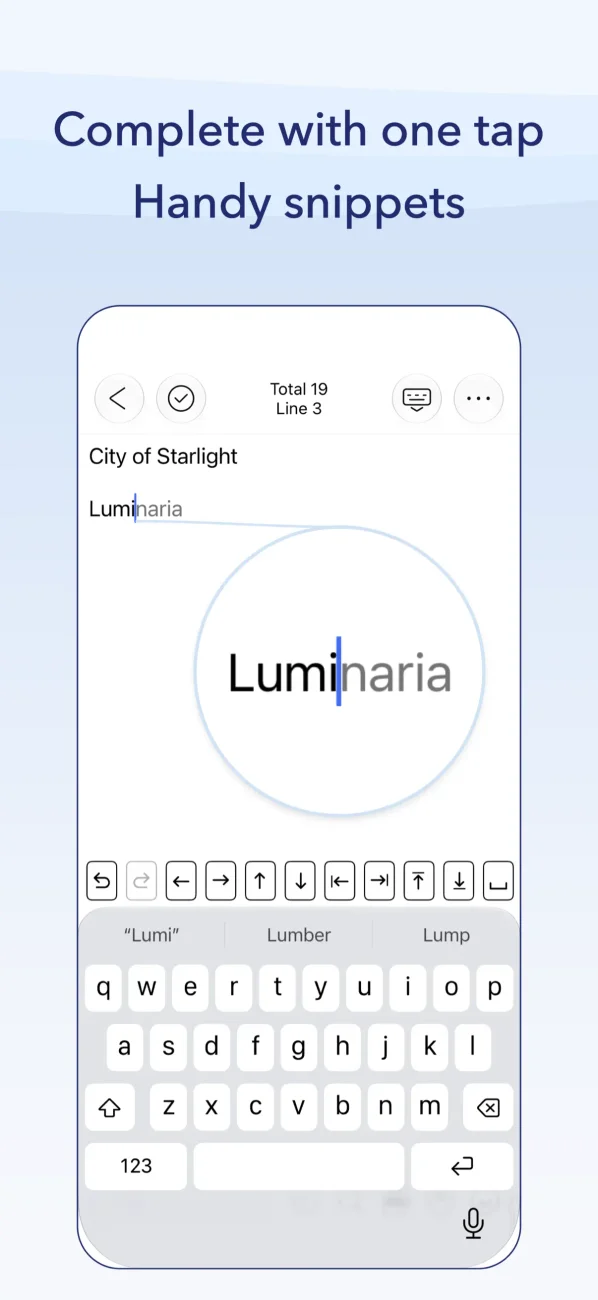
Writing Assist now has a Hide Keyboard button in its Fixed Menu. It stays on the right as you scroll the toolbar, so you can dismiss the keyboard while typing. It’s on by default. To turn it off, go to Settings → Writing Assist → Fixed Menu.
On smaller screens such as iPhone SE, when the glass-style buttons don’t fit at the top of the screen, Hide Keyboard appears just above the keyboard even when Writing Assist is off.
Uygulama gizliliği
Bu uygulamanın verileri nasıl işlediği hakkında Miraku Inc. tarafından App Store üzerinde yapılan beyan.
-
Sizi izlemek için kullanılan veriler
Başka şirketlere ait uygulamalarda ve web sitelerinde sizi izlemek için kullanılabilir.
- Konum
- Tanımlayıcılar
- Kullanım verileri
-
Sizinle ilişkilendirilmeyen veriler
Toplanabilir ancak kimliğinizle ilişkilendirilmez.
- Konum
- Tanımlayıcılar
- Kullanım verileri
- Tanılama
Gizlilik uygulamaları, örneğin kullandığınız özelliklere veya yaşınıza göre değişiklik gösterebilir.
Bilgiler
- Satıcı
- Miraku Inc.
- Kategori
- İş
- Sürüm
- 84.6
- Güncellendi
- 20.11.2026
- Yayın tarihi
- 04.11.2014
- Boyut
- 123,4 MB
- Gereksinim
- iOS 15.0 veya sonrası
- Yaş sınırı
- 4+
- Uygulama içi satın alma
- Evet
- Diller
- İngilizce, Fransızca, Almanca, Japonca, Korece, Portekizce, Basitleştirilmiş Çince, İspanyolca, Geleneksel Çince
- Telif hakkı
- © Miraku Inc.
Bunları da beğenebilirsiniz
-
 Kelime SayacıMetin sayacı not defteri
-
 Word Count NotesKelime ve Karakter Sayacı
-
 Notes and Folders - NotepadÜretkenlik
-
 Simple Notes.Üretkenlik
-
 Note!Üretkenlik
-
 Word Counter & NotesÜretkenlik
-
 Easy Notebook - simple notes -Üretkenlik
-
 BoardNotes: Notes, PDF, DocsÜretkenlik
-
 Simple Notepad -BestNote-Üretkenlik
-
 Not Defteri - Plain NoteWidget ile hep elinin altında