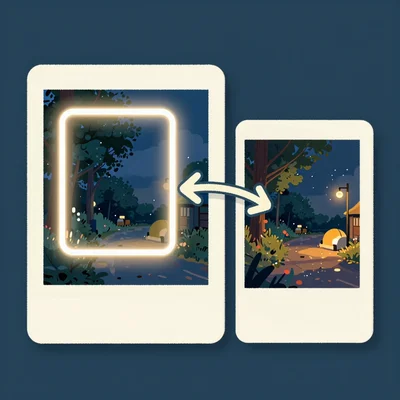
Crop&Scale
Crop, resize & convert images
Entwickelt für iPhone, iPad, iPod touch
Kostenlos
- Altersfreigabe4+
- KategorieFoto und Video
- EntwicklerIlia Bogdanovski
- SprachenEnglisch
- Größe25,8 MB
Verlinkt auf die offizielle App Store-Seite
Download.org hostet keine Datei von Crop&Scale. Die Schaltfläche öffnet die App-Seite bei App Store, wo Ilia Bogdanovski die App veröffentlicht. Eintrag zuletzt geprüft am 18.11.2026.
Screenshots

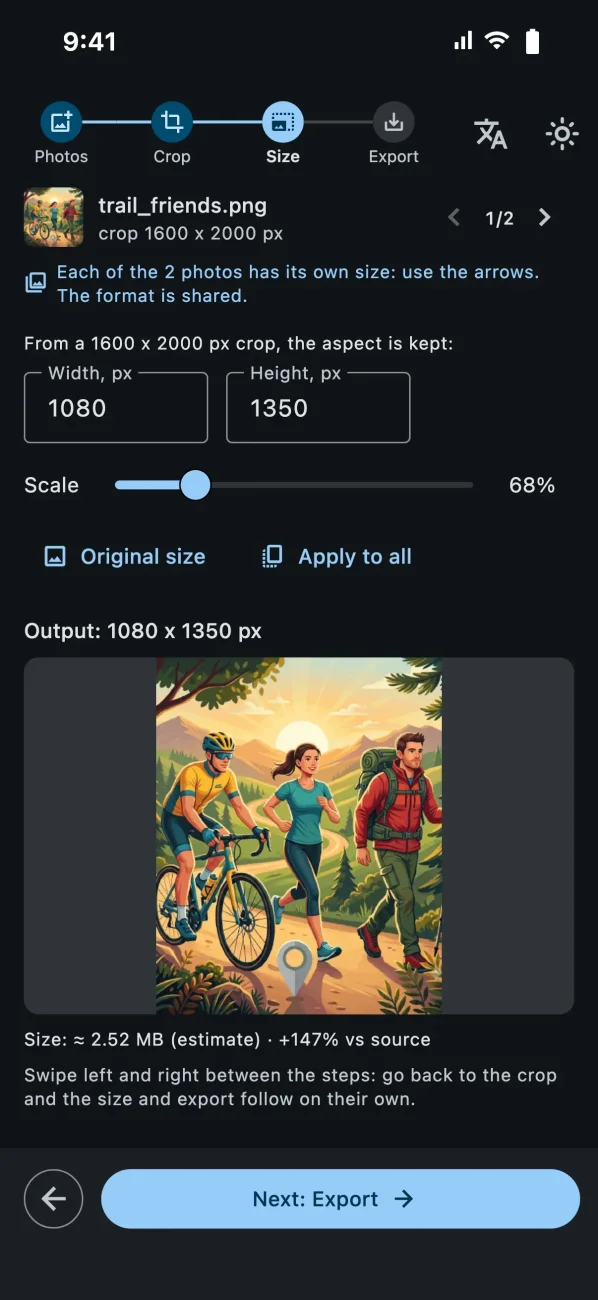
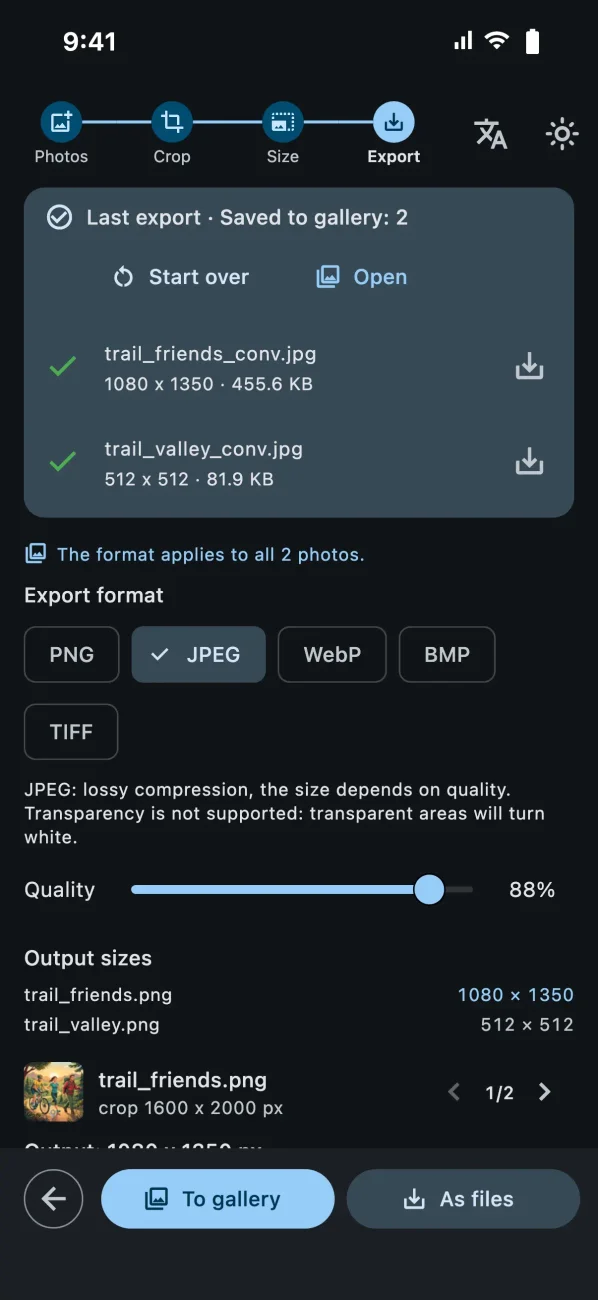
Info
Der Entwickler hat diesen Text nicht in Ihrer Sprache bereitgestellt.
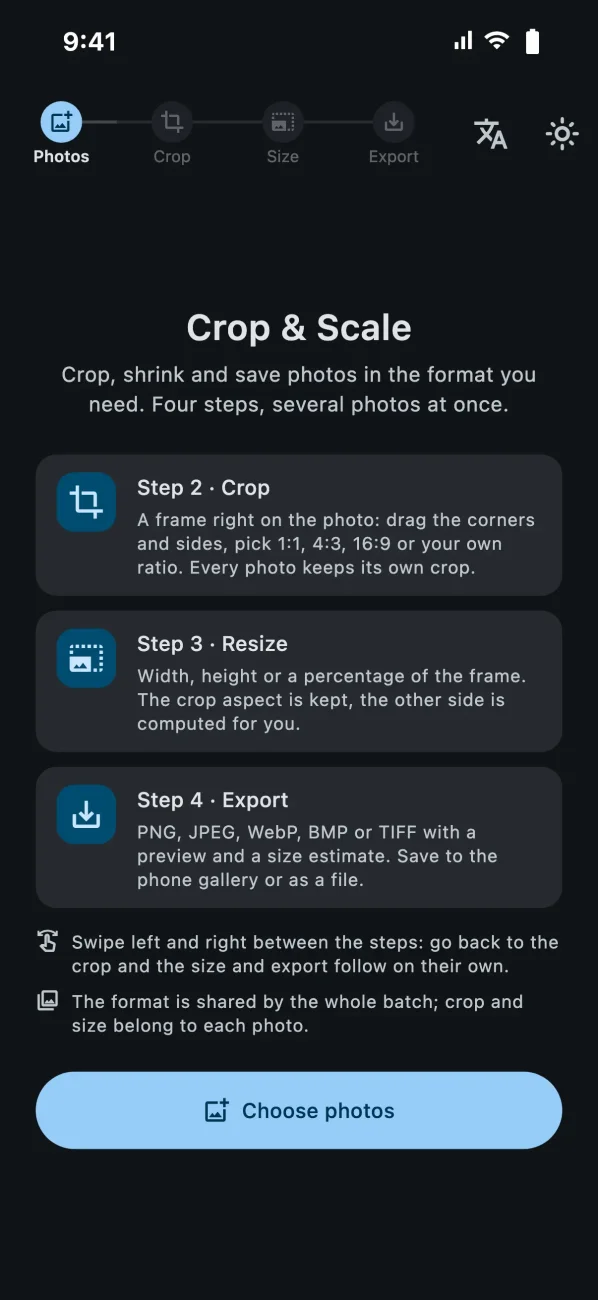
Crop&Scale is a simple tool for preparing images: open photos, crop each one right on the screen, pick a size and format, and save the whole batch at once.
CROP ON THE PHOTO
• Drag the frame, resize it by the corners and sides
• Presets: free, 1:1, 4:3, 3:4, 16:9, 9:16
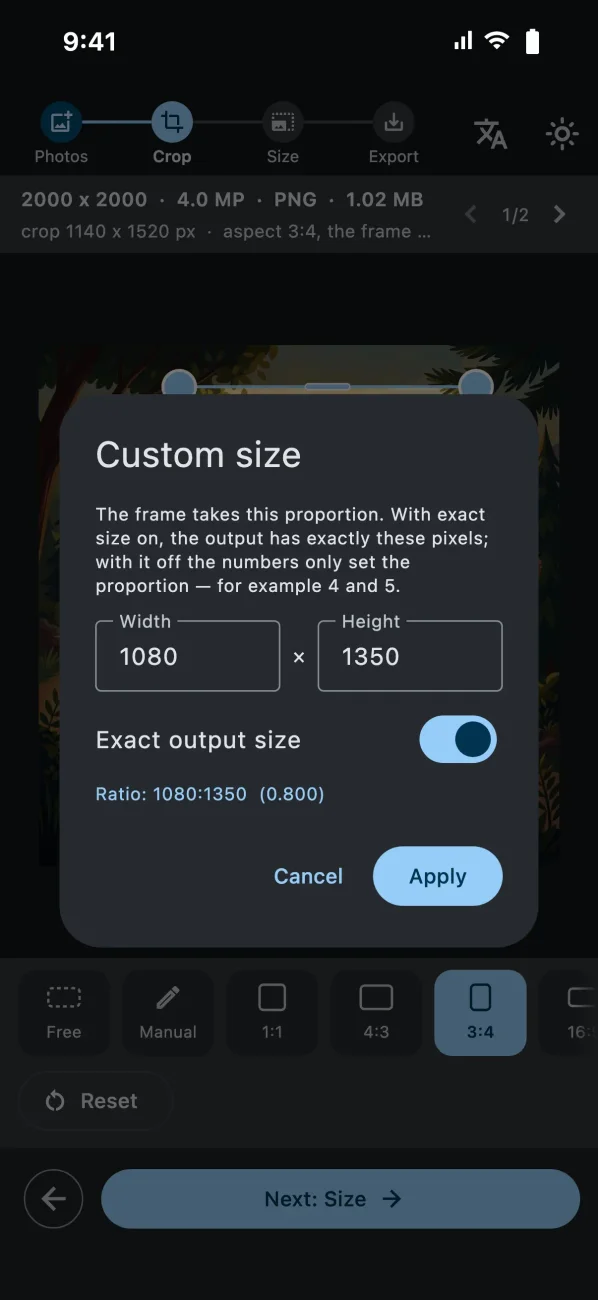
• Custom ratio from your own numbers, e.g. 244×377
• Every photo keeps its own crop and aspect ratio
RESIZE
• Set width or height in pixels, the other side follows the crop proportions
• Or scale by percent with a slider
• Output size in pixels is shown before saving
CONVERT
• PNG (lossless), JPEG, WebP, BMP, TIFF
• Quality slider for JPEG and WebP with a live preview and an estimated file size
• BMP 24 / 8 / 4 / 1 bit with optional dithering, and a compact header for e-ink displays
• Opens HEIC, JPEG, PNG, WebP, GIF, BMP, TIFF
BATCH EXPORT
• Several images are processed in parallel in the background, the interface stays responsive
• Save one photo with the system dialog, or a whole batch into a folder you choose
• Existing files are never overwritten
PRIVACY
• Everything happens on your device, nothing is uploaded
• Location and other EXIF metadata are stripped from saved files
• No ads, no accounts, no tracking
Light and dark themes, English and Russian interface.
Neue Funktionen
Version 1.0.0 · 13.10.2026
Crop & Scale 1.0 – a new step-by-step design.
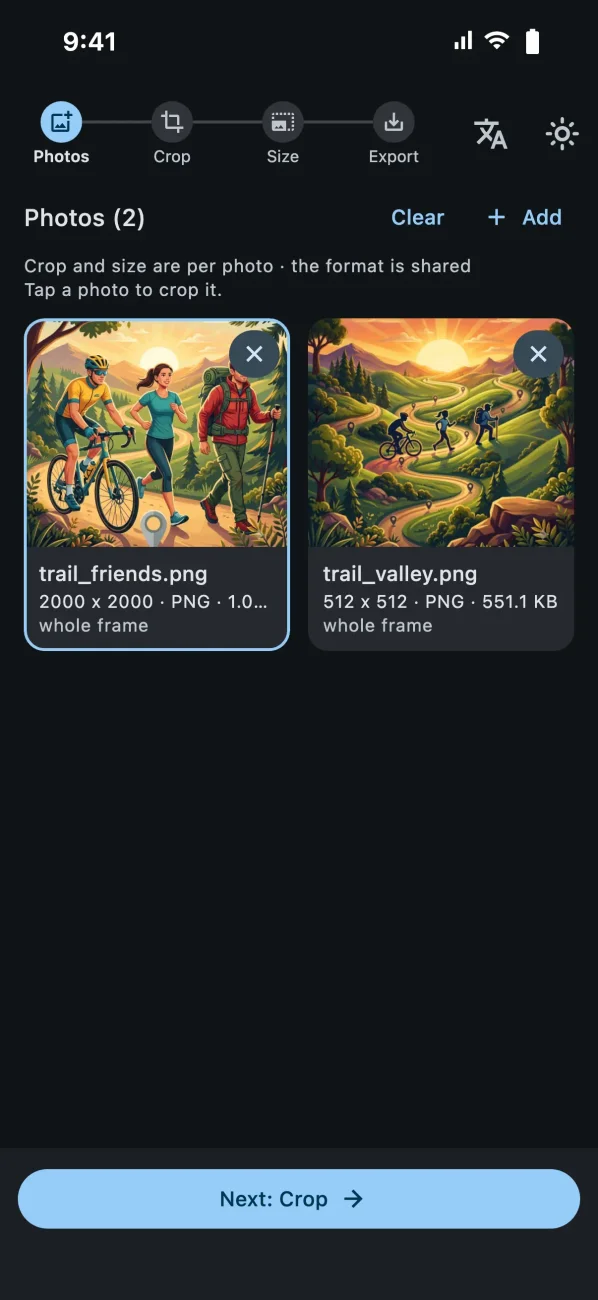
• Four clear steps – Photos, Crop, Size, Export – that you swipe through. Go back to any step and the later ones update instantly.
• Save straight to your photo library, or export as files as before.
• Custom size: type the exact pixel dimensions you need, and the crop frame locks to that ratio.
• Made for iPad and iPhone Duo: on wide screens the photo and the controls sit side by side.
• Your photos are shown as a grid of cards.
• Start over after an export to begin a new batch in one tap.
• Fixed a crash when entering sizes for large photos and reduced memory use with big HEIC images.
• The number keyboard now closes when you tap outside it.
App-Datenschutz
Was Ilia Bogdanovski im App Store zum Umgang dieser App mit Daten angibt.
-
Keine Daten erfasst
Der Entwickler erfasst keine Daten von dieser App.
Die Datenschutzpraktiken können variieren, zum Beispiel je nach den von Ihnen verwendeten Funktionen oder Ihrem Alter.
Informationen
- Anbieter
- Ilia Bogdanovski
- Kategorie
- Foto und Video
- Version
- 1.0.0
- Aktualisiert
- 13.10.2026
- Veröffentlicht
- 23.09.2026
- Größe
- 25,8 MB
- Erfordert
- iOS 15.0 oder neuer
- Altersfreigabe
- 4+
- Preis
- Kostenlos
- Sprachen
- Englisch
- Copyright
- © 2026 ExperimentalUi
Das könnte Ihnen auch gefallen
-
 Stapel-Zuschnitt & RänderStapelzuschnitt & Ränder
-
 picsnip - Photo & Video ToolsFoto und Video
-
 SnipShot: Crop & StraightenFoto und Video
-
 PhotoCompact: Photo CompressorFoto und Video
-
 Website Photo OptimizerFoto und Video
-
 PhotoLite: Photo CompressorFoto und Video
-
 Resize My PhotoSocial-Media-Größen & Crop
-
 EncadraFoto und Video
-
 Borders for Pictures: No CropFoto und Video
-
 Passport Photo Booth: 2x2 IDFoto und Video