
DockMaster Mobile App
Time Clock | Card | Scheduling
Entwickelt für iPhone, iPad, iPod touch
Kostenlos
- Altersfreigabe4+
- KategorieProduktivität
- EntwicklerDockMaster Software
- Größe227,9 MB
Verlinkt auf die offizielle App Store-Seite
Download.org hostet keine Datei von DockMaster Mobile App. Die Schaltfläche öffnet die App-Seite bei App Store, wo DockMaster Software die App veröffentlicht. Eintrag zuletzt geprüft am 14.11.2026.
Screenshots
Info
Der Entwickler hat diesen Text nicht in Ihrer Sprache bereitgestellt.
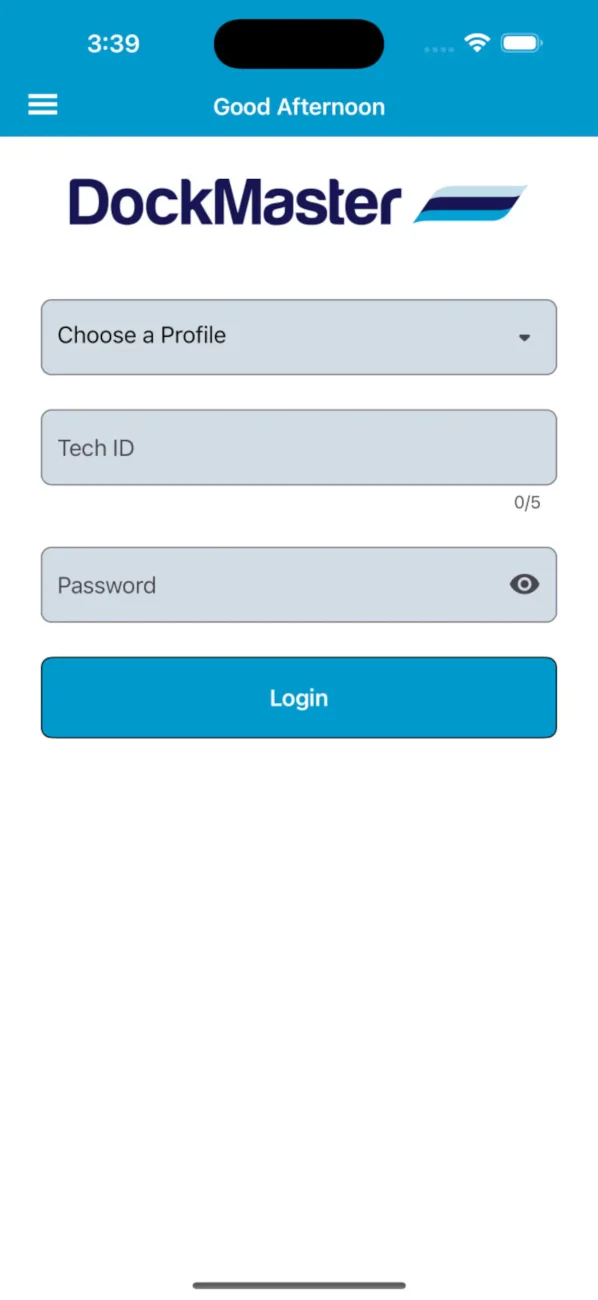
With DockMaster Mobile, replace paper time sheets and time cards with accurate, electronic time tracking data. Employee time on both billable and non-billable work orders is entered by the technician on their mobile device and seamlessly made available in DockMaster to speed up invoicing and payroll processing.
Available Features:
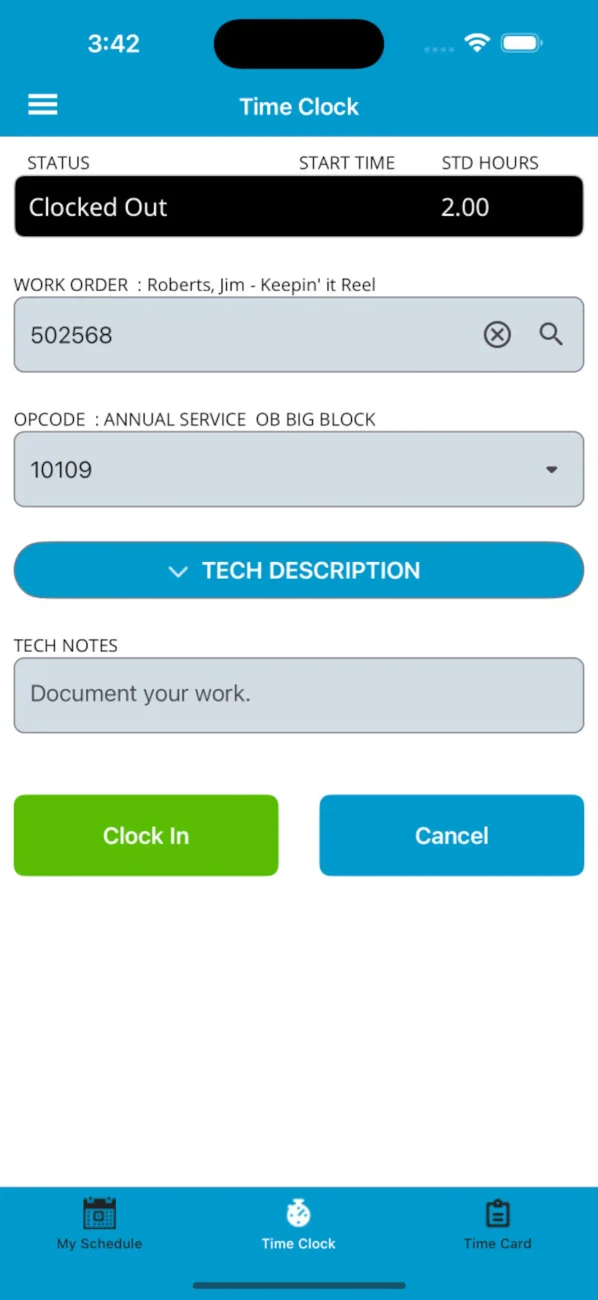
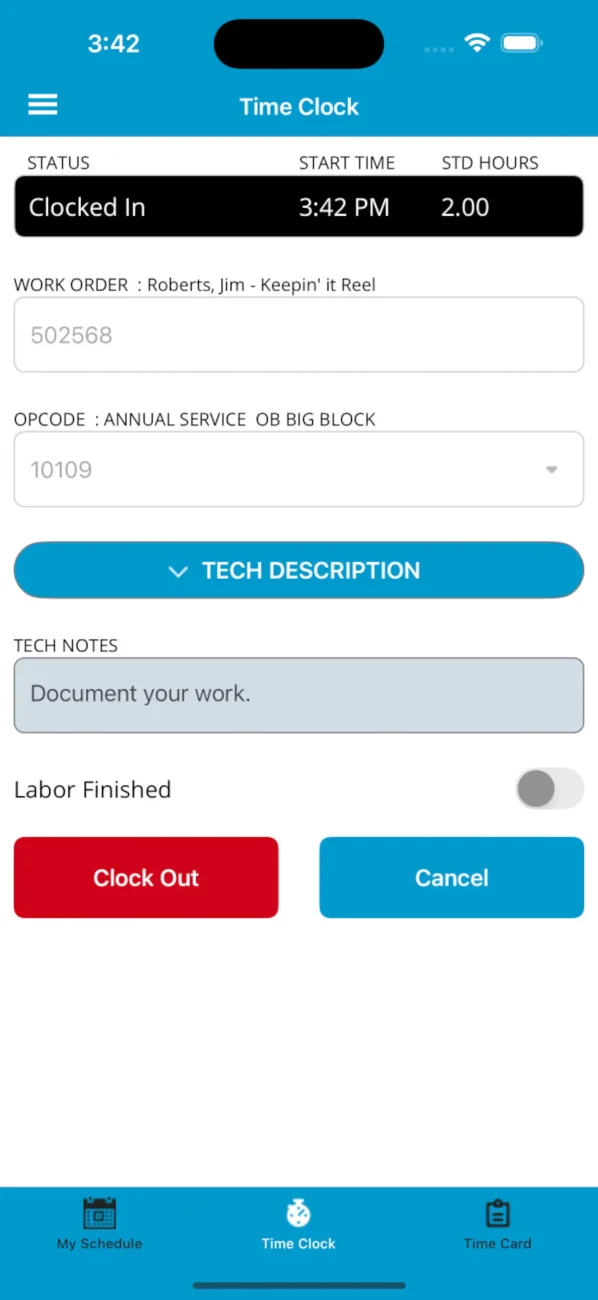
- Time Clock – Select from a list of open work orders, choose the appropriate opcode (job) and then clock-in. The time clock app tracks the actual amount of time expended on a job. You can even go back and change the start time for increased accuracy. You can add notes to the job by typing or using the device’s built-in voice-to-text feature.
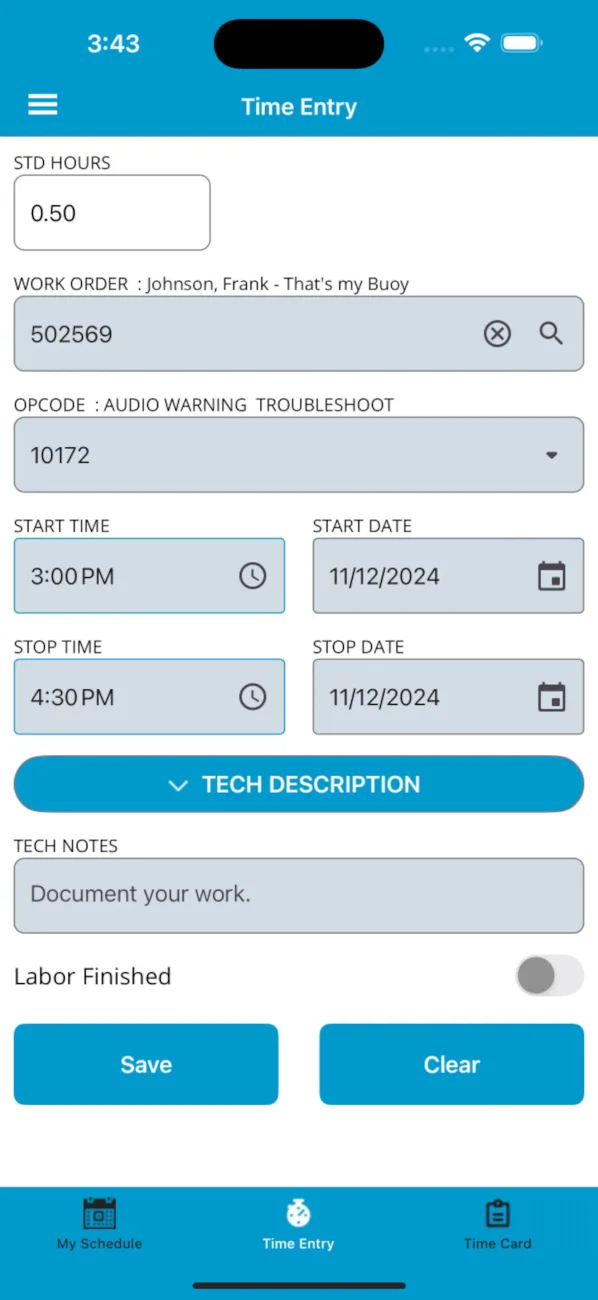
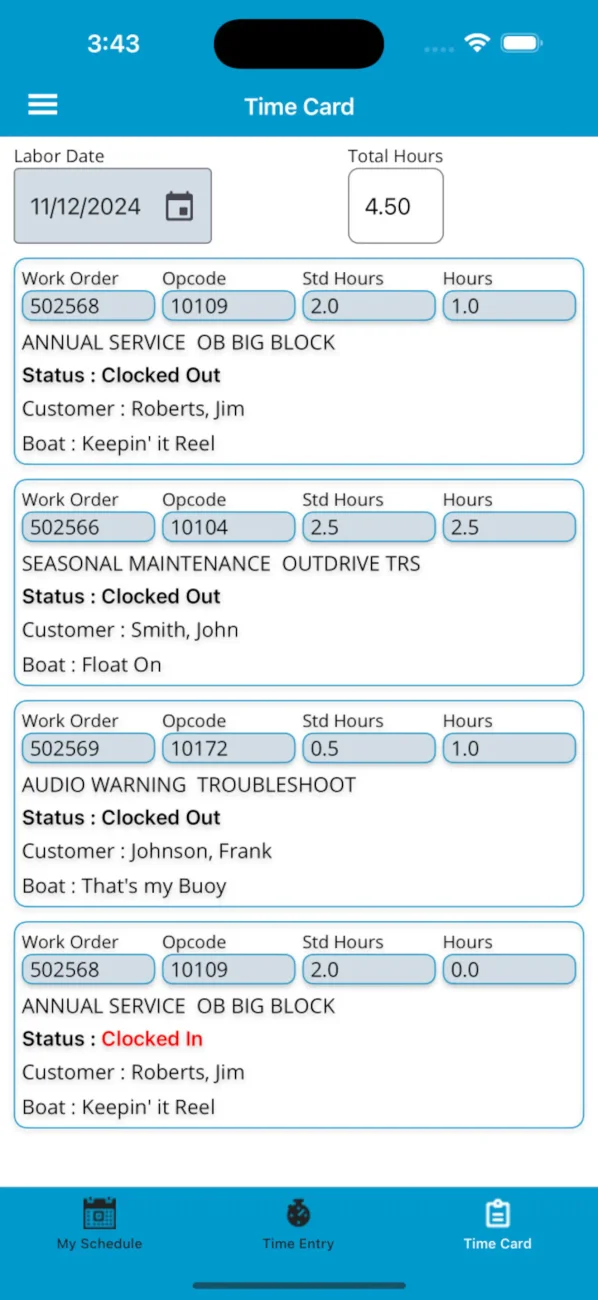
- Time Entry – Similar to the Time Clock, technicians can select from a list of work orders and associated opcodes to either add a new time card or edit an existing one. Technicians can select to use Start/Stop time or Total Hours, and edit the dates. You can add notes to the job by typing or using the device’s built-in voice-to-text feature.
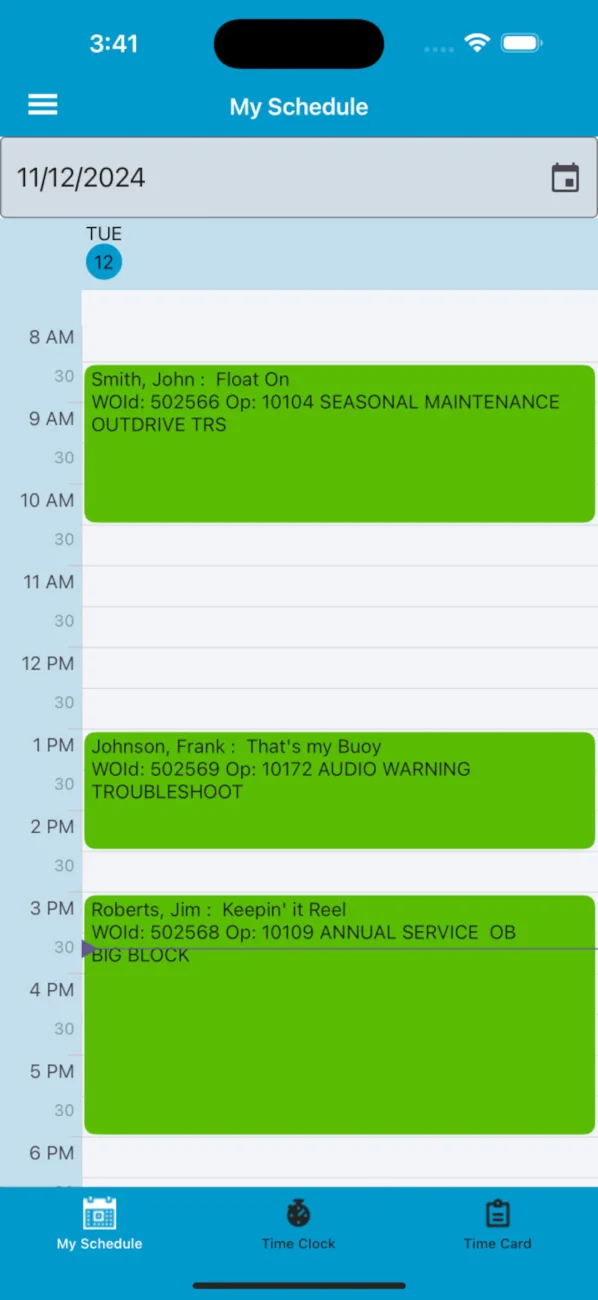
- Scheduler – For those companies that use the DockMaster Service Schedule, the Scheduler in the Time Clock app will allow technicians to view or select jobs scheduled in DockMaster. All jobs (opcodes) are color-coded by status: Completed, In Progress or Not Started. Technicians can tap a job to launch the Time Clock or Time Card.
Neue Funktionen
Version 12.0 · 14.04.2025
• Cross-platform Attachments: Share images, videos, and documents seamlessly between Mobile and Desktop DockMaster on the Work Order OpCode level.
• Resolved time zone discrepancies in Time Entry submissions
• Time Entry now functions properly while Clocked In via Time Clock
• Fixed issues with editing time when already clocked in to another item
• Accurate recording of time clocked out or entered after 7 PM EST
• Fixed date changes on Time Cards
• Descriptions and Tech Notes now wrap correctly on the View screen
• Date Picker works correctly without “Enter Hours Only” setting
App-Datenschutz
Was DockMaster Software im App Store zum Umgang dieser App mit Daten angibt.
-
Keine Daten erfasst
Der Entwickler erfasst keine Daten von dieser App.
Die Datenschutzpraktiken können variieren, zum Beispiel je nach den von Ihnen verwendeten Funktionen oder Ihrem Alter.
Informationen
- Anbieter
- DockMaster Software, Inc
- Kategorie
- Produktivität
- Version
- 12.0
- Aktualisiert
- 14.04.2025
- Veröffentlicht
- 06.11.2019
- Größe
- 227,9 MB
- Erfordert
- iOS 12.2 oder neuer
- Altersfreigabe
- 4+
- Preis
- Kostenlos
- Copyright
- © DockMaster Software, Inc
Das könnte Ihnen auch gefallen
-
 SureShade ControlProduktivität
-
 Boatyard ProProduktivität
-
 Spectro by VariableProduktivität
-
 YACHTWAVE - Maintenance AppProduktivität
-
 Siren Connected BoatProduktivität
-
 Shopmonkey for Techs 2.0Produktivität
-
 Snap-onProduktivität
-
 CLYNKProduktivität
-
 COTW CompanionProduktivität
-
 MaintainX - CMMS & EAMProduktivität