
- 対象年齢4+
- カテゴリ仕事効率化
- 開発元DockMaster Software
- サイズ227.9 MB
App Storeの公式ページにリンクしています
Download.orgはDockMaster Mobile Appのファイルを一切ホストしていません。ボタンを押すと、DockMaster Softwareが公開しているApp Storeのアプリページが開きます。ページの最終確認:2026/11/14。
スクリーンショット
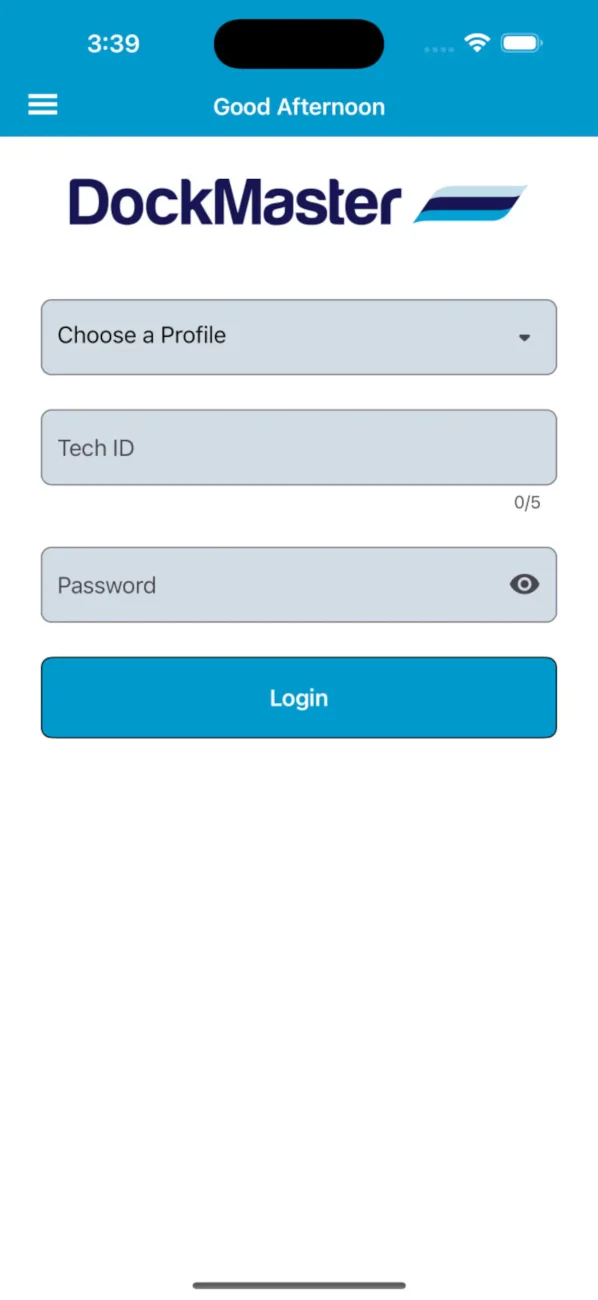
概要
開発元はこのテキストをお使いの言語で提供していません。
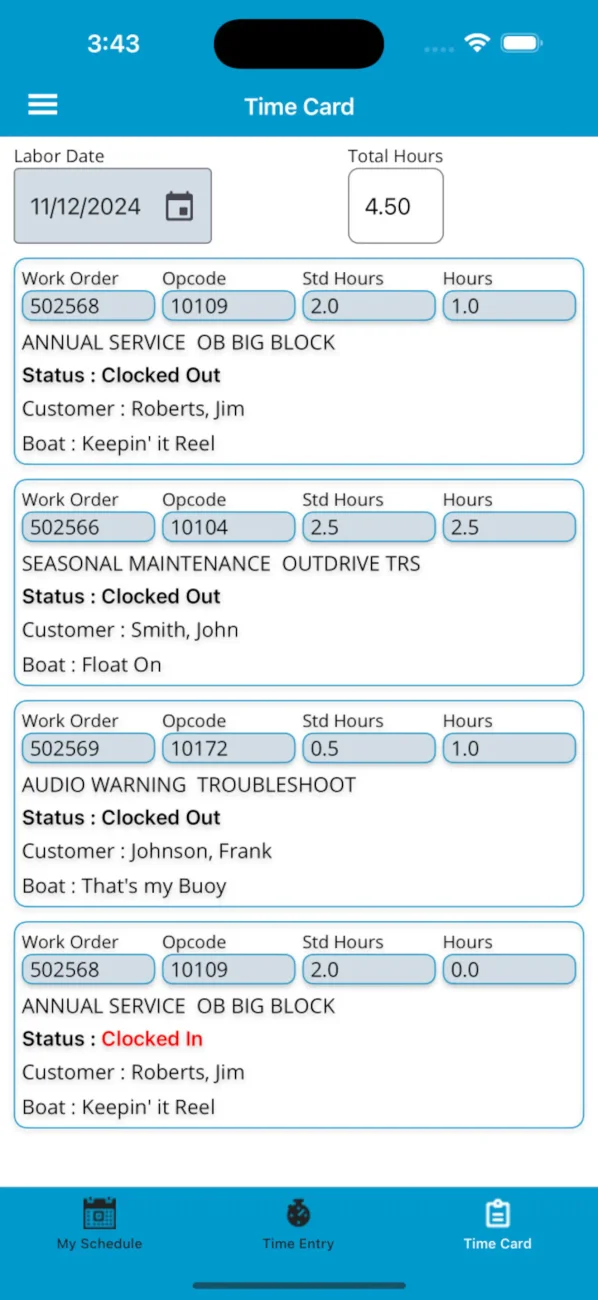
With DockMaster Mobile, replace paper time sheets and time cards with accurate, electronic time tracking data. Employee time on both billable and non-billable work orders is entered by the technician on their mobile device and seamlessly made available in DockMaster to speed up invoicing and payroll processing.
Available Features:
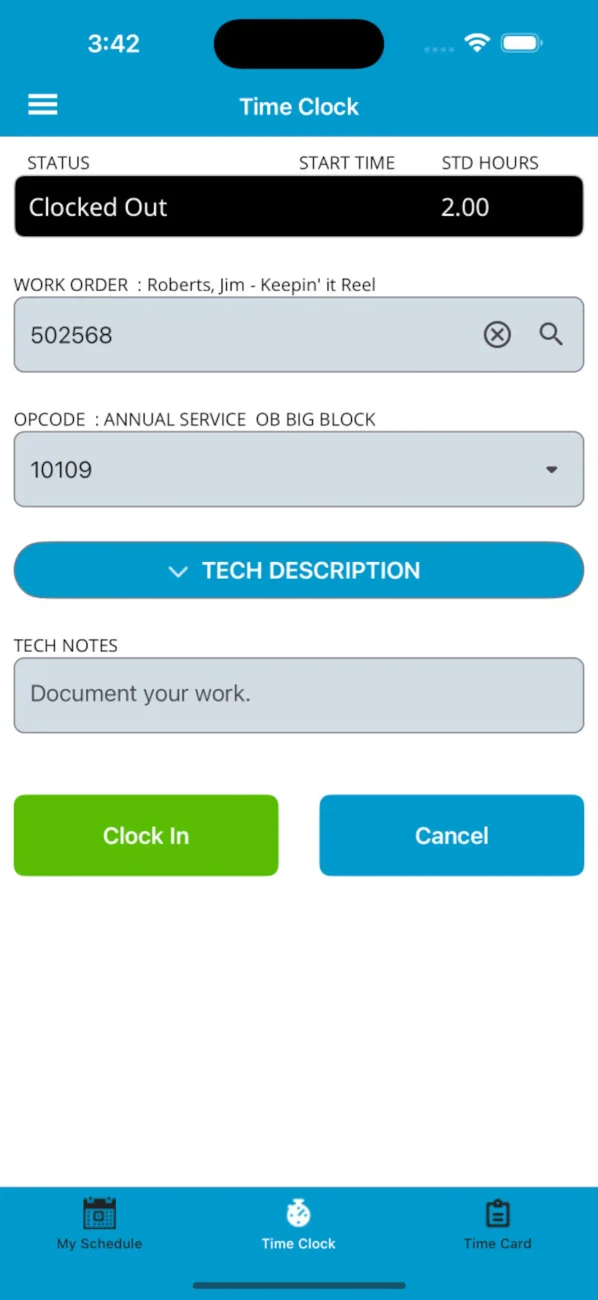
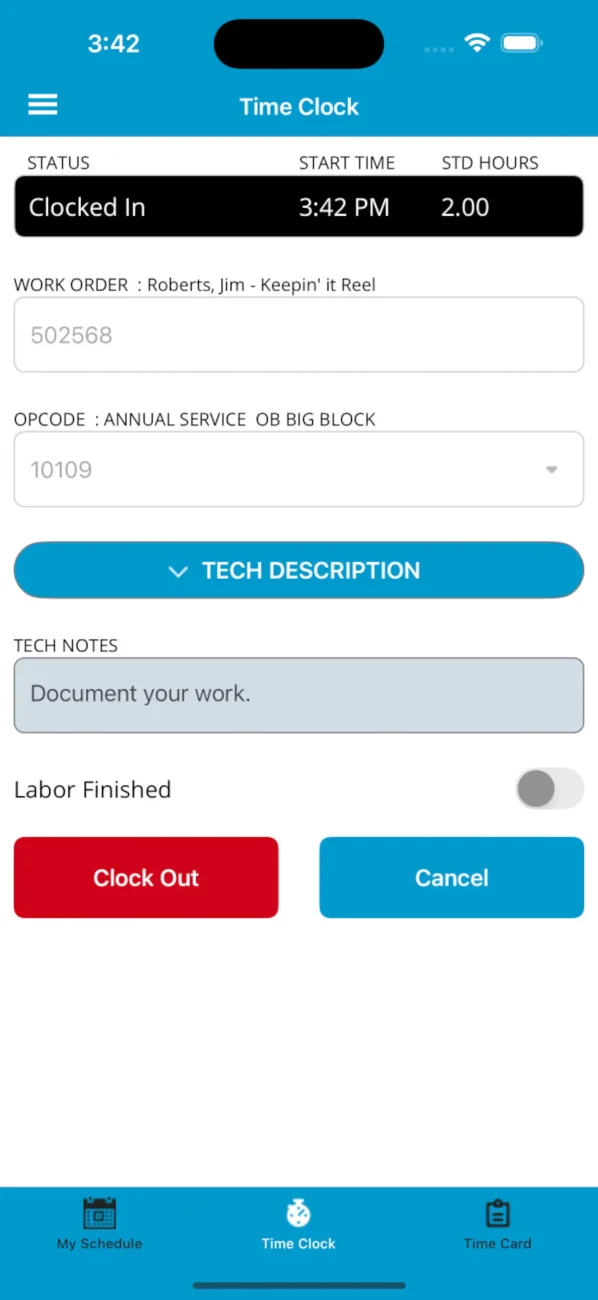
- Time Clock – Select from a list of open work orders, choose the appropriate opcode (job) and then clock-in. The time clock app tracks the actual amount of time expended on a job. You can even go back and change the start time for increased accuracy. You can add notes to the job by typing or using the device’s built-in voice-to-text feature.
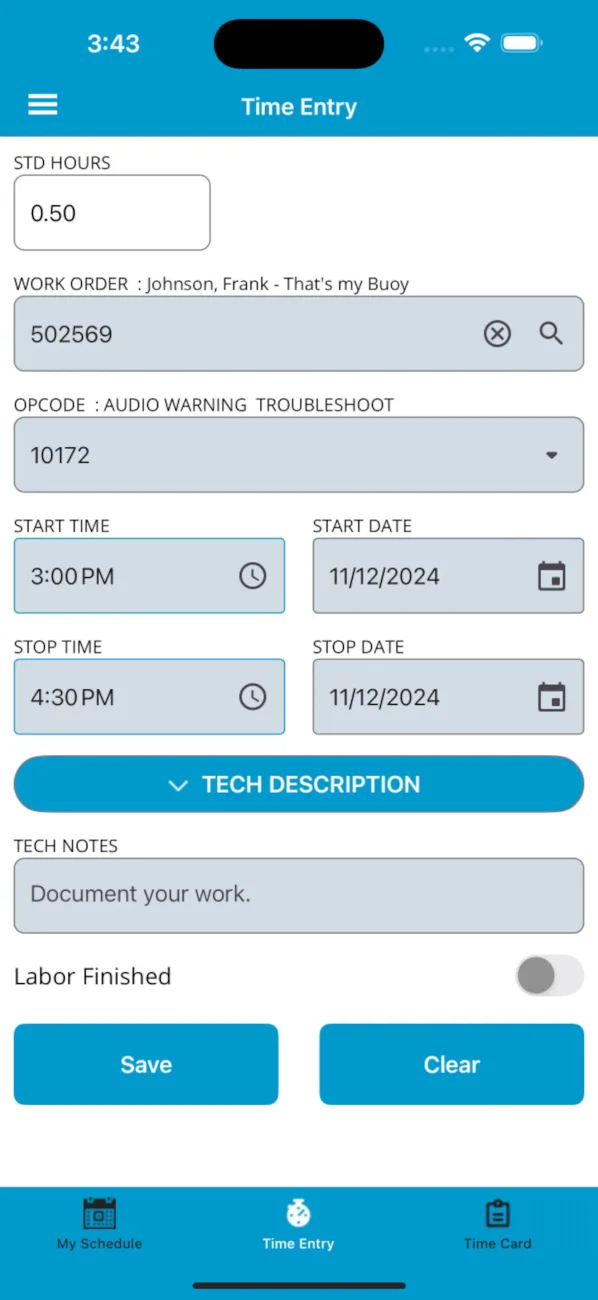
- Time Entry – Similar to the Time Clock, technicians can select from a list of work orders and associated opcodes to either add a new time card or edit an existing one. Technicians can select to use Start/Stop time or Total Hours, and edit the dates. You can add notes to the job by typing or using the device’s built-in voice-to-text feature.
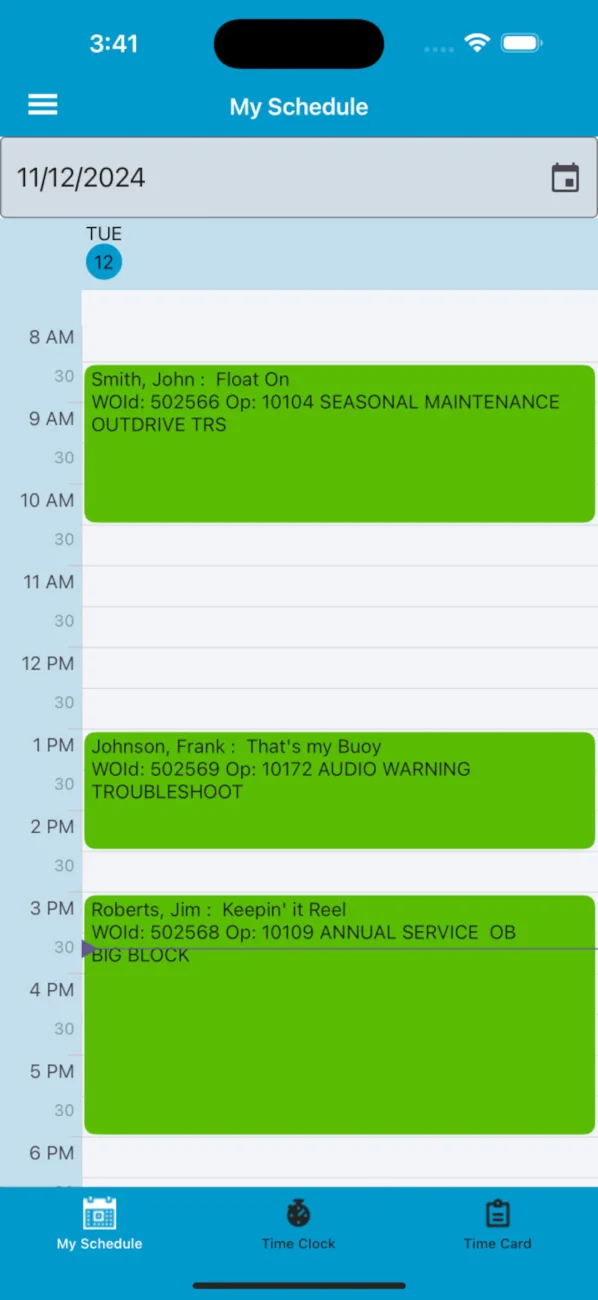
- Scheduler – For those companies that use the DockMaster Service Schedule, the Scheduler in the Time Clock app will allow technicians to view or select jobs scheduled in DockMaster. All jobs (opcodes) are color-coded by status: Completed, In Progress or Not Started. Technicians can tap a job to launch the Time Clock or Time Card.
新機能
バージョン 12.0 · 2025/4/14
• Cross-platform Attachments: Share images, videos, and documents seamlessly between Mobile and Desktop DockMaster on the Work Order OpCode level.
• Resolved time zone discrepancies in Time Entry submissions
• Time Entry now functions properly while Clocked In via Time Clock
• Fixed issues with editing time when already clocked in to another item
• Accurate recording of time clocked out or entered after 7 PM EST
• Fixed date changes on Time Cards
• Descriptions and Tech Notes now wrap correctly on the View screen
• Date Picker works correctly without “Enter Hours Only” setting
アプリのプライバシー
このアプリのデータの取り扱いについて、DockMaster SoftwareがApp Storeで申告している内容です。
-
データの収集なし
開発元はこのアプリからデータを収集しません。
プライバシーの取り扱いは、ご利用の機能やお客様の年齢などに応じて異なる場合があります。
情報
- 販売元
- DockMaster Software, Inc
- カテゴリ
- 仕事効率化
- バージョン
- 12.0
- 更新日
- 2025/4/14
- リリース
- 2019/11/6
- サイズ
- 227.9 MB
- 必要条件
- iOS 12.2以降
- 対象年齢
- 4+
- 価格
- 無料
- 著作権
- © DockMaster Software, Inc