
DockMaster Mobile App
Time Clock | Card | Scheduling
Được thiết kế cho iPhone, iPad, iPod touch
Miễn phí
- Độ tuổi4+
- Danh mụcHiệu Suất
- Nhà phát triểnDockMaster Software
- Kích thước227,9 MB
Liên kết đến trang App Store chính thức
Download.org không lưu trữ tệp nào của DockMaster Mobile App. Nút này mở trang ứng dụng trên App Store, nơi DockMaster Software phát hành ứng dụng. Trang được kiểm tra lần cuối: 14/11/2026.
Ảnh chụp màn hình
Giới thiệu
Nhà phát triển chưa cung cấp nội dung này bằng ngôn ngữ của bạn.
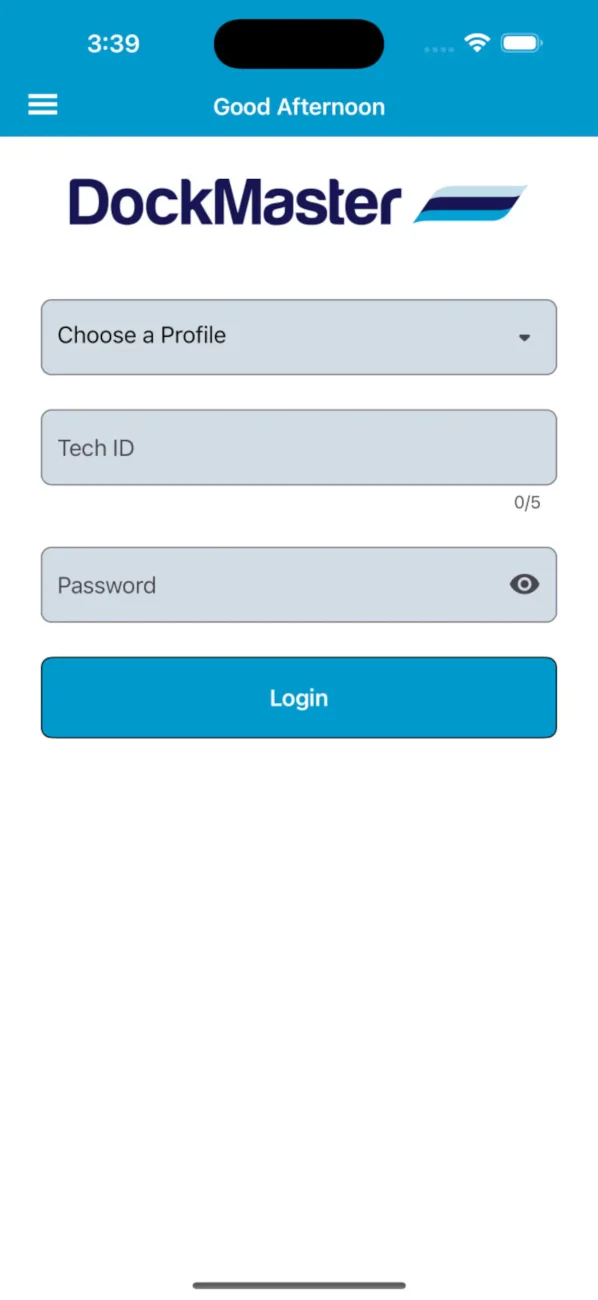
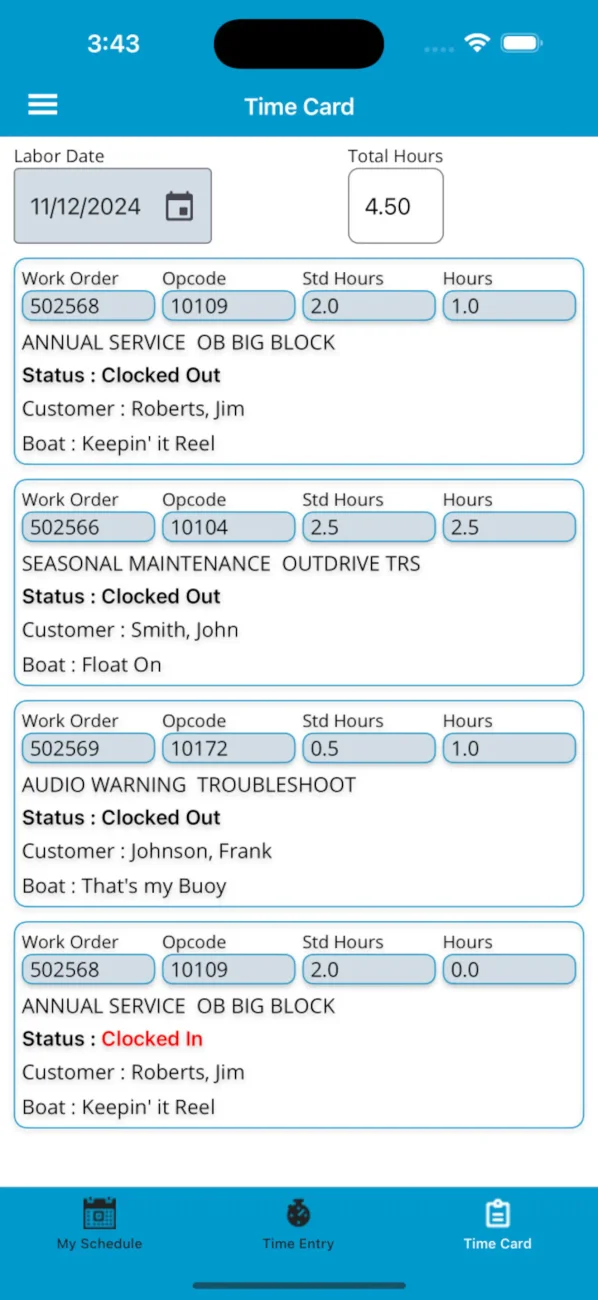
With DockMaster Mobile, replace paper time sheets and time cards with accurate, electronic time tracking data. Employee time on both billable and non-billable work orders is entered by the technician on their mobile device and seamlessly made available in DockMaster to speed up invoicing and payroll processing.
Available Features:
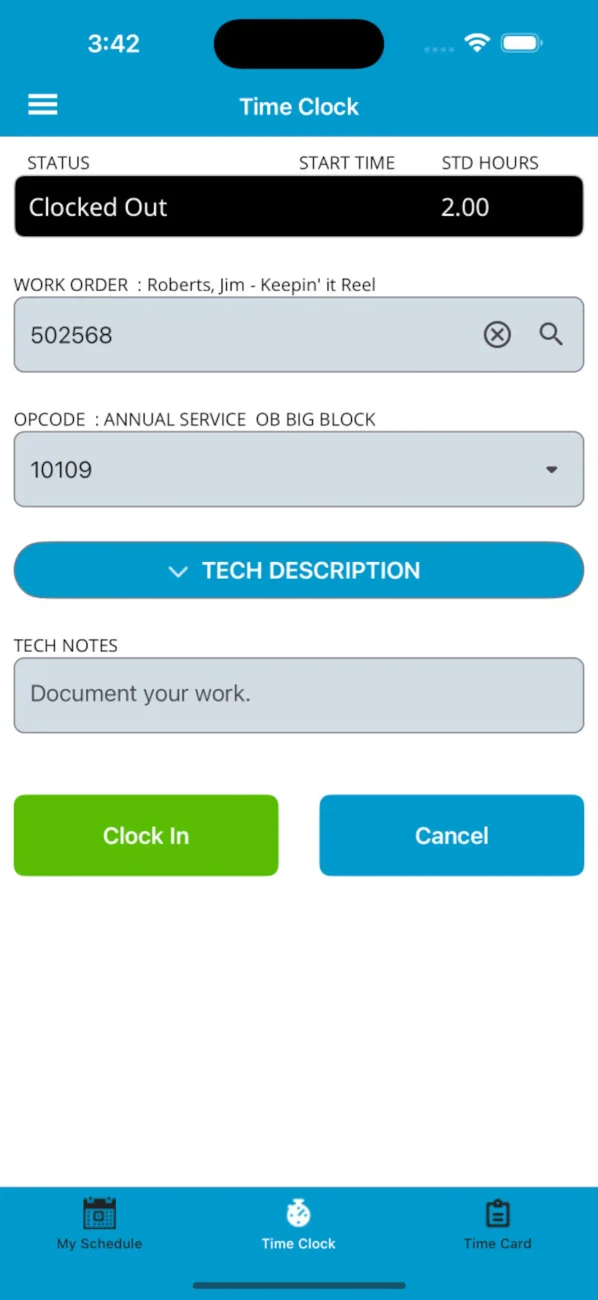
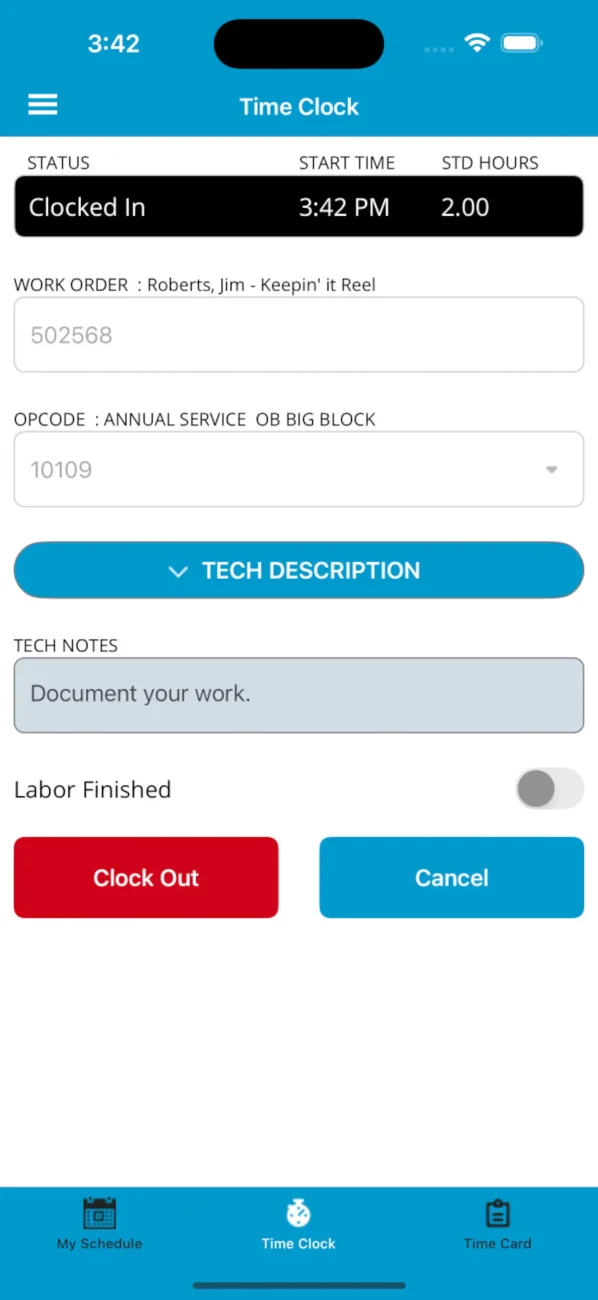
- Time Clock – Select from a list of open work orders, choose the appropriate opcode (job) and then clock-in. The time clock app tracks the actual amount of time expended on a job. You can even go back and change the start time for increased accuracy. You can add notes to the job by typing or using the device’s built-in voice-to-text feature.
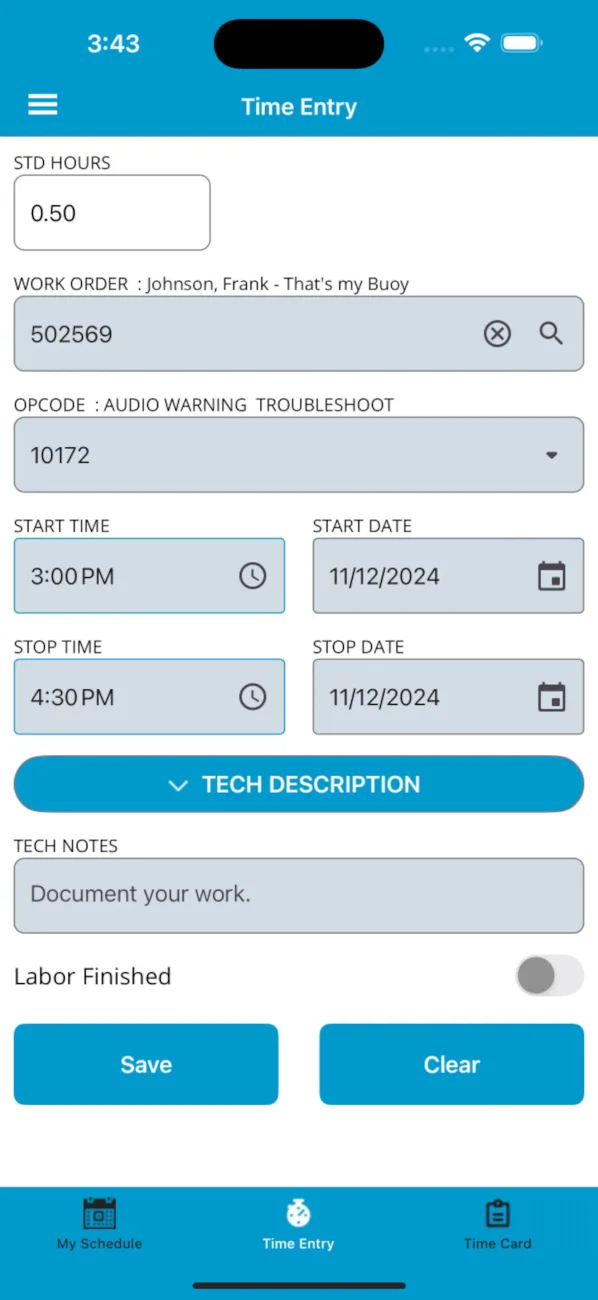
- Time Entry – Similar to the Time Clock, technicians can select from a list of work orders and associated opcodes to either add a new time card or edit an existing one. Technicians can select to use Start/Stop time or Total Hours, and edit the dates. You can add notes to the job by typing or using the device’s built-in voice-to-text feature.
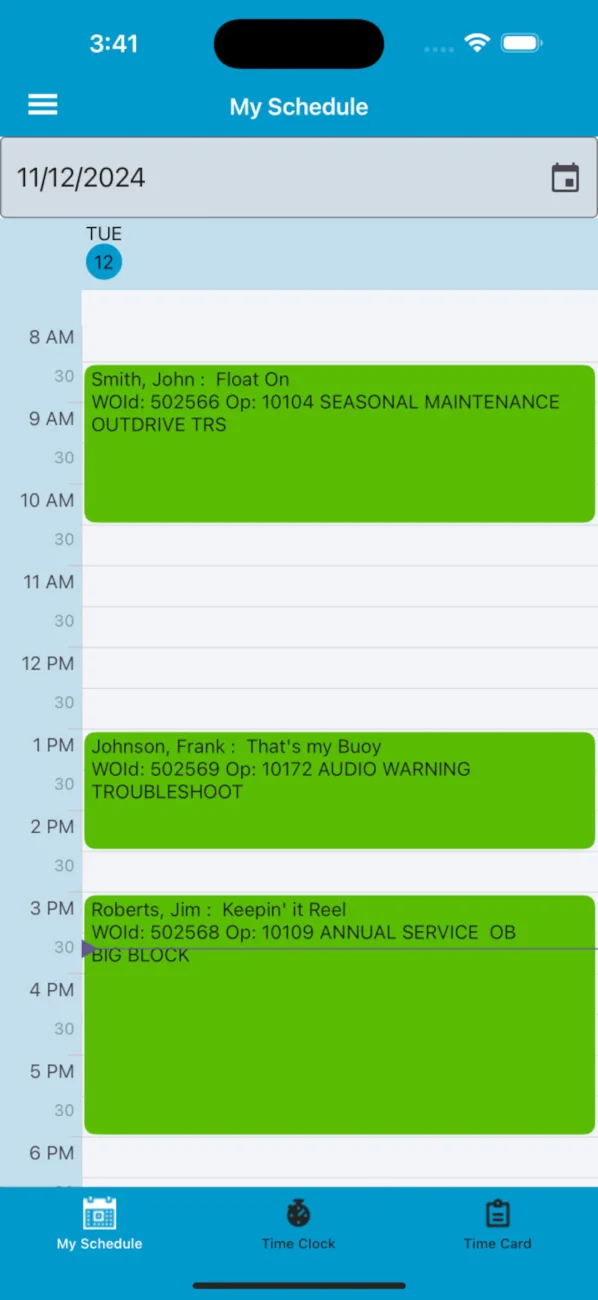
- Scheduler – For those companies that use the DockMaster Service Schedule, the Scheduler in the Time Clock app will allow technicians to view or select jobs scheduled in DockMaster. All jobs (opcodes) are color-coded by status: Completed, In Progress or Not Started. Technicians can tap a job to launch the Time Clock or Time Card.
Có gì mới
Phiên bản 12.0 · 14/04/2025
• Cross-platform Attachments: Share images, videos, and documents seamlessly between Mobile and Desktop DockMaster on the Work Order OpCode level.
• Resolved time zone discrepancies in Time Entry submissions
• Time Entry now functions properly while Clocked In via Time Clock
• Fixed issues with editing time when already clocked in to another item
• Accurate recording of time clocked out or entered after 7 PM EST
• Fixed date changes on Time Cards
• Descriptions and Tech Notes now wrap correctly on the View screen
• Date Picker works correctly without “Enter Hours Only” setting
Quyền riêng tư của ứng dụng
Những gì DockMaster Software khai báo trên App Store về cách ứng dụng này xử lý dữ liệu.
-
Dữ liệu không được thu thập
Nhà phát triển không thu thập bất kỳ dữ liệu nào từ ứng dụng này.
Phương thức đảm bảo quyền riêng tư có thể khác nhau, chẳng hạn như tuỳ theo các tính năng bạn sử dụng hoặc độ tuổi của bạn.
Thông tin
- Người bán
- DockMaster Software, Inc
- Danh mục
- Hiệu Suất
- Phiên bản
- 12.0
- Cập nhật
- 14/04/2025
- Phát hành
- 06/11/2019
- Kích thước
- 227,9 MB
- Yêu cầu
- iOS 12.2 trở lên
- Độ tuổi
- 4+
- Giá
- Miễn phí
- Bản quyền
- © DockMaster Software, Inc