
DockMaster Mobile App
Time Clock | Card | Scheduling
Dirancang untuk iPhone, iPad, iPod touch
Gratis
- Batasan usia4+
- KategoriProduktivitas
- PengembangDockMaster Software
- Ukuran227,9 MB
Tertaut ke halaman resmi App Store
Download.org tidak menyimpan file DockMaster Mobile App apa pun. Tombol ini membuka halaman aplikasi di App Store, tempat DockMaster Software menerbitkannya. Halaman terakhir diperiksa pada 14/11/2026.
Tangkapan layar
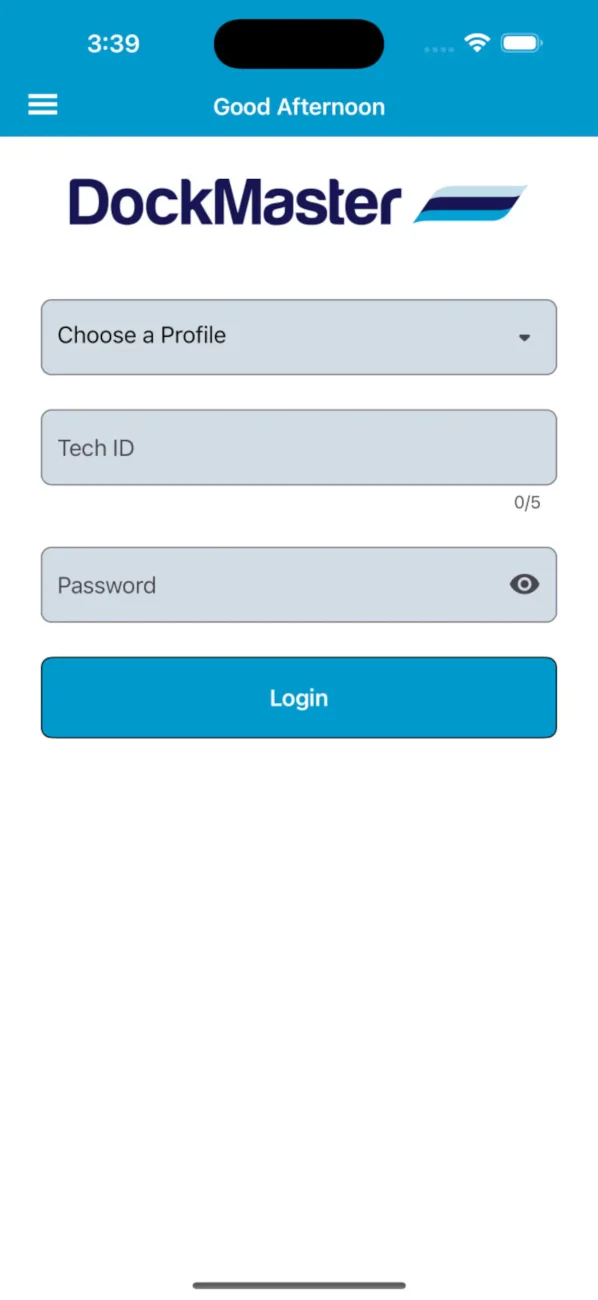
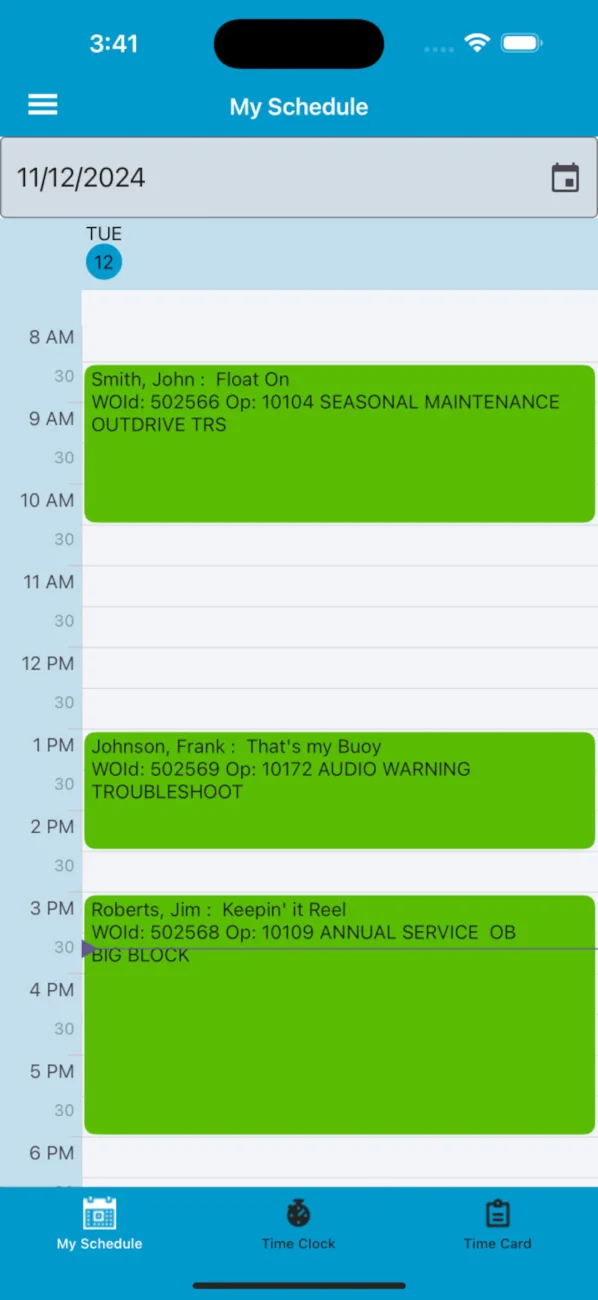
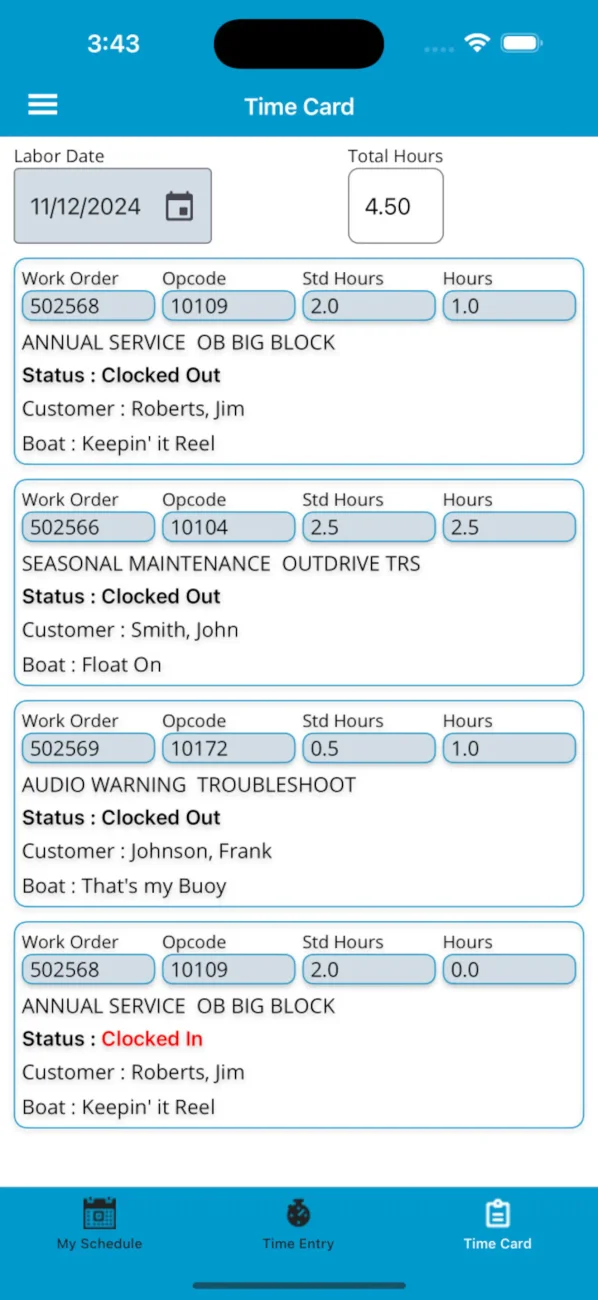
Tentang
Pengembang belum menyediakan teks ini dalam bahasa Anda.
With DockMaster Mobile, replace paper time sheets and time cards with accurate, electronic time tracking data. Employee time on both billable and non-billable work orders is entered by the technician on their mobile device and seamlessly made available in DockMaster to speed up invoicing and payroll processing.
Available Features:
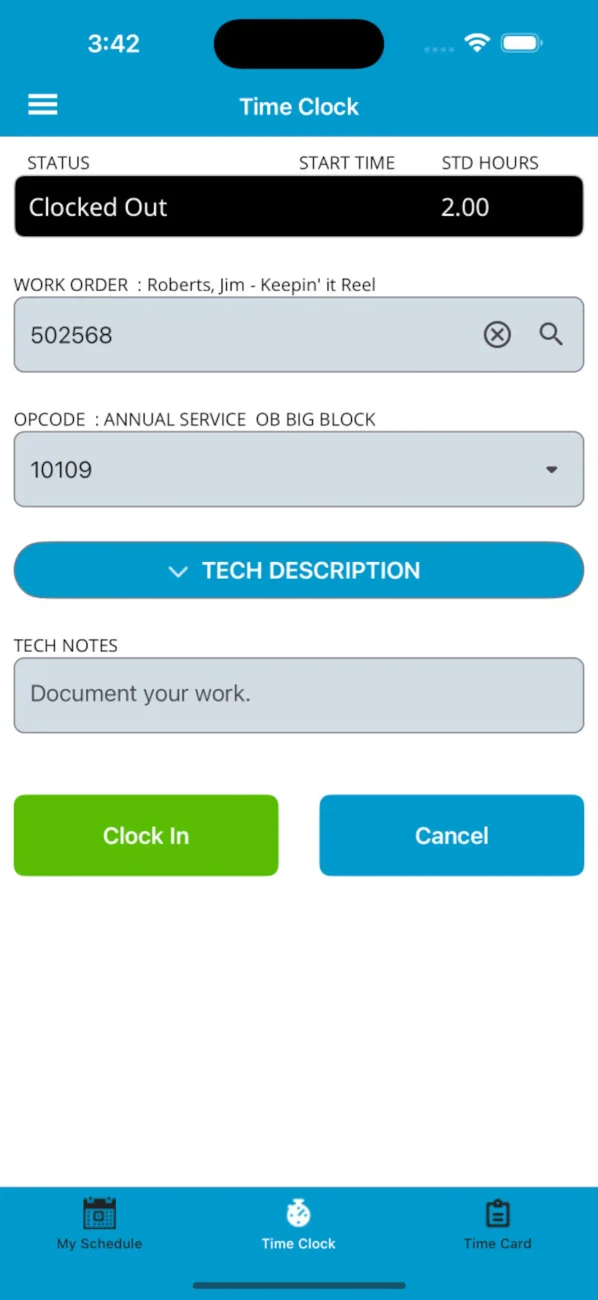
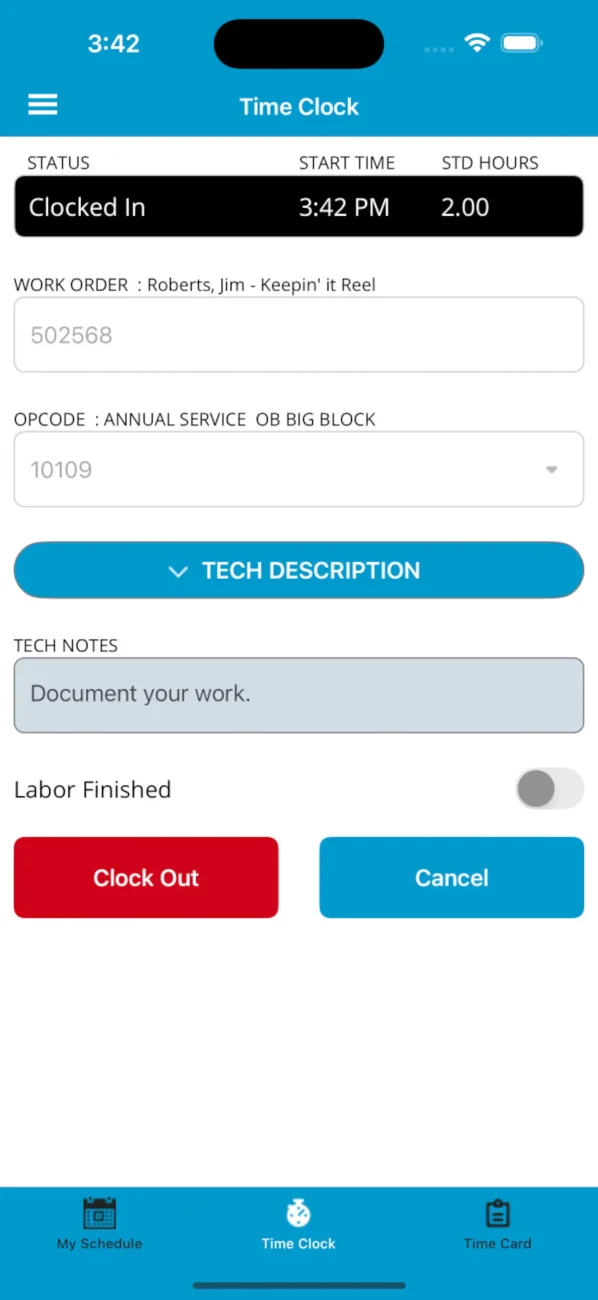
- Time Clock – Select from a list of open work orders, choose the appropriate opcode (job) and then clock-in. The time clock app tracks the actual amount of time expended on a job. You can even go back and change the start time for increased accuracy. You can add notes to the job by typing or using the device’s built-in voice-to-text feature.
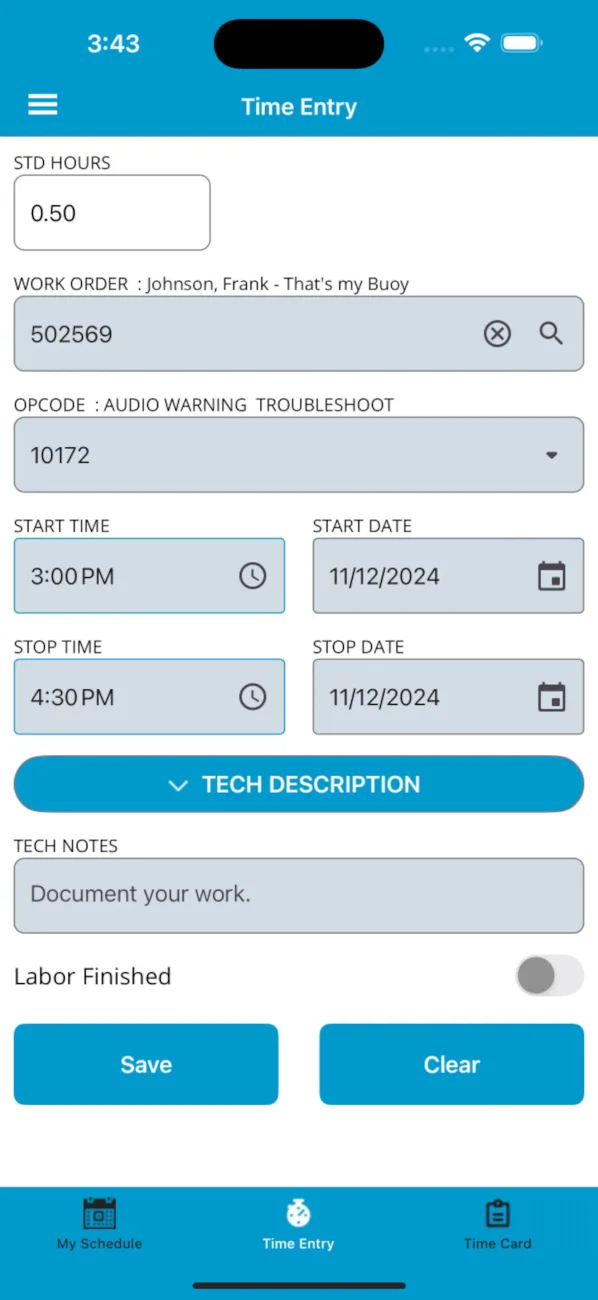
- Time Entry – Similar to the Time Clock, technicians can select from a list of work orders and associated opcodes to either add a new time card or edit an existing one. Technicians can select to use Start/Stop time or Total Hours, and edit the dates. You can add notes to the job by typing or using the device’s built-in voice-to-text feature.
- Scheduler – For those companies that use the DockMaster Service Schedule, the Scheduler in the Time Clock app will allow technicians to view or select jobs scheduled in DockMaster. All jobs (opcodes) are color-coded by status: Completed, In Progress or Not Started. Technicians can tap a job to launch the Time Clock or Time Card.
Yang baru
Versi 12.0 · 14/4/2025
• Cross-platform Attachments: Share images, videos, and documents seamlessly between Mobile and Desktop DockMaster on the Work Order OpCode level.
• Resolved time zone discrepancies in Time Entry submissions
• Time Entry now functions properly while Clocked In via Time Clock
• Fixed issues with editing time when already clocked in to another item
• Accurate recording of time clocked out or entered after 7 PM EST
• Fixed date changes on Time Cards
• Descriptions and Tech Notes now wrap correctly on the View screen
• Date Picker works correctly without “Enter Hours Only” setting
Privasi aplikasi
Yang dinyatakan DockMaster Software di App Store tentang cara aplikasi ini menangani data.
-
Data tidak dikumpulkan
Pengembang tidak mengumpulkan data apa pun dari aplikasi ini.
Praktik privasi dapat bervariasi, misalnya berdasarkan fitur yang Anda gunakan atau usia Anda.
Informasi
- Penjual
- DockMaster Software, Inc
- Kategori
- Produktivitas
- Versi
- 12.0
- Diperbarui
- 14/4/2025
- Dirilis
- 6/11/2019
- Ukuran
- 227,9 MB
- Memerlukan
- iOS 12.2 atau yang lebih baru
- Batasan usia
- 4+
- Harga
- Gratis
- Hak cipta
- © DockMaster Software, Inc
Mungkin Anda juga suka
-
 SureShade ControlProduktivitas
-
 Boatyard ProProduktivitas
-
 Spectro by VariableProduktivitas
-
 YACHTWAVE - Maintenance AppProduktivitas
-
 Siren Connected BoatProduktivitas
-
 Shopmonkey for Techs 2.0Produktivitas
-
 Snap-onProduktivitas
-
 CLYNKProduktivitas
-
 COTW CompanionProduktivitas
-
 MaintainX - CMMS & EAMProduktivitas