Drawing Projector Lite
Trace Photos & Sketches
Entwickelt für iPhone, iPod touch
Kostenlos · In-App-Käufe
- Altersfreigabe4+
- KategorieGrafik und Design
- EntwicklerJustinus Laurentius van den Berg
- SprachenEnglisch
- Größe72,5 MB
Verlinkt auf die offizielle App Store-Seite
Download.org hostet keine Datei von Drawing Projector Lite. Die Schaltfläche öffnet die App-Seite bei App Store, wo Justinus Laurentius van den Berg die App veröffentlicht. Eintrag zuletzt geprüft am 23.11.2026.
Screenshots
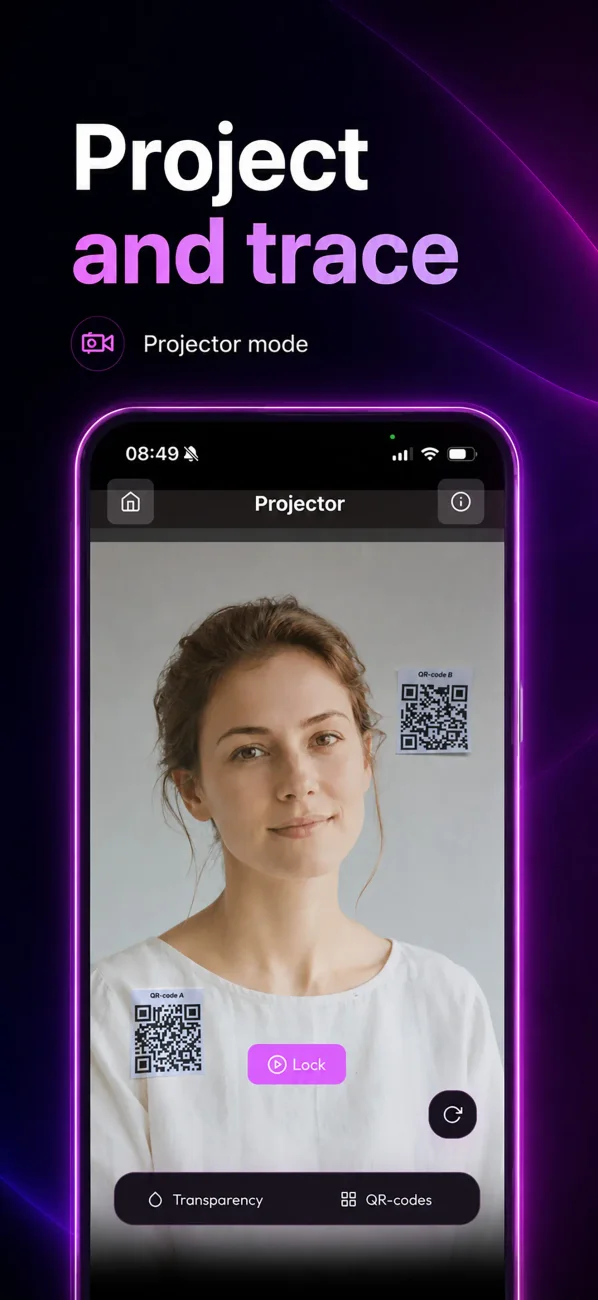
Info
Der Entwickler hat diesen Text nicht in Ihrer Sprache bereitgestellt.
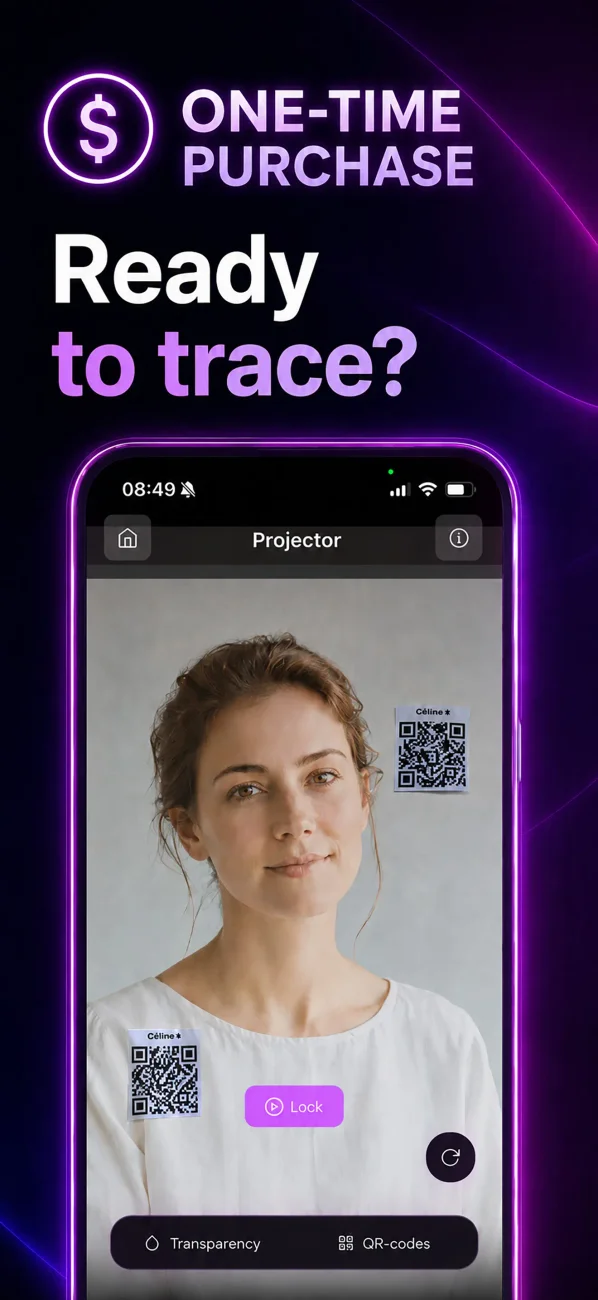
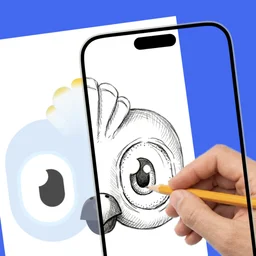
Drawing Projector Lite turns your phone into a simple AR projector that overlays any reference image onto your canvas, paper or sketchbook so you can trace and sketch without grids, tracing paper or hours of measuring.
Made for people who just want it to work:
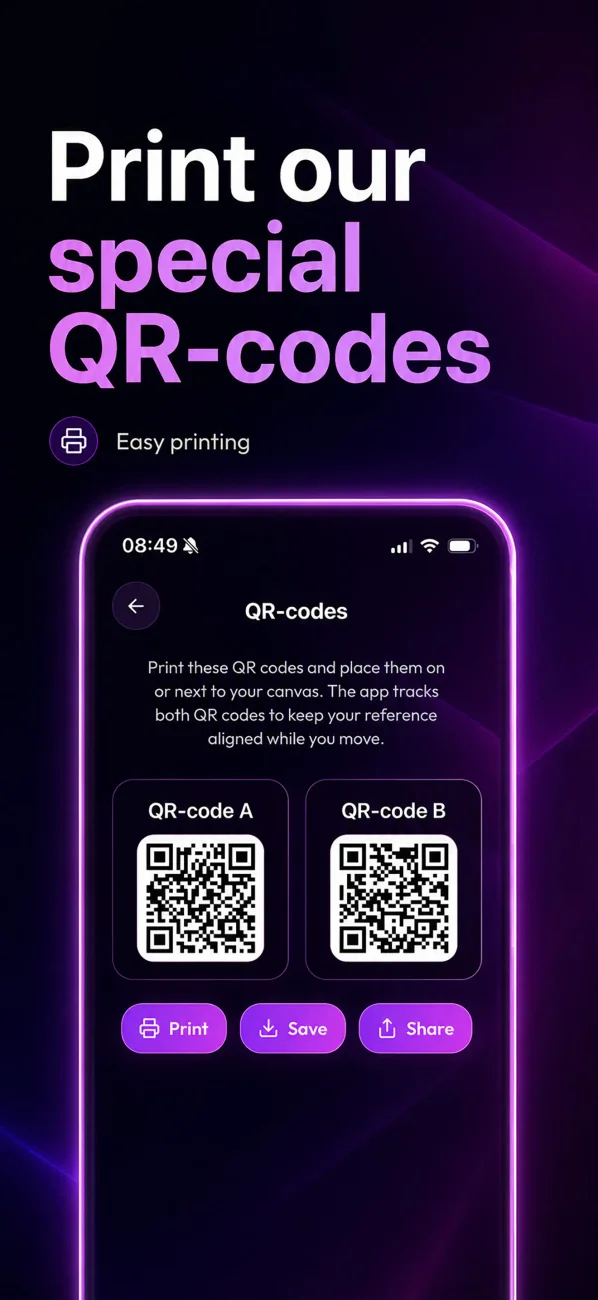
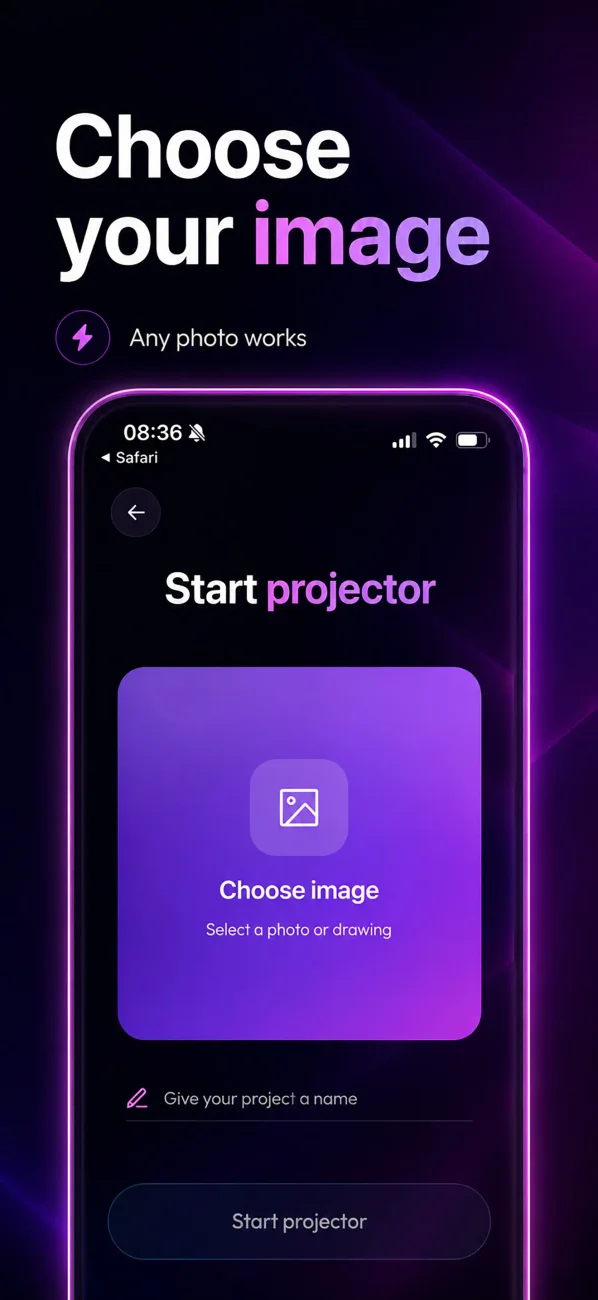
• Simple: pick an image, draw markers or print QR-codes, point your camera, start drawing.
• Lightweight: fast to open, easy to use, no clutter.
• One-time purchase: pay once, use forever. No subscriptions. No ads.
WHAT YOU CAN DO
• Project any photo from your library onto your canvas.
• Rotate, scale and lock the overlay to fit perfectly.
• Use optional marker drawing or QR markers for an extra-stable projection.
PERFECT FOR
• Artists tracing reference photos onto canvas.
• Hobby artists doing portraits, pet art, lettering and more.
• Beginners who want to skip the gridding step.
WHY DRAWING PROJECTOR LITE
We built the version we wished existed: no monthly fee, no upsell walls, no AI gimmick: just a focused AR tool that does one thing well.
Neue Funktionen
Version 2.2.0 · 19.11.2026
New tools for projecting with a phone stand
• Line drawing — trace outlines instead of the full photo
• Values — light to dark in a few grey tones
• Colour areas — flat shapes, numbered from dark to light
• Step by step — build your drawing from rough to detailed
• Compare — check your work against the original
• Time-lapse — capture your progress as you draw
App-Datenschutz
Was Justinus Laurentius van den Berg im App Store zum Umgang dieser App mit Daten angibt.
-
Mit Ihnen verknüpfte Daten
Können erfasst und mit Ihrer Identität verknüpft werden.
- Kontaktinformationen
- Benutzerinhalte
- Kennungen
- Nutzungsdaten
- Diagnose
Die Datenschutzpraktiken können variieren, zum Beispiel je nach den von Ihnen verwendeten Funktionen oder Ihrem Alter.
Informationen
- Anbieter
- Justinus Laurentius van den Berg
- Kategorie
- Grafik und Design
- Version
- 2.2.0
- Aktualisiert
- 19.11.2026
- Veröffentlicht
- 15.05.2026
- Größe
- 72,5 MB
- Erfordert
- iOS 15.1 oder neuer
- Altersfreigabe
- 4+
- Preis
- Kostenlos
- In-App-Käufe
- Ja
- Sprachen
- Englisch
- Copyright
- © 2026 Justinus Laurentius
Das könnte Ihnen auch gefallen
-
 AR Drawing Projektor: ZeichnenNachzeichnen, Skizze & Anime
-
 Zeichenprojektor - ZeichneSkizzen, KI-Stile & Vorlagen
-
 AR Drawing Projector: Draw ArtGrafik und Design
-
 AR Zeichnen Projektor: MalenNachzeichnen & Skizzen lernen
-
 Drawing Projector: AR Draw ArtGrafik und Design
-
 Tracer: AR TracingGrafik und Design
-
 Trace Drawing ProjectorGrafik und Design
-
 Drawello:Learn Drawing & traceGrafik und Design
-
 Trace Drawing & Projector - ARGrafik und Design
-
 AR Drawing Sketchbook : DraweeZeichnen lernen & nachzeichnen