Drawing Projector Lite
Trace Photos & Sketches
iPhone, iPod touch için tasarlandı
Ücretsiz · Uygulama içi satın alma
- Yaş sınırı4+
- KategoriGrafik ve Tasarım
- GeliştiriciJustinus Laurentius van den Berg
- Dillerİngilizce
- Boyut72,5 MB
Resmi App Store sayfasına bağlanır
Download.org, Drawing Projector Lite için hiçbir dosya barındırmaz. Düğme, uygulamanın App Store üzerindeki sayfasını açar; uygulamayı orada Justinus Laurentius van den Berg yayınlar. Sayfanın son kontrolü: 23.11.2026.
Ekran görüntüleri
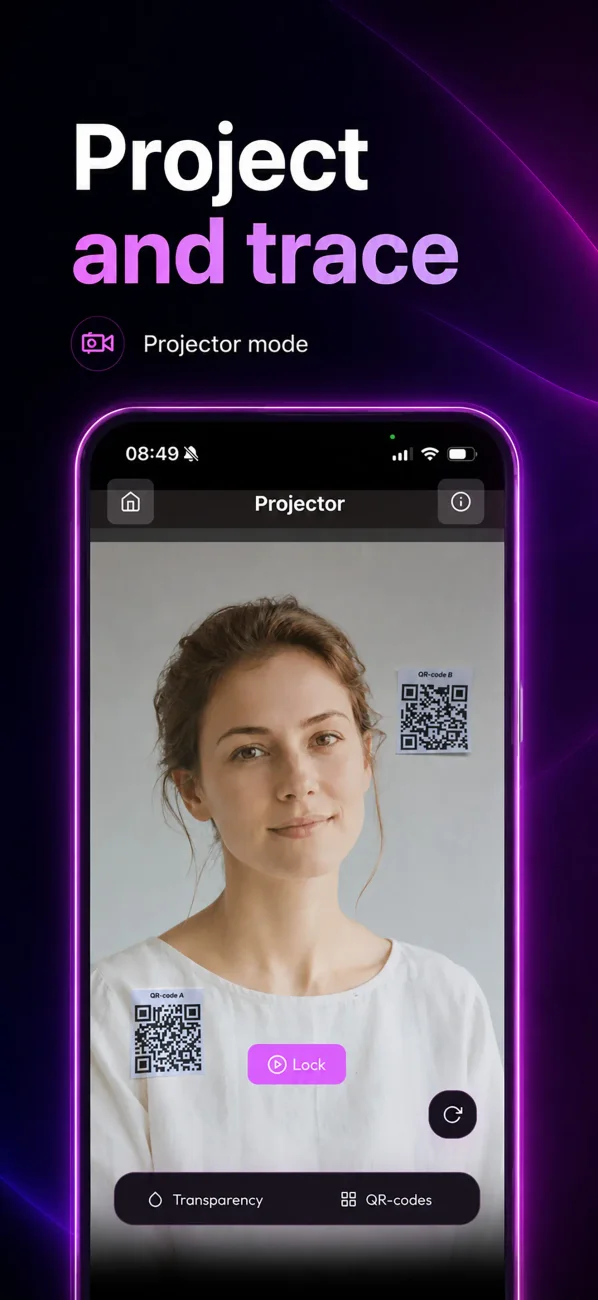
Hakkında
Geliştirici bu metni dilinizde sunmamış.
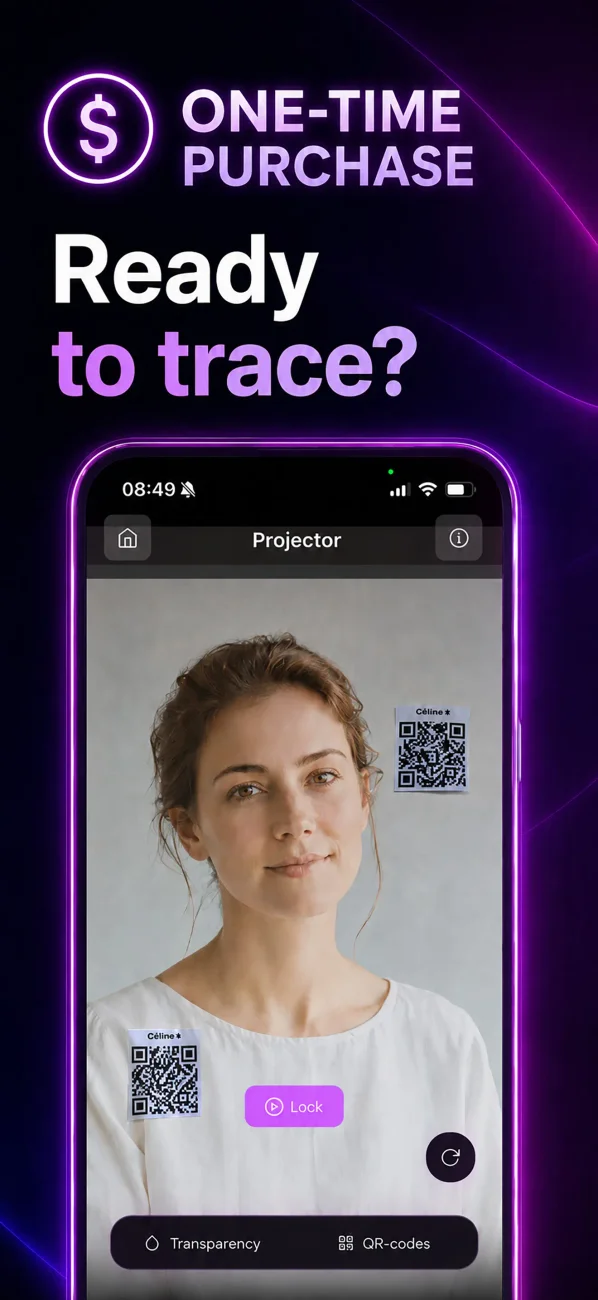
Drawing Projector Lite turns your phone into a simple AR projector that overlays any reference image onto your canvas, paper or sketchbook so you can trace and sketch without grids, tracing paper or hours of measuring.
Made for people who just want it to work:
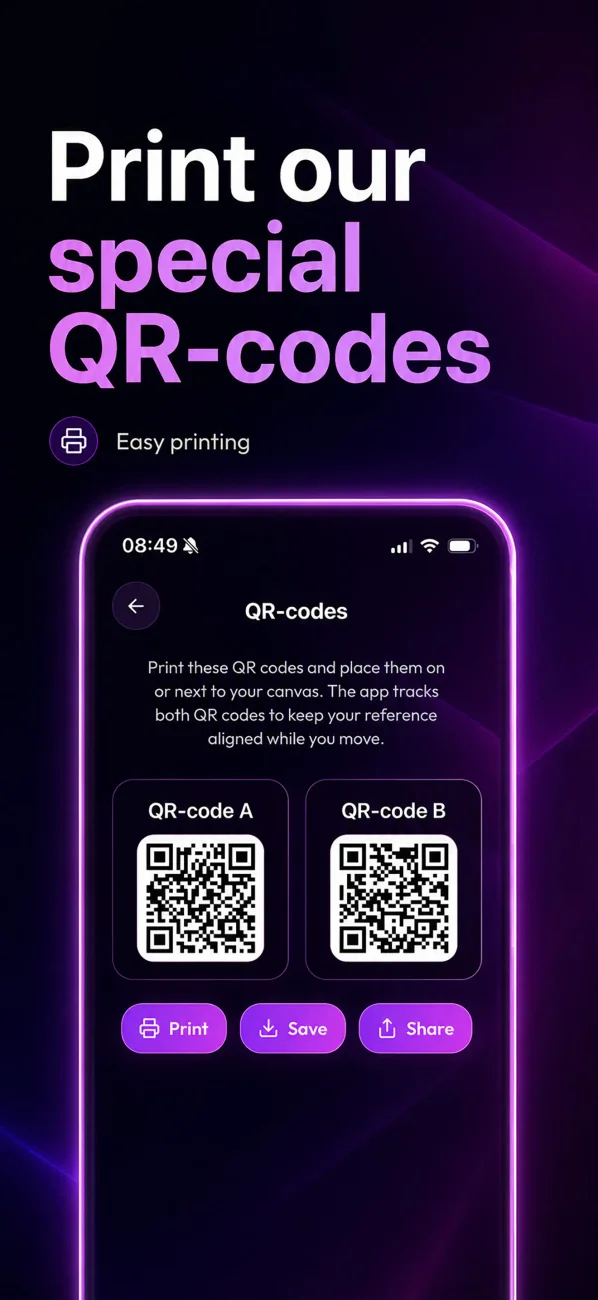
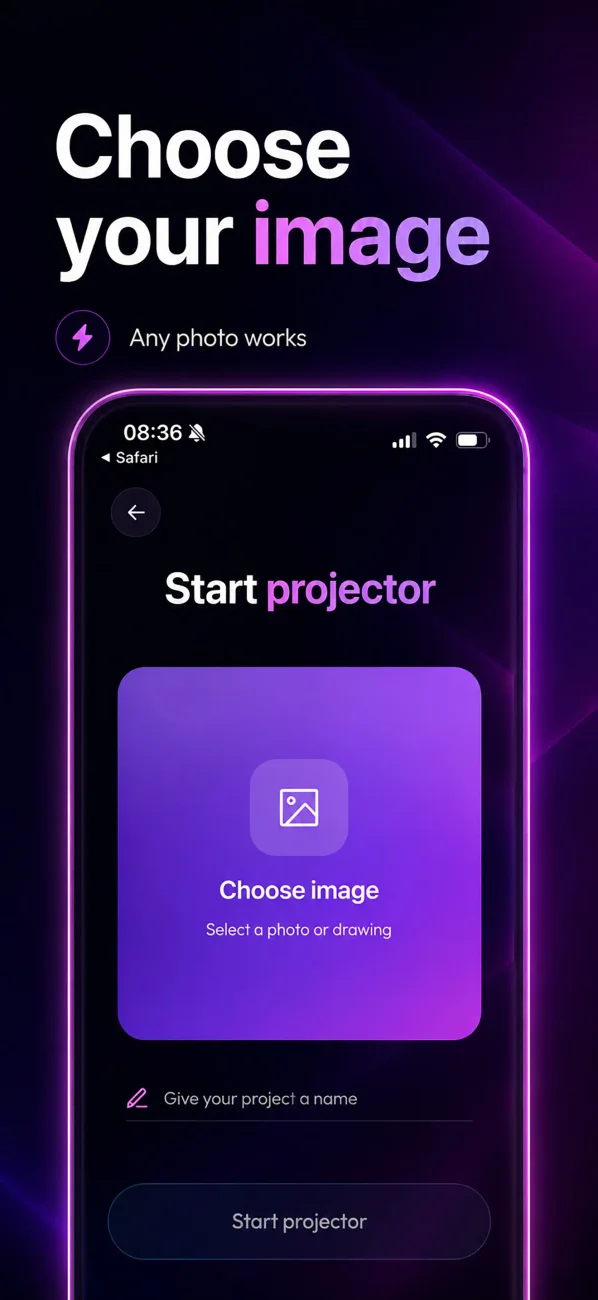
• Simple: pick an image, draw markers or print QR-codes, point your camera, start drawing.
• Lightweight: fast to open, easy to use, no clutter.
• One-time purchase: pay once, use forever. No subscriptions. No ads.
WHAT YOU CAN DO
• Project any photo from your library onto your canvas.
• Rotate, scale and lock the overlay to fit perfectly.
• Use optional marker drawing or QR markers for an extra-stable projection.
PERFECT FOR
• Artists tracing reference photos onto canvas.
• Hobby artists doing portraits, pet art, lettering and more.
• Beginners who want to skip the gridding step.
WHY DRAWING PROJECTOR LITE
We built the version we wished existed: no monthly fee, no upsell walls, no AI gimmick: just a focused AR tool that does one thing well.
Yenilikler
Sürüm 2.2.0 · 19.11.2026
New tools for projecting with a phone stand
• Line drawing — trace outlines instead of the full photo
• Values — light to dark in a few grey tones
• Colour areas — flat shapes, numbered from dark to light
• Step by step — build your drawing from rough to detailed
• Compare — check your work against the original
• Time-lapse — capture your progress as you draw
Uygulama gizliliği
Bu uygulamanın verileri nasıl işlediği hakkında Justinus Laurentius van den Berg tarafından App Store üzerinde yapılan beyan.
-
Sizinle ilişkilendirilen veriler
Toplanabilir ve kimliğinizle ilişkilendirilebilir.
- İletişim bilgileri
- Kullanıcı içeriği
- Tanımlayıcılar
- Kullanım verileri
- Tanılama
Gizlilik uygulamaları, örneğin kullandığınız özelliklere veya yaşınıza göre değişiklik gösterebilir.
Bilgiler
- Satıcı
- Justinus Laurentius van den Berg
- Kategori
- Grafik ve Tasarım
- Sürüm
- 2.2.0
- Güncellendi
- 19.11.2026
- Yayın tarihi
- 15.05.2026
- Boyut
- 72,5 MB
- Gereksinim
- iOS 15.1 veya sonrası
- Yaş sınırı
- 4+
- Fiyat
- Ücretsiz
- Uygulama içi satın alma
- Evet
- Diller
- İngilizce
- Telif hakkı
- © 2026 Justinus Laurentius
Bunları da beğenebilirsiniz
-
 Drawing Projektör: AR ÇizimResim Eskiz, Karakalem, Anime
-
 Drawing Projector - Trace&DrawGrafik ve Tasarım
-
 AR Drawing Projector: Draw ArtGrafik ve Tasarım
-
 AR Çizim: Yansıtma & EskizFotoğraftan kopyala ve öğren
-
 Drawing Projector: AR Draw ArtGrafik ve Tasarım
-
 Tracer: AR TracingGrafik ve Tasarım
-
 Trace Drawing ProjectorGrafik ve Tasarım
-
 Drawello:Learn Drawing & traceGrafik ve Tasarım
-
 Trace Drawing & Projector - ARGrafik ve Tasarım
-
 AR Drawing Projector: DraweeGrafik ve Tasarım