
- Altersfreigabe12+
- KategorieProduktivität
- EntwicklerLSM Apps
- SprachenEnglisch
- Größe23,9 MB
Easy Backup. ist bei App Store derzeit möglicherweise nicht verfügbar
Bei unserer letzten Prüfung war der Store-Eintrag nicht erreichbar. Der Link führt weiterhin zur offiziellen App Store-Seite.
Screenshots

Info
Der Entwickler hat diesen Text nicht in Ihrer Sprache bereitgestellt.
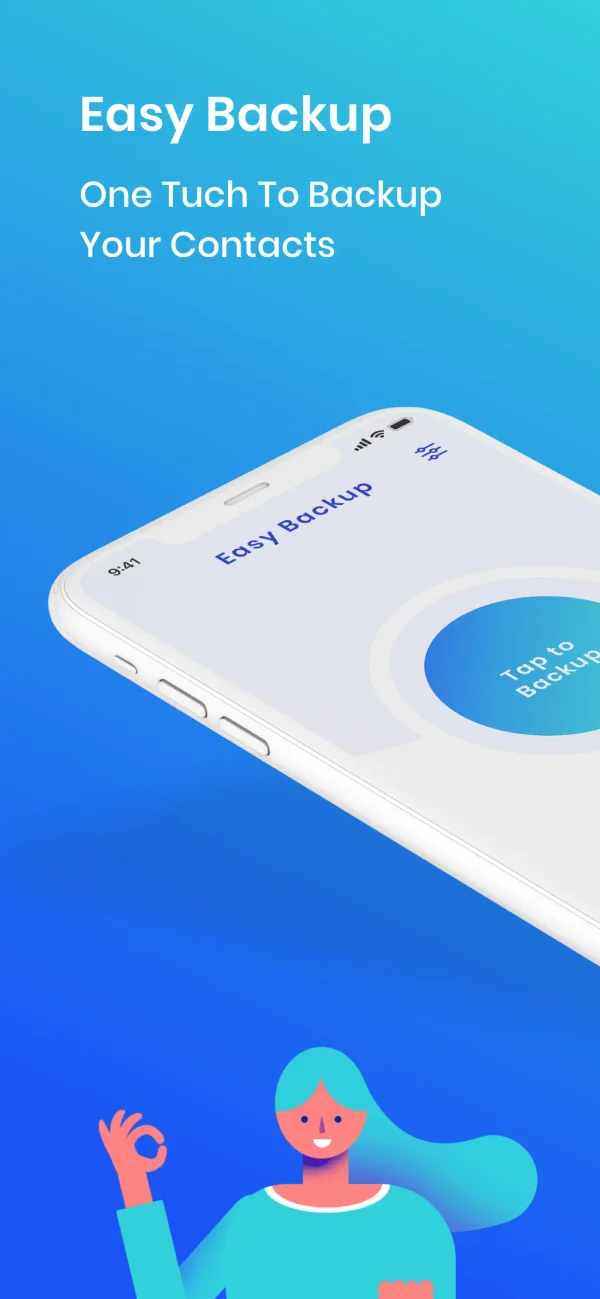
Easy Backup is the easiest and fastest way to backup, restore and transfer your contacts between mobile devices!
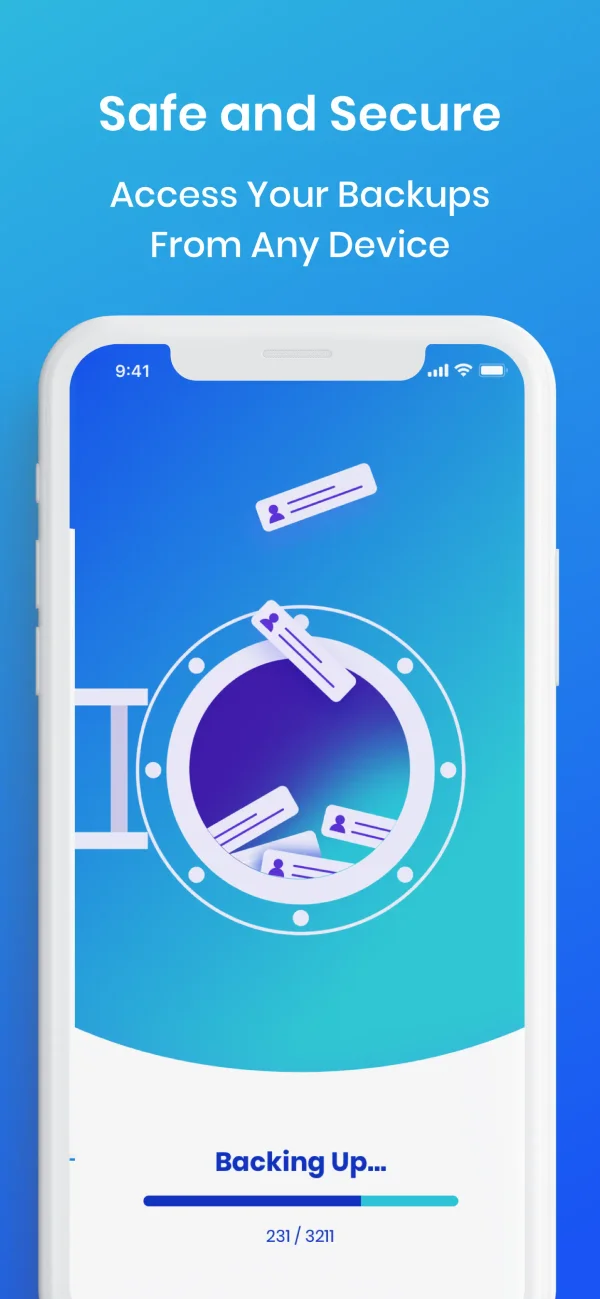
Easy Backup allows you to backup your phone’s entire contacts list with a single tap, by uploading your contacts to a secured cloud to keep them safe!
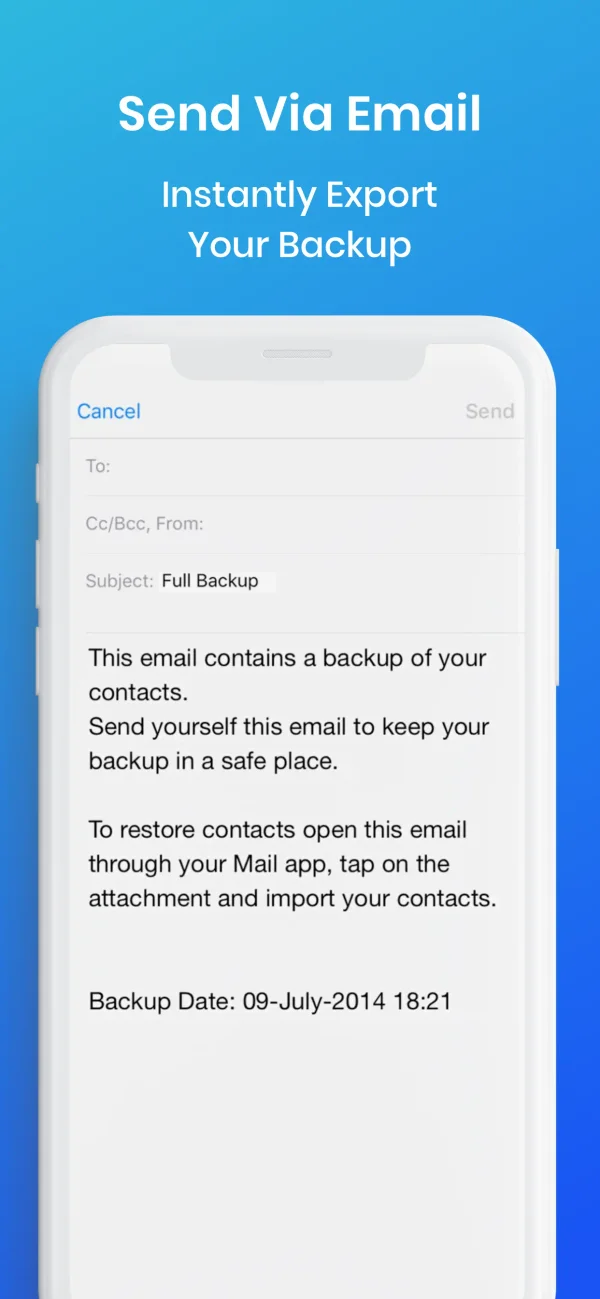
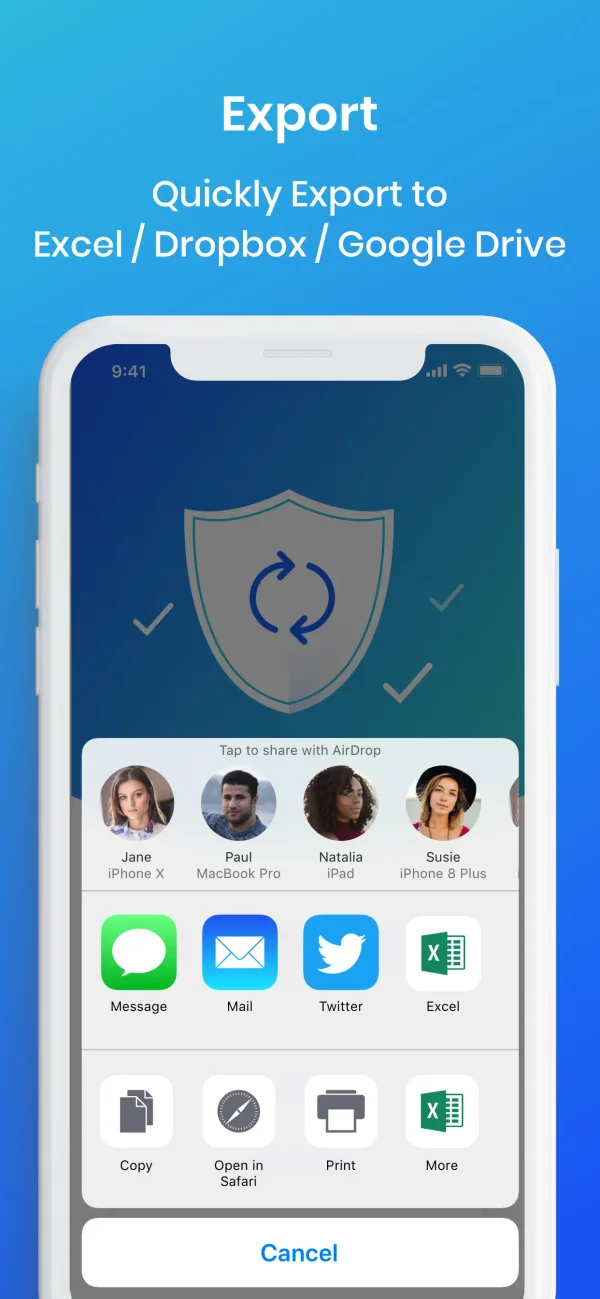
Export your contacts - you can easily send a backup .vcf file of your contacts book to any email address!
You can also send contacts via various share services to your choice!
Easy Backup is the easiest and the most efficient way to transfer and recover contact details of your friends and family if you lose your smartphone or switch to a new one!
How to backup your contacts:
1. Download Easy Backup to your phone
2. Allow Easy Backup to access your contacts.
3. Hit the big “Tap to backup” button
That’s it! Your contacts are safe on our cloud
How to transfer your contacts:
1. Sign in and backup your contacts on your old device
2. Download Easy Backup on your other device
3. Sign in with the same account you did the first time (step 1)
4. Hit “My Backup History” on the bottom part of your screen
Now you have access to all your cloud backups of your address book contacts!
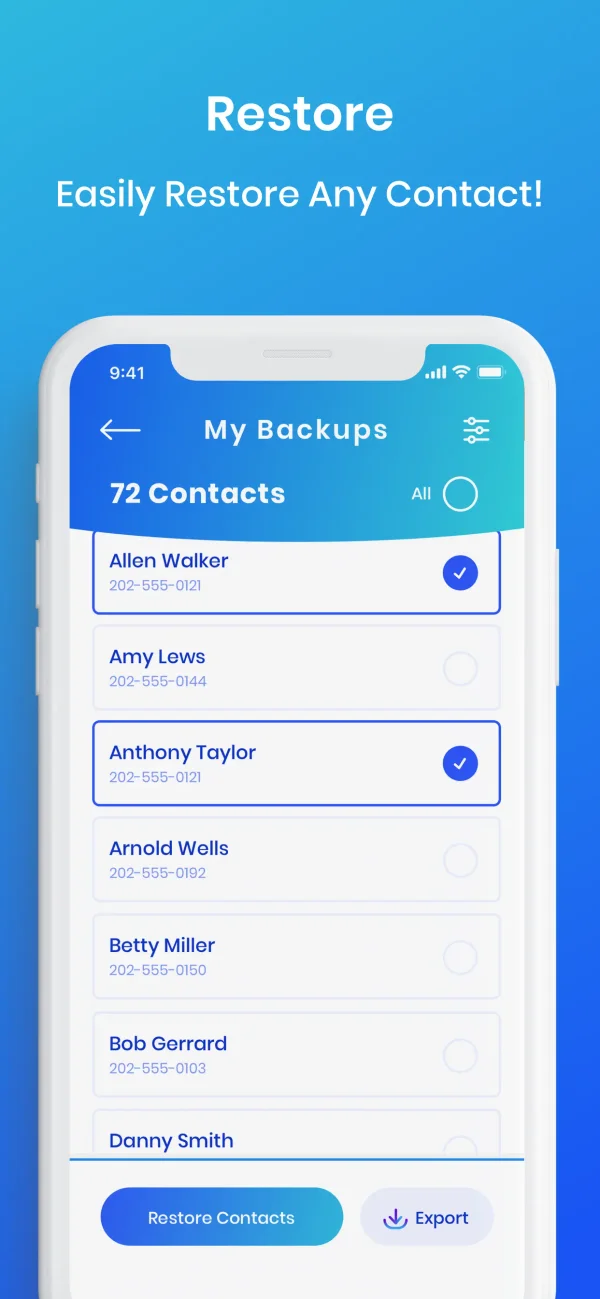
How to restore your contacts:
1. In “My Backup History” tap the backup file you would like to restore contacts from
2. Select all or any contacts from the list
3. Hit “Restore Contacts”
That’s it! Your contacts have been recovered!
How to export your contacts:
1. Tap “My Backup History”
2. Choose a backup to restore
3. Select all or any contacts from the list
4. Hit “Export” to send a .vcf file by email or “Export” to choose from the many services you can upload your backups to
Easy isn’t it?
MAIN FEATURES
○ One tap to backup your contacts!
○ Transfer your contacts address book between mobile devices with ease!
○ Offline Backup. No need to sync to any server. Just email yourself the backup file.
○ Save a copy of the backup file in your Computer.
○ Backup Contacts as VCF (VCard). Quickly export your backups to any service you want.
○ Never lose your contacts again
We would love to hear your feedback
Let us know what do you think about Easy Backup:
https://www.lsmapps.com/
Neue Funktionen
Version 16.1.4 · 18.11.2025
Bug Fixes and Performance Improvements
App-Datenschutz
Was LSM Apps im App Store zum Umgang dieser App mit Daten angibt.
-
Mit Ihnen verknüpfte Daten
Können erfasst und mit Ihrer Identität verknüpft werden.
- Kontakte
- Benutzerinhalte
- Kennungen
-
Nicht mit Ihnen verknüpfte Daten
Können erfasst werden, sind aber nicht mit Ihrer Identität verknüpft.
- Standort
- Nutzungsdaten
- Diagnose
Die Datenschutzpraktiken können variieren, zum Beispiel je nach den von Ihnen verwendeten Funktionen oder Ihrem Alter.
Informationen
- Anbieter
- L.S Mobile Apps Holdings LTD
- Kategorie
- Produktivität
- Version
- 16.1.4
- Aktualisiert
- 18.11.2025
- Veröffentlicht
- 09.08.2012
- Größe
- 23,9 MB
- Erfordert
- iOS 15.0 oder neuer
- Altersfreigabe
- 12+
- Sprachen
- Englisch
- Copyright
- © L.S Mobile Apps Holdings LTD
Das könnte Ihnen auch gefallen
-
 My Contacts BackupProduktivität
-
 MCBackup - Kontakte ManagerSync, Backup, Kontakte sichern
-
 Contacts Pro Kontakte SichernKontakte übertragen Exportiere
-
 Cleanup Duplicate Contacts!Produktivität
-
 Contacts MoverProduktivität
-
 Delete Contacts+Produktivität
-
 IDrive Online BackupProduktivität
-
 A2Z GruppenNachrichten an Gruppen
-
 Contacts+ | Address BookProduktivität
-
 Cleaner: Merge Contact & PhotoSmart Delete Duplicates