
Easy Backup.
Contacts Backup Assistant
Dirancang untuk iPhone, iPad, iPod touch
Gratis
- Batasan usia12+
- KategoriProduktivitas
- PengembangLSM Apps
- BahasaInggris
- Ukuran23,9 MB
Tertaut ke halaman resmi App Store
Download.org tidak menyimpan file Easy Backup. apa pun. Tombol ini membuka halaman aplikasi di App Store, tempat LSM Apps menerbitkannya. Halaman terakhir diperiksa pada 24/11/2026.
Tangkapan layar

Tentang
Pengembang belum menyediakan teks ini dalam bahasa Anda.
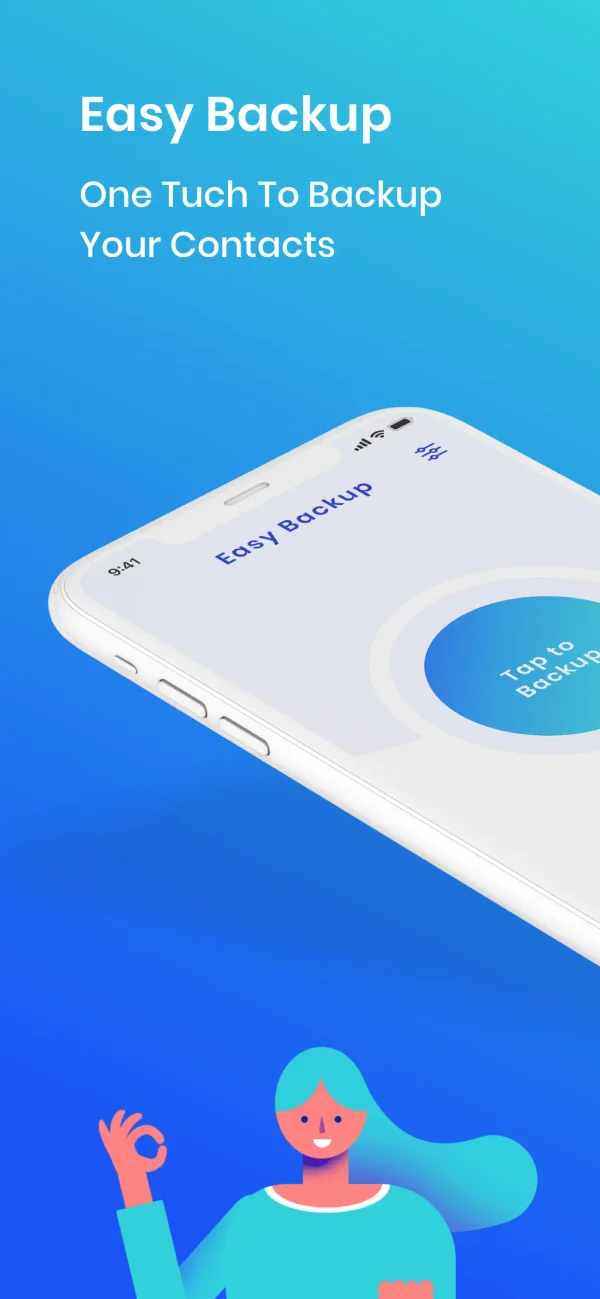
Easy Backup is the easiest and fastest way to backup, restore and transfer your contacts between mobile devices!
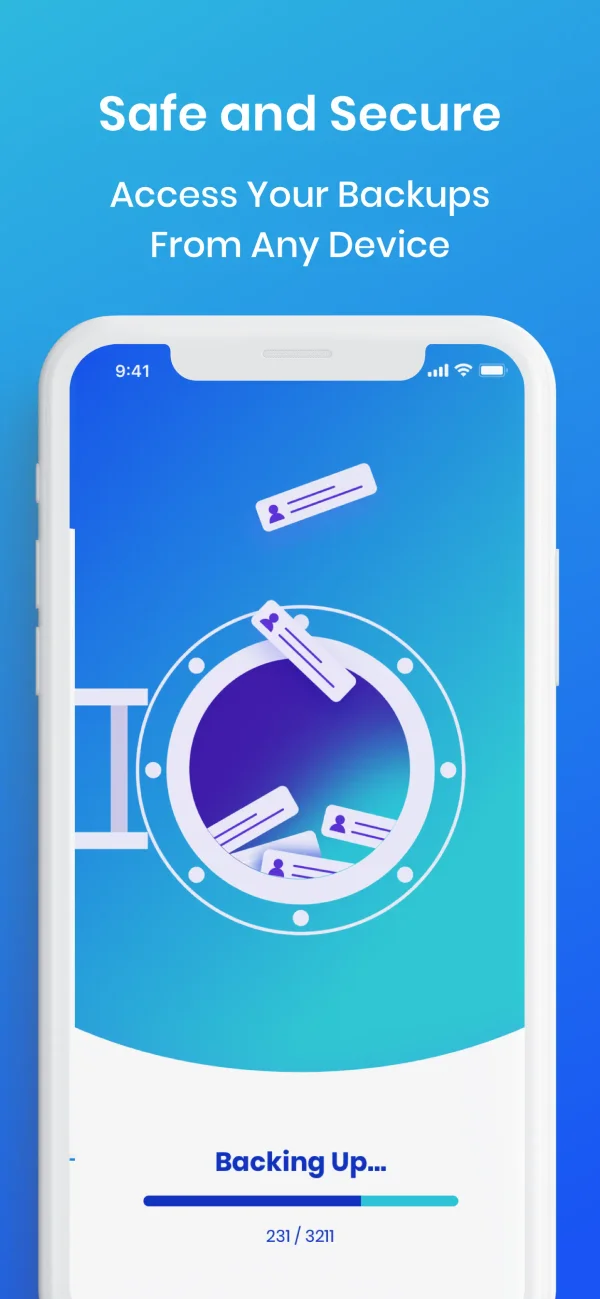
Easy Backup allows you to backup your phone’s entire contacts list with a single tap, by uploading your contacts to a secured cloud to keep them safe!
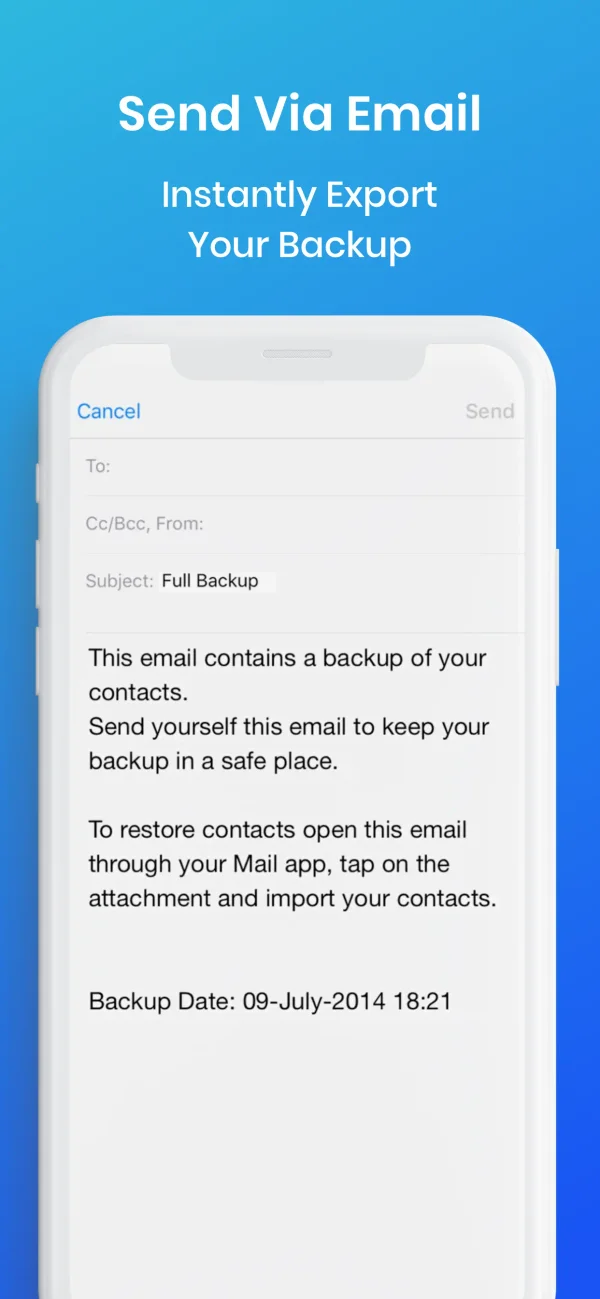
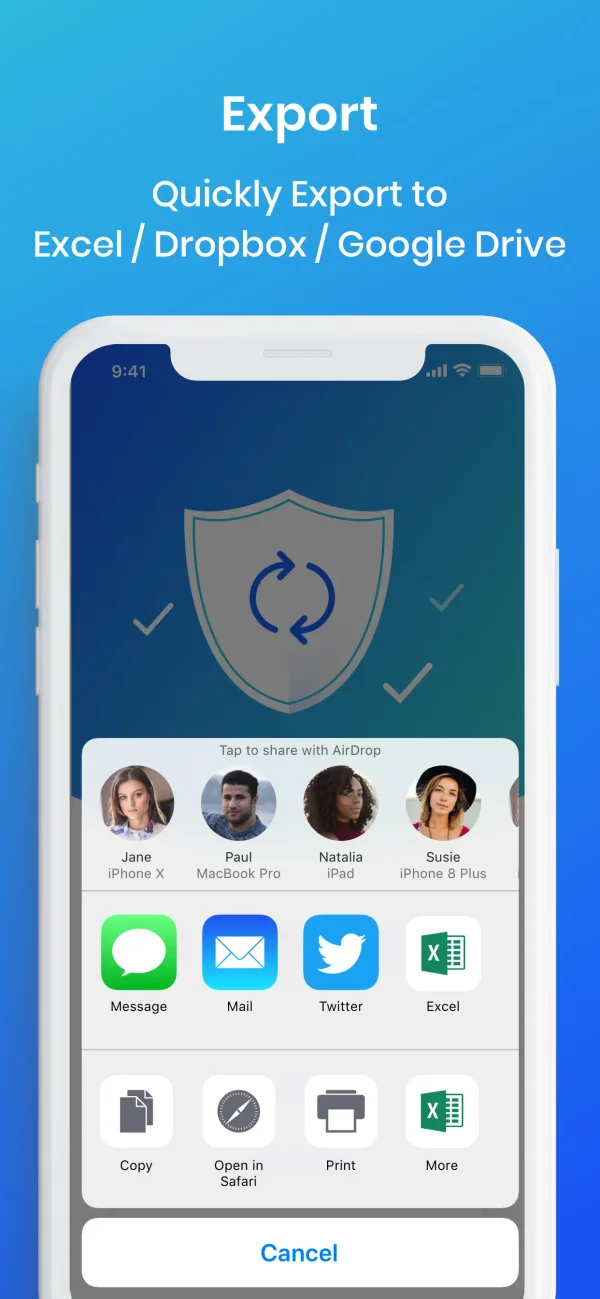
Export your contacts - you can easily send a backup .vcf file of your contacts book to any email address!
You can also send contacts via various share services to your choice!
Easy Backup is the easiest and the most efficient way to transfer and recover contact details of your friends and family if you lose your smartphone or switch to a new one!
How to backup your contacts:
1. Download Easy Backup to your phone
2. Allow Easy Backup to access your contacts.
3. Hit the big “Tap to backup” button
That’s it! Your contacts are safe on our cloud
How to transfer your contacts:
1. Sign in and backup your contacts on your old device
2. Download Easy Backup on your other device
3. Sign in with the same account you did the first time (step 1)
4. Hit “My Backup History” on the bottom part of your screen
Now you have access to all your cloud backups of your address book contacts!
How to restore your contacts:
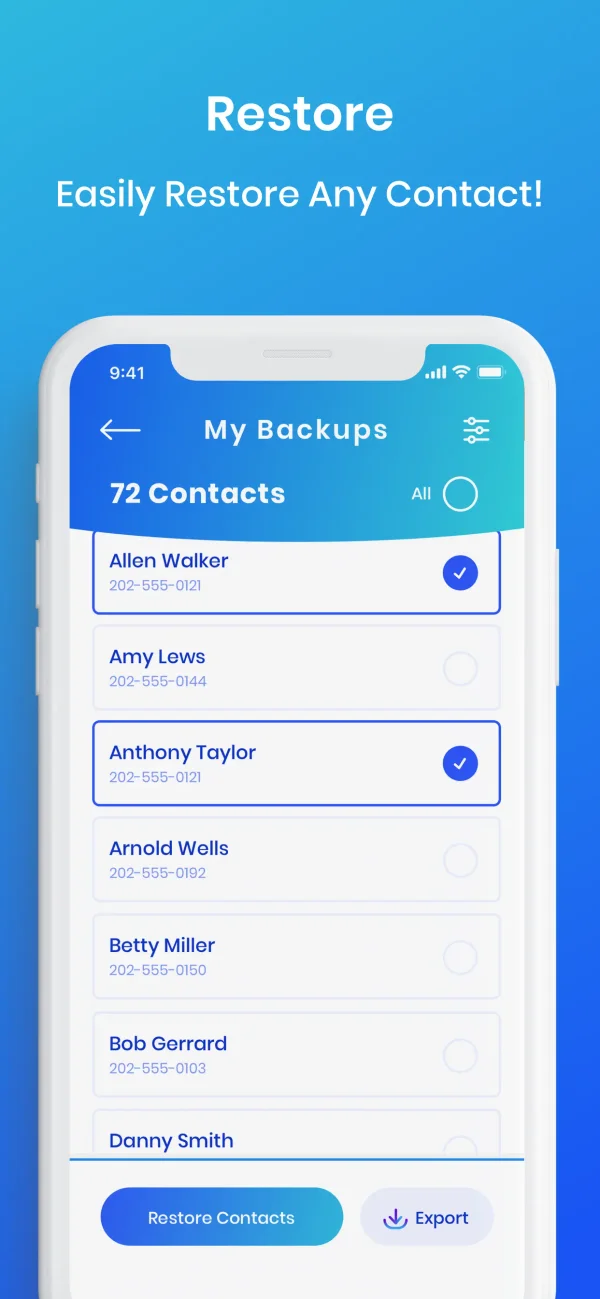
1. In “My Backup History” tap the backup file you would like to restore contacts from
2. Select all or any contacts from the list
3. Hit “Restore Contacts”
That’s it! Your contacts have been recovered!
How to export your contacts:
1. Tap “My Backup History”
2. Choose a backup to restore
3. Select all or any contacts from the list
4. Hit “Export” to send a .vcf file by email or “Export” to choose from the many services you can upload your backups to
Easy isn’t it?
MAIN FEATURES
○ One tap to backup your contacts!
○ Transfer your contacts address book between mobile devices with ease!
○ Offline Backup. No need to sync to any server. Just email yourself the backup file.
○ Save a copy of the backup file in your Computer.
○ Backup Contacts as VCF (VCard). Quickly export your backups to any service you want.
○ Never lose your contacts again
We would love to hear your feedback
Let us know what do you think about Easy Backup:
https://www.lsmapps.com/
Yang baru
Versi 16.1.4 · 18/11/2025
Bug Fixes and Performance Improvements
Privasi aplikasi
Yang dinyatakan LSM Apps di App Store tentang cara aplikasi ini menangani data.
-
Data yang ditautkan dengan Anda
Dapat dikumpulkan dan ditautkan dengan identitas Anda.
- Kontak
- Konten pengguna
- Pengenal
-
Data yang tidak ditautkan dengan Anda
Dapat dikumpulkan, tetapi tidak ditautkan dengan identitas Anda.
- Lokasi
- Data penggunaan
- Diagnostik
Praktik privasi dapat bervariasi, misalnya berdasarkan fitur yang Anda gunakan atau usia Anda.
Informasi
- Penjual
- L.S Mobile Apps Holdings LTD
- Kategori
- Produktivitas
- Versi
- 16.1.4
- Diperbarui
- 18/11/2025
- Dirilis
- 9/8/2012
- Ukuran
- 23,9 MB
- Memerlukan
- iOS 15.0 atau yang lebih baru
- Batasan usia
- 12+
- Harga
- Gratis
- Bahasa
- Inggris
- Hak cipta
- © L.S Mobile Apps Holdings LTD
Mungkin Anda juga suka
-
 My Contacts BackupProduktivitas
-
 MCBackup: My Contacts BackupProduktivitas
-
 Contacts Pro Cadangkan KontakTransfer & Ekspor Kontak
-
 Cleanup Duplicate Contacts!Produktivitas
-
 Contacts MoverProduktivitas
-
 Delete Contacts+Produktivitas
-
 IDrive Online BackupProduktivitas
-
 A2Z GroupsProduktivitas
-
 Contacts+ | Address BookProduktivitas
-
 Cleaner: Merge Contact & PhotoProduktivitas