
- Classification d’âge12+
- CatégorieProductivité
- DéveloppeurLSM Apps
- LanguesAnglais
- Taille23,9 Mo
Easy Backup. n’est peut-être pas disponible sur App Store pour le moment
La fiche de la boutique était inaccessible lors de notre dernière vérification. Le lien mène toujours à la page App Store officielle.
Captures d’écran

À propos
Le développeur n’a pas fourni ce texte dans votre langue.
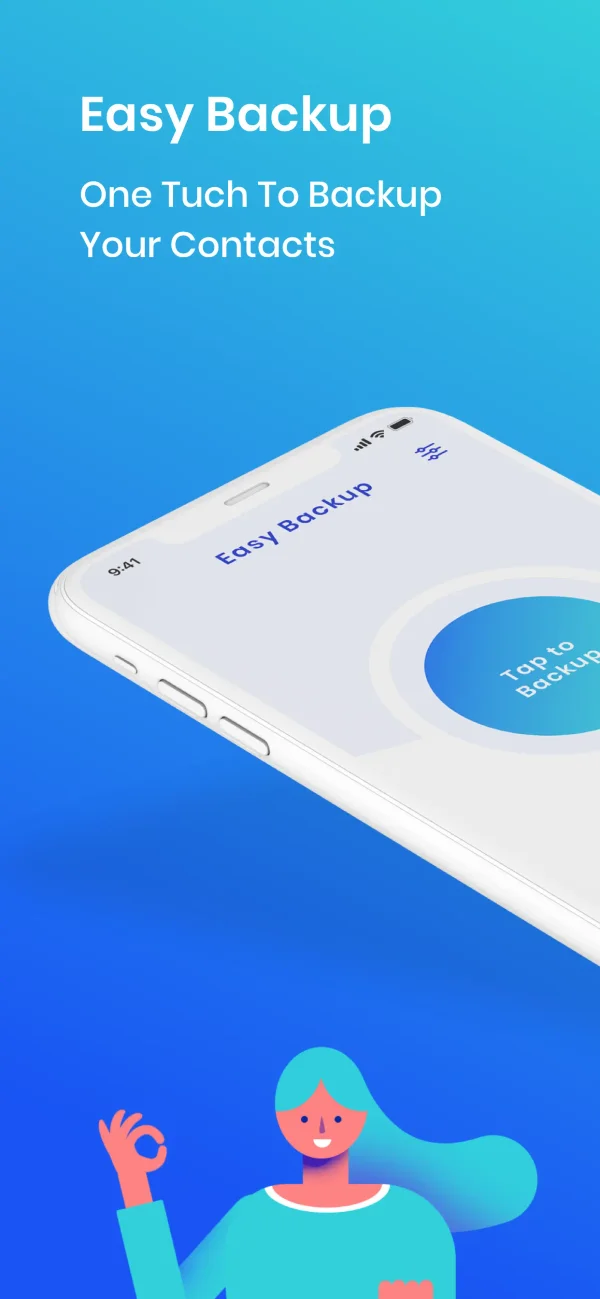
Easy Backup is the easiest and fastest way to backup, restore and transfer your contacts between mobile devices!
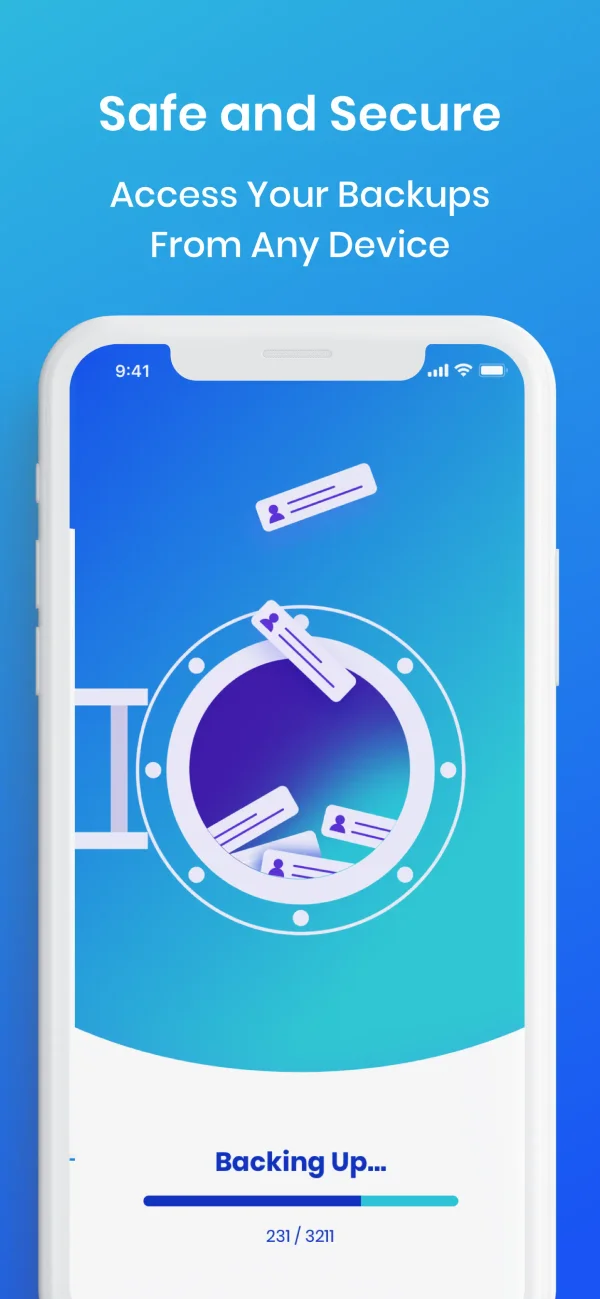
Easy Backup allows you to backup your phone’s entire contacts list with a single tap, by uploading your contacts to a secured cloud to keep them safe!
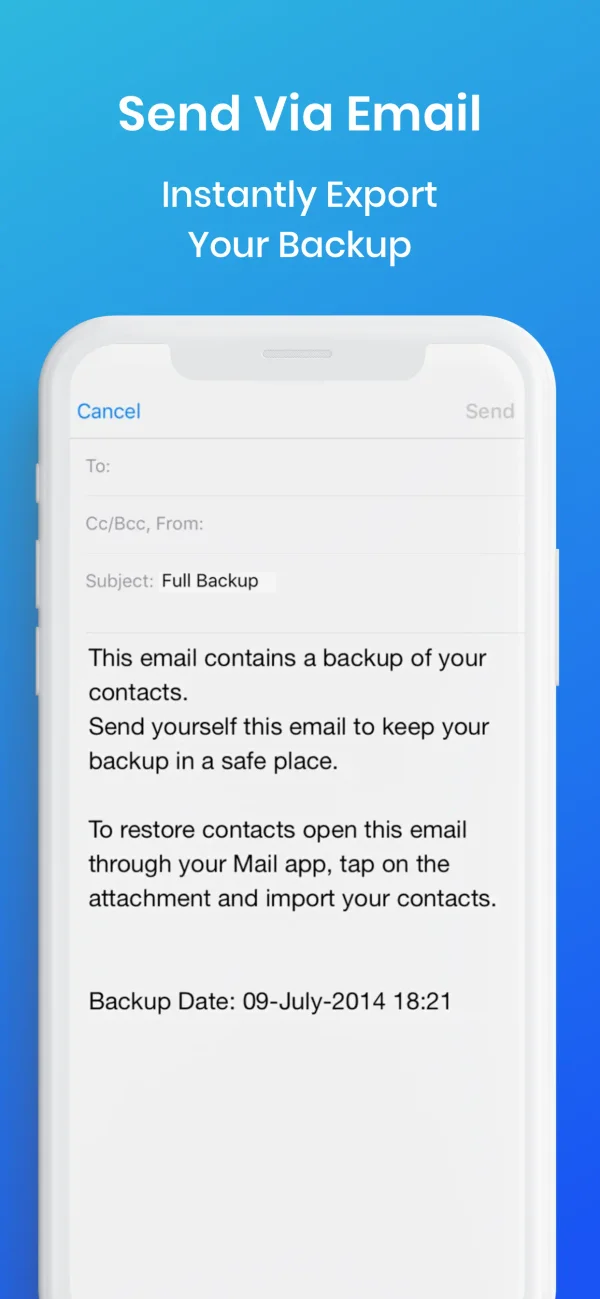
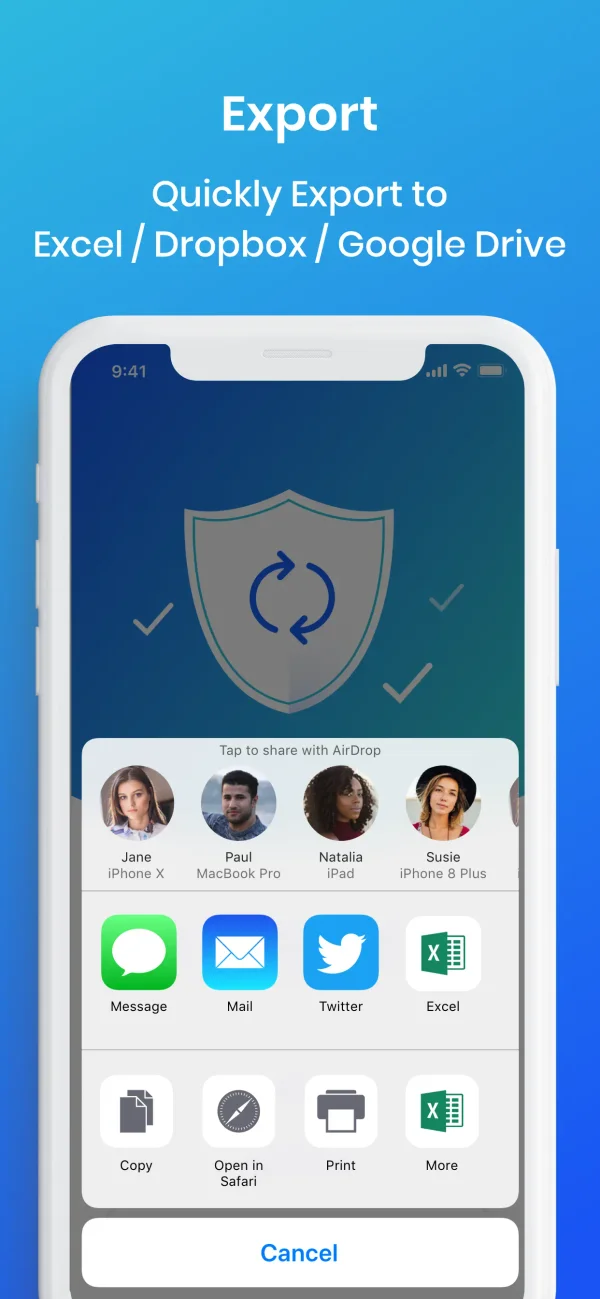
Export your contacts - you can easily send a backup .vcf file of your contacts book to any email address!
You can also send contacts via various share services to your choice!
Easy Backup is the easiest and the most efficient way to transfer and recover contact details of your friends and family if you lose your smartphone or switch to a new one!
How to backup your contacts:
1. Download Easy Backup to your phone
2. Allow Easy Backup to access your contacts.
3. Hit the big “Tap to backup” button
That’s it! Your contacts are safe on our cloud
How to transfer your contacts:
1. Sign in and backup your contacts on your old device
2. Download Easy Backup on your other device
3. Sign in with the same account you did the first time (step 1)
4. Hit “My Backup History” on the bottom part of your screen
Now you have access to all your cloud backups of your address book contacts!
How to restore your contacts:
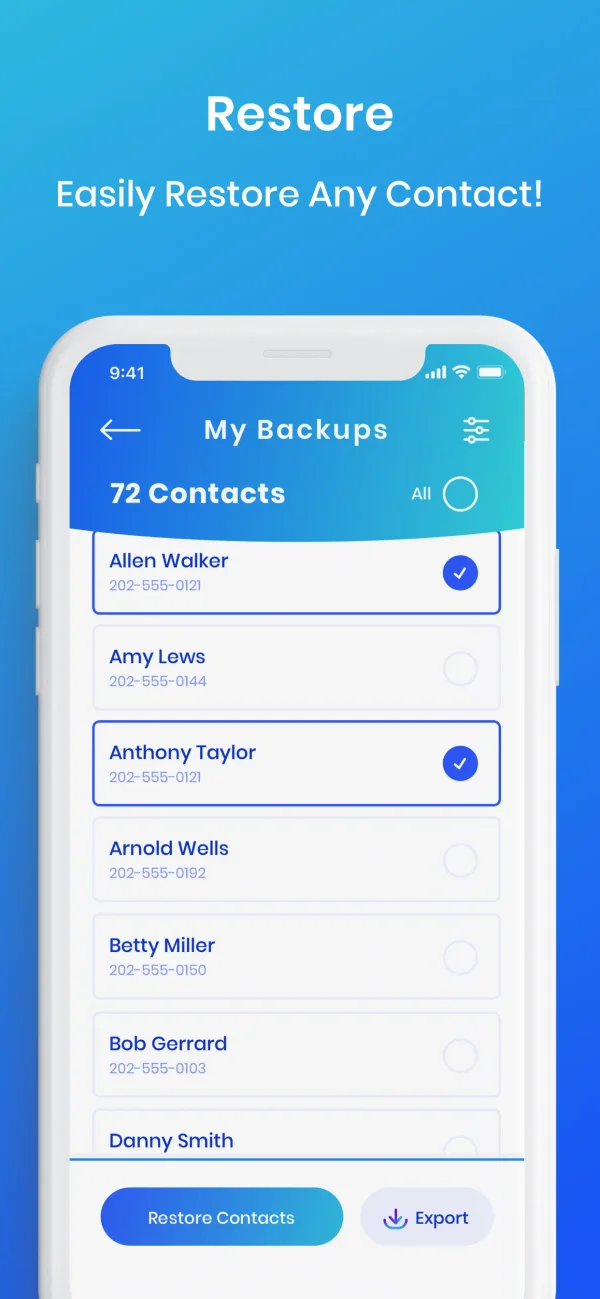
1. In “My Backup History” tap the backup file you would like to restore contacts from
2. Select all or any contacts from the list
3. Hit “Restore Contacts”
That’s it! Your contacts have been recovered!
How to export your contacts:
1. Tap “My Backup History”
2. Choose a backup to restore
3. Select all or any contacts from the list
4. Hit “Export” to send a .vcf file by email or “Export” to choose from the many services you can upload your backups to
Easy isn’t it?
MAIN FEATURES
○ One tap to backup your contacts!
○ Transfer your contacts address book between mobile devices with ease!
○ Offline Backup. No need to sync to any server. Just email yourself the backup file.
○ Save a copy of the backup file in your Computer.
○ Backup Contacts as VCF (VCard). Quickly export your backups to any service you want.
○ Never lose your contacts again
We would love to hear your feedback
Let us know what do you think about Easy Backup:
https://www.lsmapps.com/
Nouveautés
Version 16.1.4 · 18/11/2025
Bug Fixes and Performance Improvements
Confidentialité de l’application
Ce que LSM Apps déclare sur l’App Store au sujet du traitement des données par cette application.
-
Données établissant un lien avec vous
Peuvent être collectées et liées à votre identité.
- Contacts
- Contenu utilisateur
- Identifiants
-
Données n’établissant aucun lien avec vous
Peuvent être collectées, mais ne sont pas liées à votre identité.
- Emplacement
- Données d’utilisation
- Diagnostic
Les pratiques en matière de confidentialité peuvent varier, notamment en fonction des fonctionnalités que vous utilisez ou de votre âge.
Informations
- Vendeur
- L.S Mobile Apps Holdings LTD
- Catégorie
- Productivité
- Version
- 16.1.4
- Mis à jour
- 18/11/2025
- Publié
- 09/08/2012
- Taille
- 23,9 Mo
- Nécessite
- iOS 15.0 ou version ultérieure
- Classification d’âge
- 12+
- Langues
- Anglais
- Copyright
- © L.S Mobile Apps Holdings LTD
Vous aimerez peut-être aussi
-
 My Contacts BackupProductivité
-
 MCBackup - Gestion ContactsSynchro, Sauvegarde Contacts
-
 Contacts Pro - SauvegardeSauvegarde de Contacts
-
 Cleanup Duplicate Contacts!Productivité
-
 Contacts MoverProductivité
-
 Delete Contacts+Productivité
-
 IDrive Online BackupProductivité
-
 A2Z GroupesMessages et Emails aux Groupes
-
 Contacts+ | Address BookProductivité
-
 Cleaner: Merge Contact & PhotoSmart Delete Duplicates