Easy Step Drawing
Easy Draw Trace Color Save
Entwickelt für iPhone, iPad
Kostenlos
- Altersfreigabe4+
- KategorieBildung
- Entwicklerom prakash
- SprachenEnglisch
- Größe156,4 MB
Verlinkt auf die offizielle App Store-Seite
Download.org hostet keine Datei von Easy Step Drawing. Die Schaltfläche öffnet die App-Seite bei App Store, wo om prakash die App veröffentlicht. Eintrag zuletzt geprüft am 18.11.2026.
Screenshots
Info
Der Entwickler hat diesen Text nicht in Ihrer Sprache bereitgestellt.
Unlock Your Inner Artist with Easy Step Drawing!
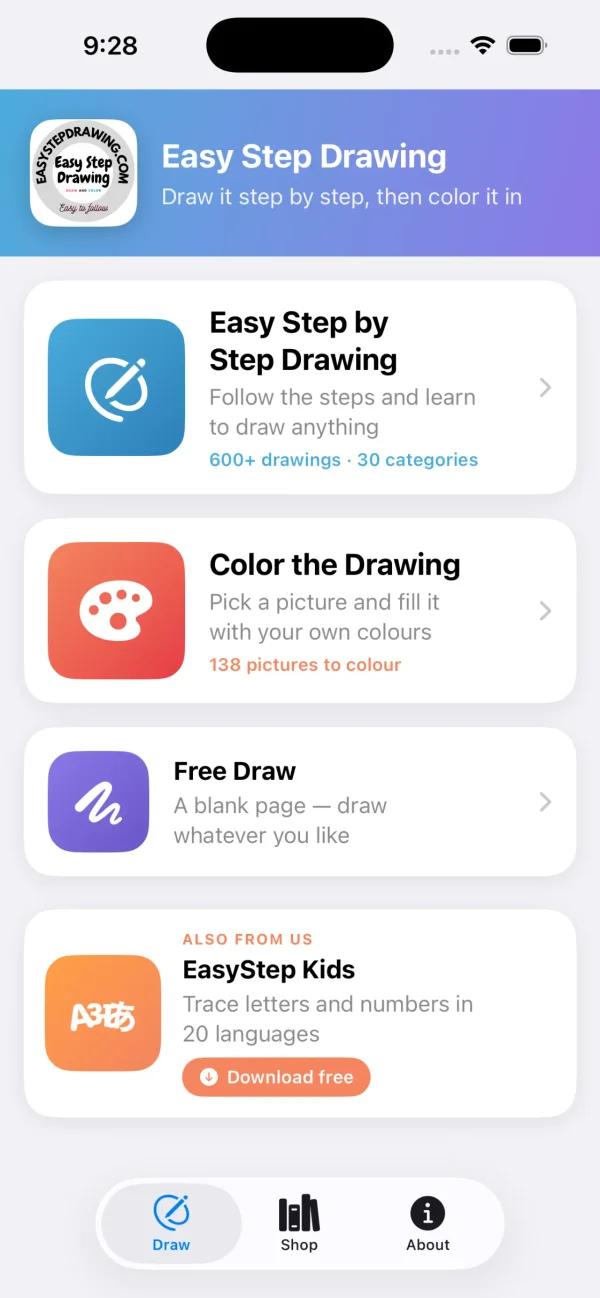
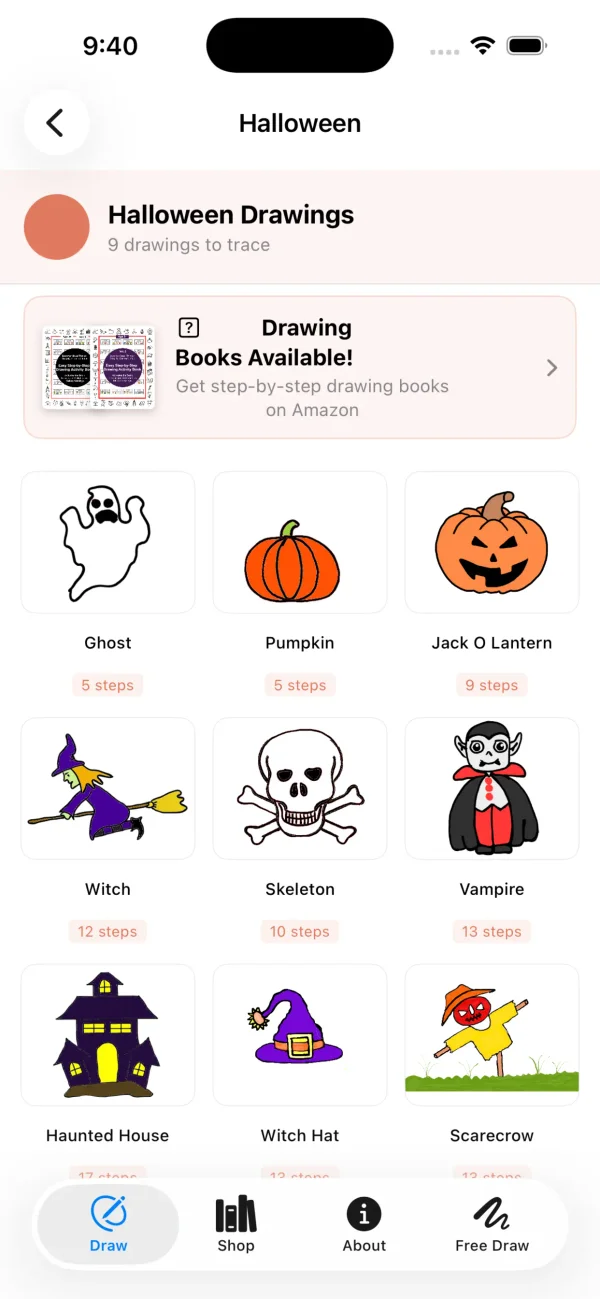
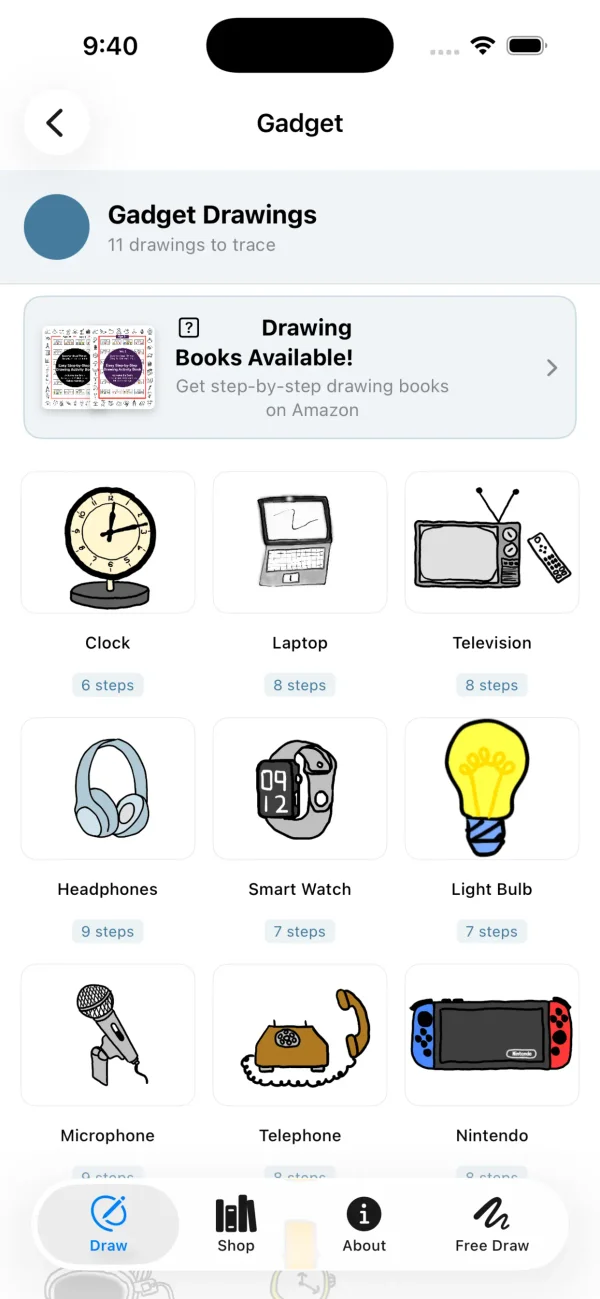
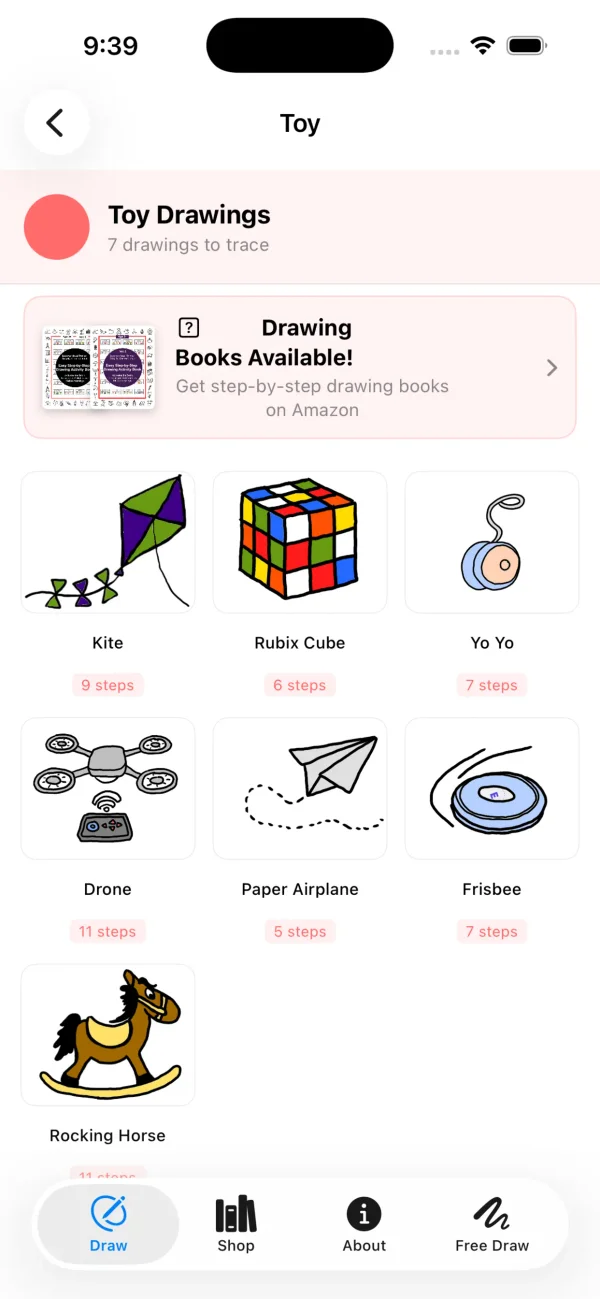
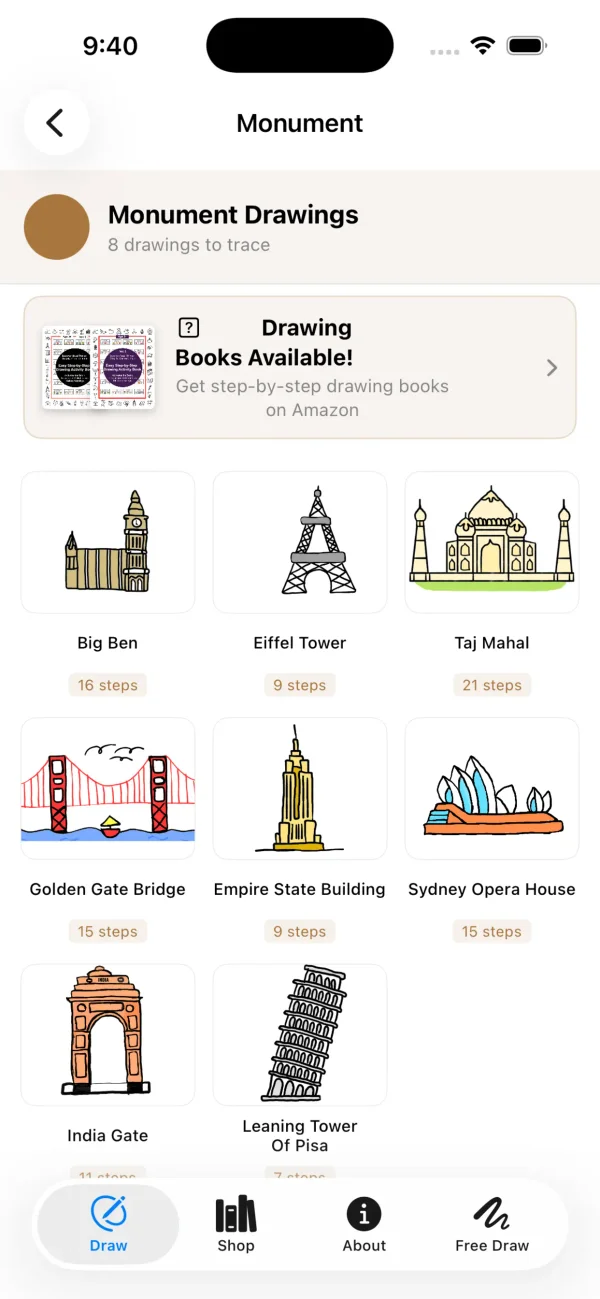
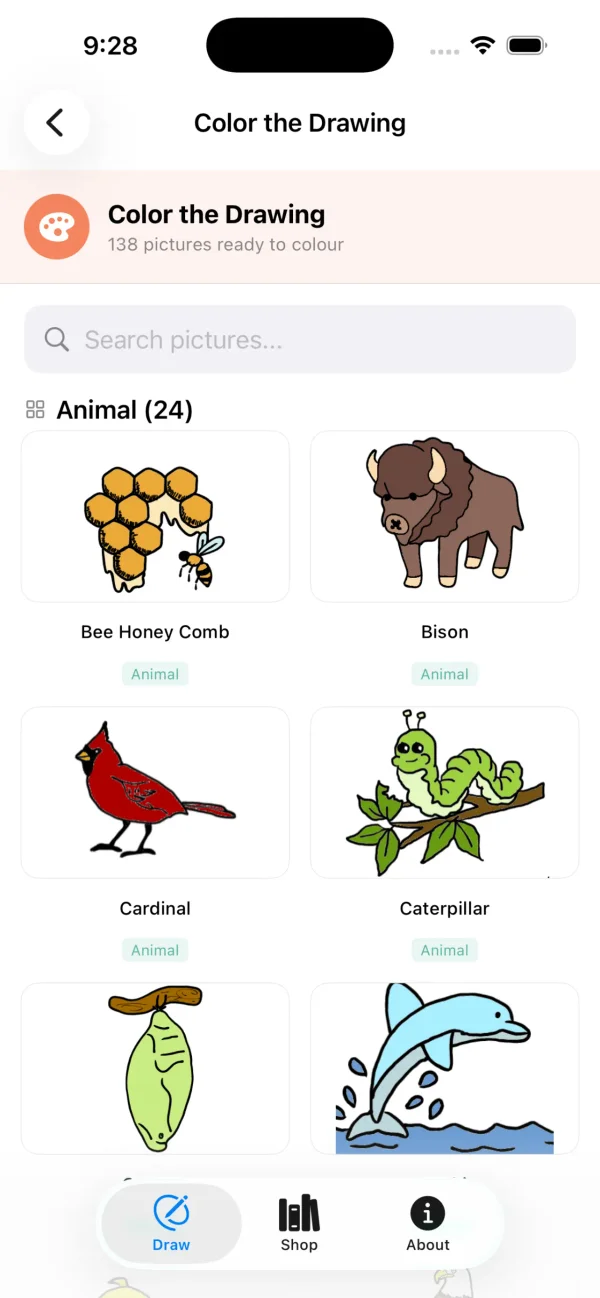
Whether you’re a total beginner or looking to sharpen your skills, Easy Step Drawing makes learning to draw fun and accessible for kids and adults alike. With over 600 high-quality step-by-step tutorials, you’ll go from a blank canvas to a finished masterpiece in minutes.
Why You’ll Love It:
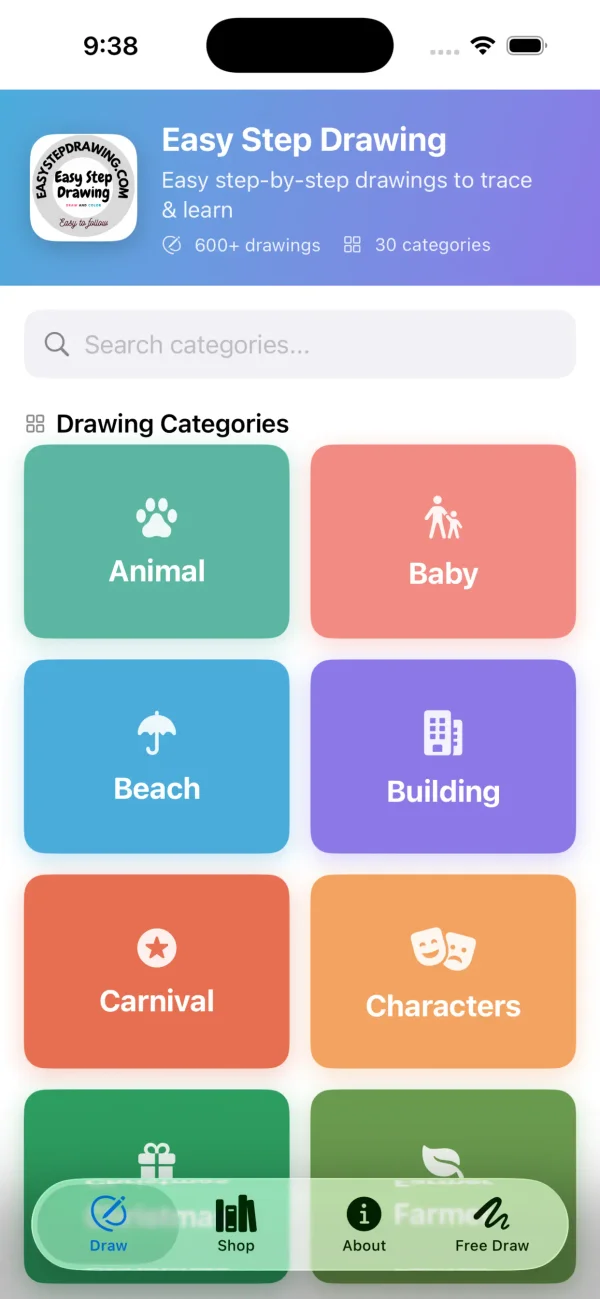
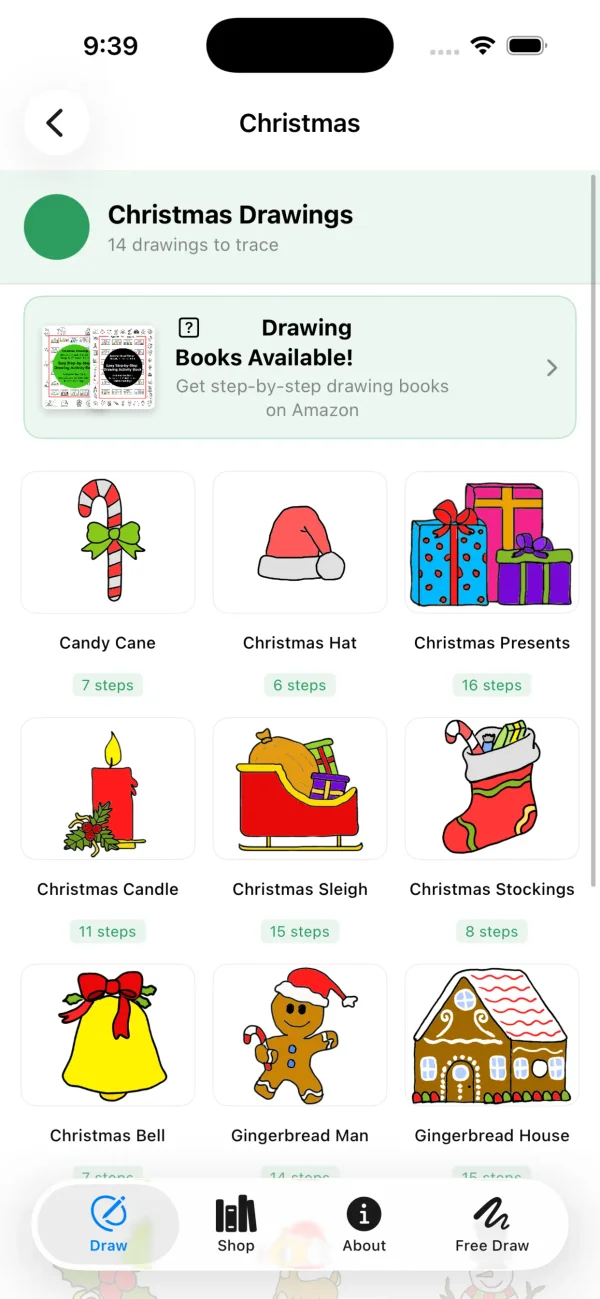
Massive Library: Explore 600+ step-by-step guides across 30+ diverse categories.
Connect the Dots: Trace the numbered dots to reveal hidden pictures, a perfect warm-up for young artists.
Color by Number: Follow the numbers to fill in each section with the right color.
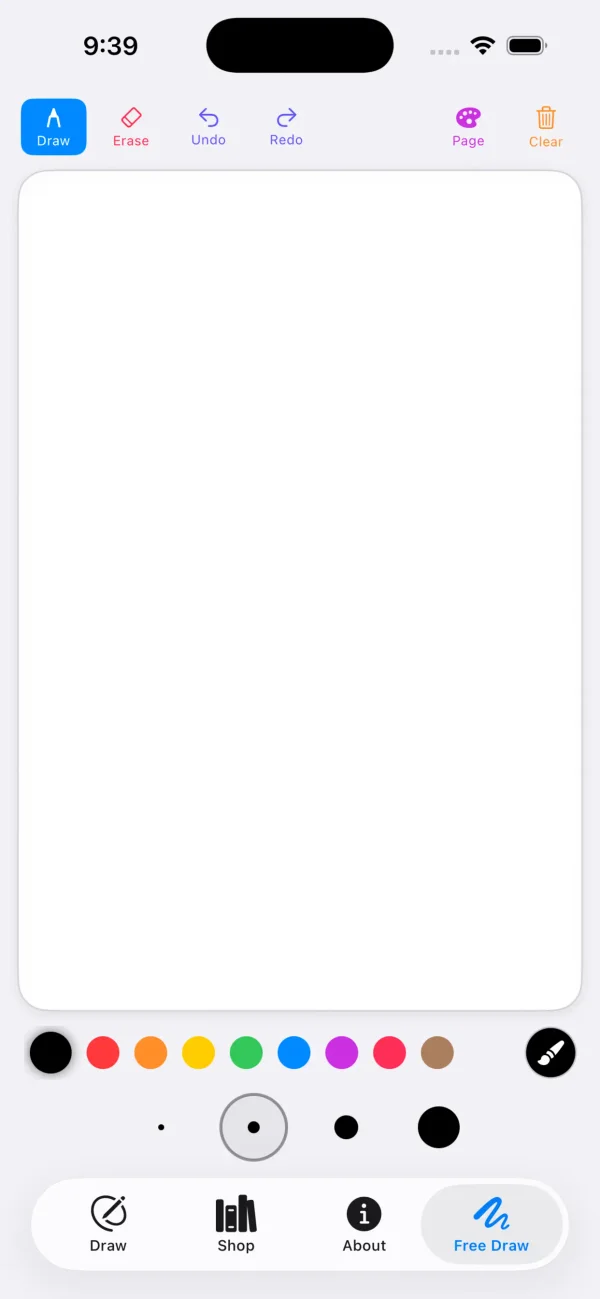
Intuitive Tools: Trace directly on your screen with smooth pen and eraser tools.
Vibrant Colors: Bring your sketches to life with a full-spectrum color picker.
Color Under the Lines: Fill in your artwork freely, with your outlines always staying crisp on top.
Free Draw Mode: A blank canvas with every tool. No steps, no guides, just space to create whatever you imagine.
Learn Everywhere: 100% offline access. Draw on the plane, in the car, or at home without needing Wi-Fi.
Visual Learning: Watch dedicated video tutorials for every drawing.
Explore 30+ Categories: From Animals and Space to Characters, Vehicles, and Sports, there’s something for everyone. Whether it’s the Holiday season or you want to draw Nature and Monuments, we’ve got you covered!
No ads. No tracking. No Wi-Fi needed. Just you, your imagination, and a canvas that’s always ready.
Neue Funktionen
Version 4.5 · 23.10.2026
New: Connect the Dots. Trace the numbered dots to reveal hidden pictures.
New: Color by Number. Follow the numbers to fill in each section with the right color.
Performance improvements across the app.
100% offline: all 600+ tutorials work without Wi-Fi.
App-Datenschutz
Was om prakash im App Store zum Umgang dieser App mit Daten angibt.
-
Keine Daten erfasst
Der Entwickler erfasst keine Daten von dieser App.
Die Datenschutzpraktiken können variieren, zum Beispiel je nach den von Ihnen verwendeten Funktionen oder Ihrem Alter.
Informationen
- Anbieter
- om prakash
- Kategorie
- Bildung
- Version
- 4.5
- Aktualisiert
- 23.10.2026
- Veröffentlicht
- 25.03.2026
- Größe
- 156,4 MB
- Erfordert
- iOS 17.0 oder neuer
- Altersfreigabe
- 4+
- Preis
- Kostenlos
- Sprachen
- Englisch
- Copyright
- © 2026 Easystepdrawing
Das könnte Ihnen auch gefallen
-
 Art Sketch: Learn DrawingBildung
-
 Learn to Draw Easy DrawingsBildung
-
 WeeArtists: Learn to DrawBildung
-
 Learn Drawing - Step by StepBildung
-
 How To Draw-Learn Step By StepBildung
-
 DoodleFy: Learn How to DrawBildung
-
 Drawing Lessons: ArtpandaBildung
-
 How to Draw Step by Step 2026Bildung
-
 Penki Draw: Malen für KinderSpaßige Zeichenstunden Kinder
-
 Mona - How to drawBildung