
Easy Step Drawing
Easy Draw Trace Color Save
Được thiết kế cho iPhone, iPad
Miễn phí
- Độ tuổi4+
- Danh mụcGiáo Dục
- Nhà phát triểnom prakash
- Ngôn ngữTiếng Anh
- Kích thước156,4 MB
Liên kết đến trang App Store chính thức
Download.org không lưu trữ tệp nào của Easy Step Drawing. Nút này mở trang ứng dụng trên App Store, nơi om prakash phát hành ứng dụng. Trang được kiểm tra lần cuối: 18/11/2026.
Ảnh chụp màn hình
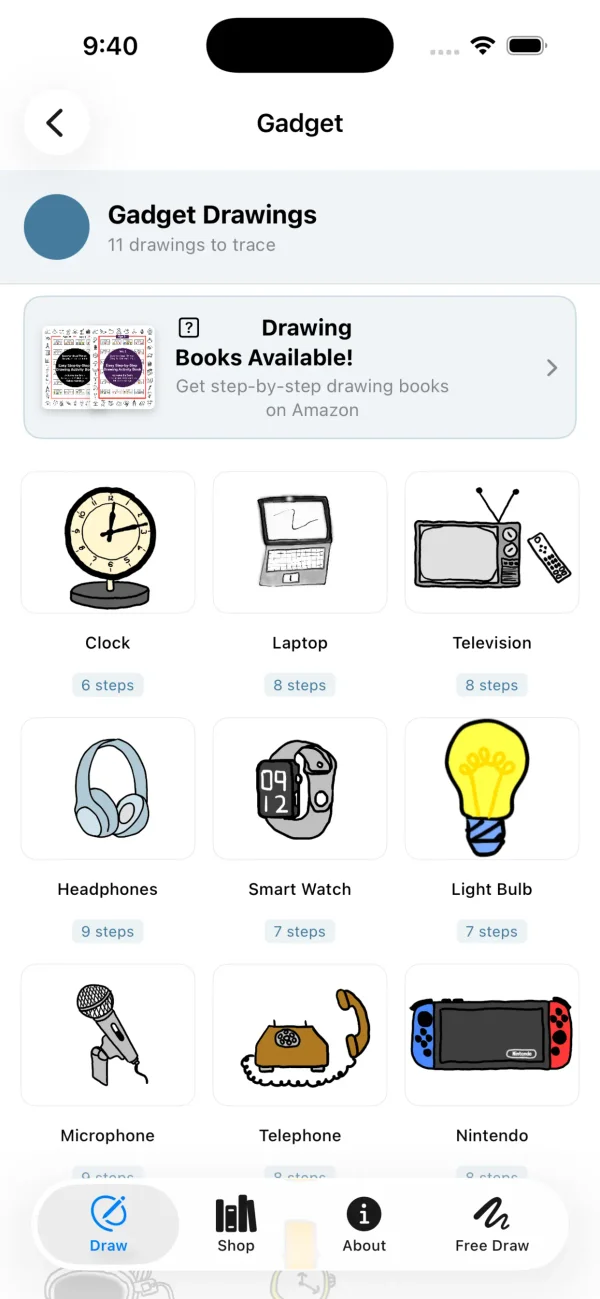
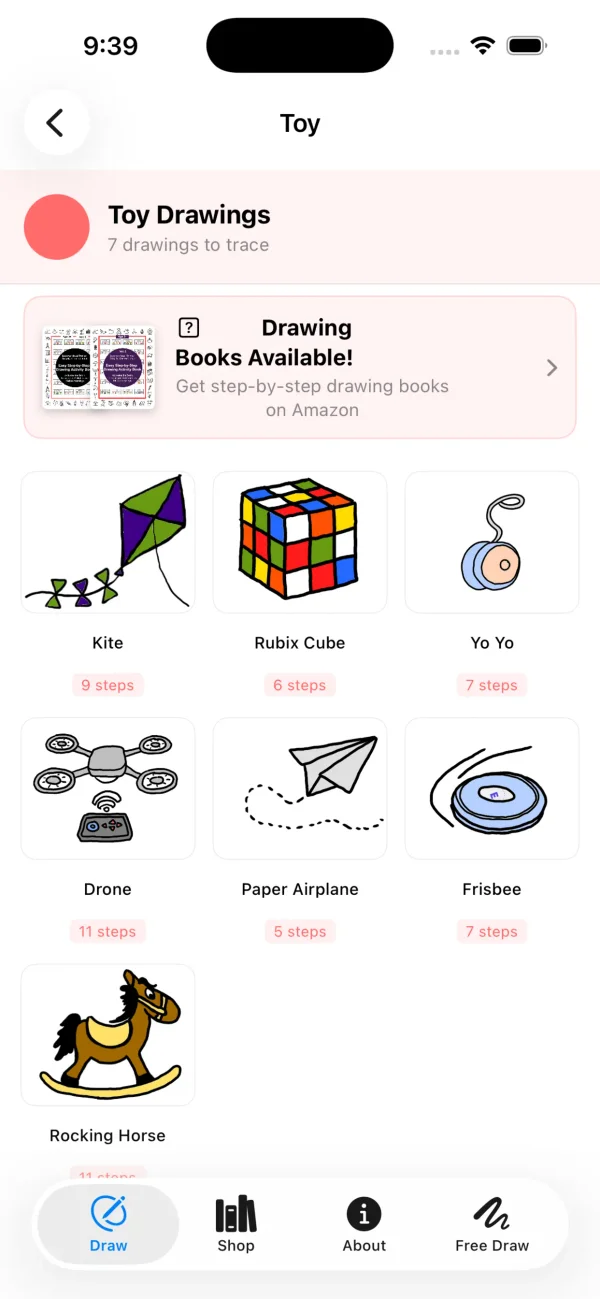
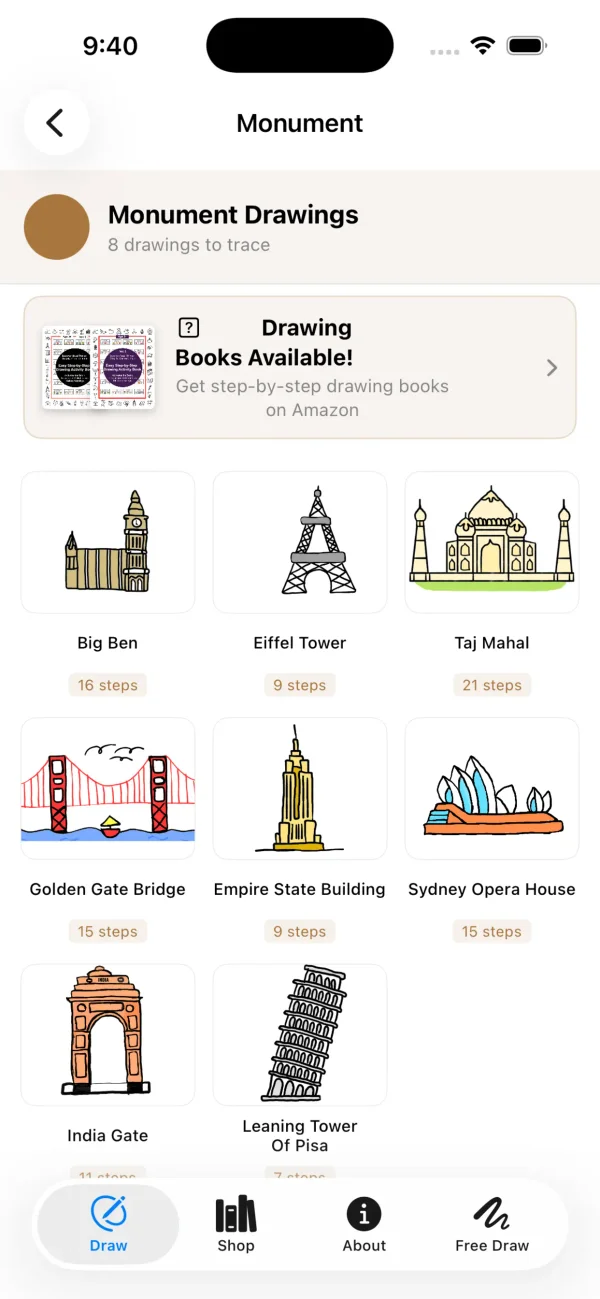
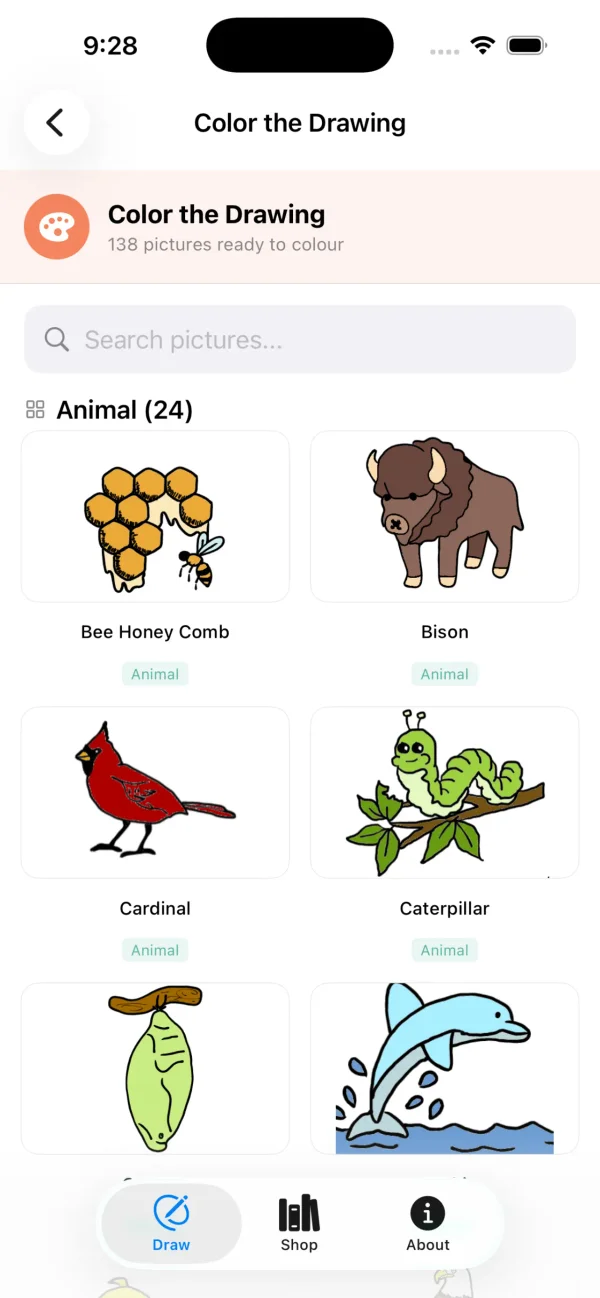
Giới thiệu
Nhà phát triển chưa cung cấp nội dung này bằng ngôn ngữ của bạn.
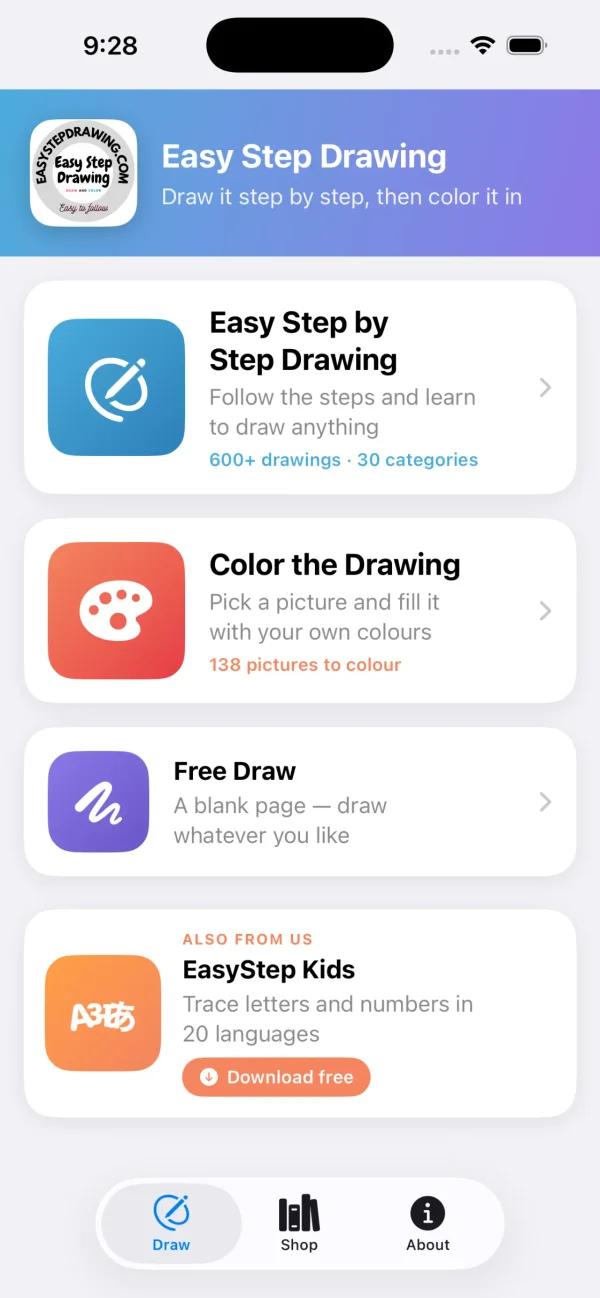
Unlock Your Inner Artist with Easy Step Drawing!
Whether you’re a total beginner or looking to sharpen your skills, Easy Step Drawing makes learning to draw fun and accessible for kids and adults alike. With over 600 high-quality step-by-step tutorials, you’ll go from a blank canvas to a finished masterpiece in minutes.
Why You’ll Love It:
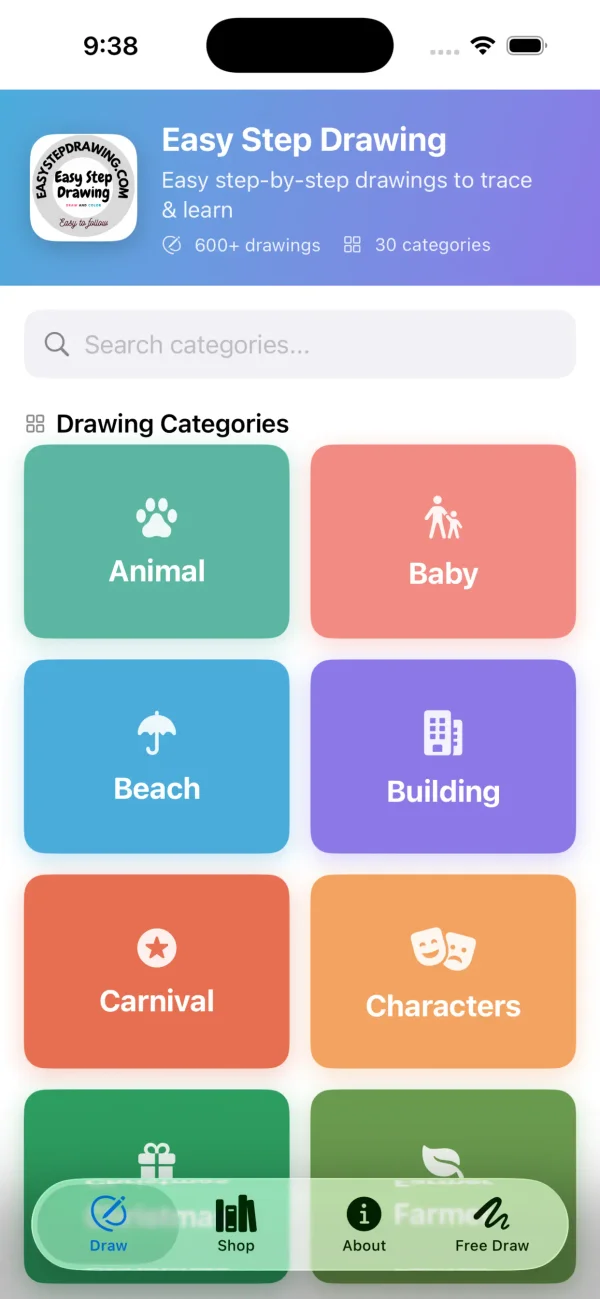
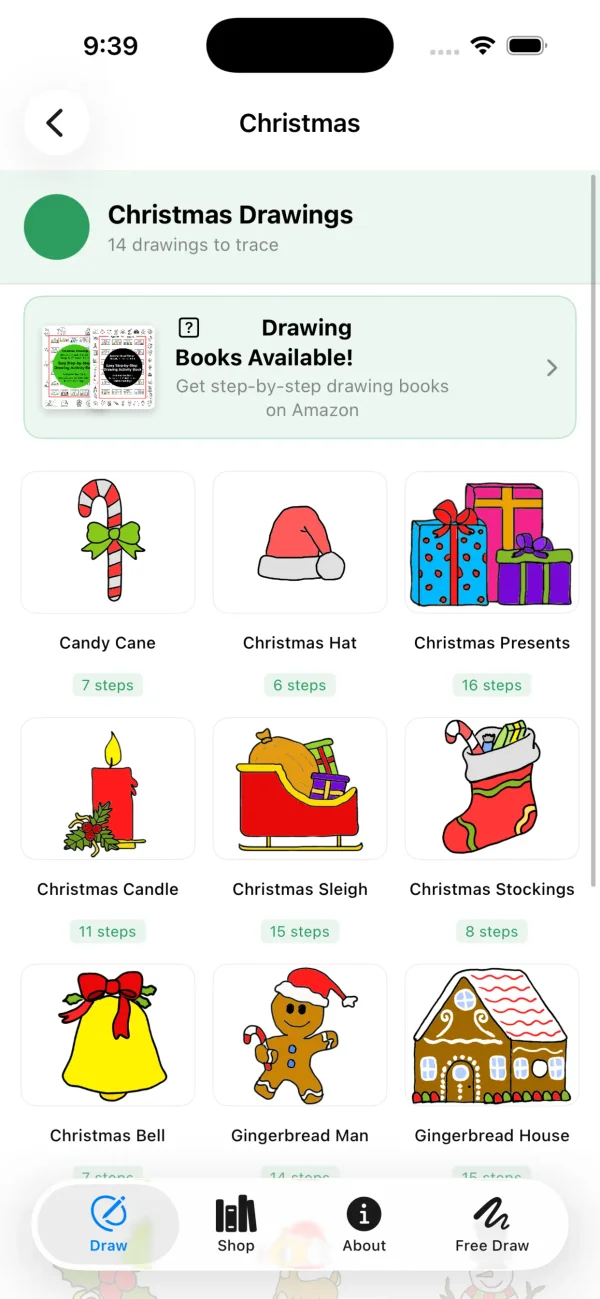
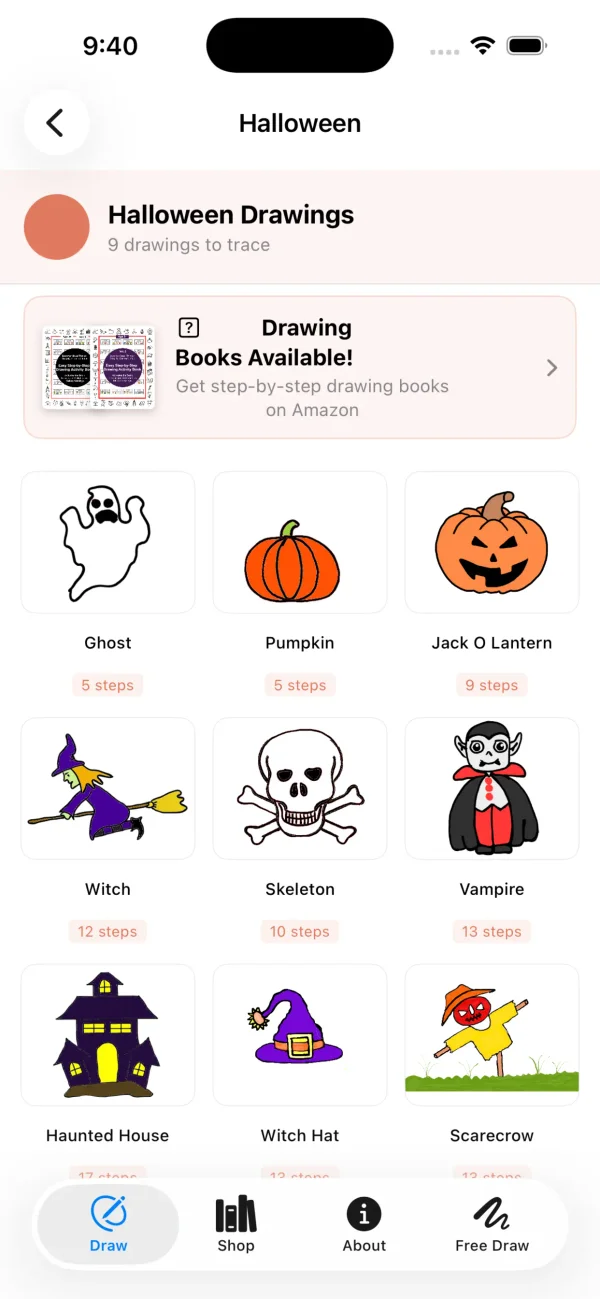
Massive Library: Explore 600+ step-by-step guides across 30+ diverse categories.
Connect the Dots: Trace the numbered dots to reveal hidden pictures, a perfect warm-up for young artists.
Color by Number: Follow the numbers to fill in each section with the right color.
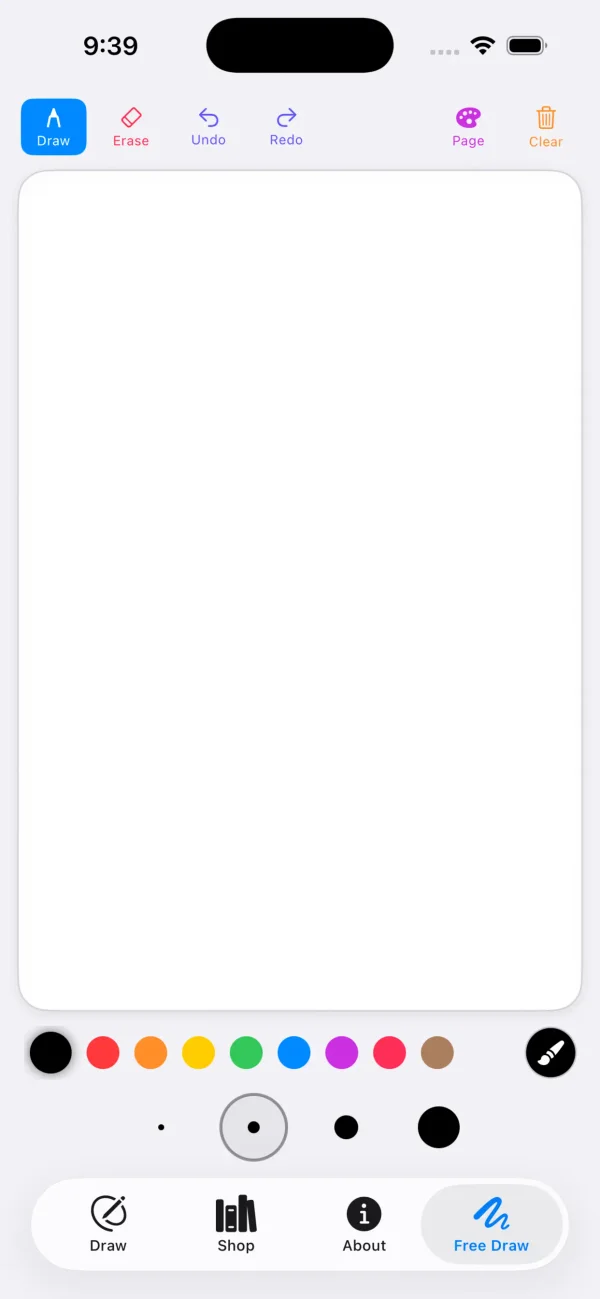
Intuitive Tools: Trace directly on your screen with smooth pen and eraser tools.
Vibrant Colors: Bring your sketches to life with a full-spectrum color picker.
Color Under the Lines: Fill in your artwork freely, with your outlines always staying crisp on top.
Free Draw Mode: A blank canvas with every tool. No steps, no guides, just space to create whatever you imagine.
Learn Everywhere: 100% offline access. Draw on the plane, in the car, or at home without needing Wi-Fi.
Visual Learning: Watch dedicated video tutorials for every drawing.
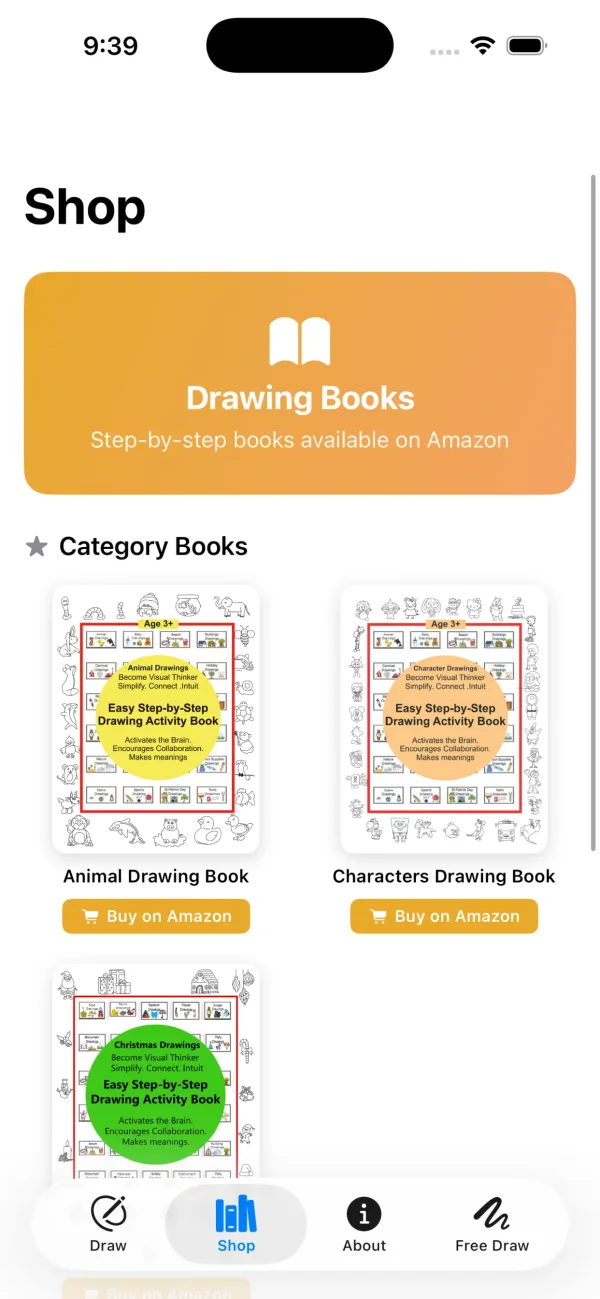
Explore 30+ Categories: From Animals and Space to Characters, Vehicles, and Sports, there’s something for everyone. Whether it’s the Holiday season or you want to draw Nature and Monuments, we’ve got you covered!
No ads. No tracking. No Wi-Fi needed. Just you, your imagination, and a canvas that’s always ready.
Có gì mới
Phiên bản 4.5 · 23/10/2026
New: Connect the Dots. Trace the numbered dots to reveal hidden pictures.
New: Color by Number. Follow the numbers to fill in each section with the right color.
Performance improvements across the app.
100% offline: all 600+ tutorials work without Wi-Fi.
Quyền riêng tư của ứng dụng
Những gì om prakash khai báo trên App Store về cách ứng dụng này xử lý dữ liệu.
-
Dữ liệu không được thu thập
Nhà phát triển không thu thập bất kỳ dữ liệu nào từ ứng dụng này.
Phương thức đảm bảo quyền riêng tư có thể khác nhau, chẳng hạn như tuỳ theo các tính năng bạn sử dụng hoặc độ tuổi của bạn.
Thông tin
- Người bán
- om prakash
- Danh mục
- Giáo Dục
- Phiên bản
- 4.5
- Cập nhật
- 23/10/2026
- Phát hành
- 25/03/2026
- Kích thước
- 156,4 MB
- Yêu cầu
- iOS 17.0 trở lên
- Độ tuổi
- 4+
- Giá
- Miễn phí
- Ngôn ngữ
- Tiếng Anh
- Bản quyền
- © 2026 Easystepdrawing
Có thể bạn cũng thích
-
 Art Sketch: Learn DrawingGiáo Dục
-
 Learn to Draw Easy DrawingsGiáo Dục
-
 WeeArtists: Learn to DrawGiáo Dục
-
 Learn Drawing - Step by StepGiáo Dục
-
 How To Draw-Learn Step By StepGiáo Dục
-
 DoodleFy: Learn How to DrawGiáo Dục
-
 Drawing Lessons: ArtpandaGiáo Dục
-
 How to Draw Step by Step 2026Giáo Dục
-
 Penki Draw: Drawing for KidsGiáo Dục
-
 Mona - How to drawGiáo Dục