- Classification d’âge4+
- CatégorieÉducation
- Développeurom prakash
- LanguesAnglais
- Taille156,4 Mo
Renvoie vers la page App Store officielle
Download.org n’héberge aucun fichier de Easy Step Drawing. Le bouton ouvre la page de l’application sur App Store, où om prakash la publie. Fiche vérifiée pour la dernière fois le 18/11/2026.
Captures d’écran
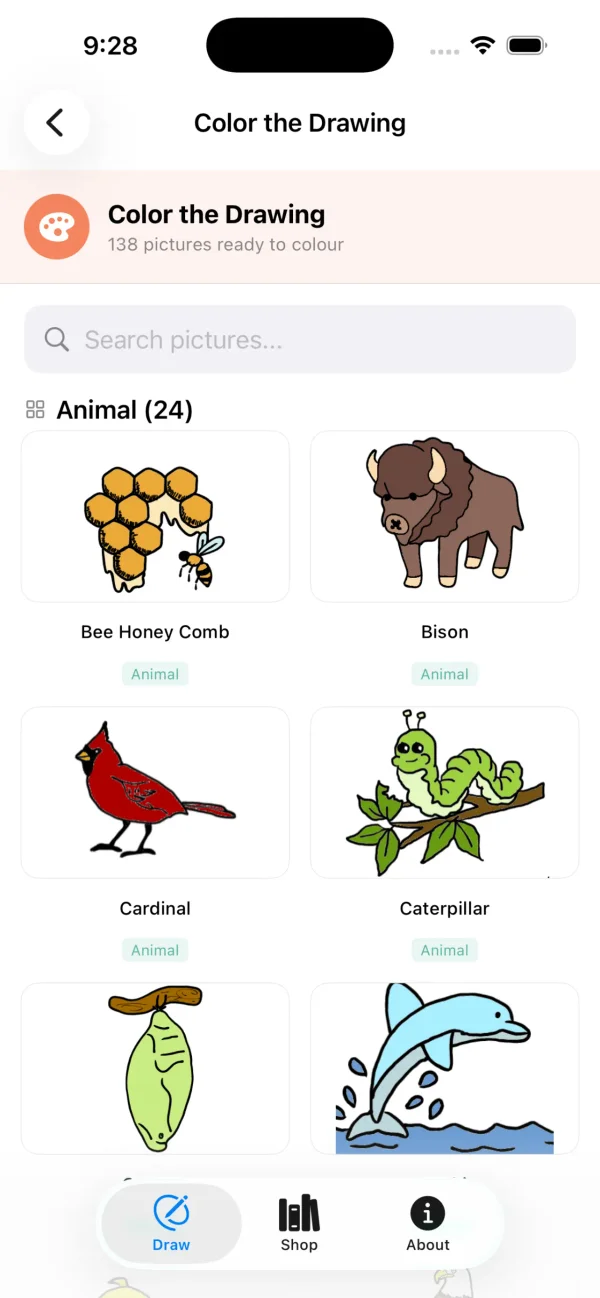
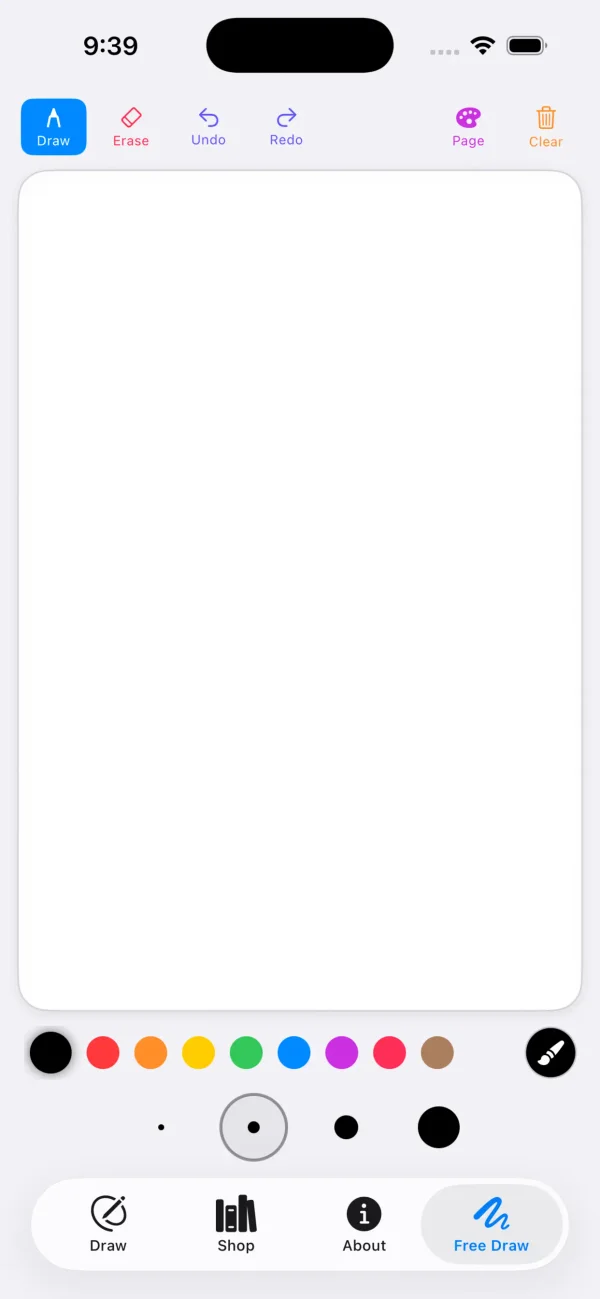
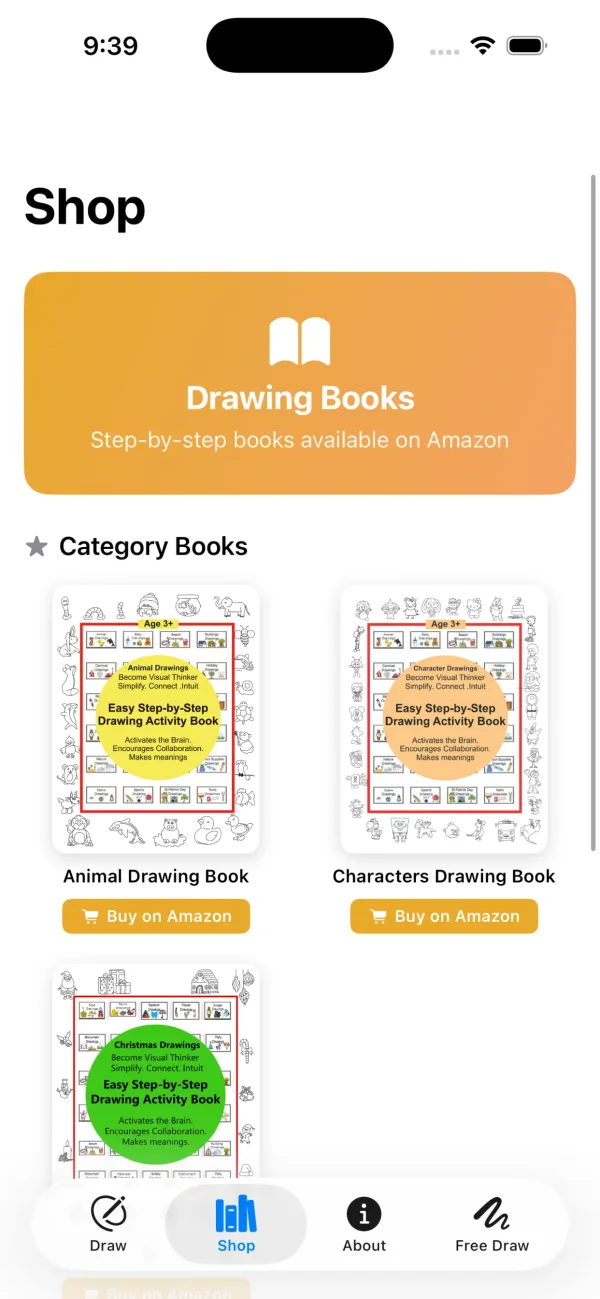
À propos
Le développeur n’a pas fourni ce texte dans votre langue.
Unlock Your Inner Artist with Easy Step Drawing!
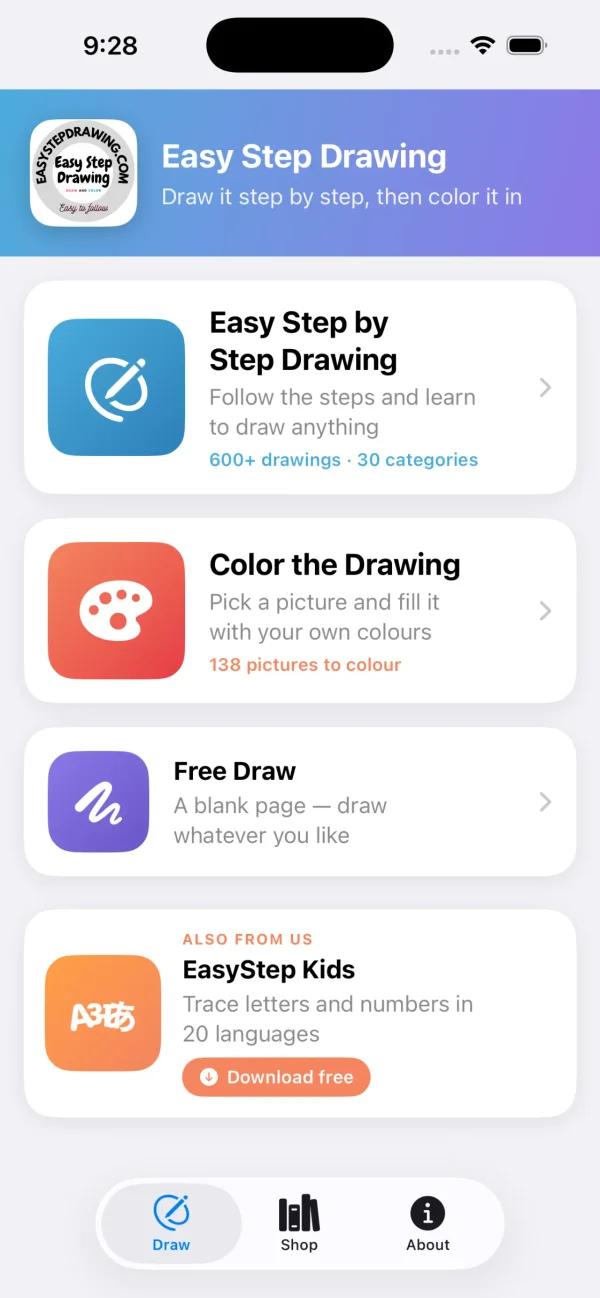
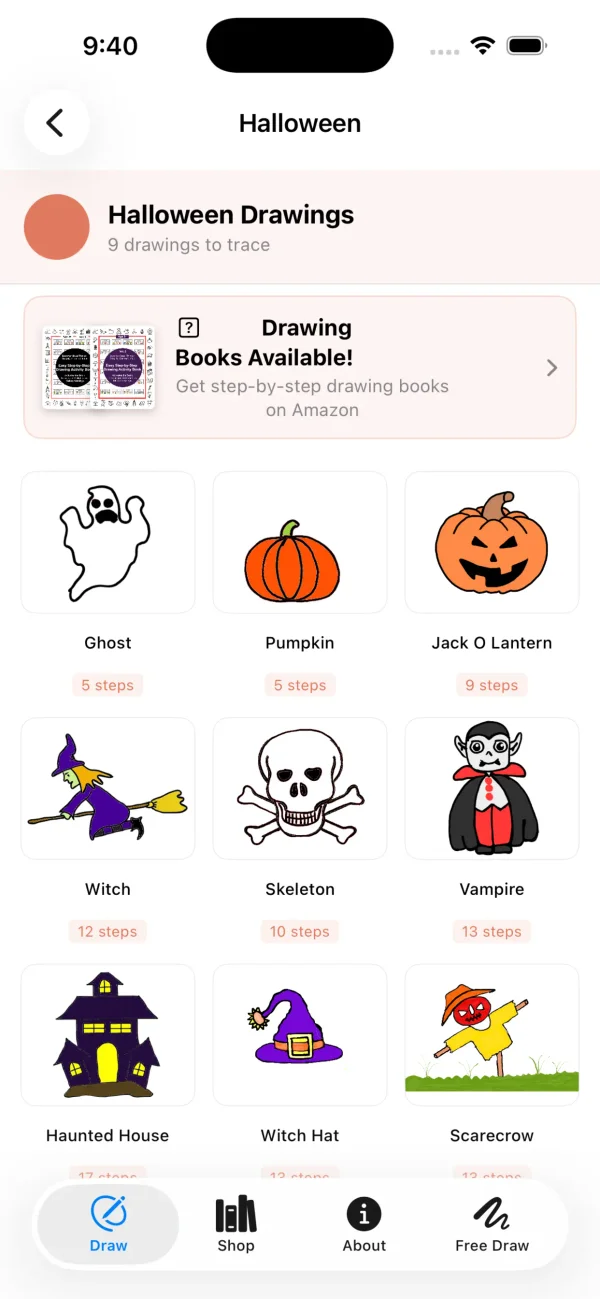
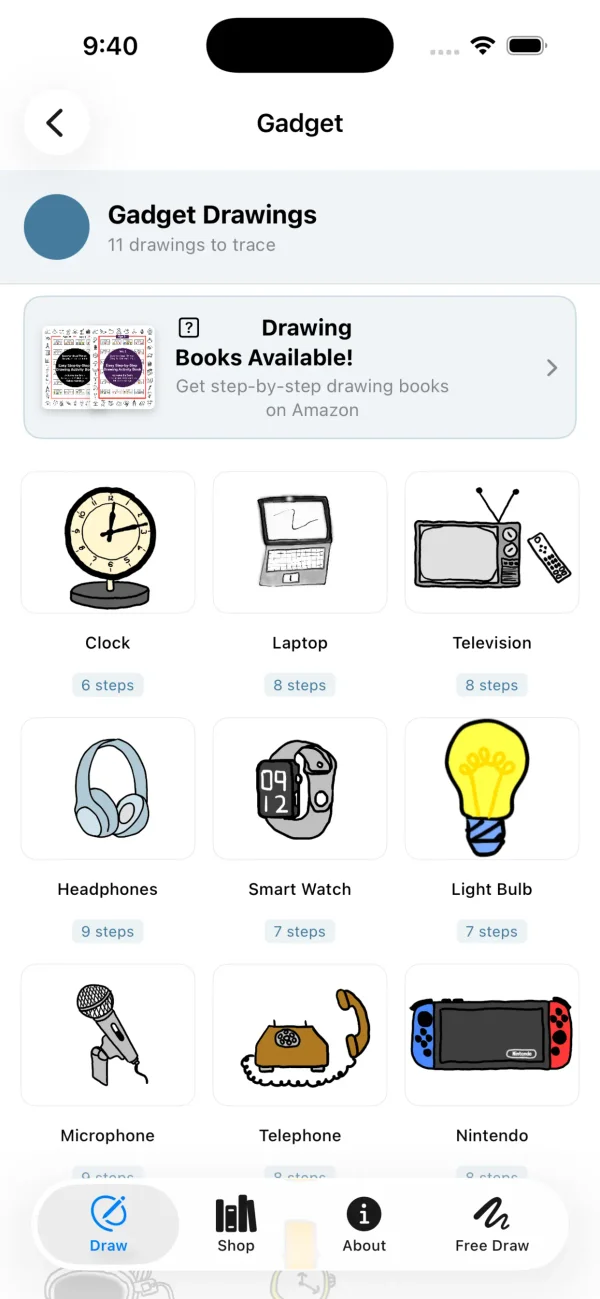
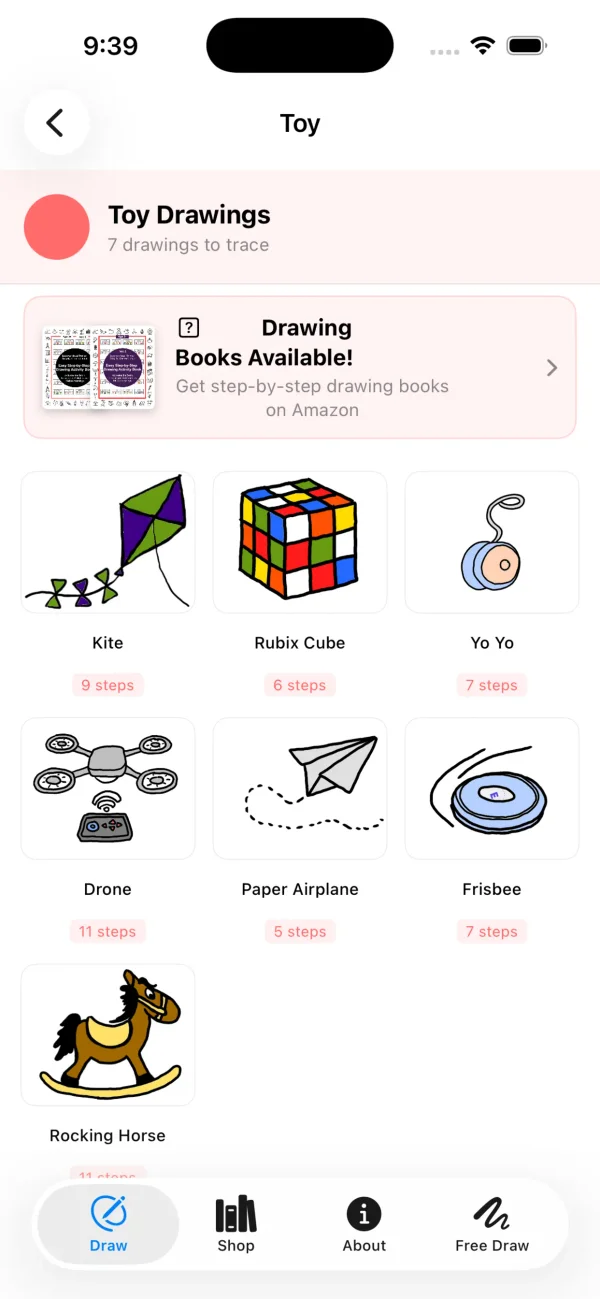
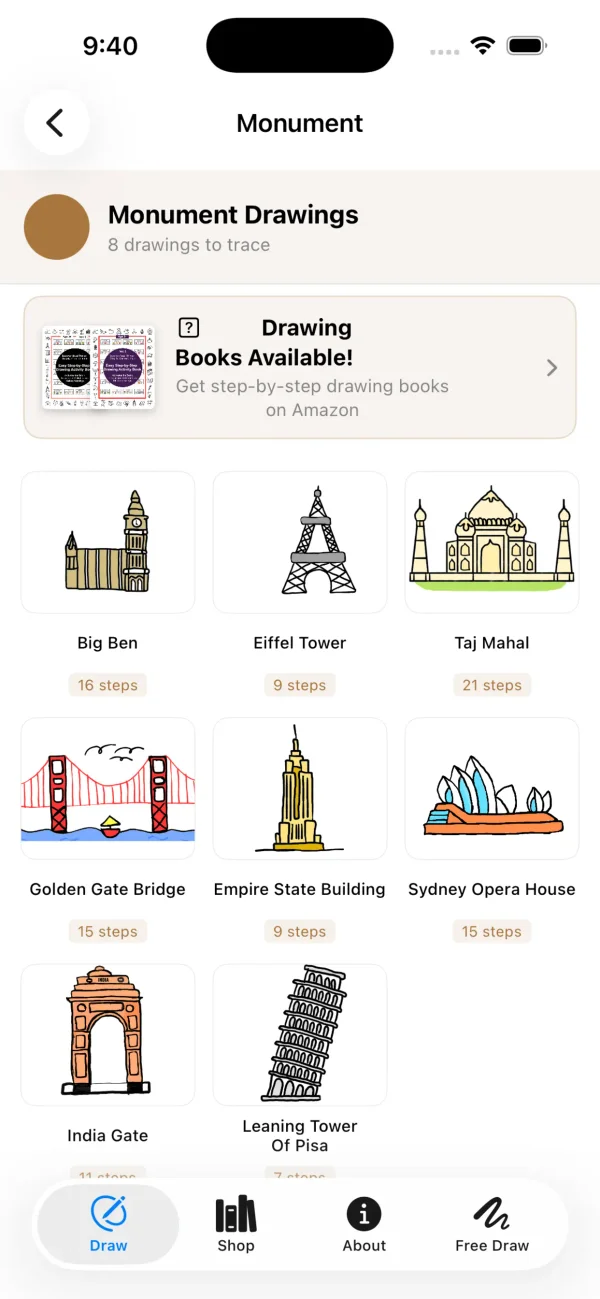
Whether you’re a total beginner or looking to sharpen your skills, Easy Step Drawing makes learning to draw fun and accessible for kids and adults alike. With over 600 high-quality step-by-step tutorials, you’ll go from a blank canvas to a finished masterpiece in minutes.
Why You’ll Love It:
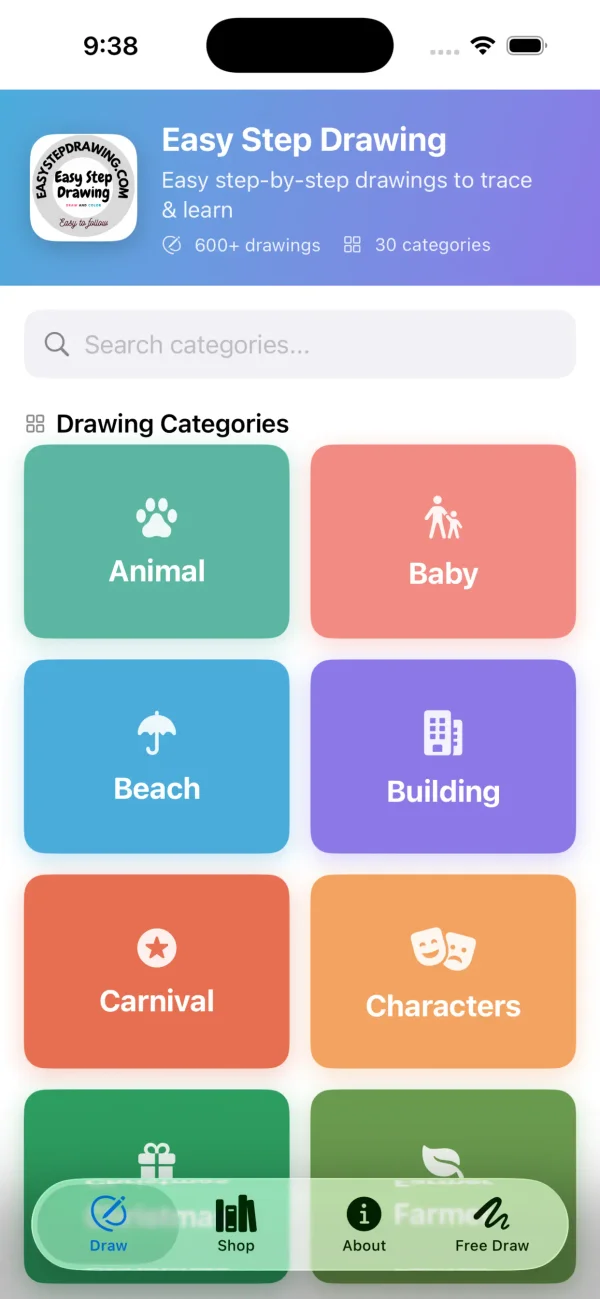
Massive Library: Explore 600+ step-by-step guides across 30+ diverse categories.
Connect the Dots: Trace the numbered dots to reveal hidden pictures, a perfect warm-up for young artists.
Color by Number: Follow the numbers to fill in each section with the right color.
Intuitive Tools: Trace directly on your screen with smooth pen and eraser tools.
Vibrant Colors: Bring your sketches to life with a full-spectrum color picker.
Color Under the Lines: Fill in your artwork freely, with your outlines always staying crisp on top.
Free Draw Mode: A blank canvas with every tool. No steps, no guides, just space to create whatever you imagine.
Learn Everywhere: 100% offline access. Draw on the plane, in the car, or at home without needing Wi-Fi.
Visual Learning: Watch dedicated video tutorials for every drawing.
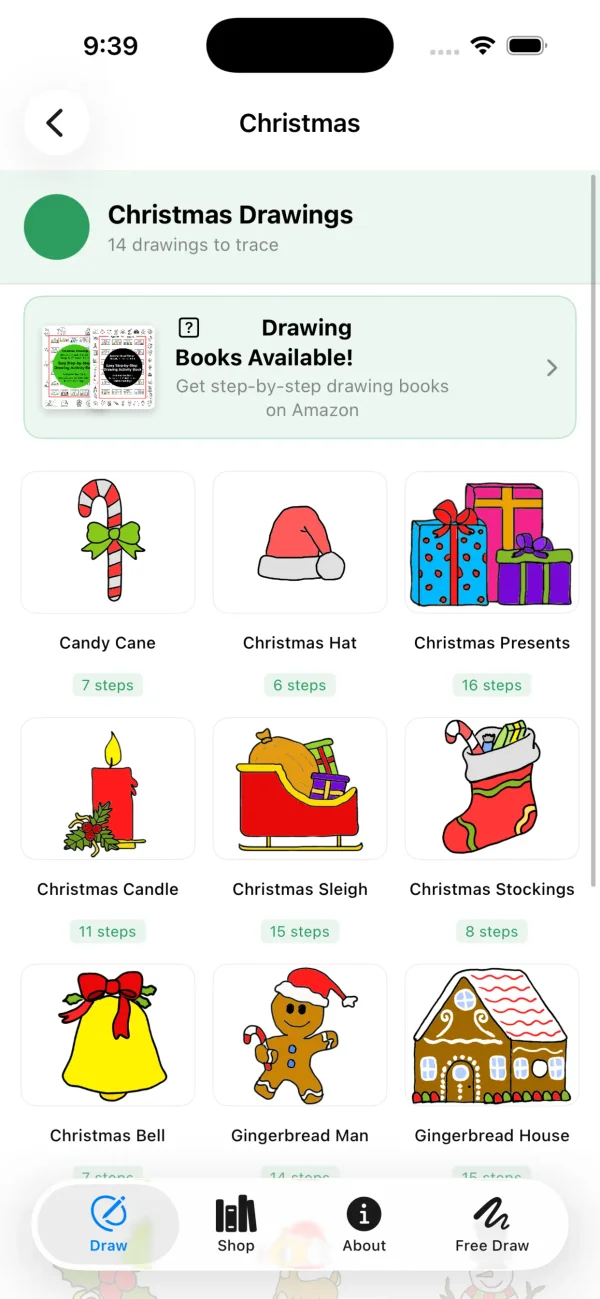
Explore 30+ Categories: From Animals and Space to Characters, Vehicles, and Sports, there’s something for everyone. Whether it’s the Holiday season or you want to draw Nature and Monuments, we’ve got you covered!
No ads. No tracking. No Wi-Fi needed. Just you, your imagination, and a canvas that’s always ready.
Nouveautés
Version 4.5 · 23/10/2026
New: Connect the Dots. Trace the numbered dots to reveal hidden pictures.
New: Color by Number. Follow the numbers to fill in each section with the right color.
Performance improvements across the app.
100% offline: all 600+ tutorials work without Wi-Fi.
Confidentialité de l’application
Ce que om prakash déclare sur l’App Store au sujet du traitement des données par cette application.
-
Données non collectées
Le développeur ne collecte aucune donnée à partir de cette application.
Les pratiques en matière de confidentialité peuvent varier, notamment en fonction des fonctionnalités que vous utilisez ou de votre âge.
Informations
- Vendeur
- om prakash
- Catégorie
- Éducation
- Version
- 4.5
- Mis à jour
- 23/10/2026
- Publié
- 25/03/2026
- Taille
- 156,4 Mo
- Nécessite
- iOS 17.0 ou version ultérieure
- Classification d’âge
- 4+
- Prix
- Gratuit
- Langues
- Anglais
- Copyright
- © 2026 Easystepdrawing
Vous aimerez peut-être aussi
-
 Art Sketch: Learn DrawingÉducation
-
 Learn to Draw Easy DrawingsÉducation
-
 WeeArtists: Learn to DrawÉducation
-
 Learn Drawing - Step by StepÉducation
-
 How To Draw-Learn Step By StepÉducation
-
 DoodleFy: Learn How to DrawÉducation
-
 Drawing Lessons: ArtpandaÉducation
-
 How to Draw Step by Step 2026Éducation
-
 Penki Draw: Dessin EnfantsLeçons de dessin pour enfants
-
 Mona - How to drawÉducation