- Clasificación por edad4+
- CategoríaEducación
- Desarrolladorom prakash
- IdiomasInglés
- Tamaño156,4 MB
Enlaza a la página oficial de App Store
Download.org no aloja ningún archivo de Easy Step Drawing. El botón abre la página de la aplicación en App Store, donde la publica om prakash. Ficha comprobada por última vez el 18/11/2026.
Capturas de pantalla
Acerca de
El desarrollador no ha proporcionado este texto en tu idioma.
Unlock Your Inner Artist with Easy Step Drawing!
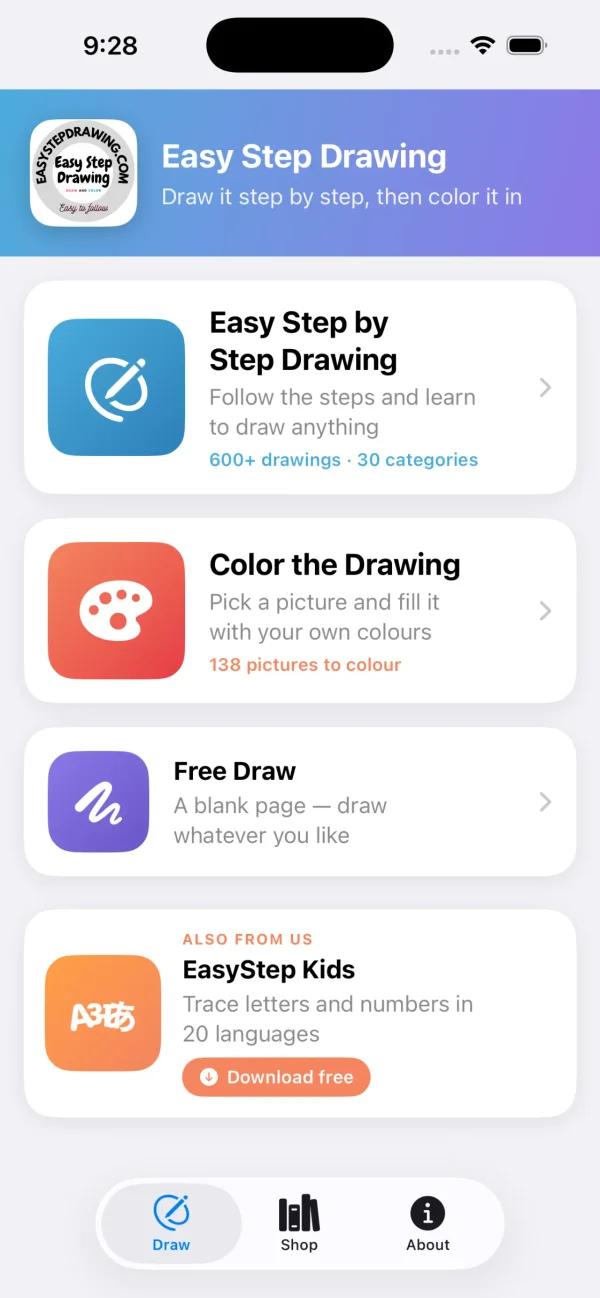
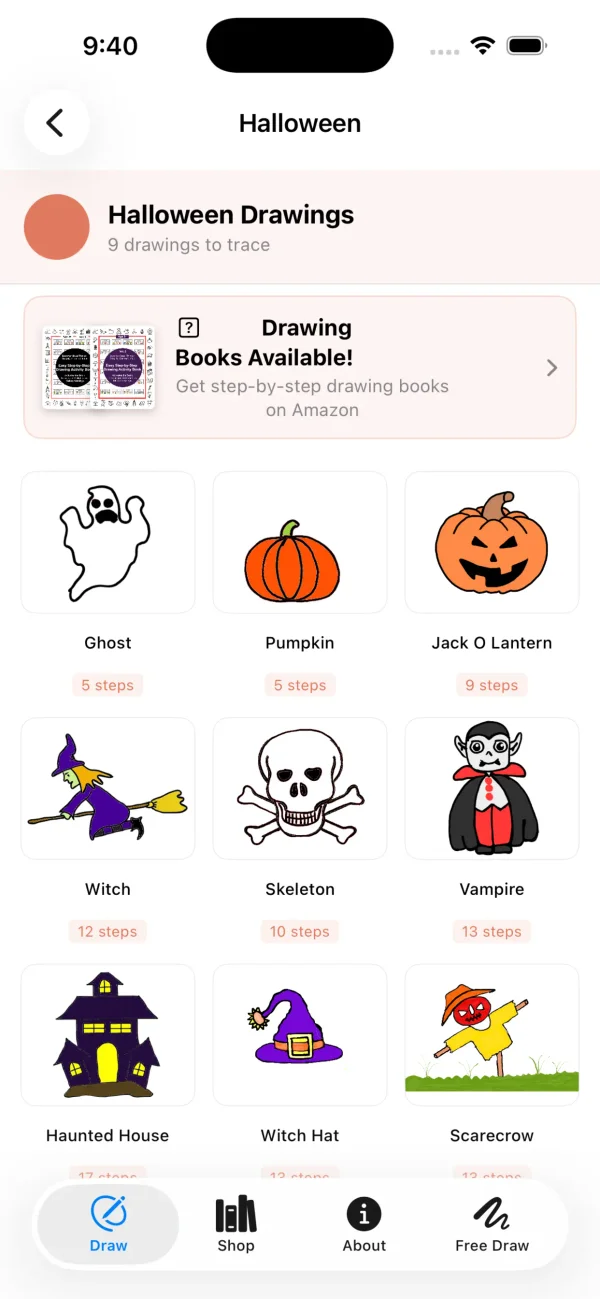
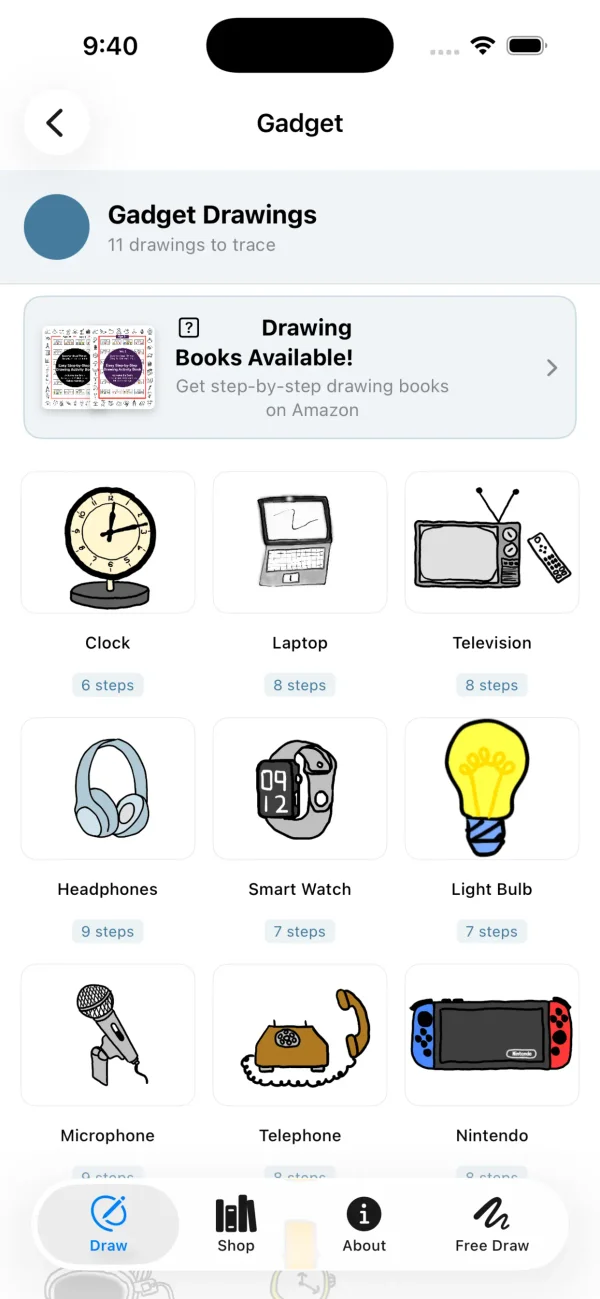
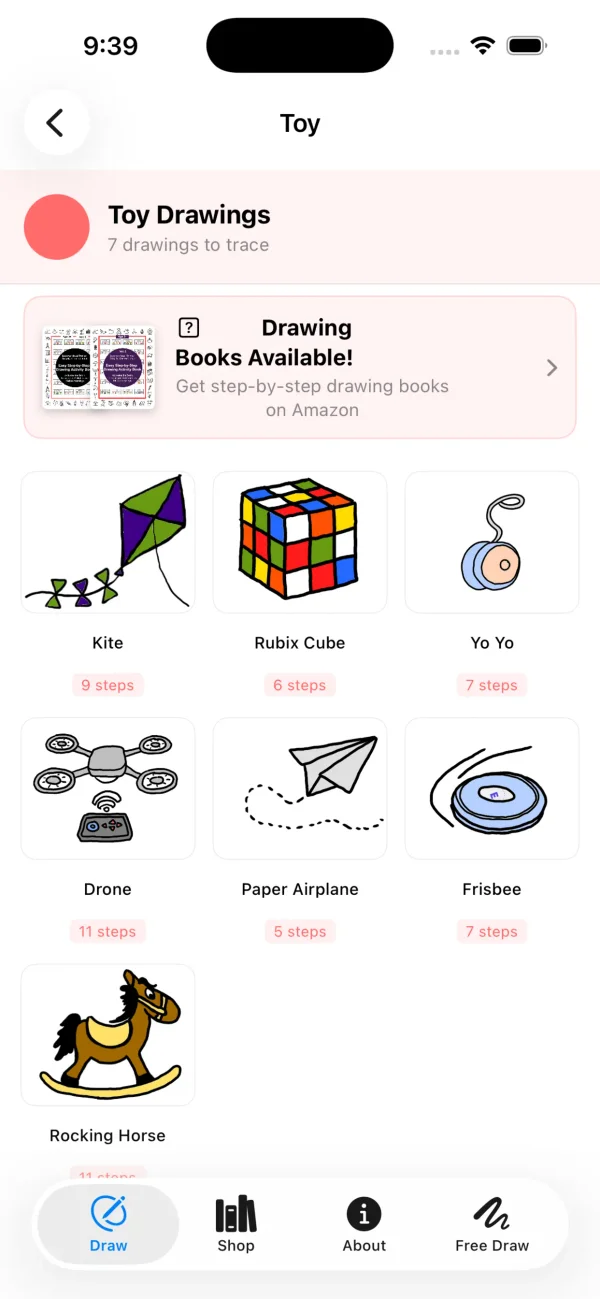
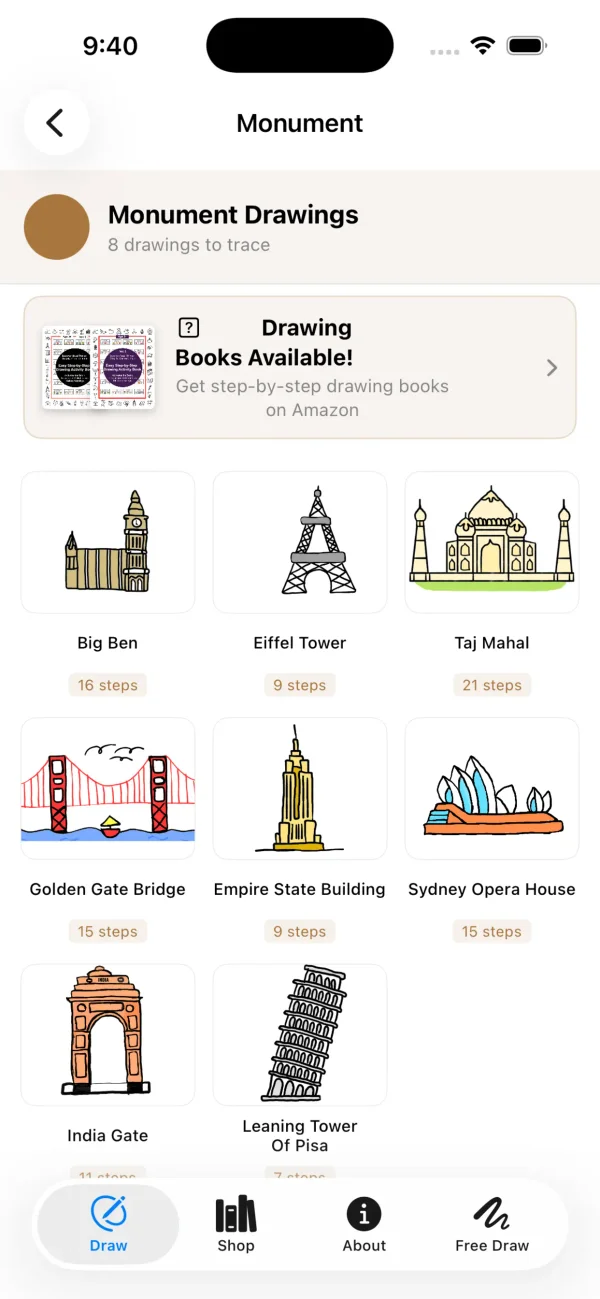
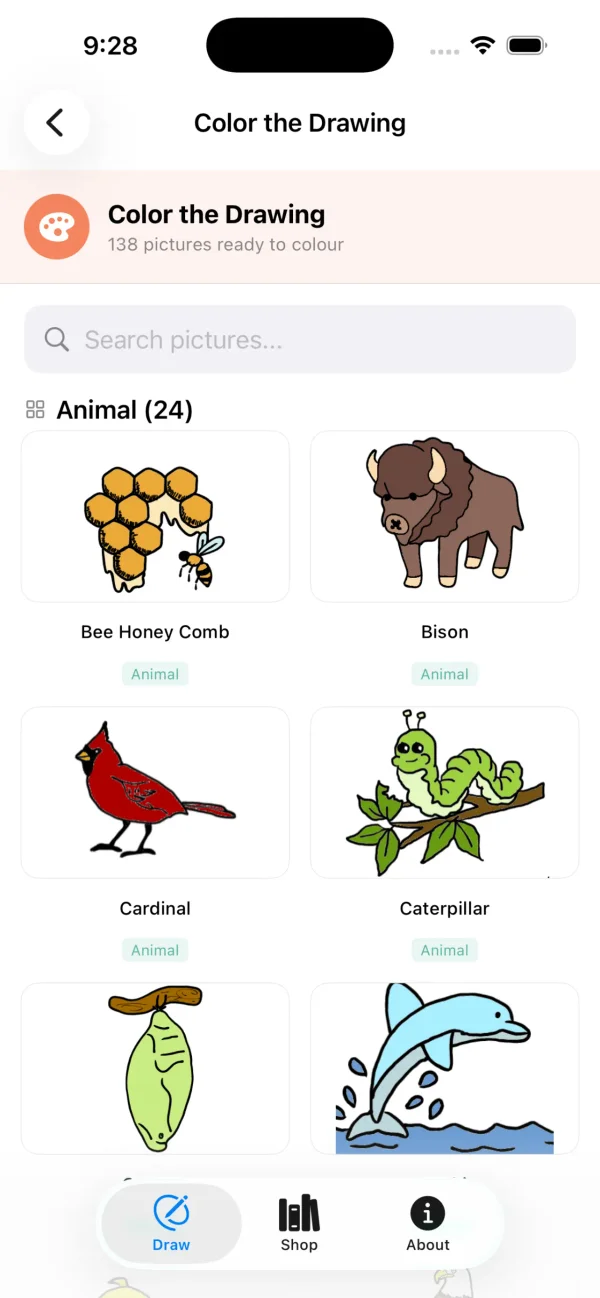
Whether you’re a total beginner or looking to sharpen your skills, Easy Step Drawing makes learning to draw fun and accessible for kids and adults alike. With over 600 high-quality step-by-step tutorials, you’ll go from a blank canvas to a finished masterpiece in minutes.
Why You’ll Love It:
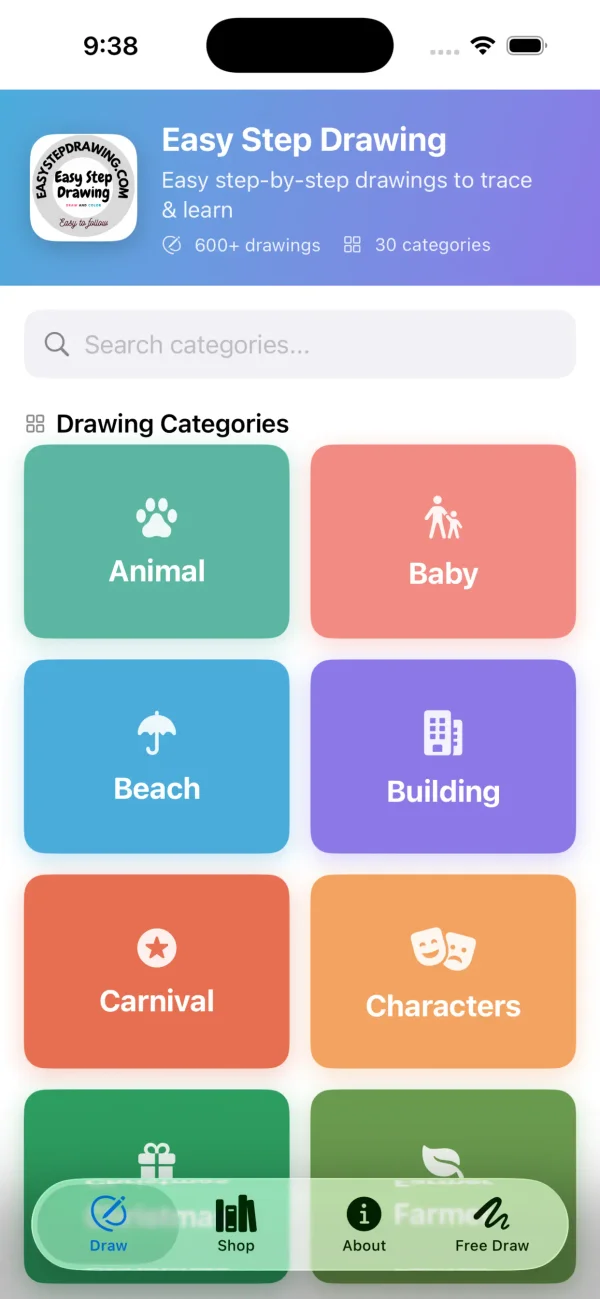
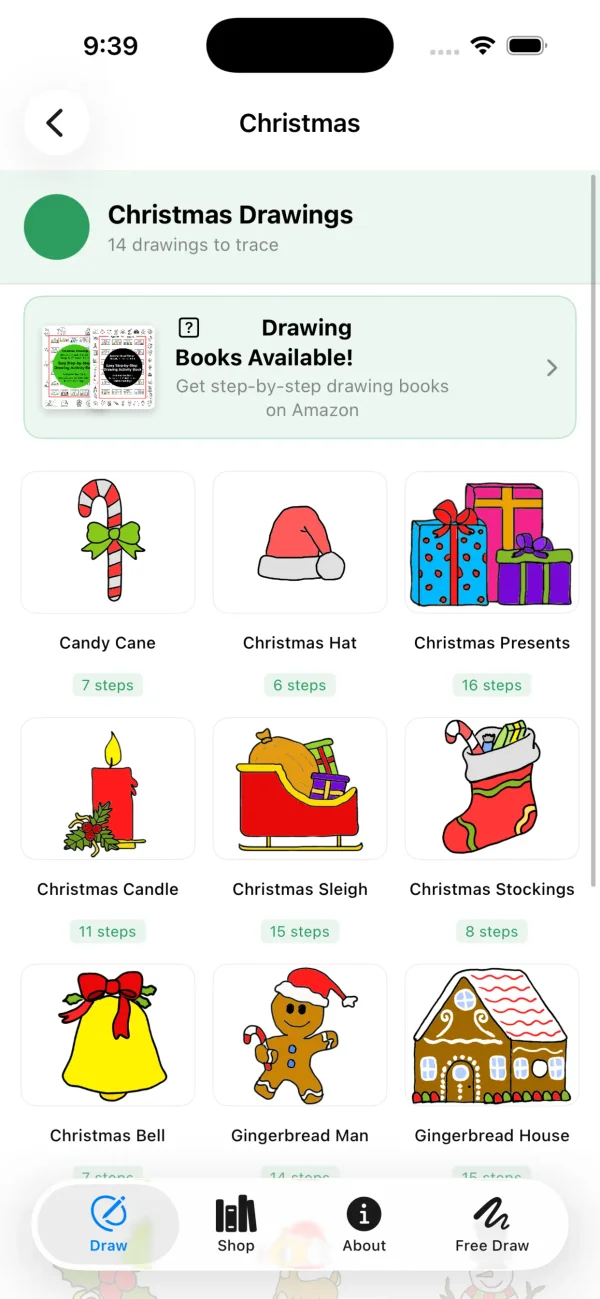
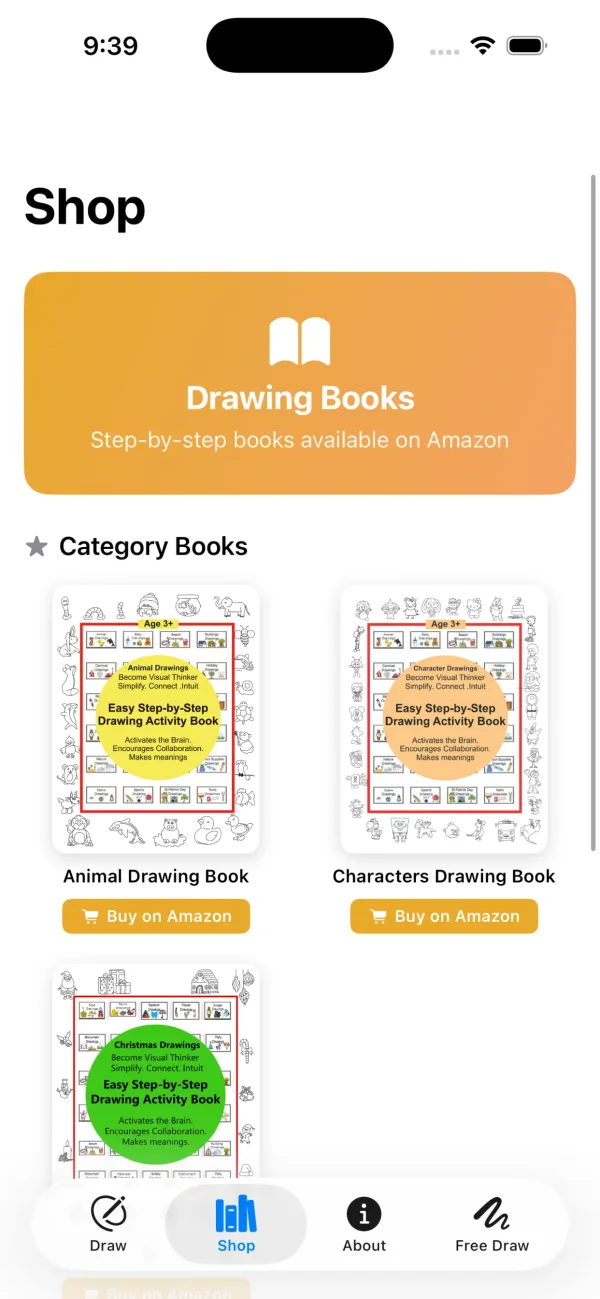
Massive Library: Explore 600+ step-by-step guides across 30+ diverse categories.
Connect the Dots: Trace the numbered dots to reveal hidden pictures, a perfect warm-up for young artists.
Color by Number: Follow the numbers to fill in each section with the right color.
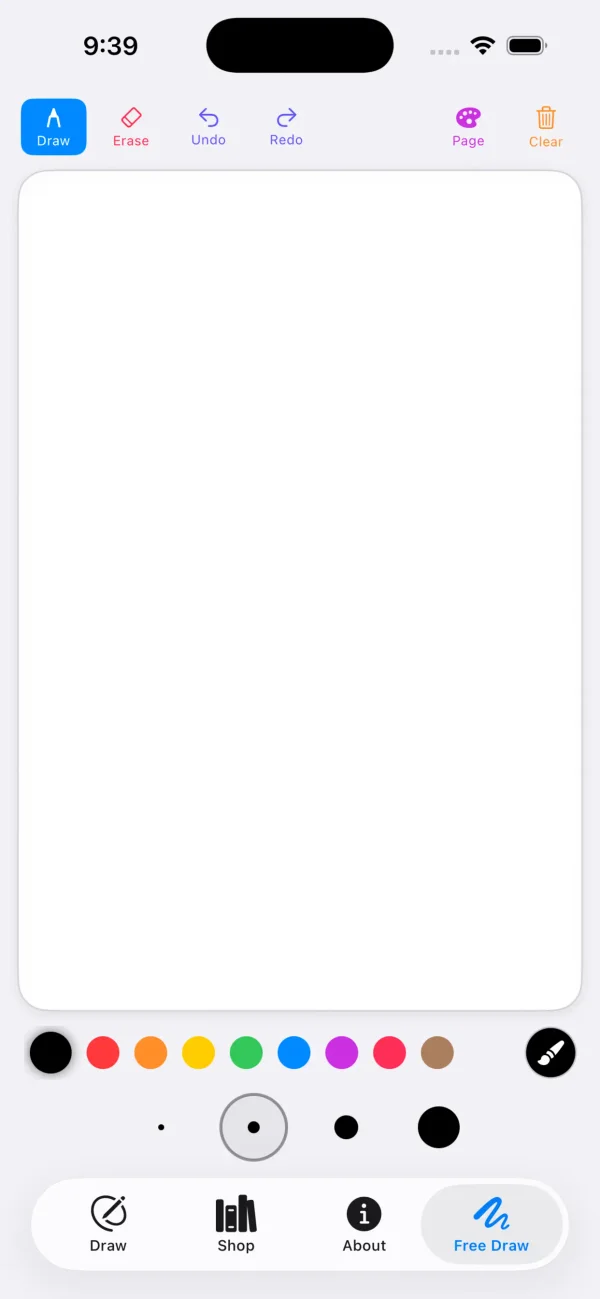
Intuitive Tools: Trace directly on your screen with smooth pen and eraser tools.
Vibrant Colors: Bring your sketches to life with a full-spectrum color picker.
Color Under the Lines: Fill in your artwork freely, with your outlines always staying crisp on top.
Free Draw Mode: A blank canvas with every tool. No steps, no guides, just space to create whatever you imagine.
Learn Everywhere: 100% offline access. Draw on the plane, in the car, or at home without needing Wi-Fi.
Visual Learning: Watch dedicated video tutorials for every drawing.
Explore 30+ Categories: From Animals and Space to Characters, Vehicles, and Sports, there’s something for everyone. Whether it’s the Holiday season or you want to draw Nature and Monuments, we’ve got you covered!
No ads. No tracking. No Wi-Fi needed. Just you, your imagination, and a canvas that’s always ready.
Novedades
Versión 4.5 · 23/10/2026
New: Connect the Dots. Trace the numbered dots to reveal hidden pictures.
New: Color by Number. Follow the numbers to fill in each section with the right color.
Performance improvements across the app.
100% offline: all 600+ tutorials work without Wi-Fi.
Privacidad de la aplicación
Lo que om prakash declara en App Store sobre cómo esta aplicación gestiona los datos.
-
No se recopilan datos
El desarrollador no recopila ningún dato de esta aplicación.
Las prácticas de privacidad pueden variar, por ejemplo, según las funciones que uses o tu edad.
Información
- Vendedor
- om prakash
- Categoría
- Educación
- Versión
- 4.5
- Actualizado
- 23/10/2026
- Publicado
- 25/3/2026
- Tamaño
- 156,4 MB
- Requiere
- iOS 17.0 o posterior
- Clasificación por edad
- 4+
- Precio
- Gratis
- Idiomas
- Inglés
- Copyright
- © 2026 Easystepdrawing
Quizá también te guste
-
 Art Sketch: Learn DrawingEducación
-
 Learn to Draw Easy DrawingsEducación
-
 WeeArtists: Learn to DrawEducación
-
 Learn Drawing - Step by StepEducación
-
 How To Draw-Learn Step By StepEducación
-
 DoodleFy: Learn How to DrawEducación
-
 Artpanda – Dibujo fácilAprende a dibujar
-
 Como dibujar paso a paso 2026Aprende a dibujar pasos
-
 Penki Draw: Dibujar para NiñosClases de dibujo divertidas
-
 Mona - How to drawEducación