FactorCat: MFA Authenticator
MFA that gets out of your way.
Entwickelt für iPhone, iPad, iPod touch
Kostenlos · In-App-Käufe
- Altersfreigabe4+
- KategorieDienstprogramme
- EntwicklerCapital F
- SprachenEnglisch
- Größe47,3 MB
Verlinkt auf die offizielle App Store-Seite
Download.org hostet keine Datei von FactorCat: MFA Authenticator. Die Schaltfläche öffnet die App-Seite bei App Store, wo Capital F die App veröffentlicht. Eintrag zuletzt geprüft am 18.11.2026.
Screenshots



Info
Der Entwickler hat diesen Text nicht in Ihrer Sprache bereitgestellt.
FactorCat is a modern authenticator that replaces the code-copying ritual with a single tap.
How it works:
Install the browser extension on your computer. When you hit a login page that needs a code, FactorCat sends a push notification to your phone. Tap approve, confirm with Face ID or fingerprint, and the code fills in automatically. No switching apps. No squinting at timers. No mistyped digits.
Security you can trust:
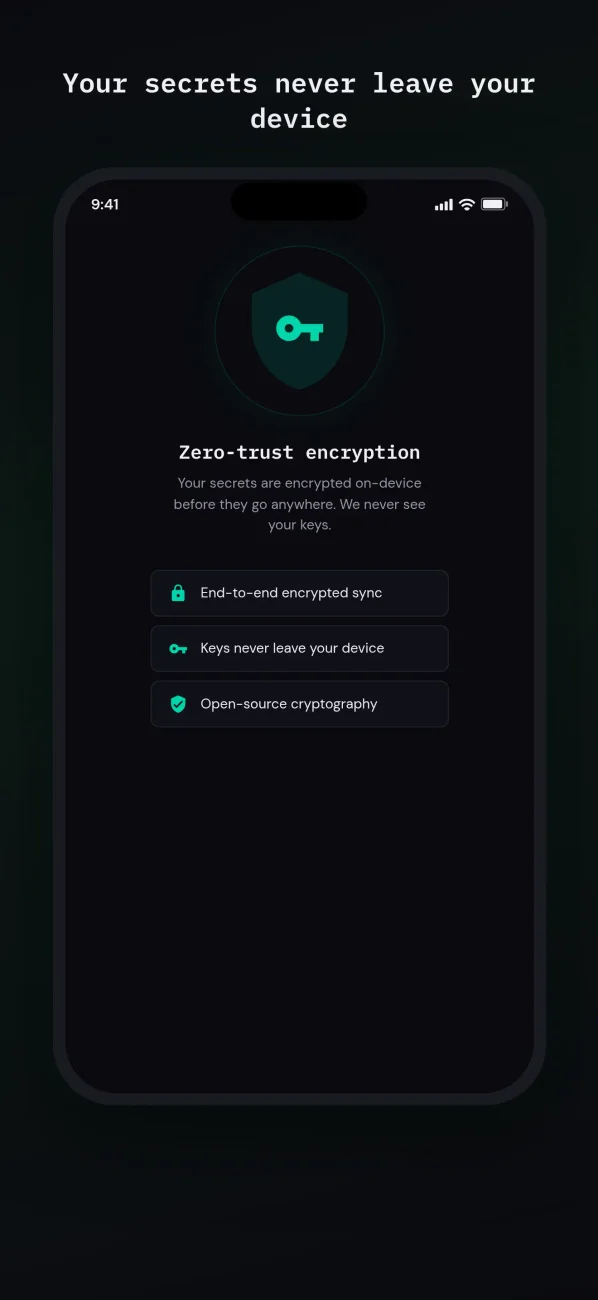
Your TOTP secrets are stored on your device, encrypted and protected by biometrics. FactorCat never holds your passwords — MFA and passwords stay separate by design, so there's no single point of failure for your online identity.
Two vault types:
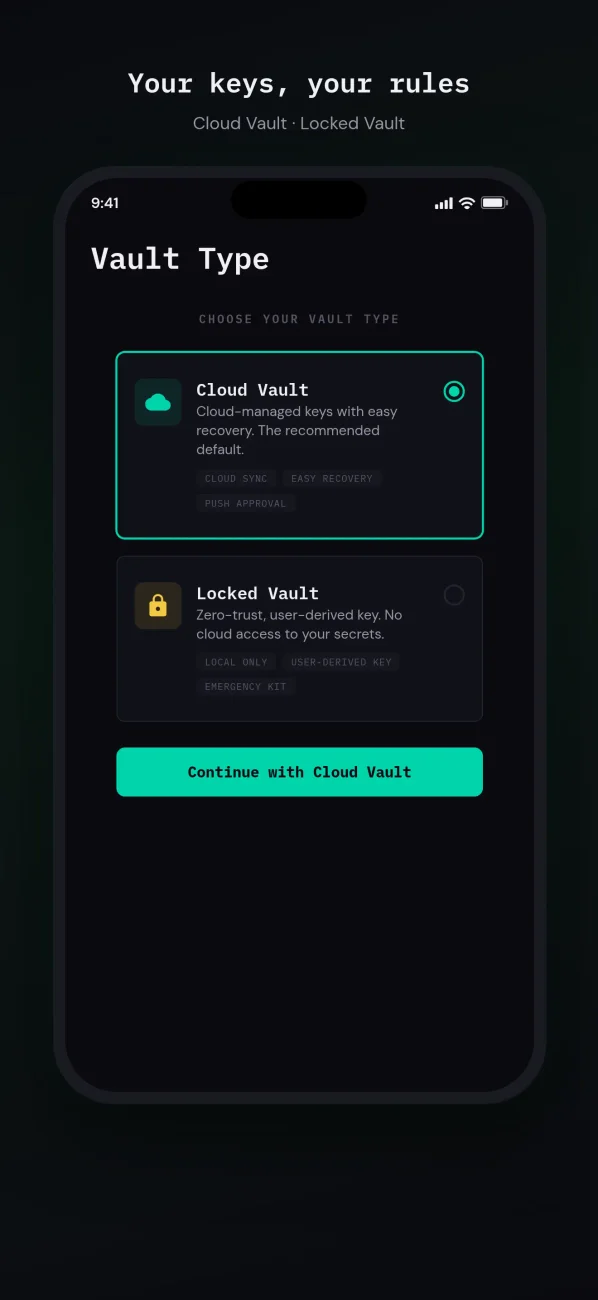
• Cloud Vault — cloud-managed keys for easy recovery. Great for getting started with MFA or for low-risk accounts. FactorCat can generate codes on your behalf when your phone is offline.
• Locked Vault — zero-trust encryption using a model trusted by leading security products. You hold the keys. FactorCat cannot read your secrets. Backup via encrypted cloud blobs recoverable only with your emergency kit.
Getting started takes 2 minutes:
1. Download FactorCat
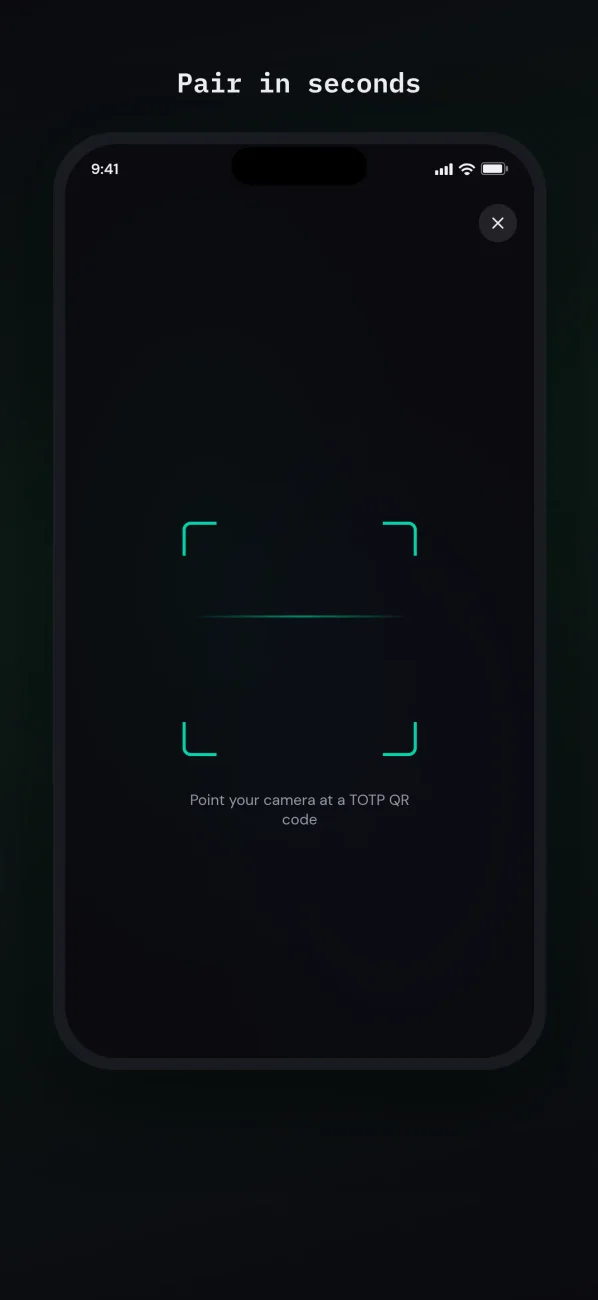
2. Add your first token (scan a QR or let the browser extension capture it)
3. Pair with the extension via one QR scan
4. Done — your next login fills itself in
Also works standalone. Use FactorCat as a regular authenticator with no account or extension required. When you're ready for auto-fill, pair up anytime.
Free to use. No ads. No tracking.
Terms of Use (EULA): https://www.apple.com/legal/internet-services/itunes/dev/stdeula/
Privacy Policy: https://www.factorcat.com/privacy/
Neue Funktionen
Version 1.0.3 · 03.08.2026
Auto-fill improvements: factors added on your phone now pick up their website automatically, and site matching is more precise.
App-Datenschutz
Was Capital F im App Store zum Umgang dieser App mit Daten angibt.
-
Mit Ihnen verknüpfte Daten
Können erfasst und mit Ihrer Identität verknüpft werden.
- Kontaktinformationen
- Kennungen
-
Nicht mit Ihnen verknüpfte Daten
Können erfasst werden, sind aber nicht mit Ihrer Identität verknüpft.
- Diagnose
Die Datenschutzpraktiken können variieren, zum Beispiel je nach den von Ihnen verwendeten Funktionen oder Ihrem Alter.
Informationen
- Anbieter
- Capital F Inc
- Kategorie
- Dienstprogramme
- Version
- 1.0.3
- Aktualisiert
- 03.08.2026
- Veröffentlicht
- 13.05.2026
- Größe
- 47,3 MB
- Erfordert
- iOS 15.1 oder neuer
- Altersfreigabe
- 4+
- Preis
- Kostenlos
- In-App-Käufe
- Ja
- Sprachen
- Englisch
- Copyright
- © 2026 FactorCat
Das könnte Ihnen auch gefallen
-
 2faktorDienstprogramme
-
 Identifier:AI Image SearchDienstprogramme
-
 2FAS Authenticator AppDienstprogramme
-
 BlueFind GerätefinderVerlorene Geräte finden
-
 Netsight - WLAN ToolsWLAN Scanner & IP Analyse
-
 YouPlus VPNDienstprogramme
-
 iC365Dienstprogramme
-
 SMS Virtual: Code VerificationDienstprogramme
-
 GotoVPN - Secure & FastDienstprogramme
-
 Fußball Foto- & Video-EditorAvatare, Face Swap, Selfie KI