FactorCat: MFA Authenticator
MFA that gets out of your way.
Designed for iPhone, iPad, iPod touch
Free · In-app purchases
- Age rating4+
- CategoryUtilities
- DeveloperCapital F
- LanguagesEnglish
- Size47.3 MB
Links to the official App Store page
Download.org hosts no file of FactorCat: MFA Authenticator. The button opens its official App Store page, published by Capital F. Listing last checked on Nov 18, 2026.
Screenshots



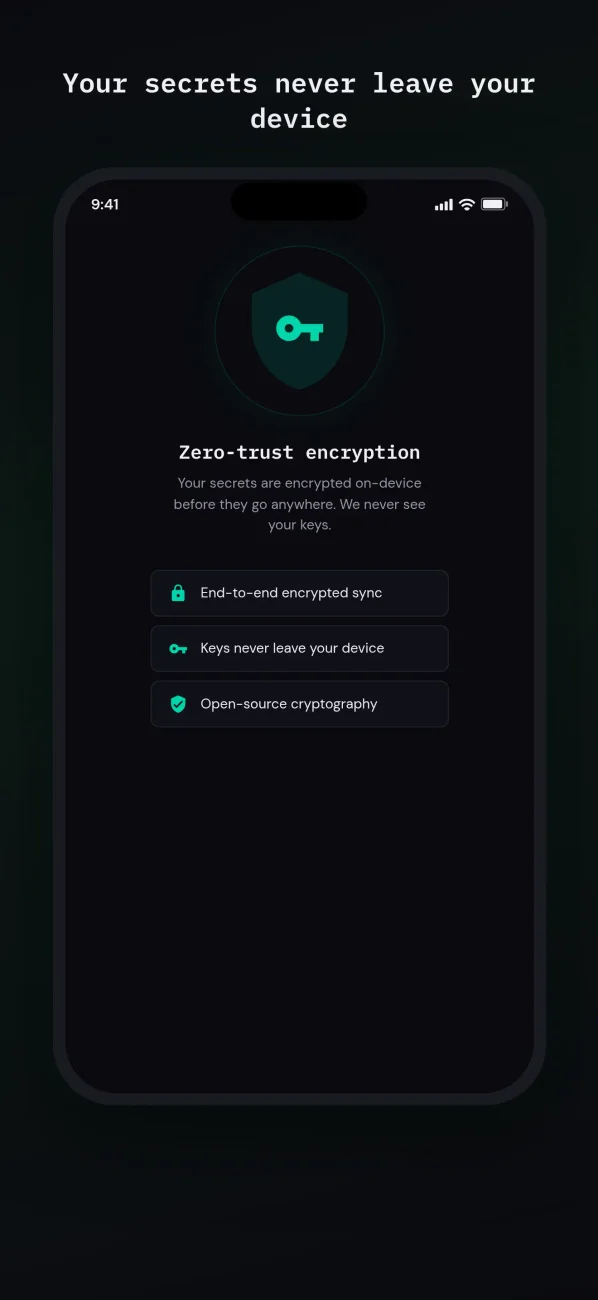
About
FactorCat is a modern authenticator that replaces the code-copying ritual with a single tap.
How it works:
Install the browser extension on your computer. When you hit a login page that needs a code, FactorCat sends a push notification to your phone. Tap approve, confirm with Face ID or fingerprint, and the code fills in automatically. No switching apps. No squinting at timers. No mistyped digits.
Security you can trust:
Your TOTP secrets are stored on your device, encrypted and protected by biometrics. FactorCat never holds your passwords — MFA and passwords stay separate by design, so there's no single point of failure for your online identity.
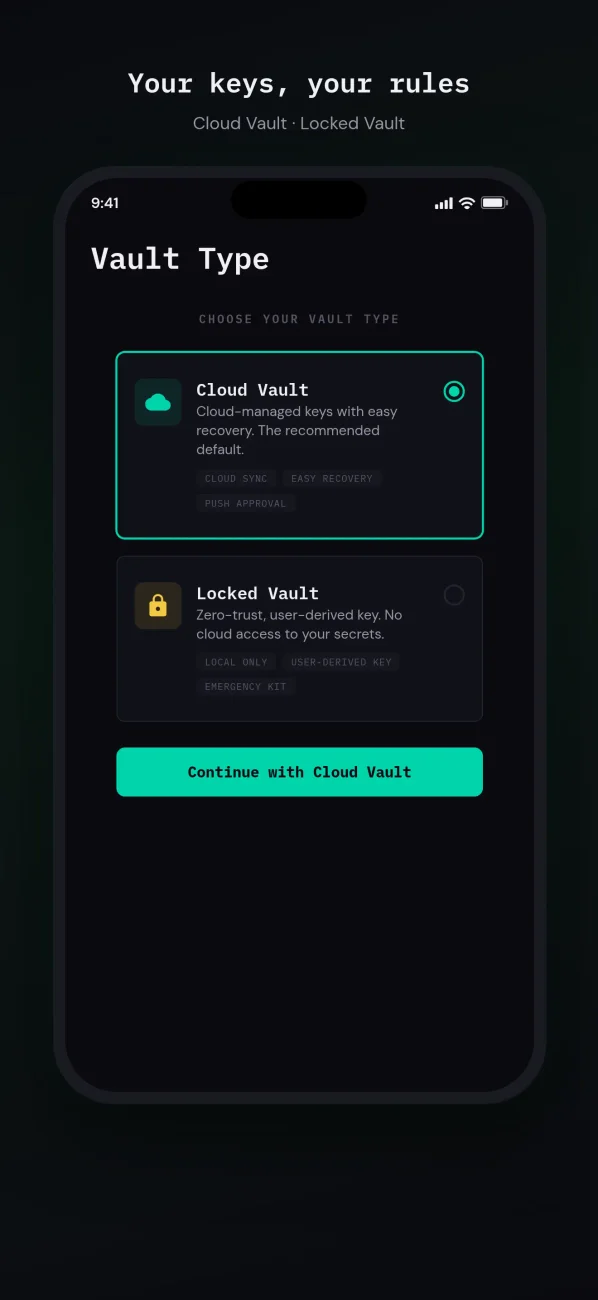
Two vault types:
• Cloud Vault — cloud-managed keys for easy recovery. Great for getting started with MFA or for low-risk accounts. FactorCat can generate codes on your behalf when your phone is offline.
• Locked Vault — zero-trust encryption using a model trusted by leading security products. You hold the keys. FactorCat cannot read your secrets. Backup via encrypted cloud blobs recoverable only with your emergency kit.
Getting started takes 2 minutes:
1. Download FactorCat
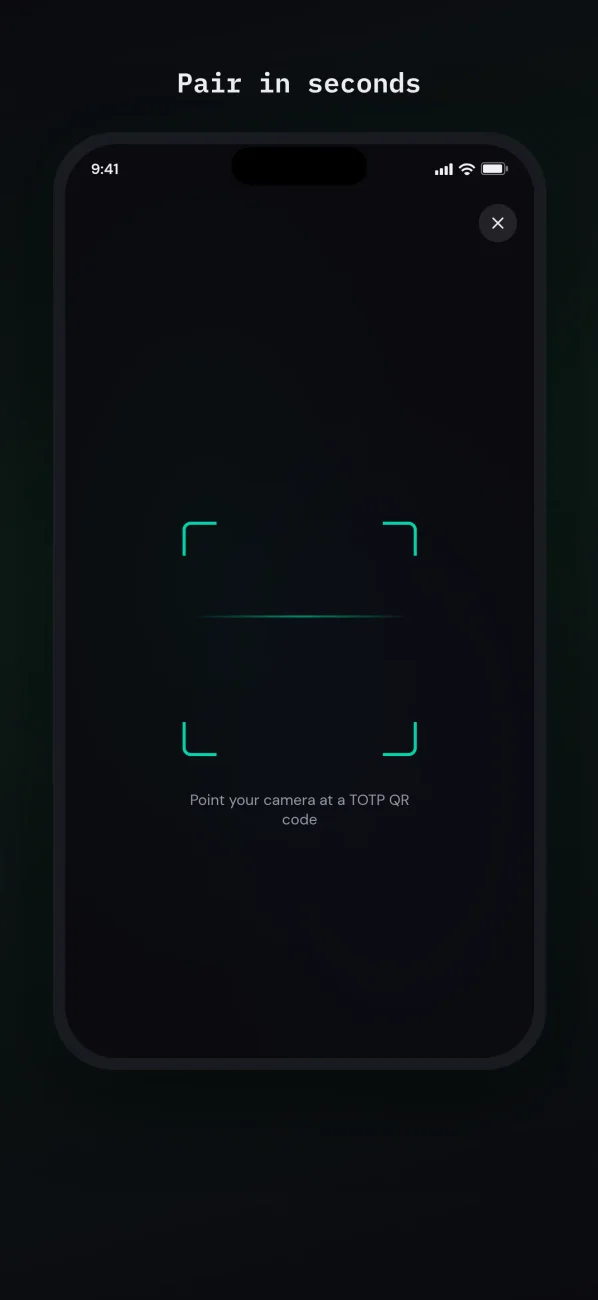
2. Add your first token (scan a QR or let the browser extension capture it)
3. Pair with the extension via one QR scan
4. Done — your next login fills itself in
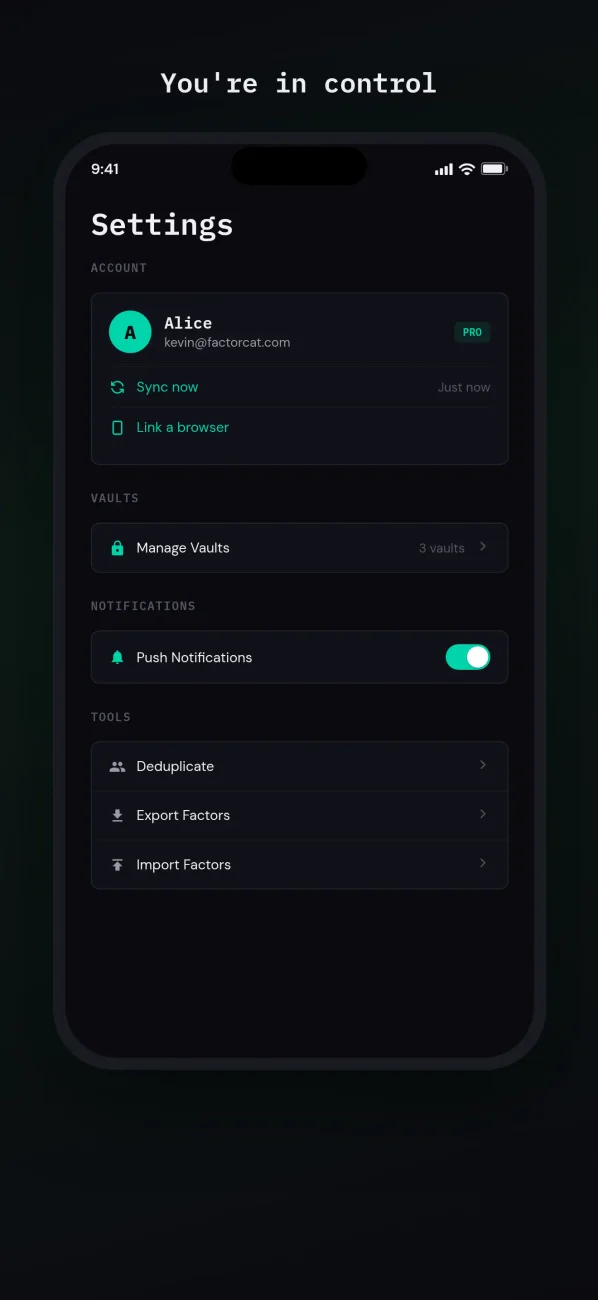
Also works standalone. Use FactorCat as a regular authenticator with no account or extension required. When you're ready for auto-fill, pair up anytime.
Free to use. No ads. No tracking.
Terms of Use (EULA): https://www.apple.com/legal/internet-services/itunes/dev/stdeula/
Privacy Policy: https://www.factorcat.com/privacy/
What’s new
Version 1.0.3 · Aug 3, 2026
Auto-fill improvements: factors added on your phone now pick up their website automatically, and site matching is more precise.
App privacy
What Capital F declares on the App Store about how this app handles data.
-
Data linked to you
May be collected and linked to your identity.
- Contact info
- Identifiers
-
Data not linked to you
May be collected but is not linked to your identity.
- Diagnostics
Privacy practices may vary, for example with the features you use or your age.
Information
- Seller
- Capital F Inc
- Category
- Utilities
- Version
- 1.0.3
- Updated
- Aug 3, 2026
- Released
- May 13, 2026
- Size
- 47.3 MB
- Requires
- iOS 15.1 or later
- Age rating
- 4+
- Price
- Free
- In-app purchases
- Yes
- Languages
- English
- Copyright
- © 2026 FactorCat
You might also like
-
 2faktor2FA for shared accounts
-
 Identifier:AI Image SearchIdentifier Anything
-
 2FAS Authenticator AppTwo Factor Authentication, 2FA
-
 BlueFind: Device LocatorLocate Earbuds & Devices
-
 Netsight - WiFi ToolsWiFi Scanner & IP Analyzer
-
 YouPlus VPNCustomised VPN Protocol
-
 iC365iC365 Cam
-
 SMS Virtual: Code VerificationReceiver & Temp Phone Number
-
 GotoVPN - Secure & FastFast and Stable
-
 Football Photo & Video EditorAI Videos, Face Swap, Avatars