FactorCat: MFA Authenticator
MFA that gets out of your way.
Được thiết kế cho iPhone, iPad, iPod touch
Miễn phí · Mua hàng trong ứng dụng
- Độ tuổi4+
- Danh mụcTiện Ích
- Nhà phát triểnCapital F
- Ngôn ngữTiếng Anh
- Kích thước47,3 MB
Liên kết đến trang App Store chính thức
Download.org không lưu trữ tệp nào của FactorCat: MFA Authenticator. Nút này mở trang ứng dụng trên App Store, nơi Capital F phát hành ứng dụng. Trang được kiểm tra lần cuối: 18/11/2026.
Ảnh chụp màn hình



Giới thiệu
Nhà phát triển chưa cung cấp nội dung này bằng ngôn ngữ của bạn.
FactorCat is a modern authenticator that replaces the code-copying ritual with a single tap.
How it works:
Install the browser extension on your computer. When you hit a login page that needs a code, FactorCat sends a push notification to your phone. Tap approve, confirm with Face ID or fingerprint, and the code fills in automatically. No switching apps. No squinting at timers. No mistyped digits.
Security you can trust:
Your TOTP secrets are stored on your device, encrypted and protected by biometrics. FactorCat never holds your passwords — MFA and passwords stay separate by design, so there's no single point of failure for your online identity.
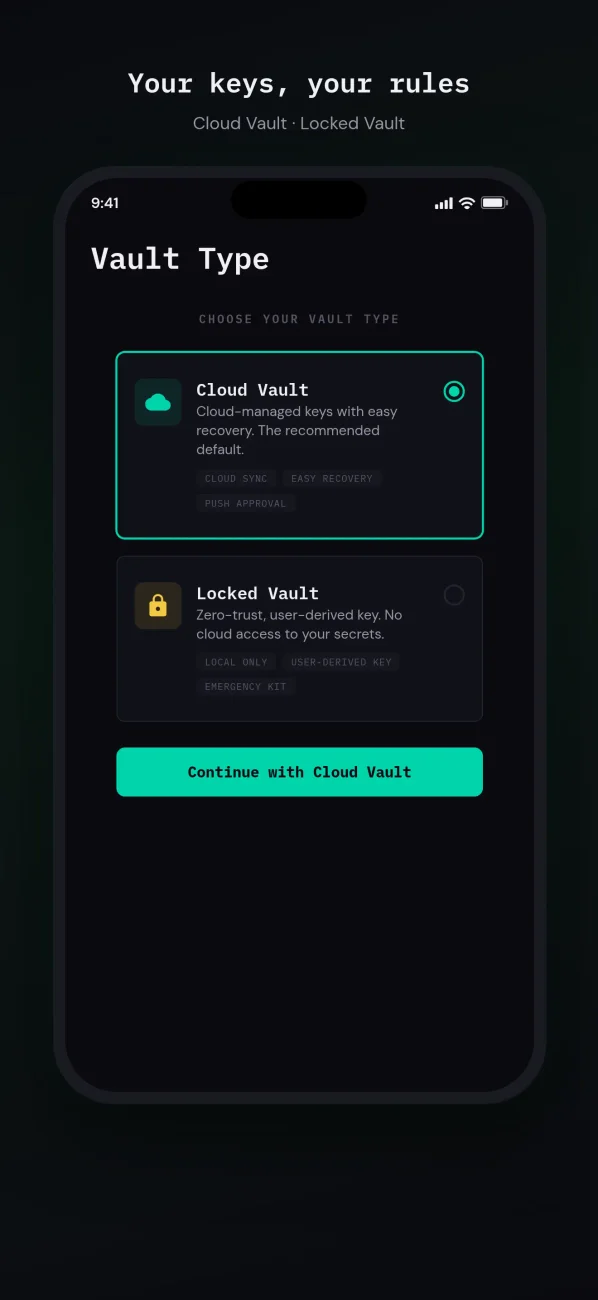
Two vault types:
• Cloud Vault — cloud-managed keys for easy recovery. Great for getting started with MFA or for low-risk accounts. FactorCat can generate codes on your behalf when your phone is offline.
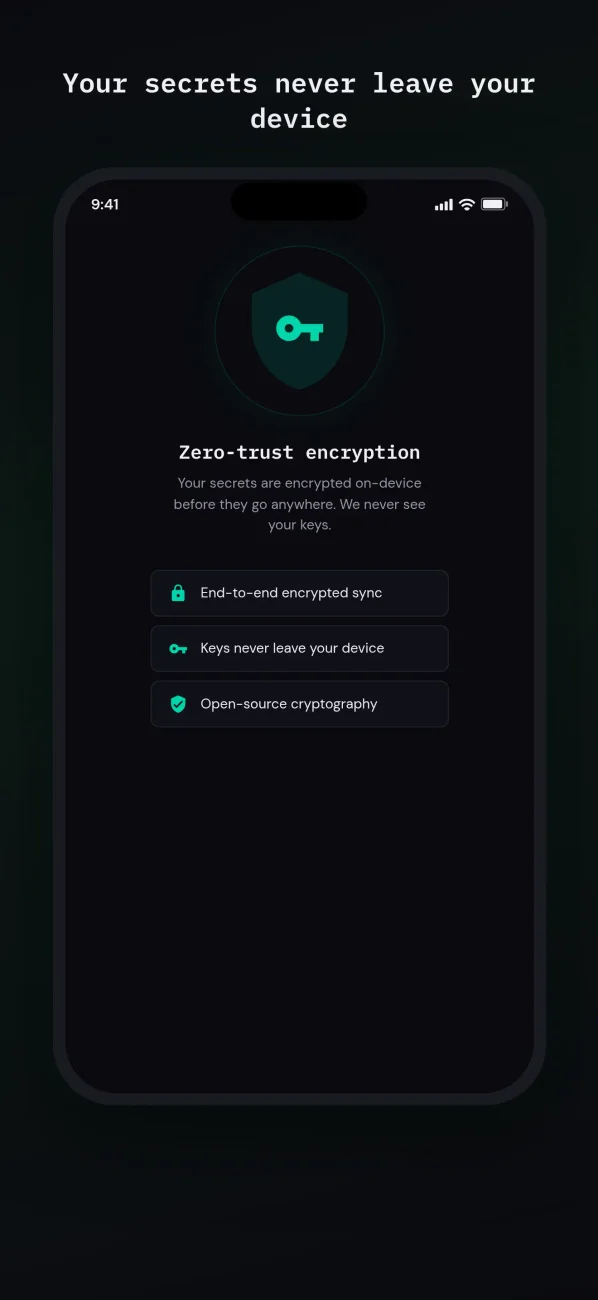
• Locked Vault — zero-trust encryption using a model trusted by leading security products. You hold the keys. FactorCat cannot read your secrets. Backup via encrypted cloud blobs recoverable only with your emergency kit.
Getting started takes 2 minutes:
1. Download FactorCat
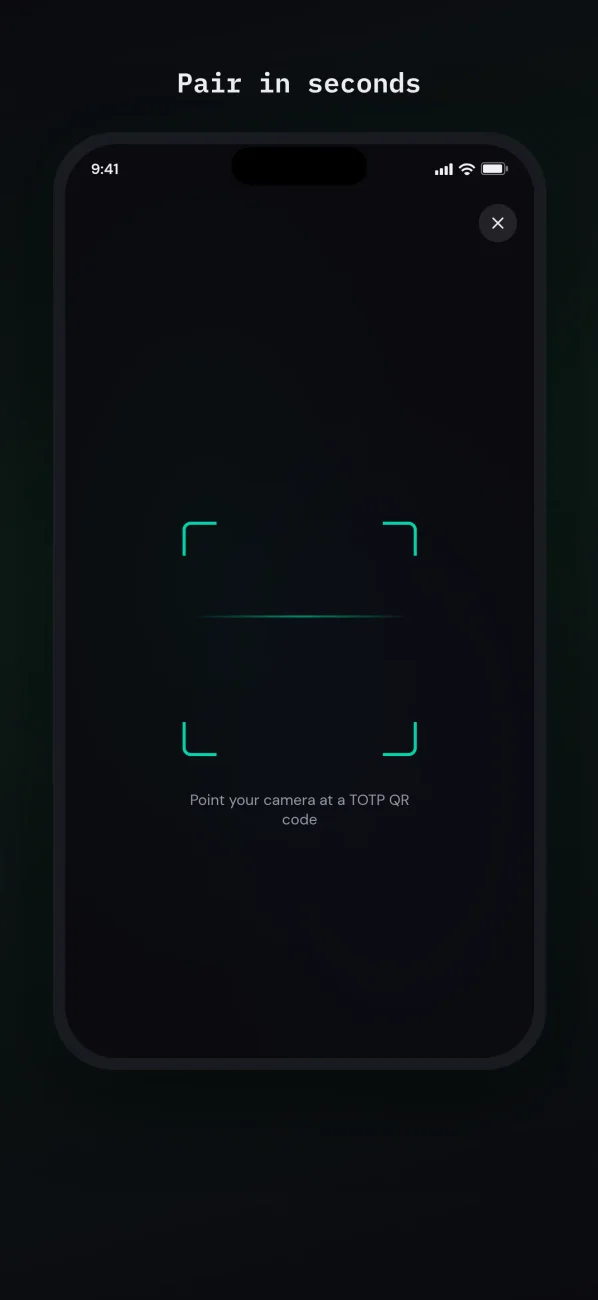
2. Add your first token (scan a QR or let the browser extension capture it)
3. Pair with the extension via one QR scan
4. Done — your next login fills itself in
Also works standalone. Use FactorCat as a regular authenticator with no account or extension required. When you're ready for auto-fill, pair up anytime.
Free to use. No ads. No tracking.
Terms of Use (EULA): https://www.apple.com/legal/internet-services/itunes/dev/stdeula/
Privacy Policy: https://www.factorcat.com/privacy/
Có gì mới
Phiên bản 1.0.3 · 03/08/2026
Auto-fill improvements: factors added on your phone now pick up their website automatically, and site matching is more precise.
Quyền riêng tư của ứng dụng
Những gì Capital F khai báo trên App Store về cách ứng dụng này xử lý dữ liệu.
-
Dữ liệu liên kết với bạn
Có thể được thu thập và liên kết với danh tính của bạn.
- Thông tin liên hệ
- Mã định danh
-
Dữ liệu không liên kết với bạn
Có thể được thu thập nhưng không liên kết với danh tính của bạn.
- Chẩn đoán
Phương thức đảm bảo quyền riêng tư có thể khác nhau, chẳng hạn như tuỳ theo các tính năng bạn sử dụng hoặc độ tuổi của bạn.
Thông tin
- Người bán
- Capital F Inc
- Danh mục
- Tiện Ích
- Phiên bản
- 1.0.3
- Cập nhật
- 03/08/2026
- Phát hành
- 13/05/2026
- Kích thước
- 47,3 MB
- Yêu cầu
- iOS 15.1 trở lên
- Độ tuổi
- 4+
- Giá
- Miễn phí
- Mua hàng trong ứng dụng
- Có
- Ngôn ngữ
- Tiếng Anh
- Bản quyền
- © 2026 FactorCat
Có thể bạn cũng thích
-
 2faktorTiện Ích
-
 Identifier:AI Image SearchTiện Ích
-
 2FAS Authenticator AppTiện Ích
-
 BlueFind Tìm Thiết BịTìm tai nghe và thiết bị
-
 Netsight - WiFi ToolsTiện Ích
-
 YouPlus VPNTiện Ích
-
 iC365Tiện Ích
-
 SMS Virtual: Code VerificationTiện Ích
-
 GotoVPN - Secure & FastTiện Ích
-
 Football Photo & Video EditorTiện Ích