FactorCat: MFA Authenticator
MFA that gets out of your way.
Projetado para iPhone, iPad, iPod touch
Grátis · Compras no app
- Classificação etária4+
- CategoriaUtilidades
- DesenvolvedorCapital F
- IdiomasInglês
- Tamanho47,3 MB
Leva à página oficial na App Store
O Download.org não hospeda nenhum arquivo de FactorCat: MFA Authenticator. O botão abre a página do app na App Store, onde Capital F o publica. Página verificada pela última vez em 18/11/2026.
Capturas de tela
Sobre
O desenvolvedor não forneceu este texto no seu idioma.
FactorCat is a modern authenticator that replaces the code-copying ritual with a single tap.
How it works:
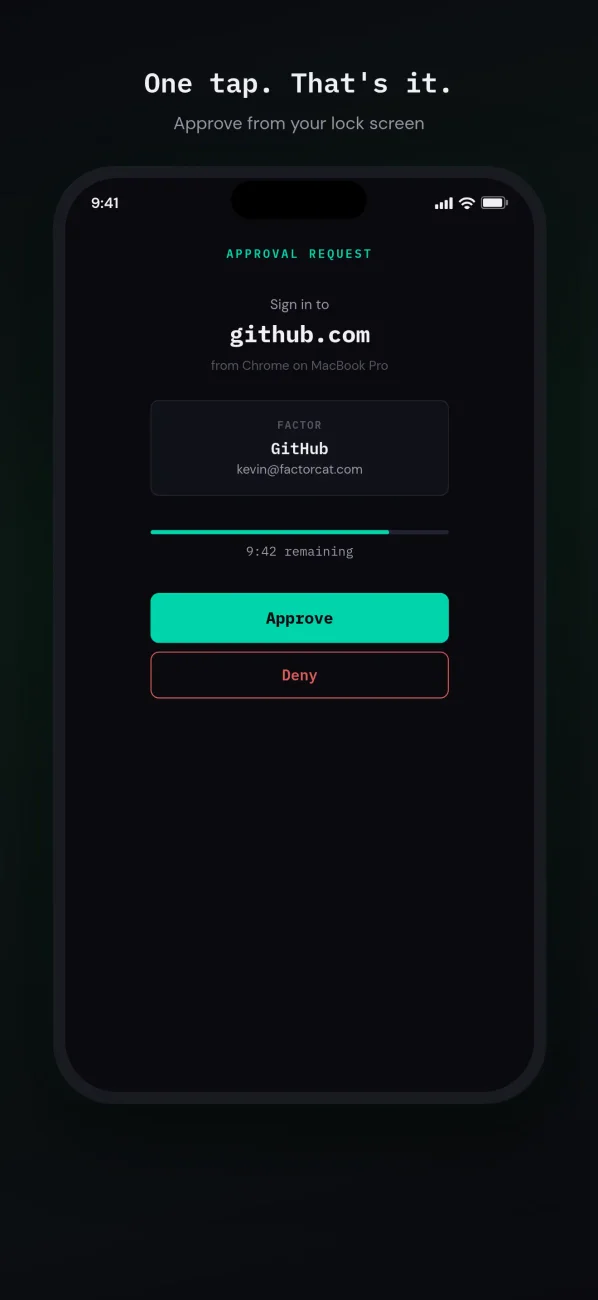
Install the browser extension on your computer. When you hit a login page that needs a code, FactorCat sends a push notification to your phone. Tap approve, confirm with Face ID or fingerprint, and the code fills in automatically. No switching apps. No squinting at timers. No mistyped digits.
Security you can trust:
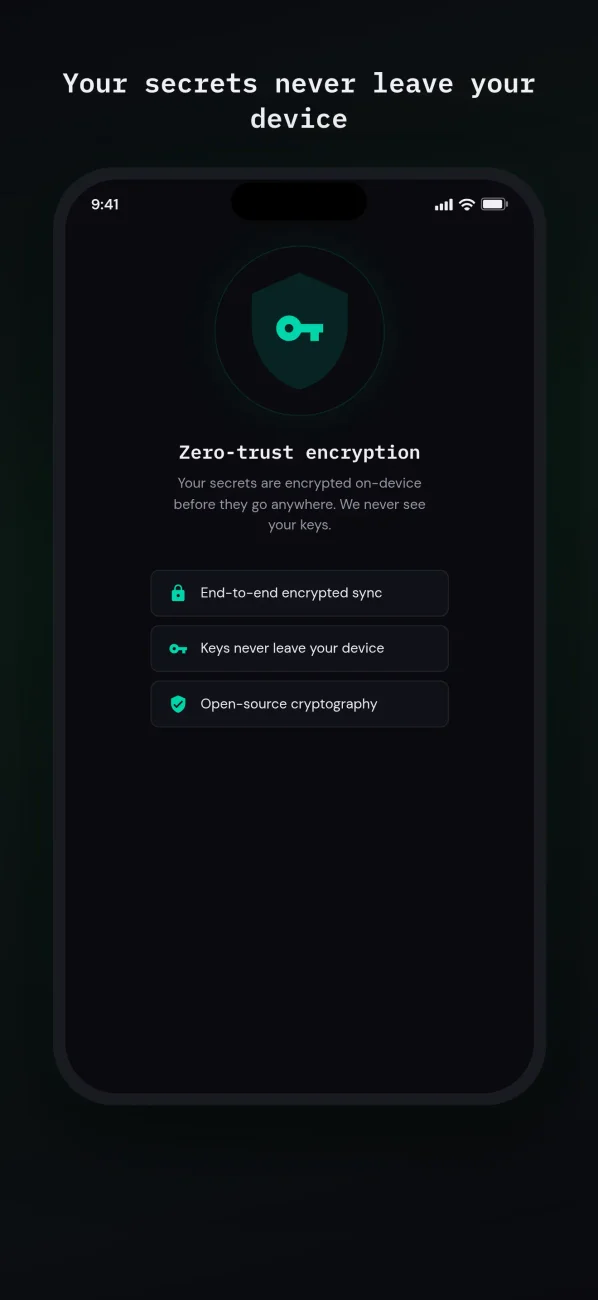
Your TOTP secrets are stored on your device, encrypted and protected by biometrics. FactorCat never holds your passwords — MFA and passwords stay separate by design, so there's no single point of failure for your online identity.
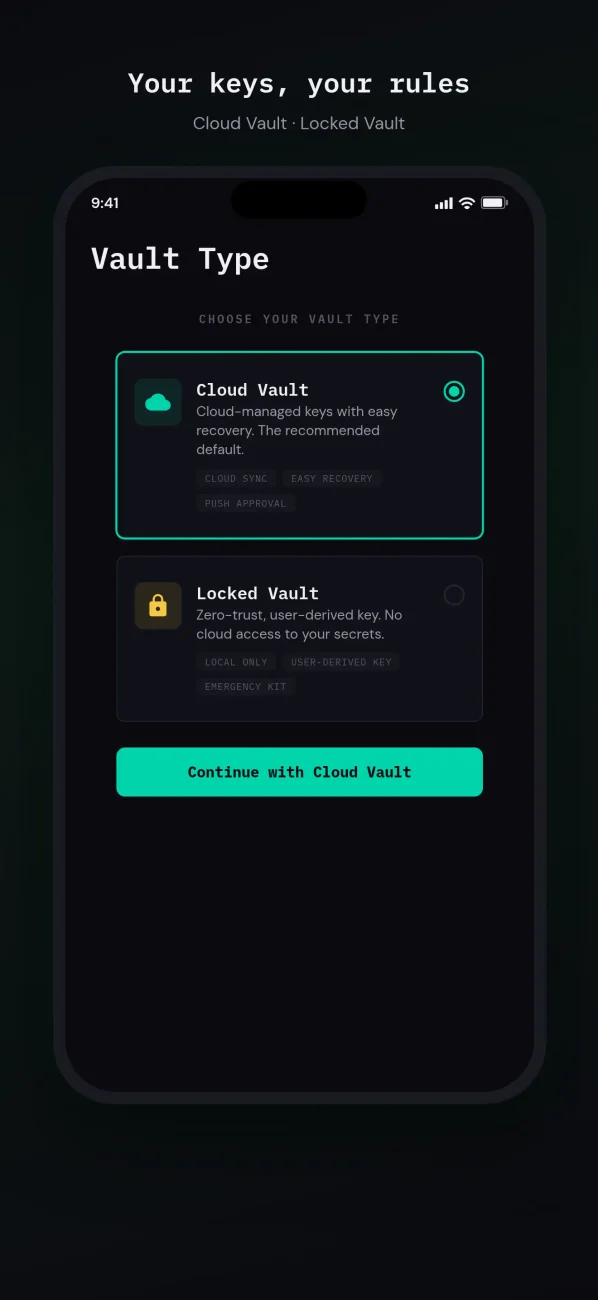
Two vault types:
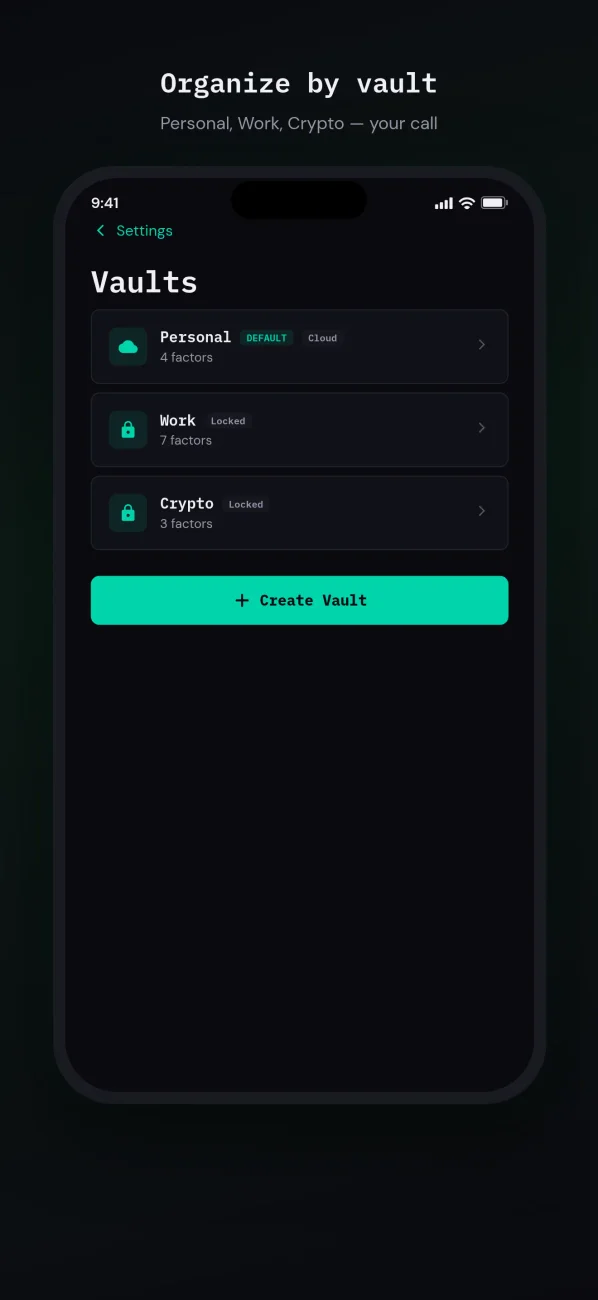
• Cloud Vault — cloud-managed keys for easy recovery. Great for getting started with MFA or for low-risk accounts. FactorCat can generate codes on your behalf when your phone is offline.
• Locked Vault — zero-trust encryption using a model trusted by leading security products. You hold the keys. FactorCat cannot read your secrets. Backup via encrypted cloud blobs recoverable only with your emergency kit.
Getting started takes 2 minutes:
1. Download FactorCat
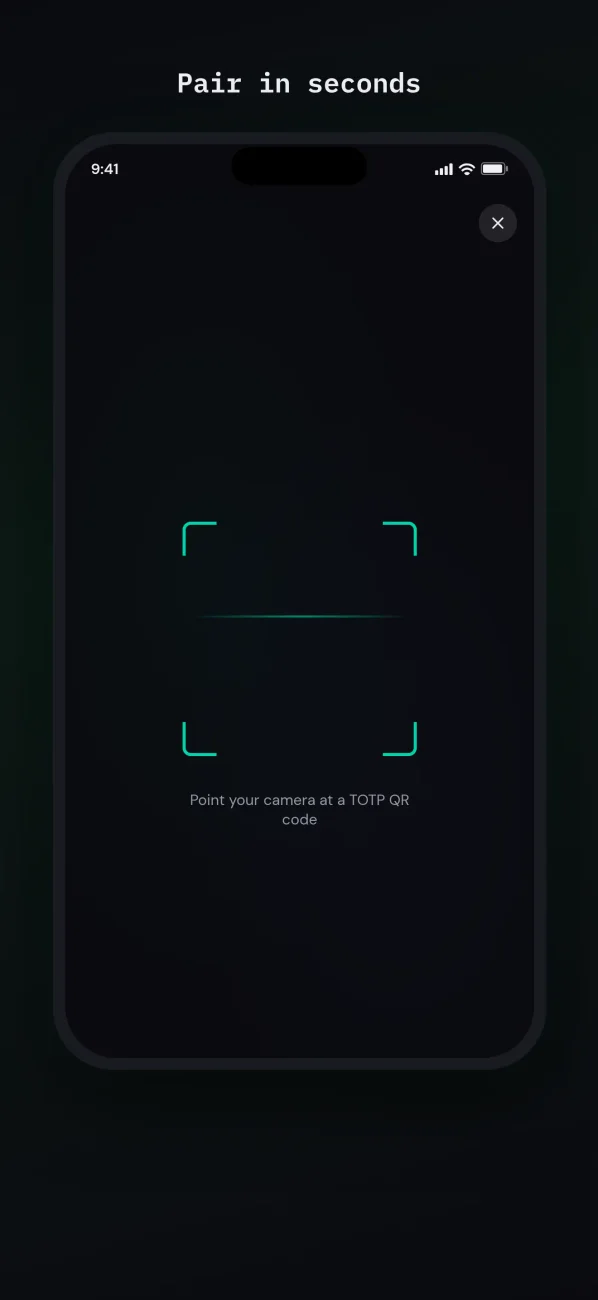
2. Add your first token (scan a QR or let the browser extension capture it)
3. Pair with the extension via one QR scan
4. Done — your next login fills itself in
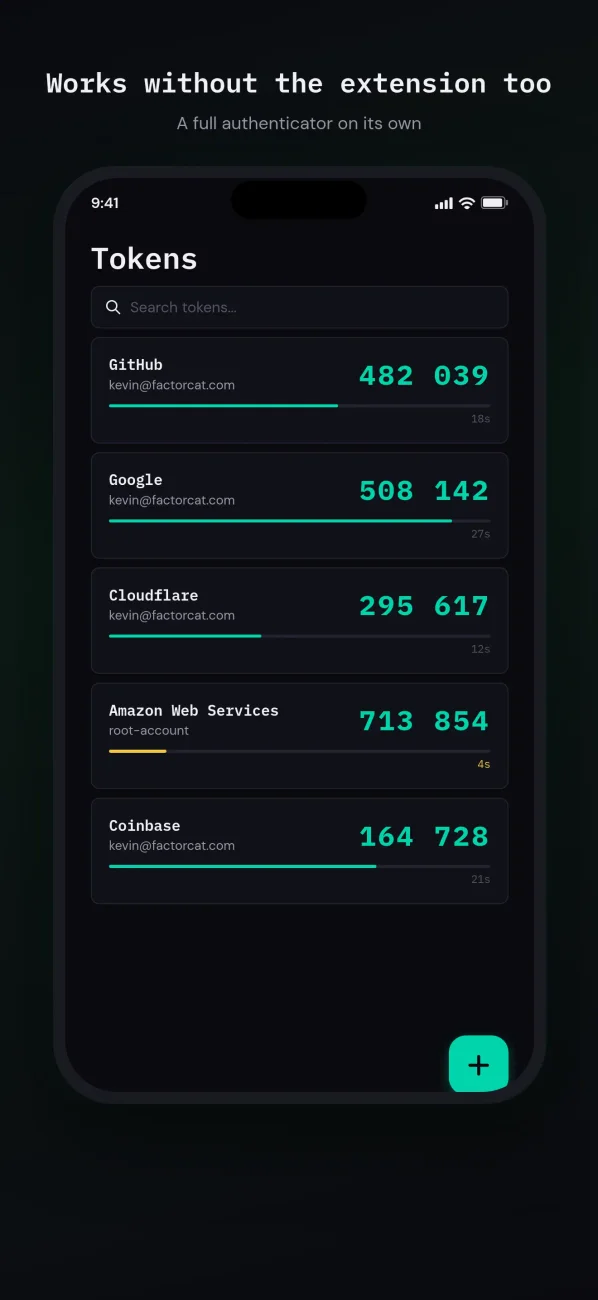
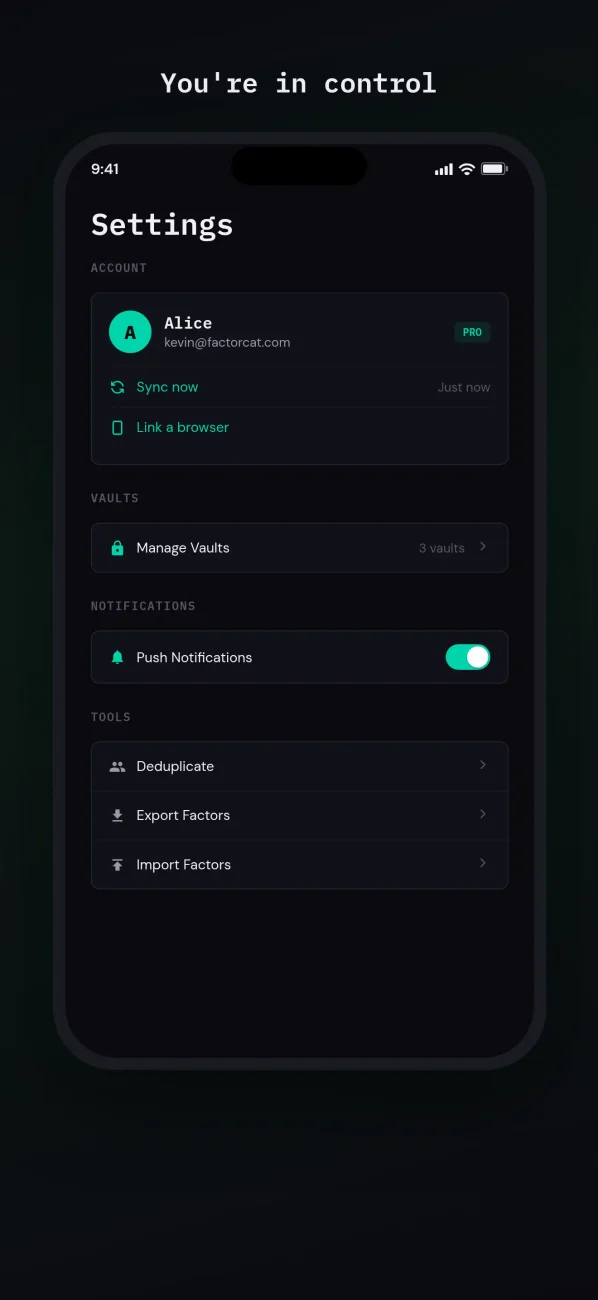
Also works standalone. Use FactorCat as a regular authenticator with no account or extension required. When you're ready for auto-fill, pair up anytime.
Free to use. No ads. No tracking.
Terms of Use (EULA): https://www.apple.com/legal/internet-services/itunes/dev/stdeula/
Privacy Policy: https://www.factorcat.com/privacy/
Novidades
Versão 1.0.3 · 03/08/2026
Auto-fill improvements: factors added on your phone now pick up their website automatically, and site matching is more precise.
Privacidade do app
O que Capital F declara na App Store sobre como este app lida com os dados.
-
Dados vinculados a você
Podem ser coletados e vinculados à sua identidade.
- Informações de contato
- Identificadores
-
Dados não vinculados a você
Podem ser coletados, mas não são vinculados à sua identidade.
- Diagnóstico
As práticas de privacidade podem variar, por exemplo, com base nos recursos que você usa ou na sua idade.
Informações
- Vendedor
- Capital F Inc
- Categoria
- Utilidades
- Versão
- 1.0.3
- Atualizado
- 03/08/2026
- Lançamento
- 13/05/2026
- Tamanho
- 47,3 MB
- Requer
- iOS 15.1 ou posterior
- Classificação etária
- 4+
- Preço
- Grátis
- Compras no app
- Sim
- Idiomas
- Inglês
- Copyright
- © 2026 FactorCat
Você também pode gostar
-
 2faktorUtilidades
-
 Identificador-Identifique TudoPlanta, Animal, Inseto, Moeda
-
 2FAS Authenticator AppUtilidades
-
 BlueFind Finder BluetoothEncontre fones e dispositivos
-
 Netsight - Ferramentas WiFiScanner WiFi e analisador IP
-
 YouPlus VPNUtilidades
-
 iC365Utilidades
-
 SMS Virtual: Code VerificationUtilidades
-
 GotoVPN - Secure & FastUtilidades
-
 Editor Foto e Vídeo FutebolAvatares, Face Swap e Selfie