
FocusFlow: screen time
Hands-free focus & reminders
Entwickelt für iPhone
Kostenlos · In-App-Käufe
- Altersfreigabe4+
- KategorieProduktivität
- EntwicklerGiress Kenne tsasse
- SprachenEnglisch
- Größe45,5 MB
Verlinkt auf die offizielle App Store-Seite
Download.org hostet keine Datei von FocusFlow: screen time. Die Schaltfläche öffnet die App-Seite bei App Store, wo Giress Kenne tsasse die App veröffentlicht. Eintrag zuletzt geprüft am 13.11.2026.
Screenshots



Info
Der Entwickler hat diesen Text nicht in Ihrer Sprache bereitgestellt.
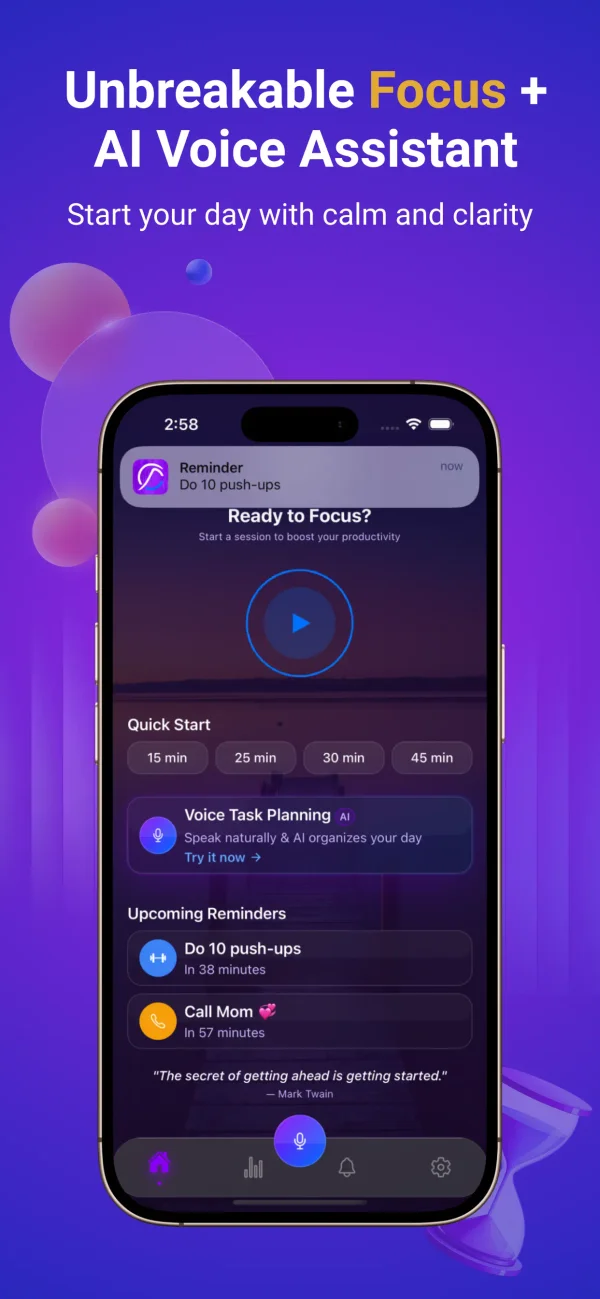
Focus without lifting a finger. The voice-powered app blocker and time blocking tool that turns Screen Time into your productivity system.
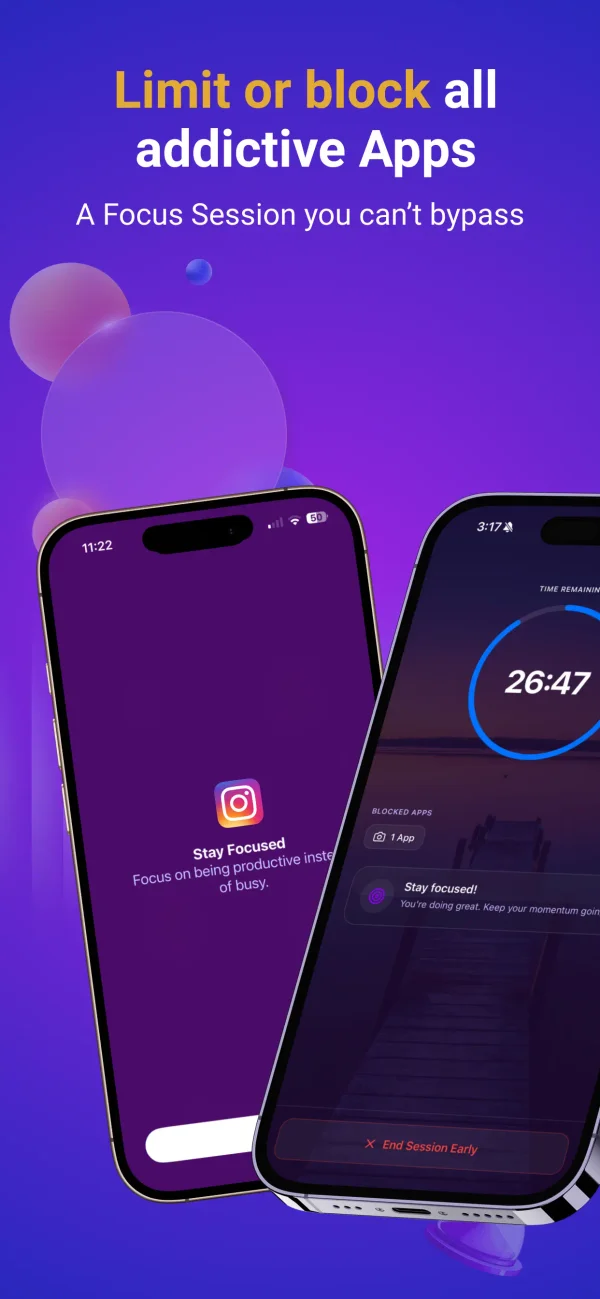
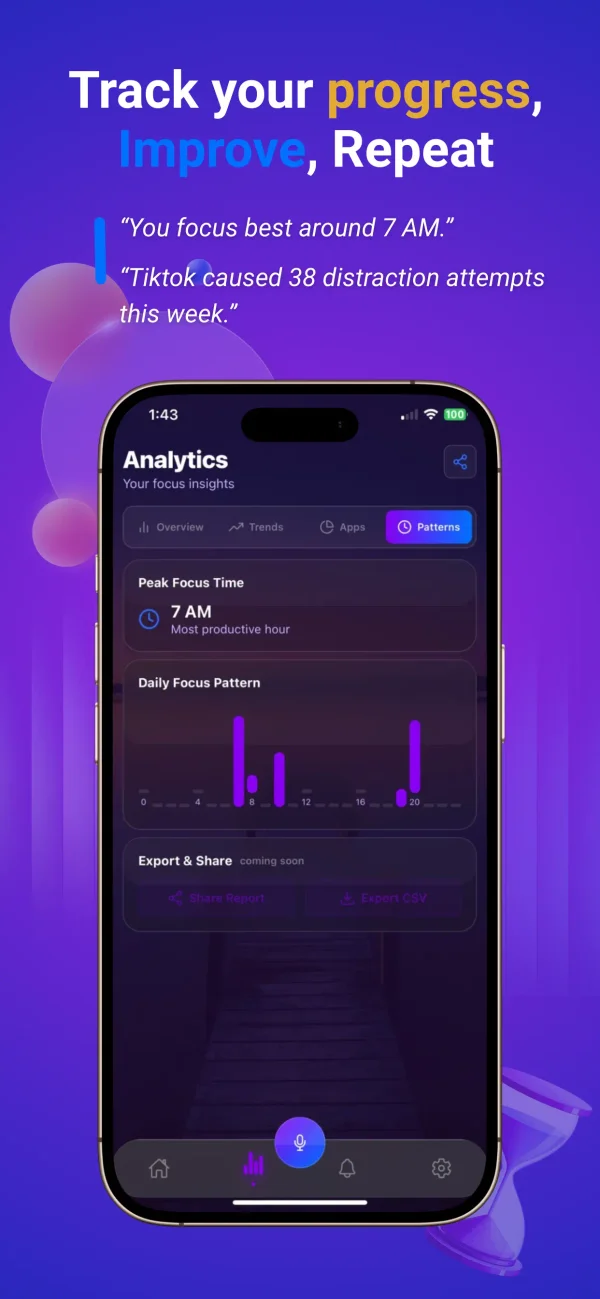
FocusFlow Pro is a hands-free app blocker built on Apple’s Screen Time. Start a focus session, block distracting apps, and now plan tasks by voice, then get reminder notifications so nothing slips.
SAY IT. DONE.
Use natural voice commands like:
* “Block Instagram for 30 minutes”
* “Block social apps for 2 hours”
NEW: VOICE TASK PLANNER + TASK REMINDERS
Create tasks instantly with your voice:
* “Add ‘send invoice’ to my tasks”
* “Remind me about it at 4pm”
* “Remind me every weekday at 9”
Every task can trigger reminder notifications, so your plan stays real, even when you’re busy.
ACTUALLY HARD TO BYPASS
Powered by Apple Screen Time:
* Blocking stays active even if the app is closed
* Sessions end automatically when the timer finishes
* Designed to reduce quick “just one minute” slip-ups
TIME BLOCKING & FOCUS SESSIONS FOR REAL LIFE
* Quick focus sessions for study or work
* Repeatable routines (your go-to session setups)
* Simple flow: pick apps, set time, start
PRIVACY-FIRST
* Voice processing on-device when possible
* No voice recordings stored
* Optional cloud sync (only if you choose to sign in)
* No ads. No selling your data.
PERMISSIONS
* Screen Time: to enforce app blocking
* Microphone: for voice commands (optional)
* Notifications: for session + task reminders
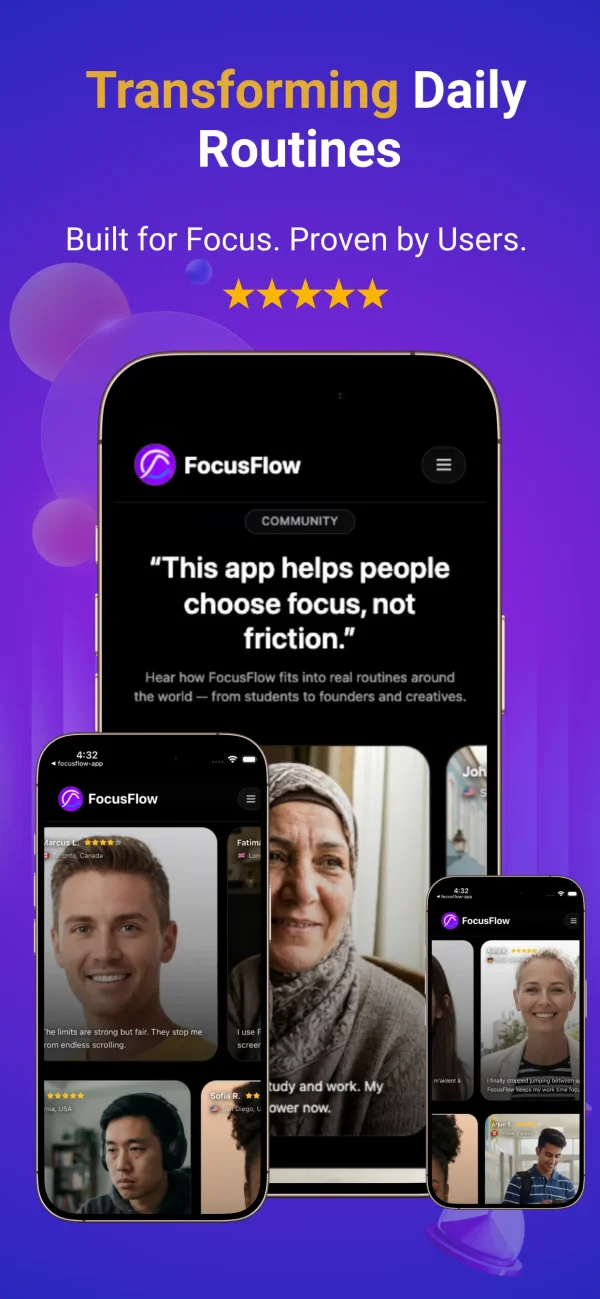
Perfect for students who need study focus, professionals managing deep work sessions, or anyone building better task routines.
Requires iOS 16+
Questions? support@focusflow.cc
Terms: https://www.focusflow.cc/terms
Privacy: https://www.focusflow.cc/privacy
Feedback: https://www.focusflow.cc/feedback
Neue Funktionen
Version 1.0.1 · 06.01.2026
Voice Schedule Planner (New)
* Create your daily schedule using only your voice, just tap the mic and speak naturally.
* Example: “Remind me tomorrow to go to the hospital from 9 to 11, and pray at 5pm.”
* FocusFlow automatically converts what you say into organized reminders and scheduled tasks.
Smarter Reminder Notifications
* Get notified right on time, or choose alerts 15 / 20 / 30 minutes before (or any custom “remind me X minutes before”).
* Never miss an important task, your schedule stays with you throughout the day.
App-Datenschutz
Was Giress Kenne tsasse im App Store zum Umgang dieser App mit Daten angibt.
-
Mit Ihnen verknüpfte Daten
Können erfasst und mit Ihrer Identität verknüpft werden.
- Käufe
- Finanzinformationen
- Kontaktinformationen
- Benutzerinhalte
- Kennungen
Die Datenschutzpraktiken können variieren, zum Beispiel je nach den von Ihnen verwendeten Funktionen oder Ihrem Alter.
Informationen
- Anbieter
- Giress Kenne tsasse
- Kategorie
- Produktivität
- Version
- 1.0.1
- Aktualisiert
- 06.01.2026
- Veröffentlicht
- 09.12.2025
- Größe
- 45,5 MB
- Erfordert
- iOS 16.0 oder neuer
- Altersfreigabe
- 4+
- Preis
- Kostenlos
- In-App-Käufe
- Ja
- Sprachen
- Englisch
- Copyright
- © 2026 Giress Kenne. FocusFlow Pro All rights reserved.
Das könnte Ihnen auch gefallen
-
 AriLing: To-Do ListProduktivität
-
 Focus Flow: Stock Your TimeProduktivität
-
 Timhabit: Habit TrackerDienstprogramme
-
 Focal: Optimizing attentionProduktivität
-
 SkillForge - Skill TrackerProduktivität
-
 Gewohnheiten, To-Do: DayDoneTagesplaner & Aufgabenliste
-
 TimeCountsProduktivität
-
 10.000 Stunden TrackerMeistere jede Fähigkeit
-
 SkillQuest - Skill TrackerFähigkeiten entwickeln
-
 Argue: Screen Time App BlockerProduktivität