
FocusFlow: screen time
Hands-free focus & reminders
Diseñada para iPhone
Gratis · Compras en la aplicación
- Clasificación por edad4+
- CategoríaProductividad
- DesarrolladorGiress Kenne tsasse
- IdiomasInglés
- Tamaño45,5 MB
Enlaza a la página oficial de App Store
Download.org no aloja ningún archivo de FocusFlow: screen time. El botón abre la página de la aplicación en App Store, donde la publica Giress Kenne tsasse. Ficha comprobada por última vez el 13/11/2026.
Capturas de pantalla



Acerca de
El desarrollador no ha proporcionado este texto en tu idioma.
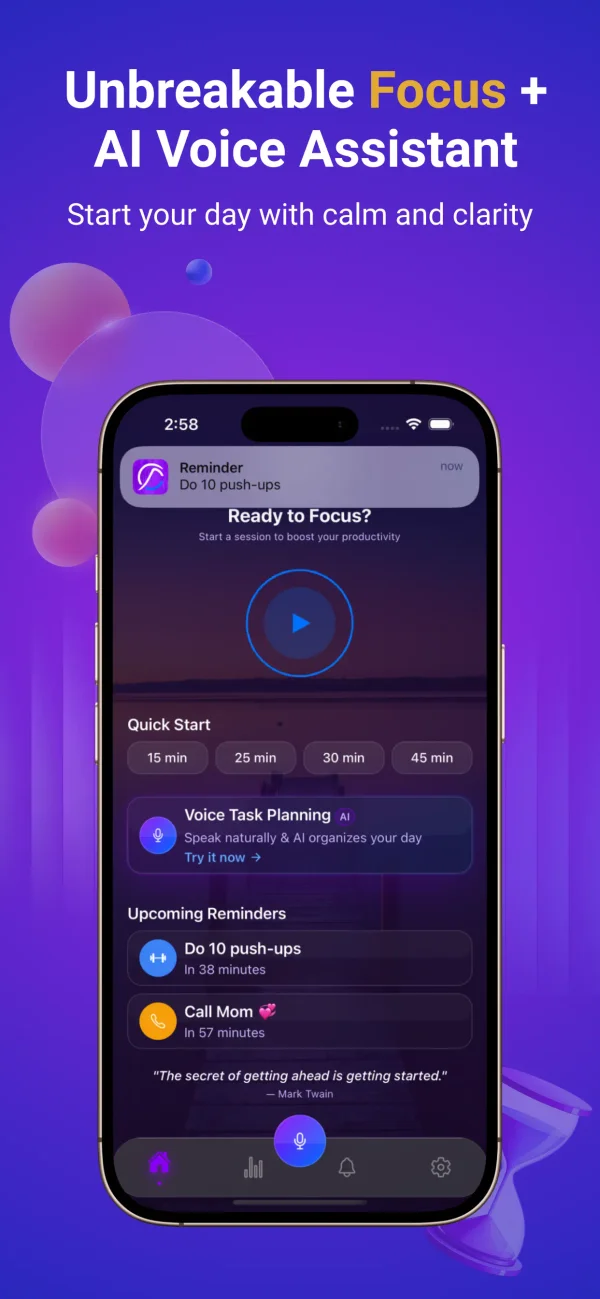
Focus without lifting a finger. The voice-powered app blocker and time blocking tool that turns Screen Time into your productivity system.
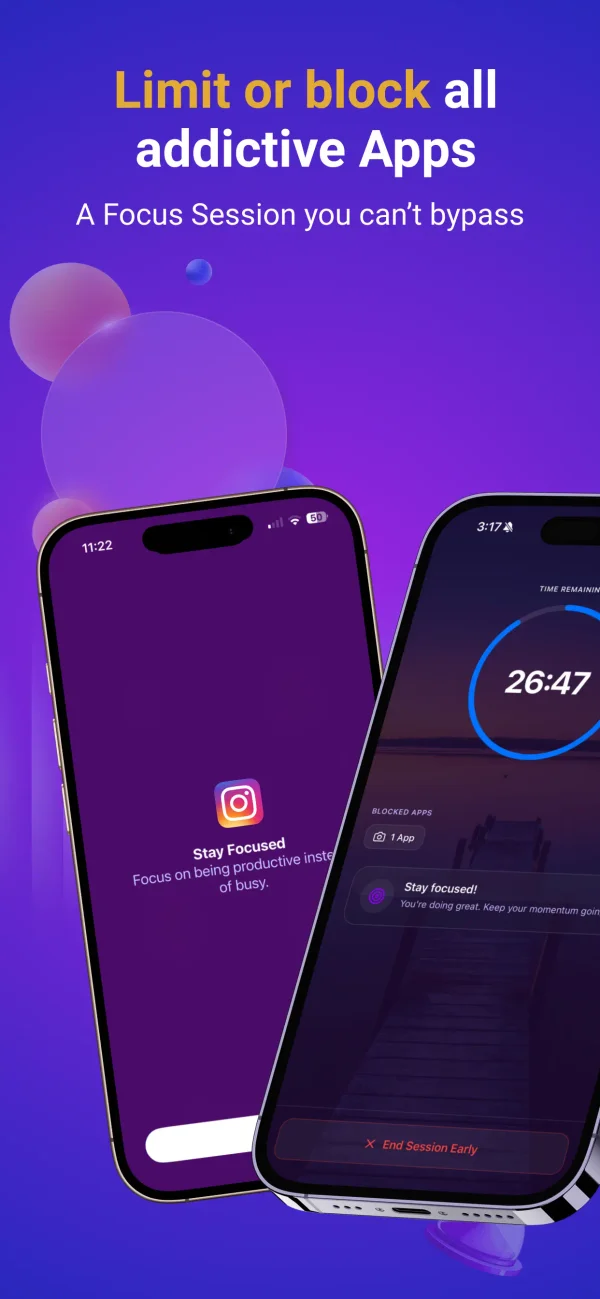
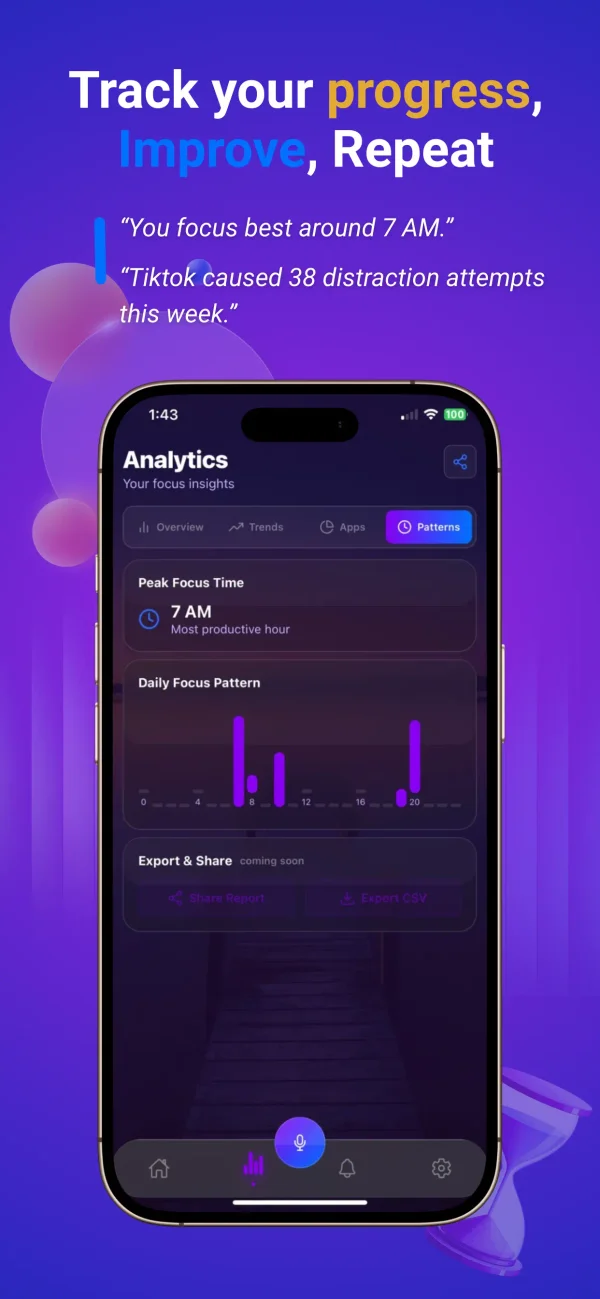
FocusFlow Pro is a hands-free app blocker built on Apple’s Screen Time. Start a focus session, block distracting apps, and now plan tasks by voice, then get reminder notifications so nothing slips.
SAY IT. DONE.
Use natural voice commands like:
* “Block Instagram for 30 minutes”
* “Block social apps for 2 hours”
NEW: VOICE TASK PLANNER + TASK REMINDERS
Create tasks instantly with your voice:
* “Add ‘send invoice’ to my tasks”
* “Remind me about it at 4pm”
* “Remind me every weekday at 9”
Every task can trigger reminder notifications, so your plan stays real, even when you’re busy.
ACTUALLY HARD TO BYPASS
Powered by Apple Screen Time:
* Blocking stays active even if the app is closed
* Sessions end automatically when the timer finishes
* Designed to reduce quick “just one minute” slip-ups
TIME BLOCKING & FOCUS SESSIONS FOR REAL LIFE
* Quick focus sessions for study or work
* Repeatable routines (your go-to session setups)
* Simple flow: pick apps, set time, start
PRIVACY-FIRST
* Voice processing on-device when possible
* No voice recordings stored
* Optional cloud sync (only if you choose to sign in)
* No ads. No selling your data.
PERMISSIONS
* Screen Time: to enforce app blocking
* Microphone: for voice commands (optional)
* Notifications: for session + task reminders
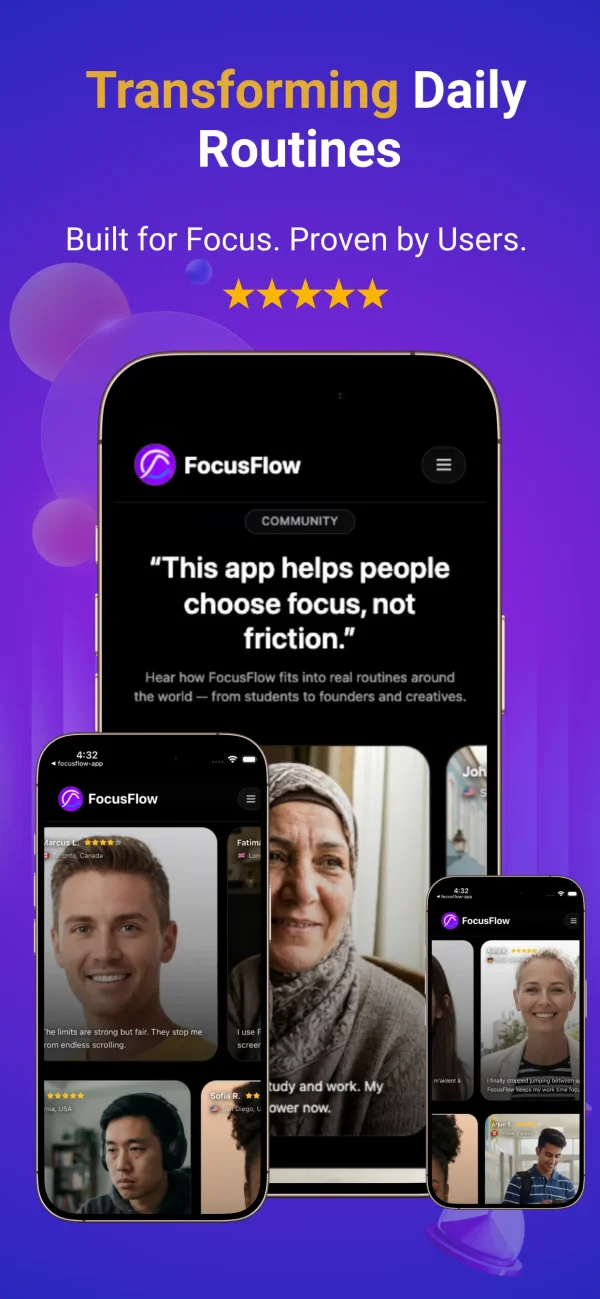
Perfect for students who need study focus, professionals managing deep work sessions, or anyone building better task routines.
Requires iOS 16+
Questions? support@focusflow.cc
Terms: https://www.focusflow.cc/terms
Privacy: https://www.focusflow.cc/privacy
Feedback: https://www.focusflow.cc/feedback
Novedades
Versión 1.0.1 · 6/1/2026
Voice Schedule Planner (New)
* Create your daily schedule using only your voice, just tap the mic and speak naturally.
* Example: “Remind me tomorrow to go to the hospital from 9 to 11, and pray at 5pm.”
* FocusFlow automatically converts what you say into organized reminders and scheduled tasks.
Smarter Reminder Notifications
* Get notified right on time, or choose alerts 15 / 20 / 30 minutes before (or any custom “remind me X minutes before”).
* Never miss an important task, your schedule stays with you throughout the day.
Privacidad de la aplicación
Lo que Giress Kenne tsasse declara en App Store sobre cómo esta aplicación gestiona los datos.
-
Datos vinculados a ti
Pueden recopilarse y vincularse a tu identidad.
- Compras
- Información financiera
- Información de contacto
- Contenido del usuario
- Identificadores
Las prácticas de privacidad pueden variar, por ejemplo, según las funciones que uses o tu edad.
Información
- Vendedor
- Giress Kenne tsasse
- Categoría
- Productividad
- Versión
- 1.0.1
- Actualizado
- 6/1/2026
- Publicado
- 9/12/2025
- Tamaño
- 45,5 MB
- Requiere
- iOS 16.0 o posterior
- Clasificación por edad
- 4+
- Precio
- Gratis
- Compras en la aplicación
- Sí
- Idiomas
- Inglés
- Copyright
- © 2026 Giress Kenne. FocusFlow Pro All rights reserved.
Quizá también te guste
-
 AriLing: To-Do ListPrivate To-Do List
-
 Focus Flow: Stock Your TimeProductividad
-
 Timhabit: Habit TrackerUtilidades
-
 Focal: Optimizing attentionProductividad
-
 SkillForge - Skill TrackerProductividad
-
 Hábitos y Tareas: DayDonePlanificador Diario y Rutinas
-
 TimeCountsProductividad
-
 10.000 Horas RastreadorDomina cualquier habilidad
-
 SkillQuest - Skill TrackerDesarrolla tus habilidades
-
 Argue: Screen Time App BlockerProductividad