FocusFlow: screen time
Hands-free focus & reminders
Conçue pour iPhone
Gratuit · Achats intégrés
- Classification d’âge4+
- CatégorieProductivité
- DéveloppeurGiress Kenne tsasse
- LanguesAnglais
- Taille45,5 Mo
Renvoie vers la page App Store officielle
Download.org n’héberge aucun fichier de FocusFlow: screen time. Le bouton ouvre la page de l’application sur App Store, où Giress Kenne tsasse la publie. Fiche vérifiée pour la dernière fois le 13/11/2026.
Captures d’écran

À propos
Le développeur n’a pas fourni ce texte dans votre langue.
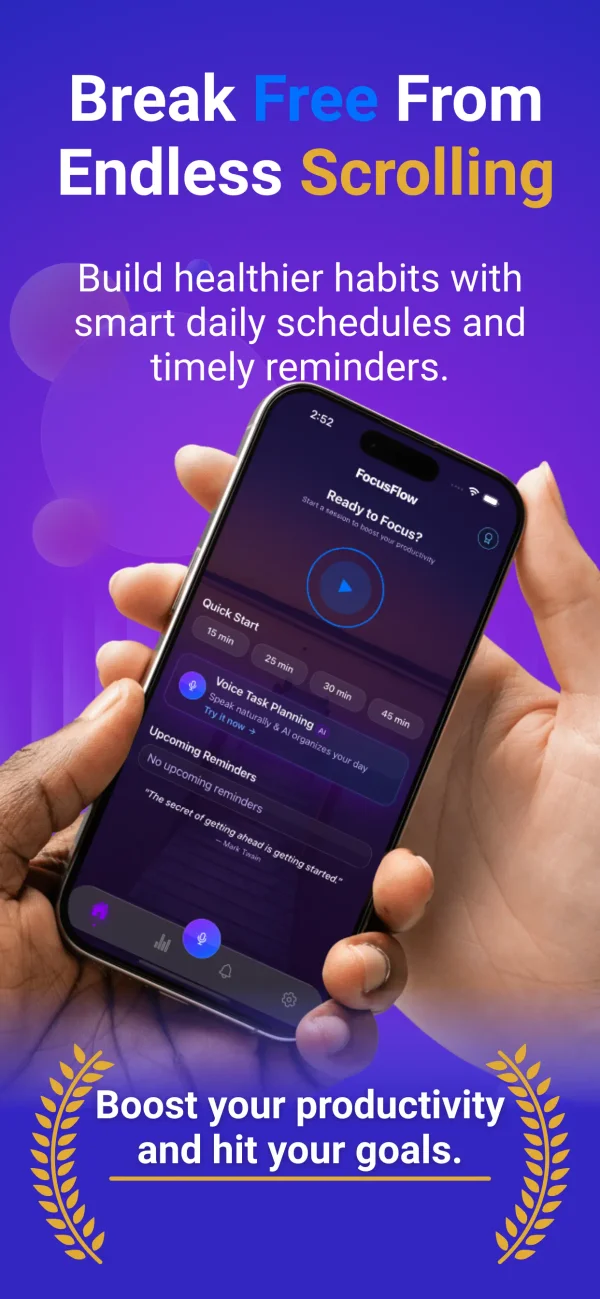
Focus without lifting a finger. The voice-powered app blocker and time blocking tool that turns Screen Time into your productivity system.
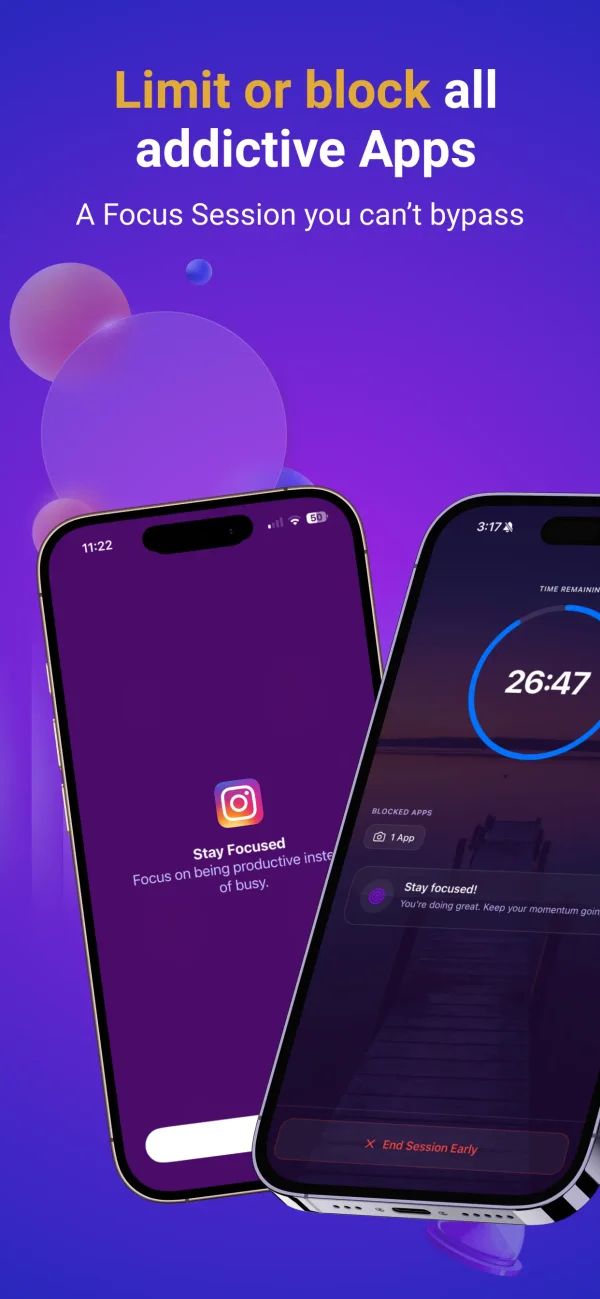
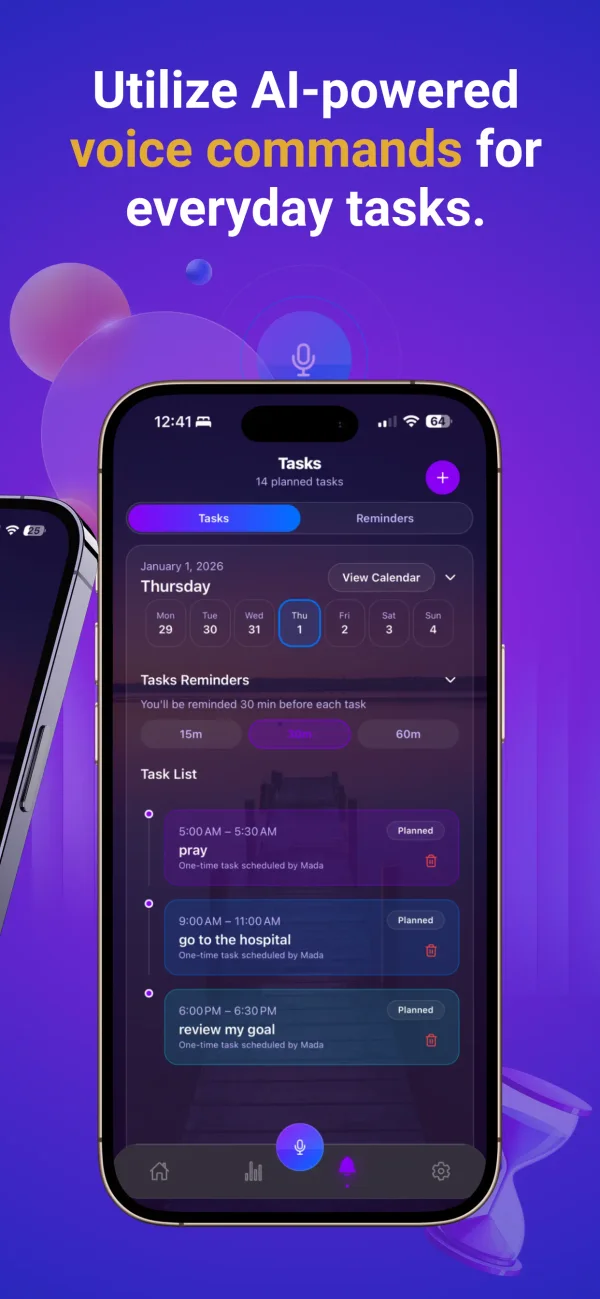
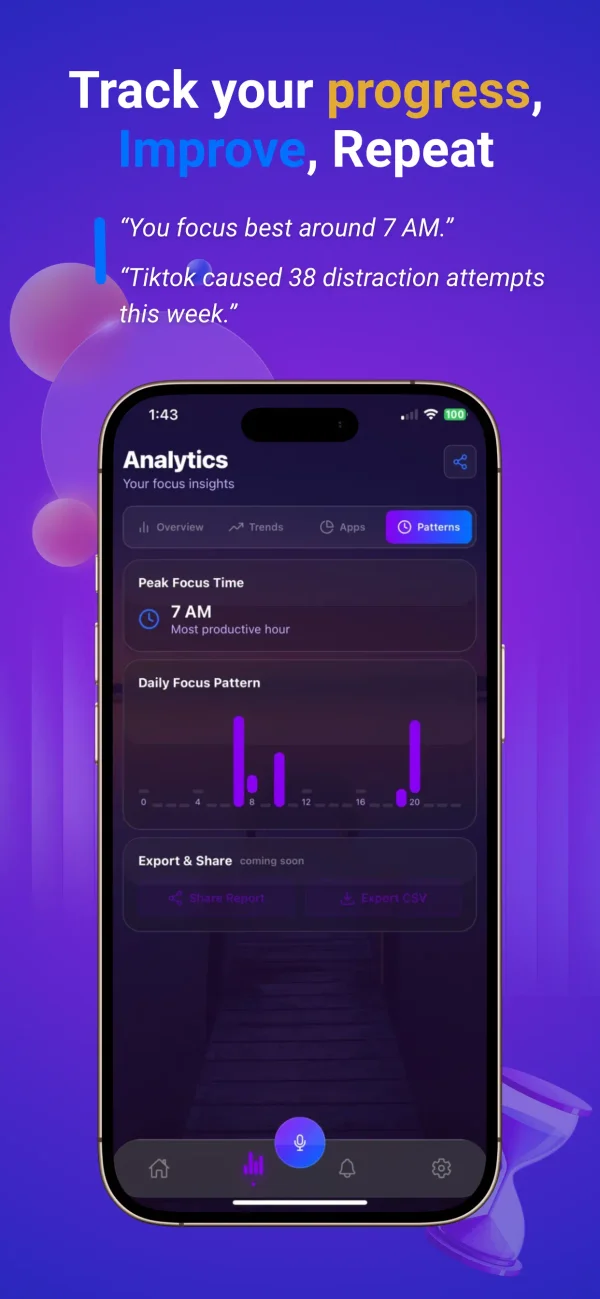
FocusFlow Pro is a hands-free app blocker built on Apple’s Screen Time. Start a focus session, block distracting apps, and now plan tasks by voice, then get reminder notifications so nothing slips.
SAY IT. DONE.
Use natural voice commands like:
* “Block Instagram for 30 minutes”
* “Block social apps for 2 hours”
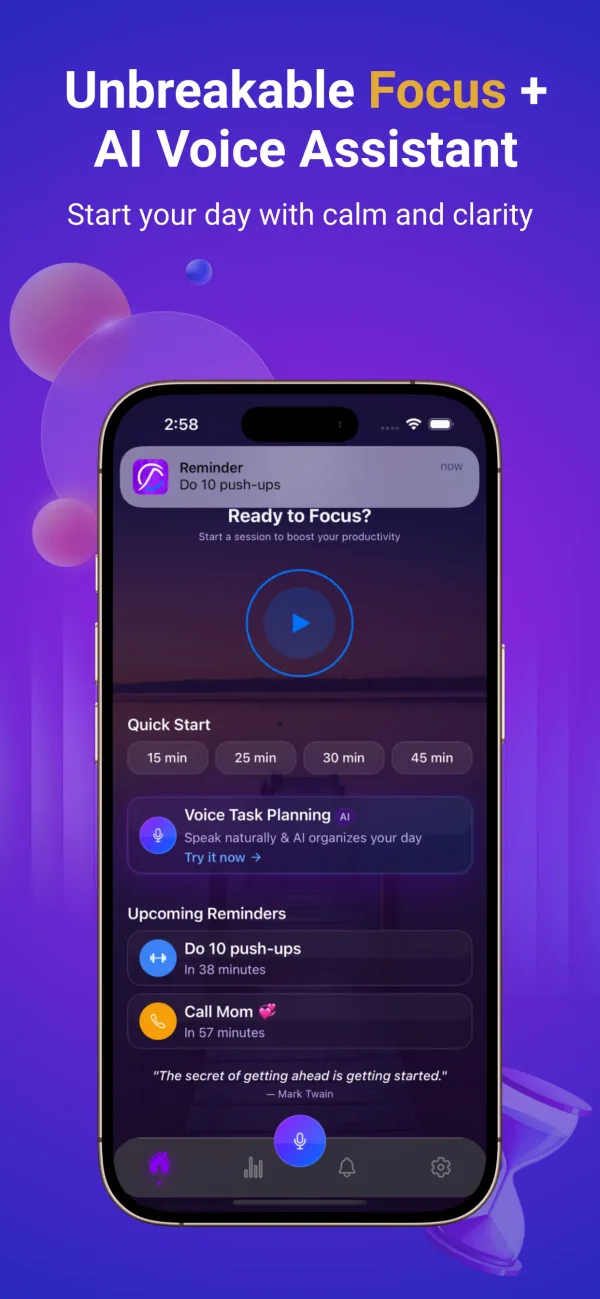
NEW: VOICE TASK PLANNER + TASK REMINDERS
Create tasks instantly with your voice:
* “Add ‘send invoice’ to my tasks”
* “Remind me about it at 4pm”
* “Remind me every weekday at 9”
Every task can trigger reminder notifications, so your plan stays real, even when you’re busy.
ACTUALLY HARD TO BYPASS
Powered by Apple Screen Time:
* Blocking stays active even if the app is closed
* Sessions end automatically when the timer finishes
* Designed to reduce quick “just one minute” slip-ups
TIME BLOCKING & FOCUS SESSIONS FOR REAL LIFE
* Quick focus sessions for study or work
* Repeatable routines (your go-to session setups)
* Simple flow: pick apps, set time, start
PRIVACY-FIRST
* Voice processing on-device when possible
* No voice recordings stored
* Optional cloud sync (only if you choose to sign in)
* No ads. No selling your data.
PERMISSIONS
* Screen Time: to enforce app blocking
* Microphone: for voice commands (optional)
* Notifications: for session + task reminders
Perfect for students who need study focus, professionals managing deep work sessions, or anyone building better task routines.
Requires iOS 16+
Questions? support@focusflow.cc
Terms: https://www.focusflow.cc/terms
Privacy: https://www.focusflow.cc/privacy
Feedback: https://www.focusflow.cc/feedback
Nouveautés
Version 1.0.1 · 06/01/2026
Voice Schedule Planner (New)
* Create your daily schedule using only your voice, just tap the mic and speak naturally.
* Example: “Remind me tomorrow to go to the hospital from 9 to 11, and pray at 5pm.”
* FocusFlow automatically converts what you say into organized reminders and scheduled tasks.
Smarter Reminder Notifications
* Get notified right on time, or choose alerts 15 / 20 / 30 minutes before (or any custom “remind me X minutes before”).
* Never miss an important task, your schedule stays with you throughout the day.
Confidentialité de l’application
Ce que Giress Kenne tsasse déclare sur l’App Store au sujet du traitement des données par cette application.
-
Données établissant un lien avec vous
Peuvent être collectées et liées à votre identité.
- Achats
- Informations financières
- Coordonnées
- Contenu utilisateur
- Identifiants
Les pratiques en matière de confidentialité peuvent varier, notamment en fonction des fonctionnalités que vous utilisez ou de votre âge.
Informations
- Vendeur
- Giress Kenne tsasse
- Catégorie
- Productivité
- Version
- 1.0.1
- Mis à jour
- 06/01/2026
- Publié
- 09/12/2025
- Taille
- 45,5 Mo
- Nécessite
- iOS 16.0 ou version ultérieure
- Classification d’âge
- 4+
- Prix
- Gratuit
- Achats intégrés
- Oui
- Langues
- Anglais
- Copyright
- © 2026 Giress Kenne. FocusFlow Pro All rights reserved.
Vous aimerez peut-être aussi
-
 AriLing: To-Do ListProductivité
-
 Focus Flow: Stock Your TimeProductivité
-
 Timhabit: Habit TrackerUtilitaires
-
 Focal: Optimizing attentionProductivité
-
 SkillForge - Skill TrackerProductivité
-
 Habitudes & Tâches : DayDoneAgenda quotidien & routines
-
 TimeCountsProductivité
-
 Suivi de 10 000 HeuresMaîtrisez vos compétences
-
 SkillQuest - Skill TrackerDéveloppe tes compétences
-
 Argue: Screen Time App BlockerProductivité