
FocusFlow: screen time
Hands-free focus & reminders
Designed for iPhone
In-app purchases
- Age rating4+
- CategoryProductivity
- DeveloperGiress Kenne tsasse
- LanguagesEnglish
- Size45.5 MB
Links to the official App Store page
Download.org hosts no file of FocusFlow: screen time. The button opens its official App Store page, published by Giress Kenne tsasse. Listing last checked on Nov 13, 2026.
Screenshots



About
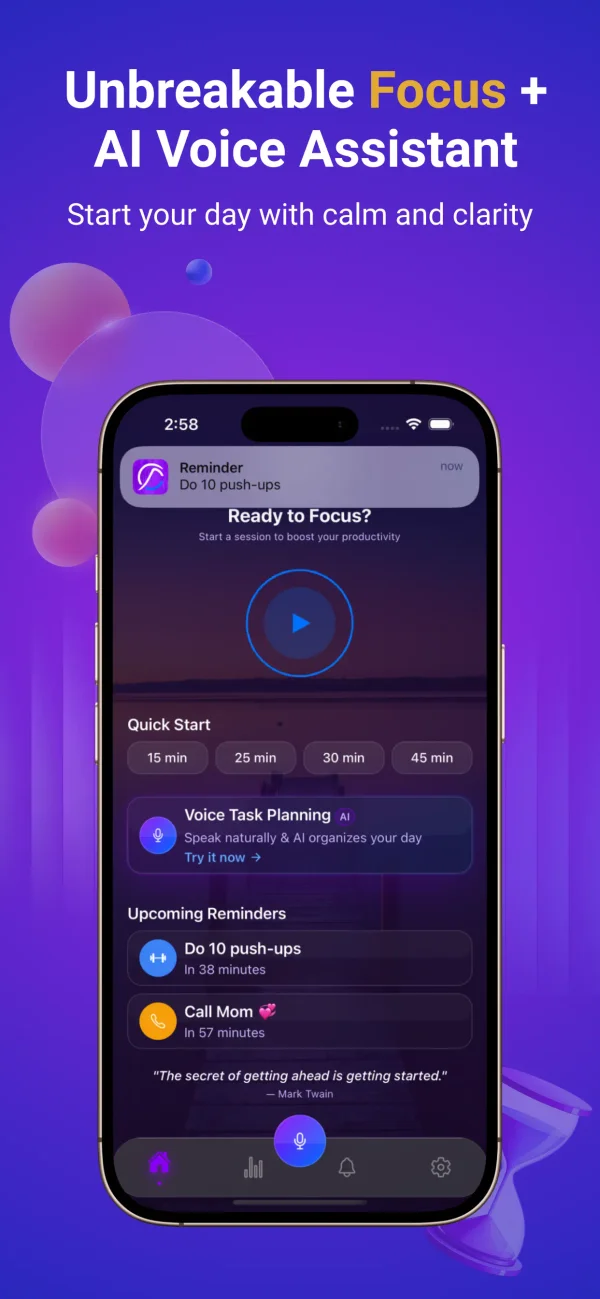
Focus without lifting a finger. The voice-powered app blocker and time blocking tool that turns Screen Time into your productivity system.
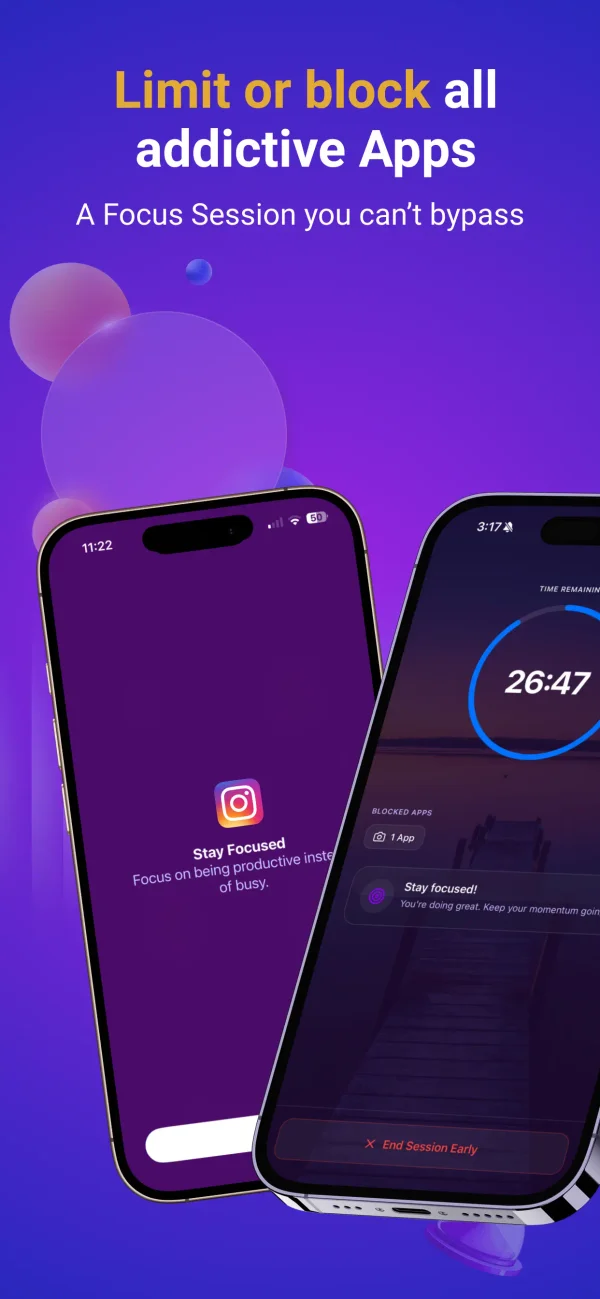
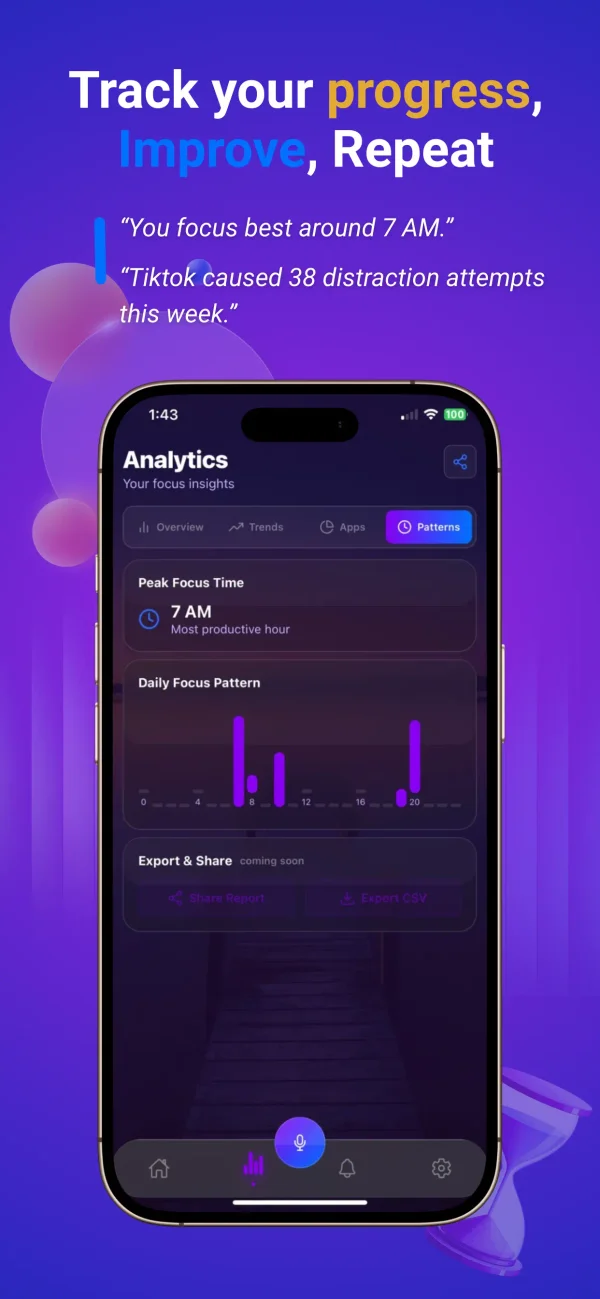
FocusFlow Pro is a hands-free app blocker built on Apple’s Screen Time. Start a focus session, block distracting apps, and now plan tasks by voice, then get reminder notifications so nothing slips.
SAY IT. DONE.
Use natural voice commands like:
* “Block Instagram for 30 minutes”
* “Block social apps for 2 hours”
NEW: VOICE TASK PLANNER + TASK REMINDERS
Create tasks instantly with your voice:
* “Add ‘send invoice’ to my tasks”
* “Remind me about it at 4pm”
* “Remind me every weekday at 9”
Every task can trigger reminder notifications, so your plan stays real, even when you’re busy.
ACTUALLY HARD TO BYPASS
Powered by Apple Screen Time:
* Blocking stays active even if the app is closed
* Sessions end automatically when the timer finishes
* Designed to reduce quick “just one minute” slip-ups
TIME BLOCKING & FOCUS SESSIONS FOR REAL LIFE
* Quick focus sessions for study or work
* Repeatable routines (your go-to session setups)
* Simple flow: pick apps, set time, start
PRIVACY-FIRST
* Voice processing on-device when possible
* No voice recordings stored
* Optional cloud sync (only if you choose to sign in)
* No ads. No selling your data.
PERMISSIONS
* Screen Time: to enforce app blocking
* Microphone: for voice commands (optional)
* Notifications: for session + task reminders
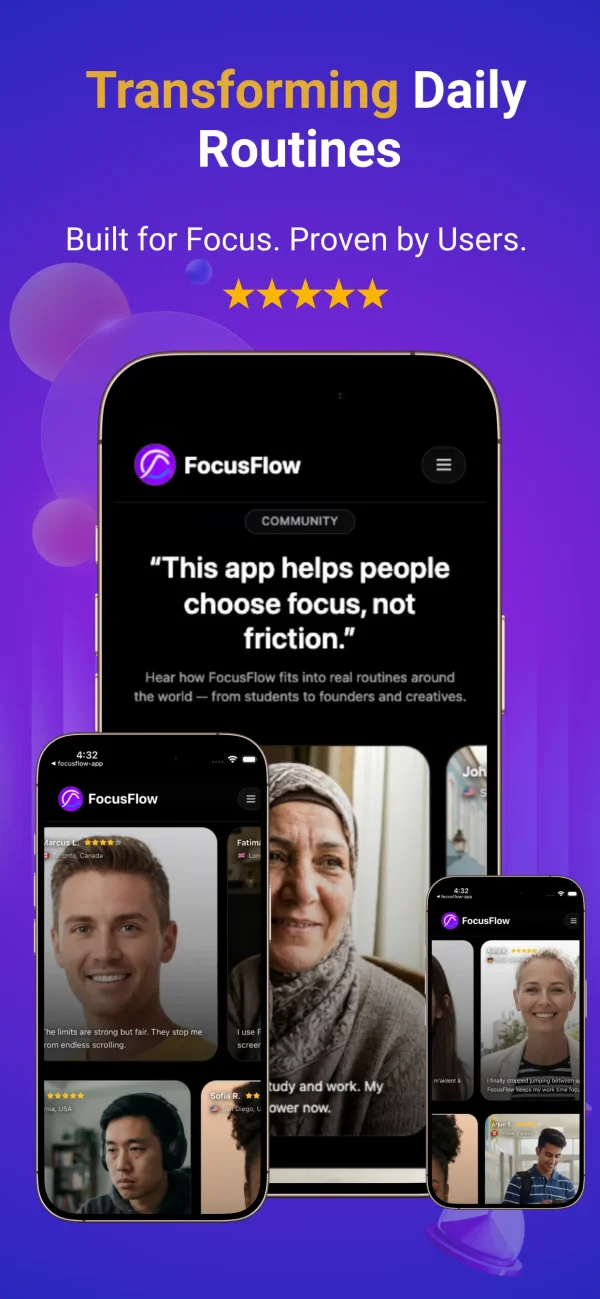
Perfect for students who need study focus, professionals managing deep work sessions, or anyone building better task routines.
Requires iOS 16+
Questions? support@focusflow.cc
Terms: https://www.focusflow.cc/terms
Privacy: https://www.focusflow.cc/privacy
Feedback: https://www.focusflow.cc/feedback
What’s new
Version 1.0.1 · Jan 6, 2026
Voice Schedule Planner (New)
* Create your daily schedule using only your voice, just tap the mic and speak naturally.
* Example: “Remind me tomorrow to go to the hospital from 9 to 11, and pray at 5pm.”
* FocusFlow automatically converts what you say into organized reminders and scheduled tasks.
Smarter Reminder Notifications
* Get notified right on time, or choose alerts 15 / 20 / 30 minutes before (or any custom “remind me X minutes before”).
* Never miss an important task, your schedule stays with you throughout the day.
App privacy
What Giress Kenne tsasse declares on the App Store about how this app handles data.
-
Data linked to you
May be collected and linked to your identity.
- Purchases
- Financial info
- Contact info
- User content
- Identifiers
Privacy practices may vary, for example with the features you use or your age.
Information
- Seller
- Giress Kenne tsasse
- Category
- Productivity
- Version
- 1.0.1
- Updated
- Jan 6, 2026
- Released
- Dec 9, 2025
- Size
- 45.5 MB
- Requires
- iOS 16.0 or later
- Age rating
- 4+
- In-app purchases
- Yes
- Languages
- English
- Copyright
- © 2026 Giress Kenne. FocusFlow Pro All rights reserved.
You might also like
-
 AriLing: To-Do ListPrivate To-Do List
-
 Focus Flow: Stock Your TimeProductivity
-
 Timhabit: Habit TrackerFocus timer, streaks & stats
-
 Focal: Optimizing attentionProductivity
-
 SkillForge - Skill TrackerTurn hours into progress
-
 Habit Tracker, Tasks: DayDoneDaily Planner & To-Do List
-
 TimeCountsCountdown Timers & Pomodoro
-
 10,000 Hours - Mastery TrackerMaster any skill with practice
-
 SkillQuest - Skill TrackerBuild skills with timers
-
 Argue: Screen Time App BlockerBlock Social Media & Focus