
Freelook Head Tracker
Head tracking for games
Entwickelt für iPhone, iPad, iPod touch
In-App-Käufe
- Altersfreigabe4+
- KategorieSimulation
- EntwicklerJung Son
- SprachenEnglisch
- Größe26,0 MB
Freelook Head Tracker ist bei App Store derzeit möglicherweise nicht verfügbar
Bei unserer letzten Prüfung war der Store-Eintrag nicht erreichbar. Der Link führt weiterhin zur offiziellen App Store-Seite.
Screenshots
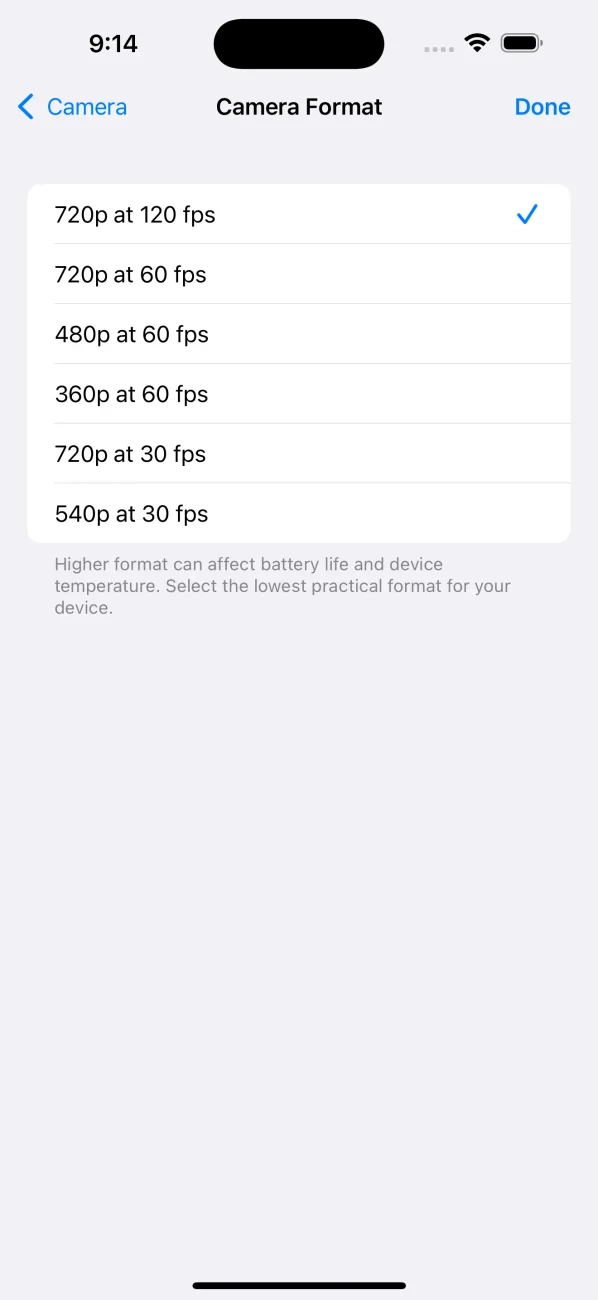
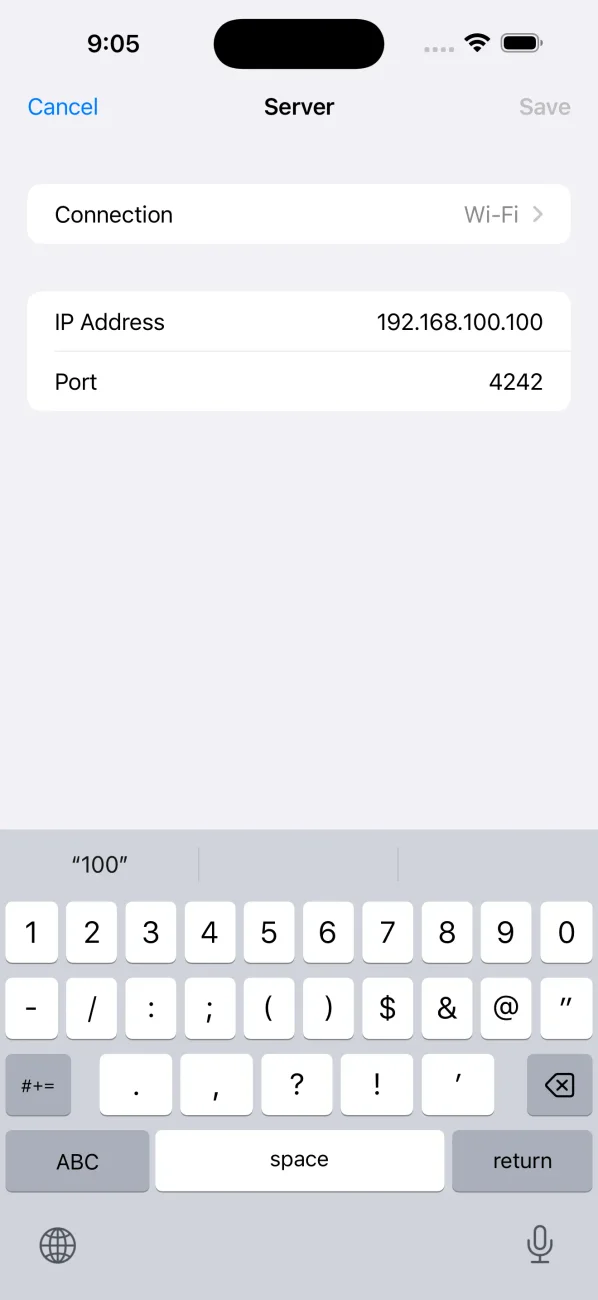


Info
Der Entwickler hat diesen Text nicht in Ihrer Sprache bereitgestellt.
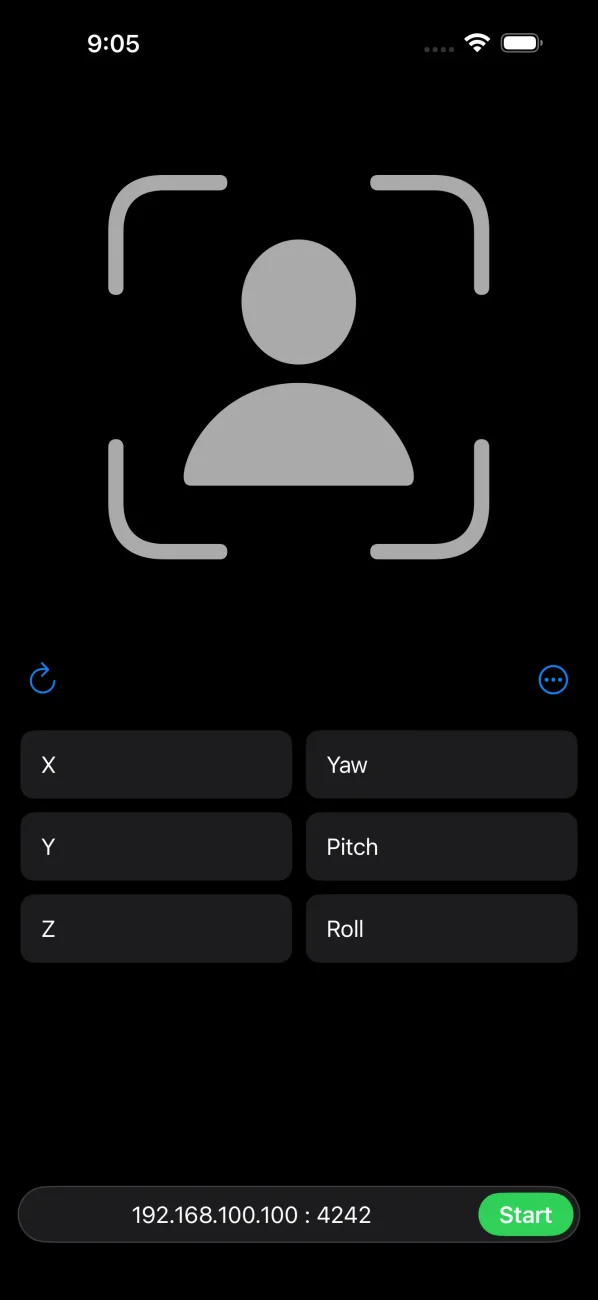
Freelook head tracker is a head tracking app for games and simulation software. It works with Opentrack desktop software to allow you to control the free look camera of your sim games hands-free.
Freelook will work on all iOS devices with a front facing camera running iOS12 or later. It supports 120fps, USB connection, keyboard shortcuts, dark mode, gestures and more. You can use it for free with ads and if you like it, upgrade to pro version without ads (pro version requires iOS15 or later).
Opentrack Setup
1. Download, install and run Opentrack software on your PC. Opentrack is a free software dedicated to tracking user’s head movements and relaying the information to games and flight simulation software. For the latest downloads visit https://github.com/opentrack/opentrack/releases.
2. Under Input select UDP over network. Click on the settings icon next it and remember the Port number (default is 4242). You will need to enter this value in the app.
3. Under Output select freetrack 2.0 Enhanced.
4. Under Filter select Accela. Accela works great out of the box. If you use any other filter, you may need to adjust its settings.
5. Click Mapping and adjust mapping properties to your liking.
6. If you intend to use the app’s built-in Center feature, click Options and under Shortcuts uncheck Center at startup.
7. Click Start to start receiving inputs.
PC (Windows) Setup
1. On the taskbar, right click on the network icon and select Open Network & Internet Settings.
2. Under Advanced Network Settings, click Windows Firewall.
3. Click Advanced Settings to open Windows Defender Firewall with Advanced Security.
4. Click Inbound Rules option on the left pane.
5. Click New Rule… on the right pane.
6. Under Rule Type select Program and click Next.
7. Select This Program path.
8. Browse to Opentrack exe file location. It is normally located at “C:\Program Files (x86)\Opentrack\opentrack.exe”.
9. Select Allow the connection.
10. Click Next, do not change any option here and click Next again.
11. Specify a name for this rule.
12. Click Finish.
13. On the taskbar, click on the network icon.
14. Find the network you’re connected to and click Properties.
15. Under Properties, look for your IP address listed next to IPv4 address. You will need to enter this value into the app.
16. You can also find your IP address using Command Prompt. Type ipconfig then press the Enter key.
App Setup
1. Run the app.
2. If iOS shows an alert requesting camera access, click OK to grant permission.
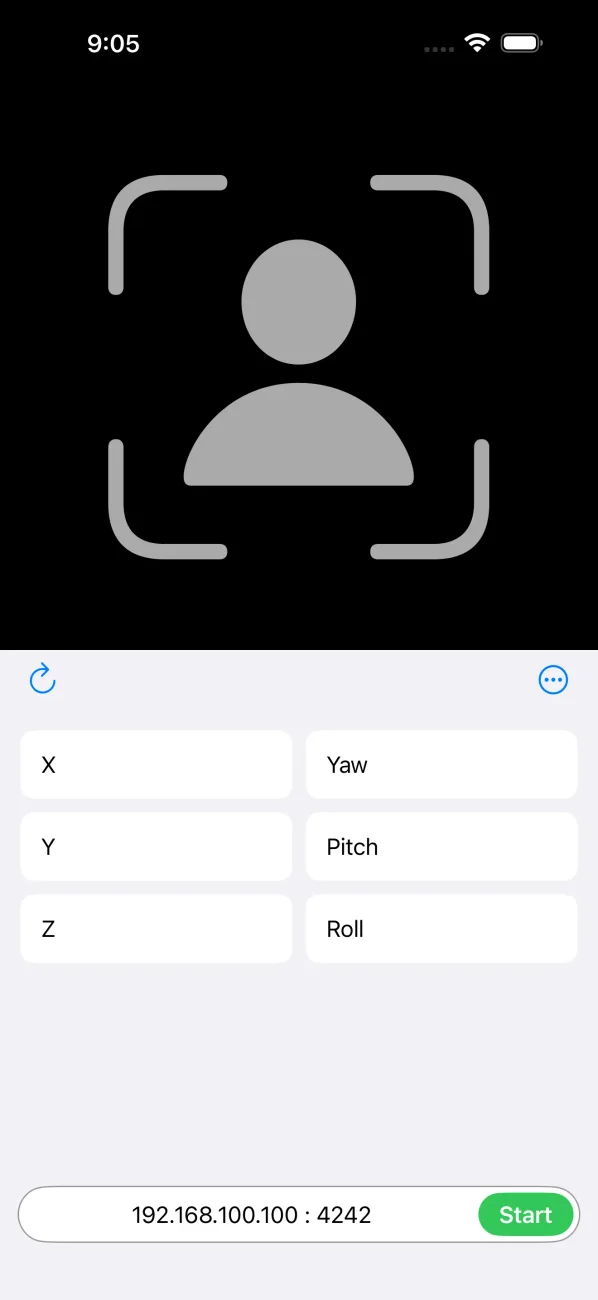
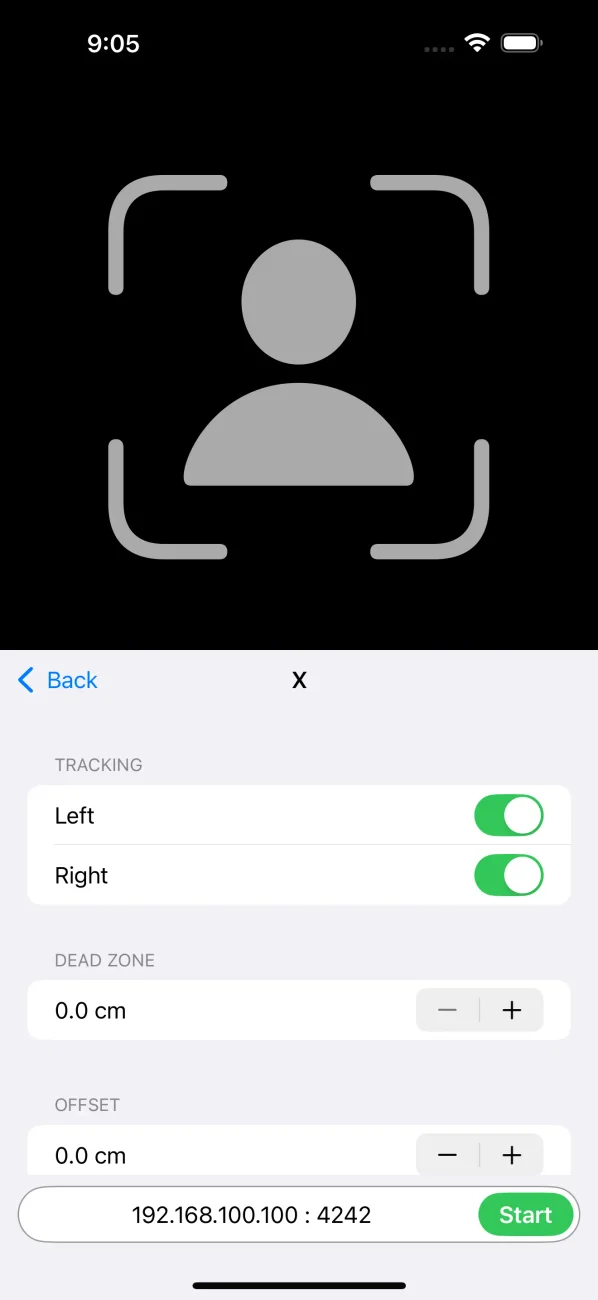
3. Click 192.168.100.100 : 4242 next to the Start button and enter IP address and Port number from Opentrack/PC (Windows) Setup.
4. With Opentrack running, click Start.
5. If iOS shows an alert requesting local network access, click OK to grant permission. If the Start button did not change to Stop, click Start again.
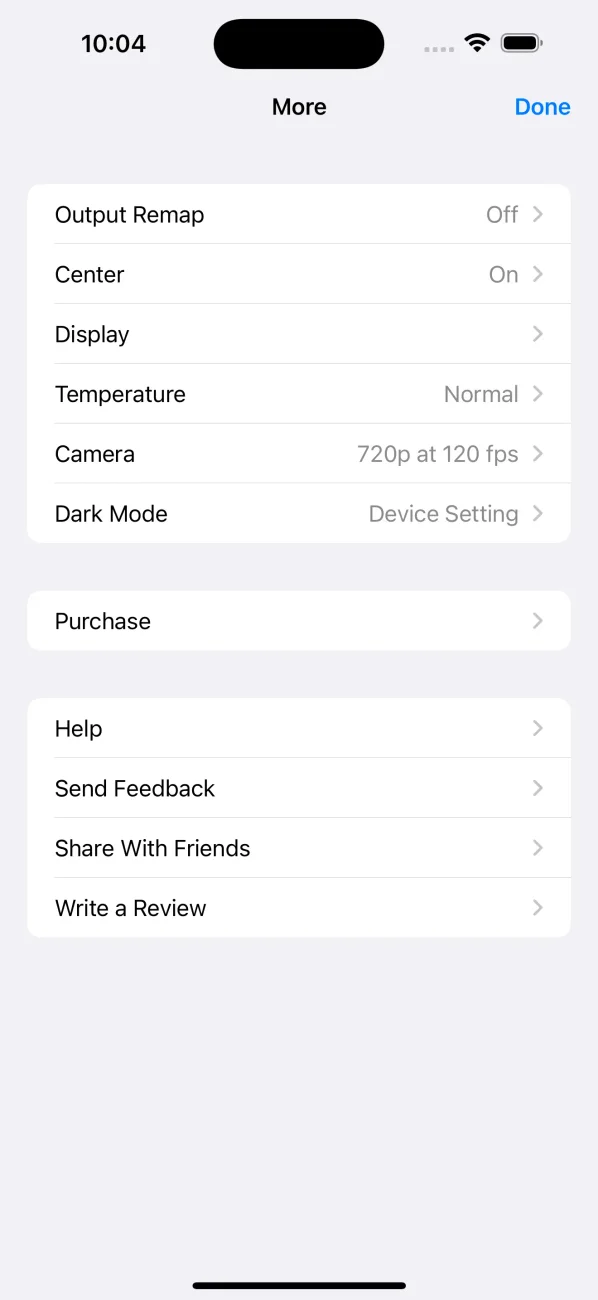
6. If you intend to use Opentrack’s Center feature, click More and turn off Center.
Neue Funktionen
Version 1.2.2 · 05.11.2024
This version added in app purchase to remove ads.
App-Datenschutz
Was Jung Son im App Store zum Umgang dieser App mit Daten angibt.
-
Daten, die zum Tracking Ihrer Person verwendet werden
Können verwendet werden, um Sie über Apps und Websites anderer Unternehmen hinweg zu verfolgen.
- Standort
- Kennungen
- Nutzungsdaten
- Diagnose
-
Mit Ihnen verknüpfte Daten
Können erfasst und mit Ihrer Identität verknüpft werden.
- Standort
- Kennungen
- Nutzungsdaten
- Diagnose
-
Nicht mit Ihnen verknüpfte Daten
Können erfasst werden, sind aber nicht mit Ihrer Identität verknüpft.
- Diagnose
Die Datenschutzpraktiken können variieren, zum Beispiel je nach den von Ihnen verwendeten Funktionen oder Ihrem Alter.
Informationen
- Anbieter
- Jung Son
- Kategorie
- Simulation
- Version
- 1.2.2
- Aktualisiert
- 05.11.2024
- Veröffentlicht
- 30.05.2021
- Größe
- 26,0 MB
- Erfordert
- iOS 12.0 oder neuer
- Altersfreigabe
- 4+
- In-App-Käufe
- Ja
- Sprachen
- Englisch
- Copyright
- © 2021 Jung Son
Das könnte Ihnen auch gefallen
-
 Race Dashboards SimracingSimulation
-
 Red Flag Sim: Kampfjet PilotFlugsimulator & Luftkampf
-
 FeelFPV TinyWhoopSimulation
-
 Moonlight Game StreamingSpiele
-
 FeelFPVSimulation
-
 Aerofly FS GlobalFlugsimulator
-
 Engine SimulatorSimulation
-
 Armed Air Forces - Jet FighterKampfjets Flugsimulator AAF
-
 RFS - Real Flight SimulatorAirplane Pilot & Flying Sim
-
 EA RacenetRennsport