Freelook Head Tracker
Head tracking for games
Được thiết kế cho iPhone, iPad, iPod touch
Miễn phí · Mua hàng trong ứng dụng
- Độ tuổi4+
- Danh mụcMô Phỏng
- Nhà phát triểnJung Son
- Ngôn ngữTiếng Anh
- Kích thước26,0 MB
Liên kết đến trang App Store chính thức
Download.org không lưu trữ tệp nào của Freelook Head Tracker. Nút này mở trang ứng dụng trên App Store, nơi Jung Son phát hành ứng dụng. Trang được kiểm tra lần cuối: 12/11/2026.
Ảnh chụp màn hình


Giới thiệu
Nhà phát triển chưa cung cấp nội dung này bằng ngôn ngữ của bạn.
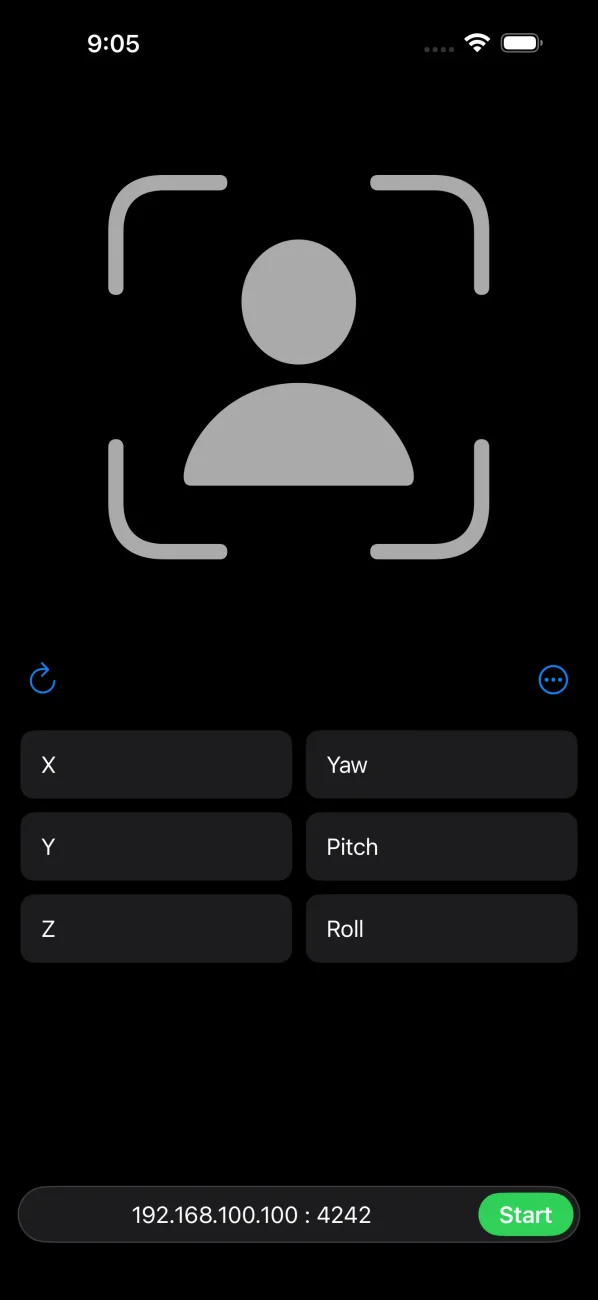
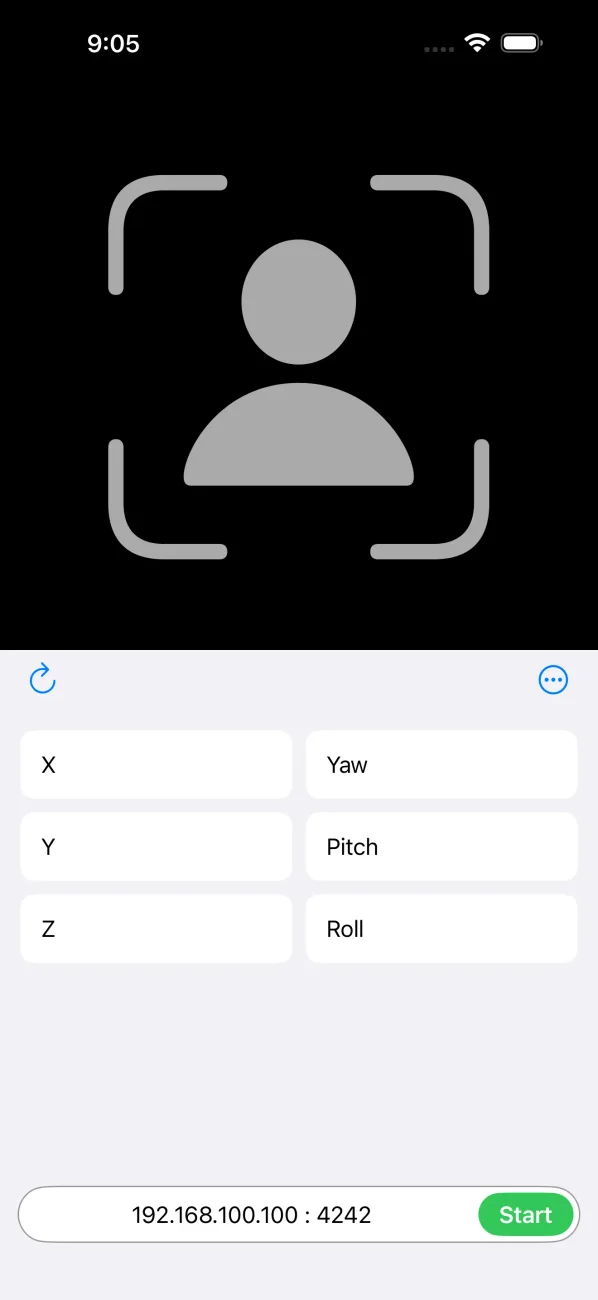
Freelook head tracker is a head tracking app for games and simulation software. It works with Opentrack desktop software to allow you to control the free look camera of your sim games hands-free.
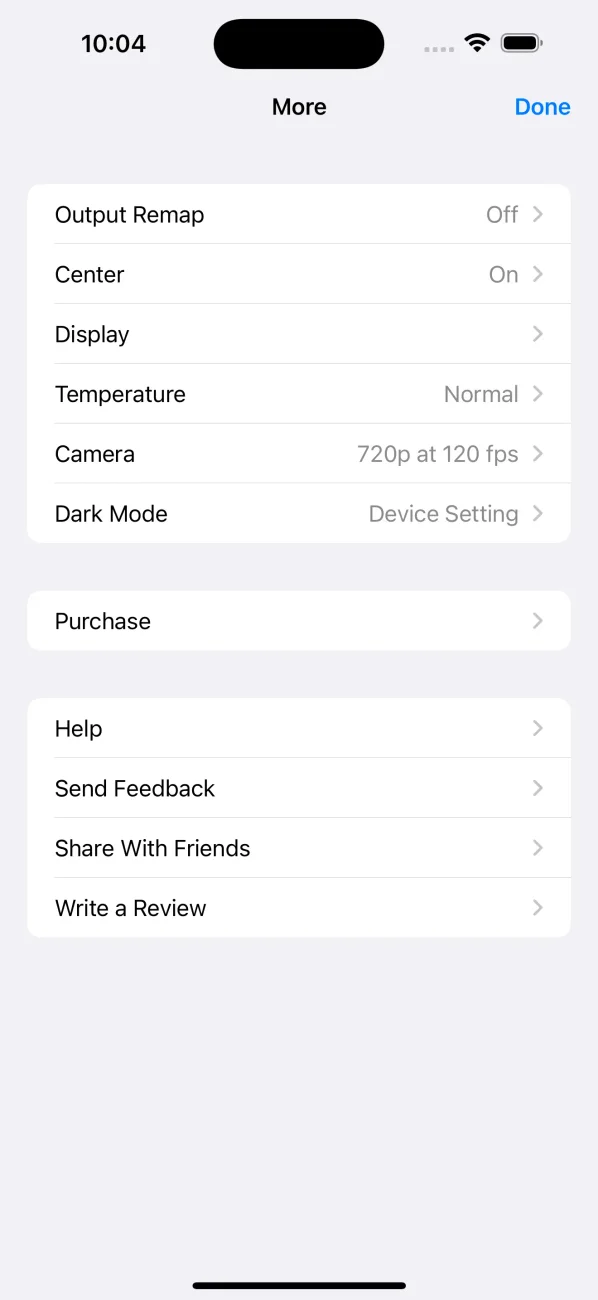
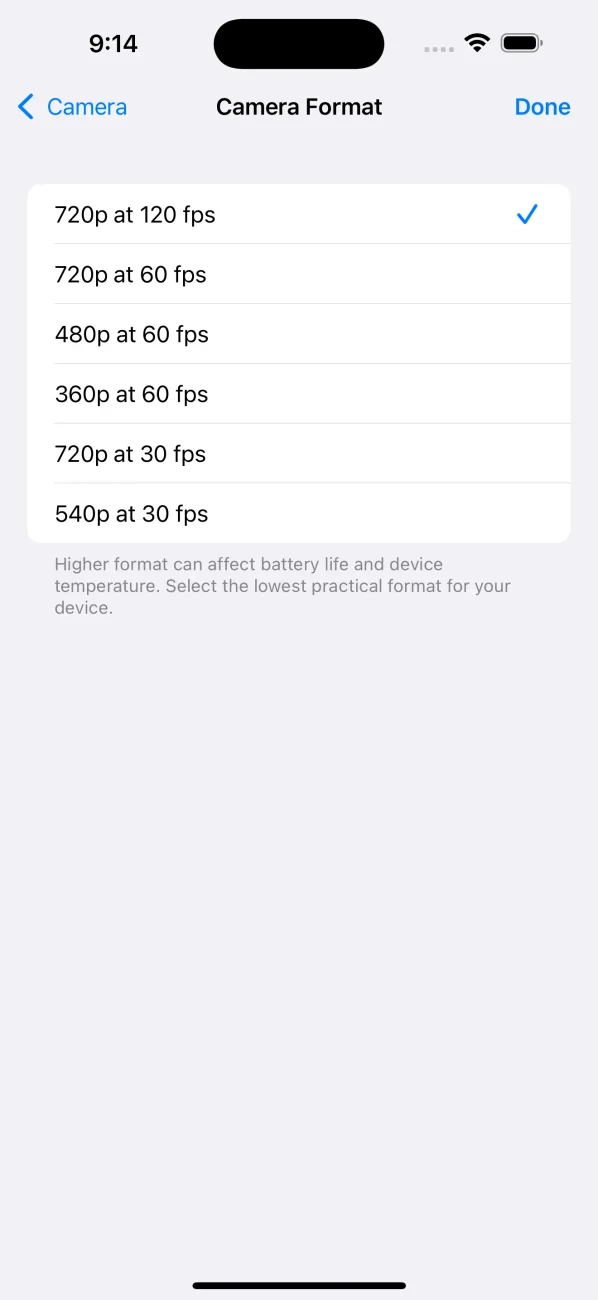
Freelook will work on all iOS devices with a front facing camera running iOS12 or later. It supports 120fps, USB connection, keyboard shortcuts, dark mode, gestures and more. You can use it for free with ads and if you like it, upgrade to pro version without ads (pro version requires iOS15 or later).
Opentrack Setup
1. Download, install and run Opentrack software on your PC. Opentrack is a free software dedicated to tracking user’s head movements and relaying the information to games and flight simulation software. For the latest downloads visit https://github.com/opentrack/opentrack/releases.
2. Under Input select UDP over network. Click on the settings icon next it and remember the Port number (default is 4242). You will need to enter this value in the app.
3. Under Output select freetrack 2.0 Enhanced.
4. Under Filter select Accela. Accela works great out of the box. If you use any other filter, you may need to adjust its settings.
5. Click Mapping and adjust mapping properties to your liking.
6. If you intend to use the app’s built-in Center feature, click Options and under Shortcuts uncheck Center at startup.
7. Click Start to start receiving inputs.
PC (Windows) Setup
1. On the taskbar, right click on the network icon and select Open Network & Internet Settings.
2. Under Advanced Network Settings, click Windows Firewall.
3. Click Advanced Settings to open Windows Defender Firewall with Advanced Security.
4. Click Inbound Rules option on the left pane.
5. Click New Rule… on the right pane.
6. Under Rule Type select Program and click Next.
7. Select This Program path.
8. Browse to Opentrack exe file location. It is normally located at “C:\Program Files (x86)\Opentrack\opentrack.exe”.
9. Select Allow the connection.
10. Click Next, do not change any option here and click Next again.
11. Specify a name for this rule.
12. Click Finish.
13. On the taskbar, click on the network icon.
14. Find the network you’re connected to and click Properties.
15. Under Properties, look for your IP address listed next to IPv4 address. You will need to enter this value into the app.
16. You can also find your IP address using Command Prompt. Type ipconfig then press the Enter key.
App Setup
1. Run the app.
2. If iOS shows an alert requesting camera access, click OK to grant permission.
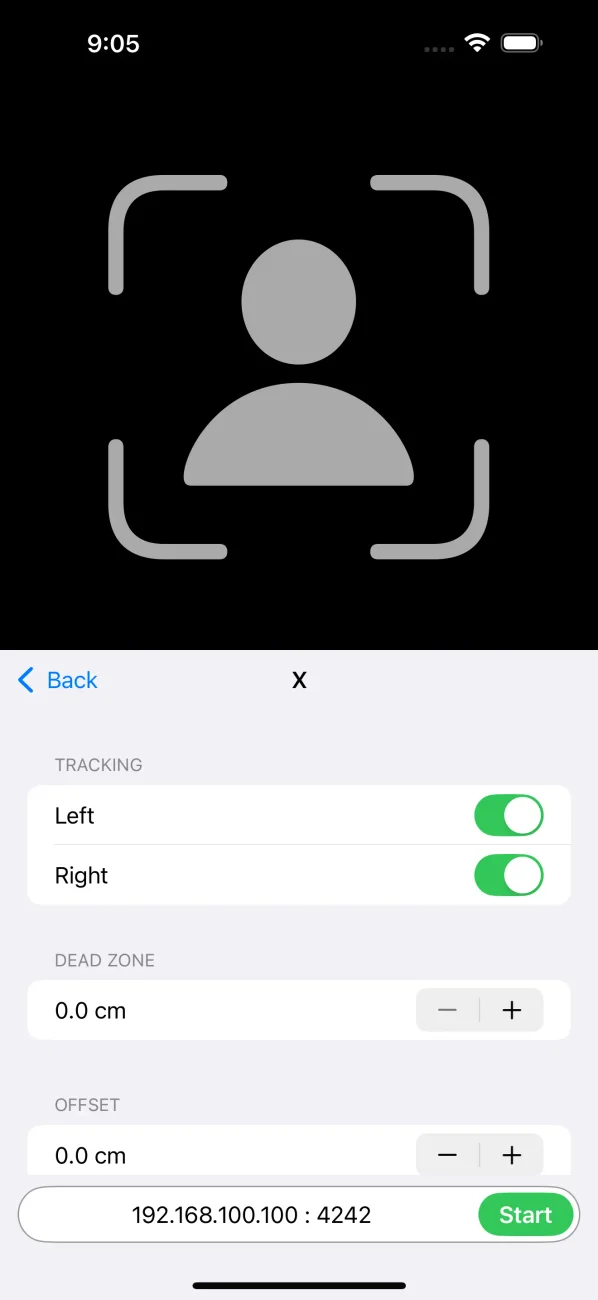
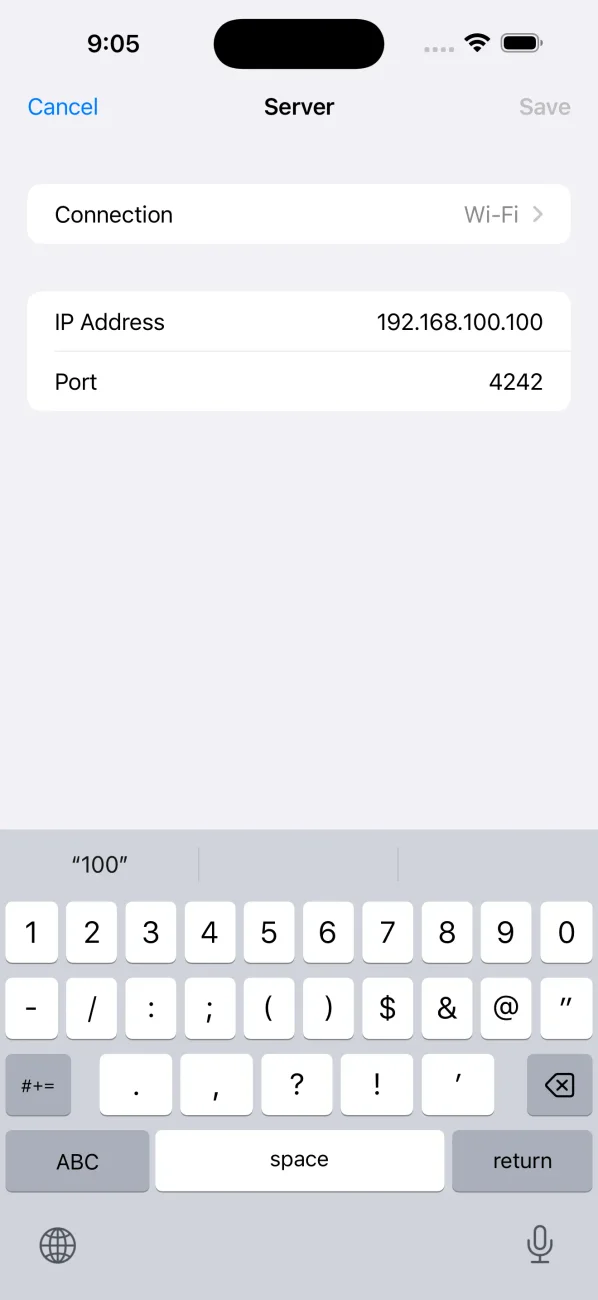
3. Click 192.168.100.100 : 4242 next to the Start button and enter IP address and Port number from Opentrack/PC (Windows) Setup.
4. With Opentrack running, click Start.
5. If iOS shows an alert requesting local network access, click OK to grant permission. If the Start button did not change to Stop, click Start again.
6. If you intend to use Opentrack’s Center feature, click More and turn off Center.
Có gì mới
Phiên bản 1.2.2 · 05/11/2024
This version added in app purchase to remove ads.
Quyền riêng tư của ứng dụng
Những gì Jung Son khai báo trên App Store về cách ứng dụng này xử lý dữ liệu.
-
Dữ liệu được sử dụng để theo dõi bạn
Có thể được sử dụng để theo dõi bạn trên các ứng dụng và trang web do công ty khác sở hữu.
- Vị trí
- Mã định danh
- Dữ liệu sử dụng
- Chẩn đoán
-
Dữ liệu liên kết với bạn
Có thể được thu thập và liên kết với danh tính của bạn.
- Vị trí
- Mã định danh
- Dữ liệu sử dụng
- Chẩn đoán
-
Dữ liệu không liên kết với bạn
Có thể được thu thập nhưng không liên kết với danh tính của bạn.
- Chẩn đoán
Phương thức đảm bảo quyền riêng tư có thể khác nhau, chẳng hạn như tuỳ theo các tính năng bạn sử dụng hoặc độ tuổi của bạn.
Thông tin
- Người bán
- Jung Son
- Danh mục
- Mô Phỏng
- Phiên bản
- 1.2.2
- Cập nhật
- 05/11/2024
- Phát hành
- 30/05/2021
- Kích thước
- 26,0 MB
- Yêu cầu
- iOS 12.0 trở lên
- Độ tuổi
- 4+
- Giá
- Miễn phí
- Mua hàng trong ứng dụng
- Có
- Ngôn ngữ
- Tiếng Anh
- Bản quyền
- © 2021 Jung Son