- Altersfreigabe4+
- KategorieEntwickler-Tools
- EntwicklerTing-Chun Matthew Man
- SprachenEnglisch
- Größe3,2 MB
hot.keys ist bei App Store derzeit möglicherweise nicht verfügbar
Bei unserer letzten Prüfung war der Store-Eintrag nicht erreichbar. Der Link führt weiterhin zur offiziellen App Store-Seite.
Screenshots
Info
Der Entwickler hat diesen Text nicht in Ihrer Sprache bereitgestellt.
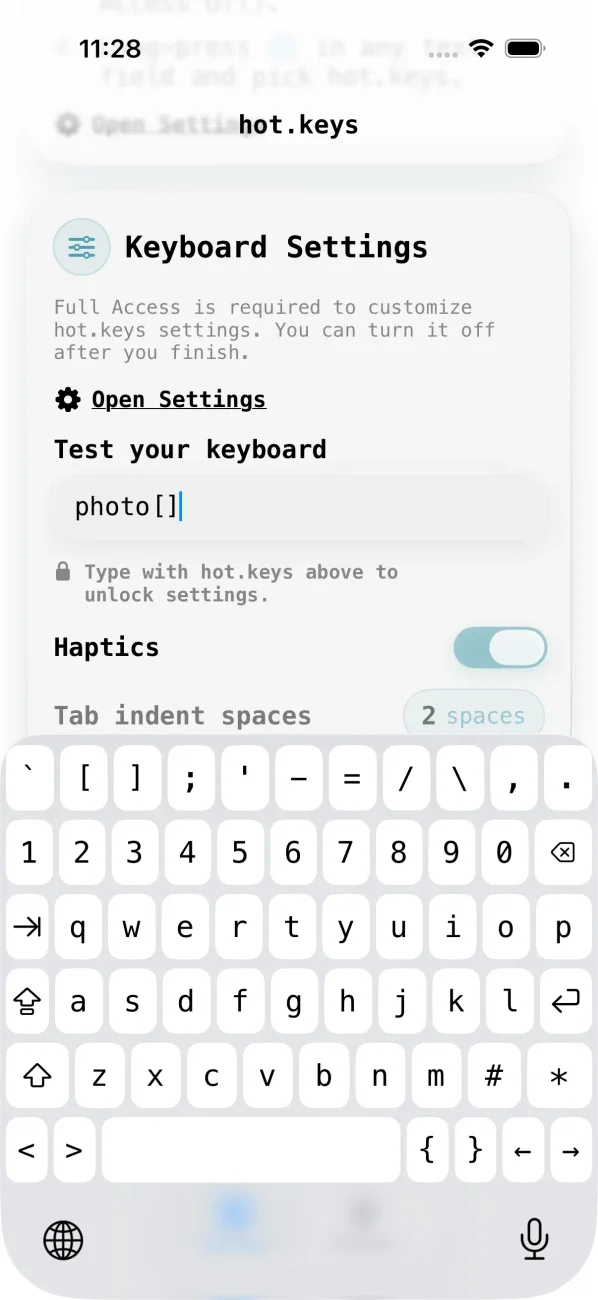
hot.keys brings a desktop-style keyboard to iPhone and iPad for code, Markdown, JSON, XML, and structured prompts. Keep numbers and common symbols visible while you type.
KEYS WITHIN REACH
• Always-visible numbers and quick access to brackets, braces, angle brackets, and other common symbols.
• Larger letter keys in iPhone portrait mode.
• Optional Left, Right, and Full Width positioning on wide layouts, with tap controls to switch sides or expand.
• Left and right arrows for moving the cursor.
• Tab inserts spaces, with a configurable indent size.
• Hold Delete to keep deleting.
• Tap Shift for a capital, hold Shift while typing, or slide from Shift to a letter.
• A dedicated Caps Lock key and optional keypress haptics.
TRY THE KEYBOARD
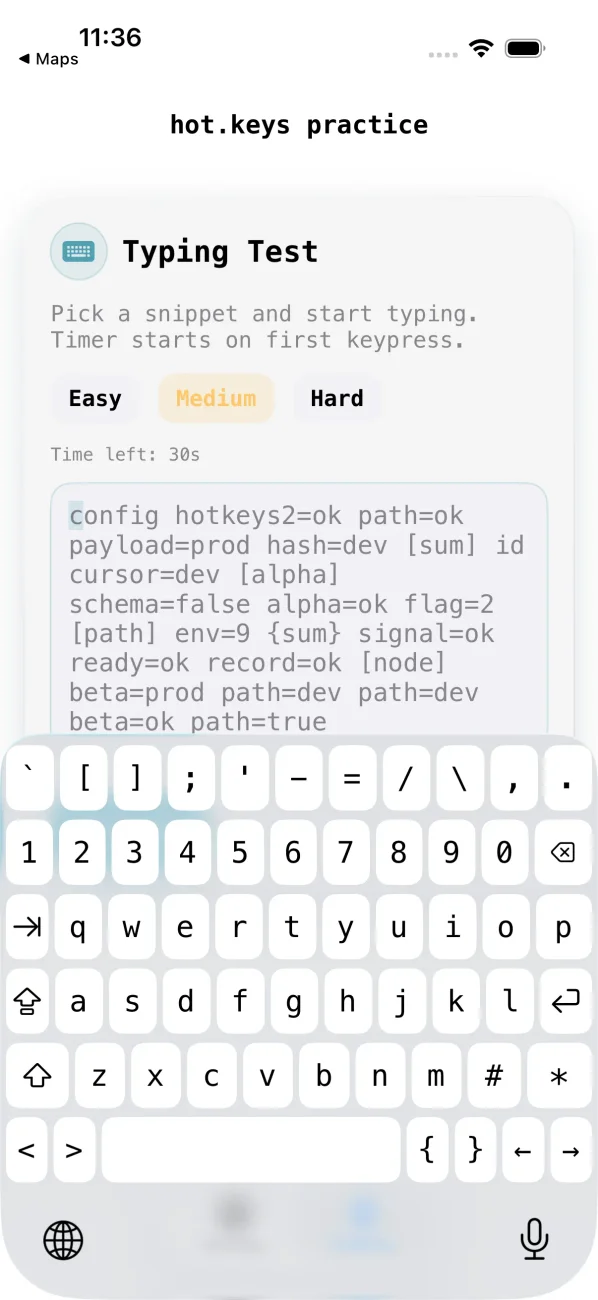
Practice with 30-second typing drills in Easy, Medium, and Hard modes. See your words per minute, characters per minute, accuracy, and errors, then try again.
OFFLINE AND PRIVATE
No account is needed. hot.keys does not collect or transmit what you type. Core typing works without Full Access. Full Access is required to save and synchronize keyboard settings, including your preferred keyboard position. Without Full Access, position changes apply to the current keyboard instance.
GET STARTED
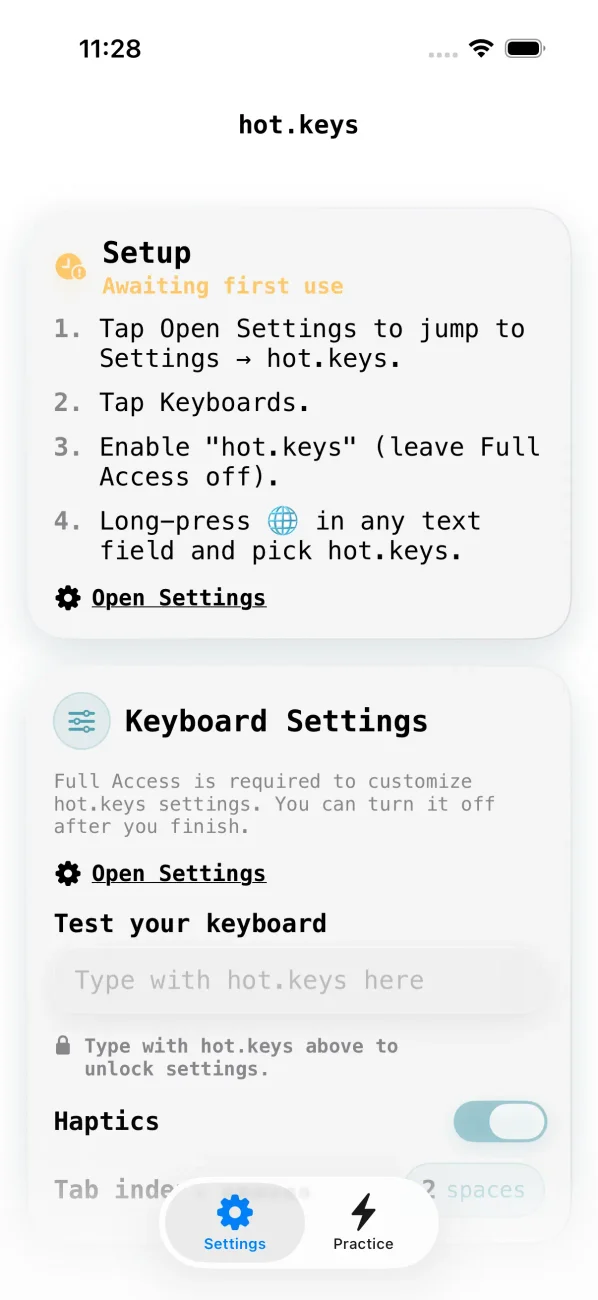
Add hot.keys in Settings > General > Keyboard > Keyboards > Add New Keyboard. Then use the globe key in a text field to switch to hot.keys.
Neue Funktionen
Version 0.1.6 · 21.10.2026
Choose where your keyboard sits on wider screens.
• Tap the keyboard-position icon to choose Left, Right, or Full Width.
• Switch sides or expand the keyboard with a tap.
• Available on wide iPad layouts, the open iPhone Duo display, and supported iPhone landscape layouts.
• Enable Full Access to remember your preferred position. Narrow layouts automatically use full width.
App-Datenschutz
Was Ting-Chun Matthew Man im App Store zum Umgang dieser App mit Daten angibt.
-
Keine Daten erfasst
Der Entwickler erfasst keine Daten von dieser App.
Die Datenschutzpraktiken können variieren, zum Beispiel je nach den von Ihnen verwendeten Funktionen oder Ihrem Alter.
Informationen
- Anbieter
- Ting-Chun Matthew Man
- Kategorie
- Entwickler-Tools
- Version
- 0.1.6
- Aktualisiert
- 21.10.2026
- Veröffentlicht
- 05.12.2025
- Größe
- 3,2 MB
- Erfordert
- iOS 16.0 oder neuer
- Altersfreigabe
- 4+
- Sprachen
- Englisch
- Copyright
- © 2025 Matt Man
Das könnte Ihnen auch gefallen
-
 GutscheinverteilerApp Promo Code Manager
-
 Flutter Vignettes PlaygroundEntwickler-Tools
-
 RepomanceEntwickler-Tools
-
 JSON Formatter Simple ParsingEntwickler-Tools
-
 BLE Customizable ControllerEntwickler-Tools
-
 Labide - Remote Dev StudioEntwickler-Tools
-
 Curly: JSON Viewer & FormatterEntwickler-Tools
-
 Happier - Claude, Codex remoteOpenCode, Pi, Grok Coding-App
-
 Buffer Editor - Code EditorEntwickler-Tools
-
 Moshi: herdr/tmux via SSH/MOSHAgent-Terminal für Codex CLI