iPass - Password Manager
Auto-Fill & Password Kepper
Entwickelt für iPhone, iPod touch
Kostenlos · In-App-Käufe
- Altersfreigabe4+
- KategorieDienstprogramme
- Entwickler俊锋 仝
- SprachenEnglisch+ 3 weitere
- Größe25,6 MB
Verlinkt auf die offizielle App Store-Seite
Download.org hostet keine Datei von iPass - Password Manager. Die Schaltfläche öffnet die App-Seite bei App Store, wo 俊锋 仝 die App veröffentlicht. Eintrag zuletzt geprüft am 18.11.2026.
Screenshots


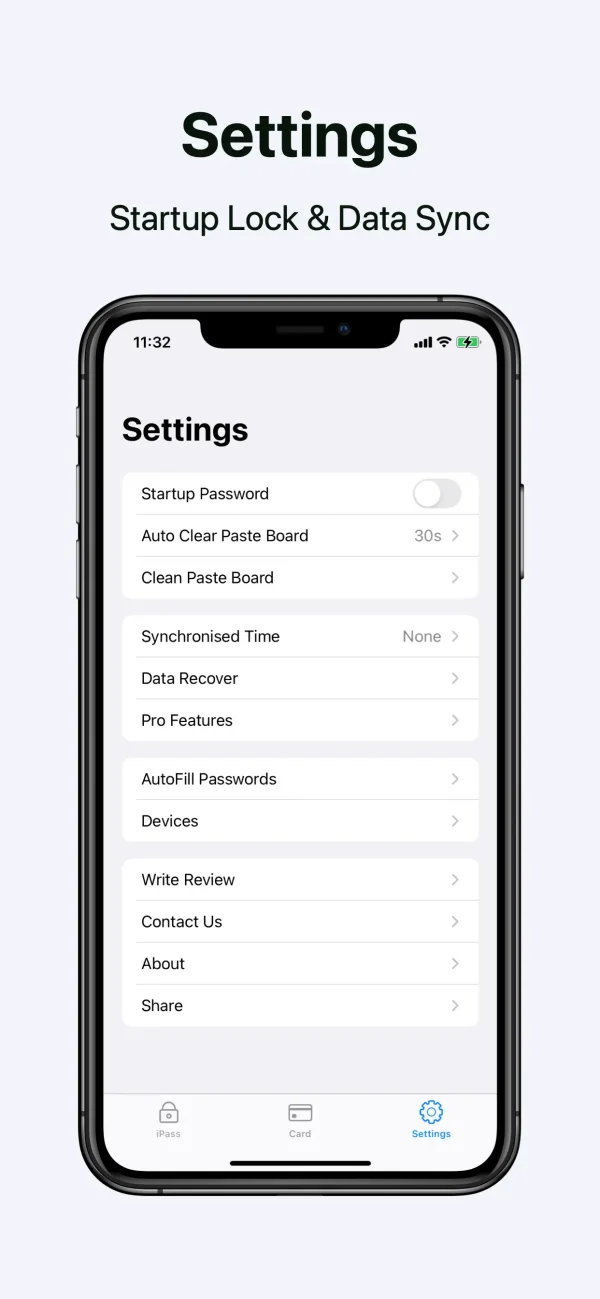
Info
Der Entwickler hat diesen Text nicht in Ihrer Sprache bereitgestellt.
Do you constantly forget passwords?
Have you reused the same password across all your accounts?
Have you lost track of which devices your accounts are logged into?
These habits can put your data security at risk.
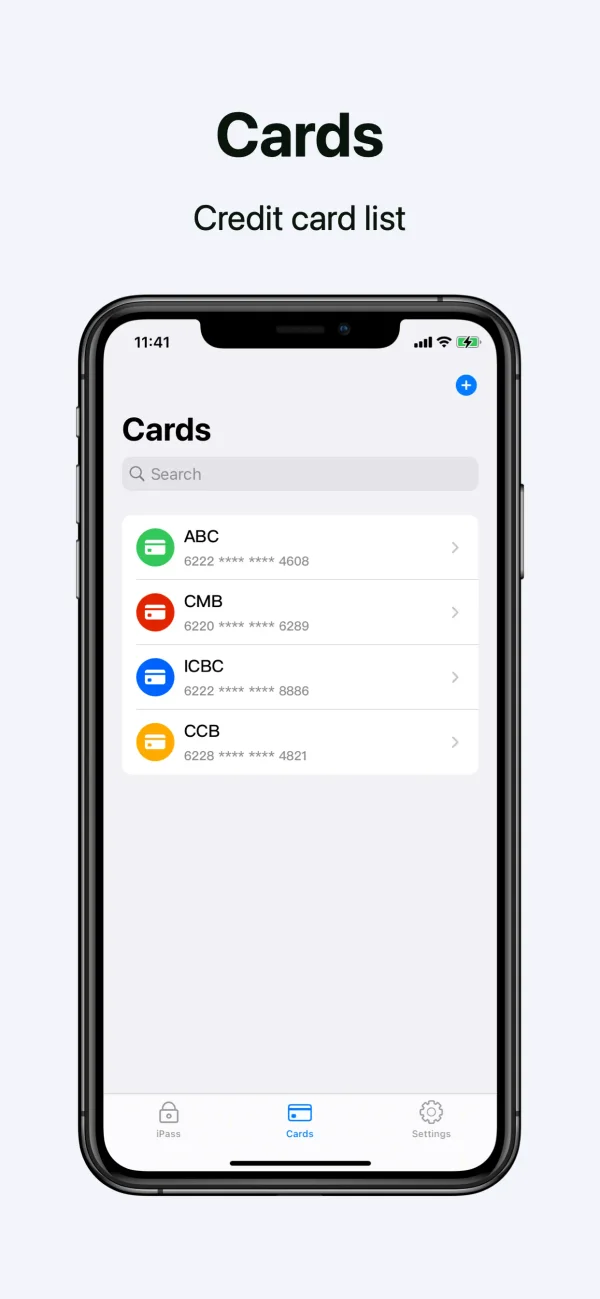
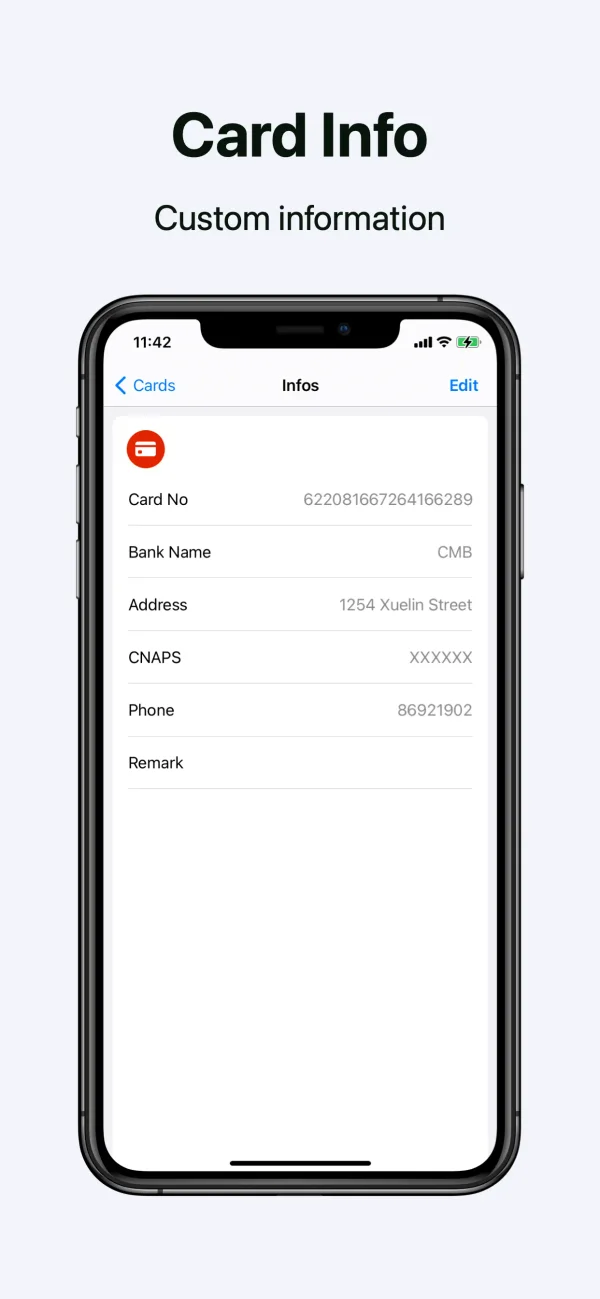
iPass is a tool designed to help you securely store account passwords (including 2FA codes), credit card details, and account login history. It also automatically fills in login credentials, so you never waste time typing manually again. Additionally, iPass can generate stronger, more secure passwords for each account to boost protection.
Key Features:
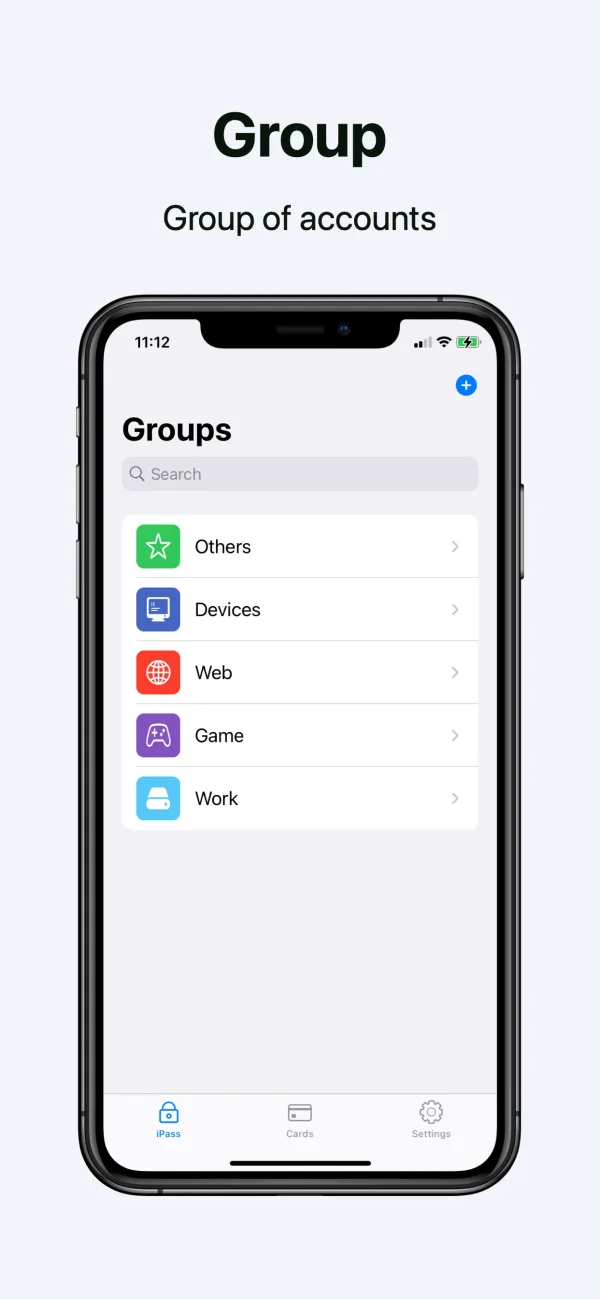
• Customizable Groups: Organize accounts into personalized categories (e.g., work, social, financial) to streamline management.
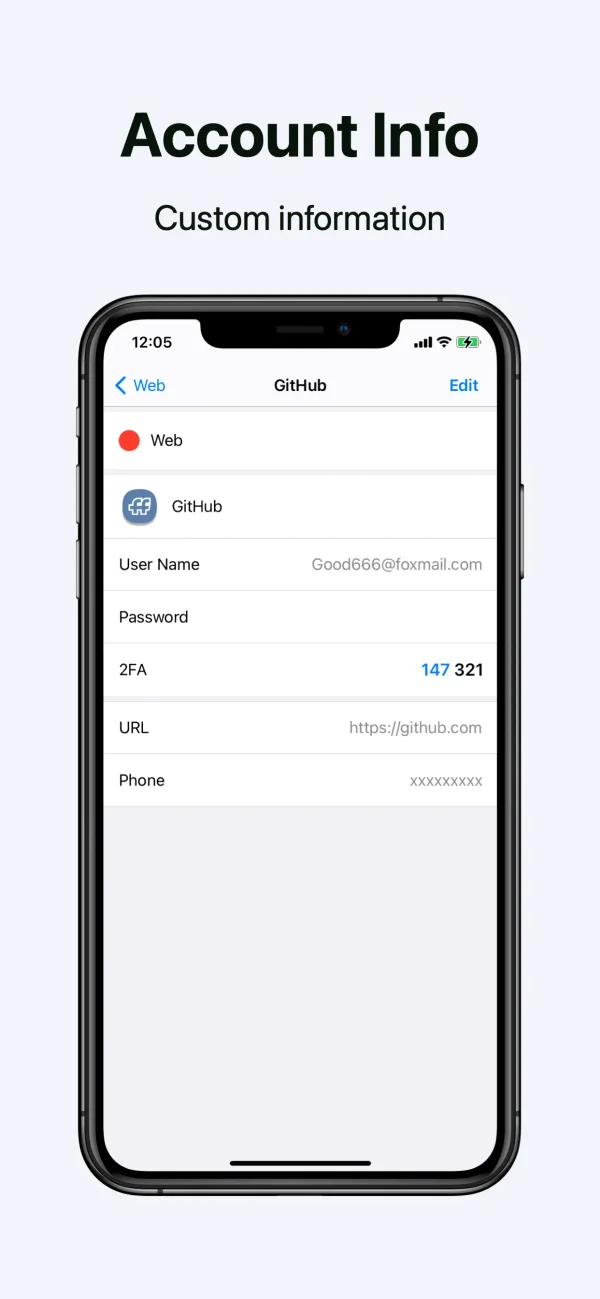
• Custom Attributes: Add and define unique fields beyond default details to store any account-specific information you need (e.g., security questions, authorization codes).
• Cross-Device Sync: Enter data once, then access it seamlessly across all your iOS devices (iPhone, iPad, Mac).
• Auto-Fill: Instantly populate login credentials to skip time-consuming manual entry.
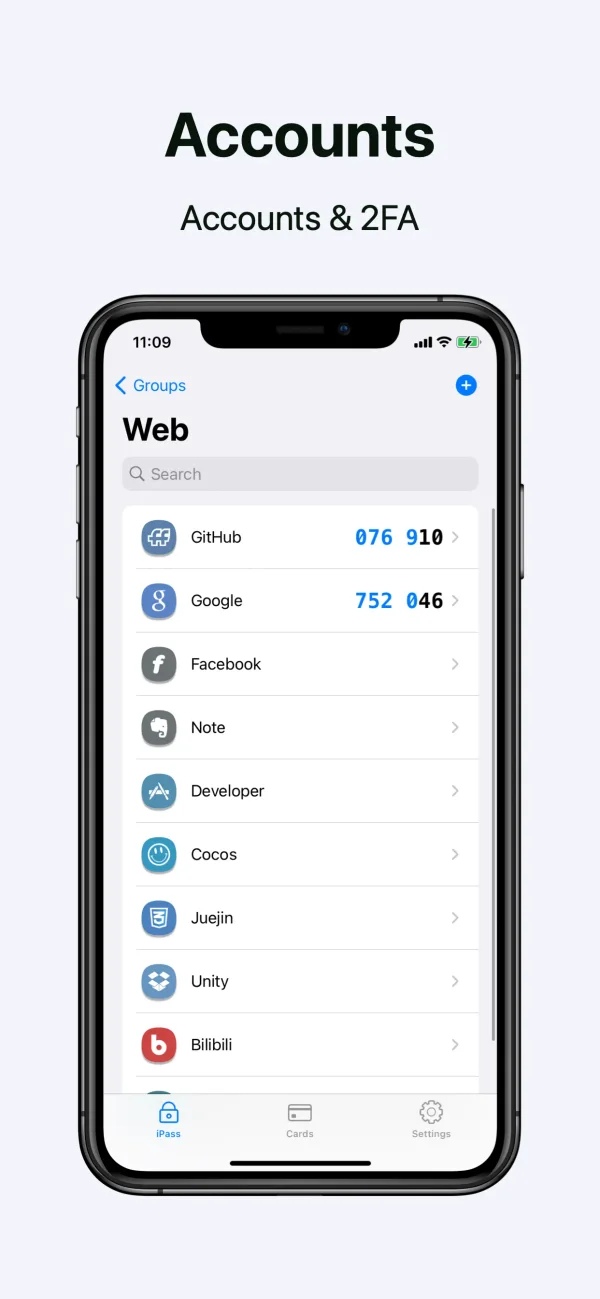
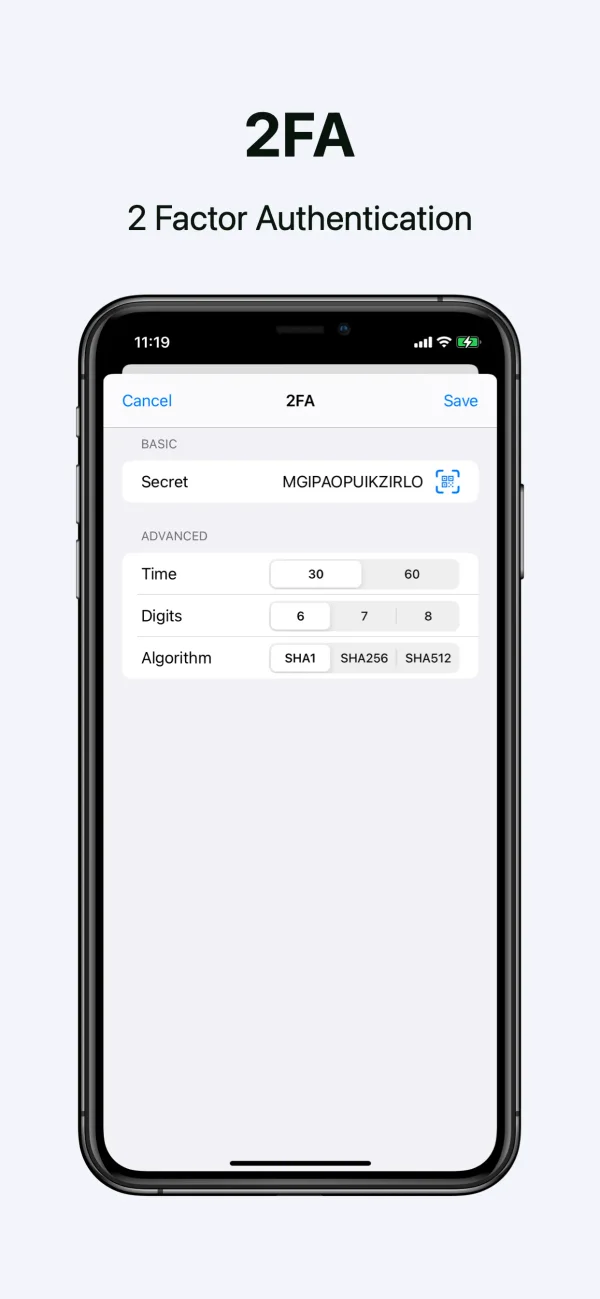
• 2FA Support: Securely store and access 2FA codes alongside your passwords.
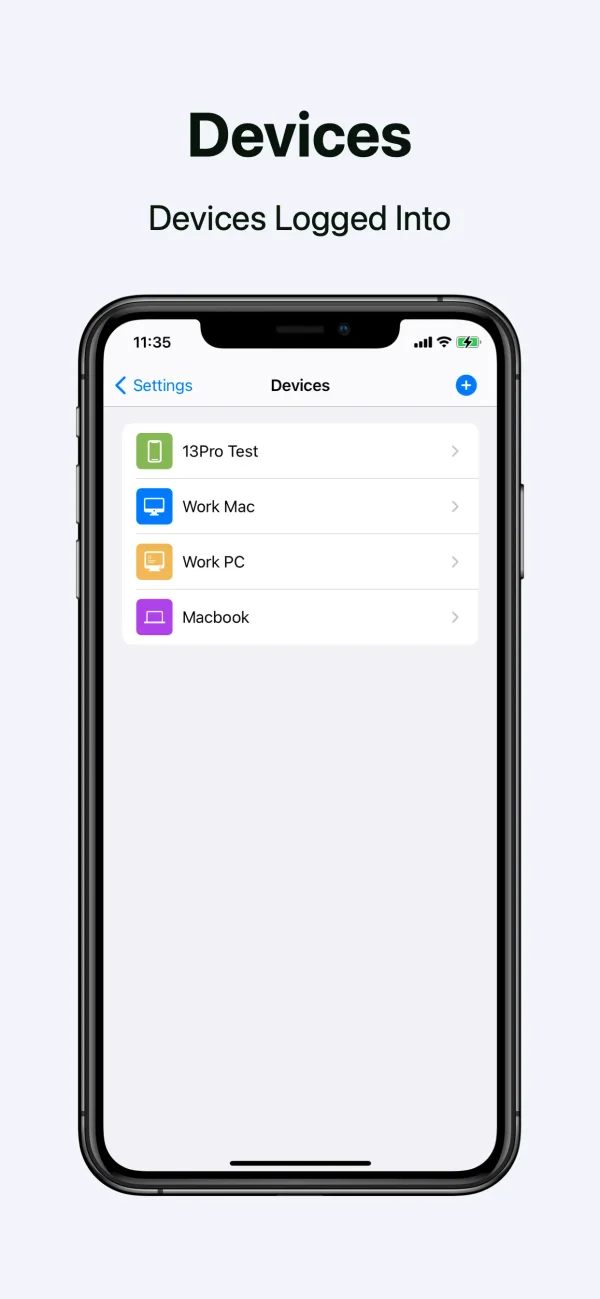
• Login History: Track all devices that have accessed your accounts, making it easy to review and remove unauthorized or outdated sessions.
Pricing:
iPass uses a one-time purchase model—pay once, use it forever, with no subscriptions or hidden fees.
Privacy & Security:
• User-Level Protection: A startup passcode (gesture, Touch ID, or Face ID) prevents unauthorized access—even if someone borrows your device.
• System-Level Encryption: All stored data is encrypted using industry-standard algorithms to safeguard against unauthorized access.
• iCloud Sync: Data syncs via iCloud with end-to-end encryption. Information is encrypted both in transit and at rest, and protected by security tokens. Only devices signed into your iCloud account can access your data—no one else, including Apple, can view your encrypted information.
Neue Funktionen
Version 3.2.1 · 11.08.2025
Fix Bugs.
App-Datenschutz
Was 俊锋 仝 im App Store zum Umgang dieser App mit Daten angibt.
-
Nicht mit Ihnen verknüpfte Daten
Können erfasst werden, sind aber nicht mit Ihrer Identität verknüpft.
- Diagnose
Die Datenschutzpraktiken können variieren, zum Beispiel je nach den von Ihnen verwendeten Funktionen oder Ihrem Alter.
Informationen
- Anbieter
- 俊锋 仝
- Kategorie
- Dienstprogramme
- Version
- 3.2.1
- Aktualisiert
- 11.08.2025
- Veröffentlicht
- 17.11.2017
- Größe
- 25,6 MB
- Erfordert
- iOS 14.0 oder neuer
- Altersfreigabe
- 4+
- Preis
- Kostenlos
- In-App-Käufe
- Ja
- Sprachen
- Englisch, Japanisch, Vereinf. Chinesisch, Tradit. Chinesisch
- Copyright
- © ZHK
Das könnte Ihnen auch gefallen
-
 Password Manager_My PasswordDienstprogramme
-
 Password Manager:SicherPasswort-Generator
-
 Keepery: Password ManagerDienstprogramme
-
 Passwort Manager - Tresor AppProtect & Autofill Passwords
-
 Secure – PasswortmanagerSicherster Passwortmanager
-
 My Eyes Only Password ManagerDienstprogramme
-
 App Blocker: Super App LockApp Lock, Limit Screen Time
-
 Norton Password ManagerSecure Password Manager
-
 AI Cleaner – Speicher ReinigenFotos löschen, Speicher frei
-
 VSim - SMS VerifizierungErhalte SMS online