iPass - Password Manager
Auto-Fill & Password Kepper
Dirancang untuk iPhone, iPod touch
Gratis · Pembelian dalam aplikasi
- Batasan usia4+
- KategoriKegunaan
- Pengembang俊锋 仝
- BahasaInggris+ 3 lainnya
- Ukuran25,6 MB
Tertaut ke halaman resmi App Store
Download.org tidak menyimpan file iPass - Password Manager apa pun. Tombol ini membuka halaman aplikasi di App Store, tempat 俊锋 仝 menerbitkannya. Halaman terakhir diperiksa pada 18/11/2026.
Tangkapan layar


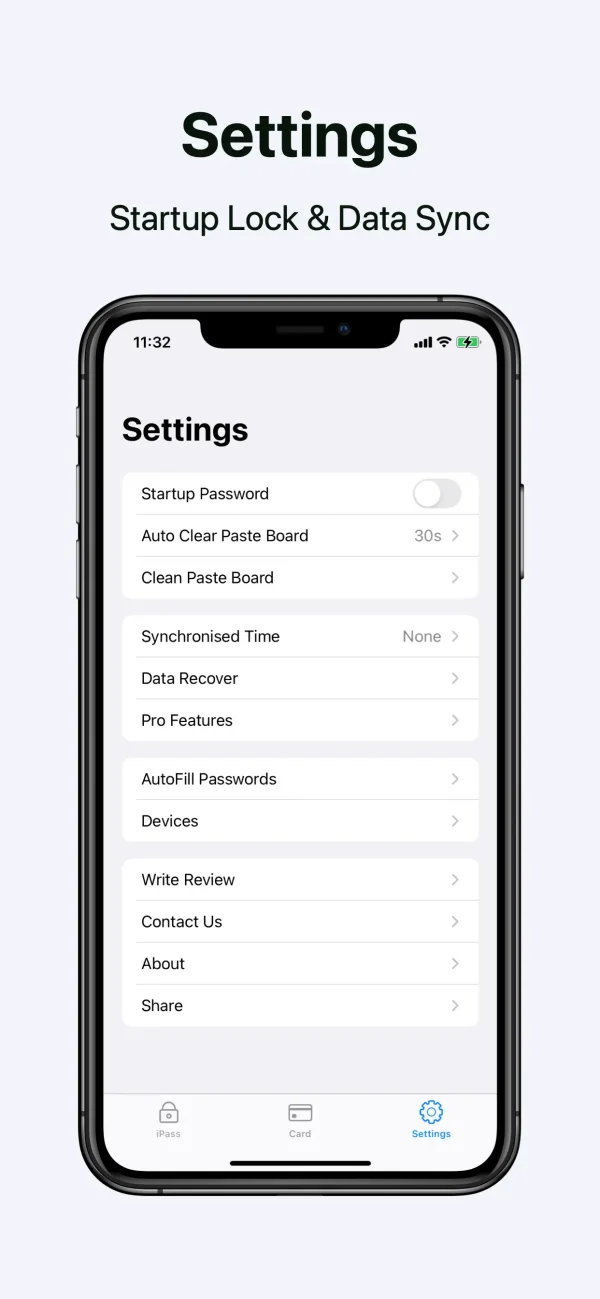
Tentang
Pengembang belum menyediakan teks ini dalam bahasa Anda.
Do you constantly forget passwords?
Have you reused the same password across all your accounts?
Have you lost track of which devices your accounts are logged into?
These habits can put your data security at risk.
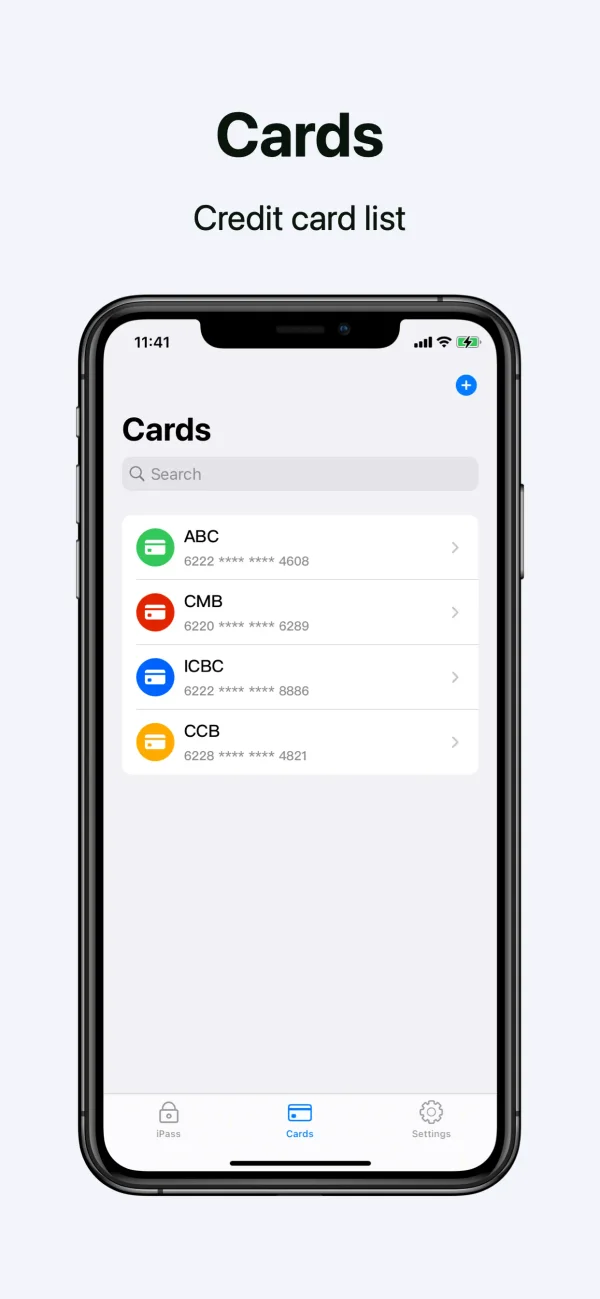
iPass is a tool designed to help you securely store account passwords (including 2FA codes), credit card details, and account login history. It also automatically fills in login credentials, so you never waste time typing manually again. Additionally, iPass can generate stronger, more secure passwords for each account to boost protection.
Key Features:
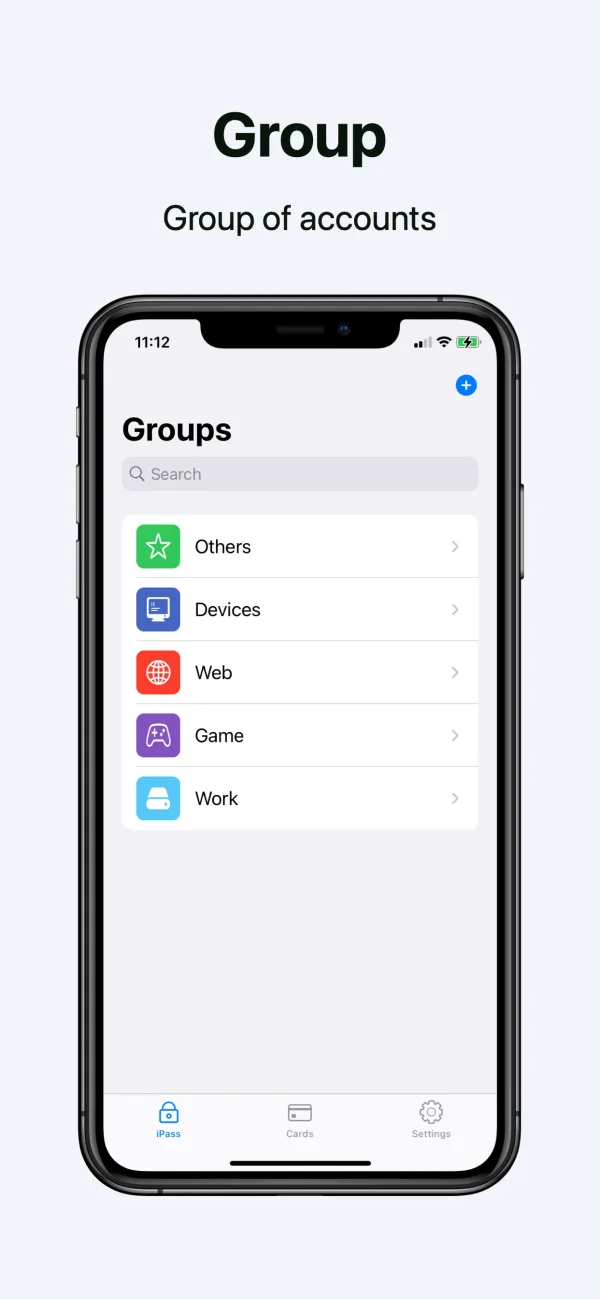
• Customizable Groups: Organize accounts into personalized categories (e.g., work, social, financial) to streamline management.
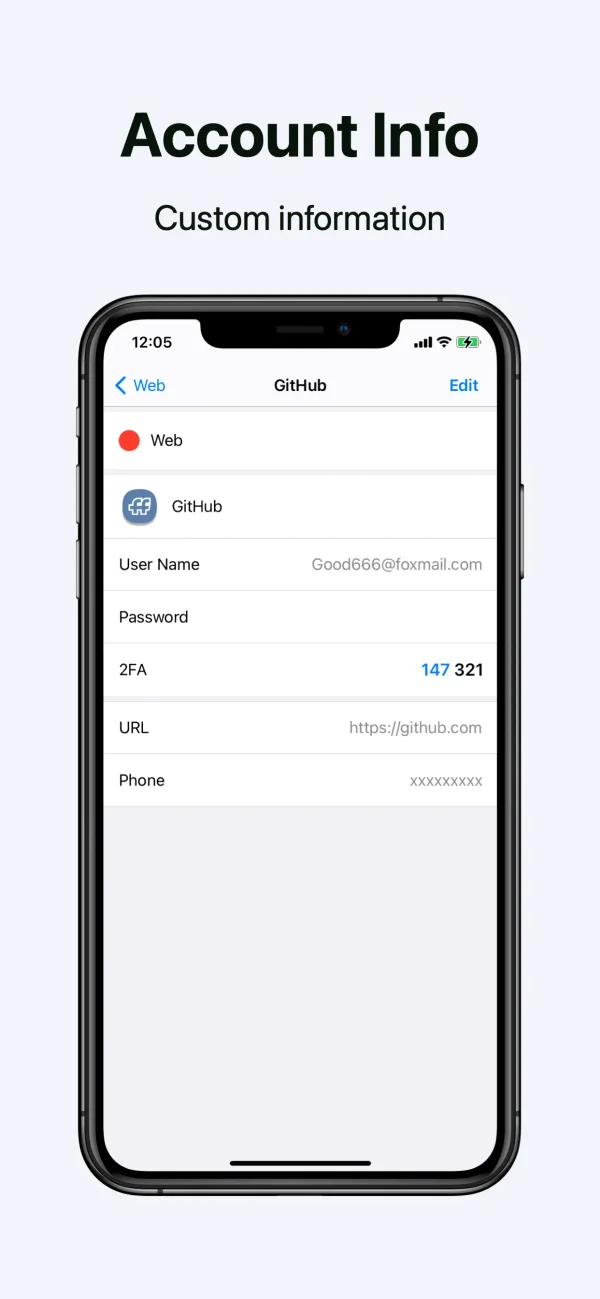
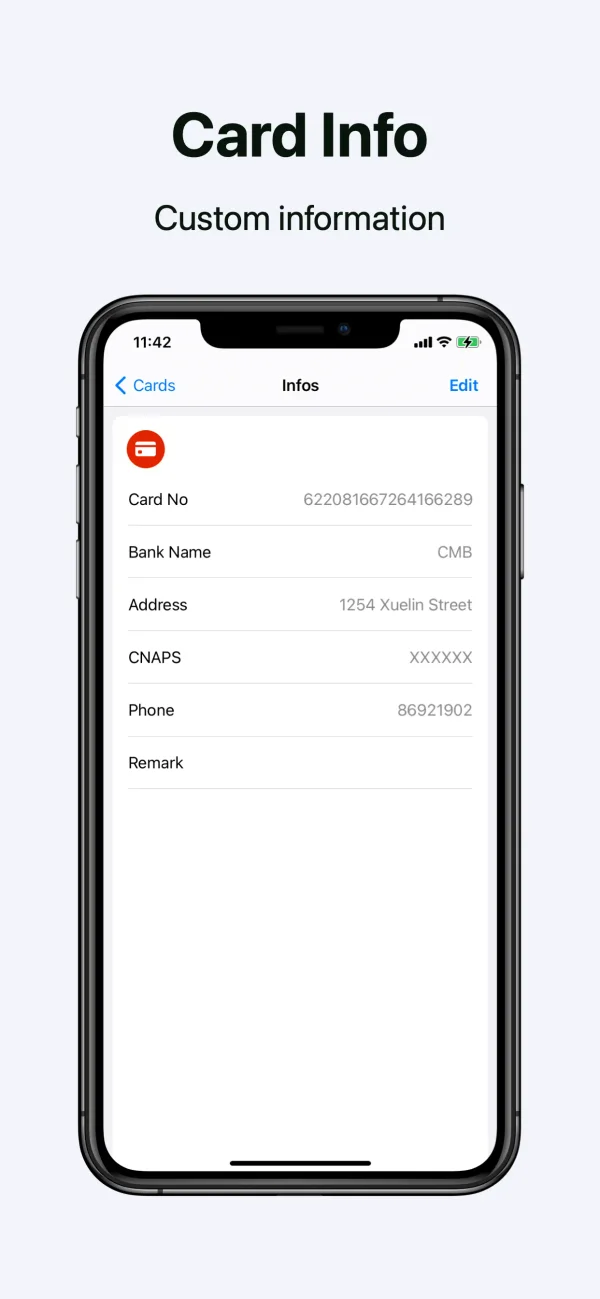
• Custom Attributes: Add and define unique fields beyond default details to store any account-specific information you need (e.g., security questions, authorization codes).
• Cross-Device Sync: Enter data once, then access it seamlessly across all your iOS devices (iPhone, iPad, Mac).
• Auto-Fill: Instantly populate login credentials to skip time-consuming manual entry.
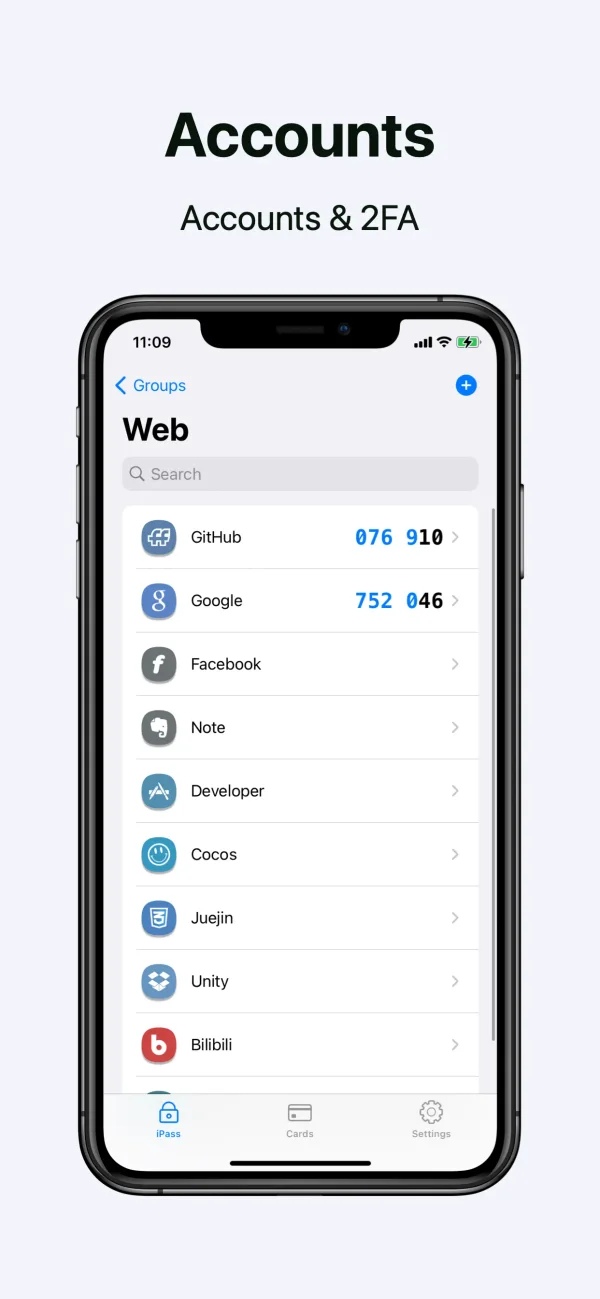
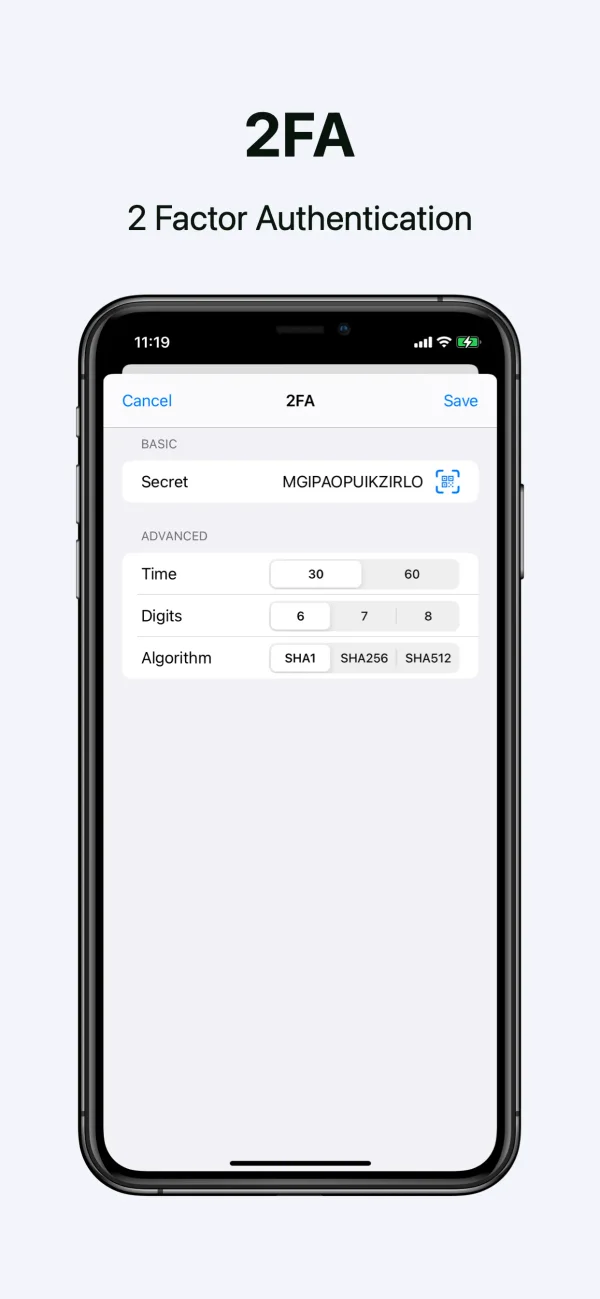
• 2FA Support: Securely store and access 2FA codes alongside your passwords.
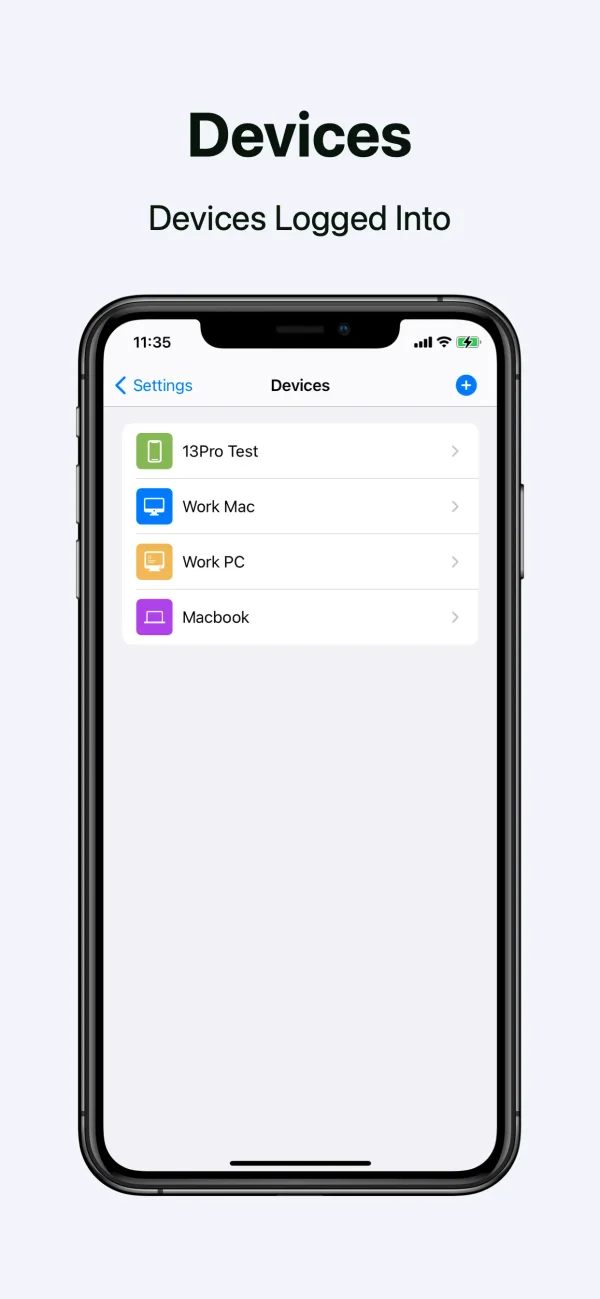
• Login History: Track all devices that have accessed your accounts, making it easy to review and remove unauthorized or outdated sessions.
Pricing:
iPass uses a one-time purchase model—pay once, use it forever, with no subscriptions or hidden fees.
Privacy & Security:
• User-Level Protection: A startup passcode (gesture, Touch ID, or Face ID) prevents unauthorized access—even if someone borrows your device.
• System-Level Encryption: All stored data is encrypted using industry-standard algorithms to safeguard against unauthorized access.
• iCloud Sync: Data syncs via iCloud with end-to-end encryption. Information is encrypted both in transit and at rest, and protected by security tokens. Only devices signed into your iCloud account can access your data—no one else, including Apple, can view your encrypted information.
Yang baru
Versi 3.2.1 · 11/8/2025
Fix Bugs.
Privasi aplikasi
Yang dinyatakan 俊锋 仝 di App Store tentang cara aplikasi ini menangani data.
-
Data yang tidak ditautkan dengan Anda
Dapat dikumpulkan, tetapi tidak ditautkan dengan identitas Anda.
- Diagnostik
Praktik privasi dapat bervariasi, misalnya berdasarkan fitur yang Anda gunakan atau usia Anda.
Informasi
- Penjual
- 俊锋 仝
- Kategori
- Kegunaan
- Versi
- 3.2.1
- Diperbarui
- 11/8/2025
- Dirilis
- 17/11/2017
- Ukuran
- 25,6 MB
- Memerlukan
- iOS 14.0 atau yang lebih baru
- Batasan usia
- 4+
- Harga
- Gratis
- Pembelian dalam aplikasi
- Ya
- Bahasa
- Inggris, Jepang, Tionghoa Sederhana, Tionghoa Tradisional
- Hak cipta
- © ZHK
Mungkin Anda juga suka
-
 Password Manager_My PasswordKegunaan
-
 Password Manager:SecureSafeKegunaan
-
 Keepery: Password ManagerKegunaan
-
 Password Manager. Login VaultKegunaan
-
 Password Manager - SecureKegunaan
-
 My Eyes Only Password ManagerKegunaan
-
 Super App Lock: Lock AppsKegunaan
-
 Norton Password ManagerKegunaan
-
 AI Cleaner – Hapus File SampahHapus Foto & Bebaskan Ruang
-
 VSim - Verifikasi SMSTerima SMS secara online