iPass - Password Manager
Auto-Fill & Password Kepper
Được thiết kế cho iPhone, iPod touch
Miễn phí · Mua hàng trong ứng dụng
- Độ tuổi4+
- Danh mụcTiện Ích
- Nhà phát triển俊锋 仝
- Ngôn ngữTiếng Anh+ 3 ngôn ngữ khác
- Kích thước25,6 MB
Liên kết đến trang App Store chính thức
Download.org không lưu trữ tệp nào của iPass - Password Manager. Nút này mở trang ứng dụng trên App Store, nơi 俊锋 仝 phát hành ứng dụng. Trang được kiểm tra lần cuối: 18/11/2026.
Ảnh chụp màn hình


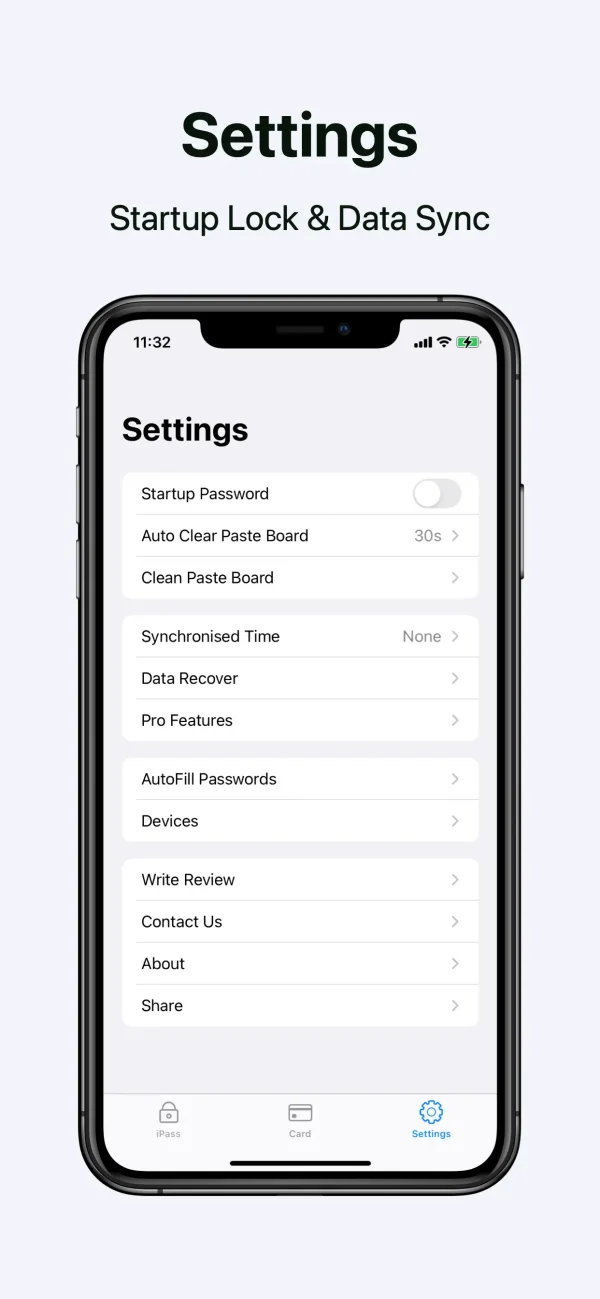
Giới thiệu
Nhà phát triển chưa cung cấp nội dung này bằng ngôn ngữ của bạn.
Do you constantly forget passwords?
Have you reused the same password across all your accounts?
Have you lost track of which devices your accounts are logged into?
These habits can put your data security at risk.
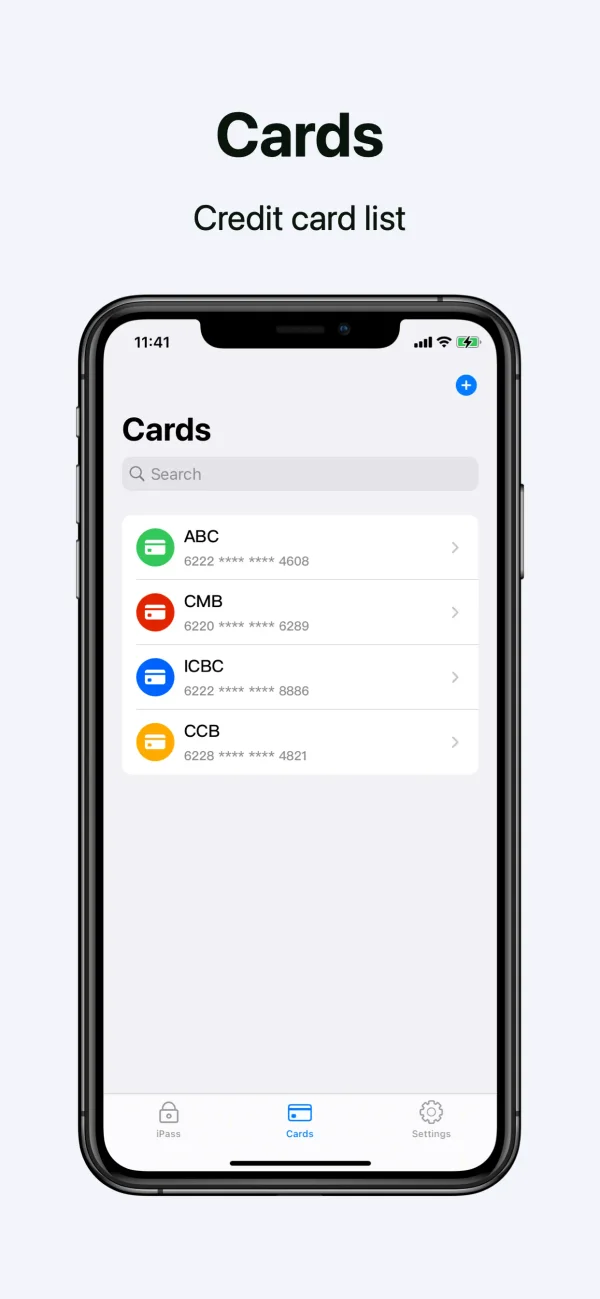
iPass is a tool designed to help you securely store account passwords (including 2FA codes), credit card details, and account login history. It also automatically fills in login credentials, so you never waste time typing manually again. Additionally, iPass can generate stronger, more secure passwords for each account to boost protection.
Key Features:
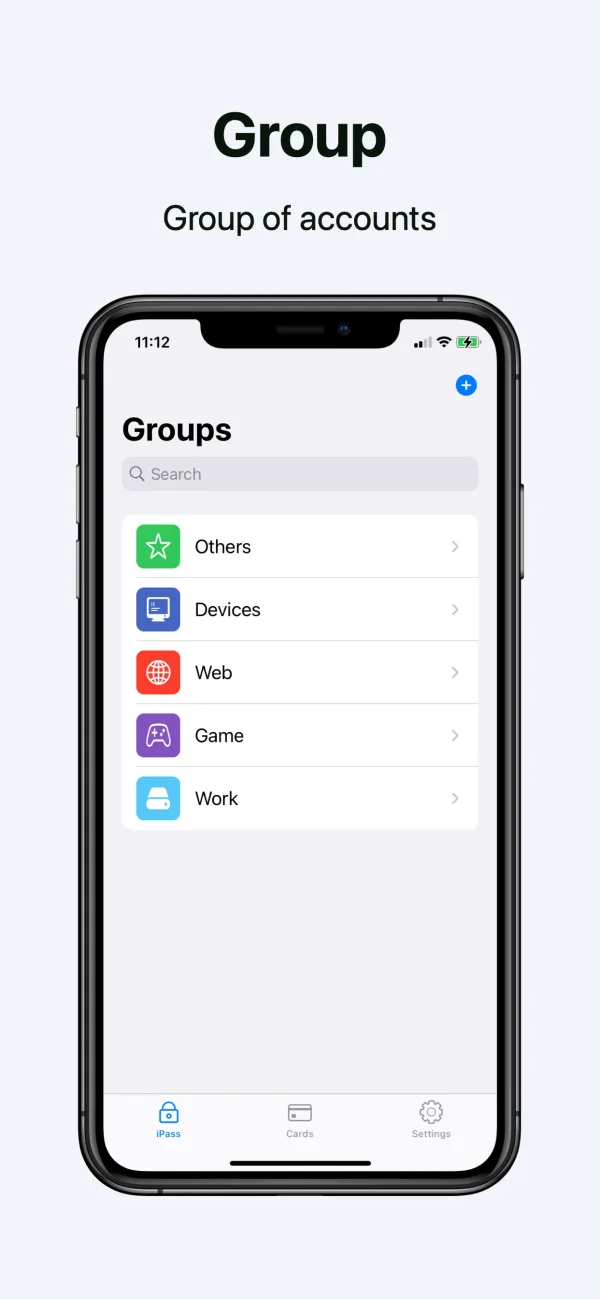
• Customizable Groups: Organize accounts into personalized categories (e.g., work, social, financial) to streamline management.
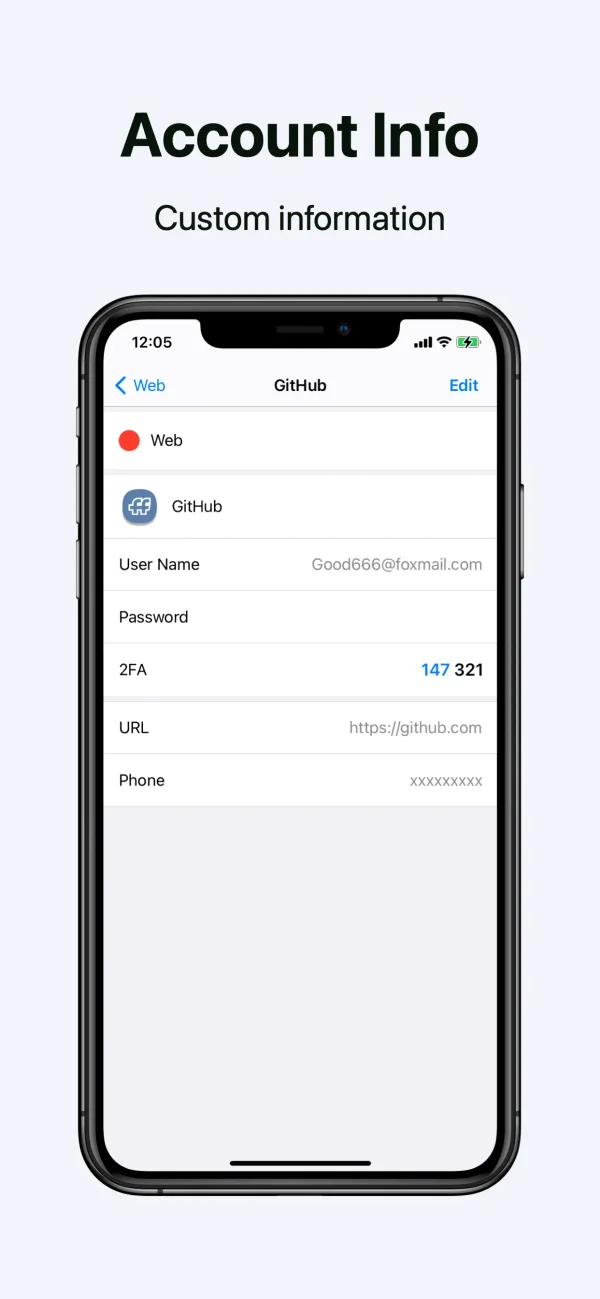
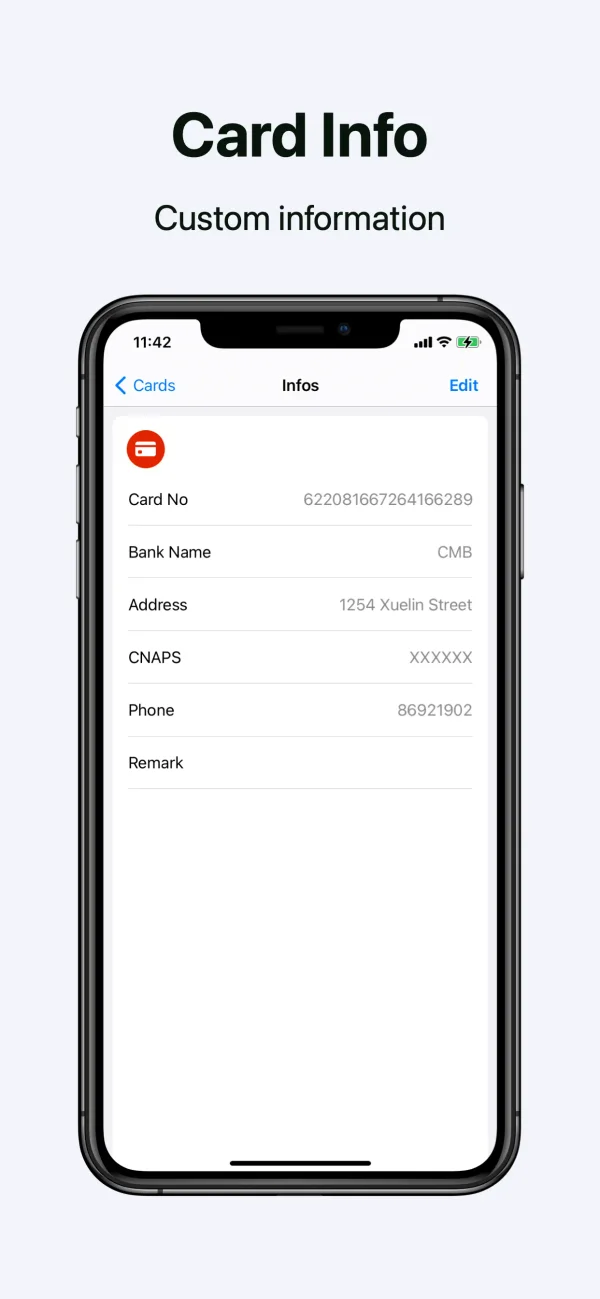
• Custom Attributes: Add and define unique fields beyond default details to store any account-specific information you need (e.g., security questions, authorization codes).
• Cross-Device Sync: Enter data once, then access it seamlessly across all your iOS devices (iPhone, iPad, Mac).
• Auto-Fill: Instantly populate login credentials to skip time-consuming manual entry.
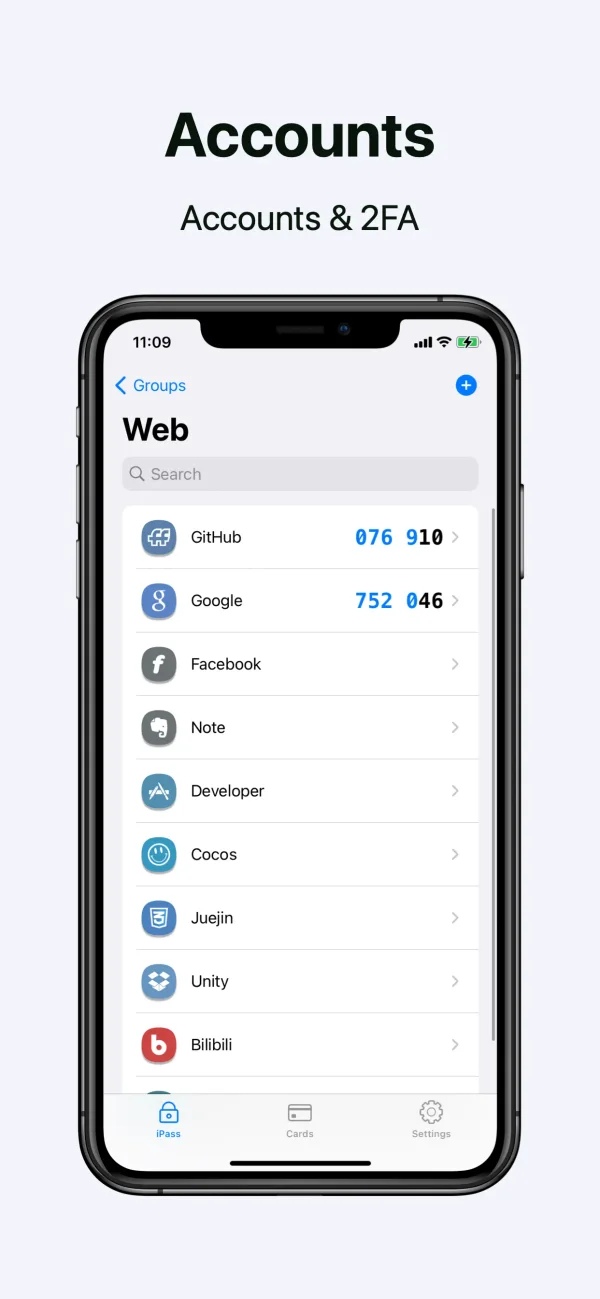
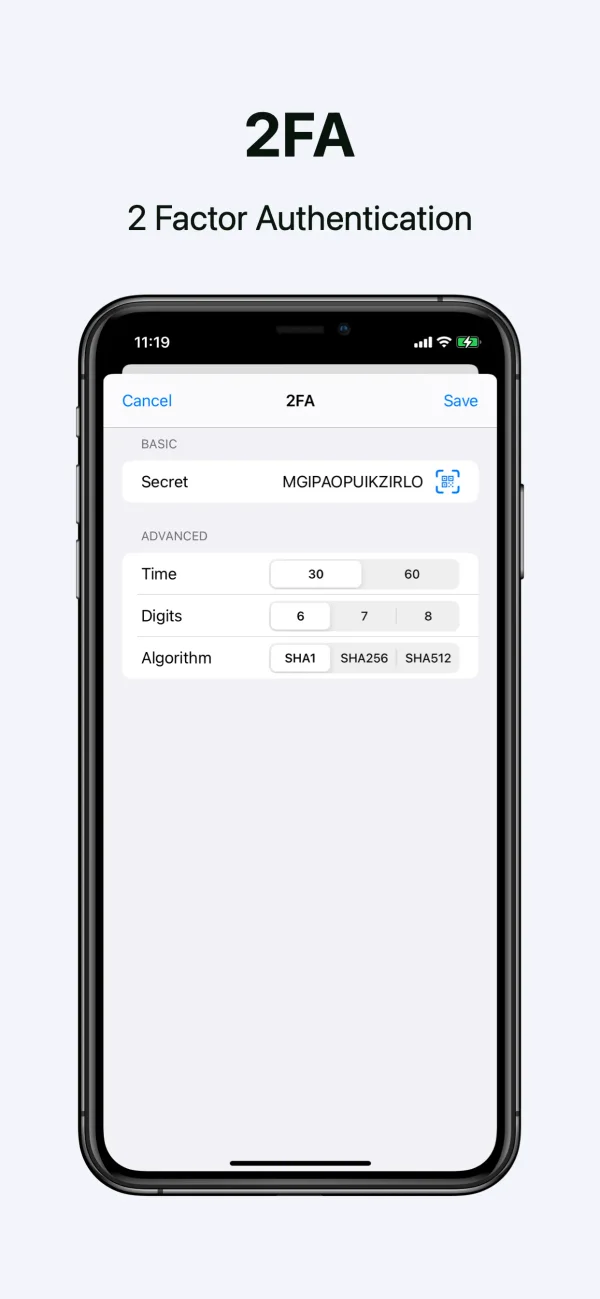
• 2FA Support: Securely store and access 2FA codes alongside your passwords.
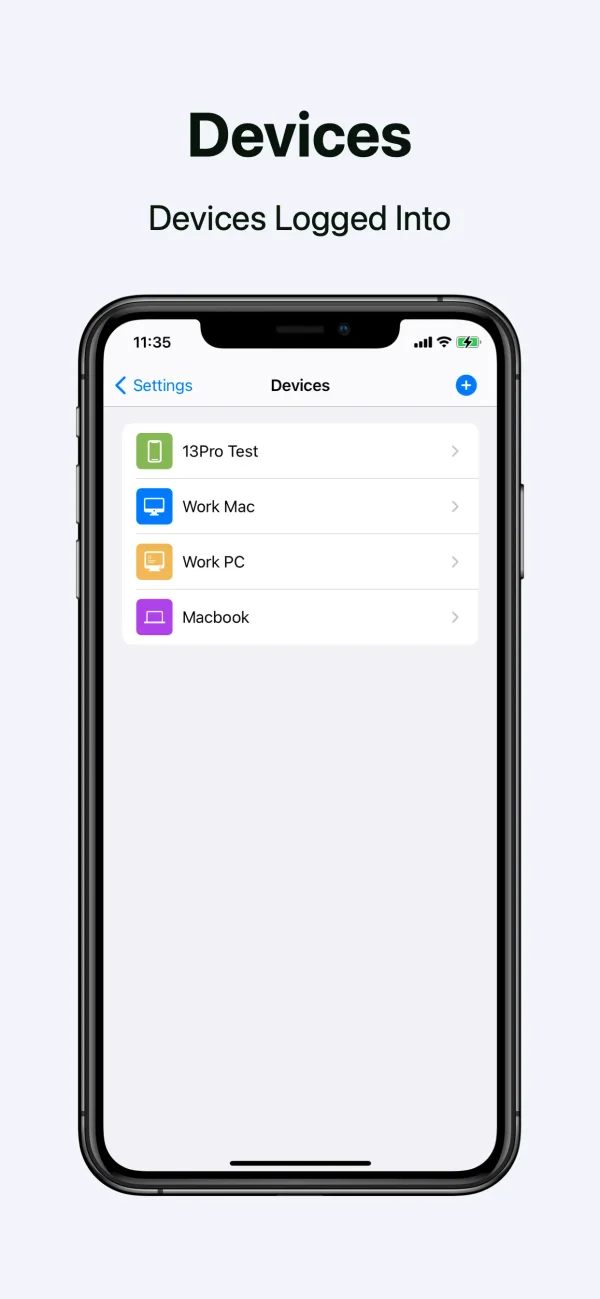
• Login History: Track all devices that have accessed your accounts, making it easy to review and remove unauthorized or outdated sessions.
Pricing:
iPass uses a one-time purchase model—pay once, use it forever, with no subscriptions or hidden fees.
Privacy & Security:
• User-Level Protection: A startup passcode (gesture, Touch ID, or Face ID) prevents unauthorized access—even if someone borrows your device.
• System-Level Encryption: All stored data is encrypted using industry-standard algorithms to safeguard against unauthorized access.
• iCloud Sync: Data syncs via iCloud with end-to-end encryption. Information is encrypted both in transit and at rest, and protected by security tokens. Only devices signed into your iCloud account can access your data—no one else, including Apple, can view your encrypted information.
Có gì mới
Phiên bản 3.2.1 · 11/08/2025
Fix Bugs.
Quyền riêng tư của ứng dụng
Những gì 俊锋 仝 khai báo trên App Store về cách ứng dụng này xử lý dữ liệu.
-
Dữ liệu không liên kết với bạn
Có thể được thu thập nhưng không liên kết với danh tính của bạn.
- Chẩn đoán
Phương thức đảm bảo quyền riêng tư có thể khác nhau, chẳng hạn như tuỳ theo các tính năng bạn sử dụng hoặc độ tuổi của bạn.
Thông tin
- Người bán
- 俊锋 仝
- Danh mục
- Tiện Ích
- Phiên bản
- 3.2.1
- Cập nhật
- 11/08/2025
- Phát hành
- 17/11/2017
- Kích thước
- 25,6 MB
- Yêu cầu
- iOS 14.0 trở lên
- Độ tuổi
- 4+
- Giá
- Miễn phí
- Mua hàng trong ứng dụng
- Có
- Ngôn ngữ
- Tiếng Anh, Tiếng Nhật, Tiếng Trung Giản thể, Tiếng Trung Phồn thể
- Bản quyền
- © ZHK
Có thể bạn cũng thích
-
 Password Manager_My PasswordTiện Ích
-
 Password Manager:SecureSafeTiện Ích
-
 Keepery: Password ManagerTiện Ích
-
 Password Manager. Login VaultTiện Ích
-
 Password Manager - SecureTiện Ích
-
 My Eyes Only Password ManagerTiện Ích
-
 App Lock - Super App LockParental Control,Screen Time
-
 Norton Password ManagerTiện Ích
-
 AI Cleaner – Dọn Dẹp Bộ NhớXóa Ảnh & Giải Phóng Bộ Nhớ
-
 VSim - Xác minh SMSNhận tin nhắn SMS trực tuyến