
Just a Markdown Viewer
Clean README and md reader
Entwickelt für iPhone, iPad, Mac
- Altersfreigabe4+
- KategorieProduktivität
- EntwicklerChristopher Tien
- SprachenEnglisch
- Größe1,4 MB
Just a Markdown Viewer ist bei App Store derzeit möglicherweise nicht verfügbar
Bei unserer letzten Prüfung war der Store-Eintrag nicht erreichbar. Der Link führt weiterhin zur offiziellen App Store-Seite.
Screenshots

Info
Der Entwickler hat diesen Text nicht in Ihrer Sprache bereitgestellt.
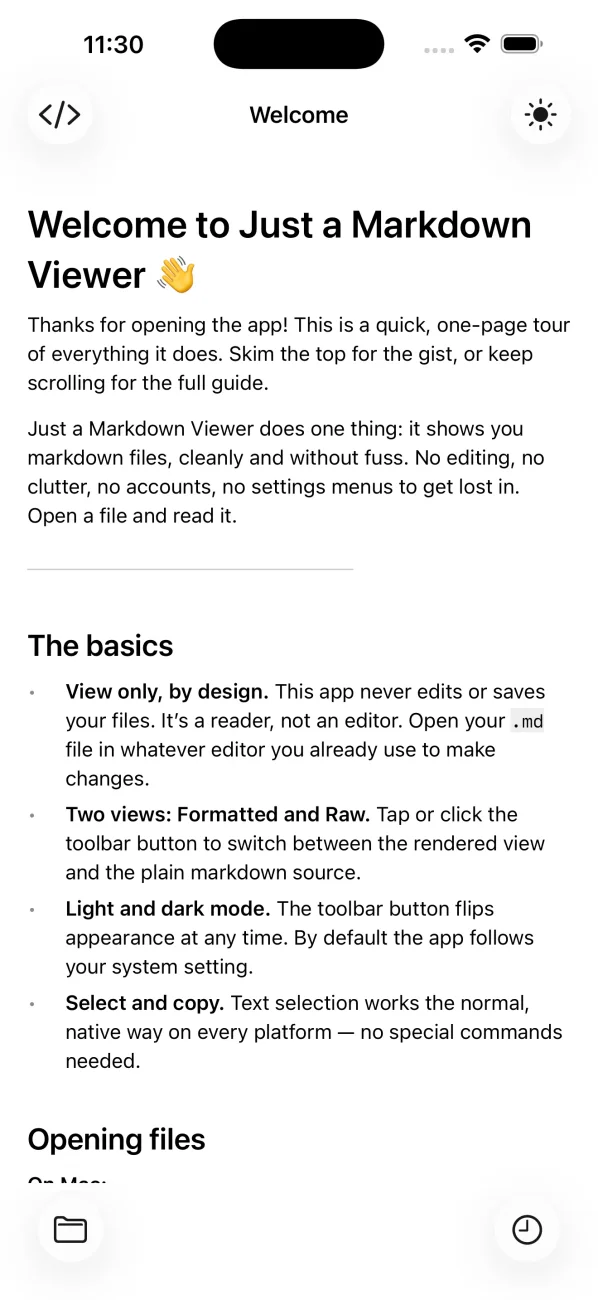
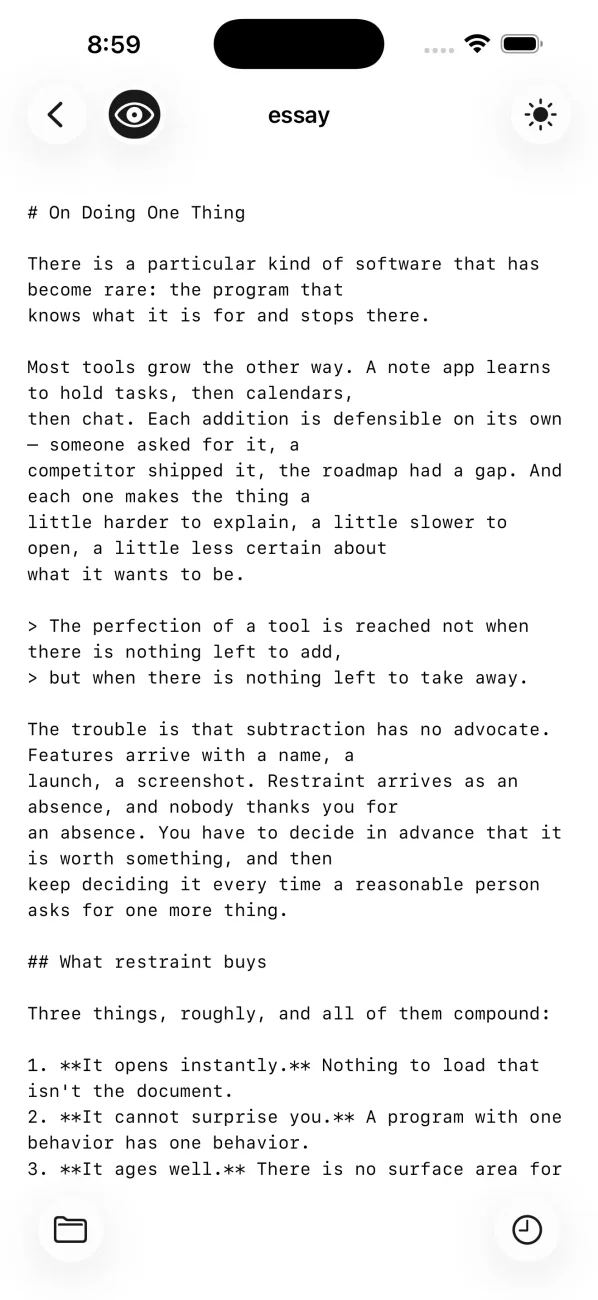
Just a Markdown Viewer does exactly one thing: it shows you markdown files, beautifully.
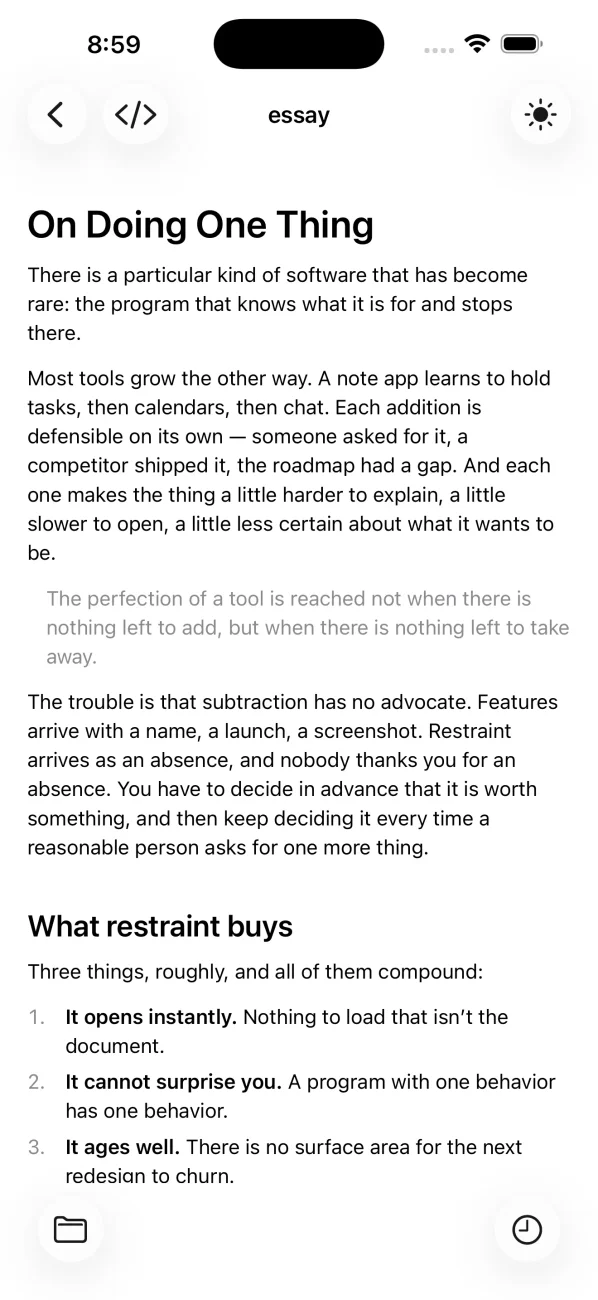
No editor, no preview pane bolted onto a text editor, no sync service or account required. Open a .md file and read it in a clean, centered, monochrome reading column, the way a document should look.
WHAT IT DOES
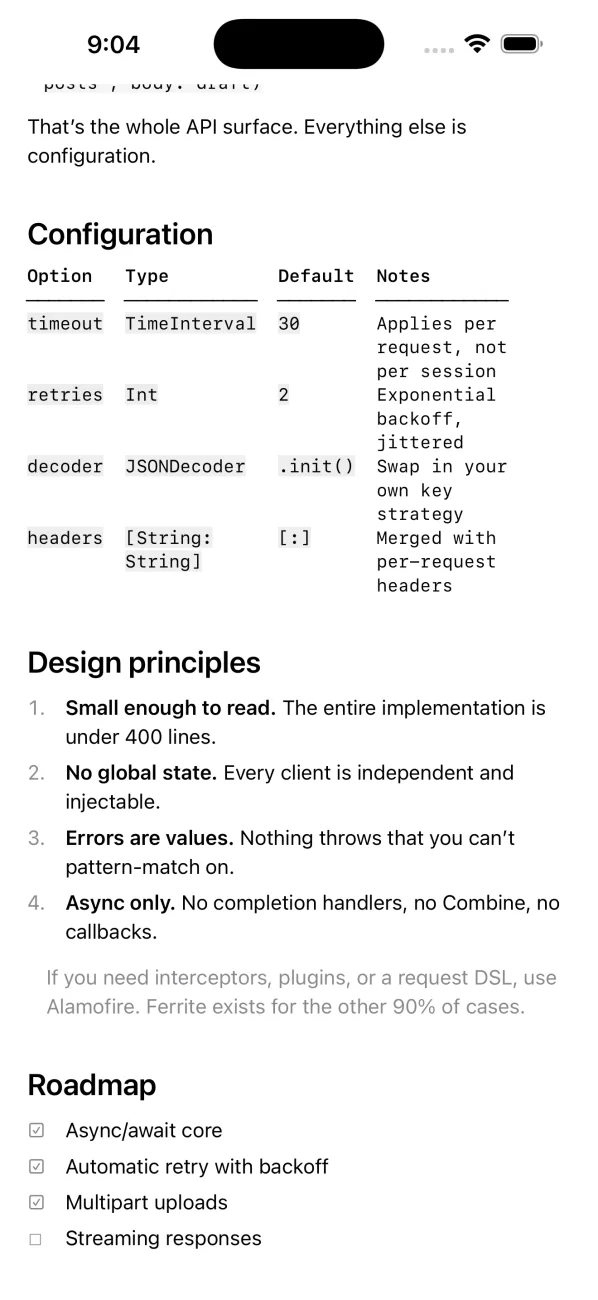
• Renders headings, lists, tables, code blocks, quotes, links, and task lists
• One toggle between formatted view and raw source (⇧⌘R)
• Native text selection everywhere, so you can select and copy freely
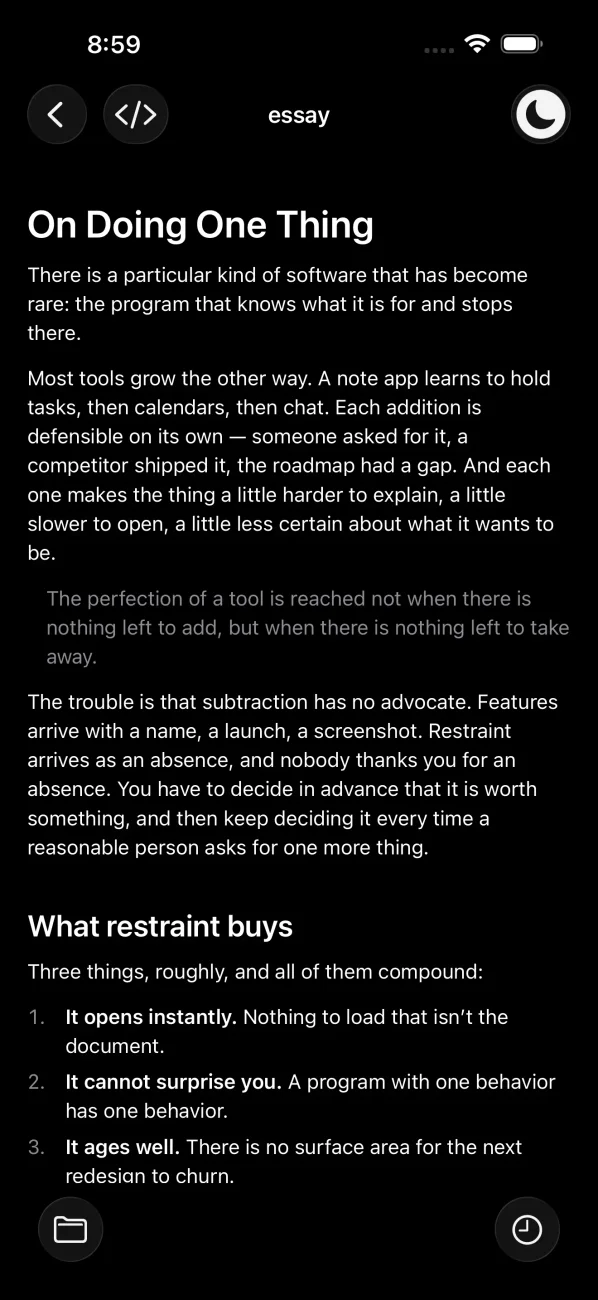
• Light mode, dark mode, or follow the system
• Opens .md, .markdown, .mdown, and .mkd files, plus plain text
• On Mac: files open as tabs, Chrome-style, and you can drag a tab out or merge tab groups
• On iPhone and iPad: opens straight from the Files app
WHAT IT DOESN'T DO
• Edit files. That's the point
• Collect data
• Touch the network
If you just want to READ markdown, this is the app.
App-Datenschutz
Was Christopher Tien im App Store zum Umgang dieser App mit Daten angibt.
-
Keine Daten erfasst
Der Entwickler erfasst keine Daten von dieser App.
Die Datenschutzpraktiken können variieren, zum Beispiel je nach den von Ihnen verwendeten Funktionen oder Ihrem Alter.
Informationen
- Anbieter
- Christopher Tien
- Kategorie
- Produktivität
- Version
- 1.0
- Aktualisiert
- 12.08.2026
- Veröffentlicht
- 04.08.2026
- Größe
- 1,4 MB
- Erfordert
- iOS 17.0 oder neuer
- Altersfreigabe
- 4+
- Sprachen
- Englisch
- Copyright
- © 2026 Chris Tien
Das könnte Ihnen auch gefallen
-
 Reset RadarProduktivität
-
 Diriyah Community ManagementProduktivität
-
 FocusGate: App-BlockerBildschirmzeit bewusst steuern
-
 Markup - MD ReaderProduktivität
-
 QuickMark: Markdown EditorProduktivität
-
 MarkDown Reader - MD ViewerProduktivität
-
 Quick Markdown ViewerProduktivität
-
 Stapelumbenennung und -organisIntelligenter Dateiumbenennung
-
 Markdown Viewer MobileProduktivität
-
 VoiceTask: Aufgaben & NotizenTo-do-Liste & Erinnerungen