QuickMark: Markdown Editor
Preview, Export & Publish
Entwickelt für iPhone, iPad, Mac
Kostenlos · In-App-Käufe
- Altersfreigabe4+
- KategorieProduktivität
- EntwicklerDoan Nguyen
- SprachenEnglisch
- Größe11,9 MB
Verlinkt auf die offizielle App Store-Seite
Download.org hostet keine Datei von QuickMark: Markdown Editor. Die Schaltfläche öffnet die App-Seite bei App Store, wo Doan Nguyen die App veröffentlicht. Eintrag zuletzt geprüft am 12.11.2026.
Screenshots
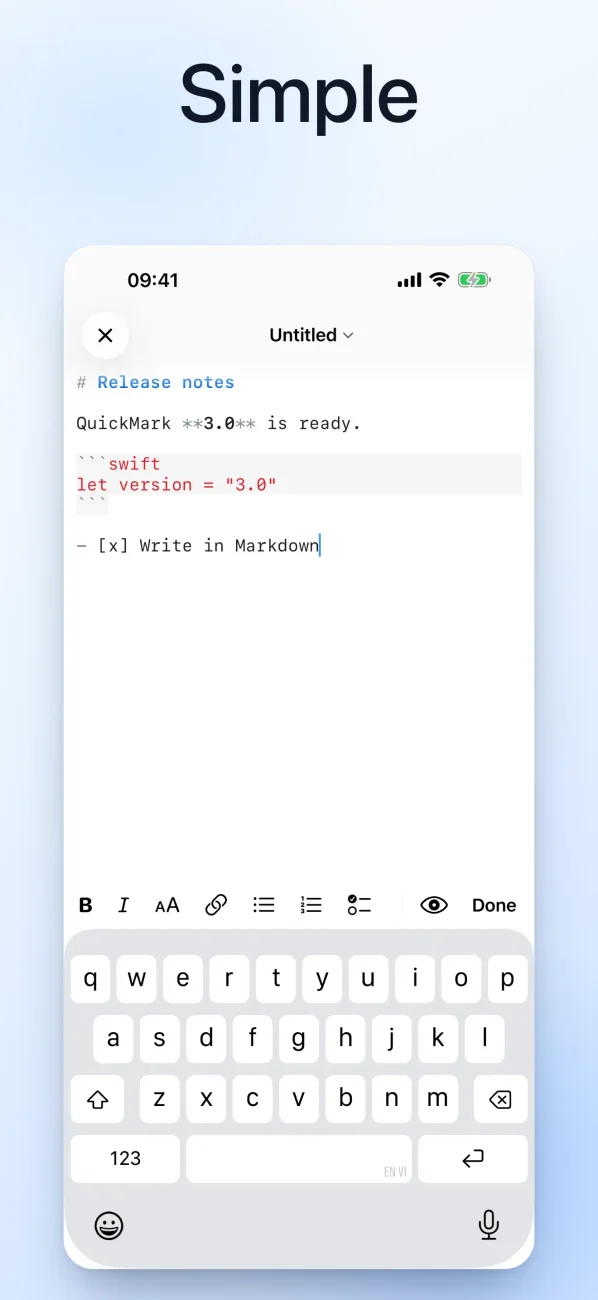
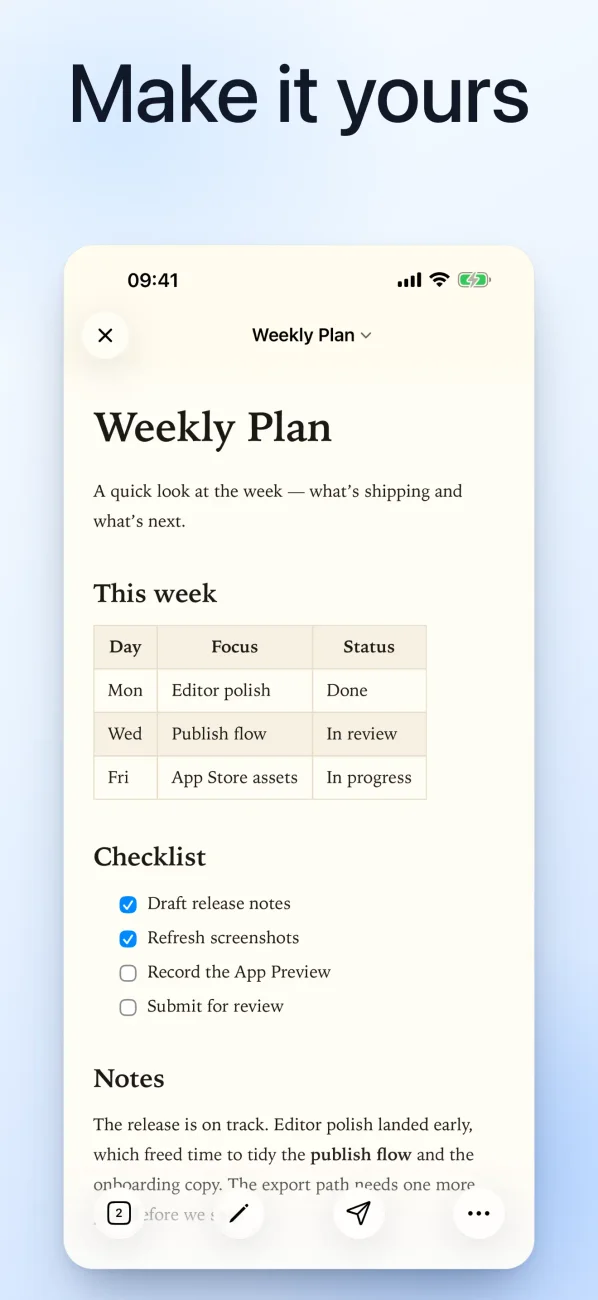
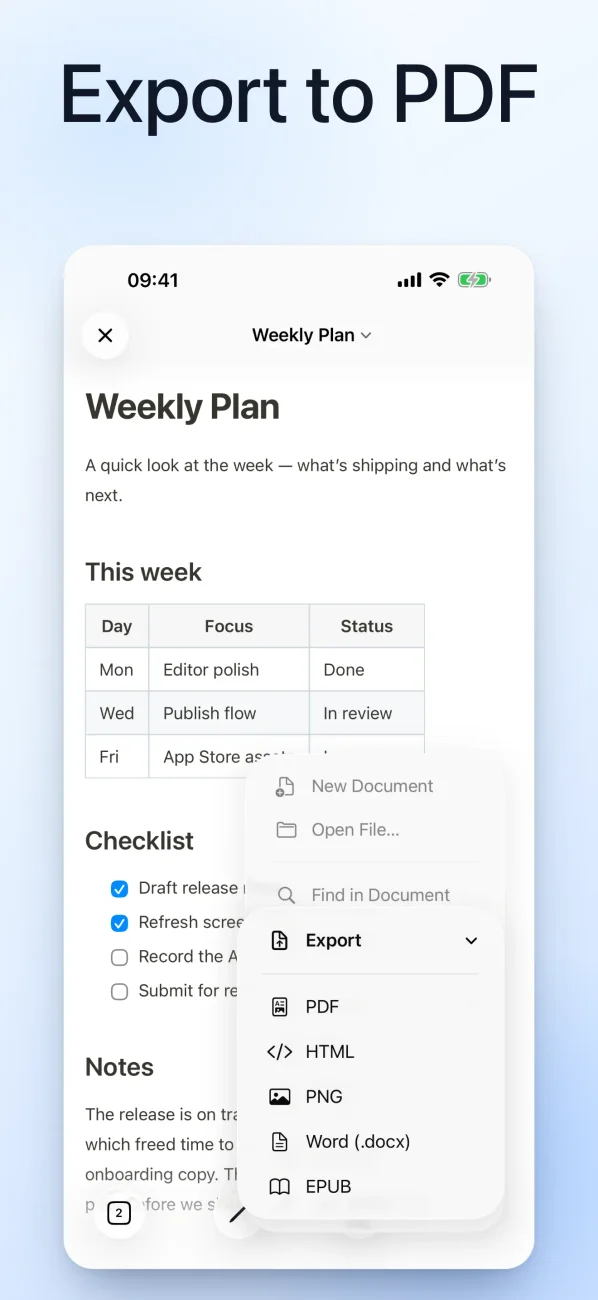
Info
Der Entwickler hat diesen Text nicht in Ihrer Sprache bereitgestellt.
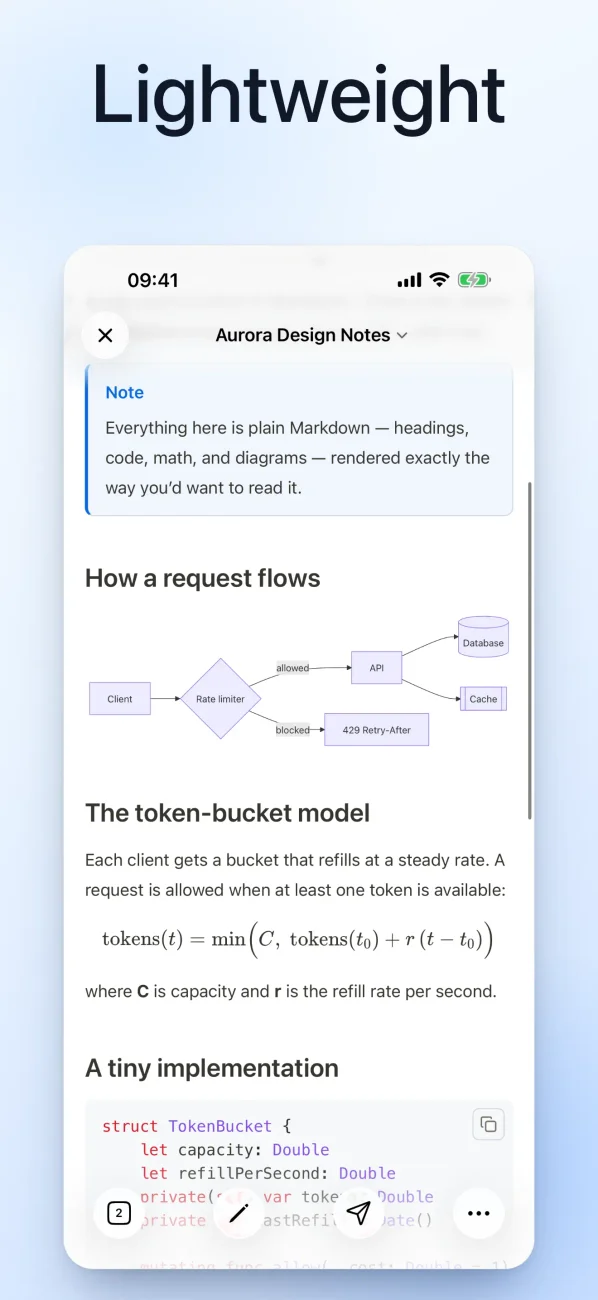
A lightweight Markdown app that opens fast and stays out of your way. Tap any .md file to read it rendered, with code, math and diagrams exactly right. Edit it, publish it as a web link, or export it when you need to.
EVERYTHING BELOW IS FREE
- Beautiful live rendering - Mermaid diagrams and KaTeX math appear inline as you type, no plugins, no setup
- Write and preview with one tap; on iPad, work side by side with synced split view
- 36 code themes plus 6 reading themes: Light, Dark, Notion, Essay, Terminal and more
- Syntax highlighting for 30+ languages, find-in-page, one-tap copy on code blocks
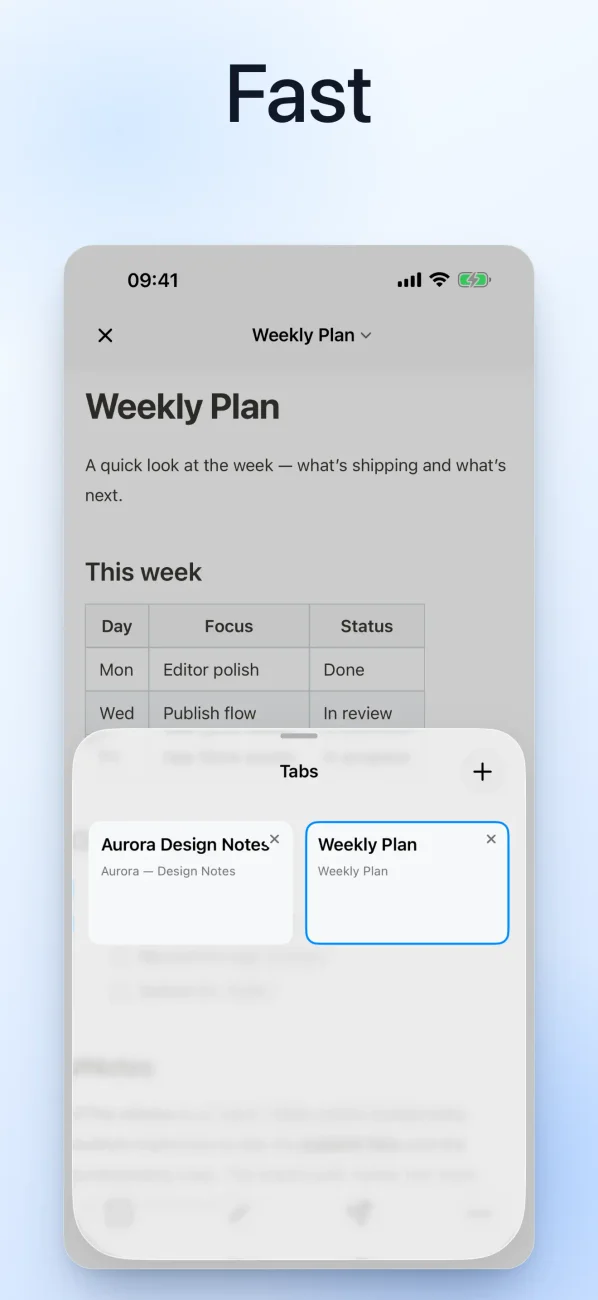
- Tabs are free and unlimited - keep every note open and switch in a tap
QUICKMARK PRO - ONE-TIME, NOT A SUBSCRIPTION
- Export your document to PDF, HTML, DOCX, EPUB, PNG, or Rich Text (free: 10 exports a month per device)
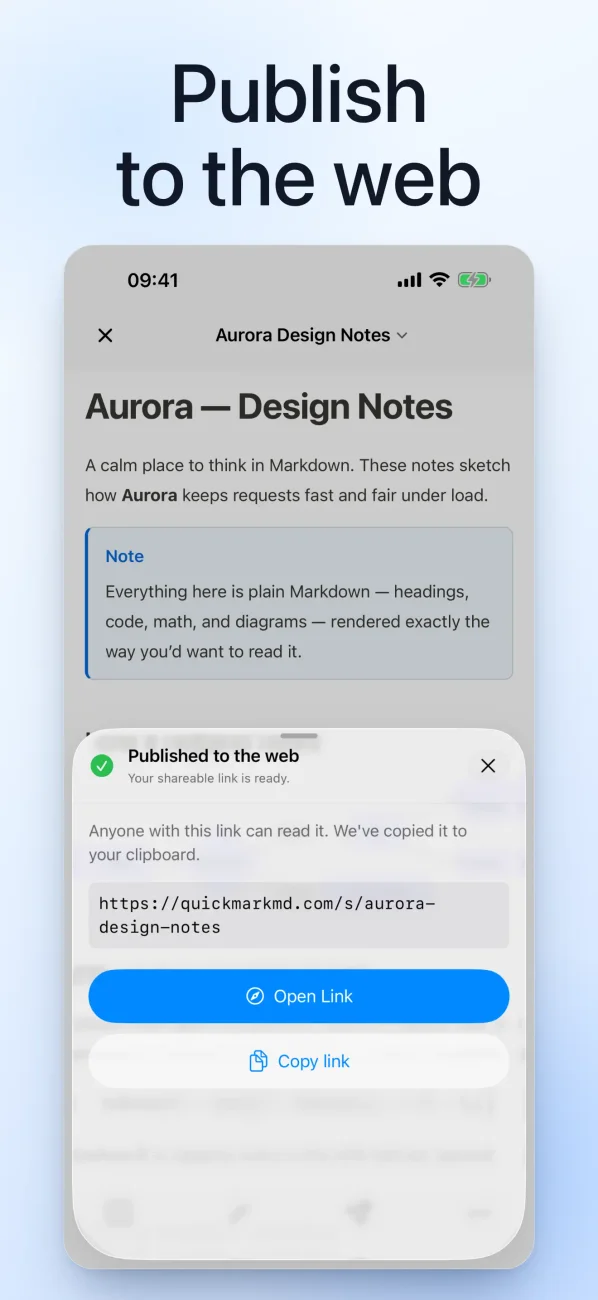
- Publish to Web - turn any document into a clean shareable link at quickmarkmd.com (free: up to 3 live pages, links expire 30 days after publishing)
- Pro removes every limit: unlimited exports, unlimited pages, links that never expire
One one-time purchase of $9.99 unlocks Pro on all your Apple devices - Mac, iPhone and iPad. No subscription, ever.
PRIVACY YOU CAN TRUST
Your documents stay on your device. Reading and editing never upload a thing. Anonymous crash reports help us fix bugs - never your content. Nothing leaves your device unless you choose to publish it.
PERFECT FOR
- Writing notes, READMEs, and technical docs on the go
- Reading Markdown with code, math, and diagrams that look right
- Sharing a document as a clean web link in one tap
- Exporting polished PDFs and more from your phone or iPad
REQUIREMENTS
iOS and iPadOS 17 or later.
Neue Funktionen
Version 3.3.21 · 06.10.2026
Favorites. Star the documents you keep coming back to and they are listed under Favorites, next to Recent. Long-press a recent file to add it, or open the … menu in a document and choose Favorites, where you can also jump to your other favorites without leaving the page. You can rename a favorite, and each one shows where it lives. A file that can't be found stays in the list until you remove it.
App-Datenschutz
Was Doan Nguyen im App Store zum Umgang dieser App mit Daten angibt.
-
Mit Ihnen verknüpfte Daten
Können erfasst und mit Ihrer Identität verknüpft werden.
- Kontaktinformationen
- Benutzerinhalte
- Kennungen
-
Nicht mit Ihnen verknüpfte Daten
Können erfasst werden, sind aber nicht mit Ihrer Identität verknüpft.
- Nutzungsdaten
- Diagnose
Die Datenschutzpraktiken können variieren, zum Beispiel je nach den von Ihnen verwendeten Funktionen oder Ihrem Alter.
Informationen
- Anbieter
- Doan Nguyen
- Kategorie
- Produktivität
- Version
- 3.3.21
- Aktualisiert
- 06.10.2026
- Veröffentlicht
- 07.05.2026
- Größe
- 11,9 MB
- Erfordert
- iOS 17.0 oder neuer
- Altersfreigabe
- 4+
- Preis
- Kostenlos
- In-App-Käufe
- Ja
- Sprachen
- Englisch
- Copyright
- © 2026 Doan Nguyen
Das könnte Ihnen auch gefallen
-
 ScrollArc – AI Markdown ReaderProduktivität
-
 HipMark - Markdown EditorProduktivität
-
 Igneous: Markdown NotesProduktivität
-
 RC MarkdownMarkdown lesen & exportieren
-
 Markdown-Viewer und Editormd-leser. in pdf umwandeln.
-
 PureOpen — Markdown EditorProduktivität
-
 Text EditorProduktivität
-
 Markdown Editor: Text & PDFSchreiben, Vorschau & Export
-
 Inkiostro: Markdown-EditorNotizen, visueller Editor, PDF
-
 Cinch – Reminders & TasksReminders, made beautiful.