
Quick Markdown Viewer
Read Markdown folders quickly
Entwickelt für iPhone, iPad, Mac
- Altersfreigabe4+
- KategorieProduktivität
- EntwicklerSous Chef Studio, Inc.
- SprachenEnglisch
- Größe29,1 MB
Quick Markdown Viewer ist bei App Store derzeit möglicherweise nicht verfügbar
Bei unserer letzten Prüfung war der Store-Eintrag nicht erreichbar. Der Link führt weiterhin zur offiziellen App Store-Seite.
Screenshots

Info
Der Entwickler hat diesen Text nicht in Ihrer Sprache bereitgestellt.
Quick Markdown Viewer is a local-first reader for Markdown folders, documentation packets, CSV/TSV tables, and media-rich notes on Mac, iPhone, and iPad.
Open a folder of files you already have, or open a public GitHub repository URL when you need to inspect remote docs. The app keeps reading fast and direct: no account, no subscription, no in-app purchase, and no tracking layer.
Features:
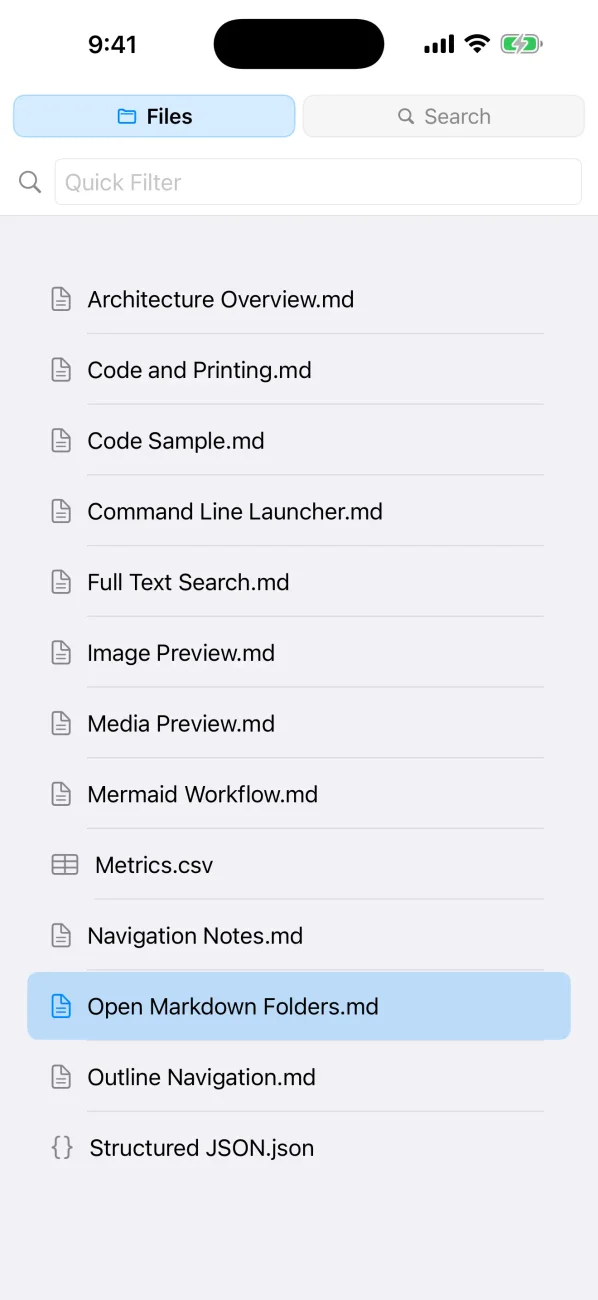
- Open local folders and browse Markdown, CSV, and TSV files in a file sidebar
- Open JSON, JSONC, NDJSON, and JSONL files with collapsible structured rows
- Read JSON-family fenced code blocks inside Markdown without switching apps
- Expand and collapse folders, filter large file trees, and use keyboard navigation on macOS
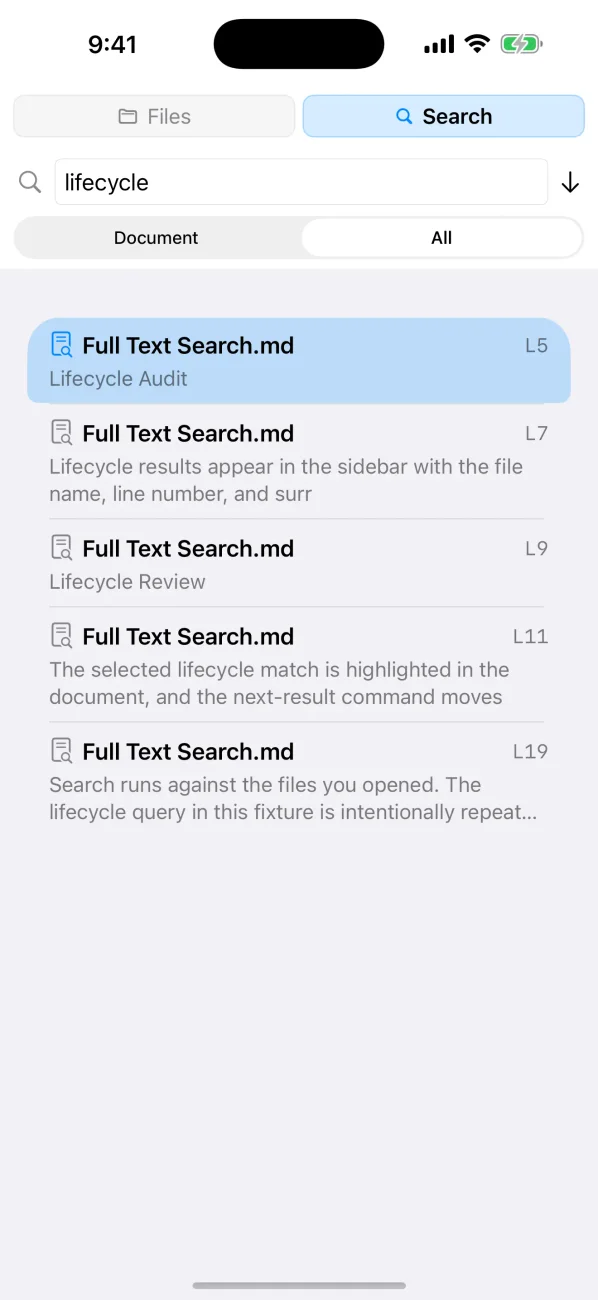
- Search the current document with Command-F or all open documents with Command-Shift-F
- Click search results in the sidebar to jump to matches highlighted in the document
- Read Markdown with native rendering for headings, lists, tables, code blocks, links, images, GIFs, and local video
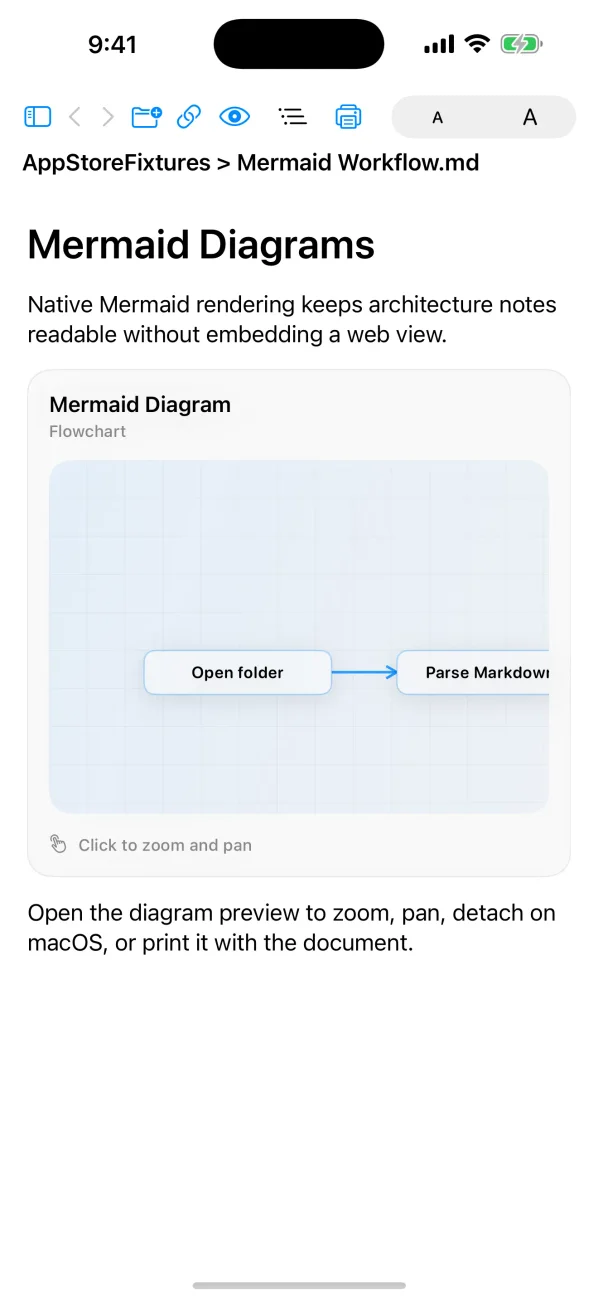
- Render Mermaid diagrams natively, then zoom and pan diagram previews
- Detach Mermaid diagram previews into resizable macOS windows
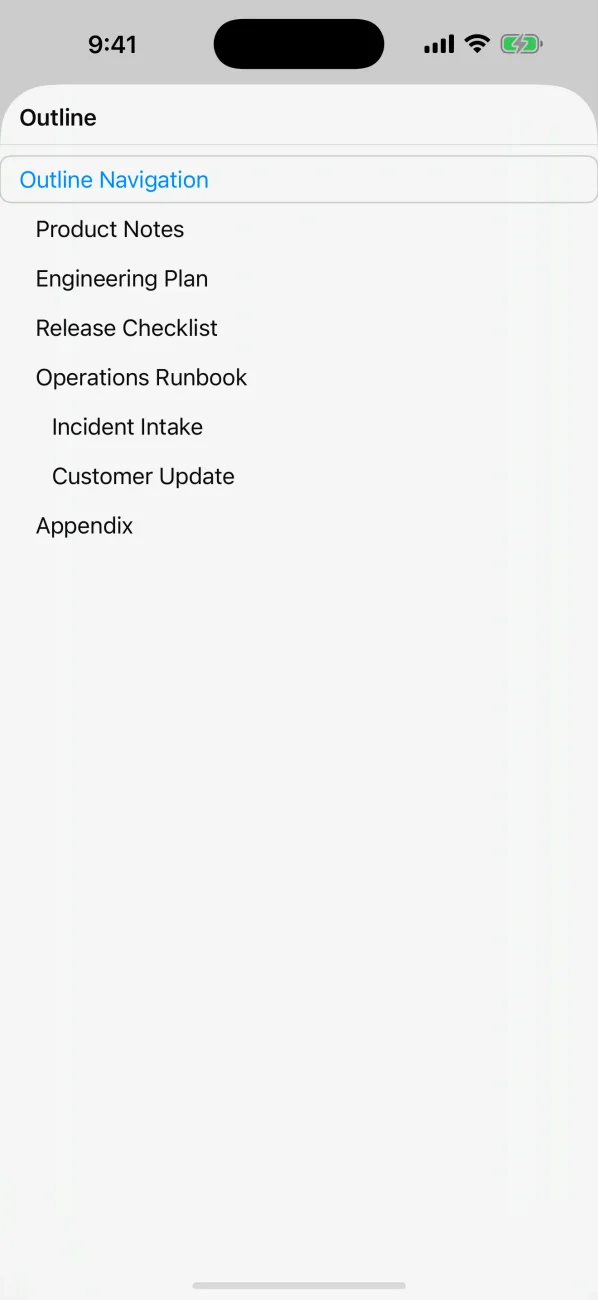
- Open a document outline, jump to headings, and track the current section while reading
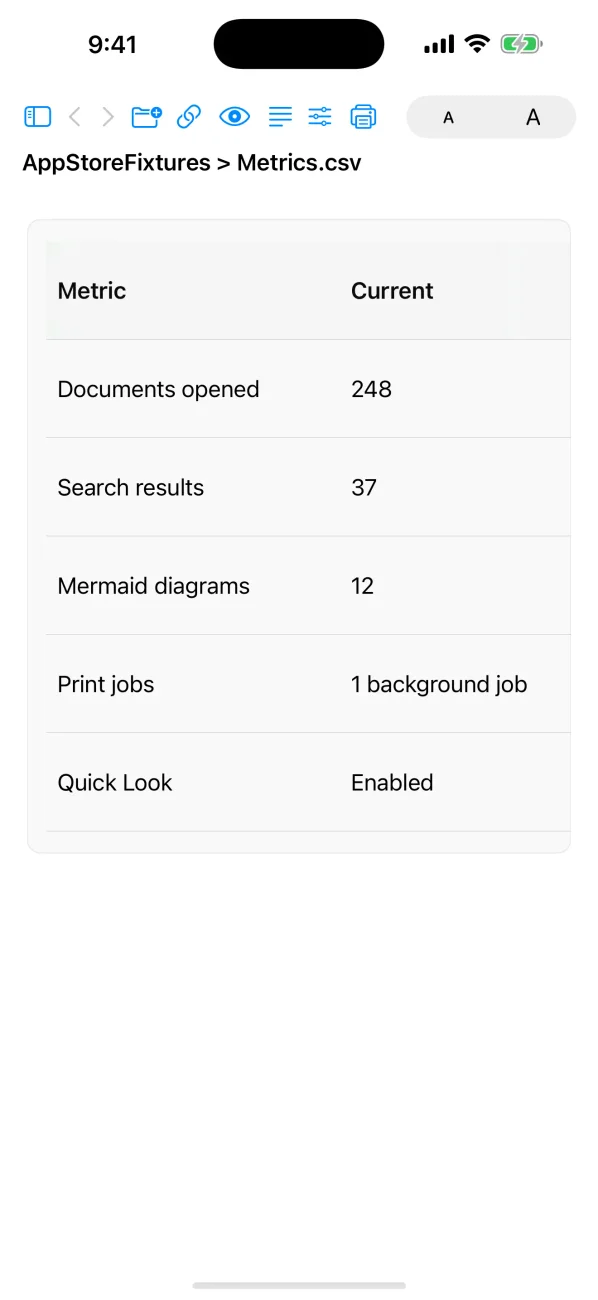
- Open CSV and TSV files as native tables with controls for wrapping and sizing
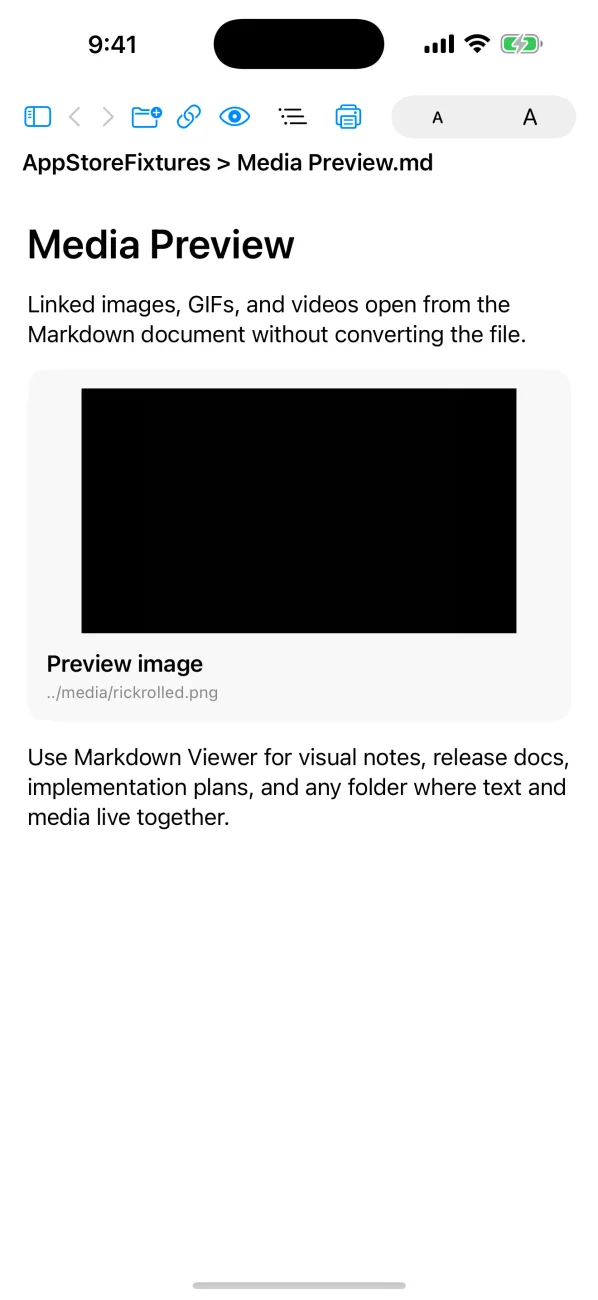
- Preview linked media without converting your Markdown files
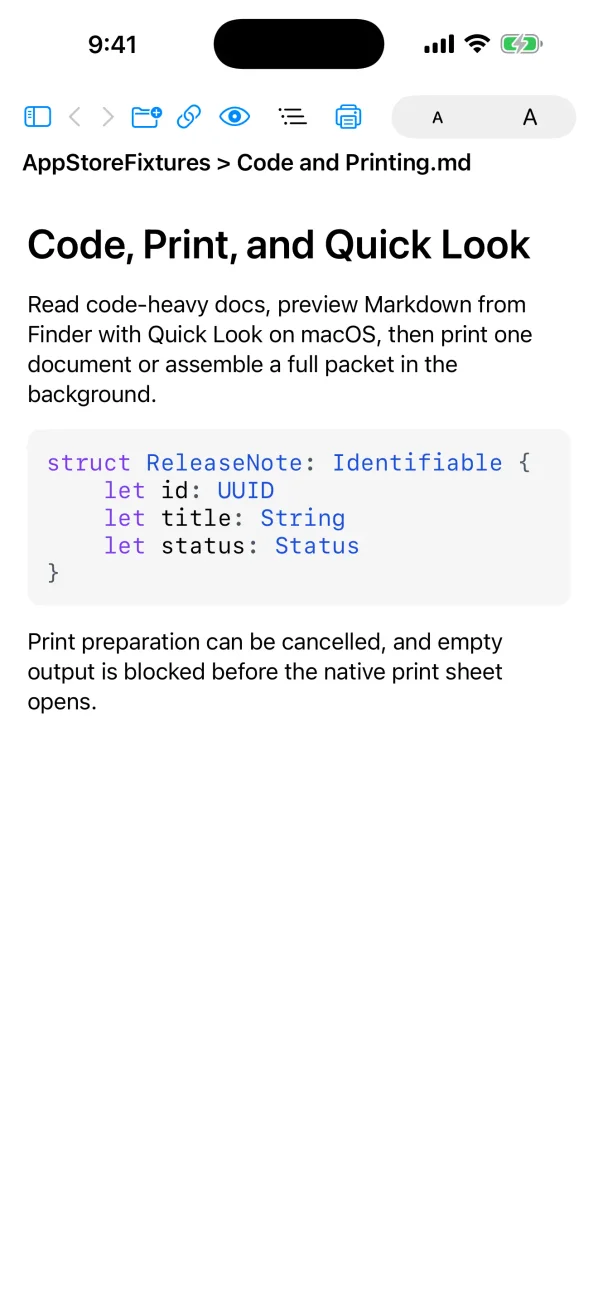
- Print the current document or assemble a cancellable background Print All packet
- Preview Markdown from Finder with the macOS Quick Look extension
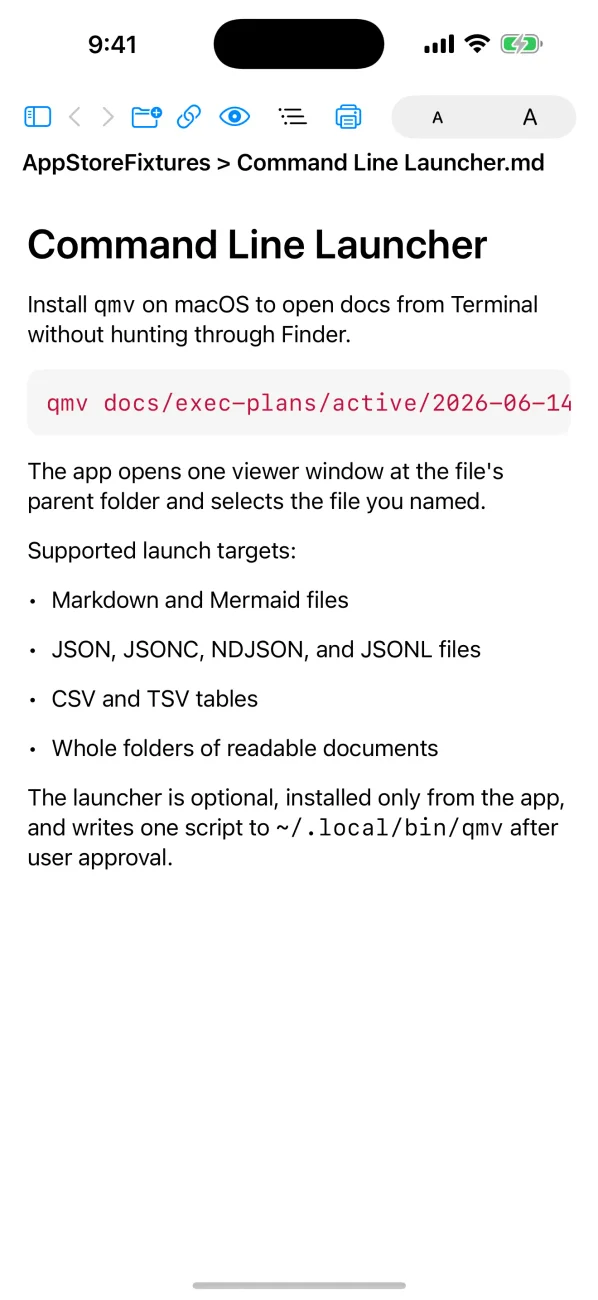
- Install the optional `qmv` command-line launcher on macOS and open supported files directly from Terminal
- Open public GitHub repository and repository tree URLs, including branch and tag paths
- Hide dependency and vendor folders with editable ignore patterns per window
- Navigate between files with back and forward history
- Adjust viewer font size for comfortable reading
Quick Markdown Viewer is designed to stay lightweight and direct:
- no account required
- no subscription
- no in-app purchase
- no tracking
- no web view renderer
Neue Funktionen
Version 1.7 · 15.06.2026
This update improves folder context in the reader and adds structured JSON-family reading:
- Show the full folder path in the header for files opened from nested folders
- Keep the selected file's ancestor folders visible above the scrolling file sidebar
- Open JSON, JSONC, NDJSON, and JSONL files in a collapsible structured viewer
- View JSON-family fenced blocks inside Markdown with source/viewer controls
- Keep original source line numbers visible while expanding, collapsing, and reading pretty JSON rows
- Quick Look previews now support JSON-family files with bounded native previews
- `qmv /path/to/file` on macOS now cold-starts directly to the file's parent folder with that file selected
- App-level file opens now cover Markdown, Mermaid, JSON-family files, CSV/TSV tables, and folders
App-Datenschutz
Was Sous Chef Studio, Inc. im App Store zum Umgang dieser App mit Daten angibt.
-
Keine Daten erfasst
Der Entwickler erfasst keine Daten von dieser App.
Die Datenschutzpraktiken können variieren, zum Beispiel je nach den von Ihnen verwendeten Funktionen oder Ihrem Alter.
Informationen
- Anbieter
- Sous Chef Studio, Inc.
- Kategorie
- Produktivität
- Version
- 1.7
- Aktualisiert
- 15.06.2026
- Veröffentlicht
- 07.04.2026
- Größe
- 29,1 MB
- Erfordert
- iOS 16.0 oder neuer
- Altersfreigabe
- 4+
- Sprachen
- Englisch
- Copyright
- © 2026 Sous Chef Studio, Inc.
Das könnte Ihnen auch gefallen
-
 md.tooProduktivität
-
 Markdown My WordsProduktivität
-
 SoloMDLokale Markdown-Notizen
-
 Marked — Markdown EditorProduktivität
-
 Markdown Viewer MobileProduktivität
-
 Markflow — Markdown ReaderProduktivität
-
 Notelane - Markdown EditorProduktivität
-
 MDash: Schreib App & NotizenMarkdown Text Editor & Viewer
-
 .md ViewerProduktivität
-
 Markdown Editor & ReaderNotizen schreiben mit Vorschau