
- Altersfreigabe4+
- KategorieWirtschaft
- EntwicklerKeePassium Labs
- SprachenEnglisch+ 19 weitere
- Größe30,0 MB
Verlinkt auf die offizielle App Store-Seite
Download.org hostet keine Datei von KeePassium für Intune. Die Schaltfläche öffnet die App-Seite bei App Store, wo KeePassium Labs die App veröffentlicht. Eintrag zuletzt geprüft am 17.11.2026.
Screenshots



Info
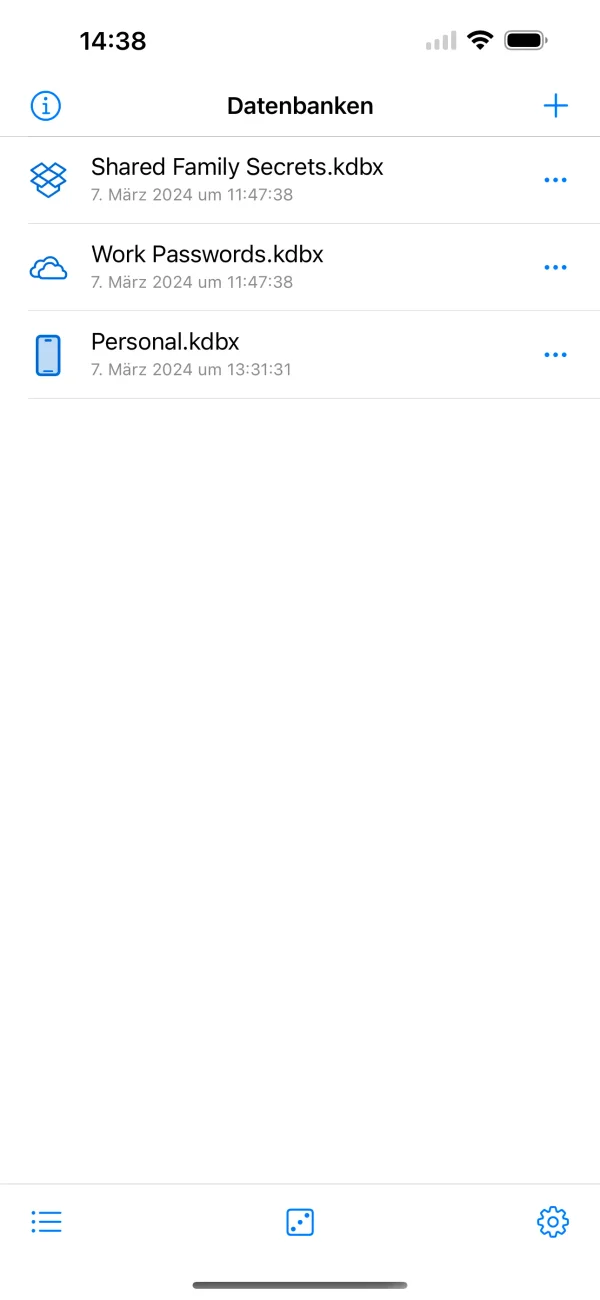
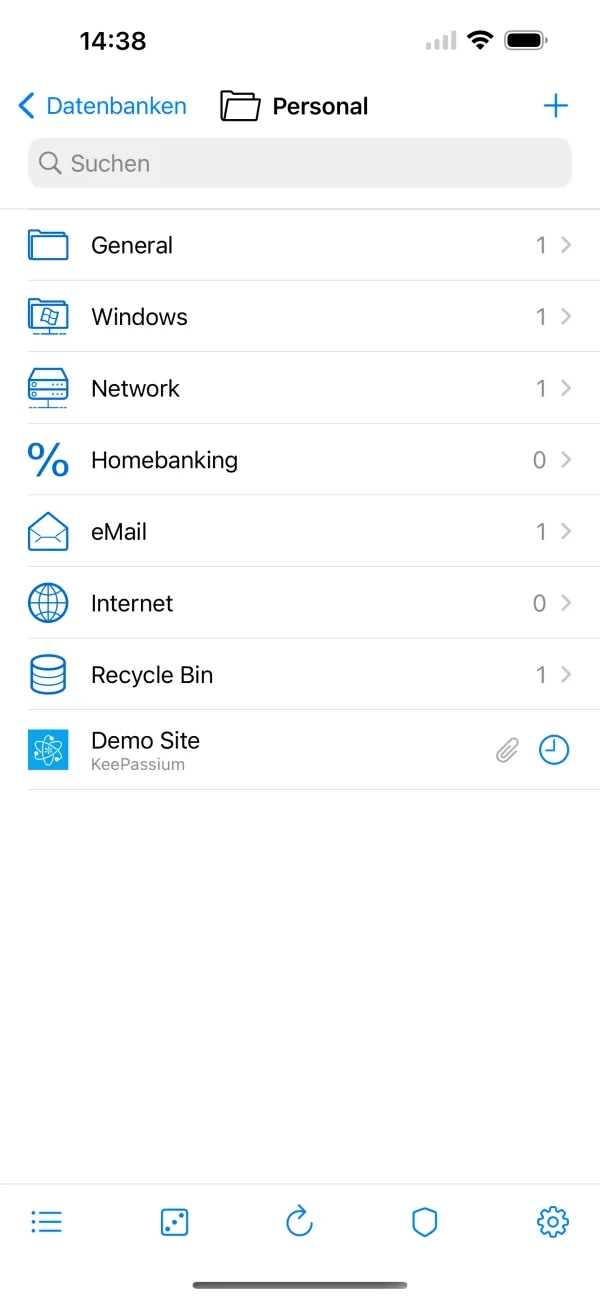
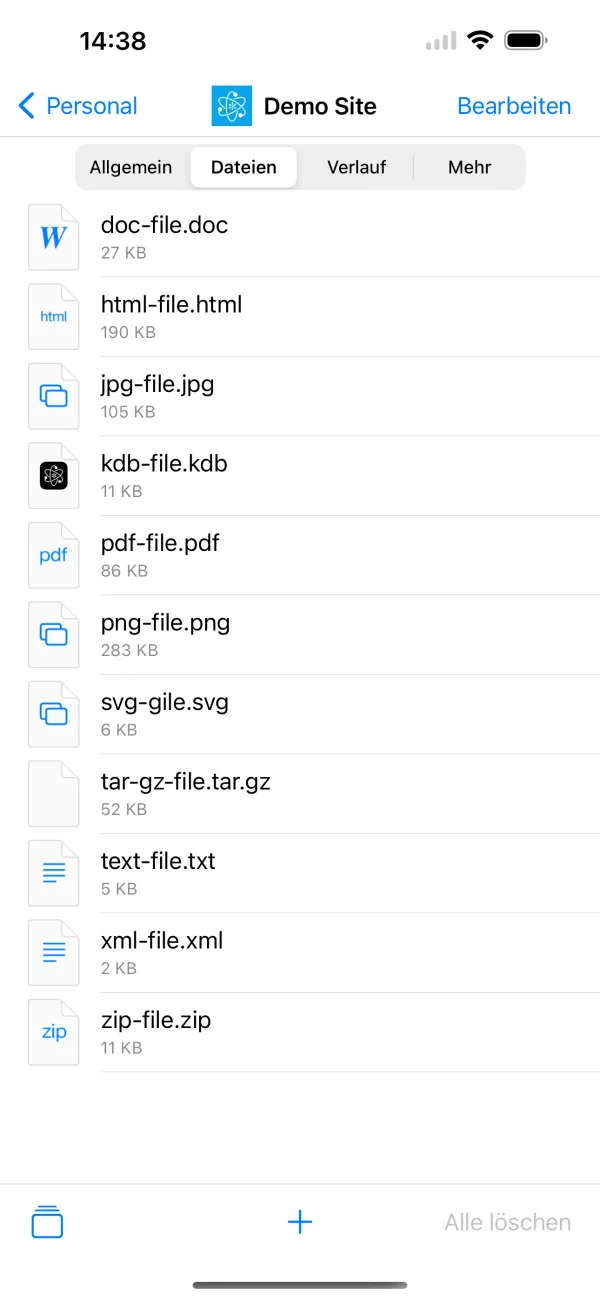
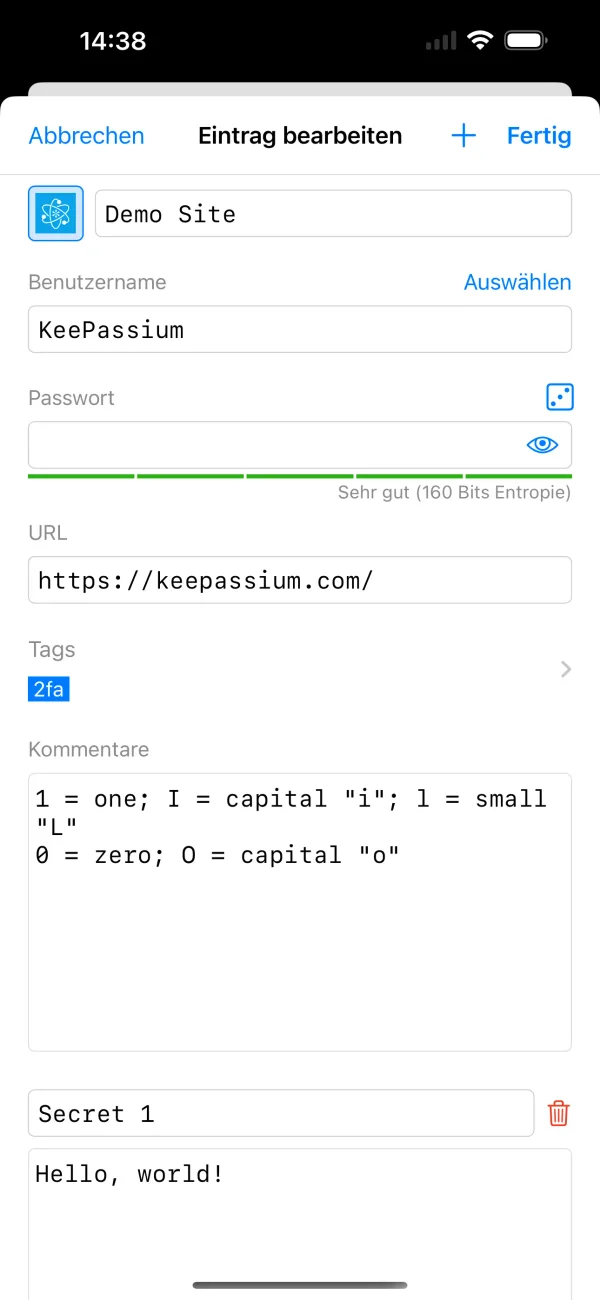
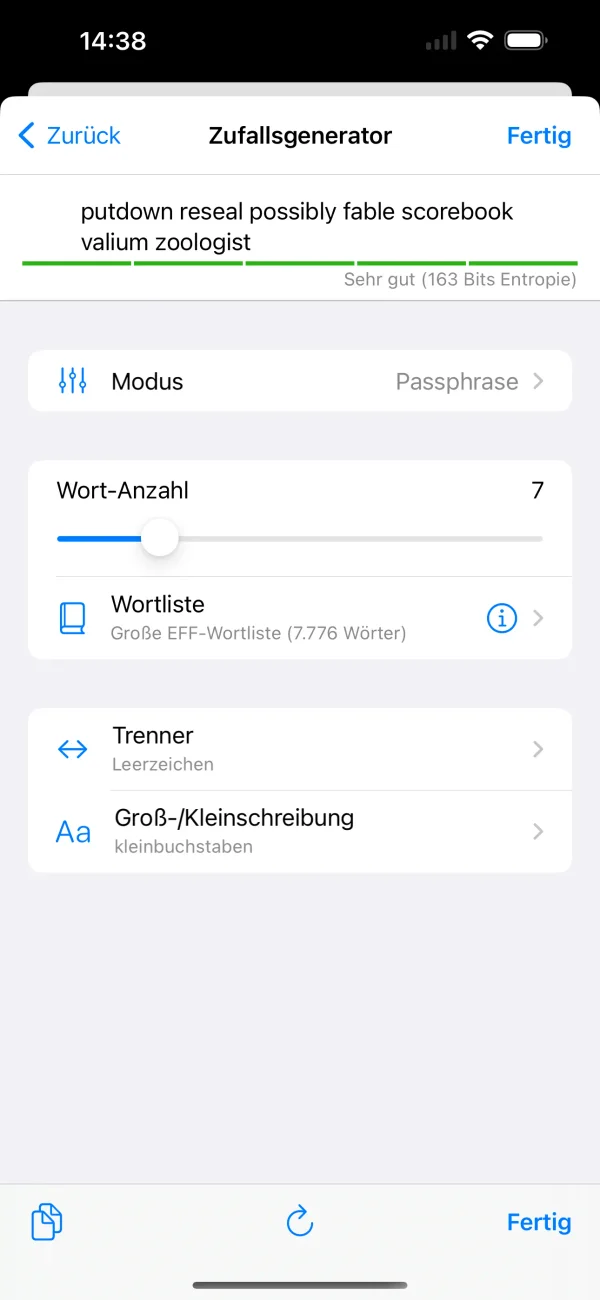
KeePassium für Intune ist ein Passwortmanager für Unternehmen, Behörden und akademische Organisationen, die von Microsoft Intune verwaltet werden. Mit der App können Unternehmensadministratoren Unternehmensdaten schützen, indem sie Richtlinien für die Konfiguration von Anwendungen und den Datenschutz durchsetzen.
Die Endbenutzerversion von KeePassium ist erhältlich unter http://keepassium.app
WICHTIG: Diese App erfordert das Arbeitskonto Ihres Unternehmens und eine verwaltete Umgebung. Einige Funktionen sind möglicherweise nicht in allen Ländern verfügbar. Bitte wenden Sie sich an den IT-Administrator Ihres Unternehmens, wenn Sie Probleme oder Fragen zu dieser App haben.
Neue Funktionen
Version 2.5 · 11.12.2025
== v2.5
• Improved: Added Cmd+T to copy entry OTP [thanks, GHubbler]
• Improved: Group viewer now indicates which items are expired [thanks, A.E.]
• Improved: Minor UI inconsistencies [thanks, u/SeaRain8212]
• Fixed: Sometimes Cmd+C still copied password instead of selected text [thanks, everyone]
• Fixed: Auto-move entries erroneously created in KDB root group
• Fixed: Org: Applying Intune configuration policies (regression in 2.4)
• Fixed: Org: Removed donations from app settings (regression in 2.4)
• Fixed: Org: Enforcing expired business licenses
== v2.4
• Added: Direct cloud connections with reduced app-folder permissions (OneDrive, Dropbox, Google Drive) [thanks, everyone]
• Added: Reorder and relocate database items by dragging them [thanks, everyone]
• Added: Multi-selection and drag-and-drop import of databases and key files
• Added: Database-specific data protection settings [thanks, everyone]
• Added: You can add extra URLs to an entry (KP2A_URL_*) [thanks, everyone]
• Added: Option to reset the app after N failed app passcode attempts [thanks, O35dE]
• Added: Set up OTP codes using QR codes from images [thanks, vit9696]
• Added: Show entry fields as QR codes [thanks, everyone]
• Added: Possibility to export databases to WebDAV
• Added: Portuguese (Portugal) translation [thanks, abc…xyz1]
• Added: What's New highlights
• Improved: KeePassium can be set as the default app for setting up verification codes (OTPs) [thanks, everyone]
• Improved: When sorted alphabetically, database viewer will show a side index for quick scrolling [thanks, everyone]
• Improved: Simplified setup for popular WebDAV-compatible services
• Improved: Added possibility to edit remote server connections [thanks, everyone]
• Improved: Added "Connect to Server" option for key files [thanks, u/tibutha]
• Improved: Keyboard navigation and selection in group viewer [thanks, everyone]
• Improved: While loading a remote database, progress screen now includes a "Use Local Copy" button [thanks, @jasperweiss and O.S.S.]
• Improved: Press Cmd+E to edit selected entry [thanks, plus-or-minus]
• Improved: Cmd+Shift+U will open entry URL [thanks, Craig]
• Improved: Show number of found items, both in search and smart groups [thanks, u/binroth]
• Improved: WebDAV setup accepts both direct file URL or a folder path
• Improved: Added menu for new custom fields, with frequently used options
• Improved: Show "Retry" option when DB saving fails [thanks, Carsten]
• Improved: Reopening the last Entry Viewer's tab is optional now [thanks, u/gripe_and_complain]
• Improved: Select and delete multiple custom icons at once
• Improved: Added an option to auto-download favicons on entry edit
• Improved: Updated all translations [thanks, everyone]
• Changed: Search switched from depth-first to breadth-first strategy [thanks, everyone]
• Changed: Org: Added app-scoped file provider IDs for AppConfig
• Changed: Org: Updated to Intune SDK 20.9.0 and MSAL 2.4.1
• Fixed: Enforce max history size for entries, if defined (`historyMaxSize` parameter in DB file)
• Fixed: "Clear Master Keys on Timeout" setting no longer affects non-timeout locks
• Fixed: Org: mandatory passcode setup could be dismissed
• Fixed: Device locking interrupted by Face ID prompt [thanks, magebarf]
• Fixed: Detection of external database changes on OneDrive [thanks, Michael]
• Fixed: otpauth URI format for manually configured OTPs [thanks, rasa]
• Fixed: Crash after editing a found entry [thank, Tom]
• Fixed: Smart group update after editing an item [thanks, Doc-Steve]
• Fixed: Crash when OTP secret size does not match the algorithm
App-Datenschutz
Was KeePassium Labs im App Store zum Umgang dieser App mit Daten angibt.
-
Keine Daten erfasst
Der Entwickler erfasst keine Daten von dieser App.
Die Datenschutzpraktiken können variieren, zum Beispiel je nach den von Ihnen verwendeten Funktionen oder Ihrem Alter.
Informationen
- Anbieter
- KeePassium Labs
- Kategorie
- Wirtschaft
- Version
- 2.5
- Aktualisiert
- 11.12.2025
- Veröffentlicht
- 19.07.2023
- Größe
- 30,0 MB
- Erfordert
- iOS 17.0 oder neuer
- Altersfreigabe
- 4+
- Preis
- Kostenlos
- Sprachen
- Englisch, Arabisch, Tschechisch, Niederländisch, Französisch, Deutsch, Italienisch, Japanisch, Koreanisch, Polnisch, Portugiesisch, Russisch + 8 weitere
- Copyright
- © 2025 KeePassium Labs
Das könnte Ihnen auch gefallen
-
 OneKeePass - Password ManagerProduktivität
-
 KeePass TouchDer Passwort Manager
-
 Strongbox - Password ManagerKeePass & Password Safe Vault
-
 KeyPass - Passwort ManagerPasswörter, Passkeys & Tresor
-
 KeePass - Password ManagerProduktivität
-
 Bitwarden AuthenticatorProduktivität
-
 Yubico AuthenticatorProduktivität
-
 CrowdStrike FalconBreaches Stop Here
-
 KDE ConnectProduktivität
-
 Passwort manager - Proton PassPasswörter, schlüsselbund, 2FA