
- Batasan usia4+
- KategoriBisnis
- PengembangKeePassium Labs
- BahasaInggris+ 19 lainnya
- Ukuran30,0 MB
Tertaut ke halaman resmi App Store
Download.org tidak menyimpan file KeePassium for Intune apa pun. Tombol ini membuka halaman aplikasi di App Store, tempat KeePassium Labs menerbitkannya. Halaman terakhir diperiksa pada 17/11/2026.
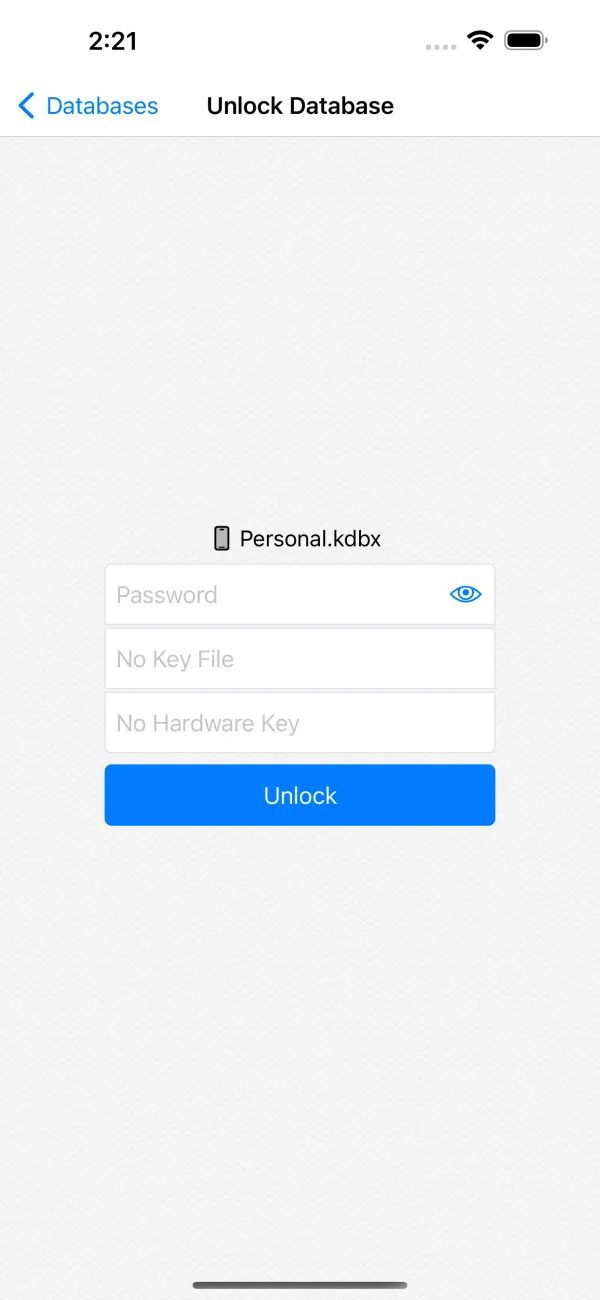
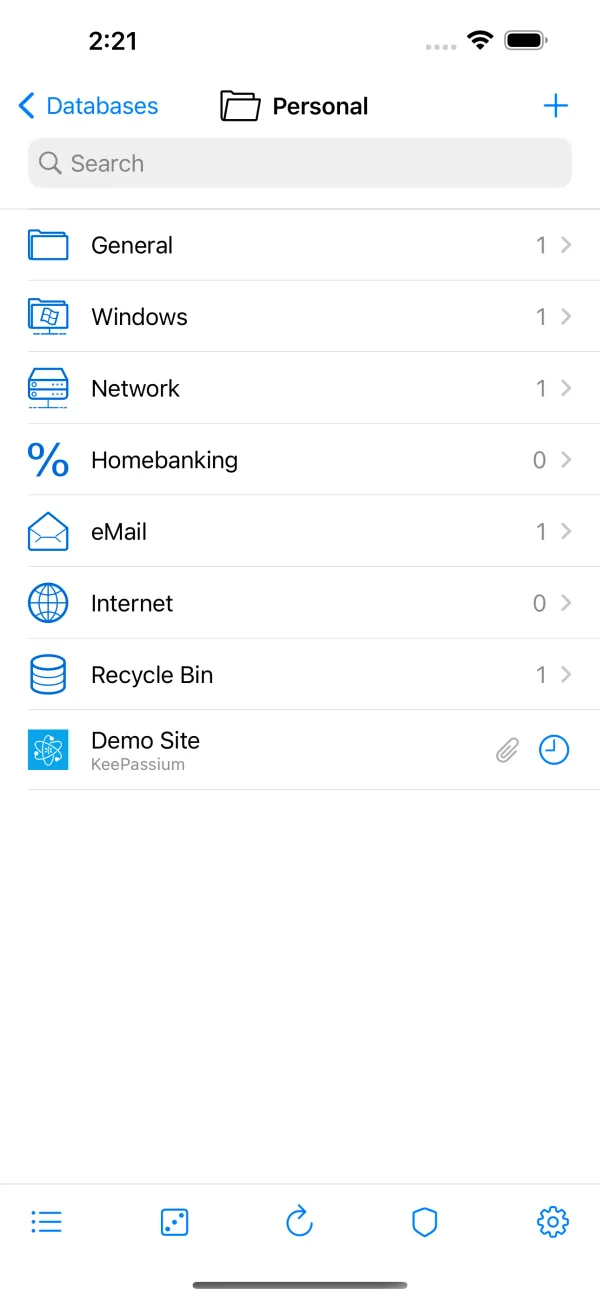
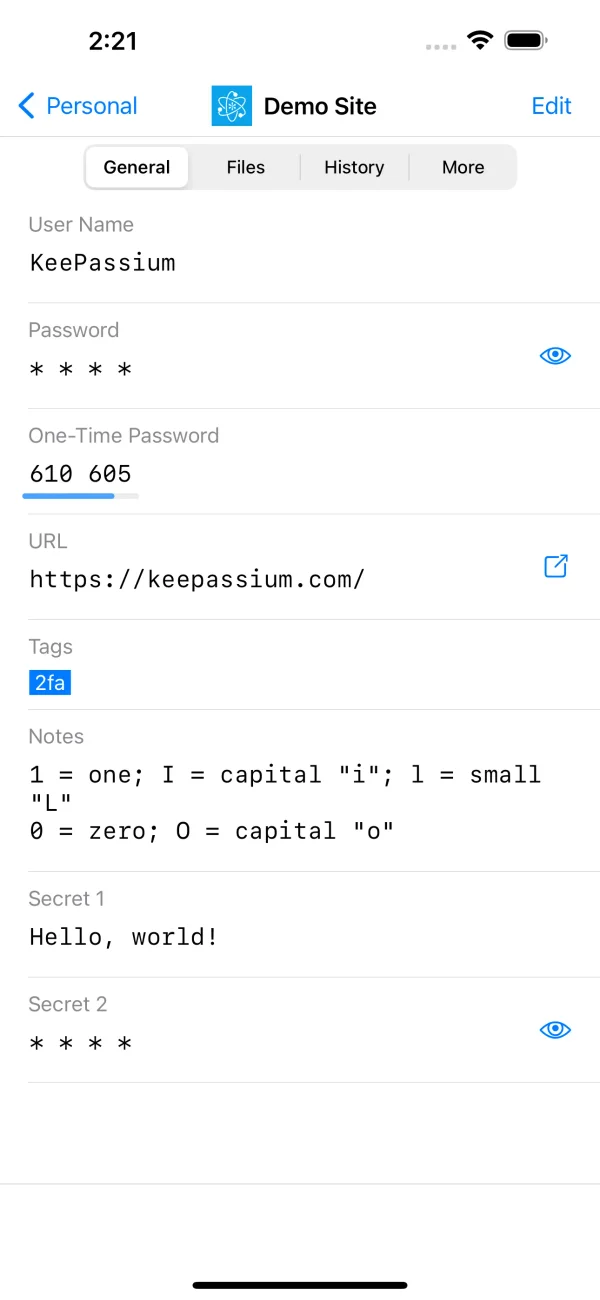
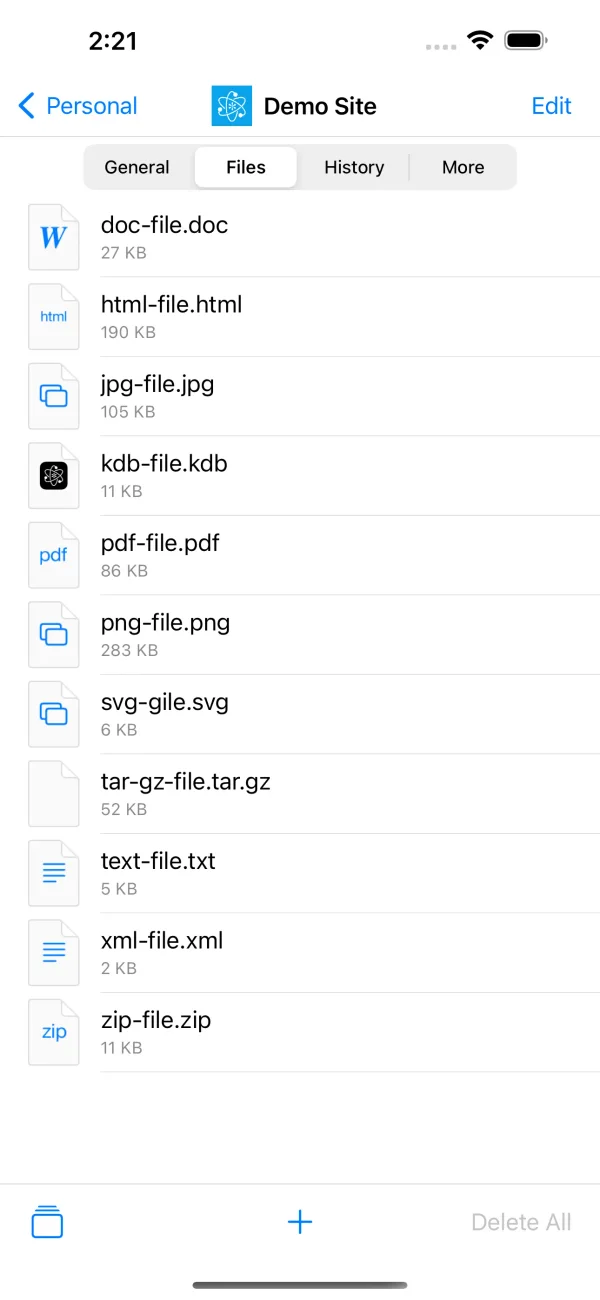
Tangkapan layar

Tentang
Pengembang belum menyediakan teks ini dalam bahasa Anda.
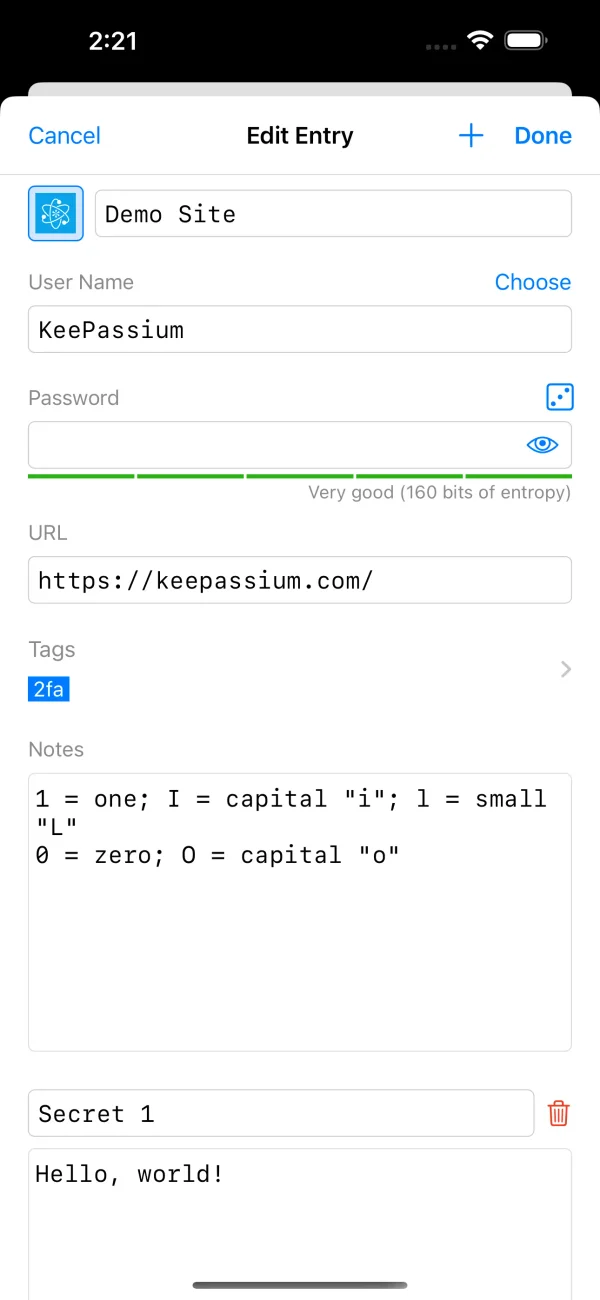
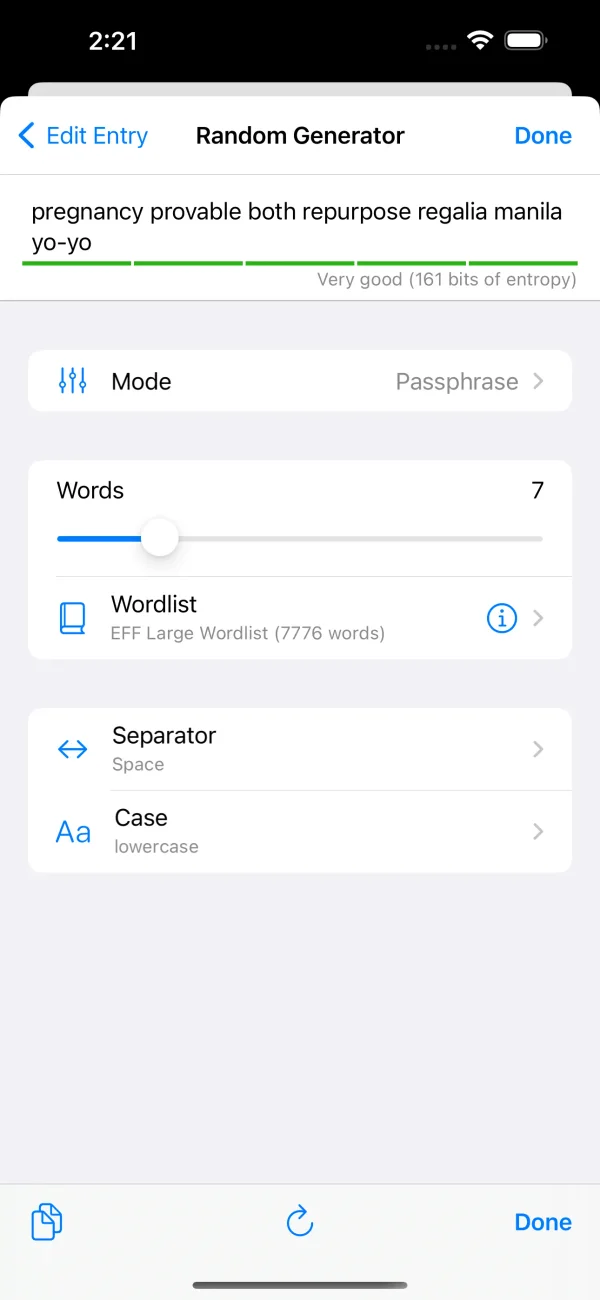
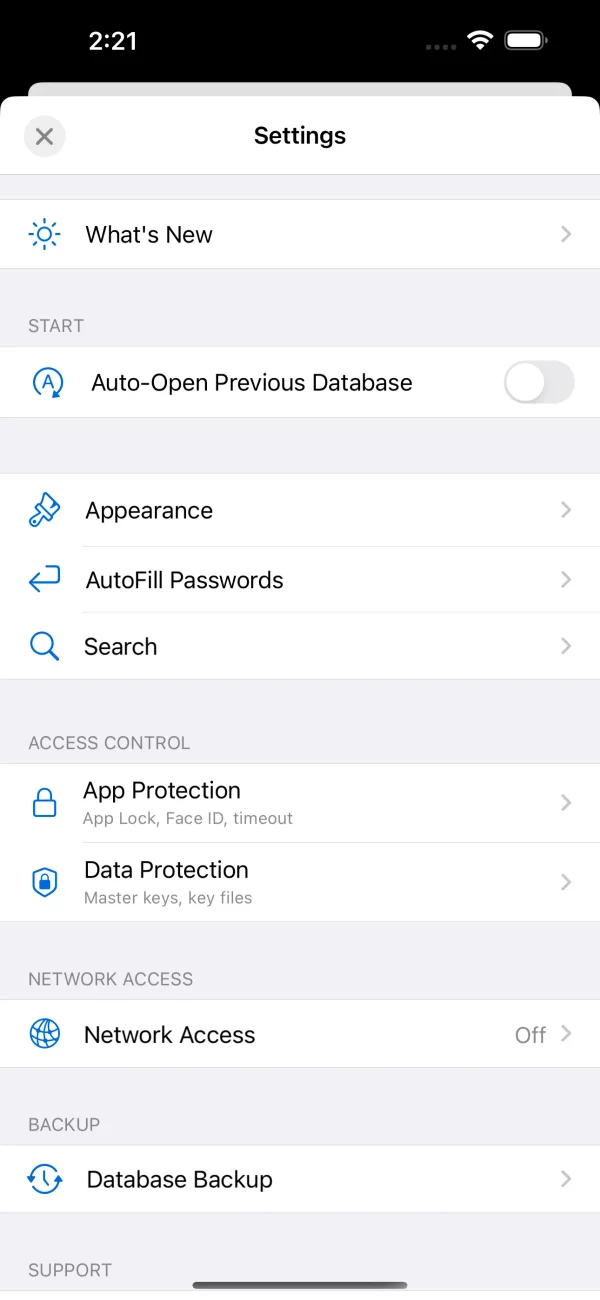
KeePassium for Intune is a password manager for enterprise, government and academic organizations managed by Microsoft Intune. The app enables company's administrators to safeguard corporate information by enforcing app configuration and data protection policies.
The end-user version of KeePassium is available at http://keepassium.app
IMPORTANT: This app requires your company’s work account and a managed environment. Some functionality may not be available in all countries. Please contact your company’s IT administrator if you have issues or questions about this app.
Yang baru
Versi 2.5 · 11/12/2025
== v2.5
• Improved: Added Cmd+T to copy entry OTP [thanks, GHubbler]
• Improved: Group viewer now indicates which items are expired [thanks, A.E.]
• Improved: Minor UI inconsistencies [thanks, u/SeaRain8212]
• Fixed: Sometimes Cmd+C still copied password instead of selected text [thanks, everyone]
• Fixed: Auto-move entries erroneously created in KDB root group
• Fixed: Org: Applying Intune configuration policies (regression in 2.4)
• Fixed: Org: Removed donations from app settings (regression in 2.4)
• Fixed: Org: Enforcing expired business licenses
== v2.4
• Added: Direct cloud connections with reduced app-folder permissions (OneDrive, Dropbox, Google Drive) [thanks, everyone]
• Added: Reorder and relocate database items by dragging them [thanks, everyone]
• Added: Multi-selection and drag-and-drop import of databases and key files
• Added: Database-specific data protection settings [thanks, everyone]
• Added: You can add extra URLs to an entry (KP2A_URL_*) [thanks, everyone]
• Added: Option to reset the app after N failed app passcode attempts [thanks, O35dE]
• Added: Set up OTP codes using QR codes from images [thanks, vit9696]
• Added: Show entry fields as QR codes [thanks, everyone]
• Added: Possibility to export databases to WebDAV
• Added: Portuguese (Portugal) translation [thanks, abc…xyz1]
• Added: What's New highlights
• Improved: KeePassium can be set as the default app for setting up verification codes (OTPs) [thanks, everyone]
• Improved: When sorted alphabetically, database viewer will show a side index for quick scrolling [thanks, everyone]
• Improved: Simplified setup for popular WebDAV-compatible services
• Improved: Added possibility to edit remote server connections [thanks, everyone]
• Improved: Added "Connect to Server" option for key files [thanks, u/tibutha]
• Improved: Keyboard navigation and selection in group viewer [thanks, everyone]
• Improved: While loading a remote database, progress screen now includes a "Use Local Copy" button [thanks, @jasperweiss and O.S.S.]
• Improved: Press Cmd+E to edit selected entry [thanks, plus-or-minus]
• Improved: Cmd+Shift+U will open entry URL [thanks, Craig]
• Improved: Show number of found items, both in search and smart groups [thanks, u/binroth]
• Improved: WebDAV setup accepts both direct file URL or a folder path
• Improved: Added menu for new custom fields, with frequently used options
• Improved: Show "Retry" option when DB saving fails [thanks, Carsten]
• Improved: Reopening the last Entry Viewer's tab is optional now [thanks, u/gripe_and_complain]
• Improved: Select and delete multiple custom icons at once
• Improved: Added an option to auto-download favicons on entry edit
• Improved: Updated all translations [thanks, everyone]
• Changed: Search switched from depth-first to breadth-first strategy [thanks, everyone]
• Changed: Org: Added app-scoped file provider IDs for AppConfig
• Changed: Org: Updated to Intune SDK 20.9.0 and MSAL 2.4.1
• Fixed: Enforce max history size for entries, if defined (`historyMaxSize` parameter in DB file)
• Fixed: "Clear Master Keys on Timeout" setting no longer affects non-timeout locks
• Fixed: Org: mandatory passcode setup could be dismissed
• Fixed: Device locking interrupted by Face ID prompt [thanks, magebarf]
• Fixed: Detection of external database changes on OneDrive [thanks, Michael]
• Fixed: otpauth URI format for manually configured OTPs [thanks, rasa]
• Fixed: Crash after editing a found entry [thank, Tom]
• Fixed: Smart group update after editing an item [thanks, Doc-Steve]
• Fixed: Crash when OTP secret size does not match the algorithm
Privasi aplikasi
Yang dinyatakan KeePassium Labs di App Store tentang cara aplikasi ini menangani data.
-
Data tidak dikumpulkan
Pengembang tidak mengumpulkan data apa pun dari aplikasi ini.
Praktik privasi dapat bervariasi, misalnya berdasarkan fitur yang Anda gunakan atau usia Anda.
Informasi
- Penjual
- KeePassium Labs
- Kategori
- Bisnis
- Versi
- 2.5
- Diperbarui
- 11/12/2025
- Dirilis
- 19/7/2023
- Ukuran
- 30,0 MB
- Memerlukan
- iOS 17.0 atau yang lebih baru
- Batasan usia
- 4+
- Harga
- Gratis
- Bahasa
- Inggris, Arab, Cheska (Republik Cheska), Belanda, Prancis, Jerman, Italia, Jepang, Korea, Polski (Polandia), Portugis, Rusia + 8 lainnya
- Hak cipta
- © 2025 KeePassium Labs
Mungkin Anda juga suka
-
 OneKeePass - Password ManagerProduktivitas
-
 KeePass TouchProduktivitas
-
 Strongbox - Password ManagerProduktivitas
-
 KeyPass – Passwords ManagerProduktivitas
-
 KeePass - Password ManagerProduktivitas
-
 Bitwarden AuthenticatorProduktivitas
-
 Yubico AuthenticatorProduktivitas
-
 CrowdStrike FalconBisnis
-
 KDE ConnectProduktivitas
-
 Pengelola sandi - Proton PassBrankas kata sandi, kunic, 2FA