
Intune için KeePassium
Kurumsal sürüm
iPhone, iPad için tasarlandı
Ücretsiz
- Yaş sınırı4+
- Kategoriİş
- GeliştiriciKeePassium Labs
- Dillerİngilizce+ 19 dil daha
- Boyut30,0 MB
Resmi App Store sayfasına bağlanır
Download.org, Intune için KeePassium için hiçbir dosya barındırmaz. Düğme, uygulamanın App Store üzerindeki sayfasını açar; uygulamayı orada KeePassium Labs yayınlar. Sayfanın son kontrolü: 17.11.2026.
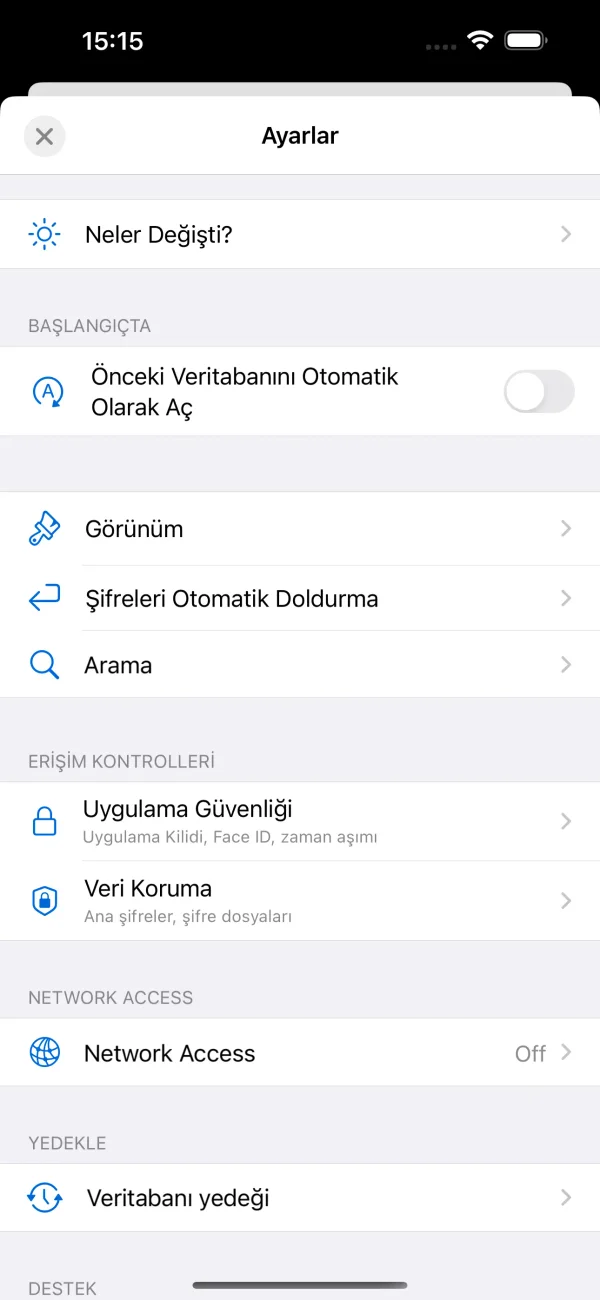
Ekran görüntüleri


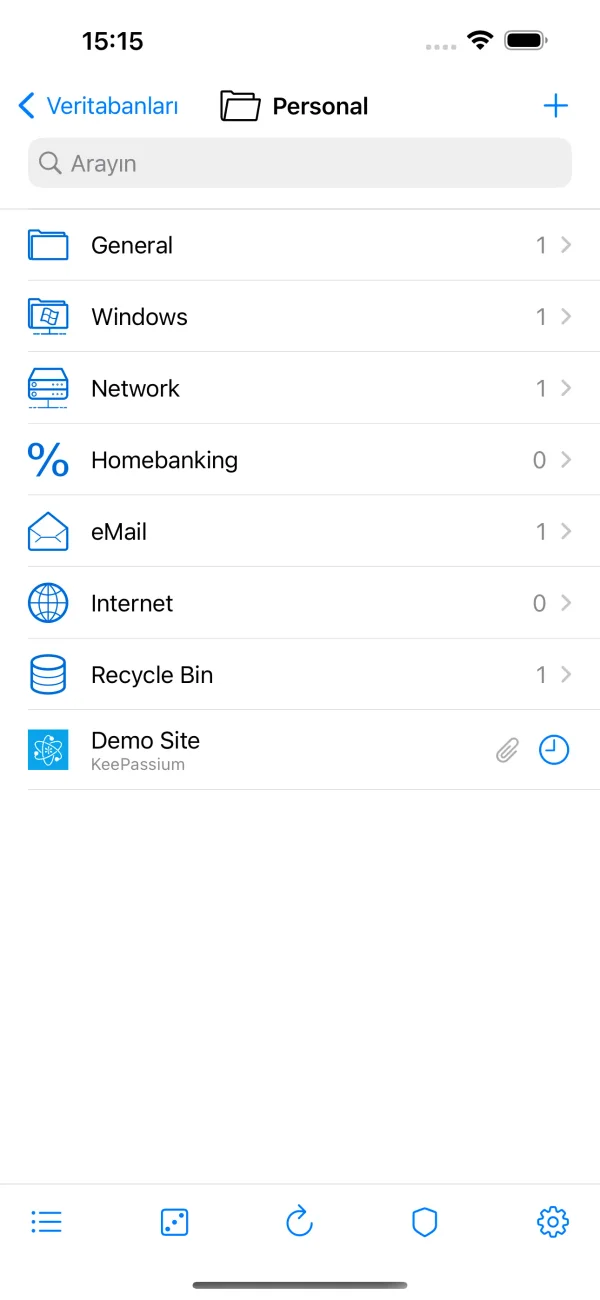
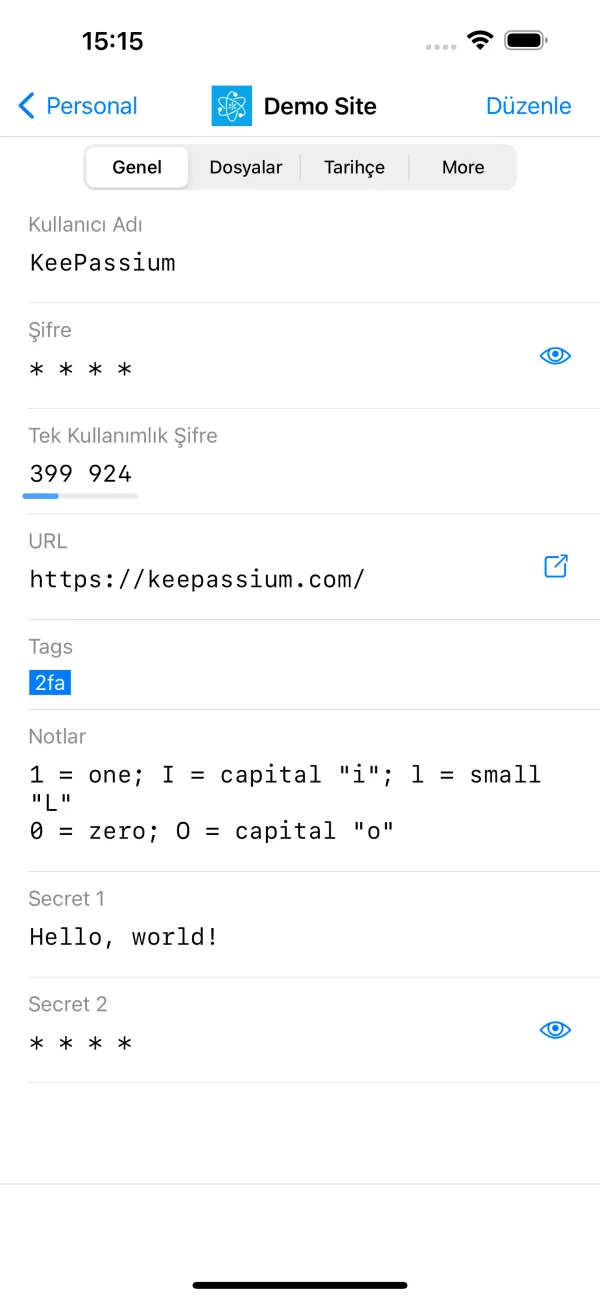
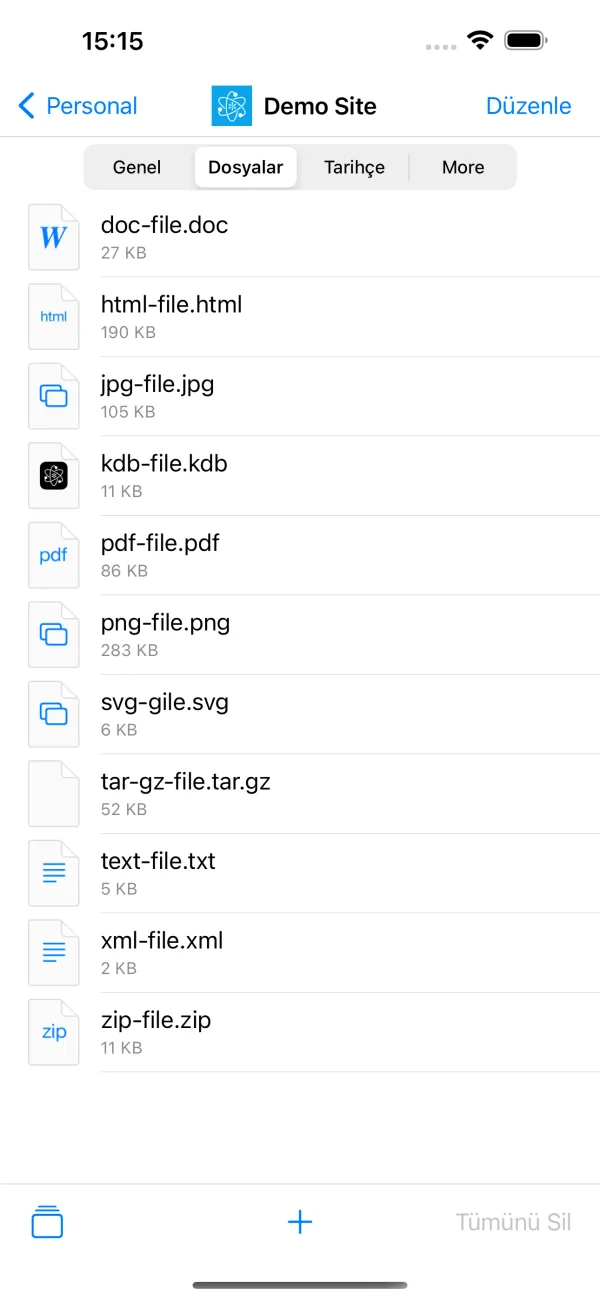
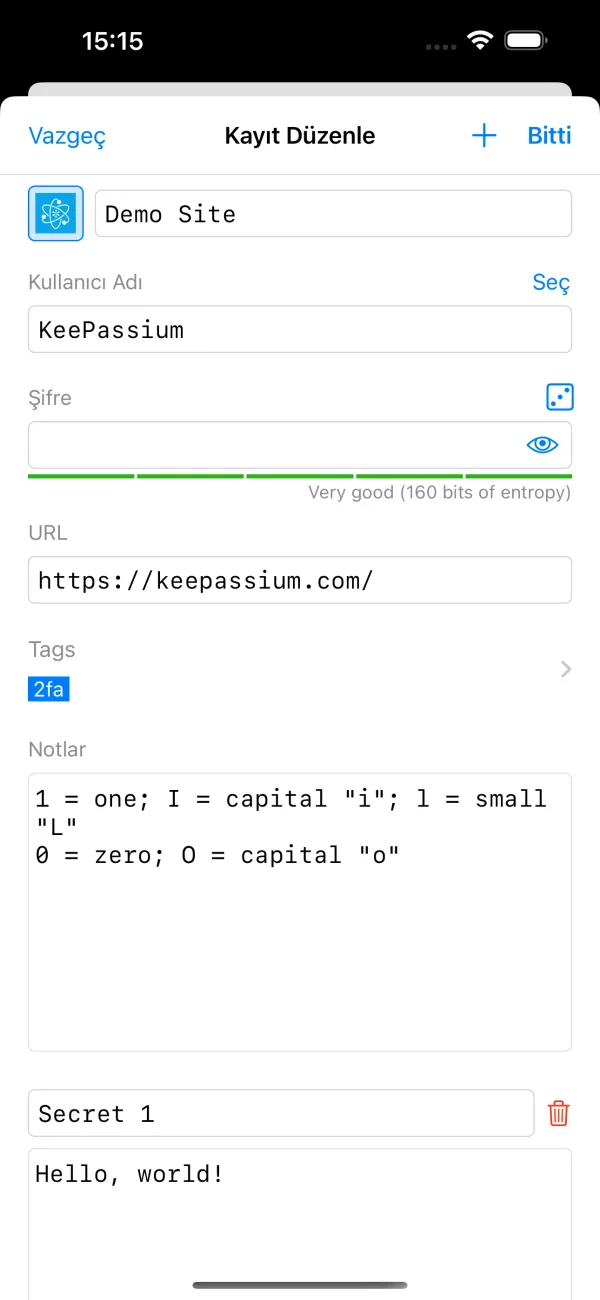

Hakkında
Intune için KeePassium, Microsoft Intune tarafından yönetilen kurumsal, kamu ve akademik organizasyonlar için bir şifre yöneticisidir. Uygulama, şirket yöneticilerinin uygulama yapılandırma ve veri koruma politikalarını zorunlu kılarak kurumsal bilgileri korumasını sağlar.
KeePassium'un son kullanıcı sürümü https://keepassium.app adresinde mevcuttur.
ÖNEMLİ: Bu uygulama, şirketinizin iş hesabını ve yönetilen bir ortamı gerektirir. Bazı işlevler tüm ülkelerde kullanılamayabilir. Bu uygulamayla ilgili sorularınız varsa veya sorun yaşıyorsanız lütfen şirketinizin BT yöneticisiyle iletişime geçin.
Yenilikler
Sürüm 2.5 · 11.12.2025
== v2.5
• Improved: Added Cmd+T to copy entry OTP [thanks, GHubbler]
• Improved: Group viewer now indicates which items are expired [thanks, A.E.]
• Improved: Minor UI inconsistencies [thanks, u/SeaRain8212]
• Fixed: Sometimes Cmd+C still copied password instead of selected text [thanks, everyone]
• Fixed: Auto-move entries erroneously created in KDB root group
• Fixed: Org: Applying Intune configuration policies (regression in 2.4)
• Fixed: Org: Removed donations from app settings (regression in 2.4)
• Fixed: Org: Enforcing expired business licenses
== v2.4
• Added: Direct cloud connections with reduced app-folder permissions (OneDrive, Dropbox, Google Drive) [thanks, everyone]
• Added: Reorder and relocate database items by dragging them [thanks, everyone]
• Added: Multi-selection and drag-and-drop import of databases and key files
• Added: Database-specific data protection settings [thanks, everyone]
• Added: You can add extra URLs to an entry (KP2A_URL_*) [thanks, everyone]
• Added: Option to reset the app after N failed app passcode attempts [thanks, O35dE]
• Added: Set up OTP codes using QR codes from images [thanks, vit9696]
• Added: Show entry fields as QR codes [thanks, everyone]
• Added: Possibility to export databases to WebDAV
• Added: Portuguese (Portugal) translation [thanks, abc…xyz1]
• Added: What's New highlights
• Improved: KeePassium can be set as the default app for setting up verification codes (OTPs) [thanks, everyone]
• Improved: When sorted alphabetically, database viewer will show a side index for quick scrolling [thanks, everyone]
• Improved: Simplified setup for popular WebDAV-compatible services
• Improved: Added possibility to edit remote server connections [thanks, everyone]
• Improved: Added "Connect to Server" option for key files [thanks, u/tibutha]
• Improved: Keyboard navigation and selection in group viewer [thanks, everyone]
• Improved: While loading a remote database, progress screen now includes a "Use Local Copy" button [thanks, @jasperweiss and O.S.S.]
• Improved: Press Cmd+E to edit selected entry [thanks, plus-or-minus]
• Improved: Cmd+Shift+U will open entry URL [thanks, Craig]
• Improved: Show number of found items, both in search and smart groups [thanks, u/binroth]
• Improved: WebDAV setup accepts both direct file URL or a folder path
• Improved: Added menu for new custom fields, with frequently used options
• Improved: Show "Retry" option when DB saving fails [thanks, Carsten]
• Improved: Reopening the last Entry Viewer's tab is optional now [thanks, u/gripe_and_complain]
• Improved: Select and delete multiple custom icons at once
• Improved: Added an option to auto-download favicons on entry edit
• Improved: Updated all translations [thanks, everyone]
• Changed: Search switched from depth-first to breadth-first strategy [thanks, everyone]
• Changed: Org: Added app-scoped file provider IDs for AppConfig
• Changed: Org: Updated to Intune SDK 20.9.0 and MSAL 2.4.1
• Fixed: Enforce max history size for entries, if defined (`historyMaxSize` parameter in DB file)
• Fixed: "Clear Master Keys on Timeout" setting no longer affects non-timeout locks
• Fixed: Org: mandatory passcode setup could be dismissed
• Fixed: Device locking interrupted by Face ID prompt [thanks, magebarf]
• Fixed: Detection of external database changes on OneDrive [thanks, Michael]
• Fixed: otpauth URI format for manually configured OTPs [thanks, rasa]
• Fixed: Crash after editing a found entry [thank, Tom]
• Fixed: Smart group update after editing an item [thanks, Doc-Steve]
• Fixed: Crash when OTP secret size does not match the algorithm
Uygulama gizliliği
Bu uygulamanın verileri nasıl işlediği hakkında KeePassium Labs tarafından App Store üzerinde yapılan beyan.
-
Veri toplanmıyor
Geliştirici bu uygulamadan hiçbir veri toplamıyor.
Gizlilik uygulamaları, örneğin kullandığınız özelliklere veya yaşınıza göre değişiklik gösterebilir.
Bilgiler
- Satıcı
- KeePassium Labs
- Kategori
- İş
- Sürüm
- 2.5
- Güncellendi
- 11.12.2025
- Yayın tarihi
- 19.07.2023
- Boyut
- 30,0 MB
- Gereksinim
- iOS 17.0 veya sonrası
- Yaş sınırı
- 4+
- Fiyat
- Ücretsiz
- Diller
- İngilizce, Arapça, Çekçe, Hollandaca, Fransızca, Almanca, İtalyanca, Japonca, Korece, Lehçe, Portekizce, Rusça + 8 dil daha
- Telif hakkı
- © 2025 KeePassium Labs
Bunları da beğenebilirsiniz
-
 OneKeePass - Password ManagerÜretkenlik
-
 KeePass TouchÜretkenlik
-
 Strongbox - Password ManagerKeePass & Password Safe Vault
-
 KeyPass – Passwords ManagerÜretkenlik
-
 KeePass - Password ManagerÜretkenlik
-
 Bitwarden AuthenticatorÜretkenlik
-
 Yubico AuthenticatorÜretkenlik
-
 CrowdStrike Falconİş
-
 KDE ConnectÜretkenlik
-
 Proton Pass: Parola YöneticisiGüvenli şifre kasası ve 2FA